

AI SEO System That Builds and Updates Revenue Pages Automatically
Building commercial landing pages at scale requires more than a content calendar — it requires a keyword pipeline that understands what a business actually sells. This system profiles a brand’s DNA, pulls keywords from five automated sources, clusters them into intent-matched topic groups, routes page gaps to a team of AI writing agents, and gates every output through human review before anything goes live. After walking through these steps, you’ll understand how each stage connects and what infrastructure it takes to replicate this architecture.
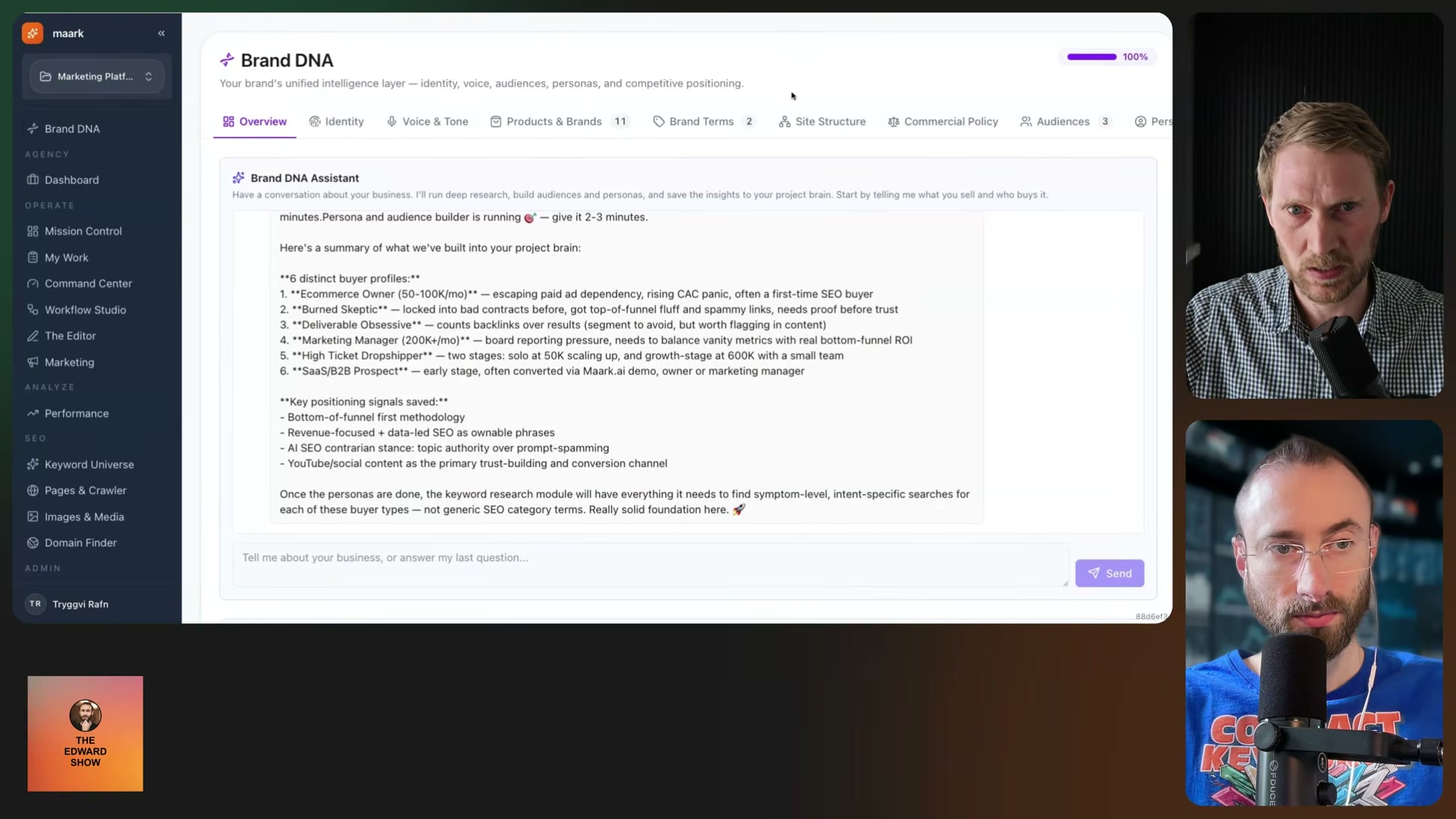
- Build the Brand DNA profile. Converse with an AI agent that profiles the business across eight or nine sections: buyer personas, target audience, products, voice and tone, brand story, trust signals, case studies, and site structure. For e-commerce, it ingests all product pages and catalogs them with type, brand relation, status, and target URL. Every downstream module reads from this profile — it is the system’s source of truth for what the business wants to rank for and who it’s selling to.
-
Populate the keyword universe from five sources. Once Brand DNA is complete, the pipeline ingests keywords automatically from five channels: AI agent discovery seeded by brand DNA, Google Search Console, forum scraping, competitor and content gap analysis, and product/service page scraping. Everything flows into a central keyword universe table with no manual import required.
-
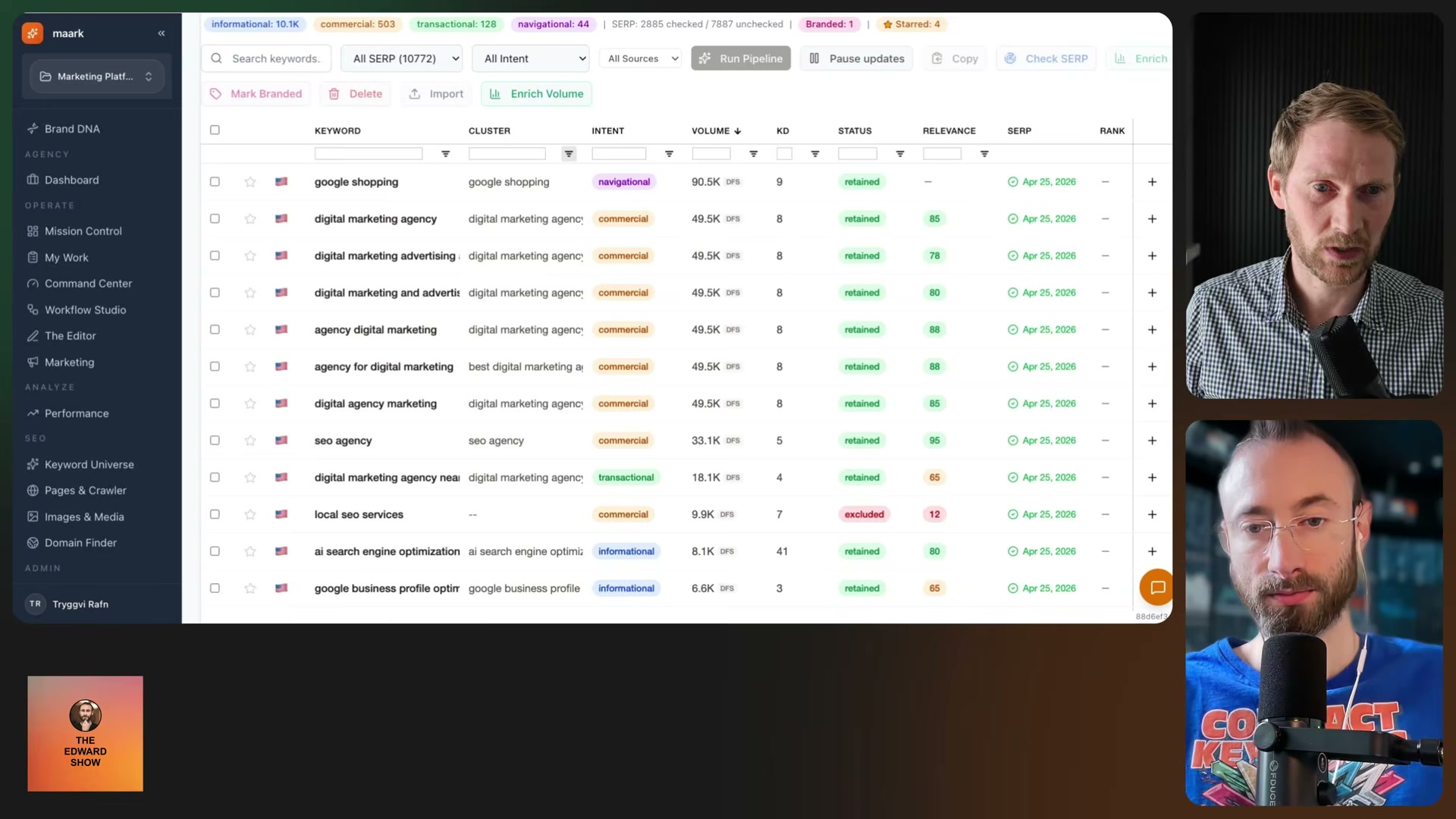
Score keywords for business relevance. An AI agent evaluates every discovered keyword against the brand DNA profile, assigning a relevance score from 0 to 100 with a written justification. Keywords below threshold are marked “excluded”; keywords above are marked “retained” and queued for the next stage. Terms like “free SEO tools” get cut before they consume any crawl budget — the written reason lets you override the score if the agent’s call was wrong.
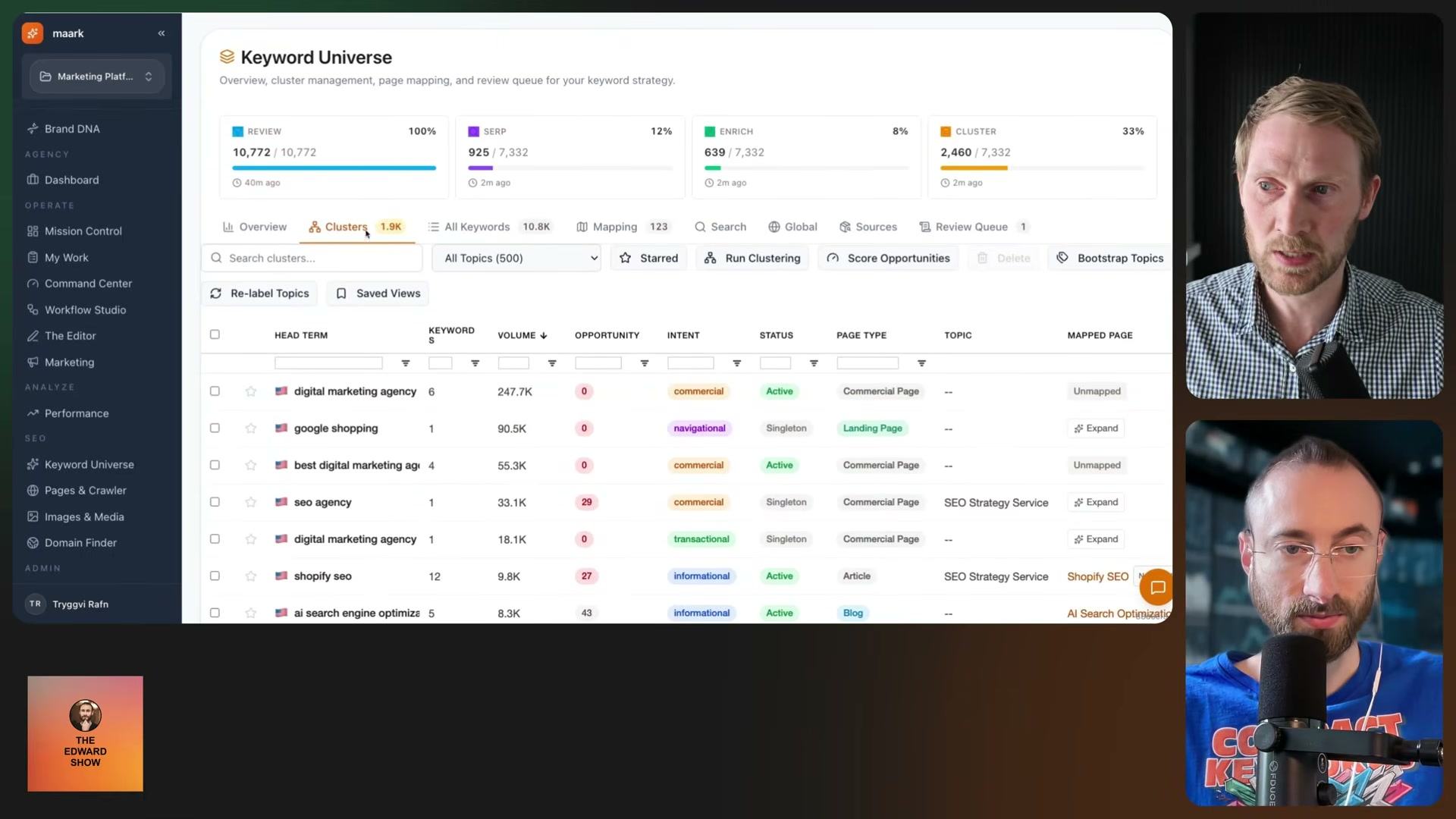
- Run SERP checks and volume lookups. Retained keywords move through two enrichment passes: a SERP analysis and a volume lookup via the Ahrefs API. The pipeline overview dashboard tracks all four stages — review, SERP, enrich, and cluster — simultaneously against the full keyword set, so you can see exactly where throughput is stalling in real time.
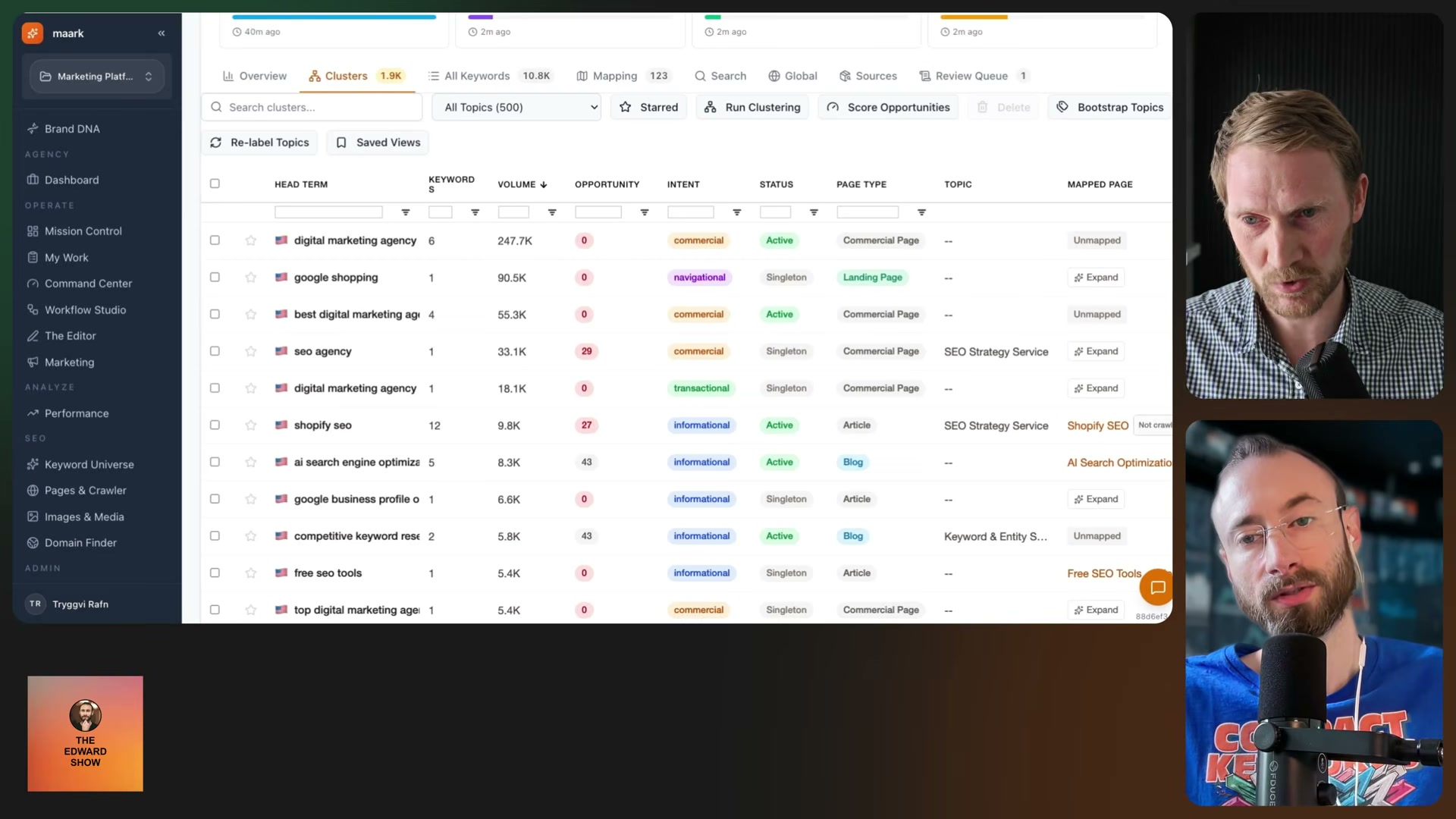
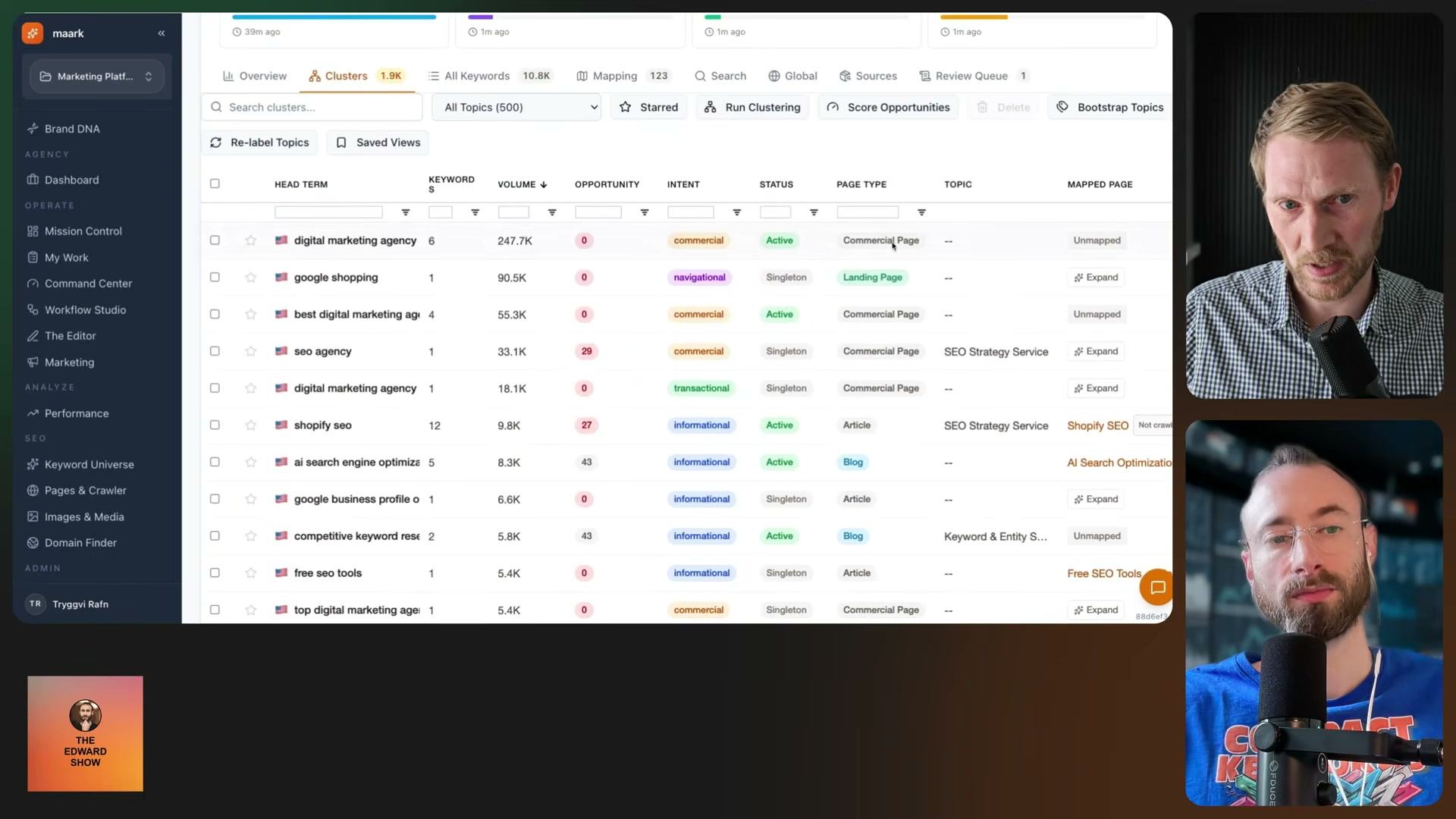
- Auto-cluster keywords into topic groups. After enrichment, the system groups keywords semantically. A head term anchors each cluster; all member keywords inherit the same target page. Any cluster containing only one keyword is flagged as a singleton and held open — trigger expansion on it and an agent finds semantically related terms to populate the group dynamically.
-
Map clusters to pages and trigger playbooks. The system checks each cluster against existing site pages. Unmapped clusters route to the Command Center’s Playbooks tab, where every open SEO opportunity — new keyword clusters, content gaps, SERP entity gaps, crawl issues — is scored by priority. Trigger a playbook manually or configure conditions for auto-triggering based on ranking position or intent signals.
-
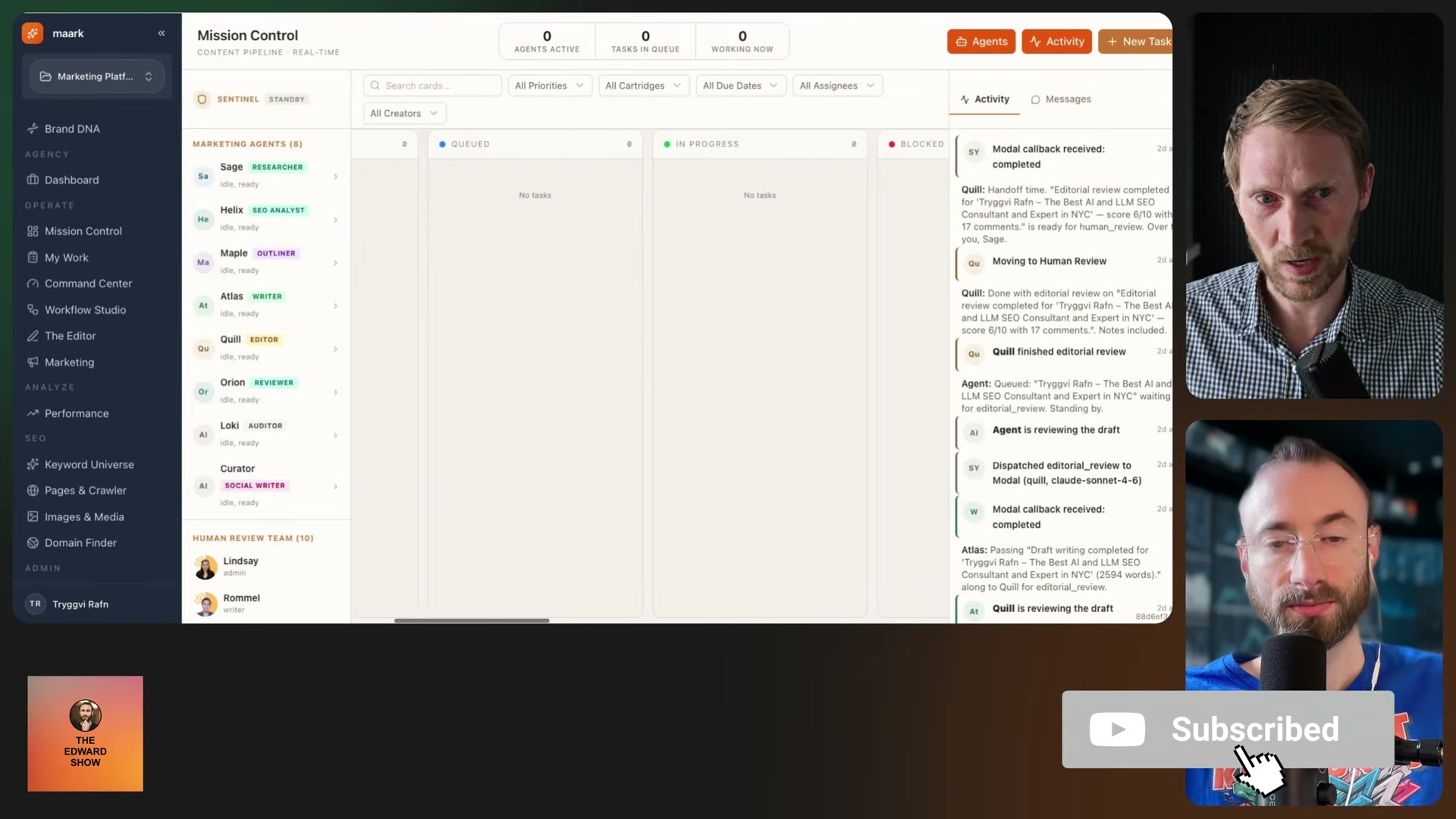
Draft content with Mission Controller agents. Triggered playbooks hand off to eight named AI specialists in Mission Control: a researcher, SEO analyst, outliner, writer, editor, reviewer, auditor, and social writer. Each agent passes output to the next in the chain; the activity log surfaces real-time handoff messages so the work is fully auditable.
- Review and approve before publishing. All agent-drafted pages land in a “Needs Review” queue. The human team evaluates signals, content quality, and factual accuracy, edits as needed, and approves the upload. At recording time, 19 pages had cleared deterministic SEO checks and were queued for final human sign-off — the system is explicitly designed to require this gate, not bypass it.
- Manage the image and media library. Ingest brand and product images into a dedicated library, rename files descriptively for SEO, generate alt text using brand context from the Brand DNA profile, and reference assets directly in page builds. At recording time, the landing page builder module was still in active development, with ChatGPT-generated images used as an interim workaround for production-ready visual assets.
Warning: this step may differ from current official documentation — see the verified version below.
How does this compare to the official docs?
The system stitches together Ahrefs, Google Search Console, and custom-built orchestration logic — understanding where each vendor’s documented API behavior ends and the custom implementation begins is what separates a working build from one that fails silently under production load.
Here’s What the Official Docs Show
Act 1 laid out the full architecture of a custom AI SEO pipeline — this section layers in what the official platforms confirm, clarify, and leave open as of April 2026. Where documentation gaps exist, they’re flagged directly so you can verify before building.
Step 1: Build the Brand DNA profile.
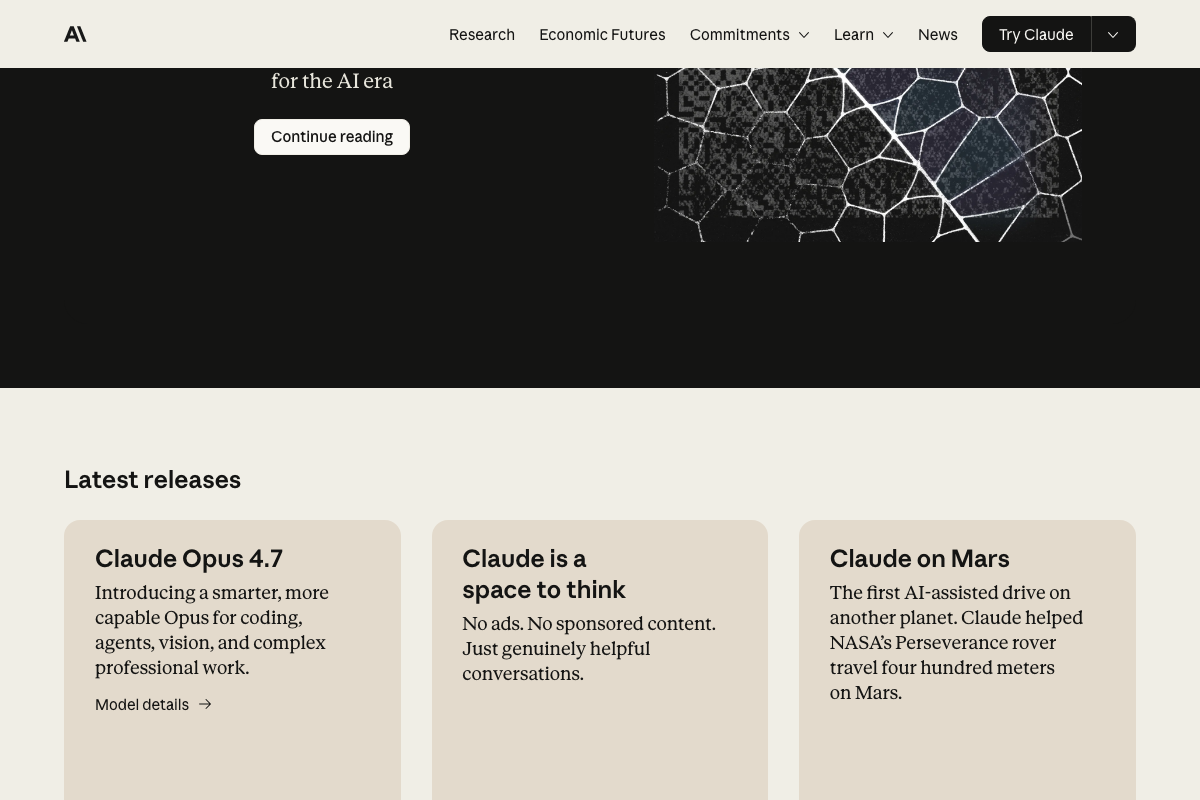
The video’s approach here matches the current docs exactly. One update worth flagging: the current Anthropic flagship is Claude Opus 4.7, described officially as built for “coding, agents, vision, and complex professional work.” If the tutorial references an earlier Claude model, update your API calls before deploying.
Step 2: Populate the keyword universe from five sources.
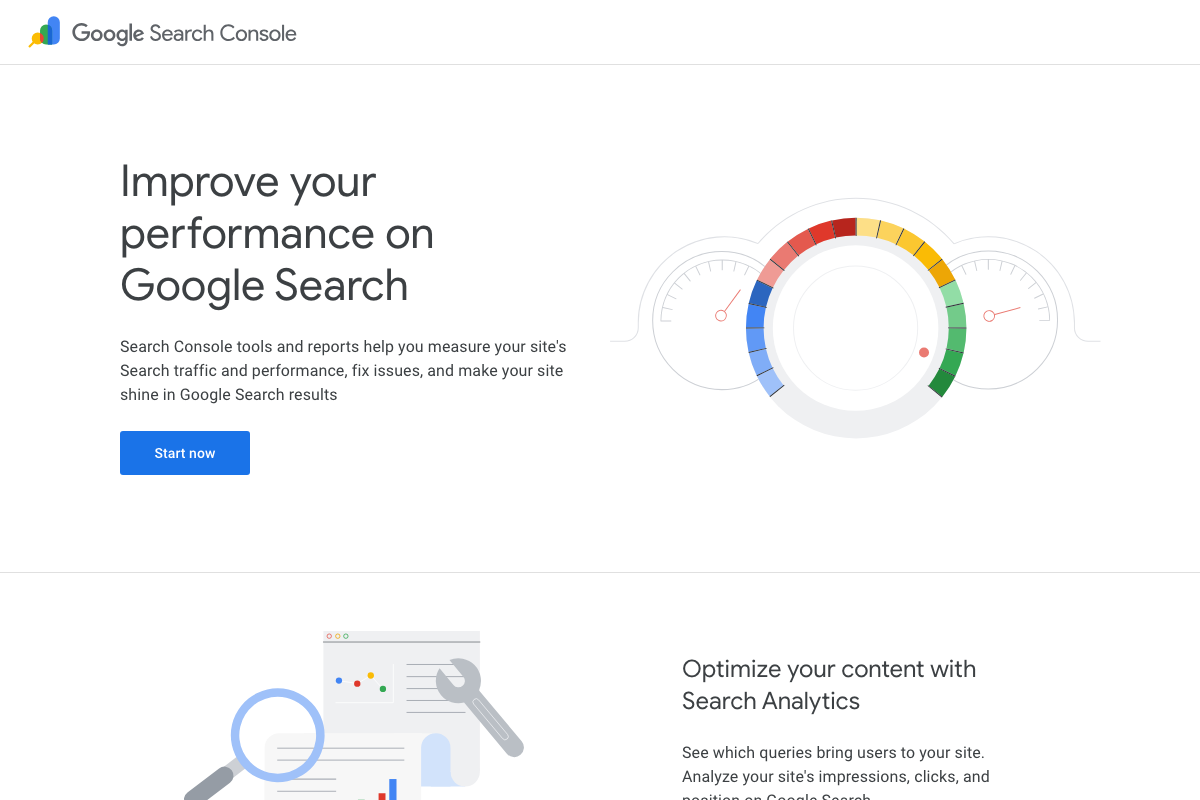
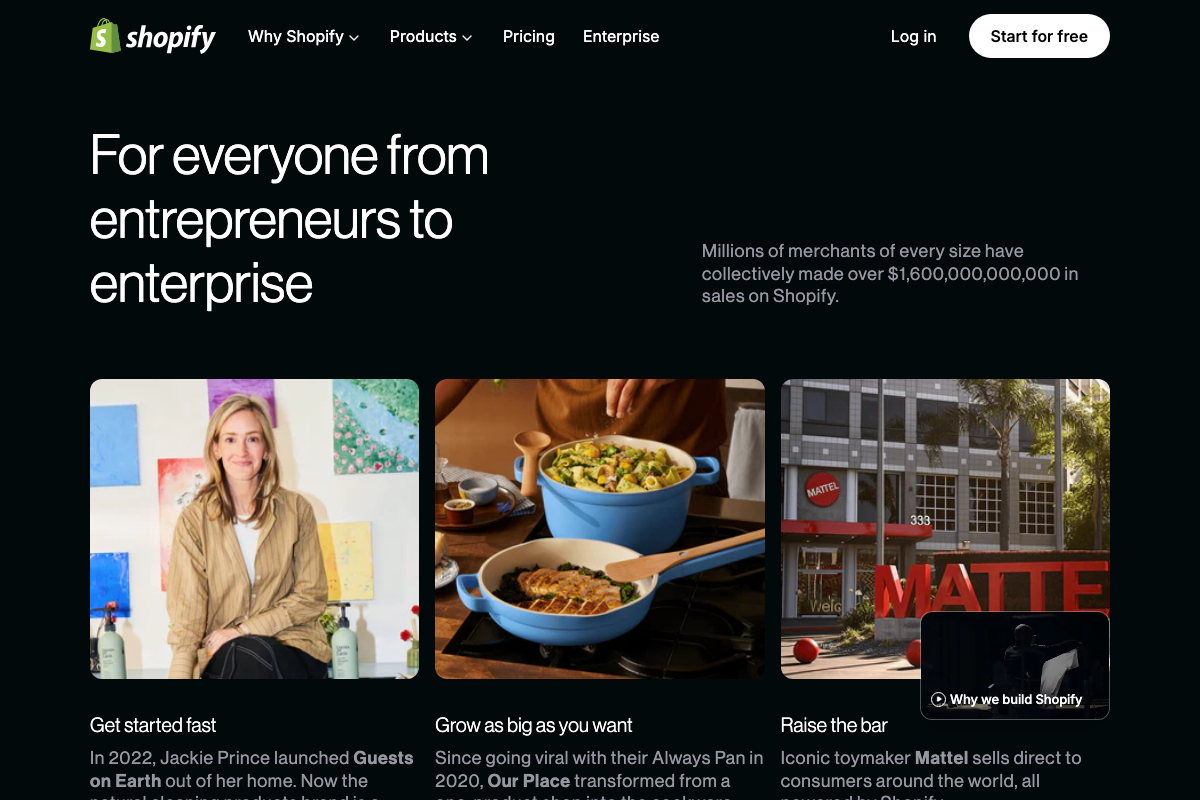
The video’s approach here matches the current docs exactly. Google Search Console confirms its Search Analytics feature surfaces query, impression, click, and position data — the exact inputs the pipeline ingests. Ahrefs confirms keyword research and competitor intelligence availability. Shopify confirms product catalog data at scale, from solo merchants to enterprise brands like Mattel.

Step 3: Score keywords for business relevance.
No official documentation was found for this step —
proceed using the video’s approach and verify independently.
Step 4: Run SERP checks and volume lookups.
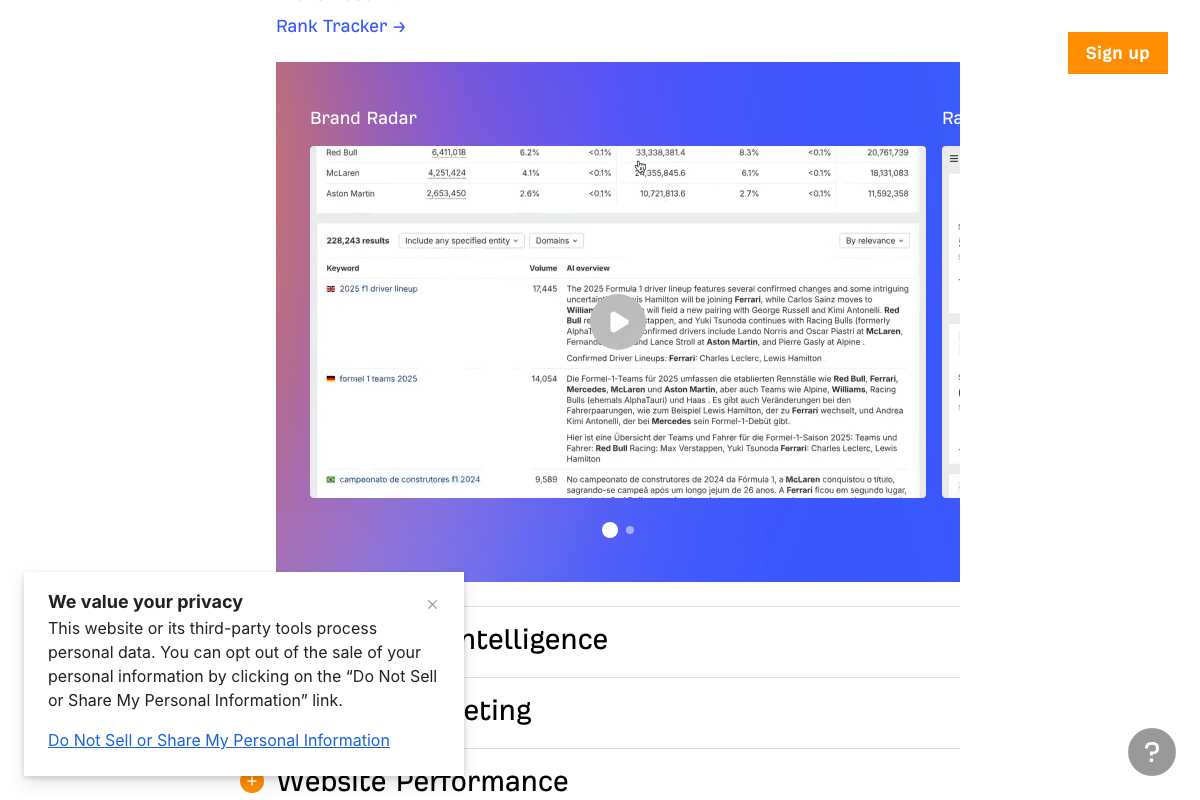
The video’s approach here matches the current docs exactly. Ahrefs confirms keyword volume figures are available in its interface. One addition the tutorial does not reference: Ahrefs keyword tables now include an “AI overview” column alongside standard volume and difficulty metrics. If your pipeline’s decision logic accounts for SERP composition, this column is worth ingesting. Note also that programmatic volume lookups require the Ahrefs API — screenshots for this review captured the marketing homepage only, not the docs.ahrefs.com API reference, so the specific endpoint behavior remains unverified here. The same applies to GSC: programmatic keyword ingestion requires the Search Console API at developers.google.com/webmaster-tools, which was not captured in the available screenshots.
Step 5: Auto-cluster keywords into topic groups.
No official documentation was found for this step —
proceed using the video’s approach and verify independently.
Step 6: Map clusters to pages and trigger playbooks.
No official documentation was found for this step —
proceed using the video’s approach and verify independently.
Step 7: Draft content with Mission Controller agents.
No official documentation was found for this step —
proceed using the video’s approach and verify independently.
Step 8: Review and approve before publishing.
No official documentation was found for this step —
proceed using the video’s approach and verify independently.
Step 9: Manage the image and media library.
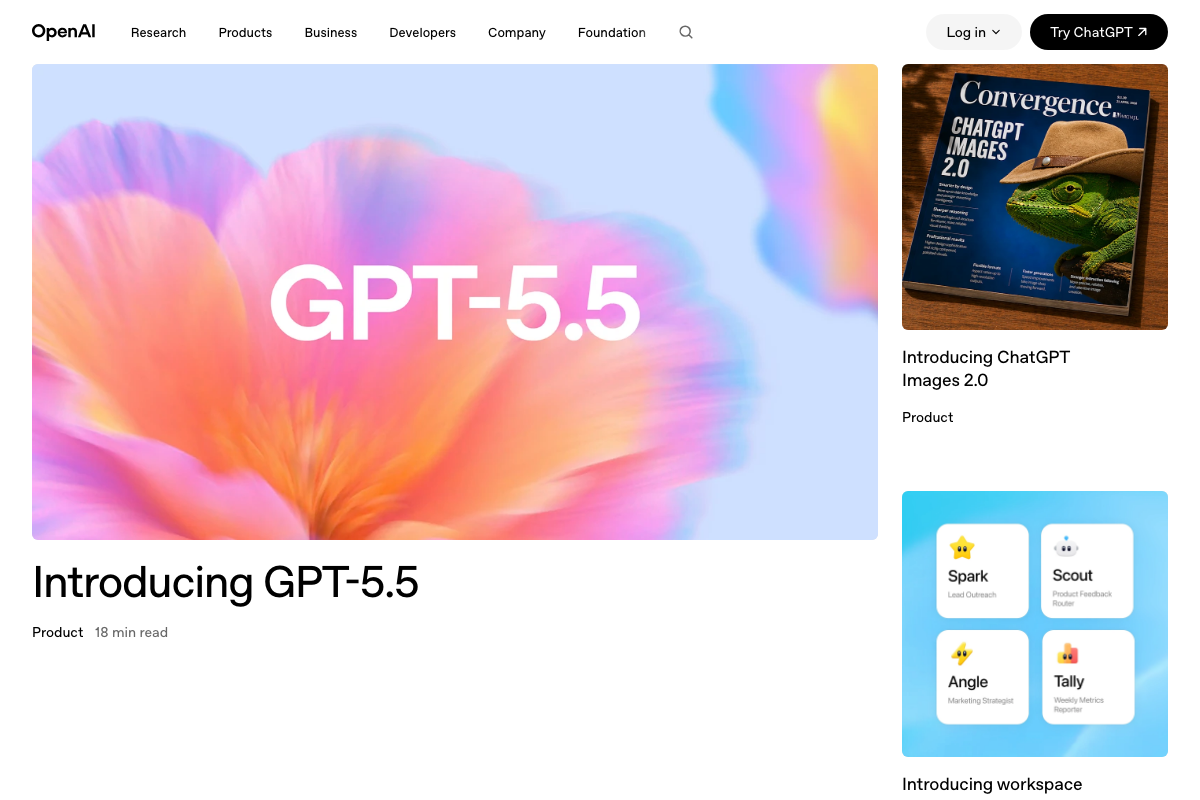
The video’s approach here matches the current docs exactly. One update: the current OpenAI flagship as of April 26, 2026 is GPT-5.5 — if the tutorial references GPT-4 or an earlier model in any image generation or content API calls, update those references before deploying. OpenAI has also launched a workspace feature with pre-built marketing agent templates — Spark (Lead Outreach), Scout (Product Feedback Router), Angle (Marketing Strategist), and Tally (Weekly Metrics Reporter) — which structurally parallel the tutorial’s Command Center concept. These are distinct OpenAI-native products, not drop-in replacements for the custom pipeline, but worth evaluating as a lower-build-cost alternative for teams earlier in the automation journey.
Useful Links
- Google Search Console — Product homepage confirming Search Analytics surfaces query, impression, click, and position data for keyword universe population.
- Ahrefs — Platform homepage confirming keyword research, competitor intelligence, volume data, and the current AI overview column in keyword tables.
- Anthropic — Corporate homepage confirming Claude Opus 4.7 as the current flagship model and AI agents as a named product category.
- ChatGPT — Consumer interface homepage; note that the tutorial’s pipeline requires the OpenAI API, not this interface.
- OpenAI — Corporate homepage confirming GPT-5.5 as the current flagship model and workspace marketing agent templates as a platform-native alternative to custom pipeline builds.
- Shopify — Commerce platform homepage confirming multi-channel product catalog availability at enterprise scale as a keyword discovery data source.


0 Comments