

How Tree Service Companies Can Get More Leads and Calls
Google’s local search results are zero-sum — three businesses in the map pack get the calls, everyone else waits. After working through this tutorial, you’ll know how to audit and strengthen your Google Business Profile, launch Local Services Ads and Search Ads, and activate the supporting channels that build a consistent, multi-touch lead pipeline for your crew.
- Search your primary city and service keyword in Google (e.g., “tree removal Myrtle Beach”) and note exactly where your business lands in the local map pack. If you’re outside the top three or absent entirely, that gap is what the rest of this tutorial addresses.
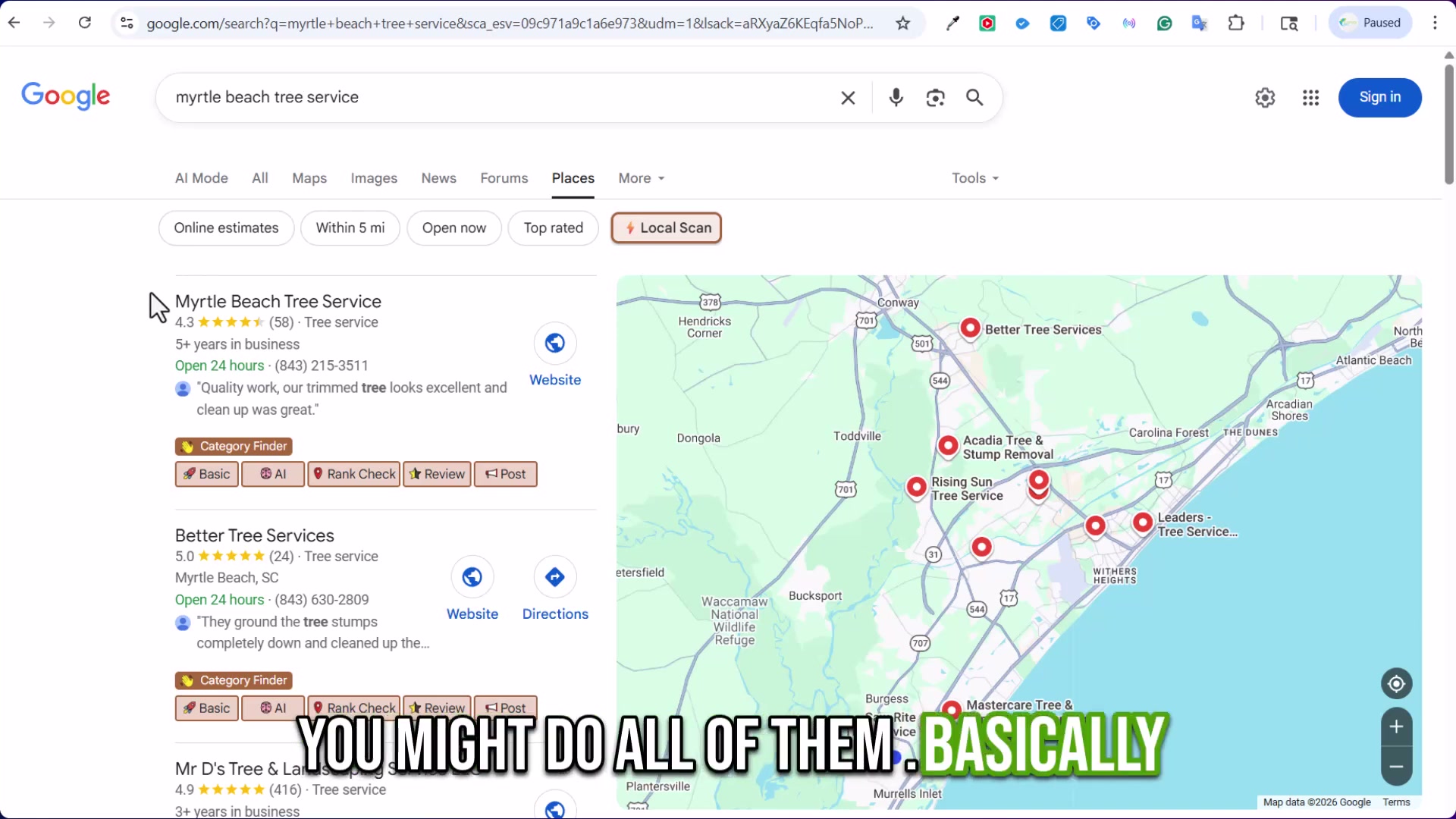
- Open your Google Business Profile and audit every field: service categories, address, phone number, and hours. For companies offering emergency response, set hours to 24/7 — customers searching after a storm hits at 9 p.m. will call whoever shows as open.

- Upload job photos to your GBP on a continuous basis, not in a single bulk session. Consistent new uploads signal an active, legitimate business to Google and to the prospect scanning your profile before they call.
-
Publish at least one post per week to your GBP, naming the specific city or neighborhood where the work was performed. “Tree removal in Murrells Inlet” as a post creates geo-tagged keyword signals attached directly to your profile.
-
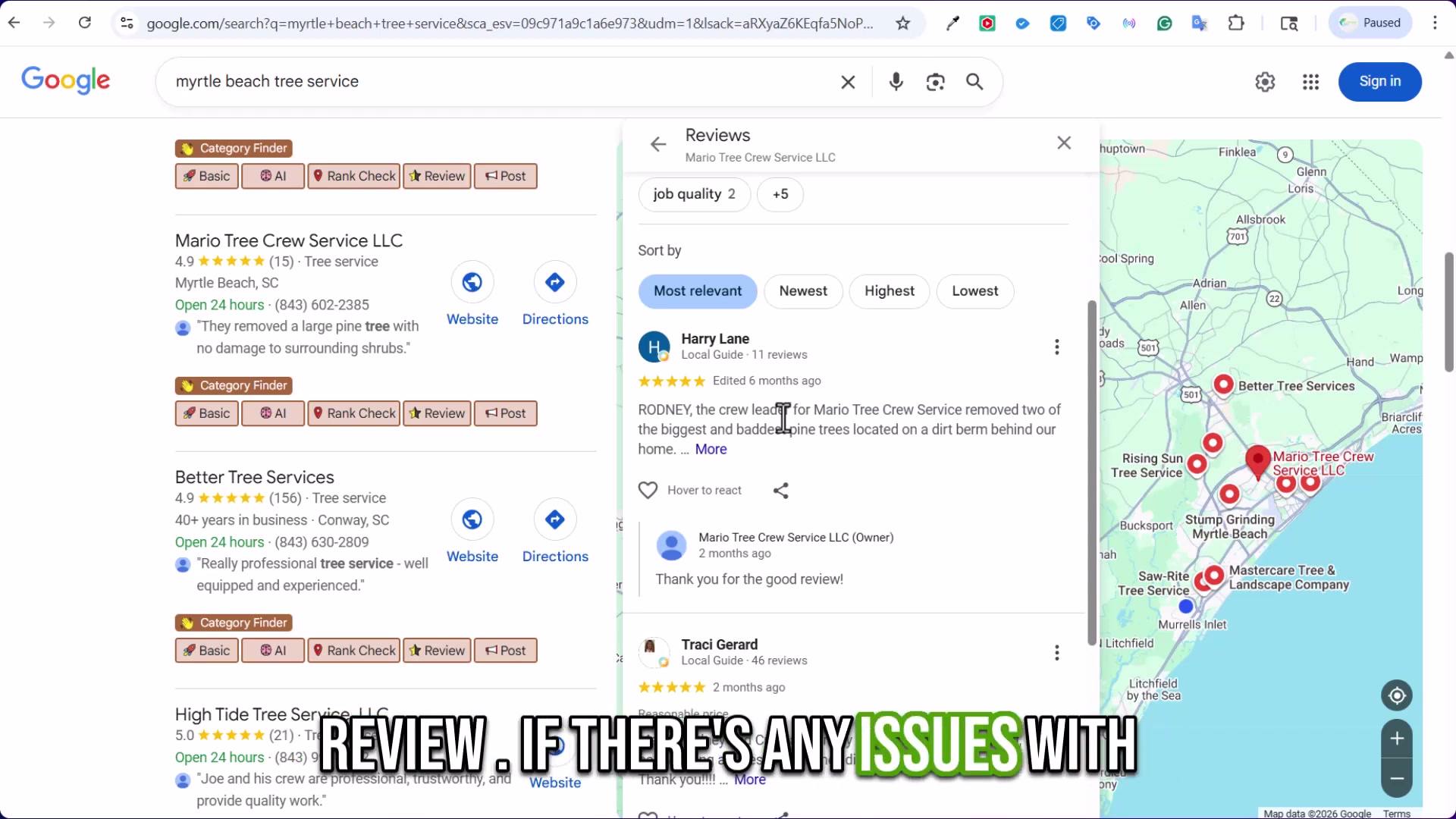
Respond to every review without exception. After each completed job, ask the customer in person to leave a review with photos while the experience is fresh. Specificity in reviews — service type, location, outcome — feeds the keyword snippets Google surfaces in your review summary card.
-
Automate the post-job review request. A triggered text or email sent immediately after job completion consistently outperforms relying on customers to follow through on their own.
-
Build a standalone page on your website for each service in each city you serve. “Lot clearing in Loris, South Carolina” as its own page — not a line in a footer list — feeds both organic SEO rankings and ad Quality Score when you eventually run Search Ads.
-
Keep your Facebook Business Page active with job photos and project updates. Customers discover local service businesses across multiple surfaces, and an active Facebook presence is a free discovery channel.
-
Create a Nextdoor business profile. Neighborhood-level visibility on Nextdoor converts to direct calls with far less competition than you face on Google.
-
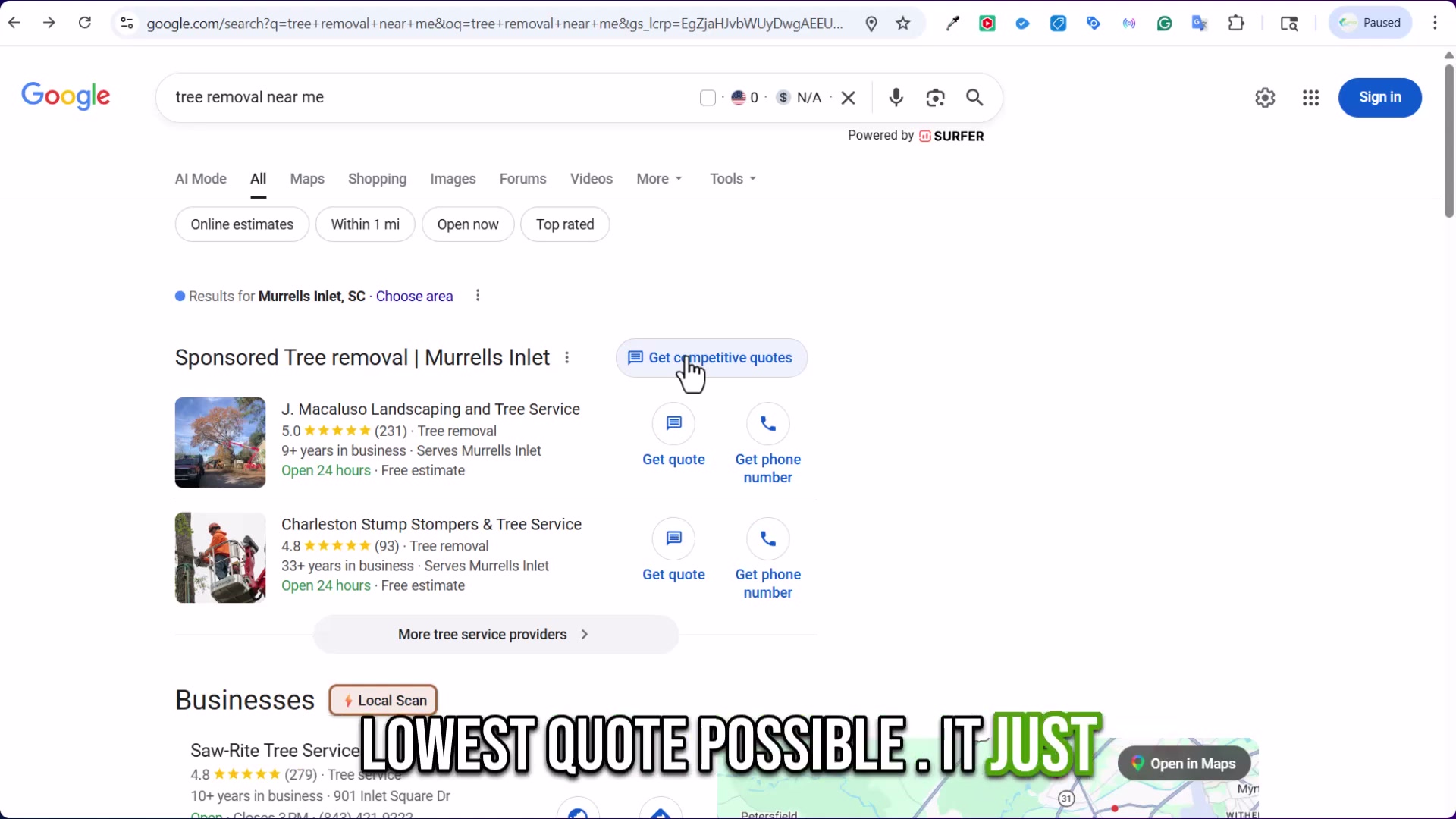
Launch Google Local Services Ads. LSAs appear above the map pack and present “Get quote” and “Get phone number” CTAs directly on the SERP — a two-tap conversion path for the highest-intent buyers in your market.
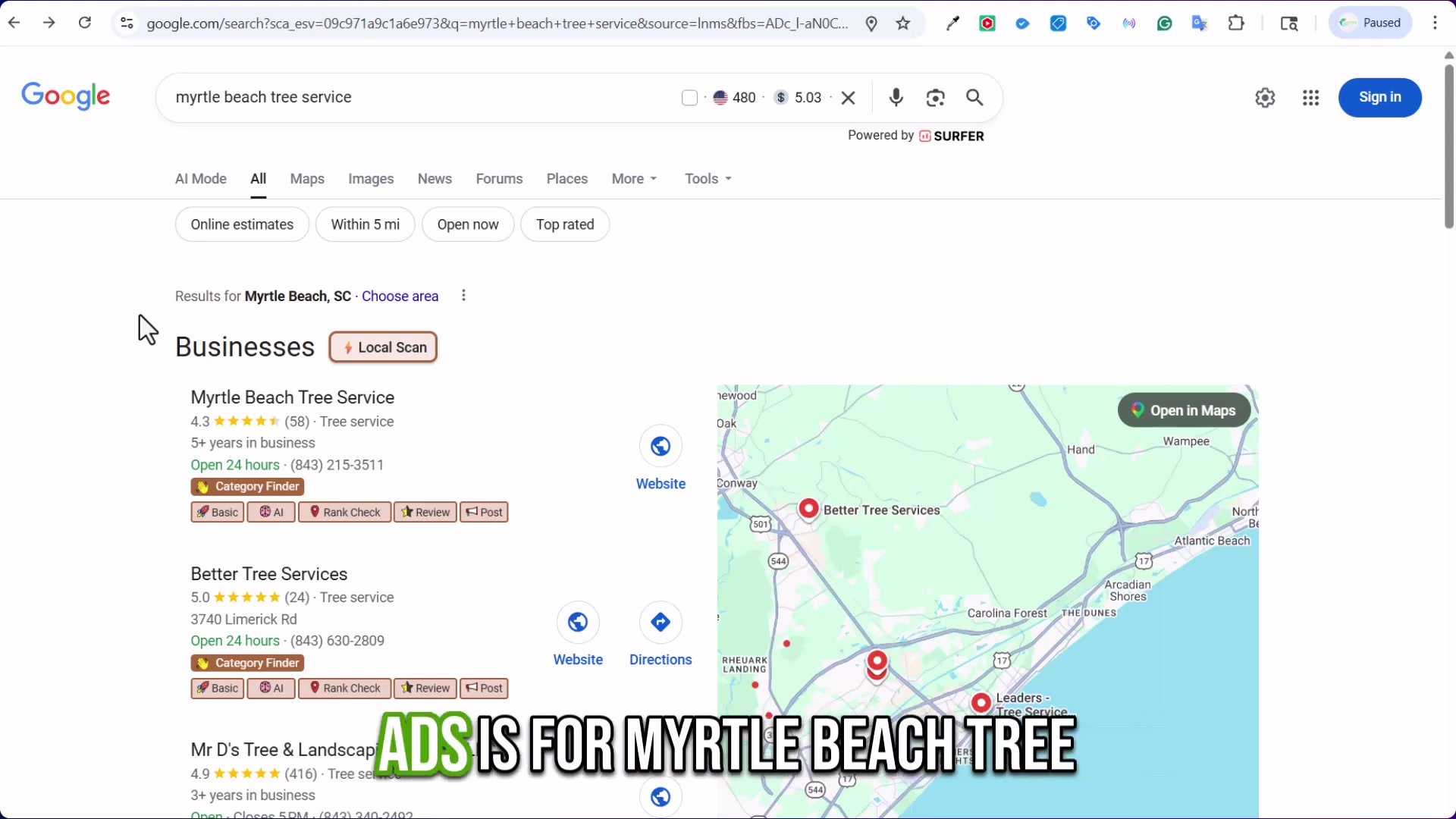
- Launch Google Search Ads targeting your core service and city keywords. For “Myrtle Beach tree service,” the market carries roughly 480 monthly searches at a $5.03 CPC — numbers you can plug into a budget model before committing a dollar. A Performance Max campaign is optional; add it once you have sufficient conversion data to inform automated bidding.
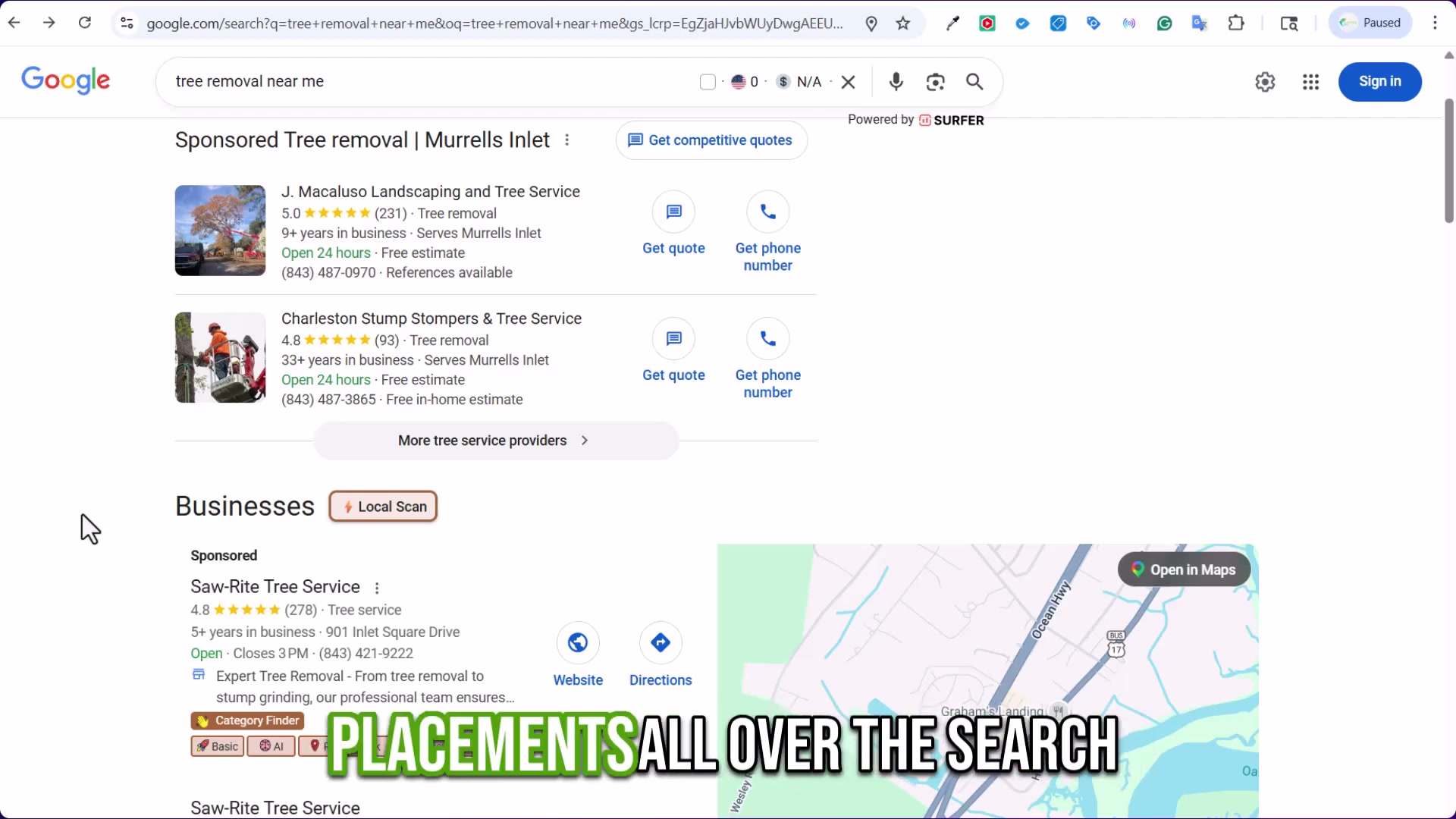
- Once paid search is producing reliable conversions, layer in Meta Ads and YouTube Ads retargeting campaigns aimed at homeowners actively researching tree and landscaping services. These recapture visitors who engaged with your ads or website but didn’t convert on the first touch.
How does this compare to the official docs?
The walkthrough moves at a practitioner’s pace through Google Business Profile, Local Services Ads, and Google Ads — platforms where eligibility rules, verification requirements, and policy constraints carry real consequences that the video doesn’t have time to unpack.
Here’s What the Official Docs Show
The video covers the right platforms in the right sequence, and the core strategy holds up where documentation exists. What follows adds product-level specifics and one platform correction that matter before you spend a dollar or build a campaign.
Step 1 — Audit your local map pack position
No official documentation was found for this step —
proceed using the video’s approach and verify independently.
Steps 2–6 — Google Business Profile: categories, photos, posts, reviews, and follow-up automation
No official documentation was found for these steps —
proceed using the video’s approach and verify independently.
The GBP help article targeted for documentation capture at support.google.com/business/answer/6397353 returned a 404 error across all three captures. Profile completeness, photo cadence, geo-tagged posts, review responses, and follow-up automation for steps 2–6 could not be verified against current official documentation from the provided screenshots.

Step 7 — Build city and service landing pages
No official documentation was found for this step —
proceed using the video’s approach and verify independently.
Step 8 — Activate your Facebook Business Page
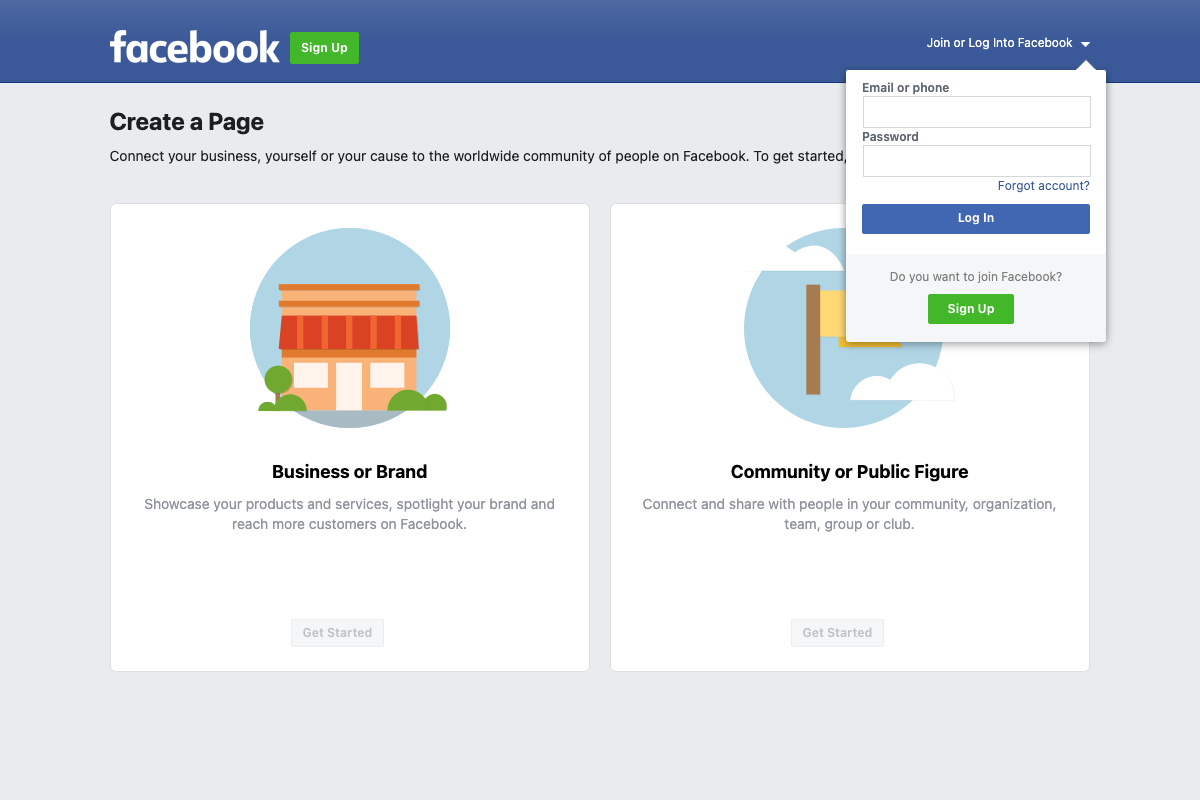
The video’s approach here matches the current docs exactly. Facebook’s “Create a Page” flow is live at facebook.com/pages/create. Select Business or Brand — described on-page as “Showcase your products and services, spotlight your brand and reach more customers on Facebook.” You’ll need an existing Facebook account to proceed past this screen.
Step 9 — Create a Nextdoor business profile
The video’s approach here matches the current docs exactly — with one distinction worth noting. Nextdoor Business Center at business.nextdoor.com presents two separate products: a free Create Your Business Page and a paid Advertise Now option. The tutorial covers the free profile, which is the right starting point. Paid formats — Image, Video, and Generative AI ads — are a separate product the tutorial doesn’t address and worth evaluating once the free profile is active.

Step 10 — Launch Google Local Services Ads
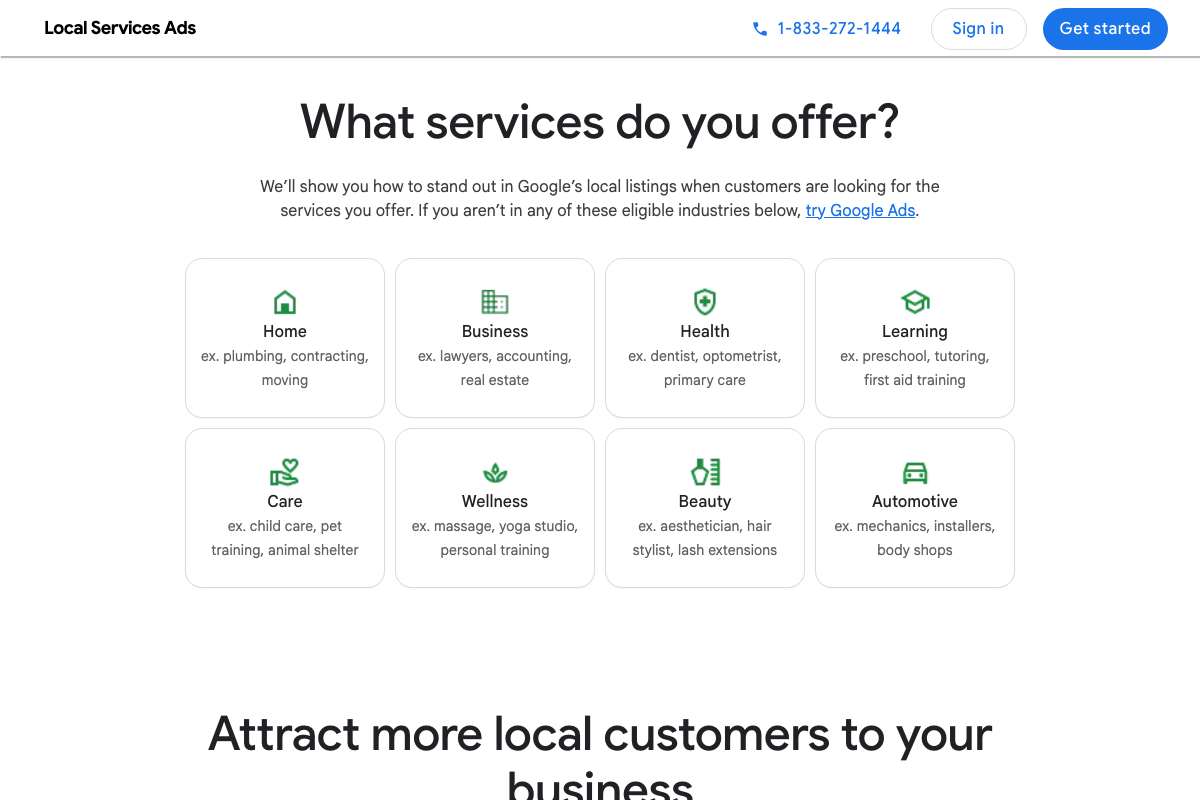
The video’s approach here matches the current docs exactly. LSA is confirmed active at ads.google.com/local-services-ads with top SERP placement and pay-per-lead billing. Two notes before you set a budget: the official page describes the product output as customers (leads) — the tutorial’s phrase “competitive quote requests” is more specific than the official language. Additionally, tree service is not explicitly listed among the visible “Home” category examples; plumbing, contracting, and moving are shown. Confirm your industry’s eligibility directly through the LSA sign-up flow before committing spend.

Step 11 — Launch Google Search Ads
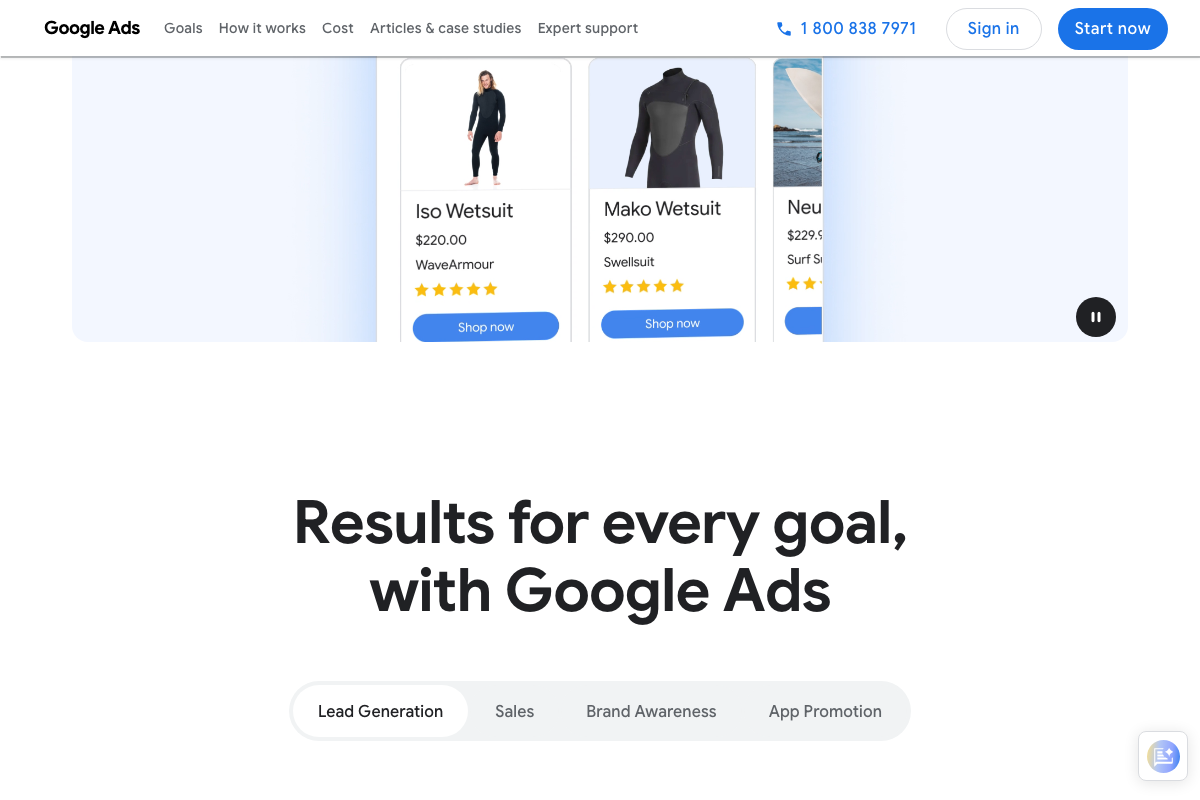
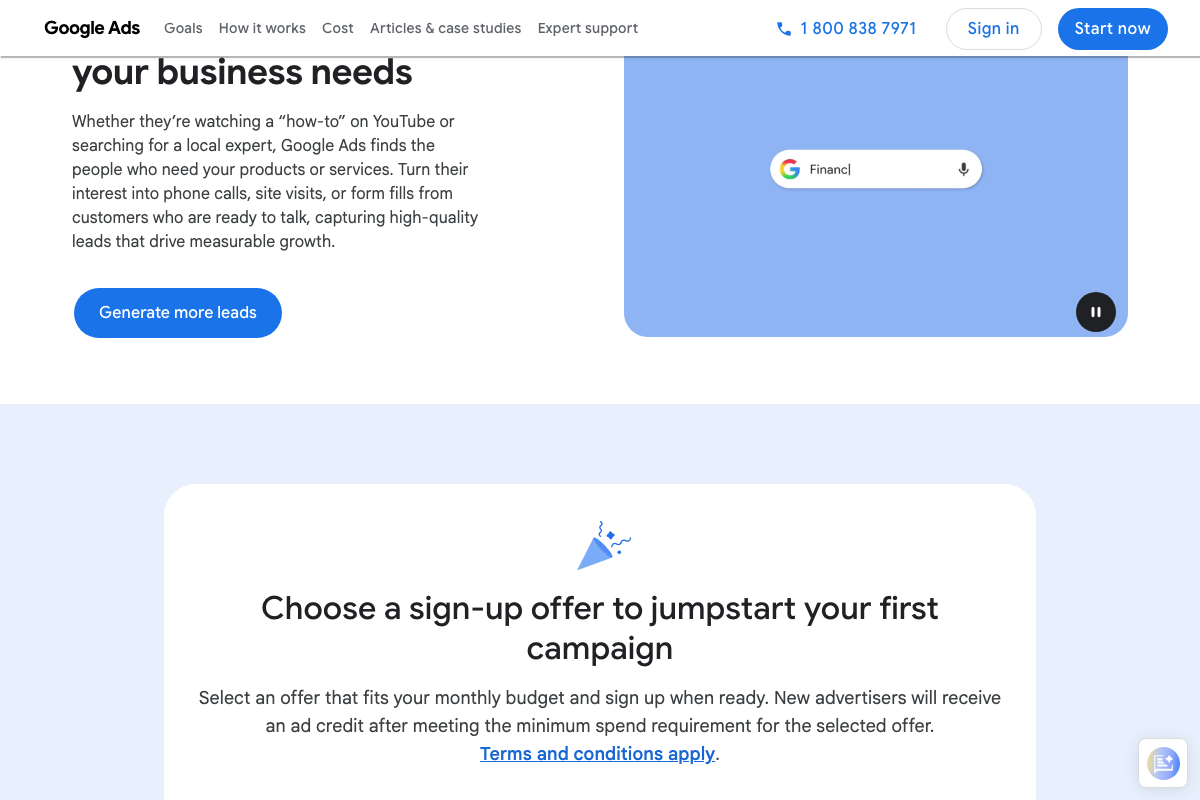
The video’s approach here matches the current docs exactly. Lead Generation is confirmed as an official Google Ads campaign objective at ads.google.com. One clarification on campaign structure: Performance Max is a campaign type, not a goal — set your objective to Lead Generation first, then select campaign type from there.
Step 12 — Layer in Meta Ads and YouTube Ads retargeting
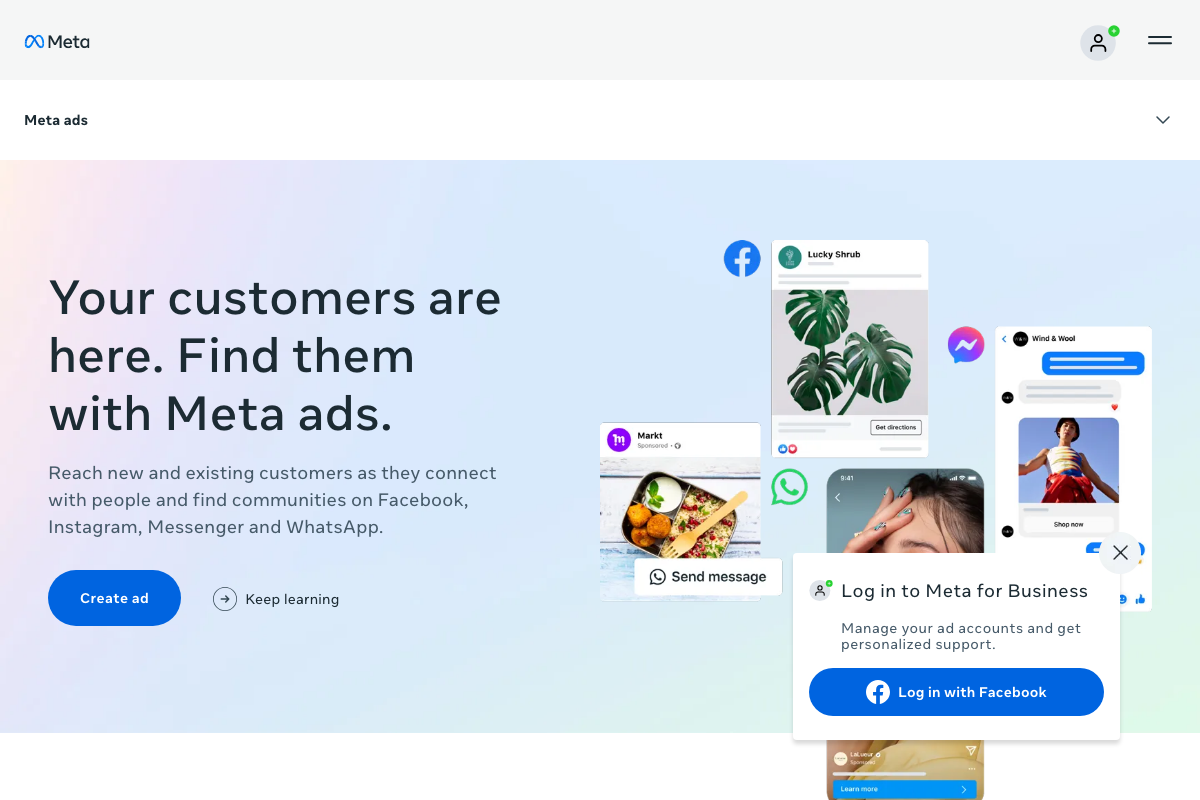
Meta Ads is confirmed active across Facebook, Instagram, Messenger, and WhatsApp. As of May 1, 2026, the correct approach is to run YouTube Ads as a separate Google Ads campaign — the video groups YouTube with Meta, but YouTube is a Google Ads placement channel, not a Meta placement. Build and budget them separately.
One additional note on Meta objective selection: the tutorial’s retargeting framing for homeowners “actively researching” maps most closely to Drive engagement or Build awareness in the Meta campaign setup — not Generate qualified leads, which targets a different funnel stage and serves a different audience signal.

Useful Links
- Reach Local Customers with Local Service Ads – Google Ads — Official LSA product page confirming pay-per-lead billing, Google Verified badge, and top SERP placement for local service businesses.
- Google Ads – Get Customers and Sell More with Online Advertising — Platform entry point for creating Search, Performance Max, and YouTube campaigns with Lead Generation as a confirmed campaign objective.
- Meta Ads – Reach Customers Online with Ads on Facebook, Instagram, Messenger & WhatsApp — Meta Ads product page confirming the placement network, available campaign objectives, and self-serve ad creation.
- Facebook – Create a Page — Facebook’s page creation flow for setting up a Business or Brand page for a local service company.
- Nextdoor Business Marketing — Nextdoor’s business hub showing both the free Business Page and paid advertising products available to local service companies.
- Google Business Profile Help — article 6397353 — Intended GBP documentation source for steps 2–6; returned a 404 error at time of capture — verify current GBP guidance at support.google.com/business.


0 Comments