

Build a High-Converting Google Ads Landing Page with Claude in 10 Minutes
A landing page can make or break a Google Ads campaign — and most businesses treat it as an afterthought. By the end of this walkthrough, you’ll know how to run a full CRO audit, generate a research-backed rewrite, and get production-ready HTML for your landing page, all inside Claude, in under ten minutes.
- Log into the Define Digital Academy Claude project and open the Landing Page Expert tool. This is one of five Google Ads optimization tools built on proprietary frameworks — the one you want is labeled “Audit landing pages for Lead Gen or eCom using a 5-part CRO framework.”

- When the tool prompts you for a business type, enter a plain-language description — for example,
villa resort. Claude uses this to categorize your business and tailor the audit framework before asking follow-up questions.
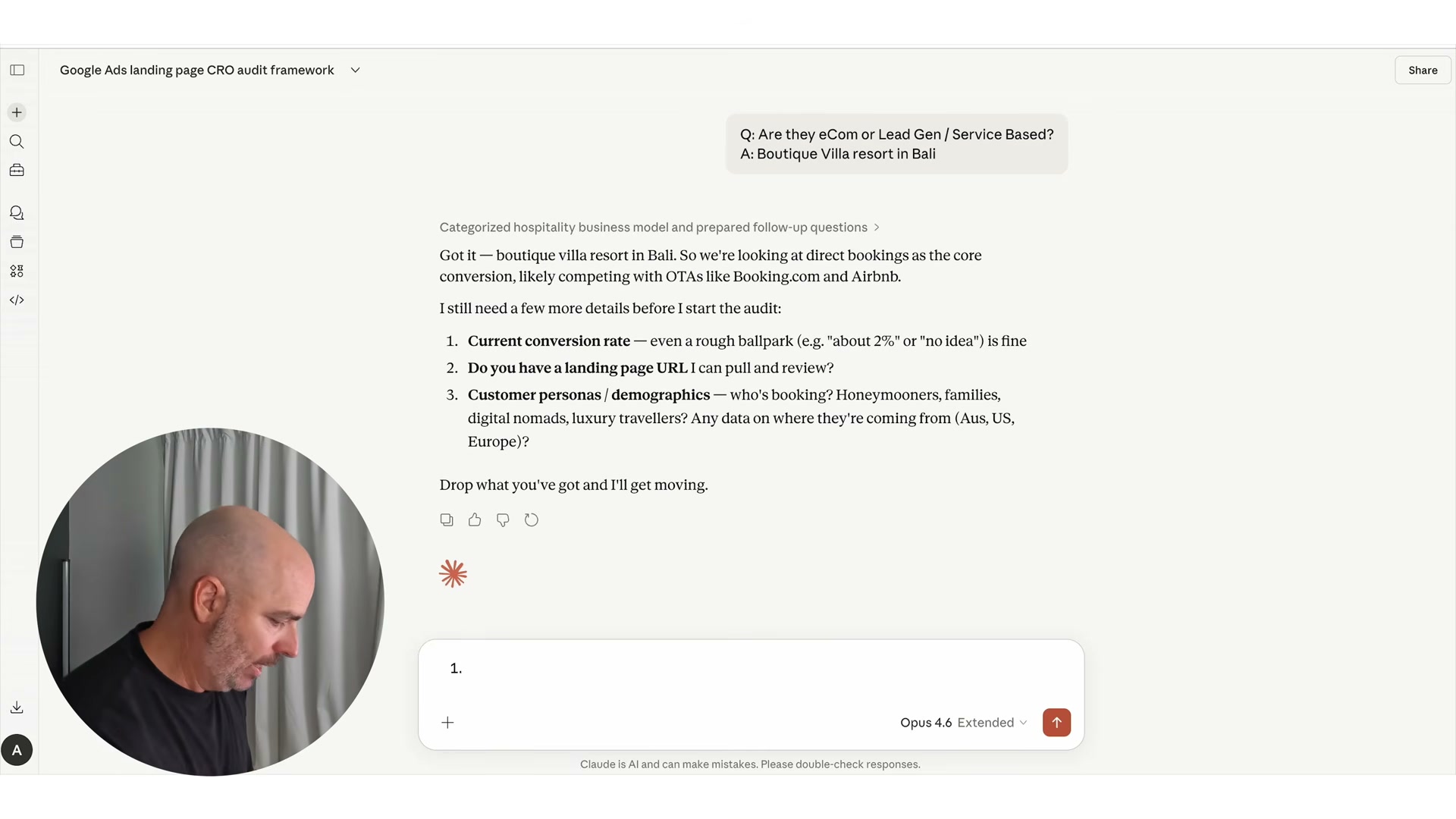
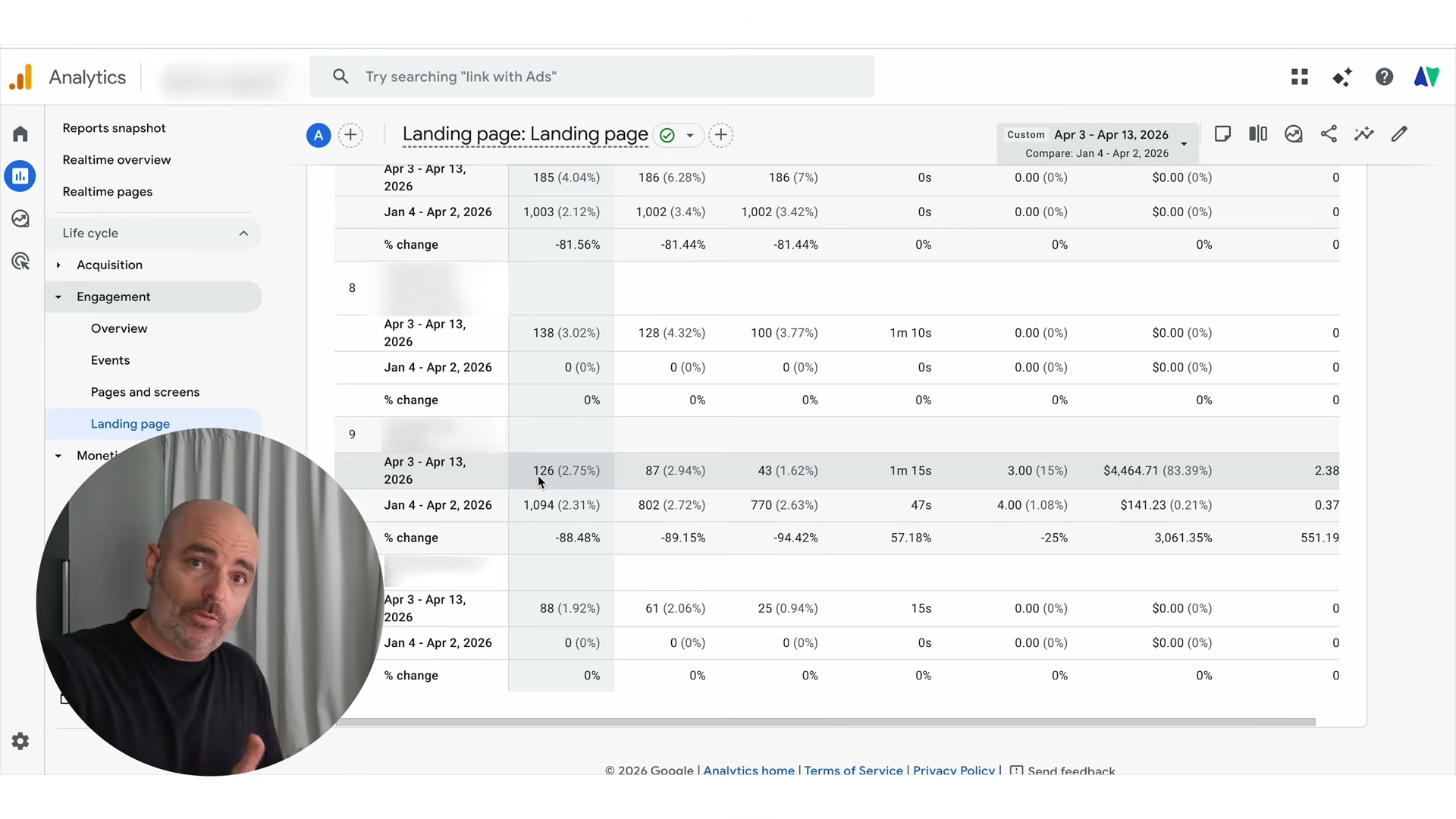
- Enter your current landing page conversion rate when prompted. If you don’t know it, pull it from Google Analytics before starting — the tool uses this as a baseline to contextualize its scoring.
-
Paste your landing page URL into the tool. Claude fetches and reads the page directly, so there’s no need to copy-paste your copy manually.
-
Input your primary customer persona and demographics. For a villa resort, this might be
honeymooners aged 28–40. Be specific — the persona shapes which pain points the tool prioritizes in its research.
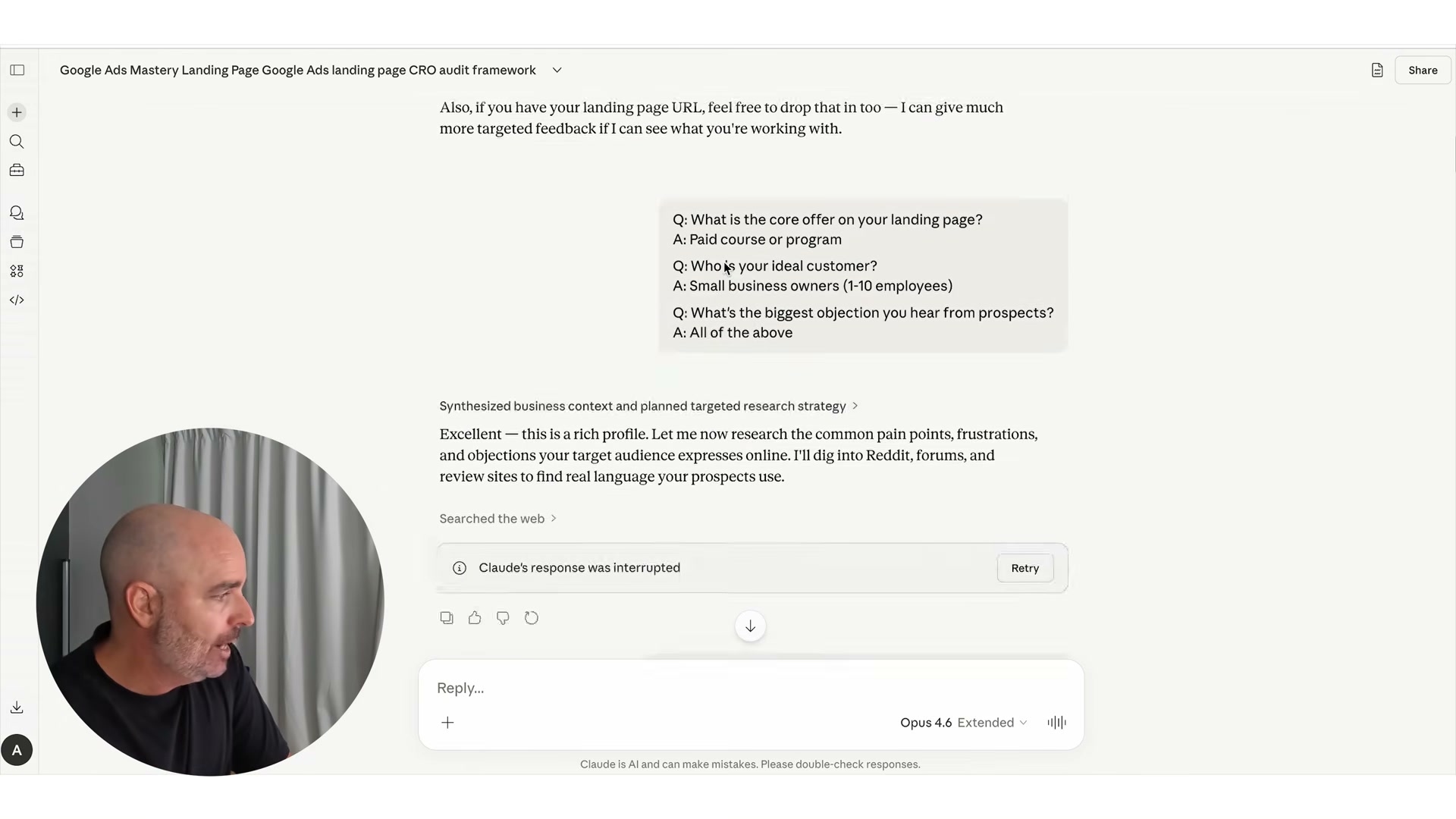
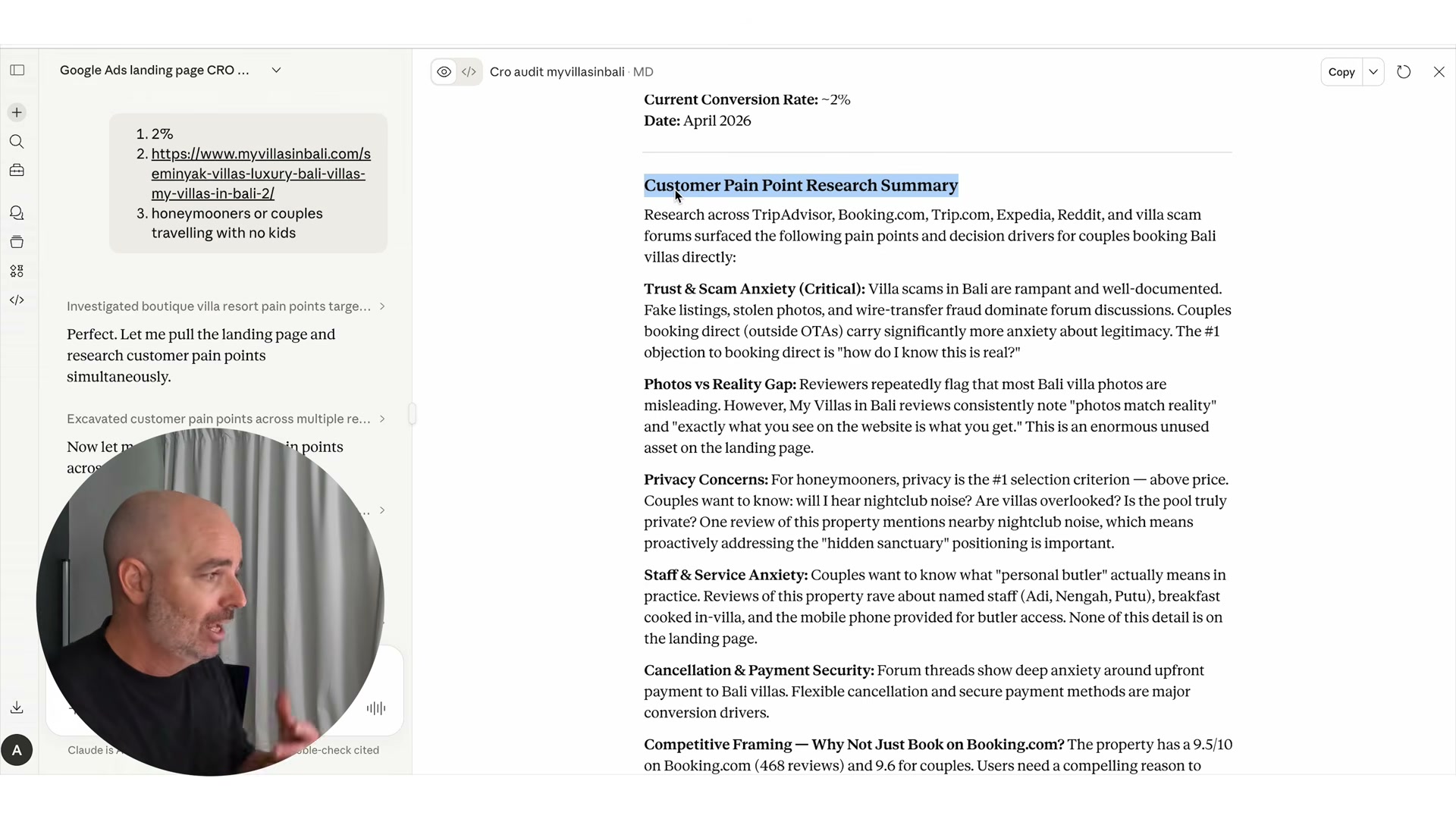
- Let the tool run without interruption. Behind the scenes, it scrapes Reddit threads, TripAdvisor reviews, and similar forums to identify real customer objections. For a hospitality business, this surfaces issues like trust anxiety, photo-versus-reality gaps, and cancellation concerns — the kind of insight that historically took one to two days of manual research.
-
Read through the full audit output. The tool scores your page across five elements — headline, CTA, design clarity, authority markers, and checkout friction — and runs a 5-second test to determine whether first-time visitors immediately understand your offer.
-
Review the 14 specific recommended changes, each tagged with an expected impact rating. You don’t need to implement all of them; use the impact ratings to prioritize.
-
Use the Claude chat interface to push back on any recommendation, ask for alternatives, or request that the tool explain its reasoning. The audit is a starting point, not a final prescription.
-
Once you’re satisfied with a section’s direction, ask Claude to generate the HTML for that section. Request sections individually if you’re preserving existing page elements — this keeps the output manageable and easier to place.
-
Copy the generated HTML for each section directly from the Claude interface.
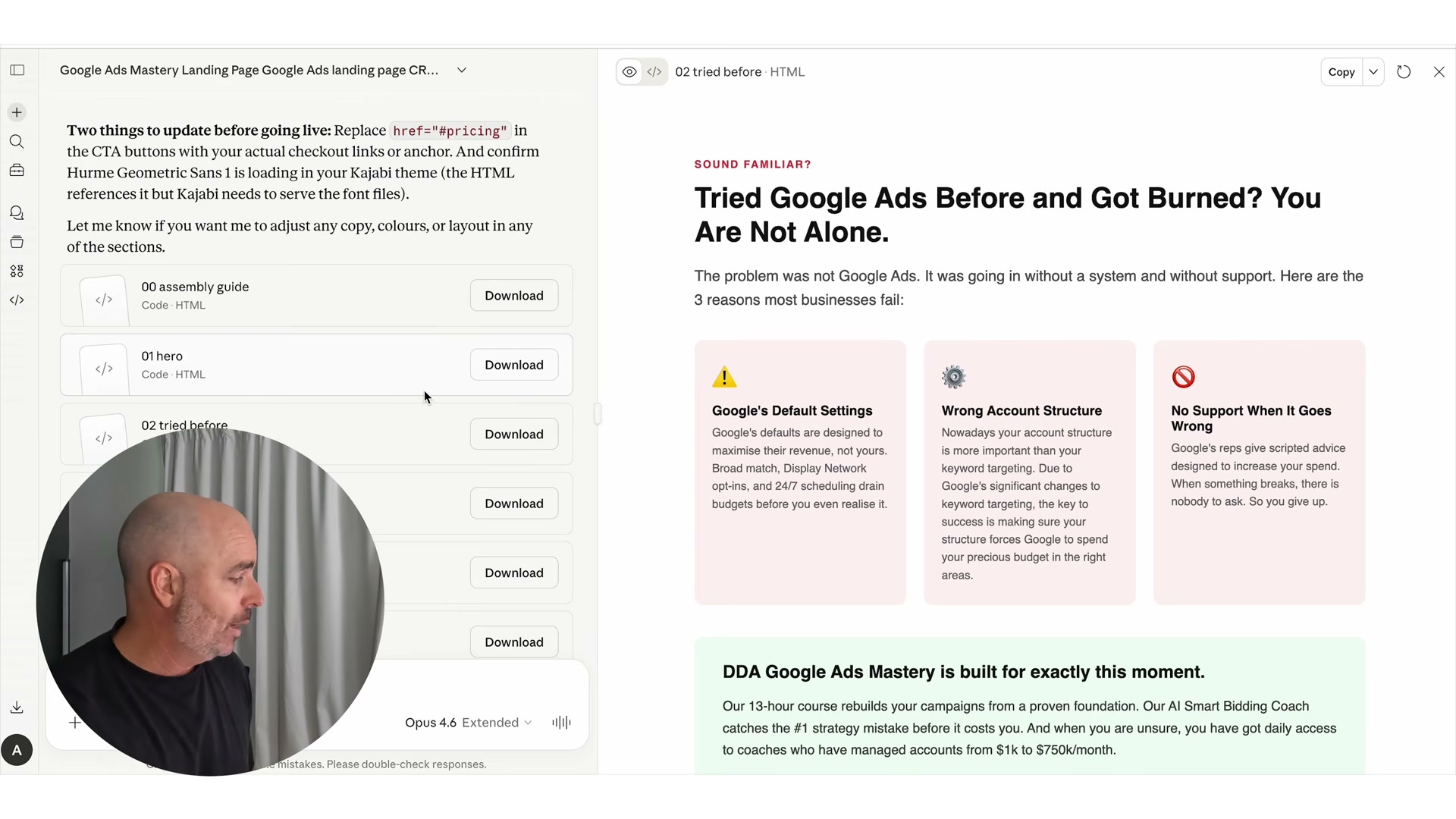
- Paste each HTML block into the custom code element of your website builder. Most drag-and-drop platforms (Webflow, Unbounce, Elementor) support raw HTML embeds at the section level.
Warning: this step may differ from current official documentation — see the verified version below.
How does this compare to the official docs?
The tool wraps Claude’s API inside a proprietary prompt framework, which means the underlying AI behavior is one layer removed from what Anthropic’s documentation describes — and understanding that gap is where Act 2 begins.
Here’s What the Official Docs Show
The tutorial’s core workflow is solid, and what follows adds documentation-verified context where screenshots were available. A few gaps are worth knowing before you start — particularly around platform access requirements and one data source that ran into a hard wall.
Step 1 — Open the Landing Page Expert tool inside a Claude Project
The video’s approach here matches the current docs exactly — authenticating through claude.ai is the correct entry point.
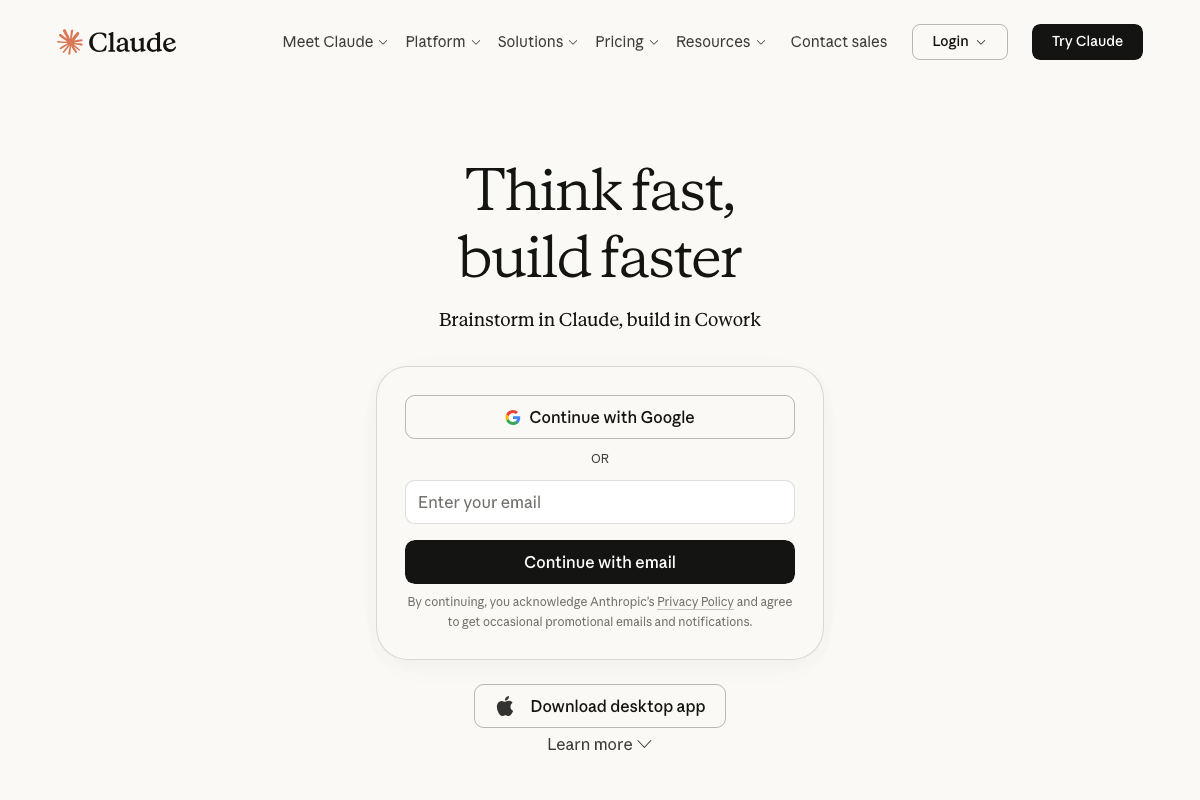
Two things to confirm before clicking through. First, Claude.ai now surfaces a Cowork product for everyday tasks — it is a distinct interface from Projects. Navigate specifically to Projects in the sidebar; Cowork is not the right destination, and the tutorial does not address the distinction.
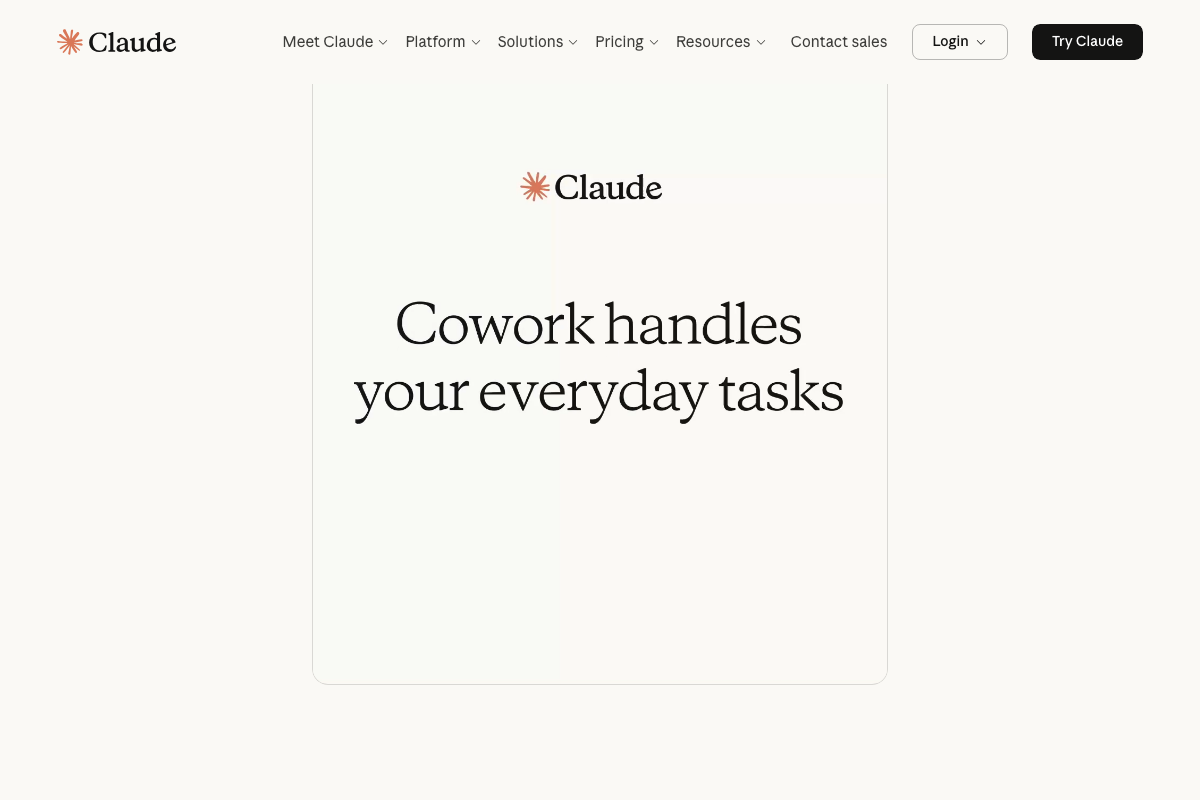
Second: as of April 2026, Claude Projects are a paid-plan feature. The Free tier does not include Projects. You need at minimum the Pro plan at $17/month before step 1 is even possible. The tutorial does not disclose this requirement.

Steps 2–5 — Business type, conversion rate, landing page URL, and persona inputs
No official documentation was found for these steps — proceed using the video’s approach and verify independently.
Step 6 — Automated pain point research across Reddit, TripAdvisor, and forums
As of April 2026, TripAdvisor actively blocks automated access. All three documentation captures returned an identical “Access is temporarily restricted” page citing bot activity — and all three share the same error ID, confirming the block is session-level and persistent, not intermittent. Live TripAdvisor scraping by the tool cannot be confirmed.
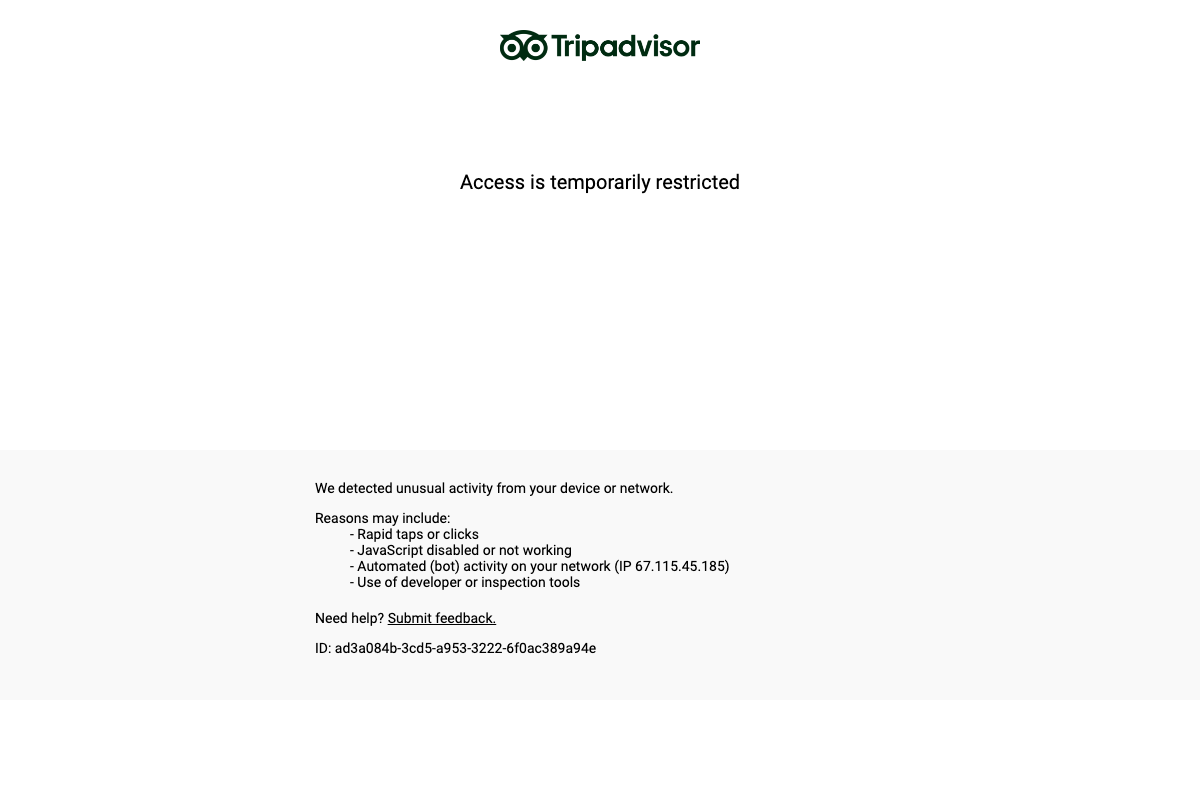

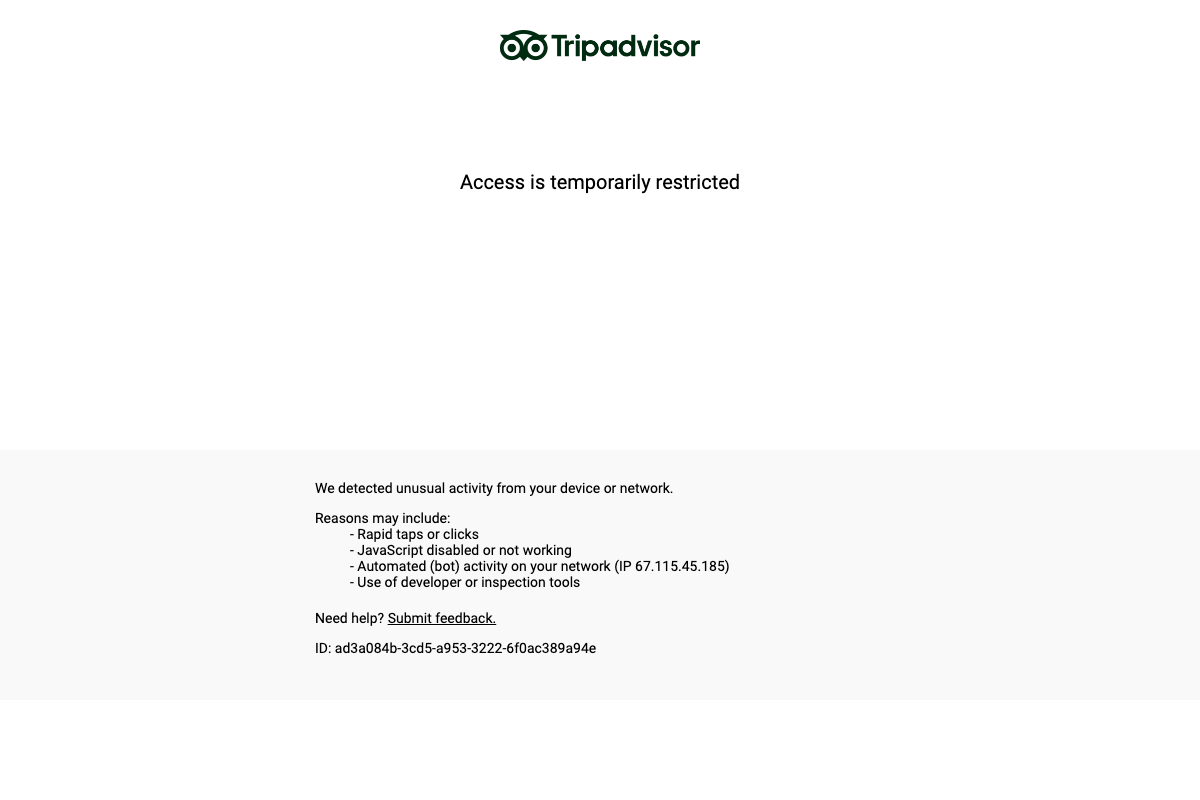
Treat any pain point data the tool attributes specifically to TripAdvisor as unverified until you can confirm it from another source.
Steps 7–9 — Audit output, 14 recommendations, and follow-up chat
No official documentation was found for these steps — proceed using the video’s approach and verify independently.
Steps 10–12 — HTML generation, copying output, and embedding in your builder
No official documentation was found for these steps — proceed using the video’s approach and verify independently.
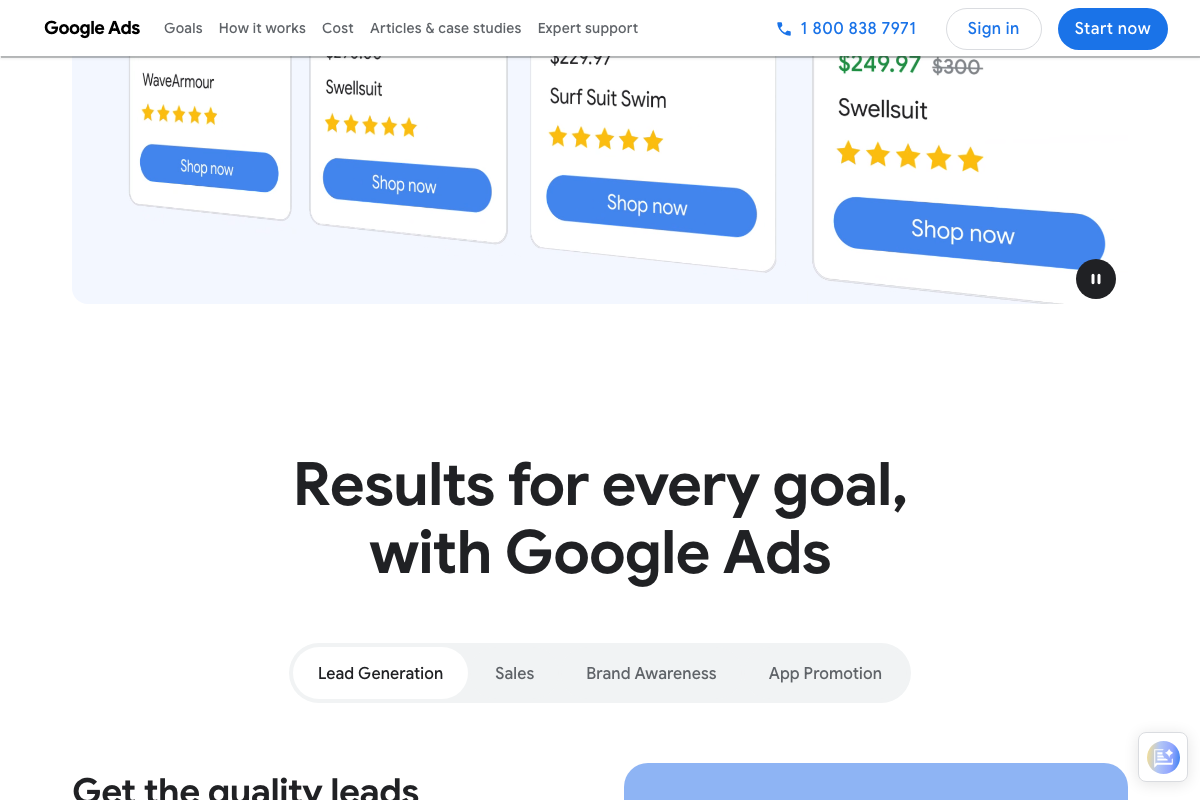
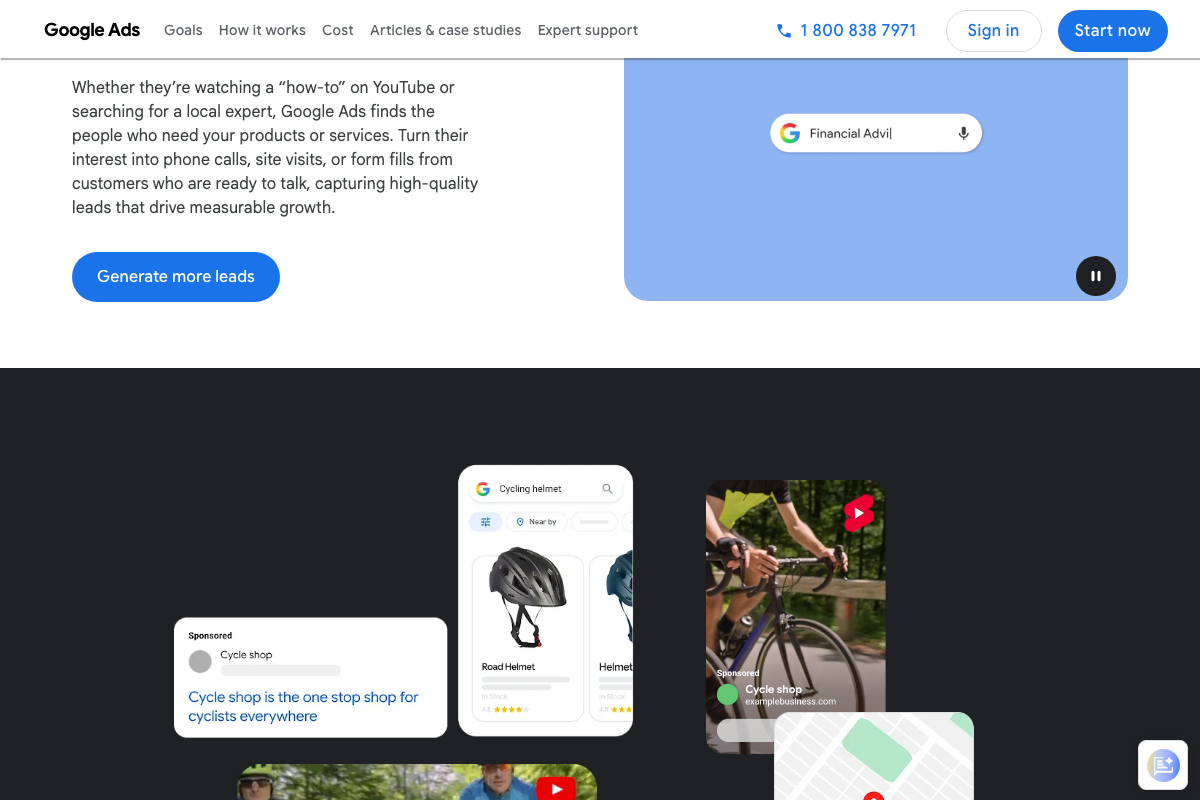
One useful anchor point from Google Ads’ own platform: landing pages are expected to drive phone calls, site visits, or form fills depending on campaign goal. Whichever conversion action your campaign targets should govern how you evaluate the CTA in the HTML the tool generates.
Useful Links
- Sign in – Claude — Authenticated entry point for Claude.ai; required before accessing any Claude Project or custom tool, and confirms Projects are a paid-plan feature starting at $17/month.
- Google Ads – Get Customers and Sell More with Online Advertising — Google Ads platform homepage confirming supported campaign goal types and the conversion actions (calls, visits, form fills) that landing page CTAs must drive.
- tripadvisor.com — All three documentation captures returned persistent bot-block pages, confirming automated access to TripAdvisor is currently restricted.


0 Comments