

SEO Has Changed: Here’s What Works Now
Modern SEO doesn’t start with keyword tools or technical audits — it starts with understanding where decisions actually happen. By the end of this tutorial, you’ll have a four-step framework for mapping multi-platform search behavior, identifying the keyword types worth your time in 2026, and using Google Search Console signals to scale content that compounds. The framework comes from a practitioner who grew two companies to tens of millions of visits before exiting both.
- Map the multi-platform search loop
People no longer run a single Google query and convert. The 2026 research loop runs like this: Google for category education, YouTube for tool demonstrations, Reddit for community validation, branded search for final confirmation, and ChatGPT at any stage to summarize or refine. Each platform serves a distinct function in the decision process. Your content strategy needs to show up across all of them — not just in Google’s blue links.
- Learn the fundamentals that still hold
Four things remain non-negotiable: search intent matching, content chunking, crawling and indexing basics, and backlink relevance. Match the intent behind a keyword before writing a single word — someone searching “how to find trending products” is learning, while someone searching “tools for product research” is comparing. Structure content so each section can stand alone; search engines and LLMs break pages into discrete chunks and evaluate each independently. For backlinks, one contextually relevant link outweighs a hundred irrelevant ones — even unlinked brand mentions from credible sources build measurable authority.

- Target decision keywords, not definition keywords
Informational queries — “what is X,” “definition of Y,” “how does Z work” — converted poorly before AI arrived. Now that LLMs answer these questions directly inside the interface, building a content strategy around them compounds a bad bet. Target comparison, evaluation, and purchase-intent keywords instead, where a human is actively choosing between options. HubSpot’s traffic chart makes the case plainly: visits dropped from roughly 10 million to under 3 million, yet conversions held — because the lost volume was concentrated in low-intent definition terms. The decision-stage rankings survived the AI transition intact.

- Track signals, not rankings
After publishing, open Google Search Console and look for impressions first — that confirms Google is willing to surface the page. Once impressions appear, monitor average position for upward movement. Clicks come last in the evaluation sequence, and obsessing over individual query-level data is largely optional. When a page trends positively across all three metrics, produce more content in the same format: similar structure, similar intent, same topic cluster. That repeatable cycle is how content programs compound without reinventing the approach each time.
How does this compare to the official docs?
The framework presented here is practitioner-tested and moves fast — but official sources like Google Search Central and Semrush’s own methodology documentation add precision on several points the video compresses for speed.
Here’s What the Official Docs Show
The tutorial’s four-step framework holds up well against the interfaces and documentation available as of May 2026 — what follows fills in a few gaps the video’s format didn’t have time to cover. Think of this as the same route with a few extra signposts added at the turns worth slowing down for.
Step 1: Map the multi-platform search loop
The video’s approach here matches the current docs exactly — Google, YouTube, ChatGPT, Reddit, and branded search are all active and accessible as described.
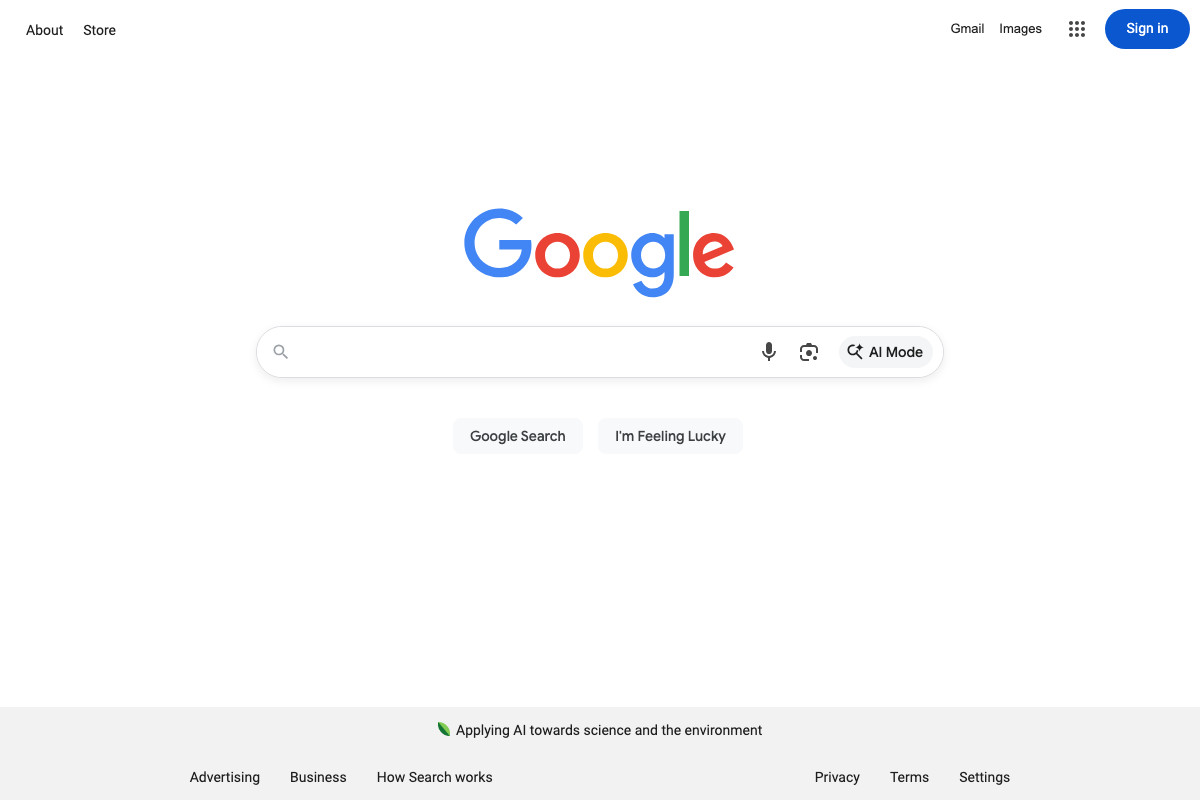
One addition worth noting: Google’s search bar now includes a native AI Mode toggle alongside the standard search input. The tutorial assigns AI query refinement exclusively to ChatGPT, but Google’s own AI-powered search mode is a parallel entry point in the same loop — users may encounter AI-synthesized results before they ever open a separate tool.
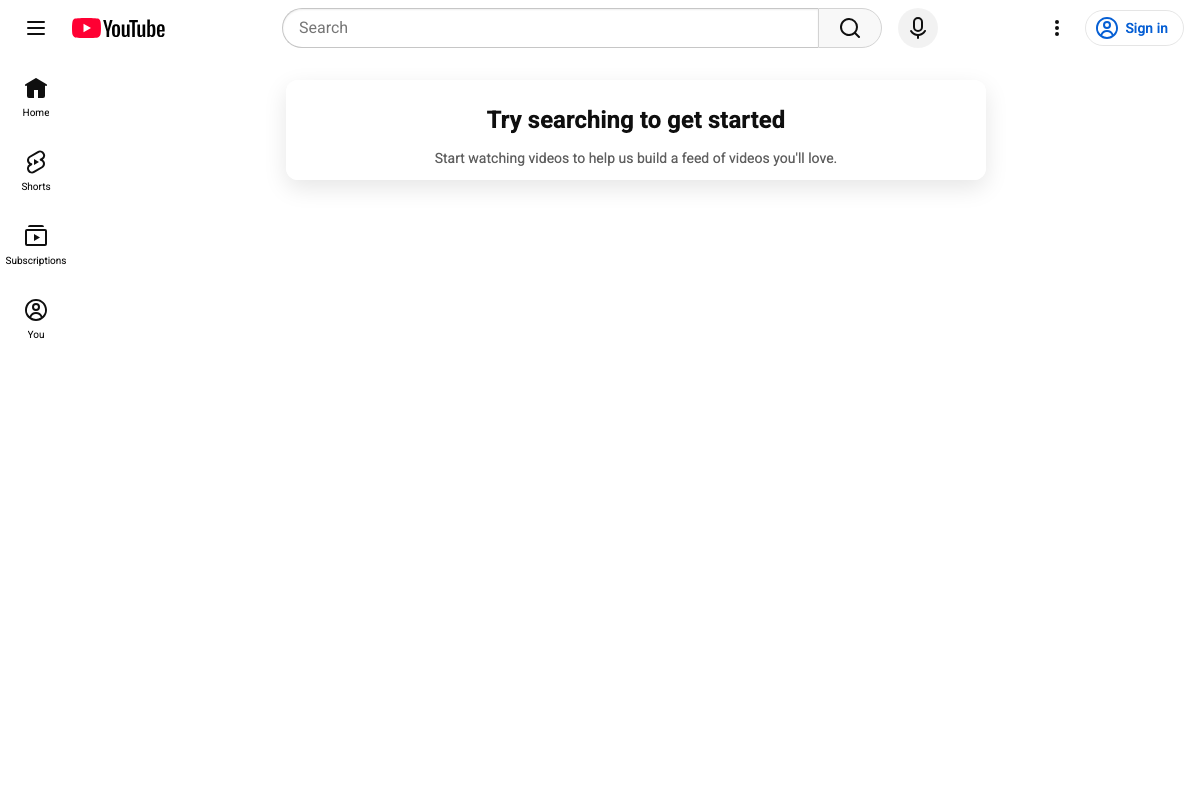
On YouTube, Shorts is now a first-class navigation destination alongside Home and Subscriptions. The tutorial positions YouTube for tool demo discovery — typically long-form content — but Shorts represents a distinct format that can surface in the same multi-platform research loop.
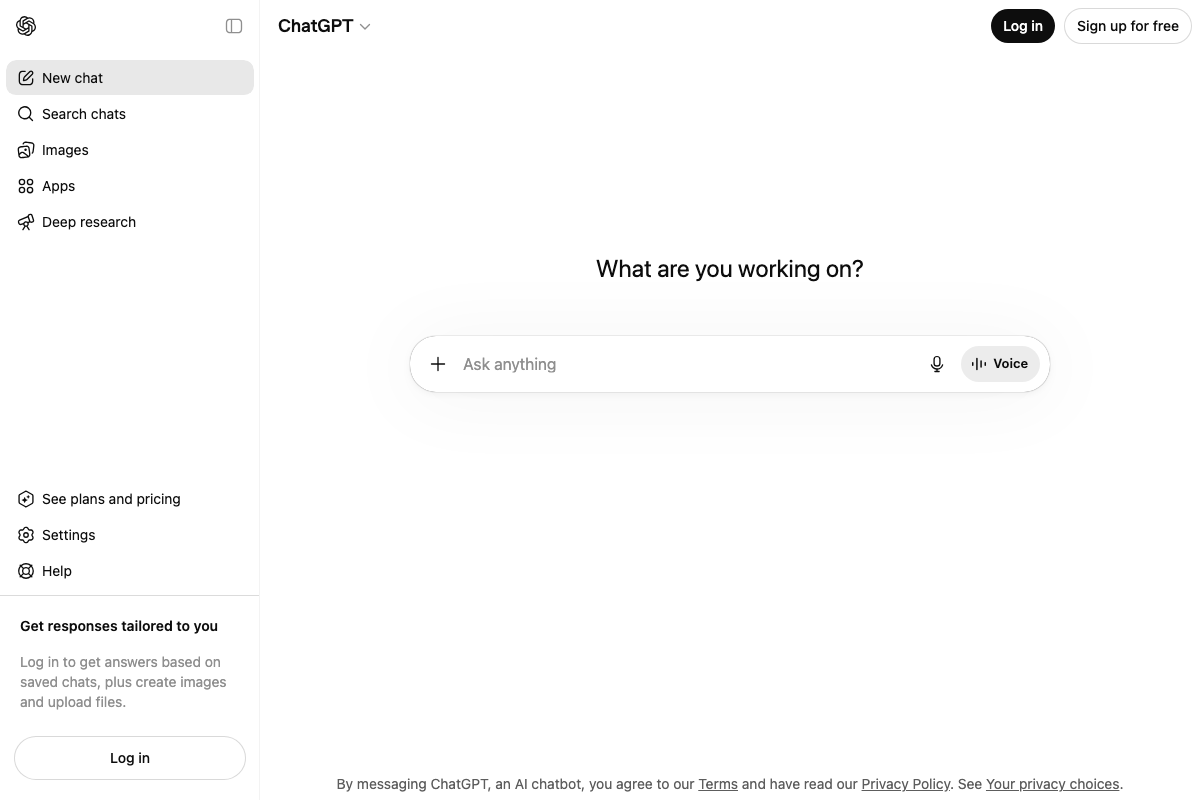
ChatGPT’s current interface includes Deep research as a named sidebar feature — a capability that conducts multi-step autonomous web research, not just query refinement. This extends ChatGPT’s role in the decision loop beyond what Step 1’s framework describes, and it bears on Step 3 as well.
Step 2: Learn the fundamentals that still hold
No official documentation was found for this step —
proceed using the video’s approach and verify independently.
Step 3: Target decision keywords, not definition keywords
No official documentation was found for this step —
proceed using the video’s approach and verify independently.
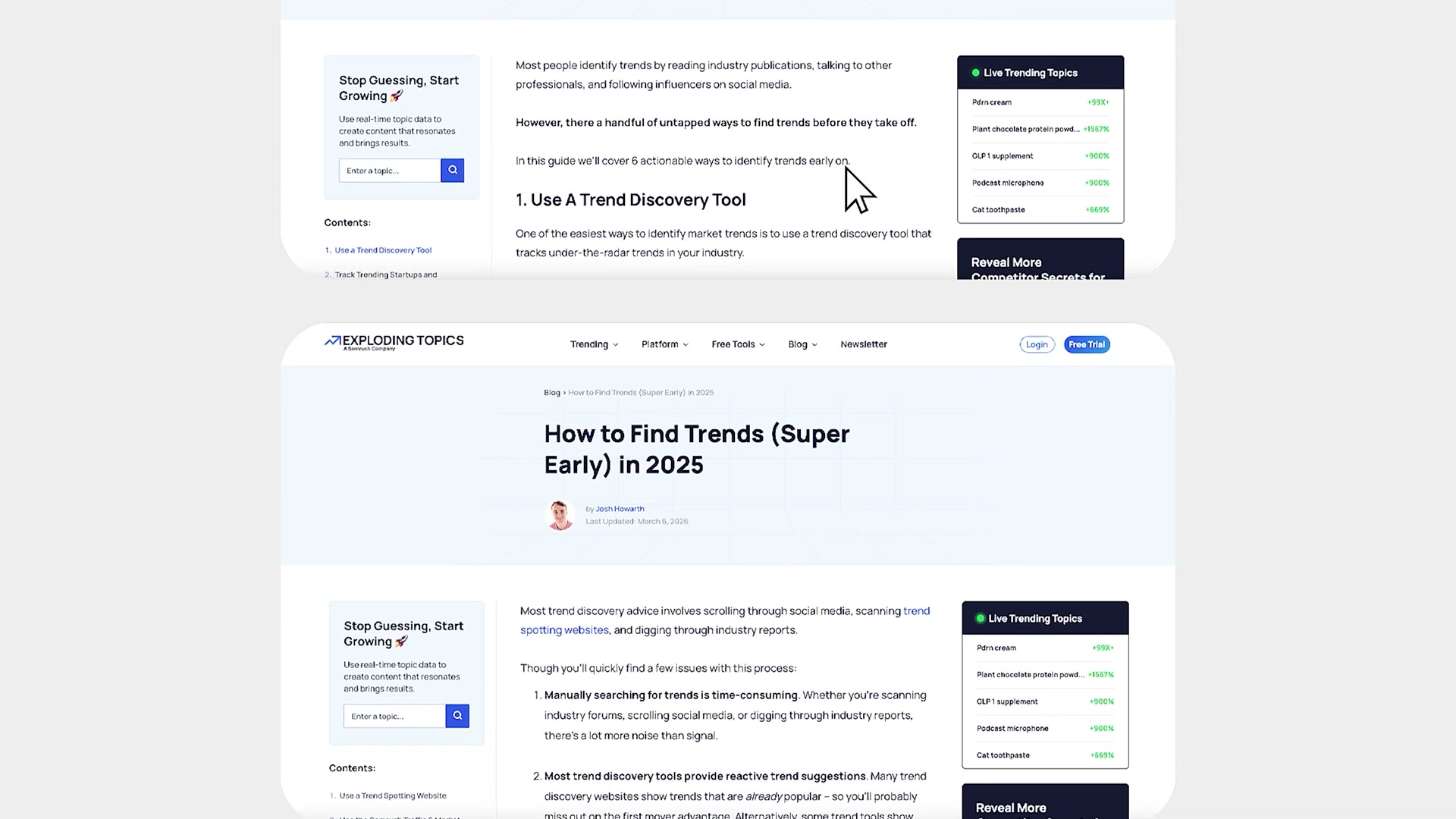
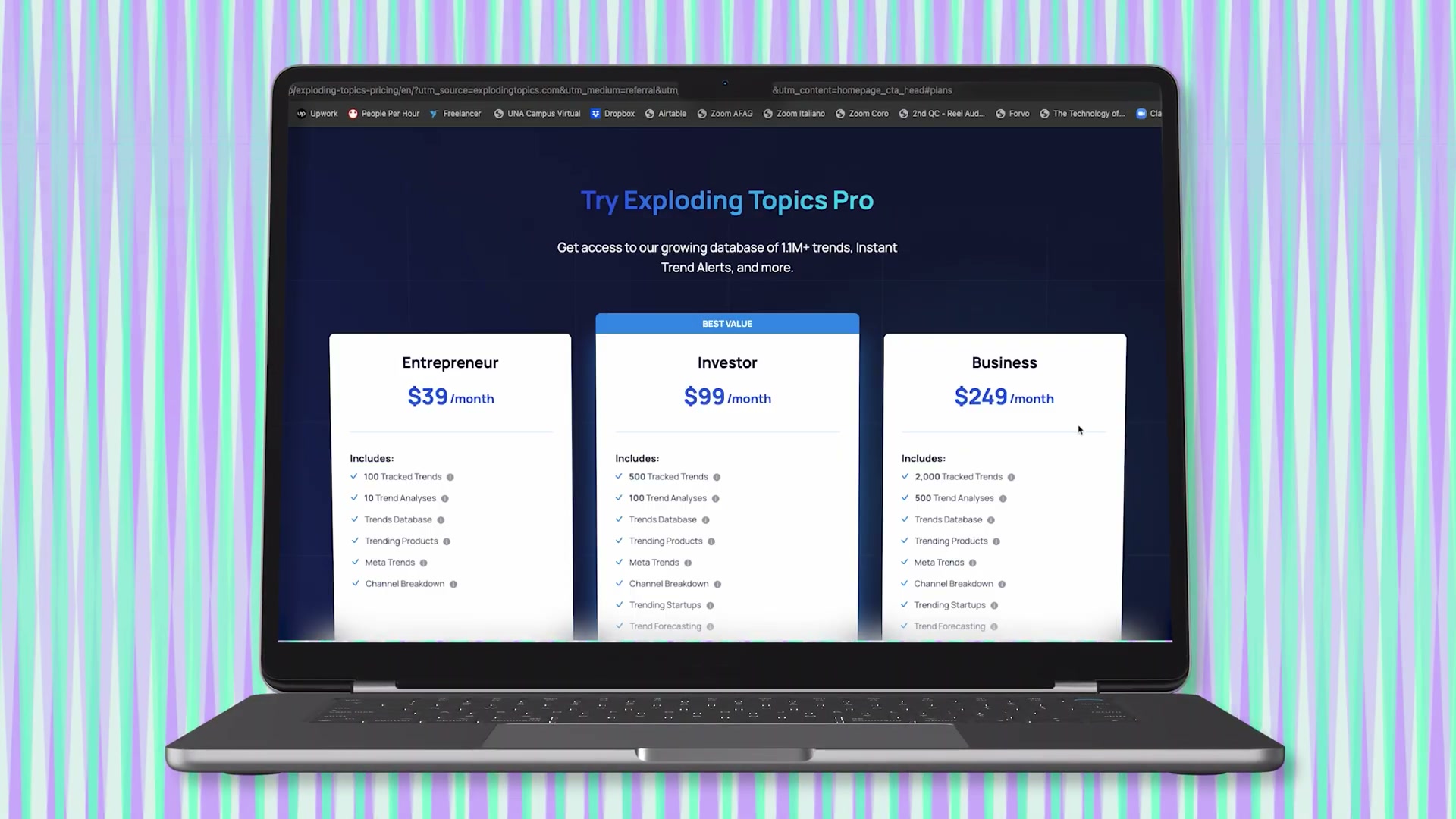
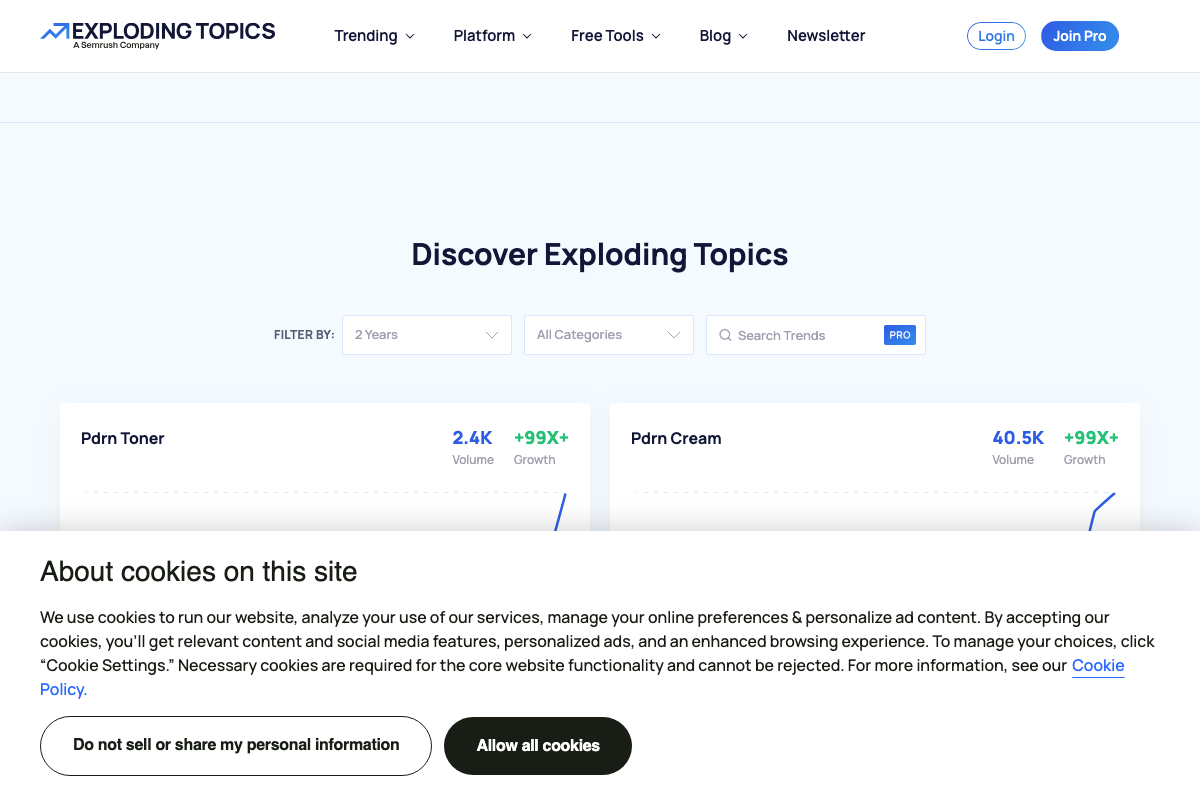
One supplementary tool worth knowing: Exploding Topics (now a Semrush company) surfaces keyword trends 12+ months before they peak and displays both volume and a growth multiplier per topic — useful for identifying decision-stage keywords before they become competitive. Searching for specific terms within the database requires a paid Pro subscription, a cost constraint the tutorial doesn’t mention.
Step 4: Track signals, not rankings
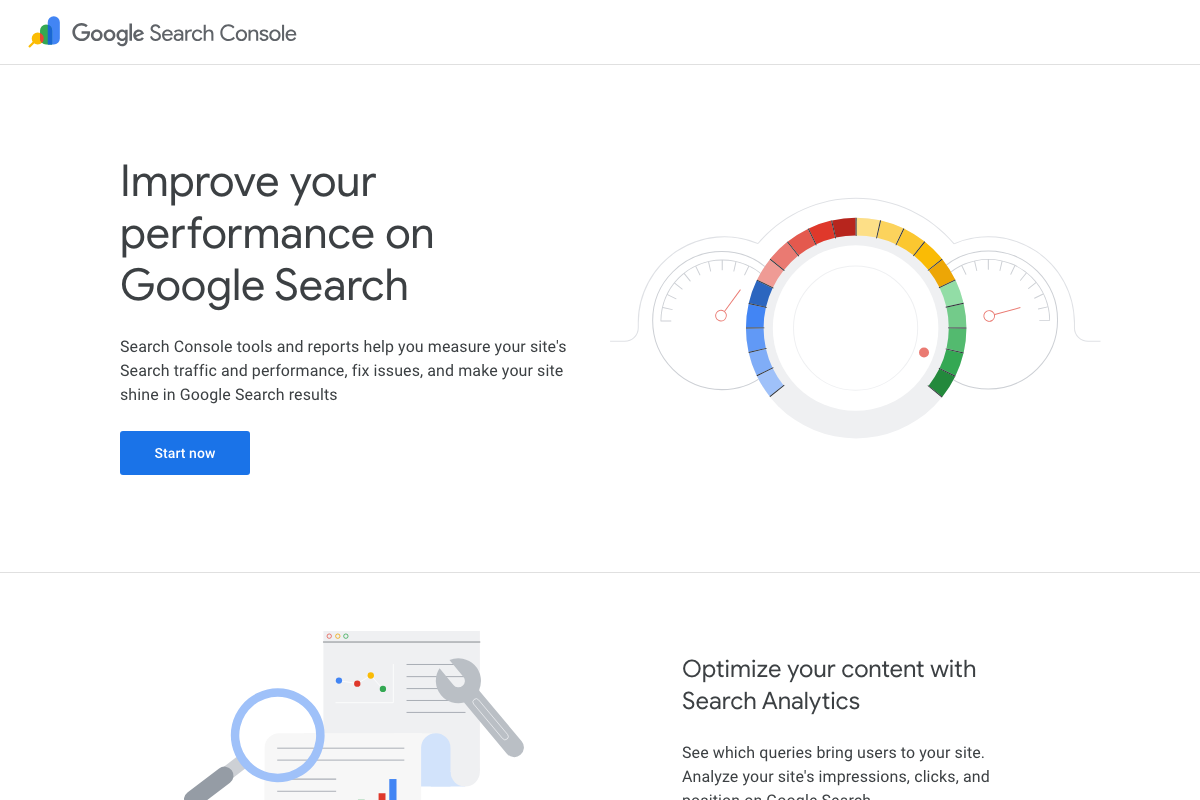
The video’s approach here matches the current docs exactly — Google Search Console officially tracks impressions, clicks, and position, the same three signals the tutorial builds its content-scaling loop around. GSC describes itself as a tool to “measure your site’s Search traffic and performance,” which maps directly to Step 4’s monitoring framework.
One clarification: the tutorial prescribes a specific review order (impressions → average position → clicks). That sequencing is a practitioner prioritization framework layered on top of what GSC provides — GSC’s own documentation lists all three metrics without prescribing a monitoring sequence. The query-level data the video references surfaces inside a feature GSC officially calls Search Analytics; the tutorial doesn’t reference it by that name.
Useful Links
- Google Search Console — Official about page confirming GSC’s core metrics: impressions, clicks, and position, and its purpose as a Search traffic and performance measurement tool.
- About Search Console – Search Console Help — Help article with metric definitions and Search Analytics report documentation directly relevant to Step 4; page was not captured in the available screenshot set.
- Exploding Topics — Semrush-owned trend discovery tool that surfaces emerging keyword opportunities 12+ months early, with volume and growth-multiplier data per topic and a Pro subscription required for keyword search.
- Google — Google’s current search interface, now featuring a native AI Mode toggle in the search bar alongside the standard input.
- Documentation to Improve SEO | Google Search Central — Official Google guidance on crawling, indexing, search intent, and link relevance — the primary reference for Step 2 fundamentals; not captured in the available screenshot set.
- YouTube — YouTube’s current interface, with Shorts elevated to a primary navigation destination alongside standard long-form video search.
- ChatGPT — ChatGPT’s current consumer interface, including the Deep research feature for multi-step autonomous web research that extends its role beyond query refinement.
- OpenAI API Platform Documentation — OpenAI’s developer documentation for platform-level capabilities; not captured in the available screenshot set.
- HubSpot — Current homepage showing HubSpot’s “Agentic Customer Platform” positioning and four separately purchasable product hubs, a concrete real-world example of the decision-intent keyword category the tutorial targets in Step 3.


0 Comments