

E-Commerce Link Building That Actually Works
Backlinks remain one of the highest-leverage investments an e-commerce brand can make — and one of the easiest to get wrong. In this interview-format tutorial, Kai Cromwell, an SEO specialist focused on Shopify brands, walks through the exact decision framework, marketplace tactics, and QA process his agency uses to build links that move rankings. By the end, you’ll know how to choose the right channel for your situation, evaluate prospects without getting burned by stale metrics, and write insertions that don’t look planted.
-
Map your constraints before choosing a channel. If your brand is fewer than six months old, exhaust free content first — paid links at this stage tend to underdeliver. If you have budget but limited time, use a link marketplace. If you have time but limited budget, invest in cold email outreach. If you have both, cold email at scale gives you the most control; Kai’s own agency runs approximately 80% cold email to 20% marketplace.
-
If you go the marketplace route, start with Press. Kai recommends it for range and price without a financial relationship to the platform. Set a floor of $1,000 per month and target four to five links in the $150–$250 range. Anything cheaper at volume is a signal to investigate further; third-party markup on link marketplaces can inflate a $200 link to over $1,000 on competing platforms.
-
Before purchasing any link, pull the prospect’s live data in Ahrefs and compare it against what the marketplace shows. Marketplace metrics are frequently imported once and never refreshed — a site listed as DA 50 with 50K monthly traffic may be sitting at DA 50 with 5K by the time you buy. The live check takes under a minute and can save thousands over the course of a year.
-
Default to link insertions rather than guest posts. Guest post pages face a meaningfully higher risk of never being indexed or failing to attract traffic. A link on an existing, ranking page is a known quantity; a new guest post page is a bet. Kai’s stack is roughly 90% insertions.
-
QA every prospect site individually in Ahrefs — not just domain rating and traffic. Review traffic history for trend direction, check traffic distribution across pages to confirm the domain isn’t a one-page wonder, and calculate the inlink-to-outlink ratio. Kai flags any domain where outbound links exceed inbound links by a factor of four or more as a likely link farm.
Warning: this step may differ from current official documentation — see the verified version below.
-
After passing the domain-level QA, find a specific page whose topic is adjacent to your target page. Confirm that page has consistent, non-spike traffic — and that the traffic originates from the country you’re targeting. A US-market Shopify store gets limited value from a page whose readers are primarily in Southeast Asia.
-
Walk away from any site showing rapid unexplained traffic spikes, NSFW or tabloid content, more than roughly 30 existing outbound links on the insertion page, or a traffic decline greater than 20% over the prior six months. The 20% figure is a guideline, not a hard cutoff — 21% doesn’t automatically disqualify a site — but any meaningful sustained drop warrants caution.
-
For cold email, configure dedicated sending domains, warm them up before use, and source contacts through Apollo, Hunter.io, or — for the highest-quality data — manual review of each target site’s about, contact, and footer pages. The manual method is slower but produces fewer bounces and more relevant contacts.

- Write every insertion so it reads as native to the surrounding content. Branded anchor text and brand mentions are the lowest-risk anchors. If you can’t fit the link naturally into the page’s existing copy, skip the placement rather than force it — a clumsy insertion signals manipulation to both readers and algorithms.
How does this compare to the official docs?
Kai’s framework is built on practitioner experience across dozens of Shopify clients, which means some of his thresholds — the 4× outlink ratio flag, the 20% traffic decline ceiling — are heuristics rather than published standards, and it’s worth checking those against what Google’s guidelines and Ahrefs’ own documentation actually recommend.
Here’s What the Official Docs Show
Act 1 gives you a practitioner’s working framework for e-commerce link building — one built on real campaign data across Shopify clients. What follows layers in what the current documentation shows for each tool in that stack, filling in platform context and flagging a few meaningful updates worth knowing before you open your wallet or your inbox.
Step 1 — Map your constraints before choosing a channel
No official documentation was found for this step — proceed using the video’s approach and verify independently.
Step 2 — Marketplace route: budget, platform, and price-per-link guidance
No official documentation was found for this step — proceed using the video’s approach and verify independently.
Step 3 — Pull live Ahrefs data before purchasing any link
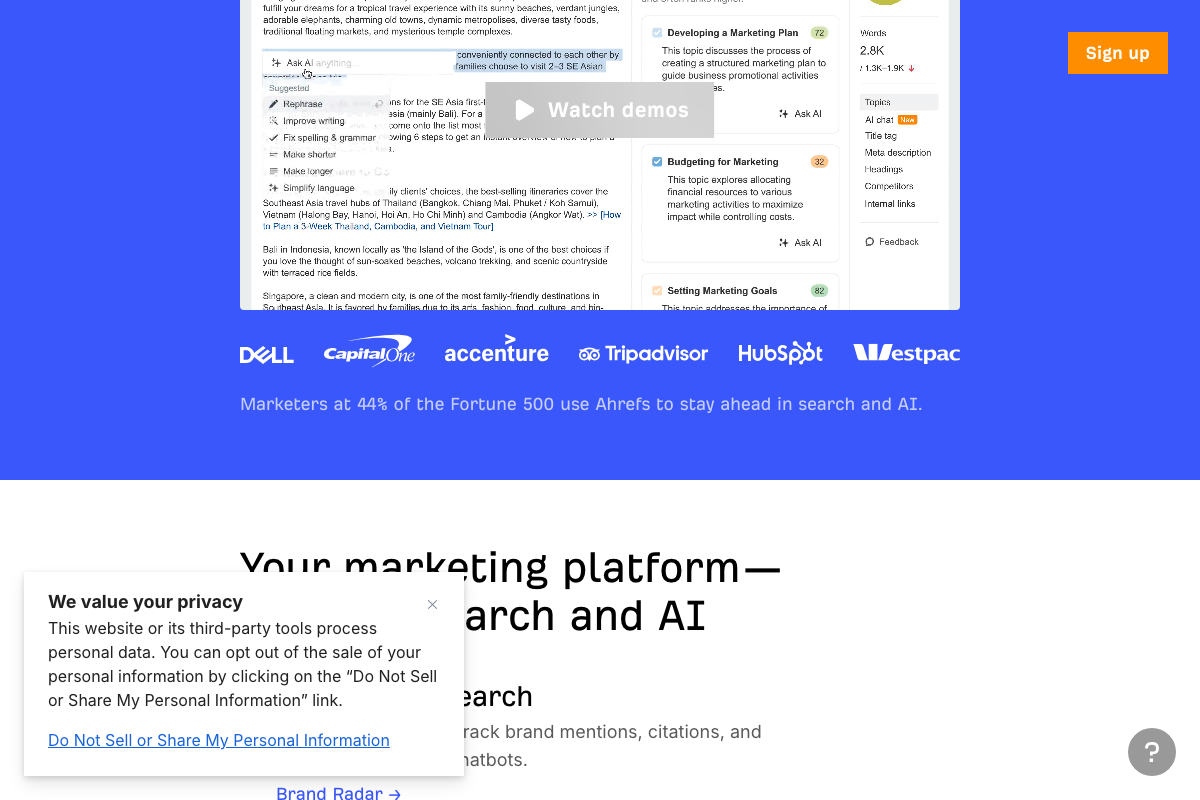
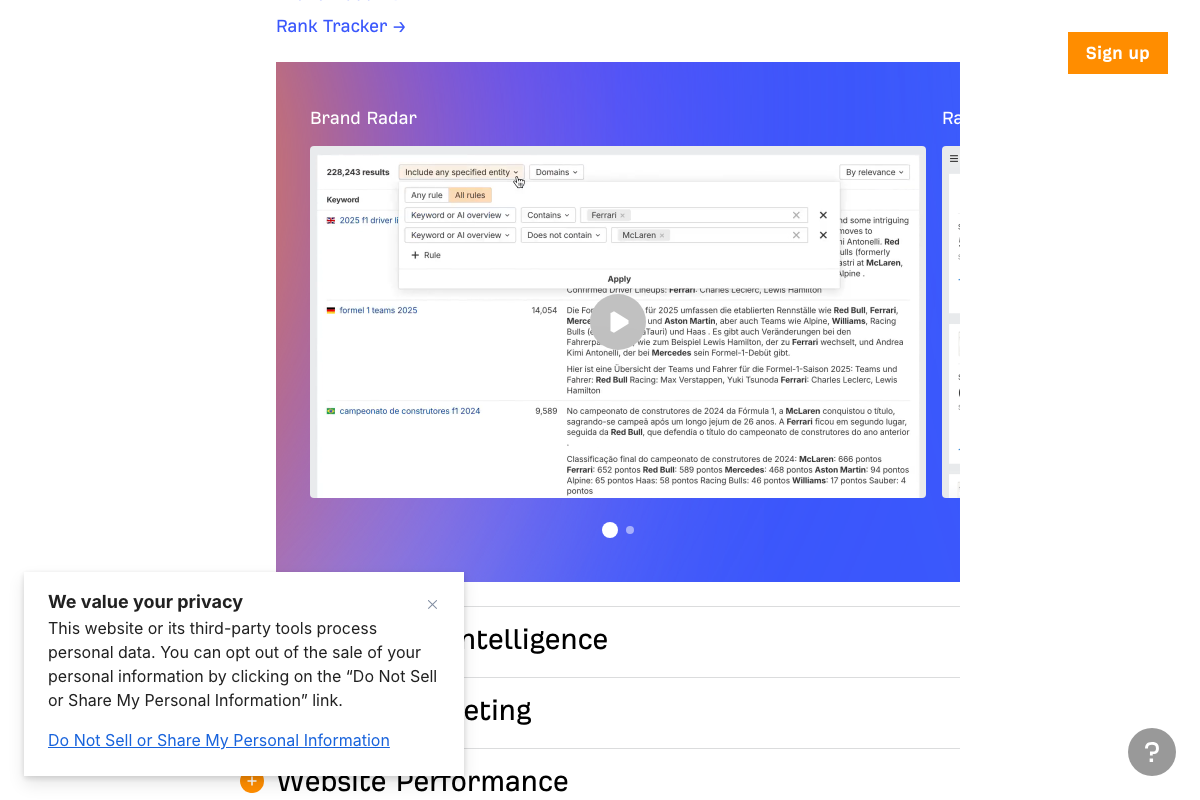
The tutorial correctly identifies Ahrefs as the tool for real-time prospect QA. One update worth noting: as of April 2026, Ahrefs has repositioned itself as an “AI Marketing Platform Powered by Big Data” — a broader identity than a pure backlink tool. Brand Radar, a Firehose feed for real-time content discovery, and an AI chat interface are now featured prominently alongside the core toolset.
The backlink analysis capabilities the video references — Site Explorer, Domain Rating, traffic history — still exist within the product. However, none of the specific QA interfaces shown in the tutorial could be confirmed from the available screenshots, which capture the marketing homepage only rather than the Site Explorer dashboard.
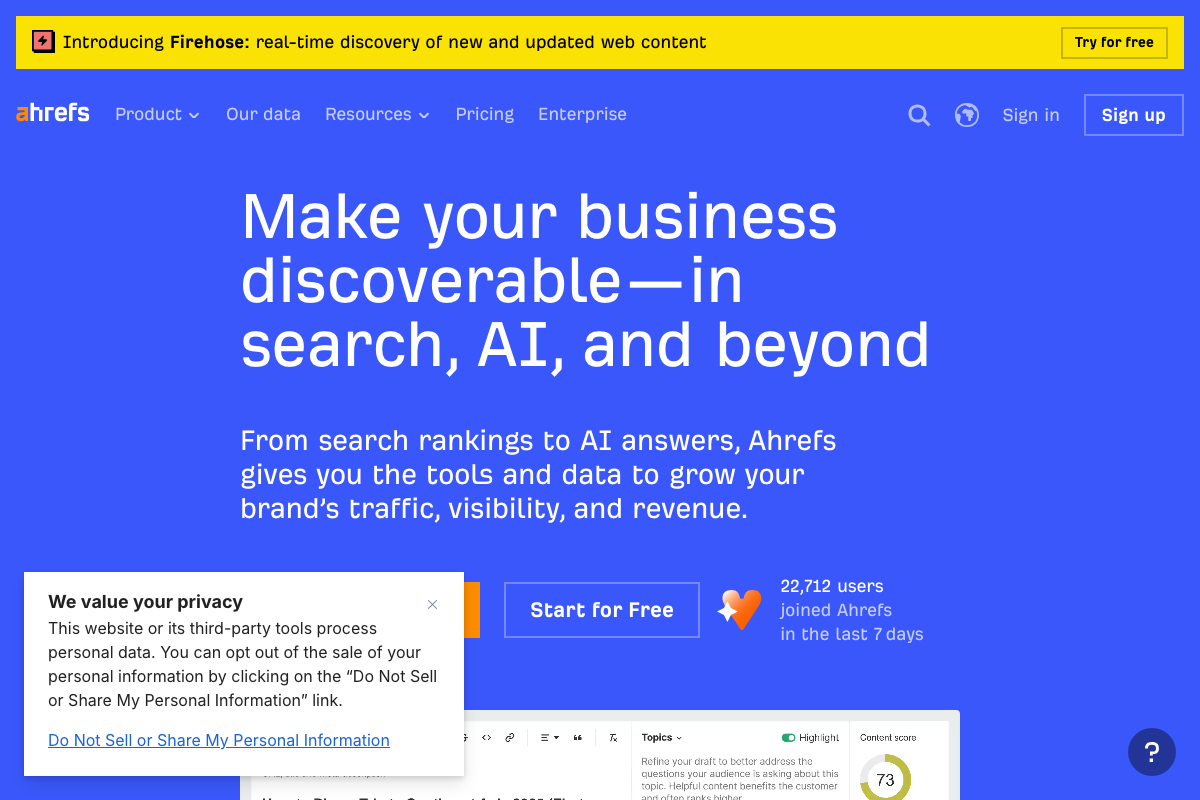
One practical note: Ahrefs offers a “Start for Free” entry point, so you can run an initial QA check without committing to a paid plan.
No official documentation was found for the specific metric comparison workflow in this step — proceed using the video’s approach and verify independently.
Step 4 — Default to link insertions over guest posts
No official documentation was found for this step — proceed using the video’s approach and verify independently.
Step 5 — QA every prospect site in Ahrefs: traffic history, distribution, and inlink-to-outlink ratio
The specific thresholds cited here — flagging domains where outbound links exceed inbound links by a factor of four or more — do not appear in any Ahrefs documentation visible in the available screenshots. As of April 2026, the correct location for these metrics is Ahrefs Site Explorer, which was not captured in the documentation review.
No official documentation was found for the 4× outlink-to-inlink ratio threshold specifically — proceed using the video’s approach and verify independently.
Step 6 — Find a page-level placement with consistent, geo-matched traffic
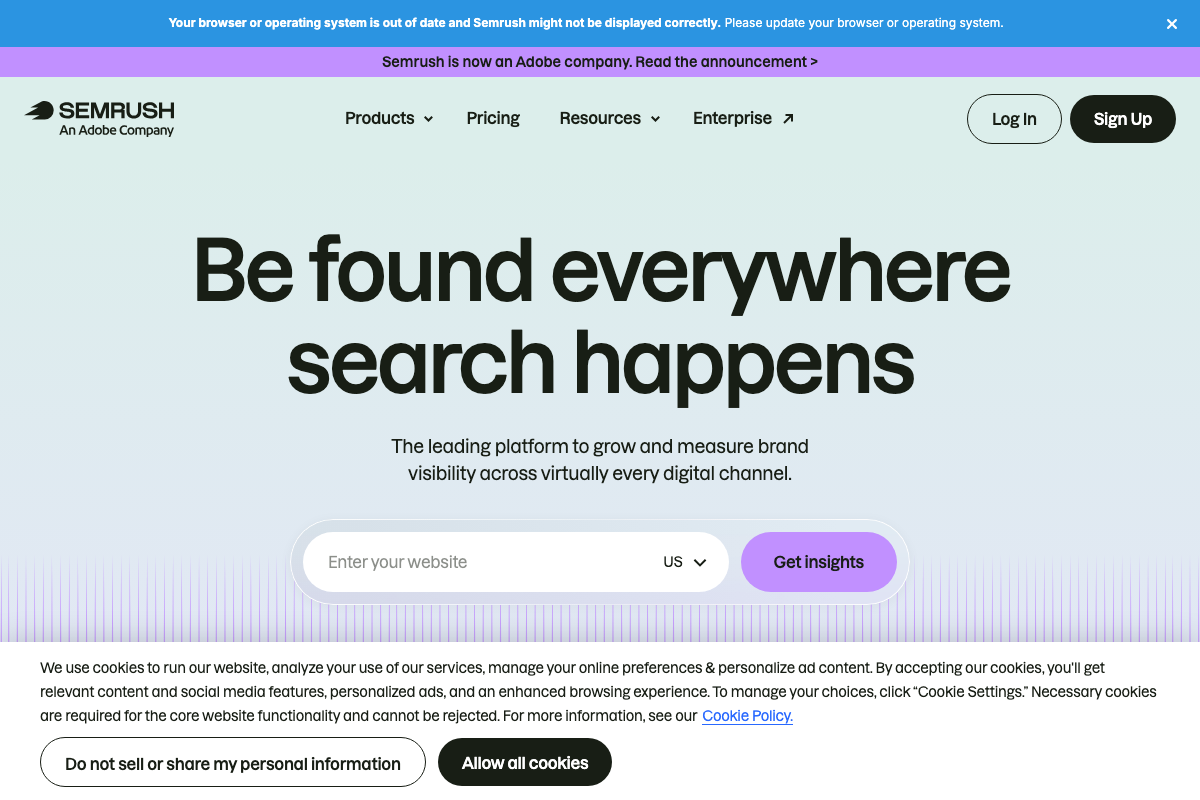
One material update here: Semrush is now an Adobe company, a branding change not reflected in the video. If you’re using Semrush alongside Ahrefs to cross-check traffic geography — the homepage domain insight field defaults to US country selection, which is directly relevant to the geo-verification step — you’ll see “An Adobe Company” in the header. The underlying traffic analysis toolset remains intact.
No official documentation was found for the page-level traffic QA workflow in this step — proceed using the video’s approach and verify independently.
Step 7 — Walk away from sites with spikes, thin content, link overload, or declining traffic
The disqualifying thresholds cited in the tutorial — more than roughly 30 existing outbound links on the insertion page, a traffic decline greater than 20% over the prior six months — do not appear in any Ahrefs documentation visible in the available screenshots. These are practitioner heuristics, not published platform standards.
No official documentation was found for these specific QA thresholds — proceed using the video’s approach and verify independently.
Step 8 — Cold email: sending domains, warmup, and contact sourcing
The video’s approach here matches the current docs exactly for the core contact-sourcing recommendation. Apollo’s knowledge base confirms it supports both Search and Prospecting (filtered contact discovery) and a full Engage suite covering sequences, email writing strategy, and email tracking — all capabilities consistent with the outreach workflow described in the tutorial.
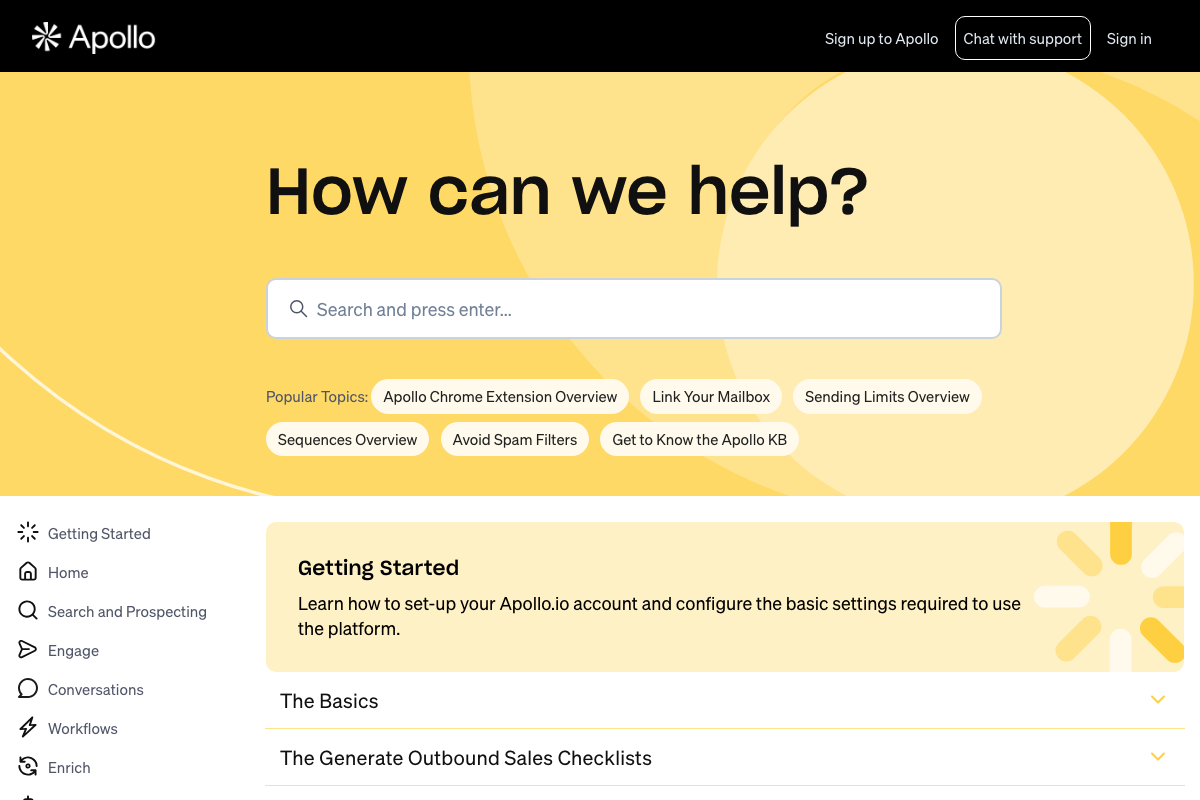
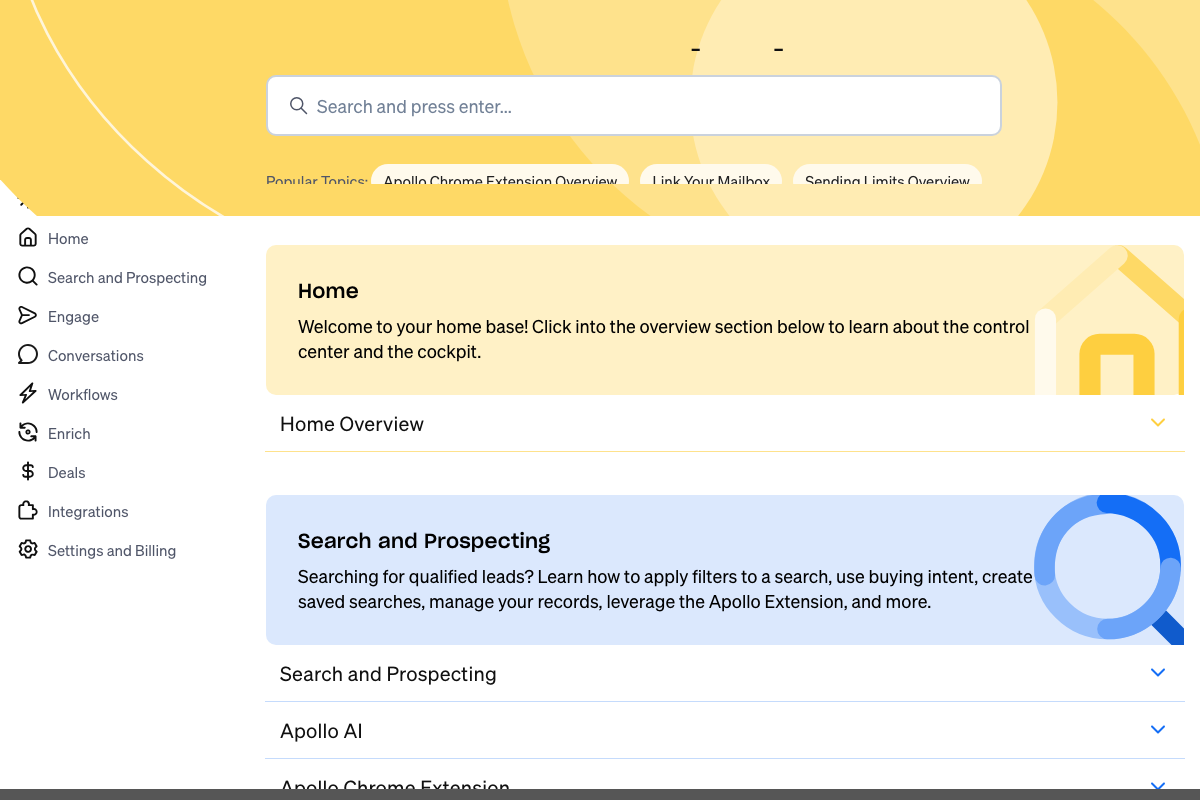

A few extensions worth adding to this step:
Apollo is a fuller platform than the video implies. In addition to contact lookup, Apollo documents sequences for multi-touch follow-up, an AI prospecting layer, a dialer, and data enrichment — tools that can meaningfully accelerate outreach at scale.
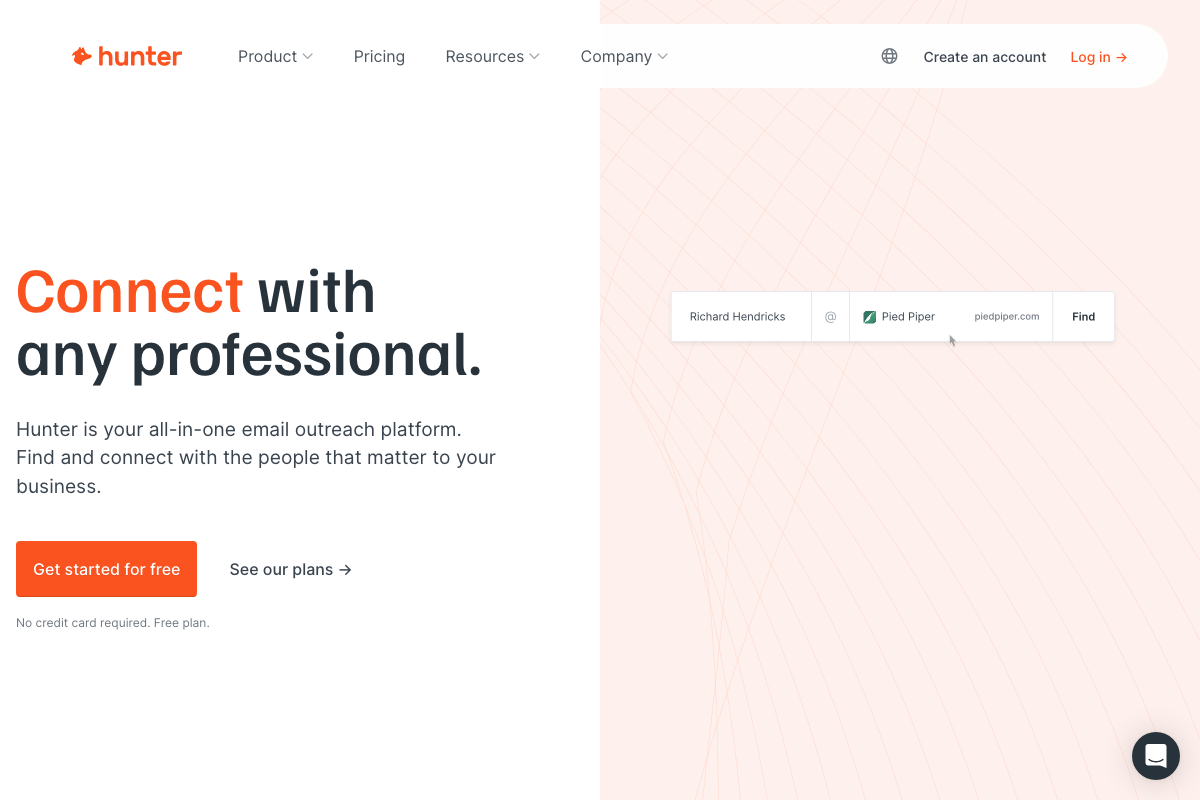
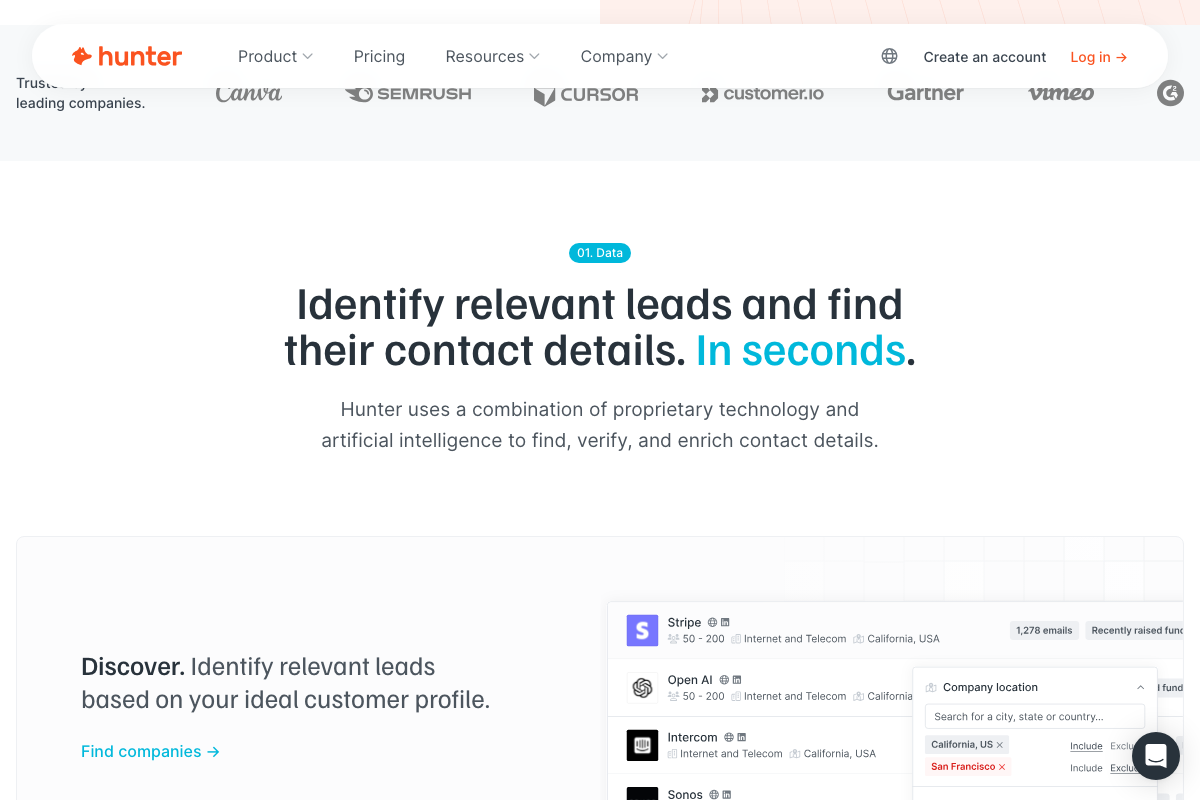
Hunter.io includes an Email Verifier the video skips entirely. Hunter.io’s documentation describes the Email Verifier as a tool to “avoid bounces and protect your sender reputation” — which maps directly to the domain warmup process the tutorial recommends. Running prospects through Email Verifier before sending protects the deliverability of domains you’ve spent time warming up. Hunter.io also offers a free plan with no credit card required, consistent with the low-budget entry point in Step 1.

Step 9 — Write every insertion as native copy; skip forced placements
No official documentation was found for this step — proceed using the video’s approach and verify independently.
Useful Links
- Ahrefs — AI Marketing Platform Powered by Big Data — Current homepage for Ahrefs, confirming its repositioning as an AI Marketing Platform with a free starting tier alongside its core backlink analysis toolset.
- Semrush: Your Unfair Advantage for Growing Brand Visibility — Current homepage for Semrush, now an Adobe company, with a domain insights entry field and country selector relevant to geo-targeted traffic verification.
- Apollo Knowledge Base — Official Apollo help center covering Search and Prospecting, Engage sequences, email strategy, spam filter avoidance, and AI prospecting features.
- Hunter.io — Find email addresses and send cold emails — Hunter.io homepage documenting Domain Search, Email Finder with confidence scoring, and the Email Verifier tool for sender reputation protection.


0 Comments