

Keyword Cannibalization: Identify, Diagnose, and Fix Competing Pages
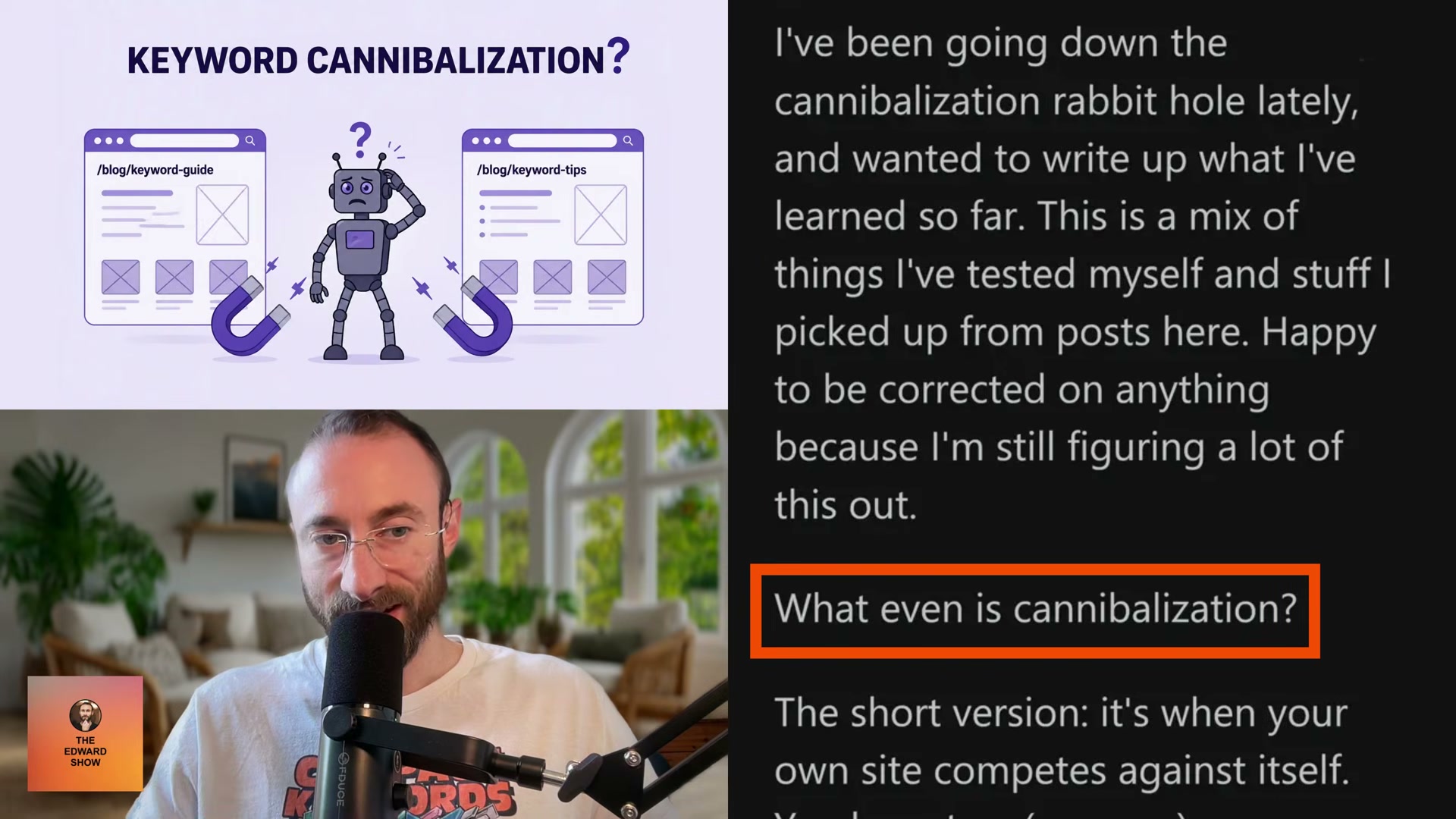
When two pages on your site target the same keyword, Google doesn’t reward both — it picks one, suppresses the other, and splits authority between them. Position volatility and stagnating rankings are often symptoms of this self-competition, not external pressure. By the end of this tutorial, you’ll be able to confirm cannibalization using Search Console data, choose the right page to keep, and execute a consolidation that transfers ranking equity to a single winner.
-
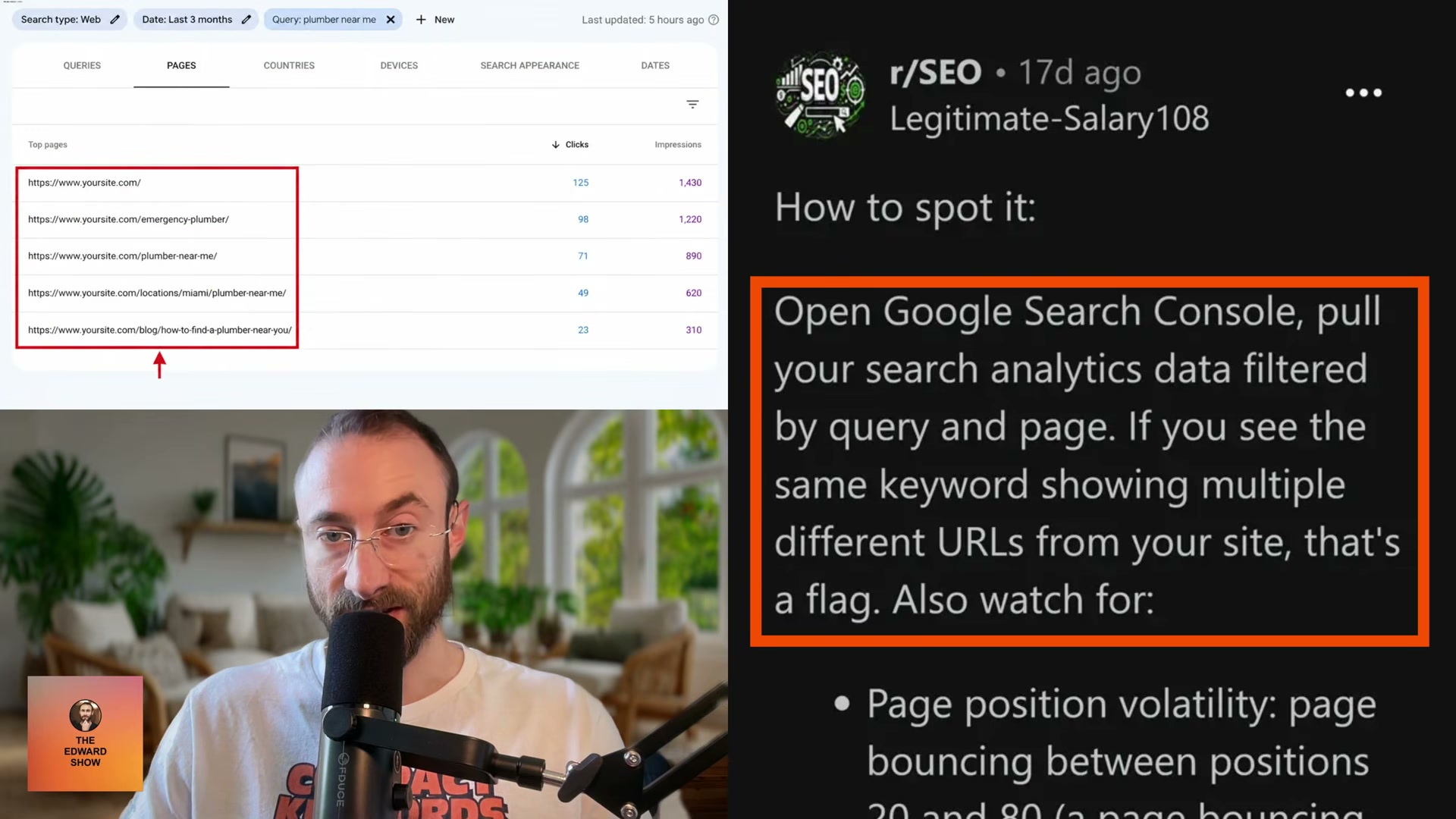
Open Google Search Console and pull Search Analytics data filtered by both Query and Page simultaneously. The dual filter is what makes the overlap visible — looking at queries alone won’t surface which URLs are competing against each other.
-
Scan the results for any query where multiple different URLs from your domain appear. Two or more of your own pages listed for the same keyword is the primary cannibalization signal.
-
Identify pages bouncing between positions 20 and 80. That band of instability typically means Google is rotating between competing pages rather than committing to one. High impressions paired with low clicks spread across several pages for the same query reinforces the diagnosis.
-
Run a
site:yourdomain.com keywordsearch directly in Google. Three or more of your own domain results for the same topic confirms overlapping content competing in the index. -
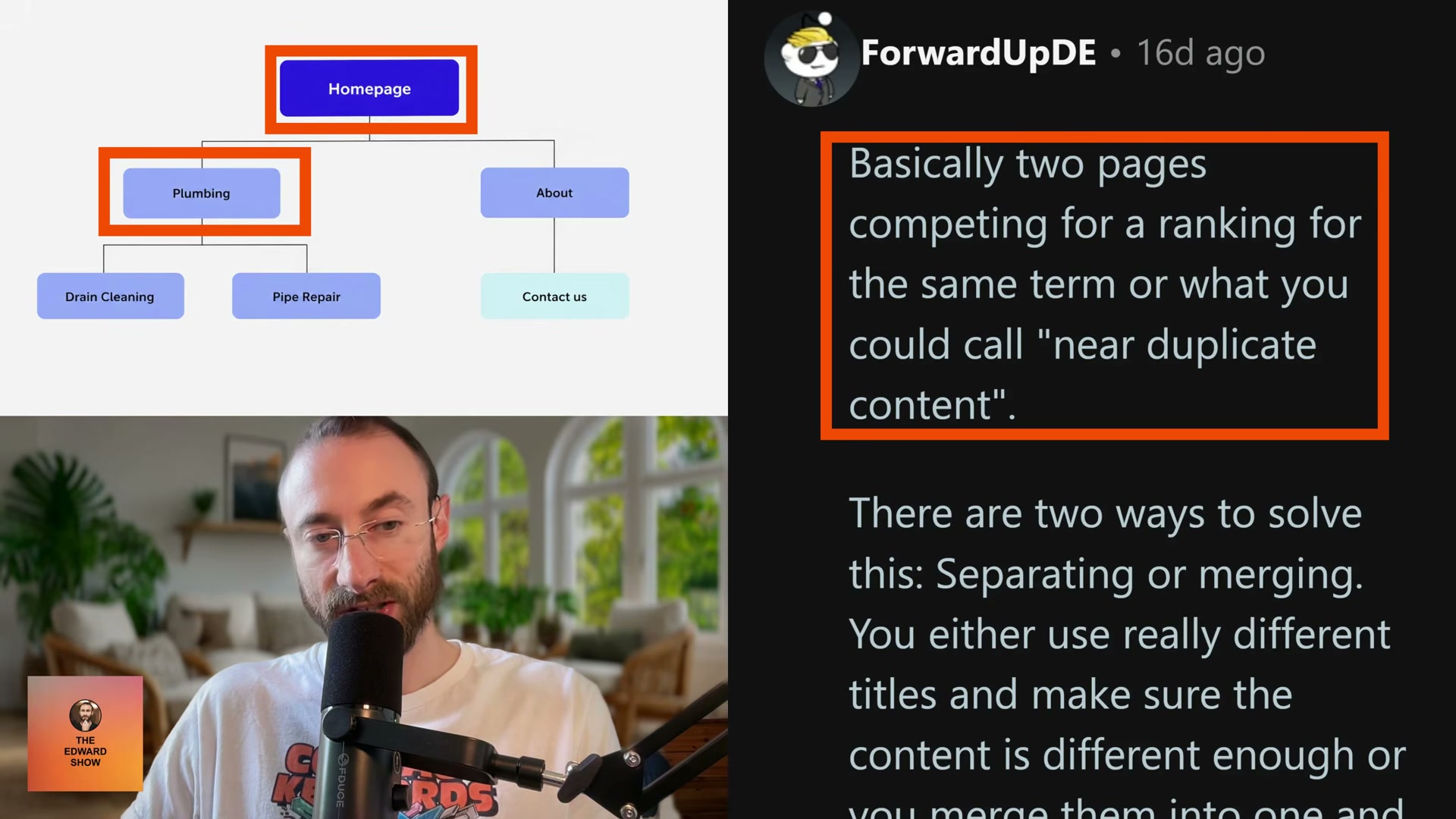
Apply the SERP overlap method: manually compare the top-10 results for two pages you suspect are cannibalizing each other. More than 70% overlap between those result sets means Google treats them as the same intent. When overlap confirms the collision, consolidate around the keyword with higher search volume.
- Select the winning page by measuring three signals: current ranking position for the target query, total clicks over the last 90 days, and backlink count. The page that leads across those three becomes the keeper. If two pages are statistically close on all three, keep the one with fewer incoming internal links — it reduces the update work required across the rest of the site.
-
Read through every losing page before touching anything. Extract any unique content not already covered in the winning page and migrate it in. Then set the losing pages to draft or delete them outright.
-
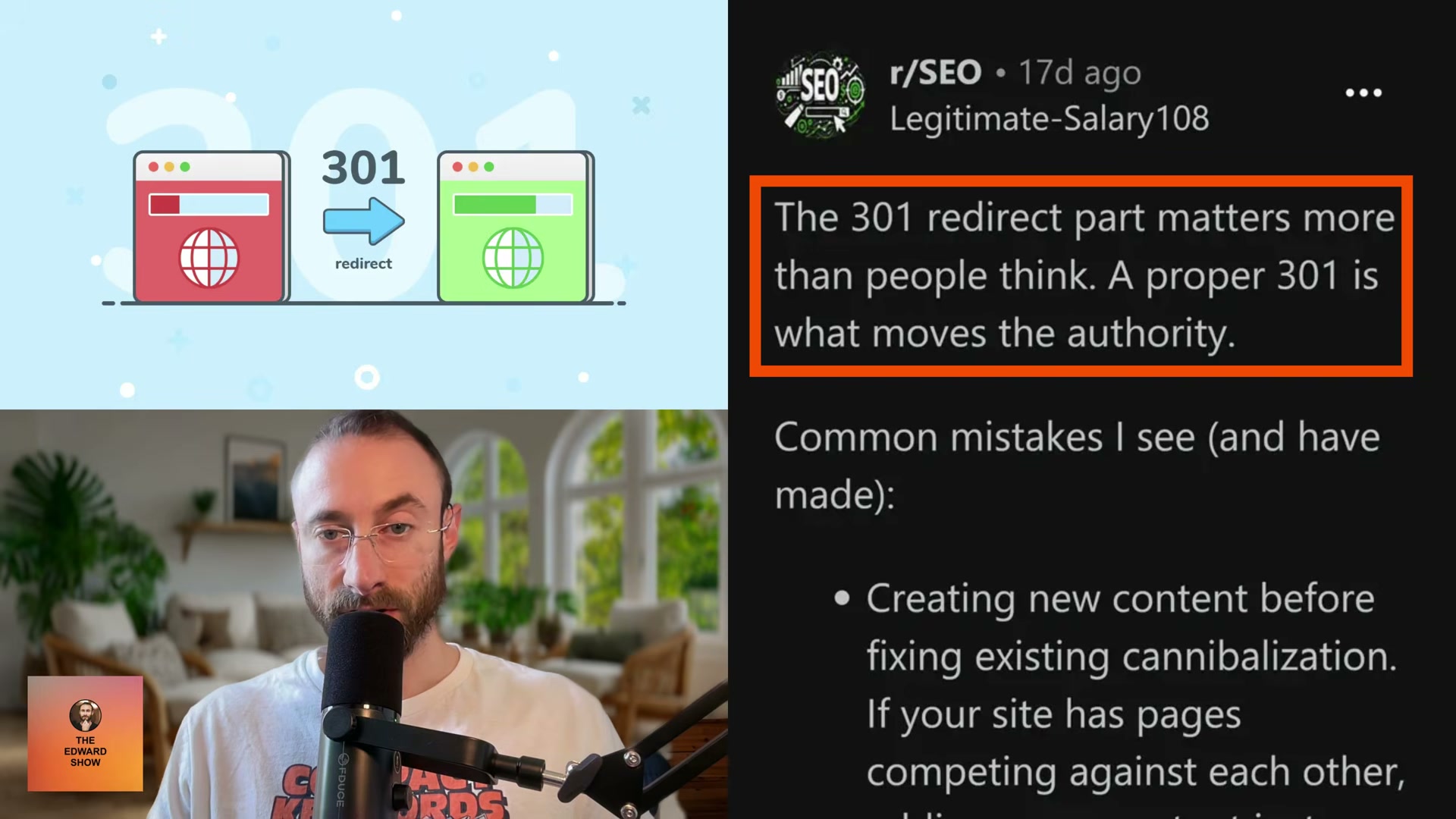
Set up 301 redirects from each losing page URL to the winning page. The 301 is what transfers link equity — a canonical tag is not an equivalent substitute.
Warning: this step may differ from current official documentation — see the verified version below.
-
Update every internal link across your site that previously pointed to the losing pages. Stale internal links partially undo the consolidation signal you’re sending to Google.
-
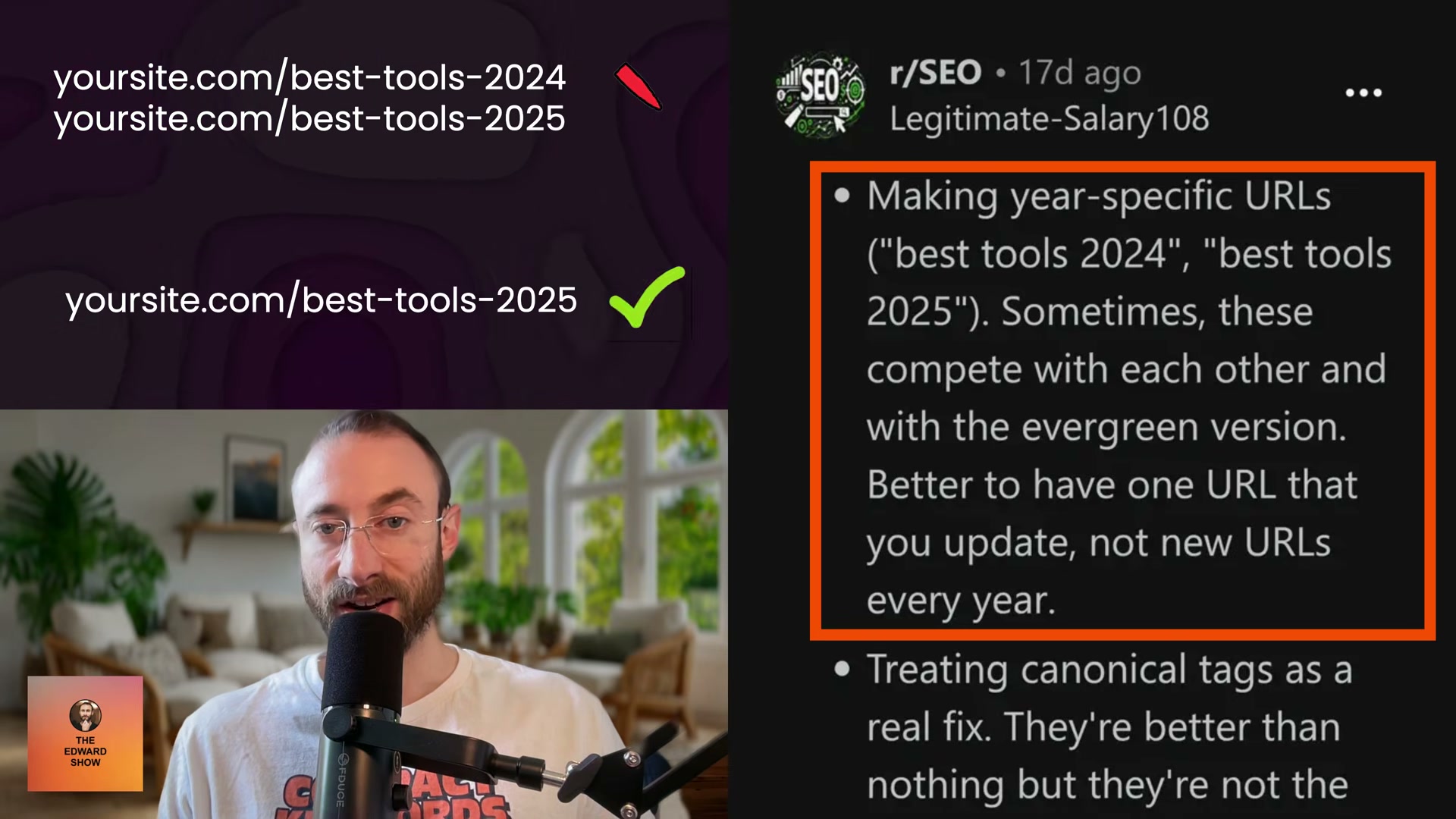
Stop creating year-stamped URLs such as
/best-tools-2024and/best-tools-2025. Each annual URL fragments authority from the previous year and from any evergreen version — one URL updated annually outperforms a new slug each cycle.
- In week one post-consolidation, verify all redirects resolve correctly and check for 404 errors. From week two onward, expect temporary position volatility while Google re-evaluates — the winning page should stabilize at a stronger position and total clicks for the target keyword should increase.
How does this compare to the official docs?
Google’s own documentation on canonicalization, duplicate content handling, and redirect implementation addresses these mechanics directly — and in a few places, draws the lines differently than the video does.
Here’s What the Official Docs Show
The video’s workflow is sound, and for the three steps where documentation screenshots are available, the approach holds up cleanly. What follows adds platform context that has shifted since the video was recorded and flags the steps that couldn’t be confirmed from the available sources.
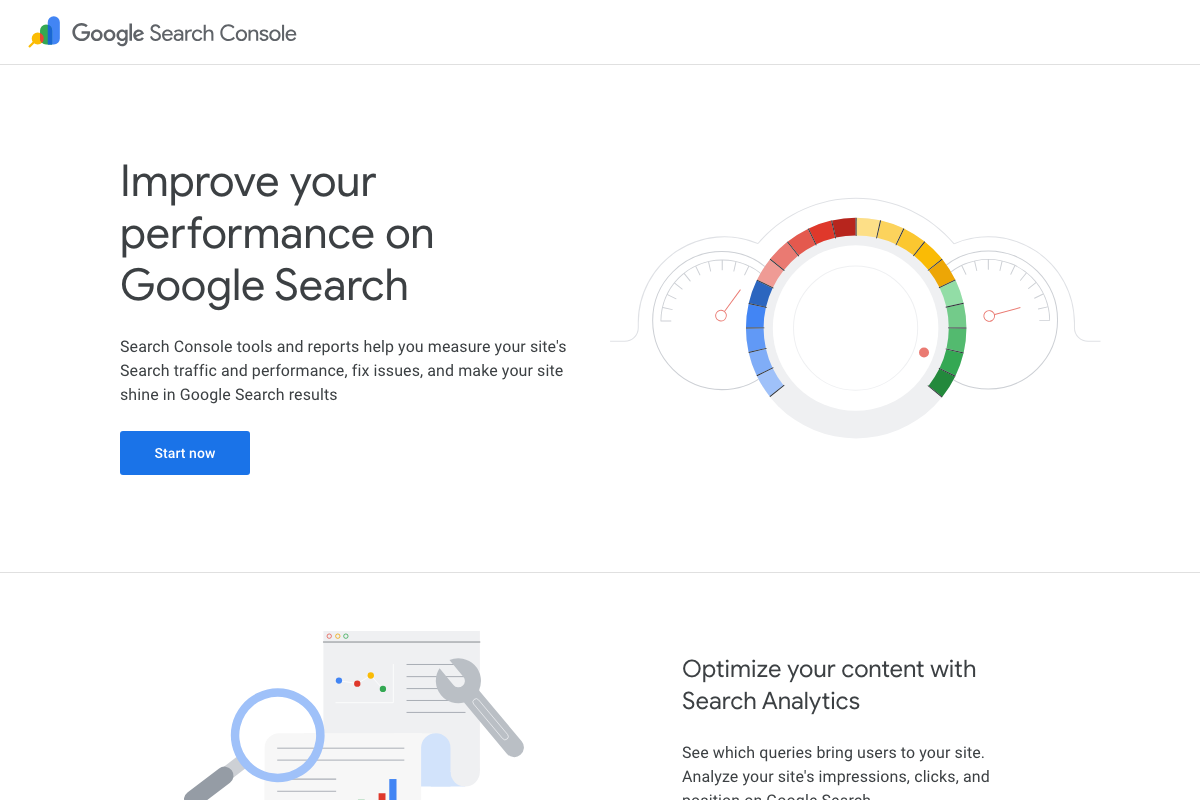
- Pull GSC Search Analytics filtered by Query and Page simultaneously. Google’s own product copy confirms Search Console tracks queries, impressions, clicks, and position — the exact metrics this step depends on. The video’s approach here matches the current docs exactly. One note: the screenshots available show the GSC marketing page rather than the Performance Report interface itself; the dual Query + Page filter is a confirmed GSC capability, but its UI is not pictured here.
- Scan for queries where multiple URLs appear.
No official documentation was found for this step — proceed using the video’s approach and verify independently.
- Identify pages bouncing between positions 20–80.
No official documentation was found for this step — proceed using the video’s approach and verify independently.
- Run a
site:yourdomain.com keywordsearch in Google. The video’s approach here matches the current docs exactly. The site: operator is available in the current Google search bar exactly as described.
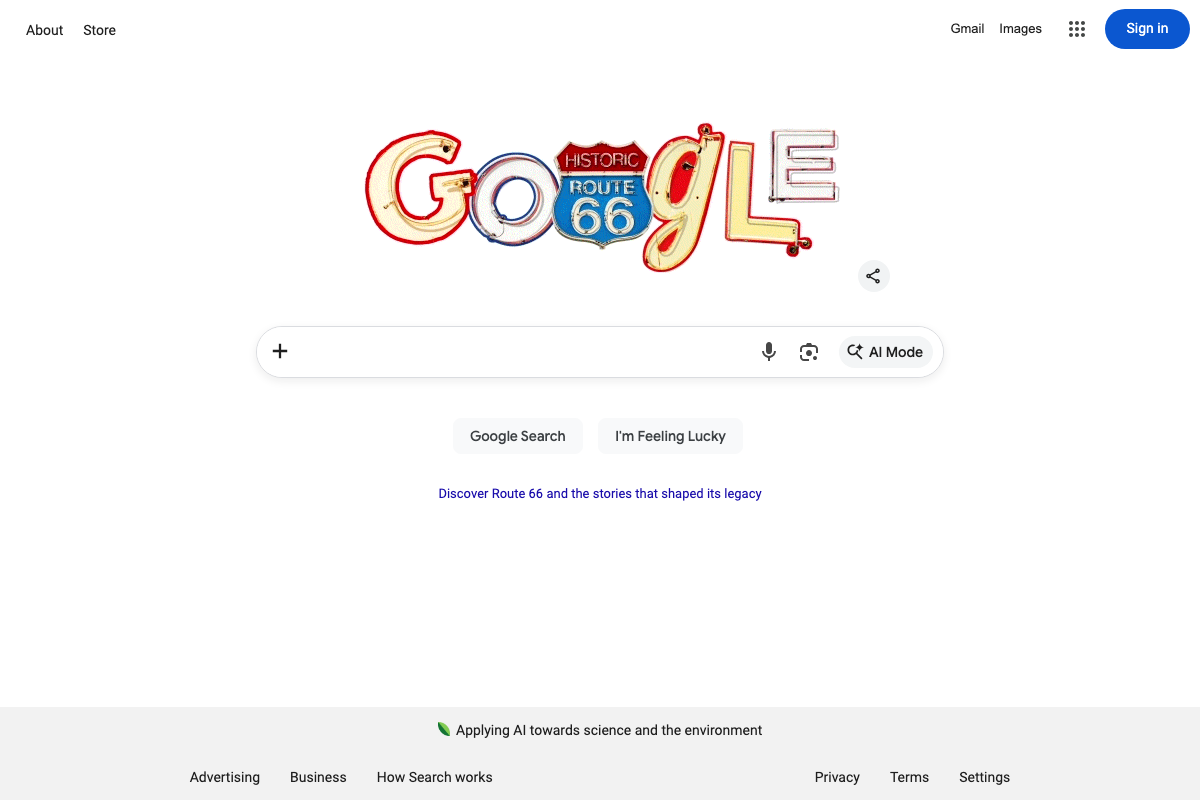
One UI change worth noting: Google’s search bar now includes an “AI Mode” button absent from older tutorial recordings. The operator syntax is unchanged, but the results page may look different from what the video shows.
- Apply the SERP overlap method. The video’s approach here matches the current docs exactly. One limitation the tutorial does not address: the site: operator returns only a sample of indexed pages, not a complete count. A practitioner-documented case in r/SEO showed 800 of 19,000 GSC-indexed pages surfacing via site: — your actual competing URL count may be higher than the operator reveals. Cross-check with GSC’s Coverage report for a fuller picture.

- Select the winning page using ranking position, clicks, and backlink count.
No official documentation was found for this step — proceed using the video’s approach and verify independently.
If you use Moz for the backlink and ranking comparison, note that as of April 2026 the platform has added an AI Visibility Dashboard as a flagship new feature. The ranking and backlink data the tutorial relies on remains in the product, but the interface has expanded substantially beyond traditional SEO metrics.

- Extract unique content from losing pages and migrate it before removal.
No official documentation was found for this step — proceed using the video’s approach and verify independently.
- Set 301 redirects from each losing page to the winning page.
No official documentation was found for this step — proceed using the video’s approach and verify independently.
- Update all internal links that previously pointed to the losing pages.
No official documentation was found for this step — proceed using the video’s approach and verify independently.
- Stop creating year-stamped URLs — maintain one evergreen URL updated annually.
No official documentation was found for this step — proceed using the video’s approach and verify independently.
- Monitor post-consolidation: verify redirects in week one, expect position volatility in week two.
No official documentation was found for this step — proceed using the video’s approach and verify independently.
Useful Links
- Google Search Console — Official about page confirming Search Analytics tracks queries, impressions, clicks, and position for measuring site search performance
- Search Engine Optimization: The Latest SEO News — Active practitioner community (86K weekly visitors) where the site: operator’s index coverage gap, directly relevant to step 5, is documented in member posts
- Moz – SEO Software for Smarter Marketing — Moz Pro platform page confirming backlink analysis and keyword ranking tracking capabilities, now expanded with an AI Visibility Dashboard as a primary product feature


0 Comments