

Apply Google’s Non-Commodity Content Framework to Build Keyword-Targeted Titles That Click
Google has been signaling for years that generic, template-driven content is losing ground in search. A framework presented at Search Central Live Toronto crystallized that shift with a name: commodity versus non-commodity content. After working through this tutorial, you’ll know how to use a ChatGPT prompt to generate experience-driven, keyword-first titles for both top-of-funnel and bottom-of-funnel pages — and how to protect existing content from scaled-content penalties before Google’s systems act first.
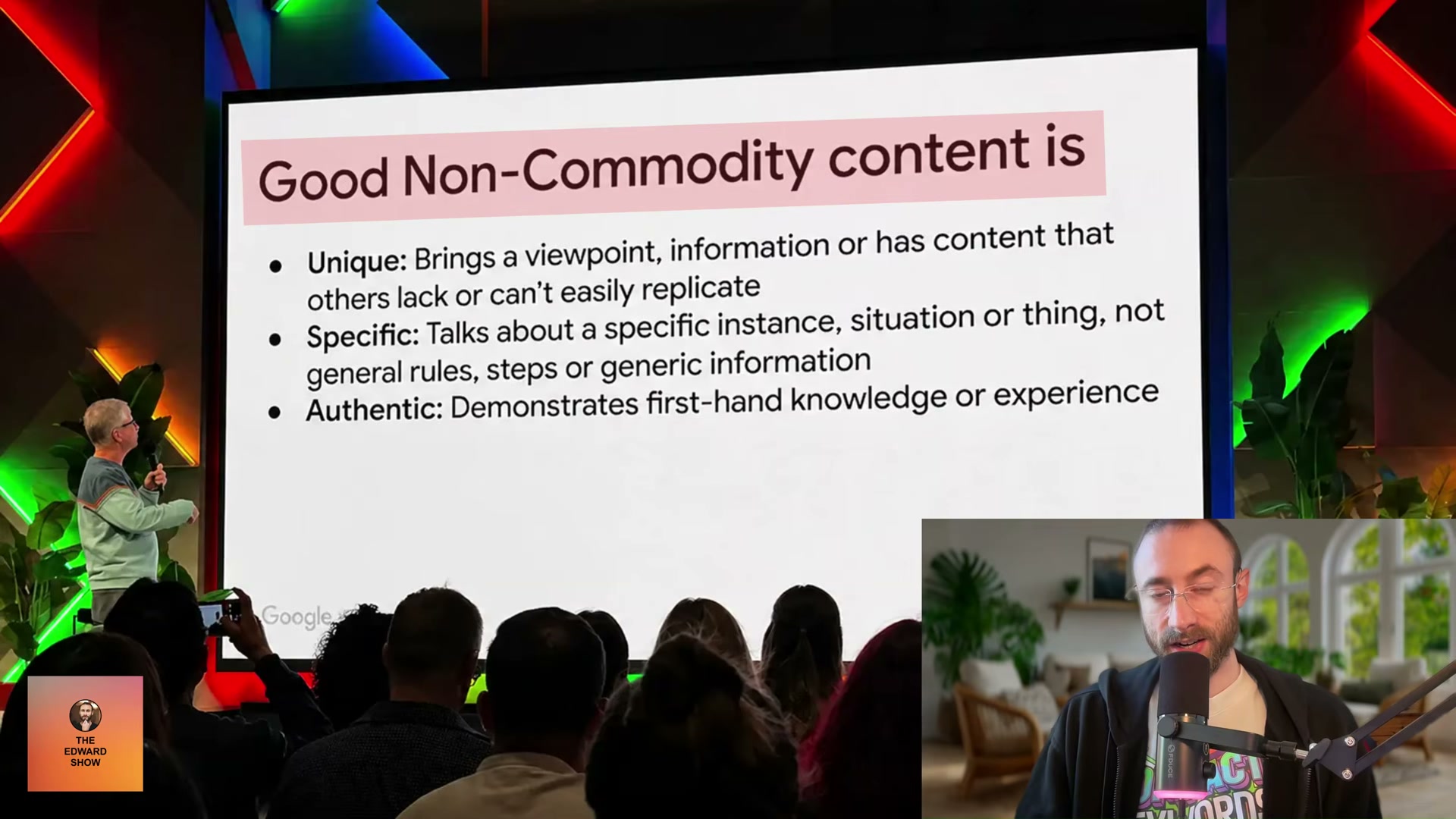
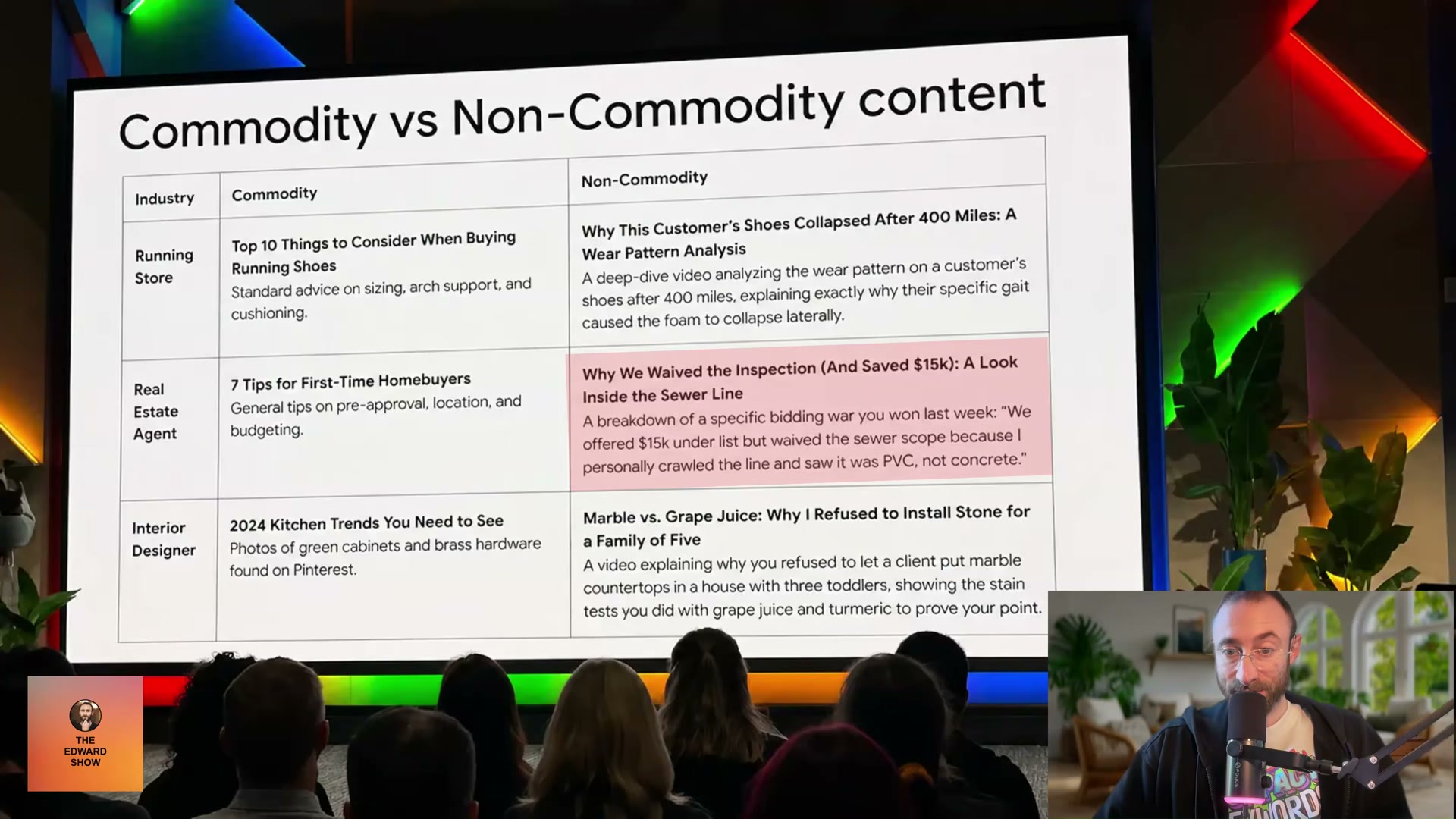
- Download the commodity vs. non-commodity content slide linked in the video description. It defines Google’s three-part standard: non-commodity content is Unique (brings viewpoints others can’t easily replicate), Specific (covers a particular instance rather than general rules), and Authentic (demonstrates firsthand knowledge or experience). Review this before building any titles.
-
Open ChatGPT and paste the slide image — or its text — directly into the prompt. This anchors the model to Google’s actual framework rather than default AI title patterns.
-
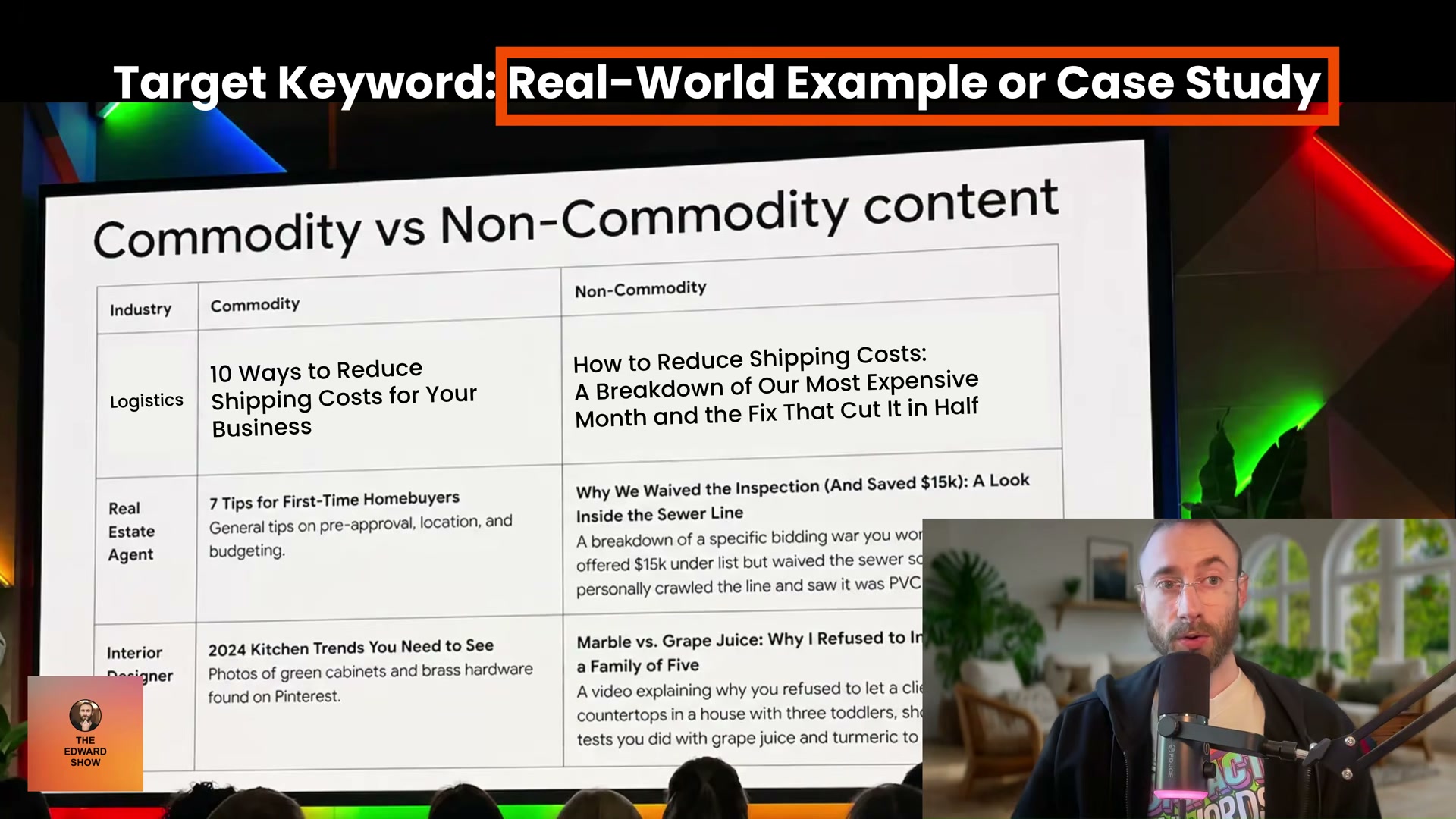
State your target keyword and give one instruction: start the title with that keyword, then generate non-commodity variations. Input something like: “My keyword is ‘how to reduce shipping costs’ — start the title with that, give me some non-commodity titles.” Expect output like How to Reduce Shipping Costs: The Hidden Carrier Fee Killing Your Margins — We Found It by Accident.
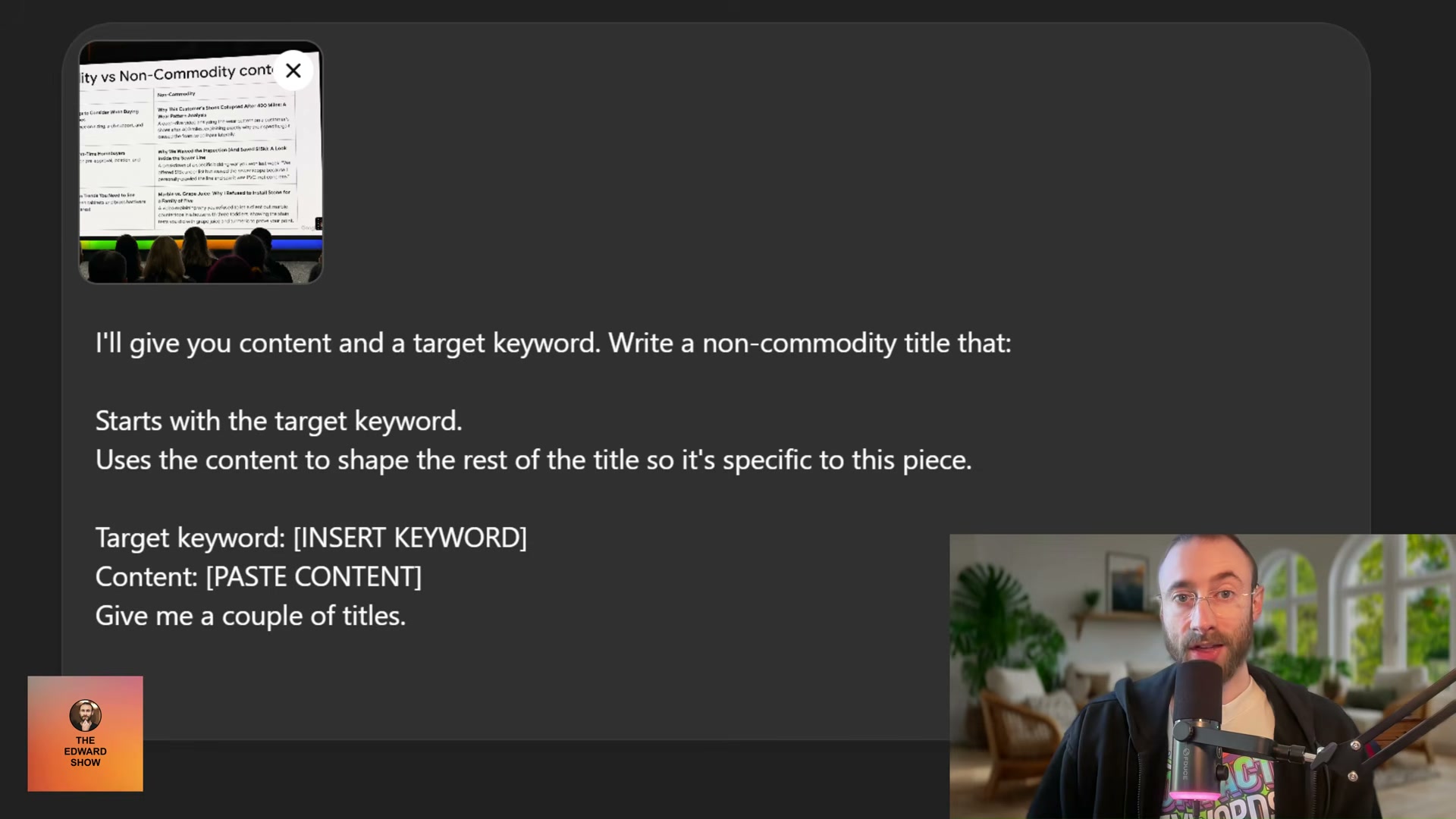
- If the content for that page is already drafted, paste it alongside the keyword and instruct the model to use it when shaping the second half of the title — so the hook reflects something specific to that piece, not a fabricated generic claim. The template below captures this approach in a reusable form.

-
For top-of-funnel content, apply this formula: [Target Keyword] + [real case study or event] + [concrete result]. The keyword establishes relevance; the case study signals firsthand experience; the stated result drives the click over competing listings.
-
For bottom-of-funnel pages, use a different structure: [Target Keyword] | [Benefit the Searcher Wants] | [Brand Name]. The middle element — the searcher’s goal stated explicitly — addresses decision intent and increases dwell time because visitors arrive expecting to be satisfied.
-
Place the target keyword in four locations without exception: the page title, the URL slug, the H1, and the opening sentence of the body copy.
-
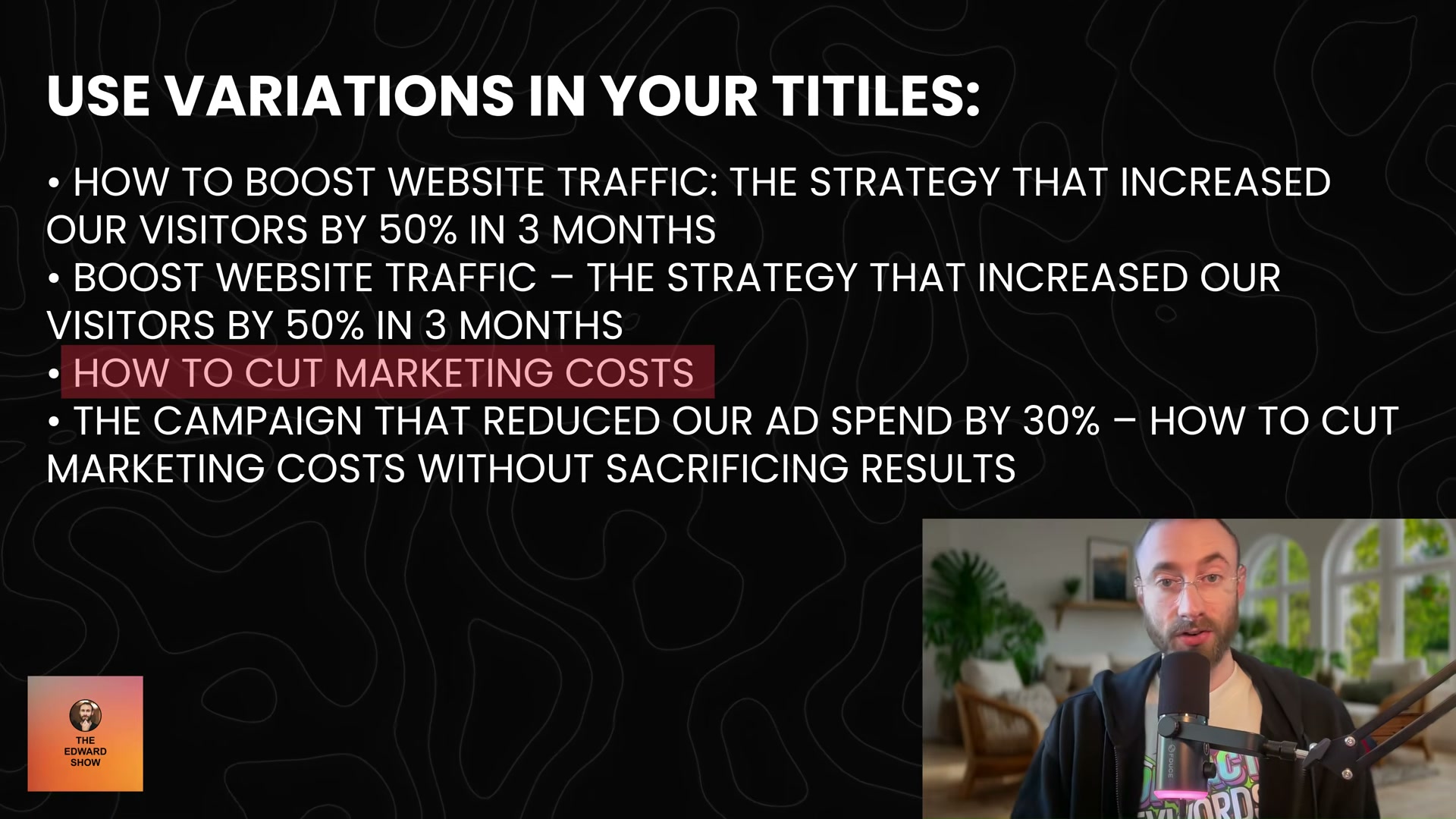
Vary title structure across posts — alternate colons, em-dashes, keyword-first, and keyword-middle formats. Sites where every page title follows an identical template have shown measurable ranking declines, and the helpful content update reinforced that obvious patterning reads as automated production, not editorial judgment.
-
When two related keywords compete for your attention, compare their SERPs. If the overlap is significant, target the higher-volume keyword — ranking for it will pull traffic from the lower-volume variant automatically.
-
Audit existing blog content for scaled or templated pages. Remove thin and duplicate entries before submitting a Search Console reconsideration request; a manual action for scaled content abuse requires demonstrated cleanup on the record, not just a stated intention to change.
How does this compare to the official docs?
The framework here maps closely to Google’s published Search Central guidance, but the official documentation adds precision on keyword placement requirements, title tag length thresholds, and the exact boundary between acceptable AI-assisted writing and spam policy violations that the video covers only at a surface level.
Here’s What the Official Docs Show
The video’s methodology holds up well — the docs confirm the core workflow at every major decision point. What follows works through the same ten steps in order, adding official precision where the documentation extends or qualifies what the tutorial shows.
Step 1 — Download the commodity vs. non-commodity slide
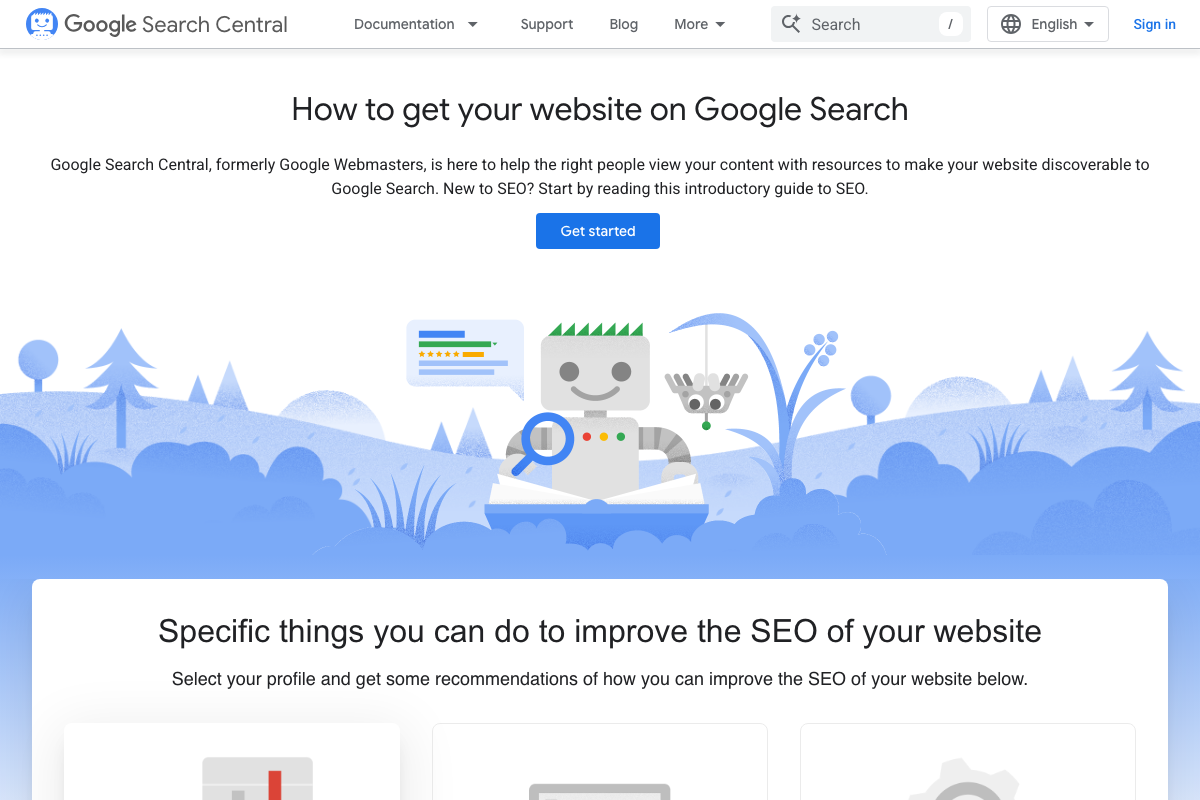
No official documentation was found for this step — proceed using the video’s approach and verify independently.
The screenshots captured the general Search Central homepage, not an event-specific page. The slide originates from a conference presentation not indexed under standing documentation — use the direct link in the video description.
Step 2 — Open ChatGPT and paste the slide image
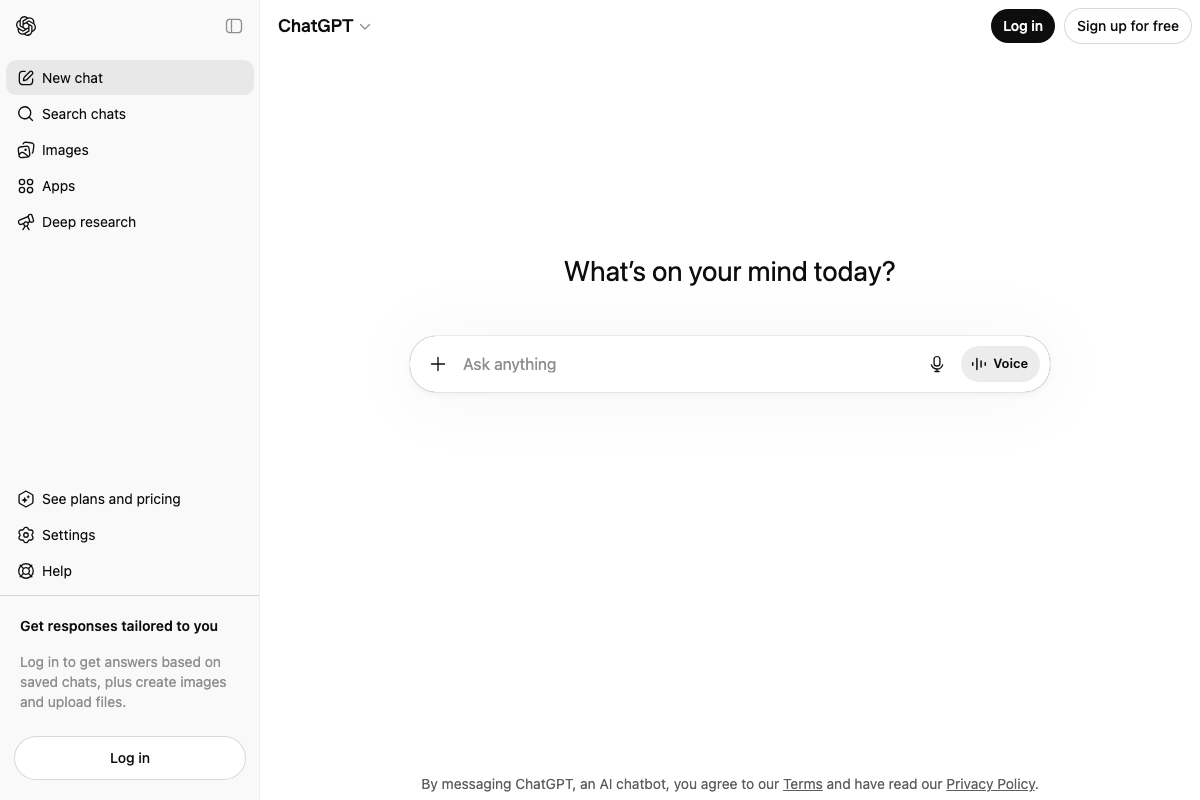
The video’s approach here matches the current docs exactly. One addition: the + attachment button for image upload is restricted to logged-in users. If you’re working unauthenticated, copy the slide text and paste it into the prompt as plain text instead.
Step 3 — State your keyword and request non-commodity title variations

The video’s approach here matches the current docs exactly.
Step 4 — Paste your drafted content to ground the title in real specifics
No official documentation was found for this step — proceed using the video’s approach and verify independently.
Step 5 — Top-of-funnel formula: [Keyword] + [case study] + [result]

No official documentation was found for this step — proceed using the video’s approach and verify independently.
The Discover docs add one guardrail the tutorial doesn’t state: titles must not include “misleading or exaggerated details in preview content.” The result you include must be accurate and demonstrable, not aspirational.
Step 6 — Bottom-of-funnel formula: [Keyword] | [Benefit] | [Brand]
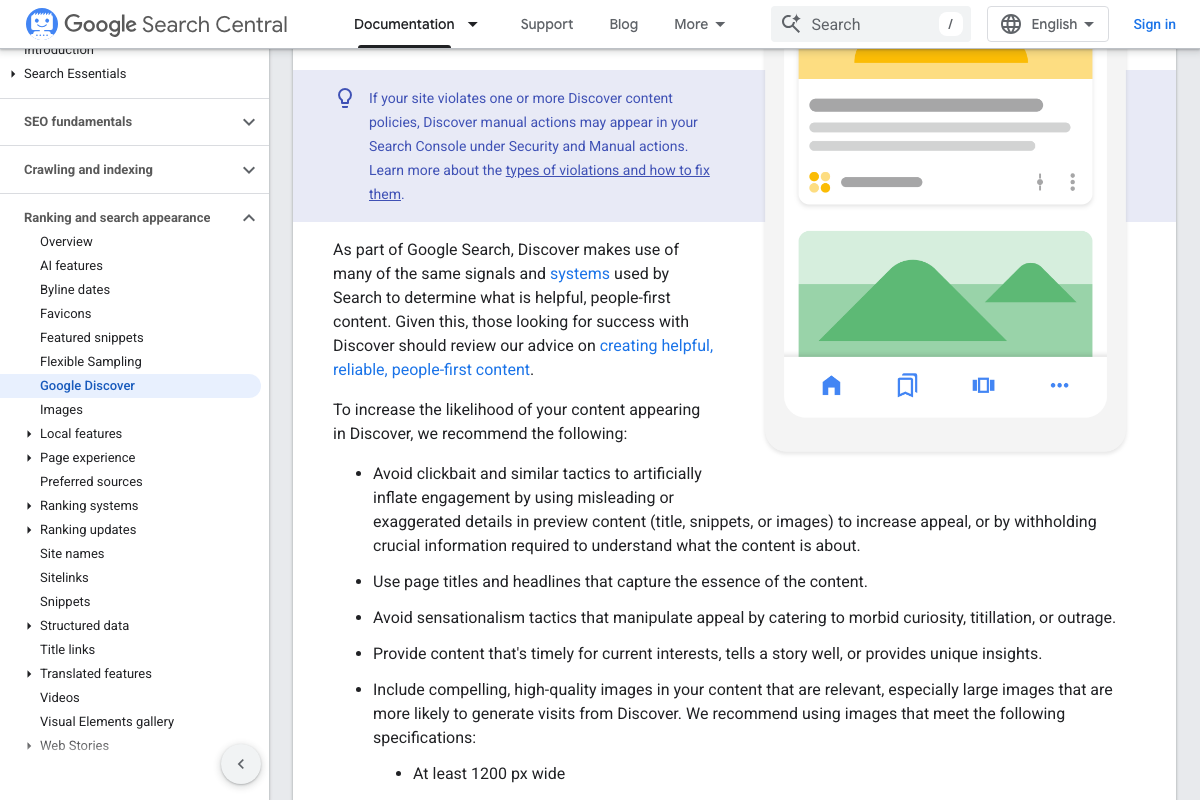
No official documentation was found for this step — proceed using the video’s approach and verify independently.
The pipe-delimited structure is the tutorial creator’s own synthesis — no Google documentation prescribes this exact format. The Discover docs require that titles reflect what the page actually delivers; the benefit element must not be used to inflate clicks.
Step 7 — Place the keyword in the title, URL slug, H1, and opening sentence
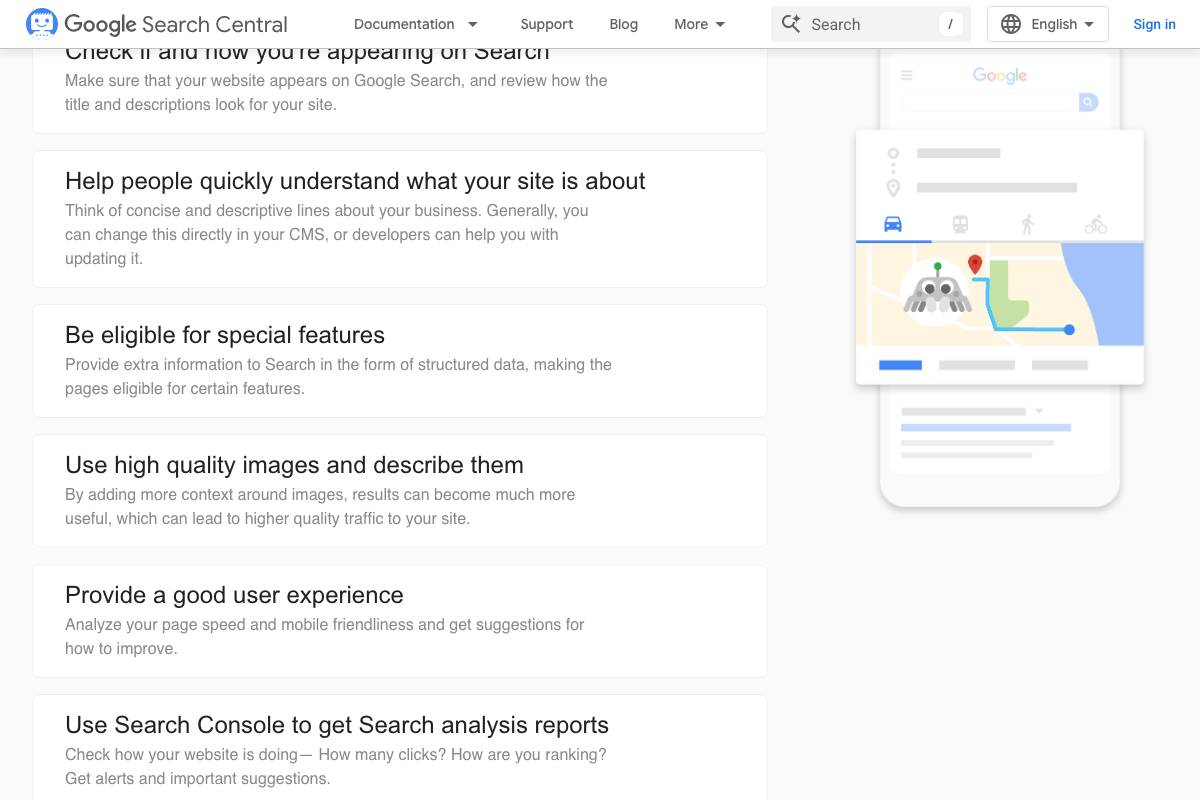
The video’s approach here matches the current docs exactly. The specific four-location rule is the tutorial’s own synthesis, but Search Central’s instruction to review title and description presentation — alongside the Discover docs’ requirement that titles “capture the essence of the content” — confirms the underlying principle.
Step 8 — Vary title structure across posts
The video’s approach here matches the current docs exactly. The Discover docs’ prohibition on patterned, manipulative preview content provides the official rationale: uniform title templates signal automated production to Google’s systems.
Step 9 — Compare SERPs for competing keywords before committing
The video’s approach here matches the current docs exactly. As of April 2026, Google’s interface includes an “AI Mode” button — run your SERP overlap analysis in standard search mode only, as AI Mode returns a structurally different competitor set than traditional organic results and will skew the comparison.
Step 10 — Audit thin content and submit a Search Console reconsideration request
The video’s approach here matches the current docs exactly. One practical addition: the “Request review” function is located inside the Manual Actions report within an authenticated Search Console property — site ownership verification must be completed before you can access it. The landing page shown here is not where the submission happens.
Useful Links
- ChatGPT — The AI interface used for keyword-prompt workflows in steps 2–4; image and file upload require a logged-in account.
- Google Search Central — Official hub for Google’s SEO documentation, covering title review, structured data, and Search Console integration referenced in steps 7 and 10.
- Get on Discover | Google Search Central — Official Discover eligibility and best-practice documentation, including title quality rules and the unpredictability of Discover traffic that apply to steps 5–8.
- Google Search Console — Performance monitoring and manual review request tool referenced in step 10; property ownership verification required before submitting a reconsideration request.
- Google Search — SERP research entry point for step 9’s keyword overlap analysis; use standard search mode rather than AI Mode for traditional organic competitor comparison.


0 Comments