

Claude Code for Business Owners: Five Concepts That Actually Matter
Claude Code sits in a different category from the AI chat tools you already use — it doesn’t respond, it acts. By the end of this tutorial you’ll understand the five building blocks that make Claude Code useful for non-technical business owners: prompts, CLAUDE.md, skills, MCP server integrations, and context window management. You’ll also have a clear picture of when the tool is — and isn’t — worth your time.
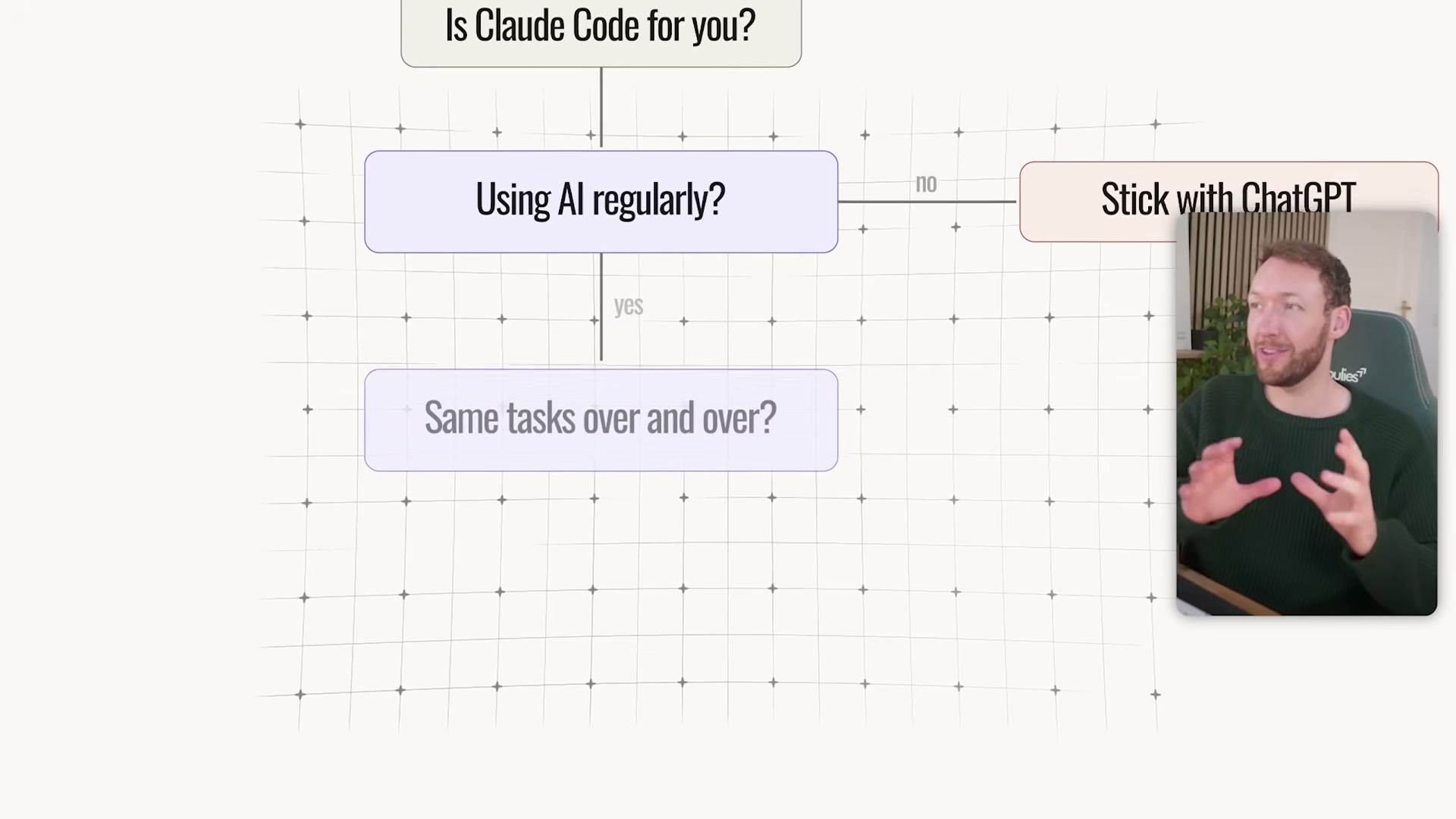
- Run yourself through the qualification filter before investing another minute. Claude Code makes sense if you’re already using AI regularly in your business, if you’re repeating the same tasks week after week (social content, reports, customer emails), and if those tasks are costing you five or more hours weekly. Add one final check: are you willing to spend a few days on setup? The tool rewards that investment, but it isn’t a magic button.
-
Reframe what the tool actually does. Chatbots — ChatGPT, Claude.ai, Gemini — can only respond. Claude Code runs on your machine and takes actions: creating files, building pages, organizing folders, and connecting to your business tools. The distinction matters because advice and action produce completely different outcomes for your workflow.
-
Understand where Claude Code sits relative to Claude’s Computer Use feature. The creator positions Claude Code as the more transparent option: every file read and every change made is visible in the terminal, and credential management for external tool connections is more flexible than in newer desktop alternatives. That visibility becomes important once you’re running automations against live business data.

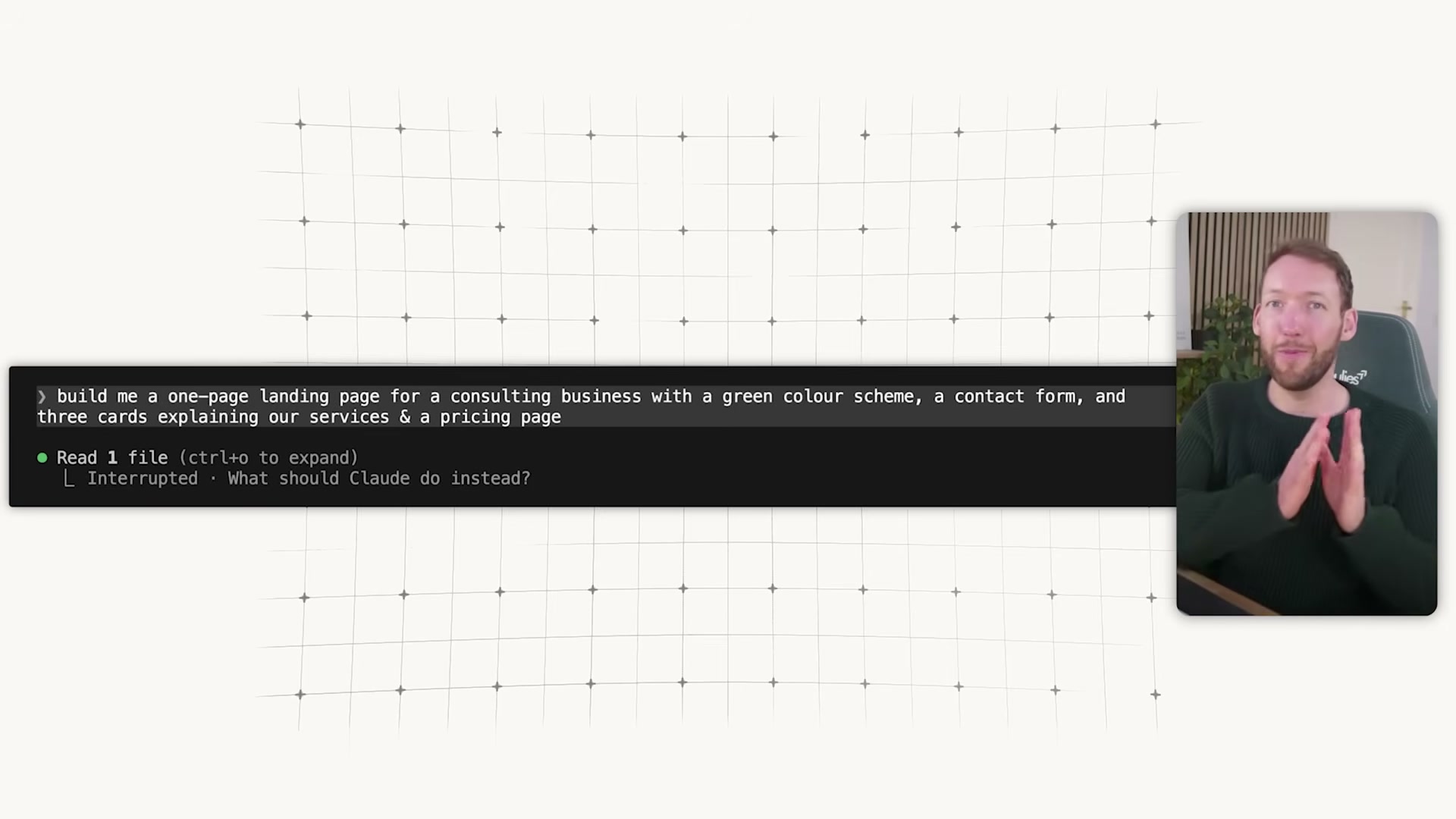
- Master prompts first. A prompt is plain English — no syntax, no code. Specificity is the only lever. Swap “build me a website” for a full description: color scheme, layout sections, forms, pricing page. Beyond text, you can paste a screenshot of a design you want to replicate or hand Claude a live URL and tell it to pull design inspiration directly from the page.
-
Create your CLAUDE.md file. This is a persistent instruction file Claude reads at the start of every session. Write your brand voice, target audience, formatting preferences, and business context once — Claude loads them automatically before you type a single word. It’s the difference between a generalist assistant and one that already knows your rules.
-
Add skills for repeatable processes. A skill is a specialist playbook: a markdown file that encodes a proven process so Claude executes it the same way every time. Build your own for workflows you repeat regularly. Alternatively, install community plugins — pre-packaged bundles of skills and agents built by other practitioners — to skip the build-from-scratch phase.
-
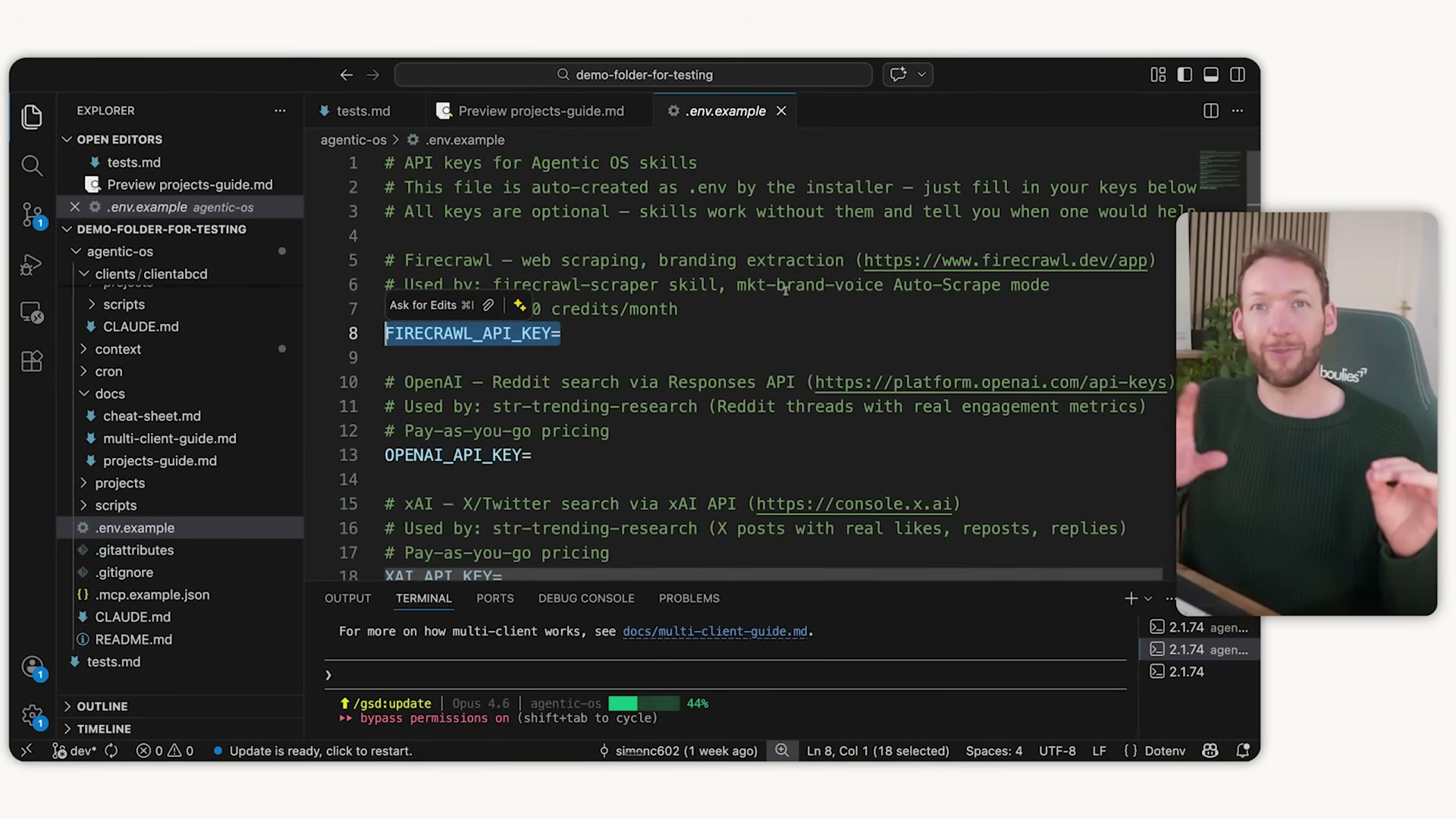
Connect external tools via MCP servers. MCP (Model Context Protocol) is the standard that lets Claude Code reach outside your local machine into Notion, Airtable, your CRM, Slack, email, Shopify, and more. Once connected, Claude can pull records, update entries, and push content across your stack from a single conversation. Be intentional about the number of active connections — each MCP server consumes context window capacity, and overloading connections degrades output quality.

-
Treat the context window as a perishable resource. Everything Claude reads and generates — files, responses, corrections, prior conversations — occupies its short-term memory. When that memory fills with stale content, outputs drift and instructions get dropped. Run one task per conversation. Use
/compactto summarize a long thread without losing its thread, or/clearto start fresh. Keep your CLAUDE.md and skill files lean; use modular reference files rather than one sprawling document. -
Put the five concepts together with a concrete example. An e-commerce operator stores brand voice and product catalog rules in CLAUDE.md, loads a copywriting skill that enforces tone, and connects MCP servers for Shopify, email, and analytics. A single Monday morning prompt pulls twelve product records and returns finished descriptions — no manual steps between data and deliverable.
How does this compare to the official docs?
The five-concept framework is a practitioner’s abstraction, not Anthropic’s own onboarding path — and the official documentation covers several of these areas with different terminology, updated command syntax, and a few caveats the video doesn’t surface.
Here’s What the Official Docs Show
The video’s five-concept framework holds up well against the official documentation, which adds a few details that didn’t make it into the 14-minute runtime. What follows covers the same concepts in the same order — with the docs filling the gaps.
Concept 1: The qualification filter
No official documentation was found for this step — proceed using the video’s approach and verify independently.
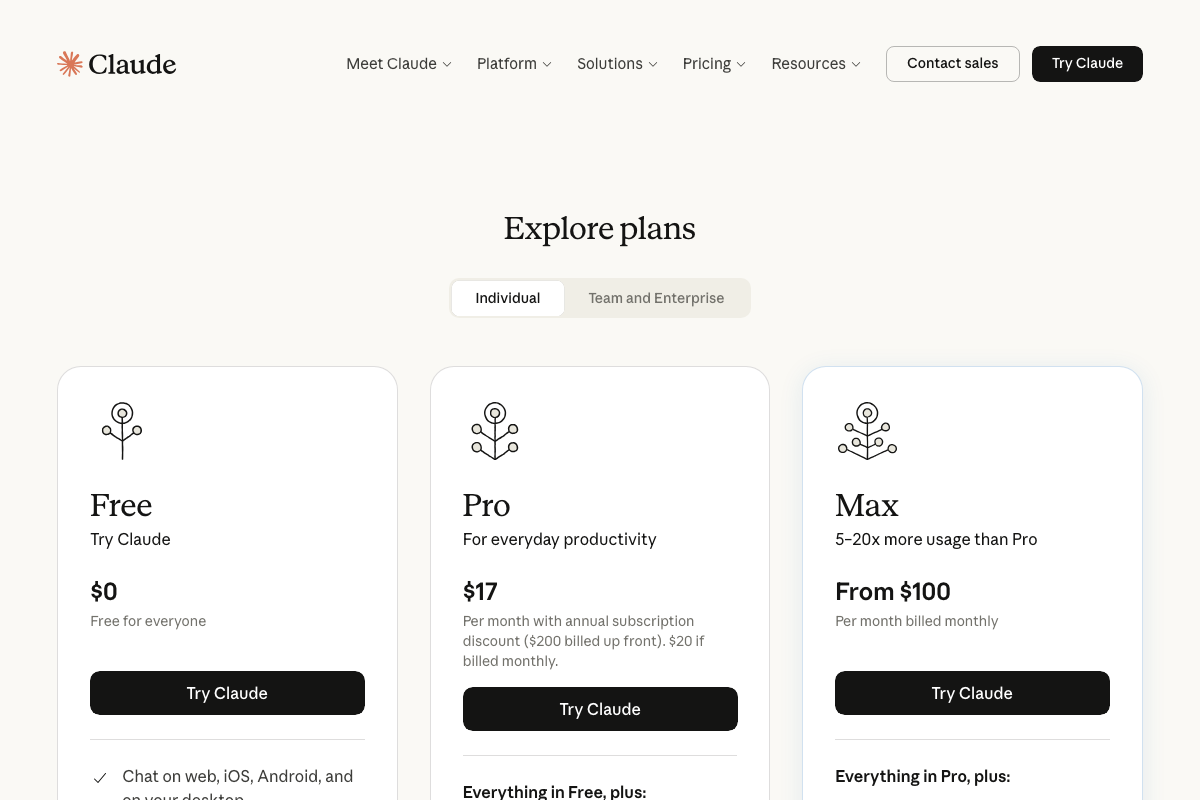
One gap the docs do fill: pricing. The official plans page shows Free ($0), Pro ($17/mo annual), and Max (from $100/mo). The video’s qualification checklist doesn’t mention subscription cost — worth knowing before committing to setup time.
Concept 2: Action vs. advice
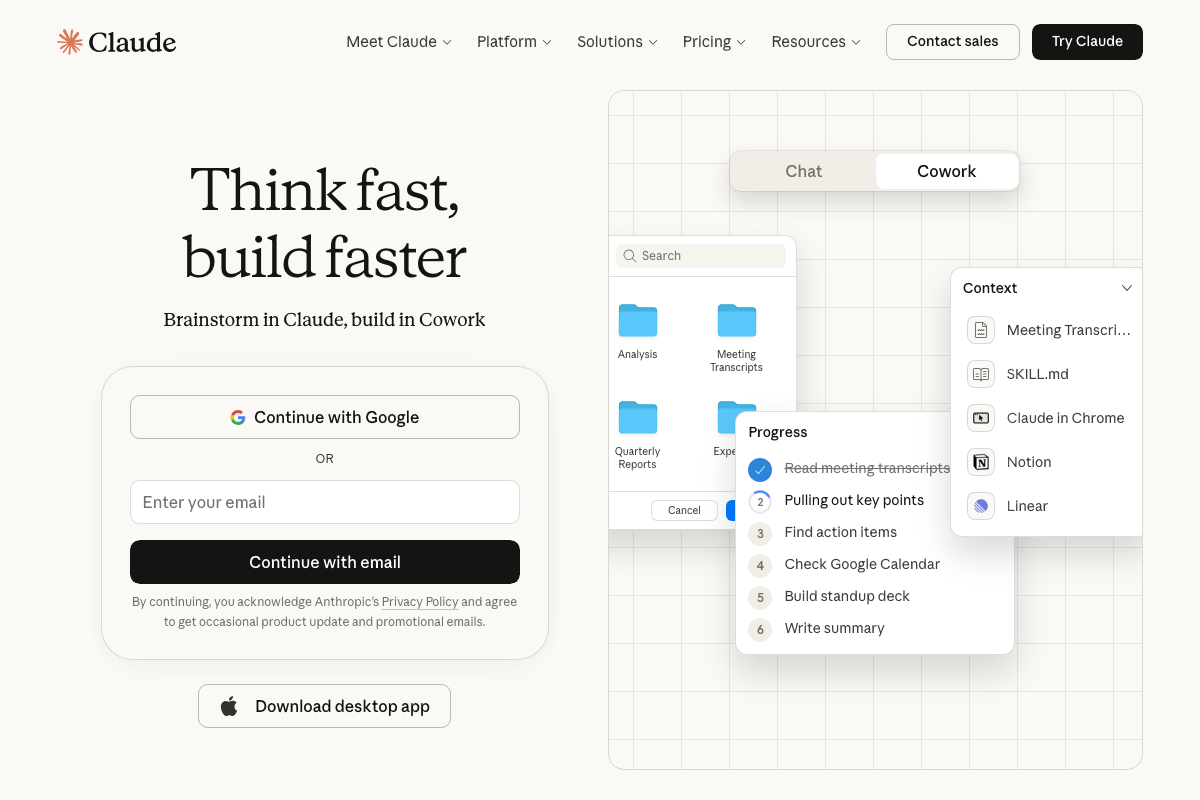
The video’s approach here matches the current docs exactly. The live task progress list on claude.ai/code confirms the action-taking framing directly.
One branding note: as of March 2026, the agentic mode on claude.ai/code is labeled “Cowork” — shown as a Chat | Cowork toggle — not “Claude Code.” Whether these are the same product or distinct offerings is not determinable from the current page. Verify before building documentation or training materials around either name.
Concept 3: Claude Code vs. Computer Use
No official documentation was found for this step — proceed using the video’s approach and verify independently.
All three Computer Use documentation URLs returned 404 at time of capture. The current documentation URL is docs.anthropic.com/en/docs/build-with-claude/computer-use — confirm availability there before relying on the video’s comparison.
Concept 4: Prompts
No official documentation was found for this step — proceed using the video’s approach and verify independently.
Concept 5: CLAUDE.md
No official documentation was found for this step — proceed using the video’s approach and verify independently.
No CLAUDE.md file appears in any of the captured screenshots. The concept is consistent with standard AI context-injection patterns, but confirm current file naming and placement at docs.anthropic.com/en/docs/claude-code/overview.
Concept 6: Skills
The video’s approach here matches the current docs exactly. The claude.ai context panel explicitly lists SKILL.md as a named active file — direct visual confirmation of the architecture the creator describes.
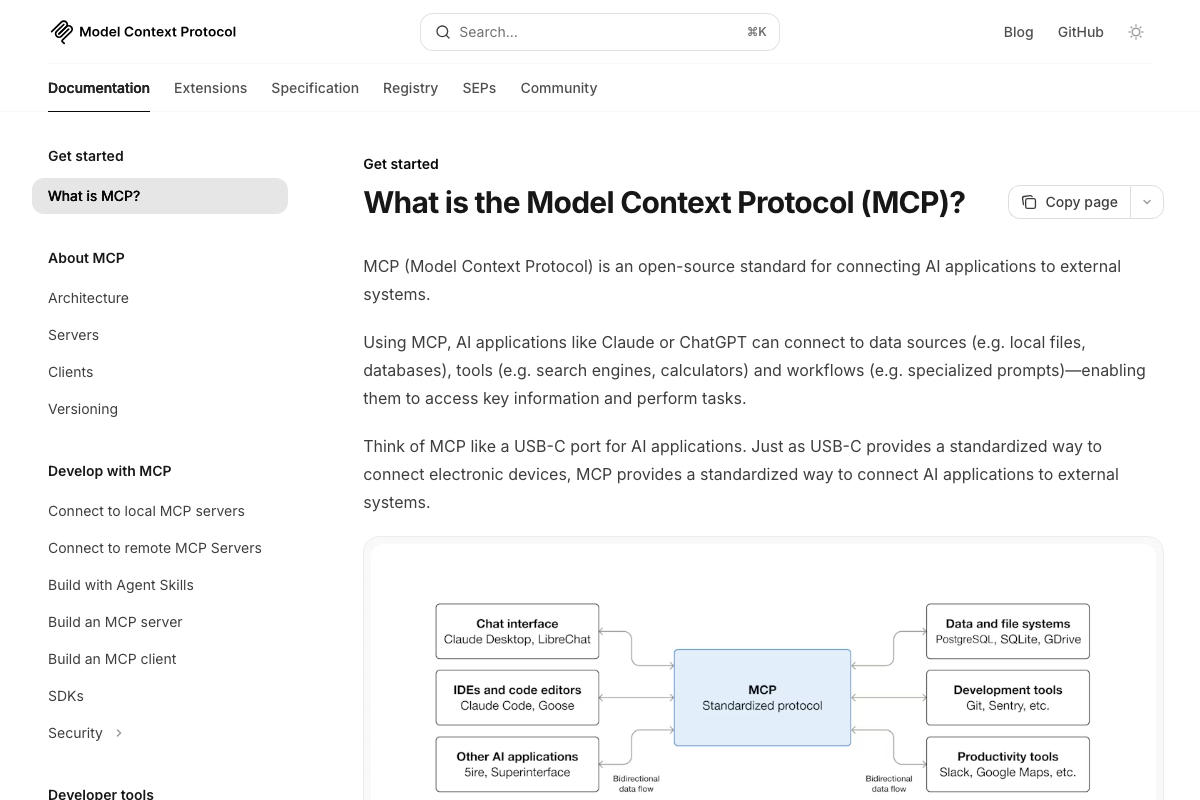
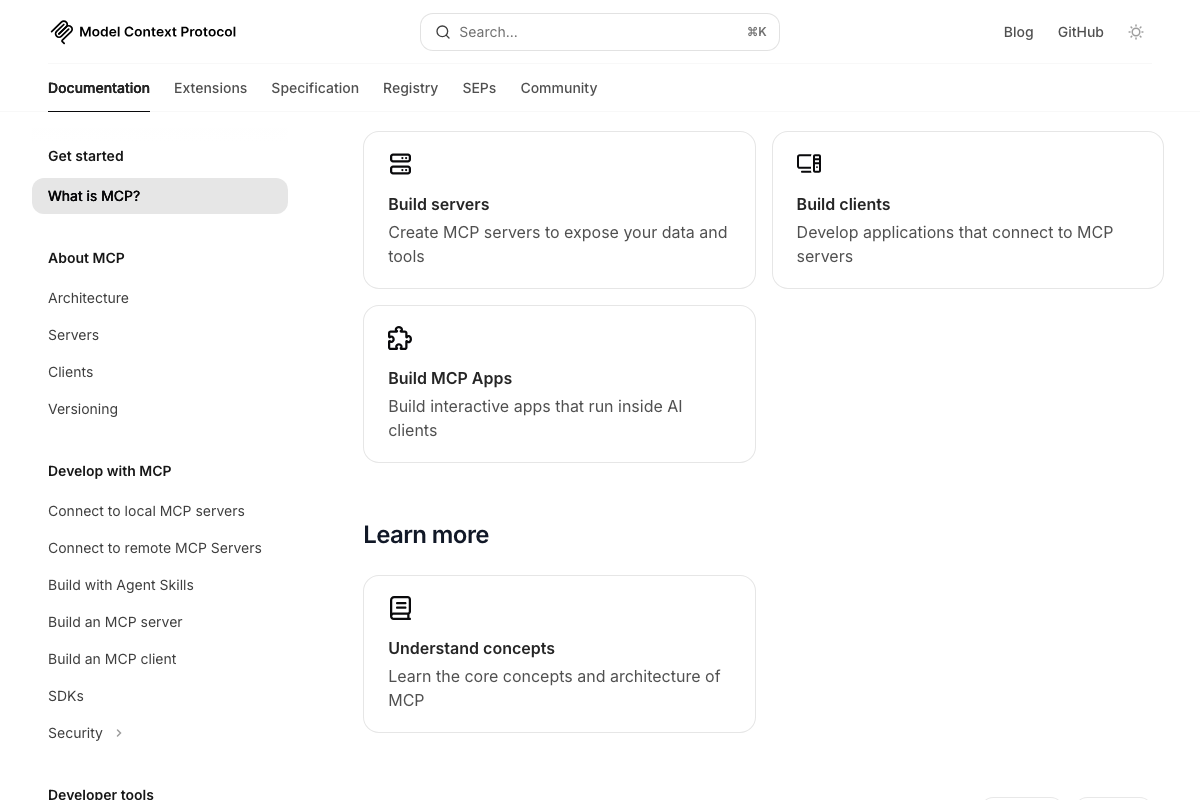
One structural note from the MCP docs: there is a “Build with Agent Skills” section under “Develop with MCP,” suggesting the Skills concept and the MCP ecosystem connect at the infrastructure level — a relationship the video treats as separate.
Concept 7: MCP Server Integrations
The video’s approach here matches the current docs exactly on the core mechanics. The official MCP documentation confirms Claude Code as a named client, Notion and Slack as supported targets, and the USB-C standardization analogy the creator uses. Three additions the docs surface that the video doesn’t:
- MCP is platform-agnostic. The docs describe it as connecting “AI applications like Claude or ChatGPT” — any MCP server you configure also works with VS Code, Cursor, and other clients. This matters for infrastructure investment decisions.
- There is an official Registry. The
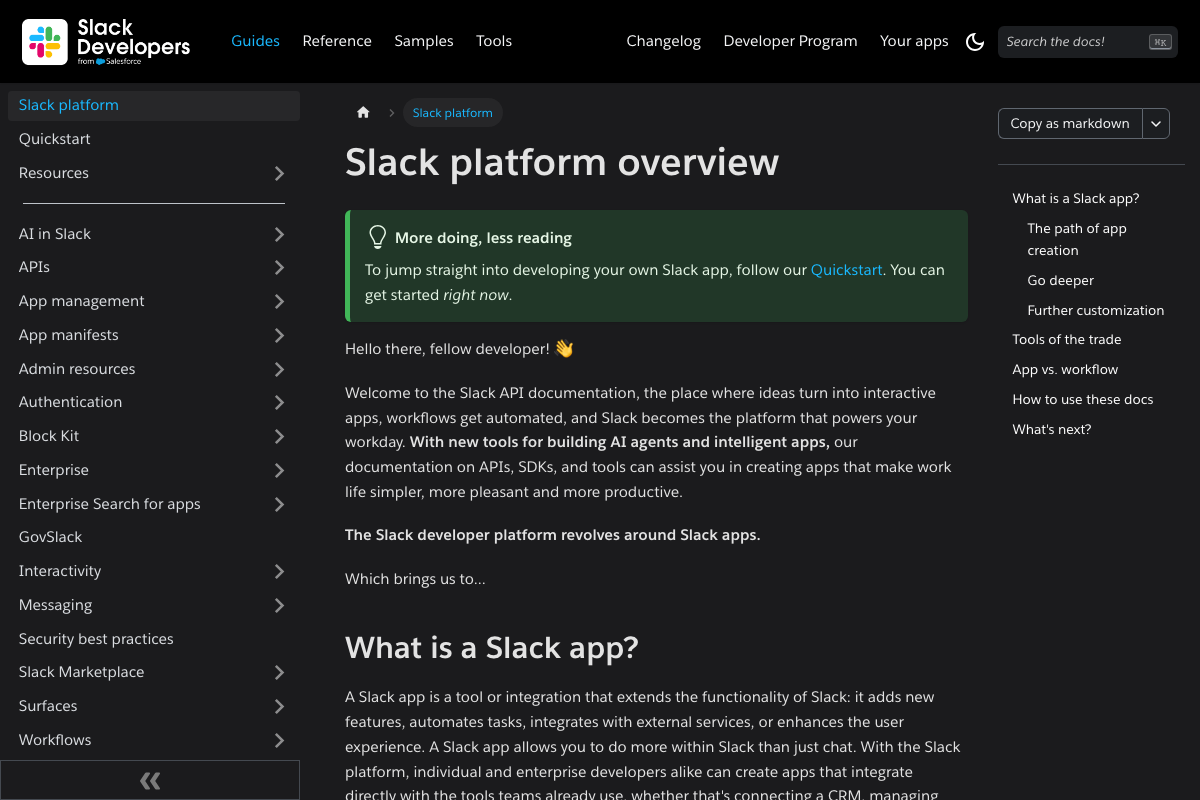
modelcontextprotocol.iosite includes a Registry tab for browsing pre-built servers. Start here before building custom integrations — the video describes installing MCP servers without pointing to it. - Slack requires a registered app. Connecting Slack means creating a Slack app with OAuth scopes and tokens — a multi-step prerequisite the video skips. A pre-built Slack MCP server abstracts this, but the requirement exists and should be planned for.
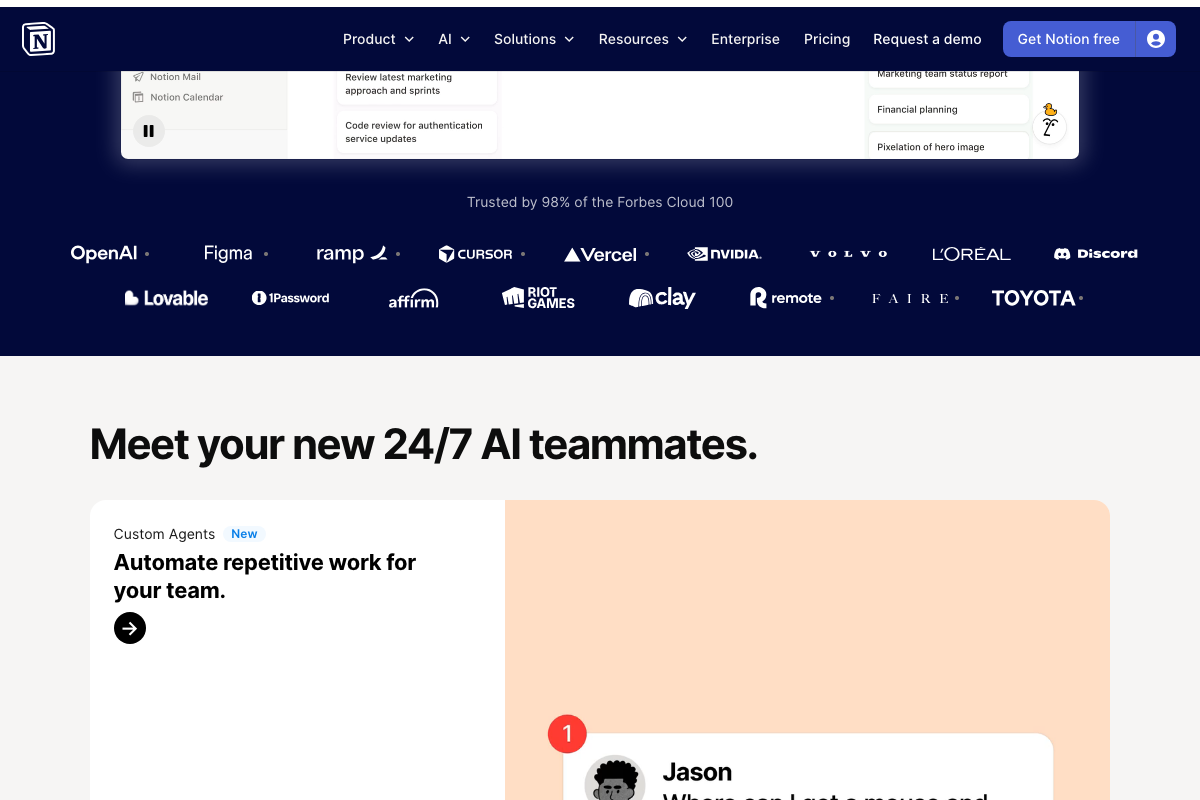
Also worth knowing: Notion now has its own native Custom Agents product — automated reporting, ticket triage, repetitive work — that overlaps with what the video describes achieving via Claude Code + Notion MCP. The video presents Notion solely as a passive data target; the current Notion product is also an agent platform in its own right.
Concept 8: Context window management
No official documentation was found for this step — proceed using the video’s approach and verify independently.
The context panel visible in the claude.ai interface does visually confirm that context composition is explicit — named files and active integrations are listed. The /compact and /clear commands the video recommends are not confirmed in any captured screenshot.
Concept 9: Putting it together
The video’s approach here matches the current docs exactly on feasibility. The Airtable Web API confirms the platform supports integration with “any external system” via REST and JSON — technically compatible with MCP server implementations. Note that all three Shopify screenshots are from the marketing homepage, not the developer docs. For MCP server configuration details specific to Shopify, go to shopify.dev/docs.

Useful Links
- Claude Code — Official claude.ai landing page for the Cowork agentic task mode, including subscription tiers and desktop app download
- What is the Model Context Protocol (MCP)? — Official MCP documentation with architecture diagram, named client list, integration examples, and the pre-built server Registry
- Introduction – Airtable Web API — Airtable’s REST API documentation confirming external system integration support
- Slack platform overview — Slack developer docs covering the app creation, OAuth scopes, and token requirements for any external integration
- The AI workspace that works for you. | Notion — Notion homepage introducing Custom Agents, Notion’s own native AI automation product with capabilities that overlap the Claude Code + MCP workflow
- Shopify: The All-in-One Commerce Platform for Businesses — Shopify marketing homepage; developer API and MCP server configuration details are at shopify.dev/docs
- Computer use tool – Claude API Docs — Official Computer Use documentation URL (returned 404 at time of capture — confirm current availability before citing)


0 Comments