

Build a Full Client Acquisition Pipeline with Manus AI — No Code Required
Manus AI can research leads, write personalized cold emails, monitor your inbox for replies, and generate branded proposals — all from natural-language prompts. By the end of this walkthrough, you’ll have a repeatable end-to-end outreach system that runs while you’re offline, built entirely inside one tool without touching a line of code.
-
Adopt the director mindset before you touch the tool. Your role in this workflow is to prompt AI agents, not execute tasks yourself. Every time you’re tempted to copy output out of Manus and paste it somewhere else manually, ask whether Manus can handle that next step too. Staying inside the tool is what turns a single task into an end-to-end automation.
-
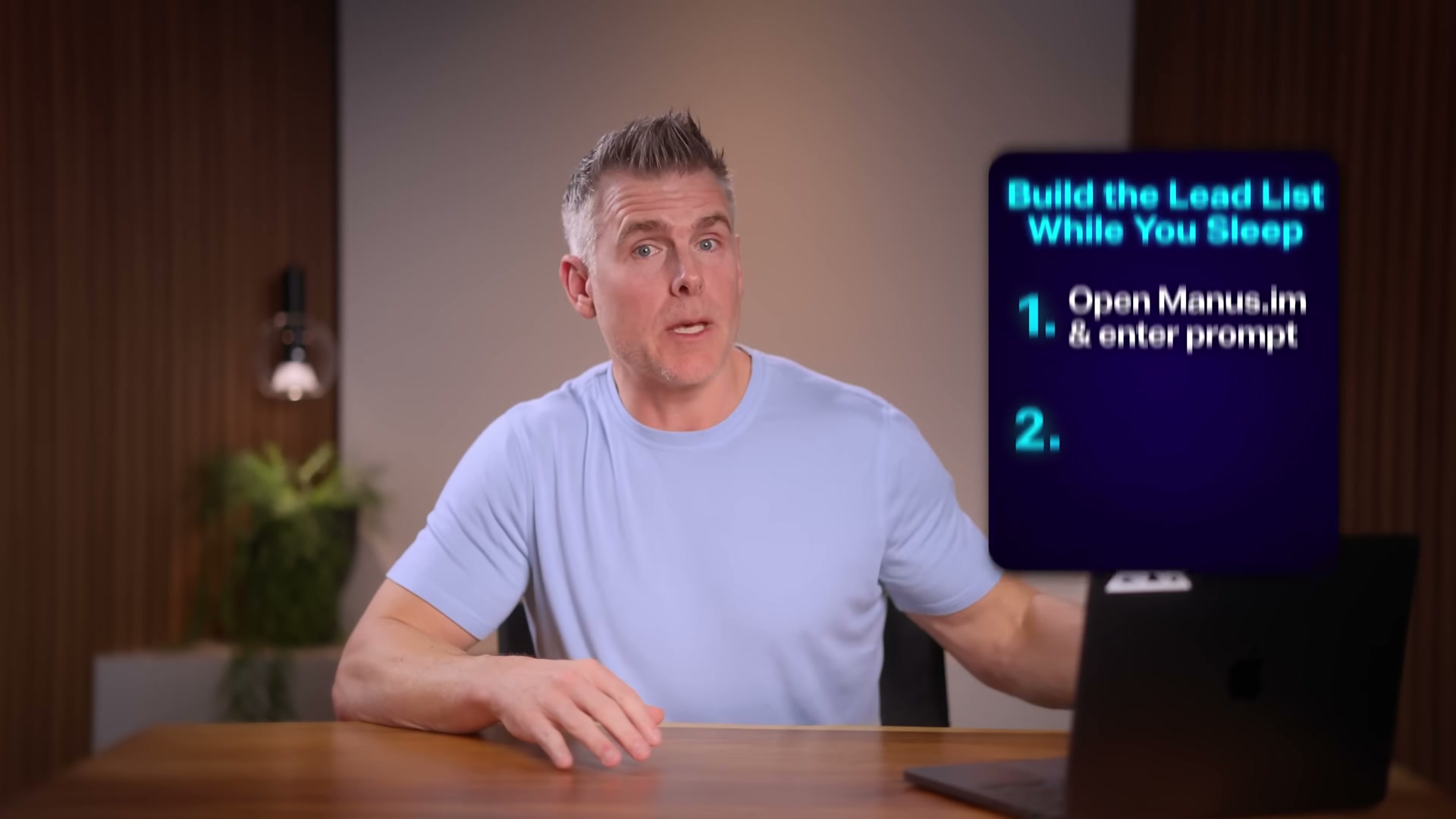
Open Manus AI at manus.im. The interface works like any chat-based AI tool — a single prompt box is your entry point to the entire workflow.
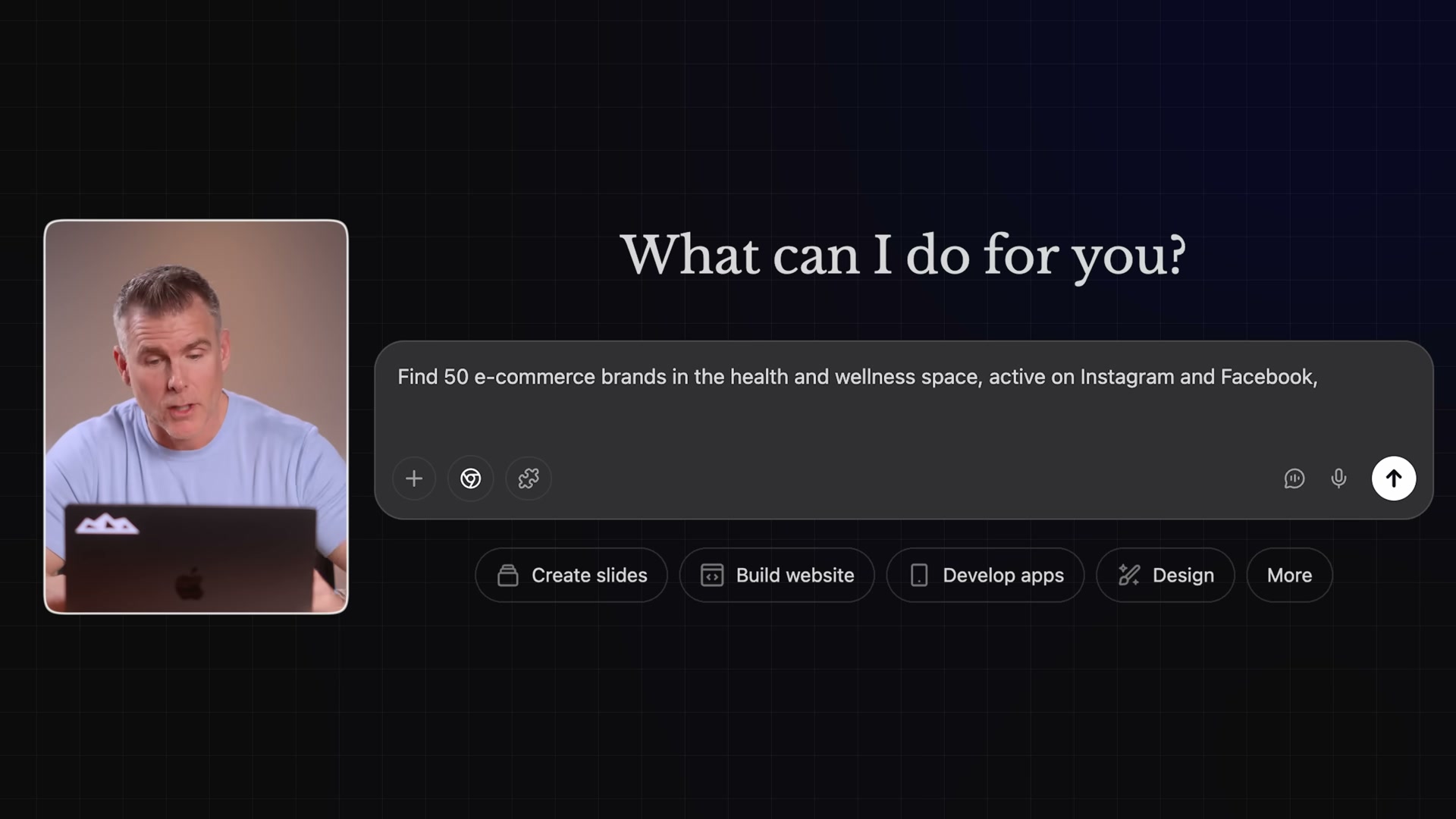
- Enter a lead research prompt. Paste the following into Manus: “Find 50 e-commerce brands in the health and wellness space active on Instagram and Facebook who posted in the last 30 days. Pull company name, website, social handles, and recent topics into a table.” Hit enter and let the agent run.
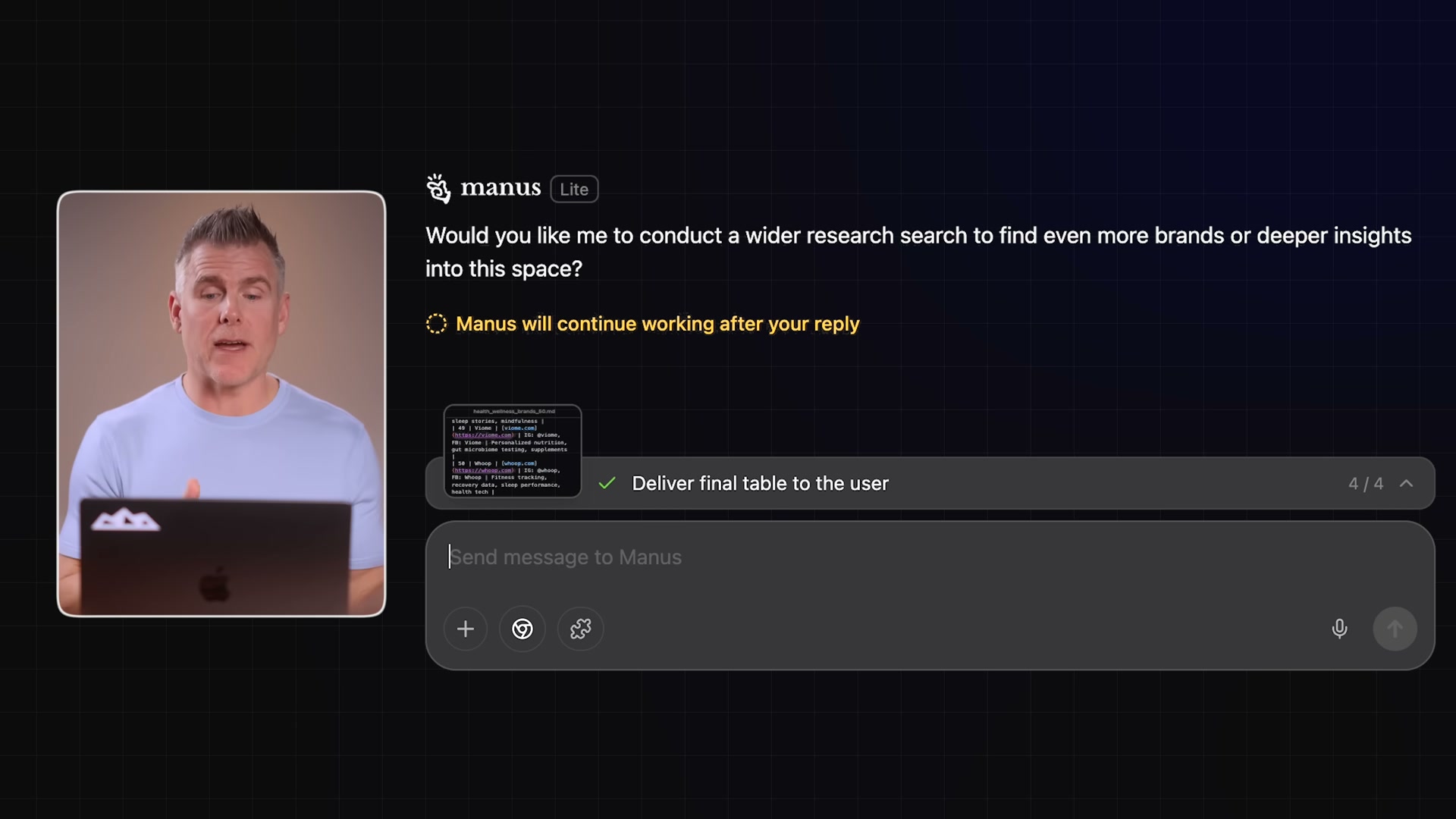
- Let Manus browse and compile autonomously. The agent opens a browser, scrapes data across multiple sources, and delivers a formatted spreadsheet — no manual copying required. If it gets stuck, it surfaces a question rather than failing silently.
-
Approve deep research mode if you need broader coverage. Manus may ask whether you want to spin up multiple sub-agents for faster, more comprehensive results. This costs additional credits, so it prompts you before charging. For an initial lead list, the standard mode is sufficient.
-
Chain the lead list into a personalization prompt. Upload the Manus-generated spreadsheet and enter: “Act as an expert in sales and marketing. Draft a personalized email to each brand on this list. Reference their recent social media posts or campaign. My intro: I help brands scale their online presence and increase revenue without burning ad budget. Ask if they’d be open to a 15-minute call.” Manus writes a tailored email for every row.
-
Review and edit the generated emails inside the Manus spreadsheet output. Each draft includes a personalized subject line and body. Adjust tone, CTA phrasing, or any specific details before sending.
-
Connect Instantly or Smartlead to send at scale. Manus can send from your inbox, but it cannot handle mass email sequencing natively — you’ll need an external tool for volume sends.
Warning: this step may differ from current official documentation — see the verified version below.
- Set Manus to monitor your inbox every 24 hours. Prompt it: “Every 24 hours, review my email for replies to these outreach emails. If anyone replies with interest — not just asking to stop — send me a Slack notification.” This closes the loop on the outreach cycle without you checking manually.
- Analyze a responding prospect before the call. Prompt Manus: “Analyze [Brand]’s online presence. Review their website, Instagram, Facebook, and recent ad campaigns from the last 6 months. Find recurring patterns in engagement — what posts, ads, and content formats drove the most interactions. Put all insights into a table.”

-
Generate a branded slide deck from the insights. Ask Manus to create a presentation from the research table, pulling the prospect’s brand colors, logos, and fonts directly from their website to style the output.
-
Publish the presentation to a public URL. Manus hosts the deck as a web-based proposal — no PDF attachment, no design tool, no manual formatting.
How does this compare to the official docs?
The workflow Dan demonstrates moves fast and stays approachable, but several steps — inbox monitoring, OAuth connections, and multi-agent credit usage — involve platform behaviors that Manus documents in ways that don’t always match what’s shown on screen.
Here’s What the Official Docs Show
The walkthrough above captures the workflow accurately where documentation could be verified — Act 2 layers in what the official platform docs surface about each tool in the stack. Most additions are guardrails and parallel capabilities, not changes to the core approach.
Step 1 — Adopt the director mindset
No official documentation was found for this step — proceed using the video’s approach and verify independently.
Step 2 — Open Manus AI at manus.im
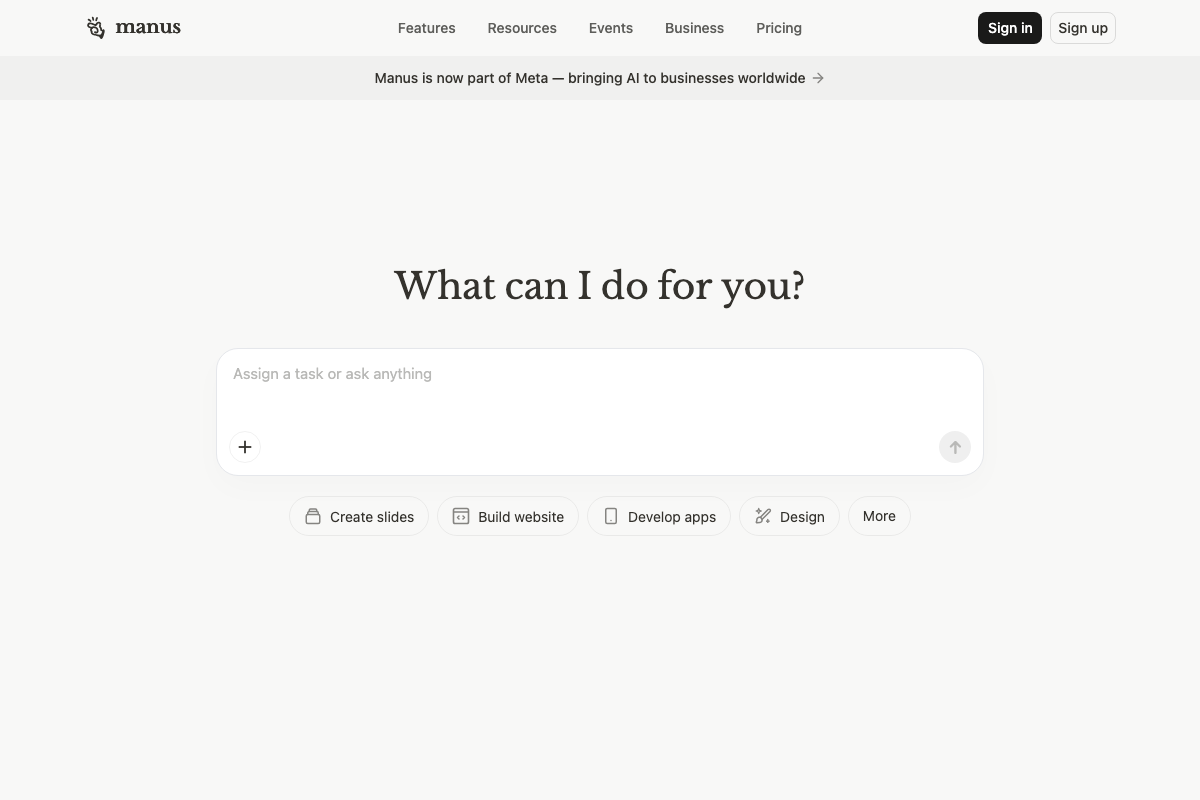
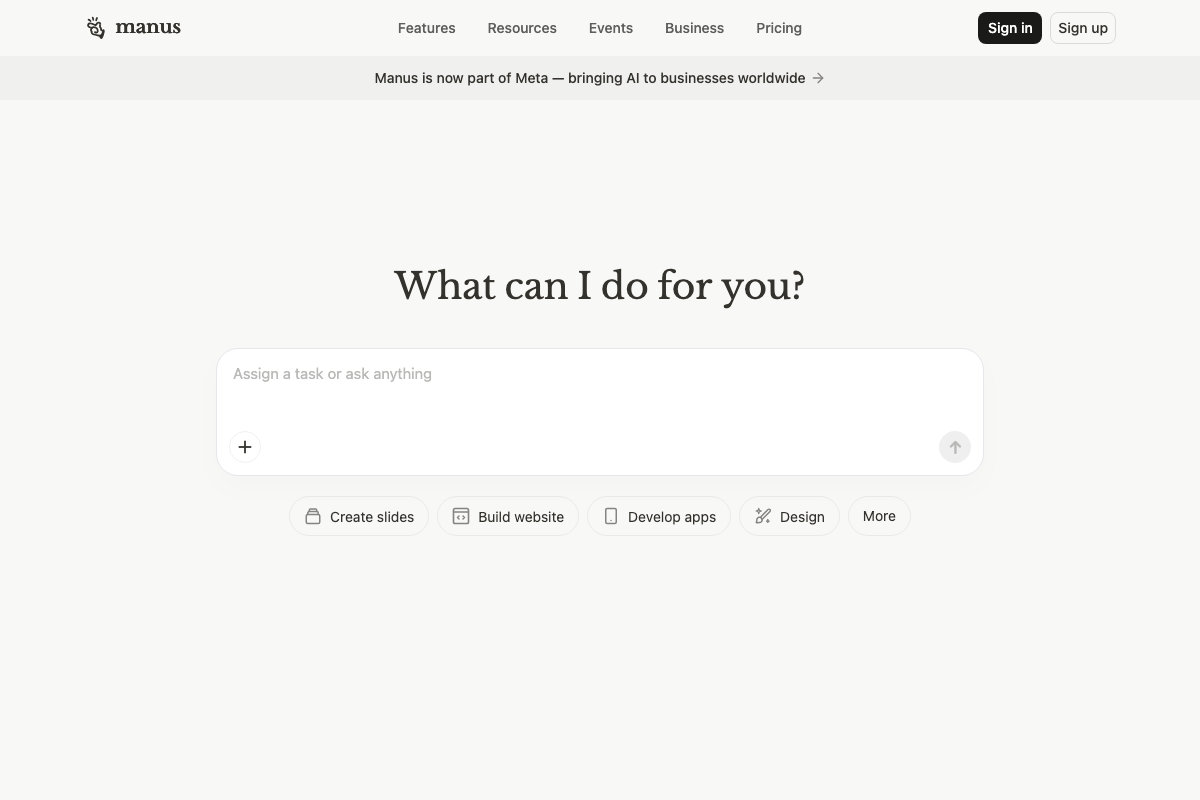
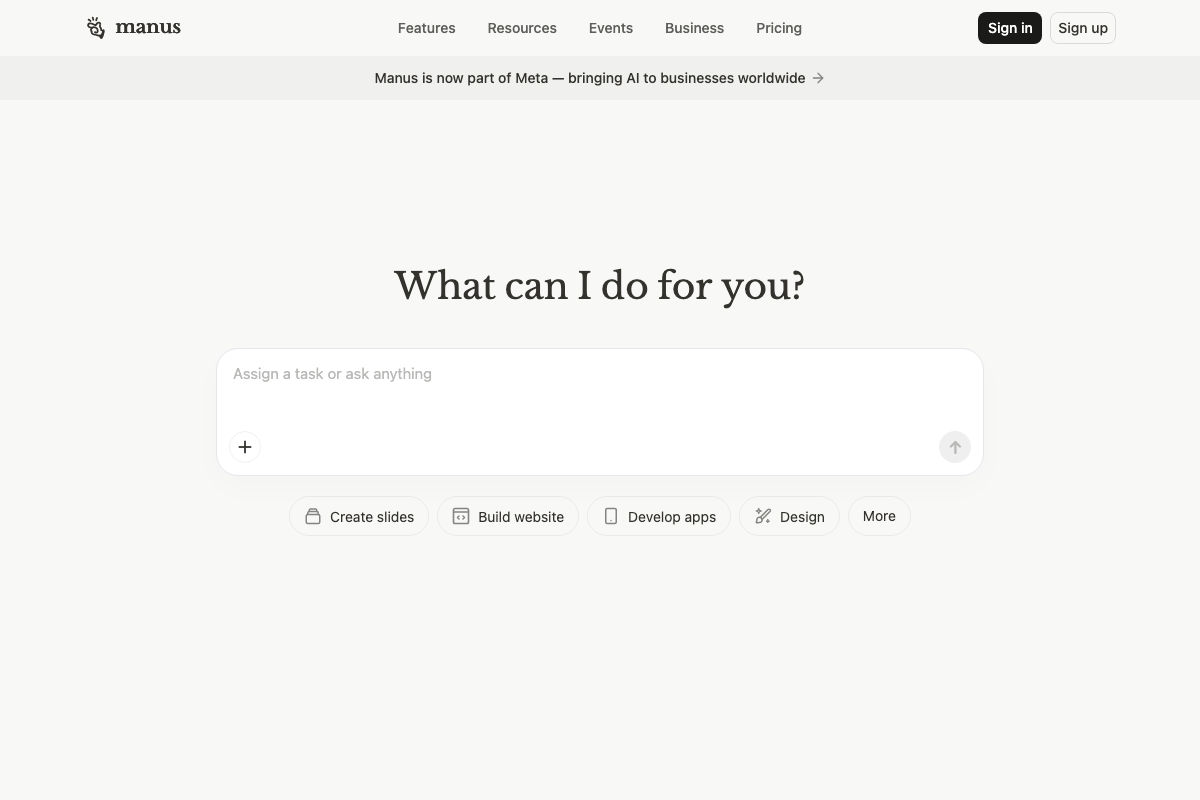
The video’s approach here matches the current docs exactly. One material update: the Manus homepage now carries a sitewide banner reading “Manus is now part of Meta — bringing AI to businesses worldwide.” This corporate acquisition postdates the tutorial recording and is worth factoring into any long-term platform commitment.
Step 3 — Enter a lead research prompt
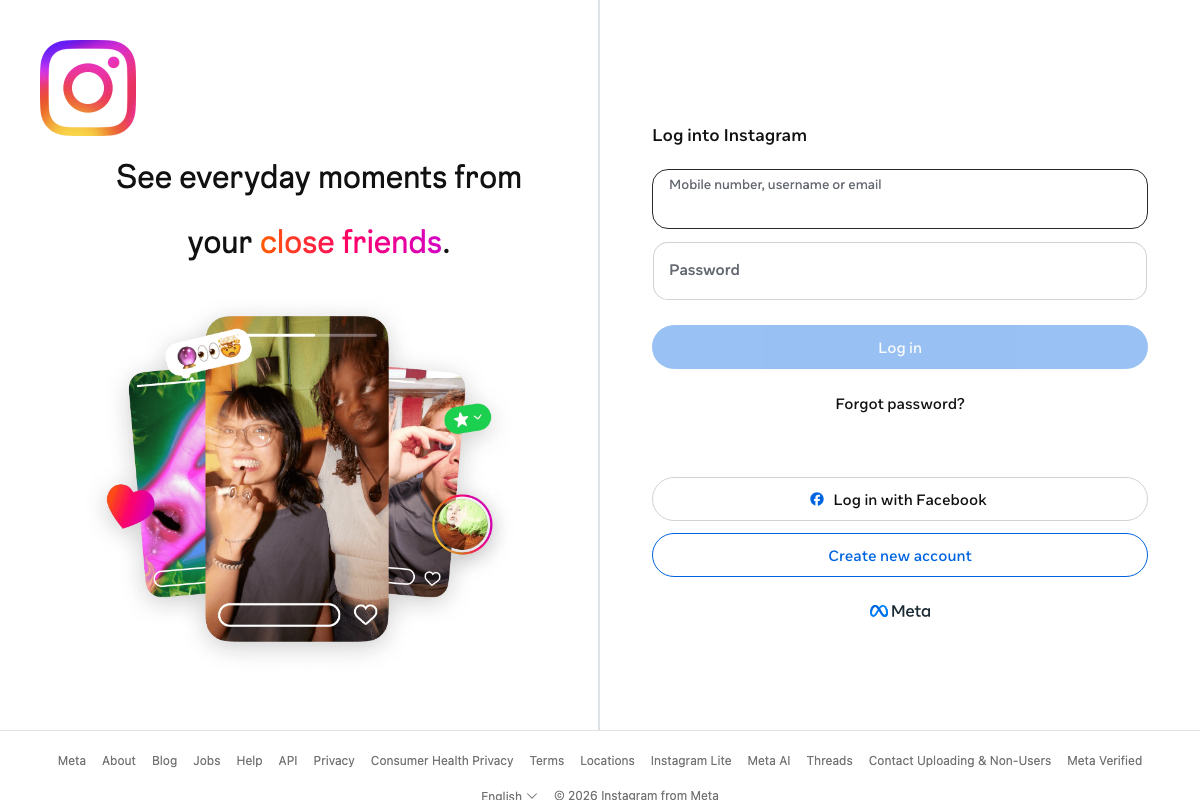
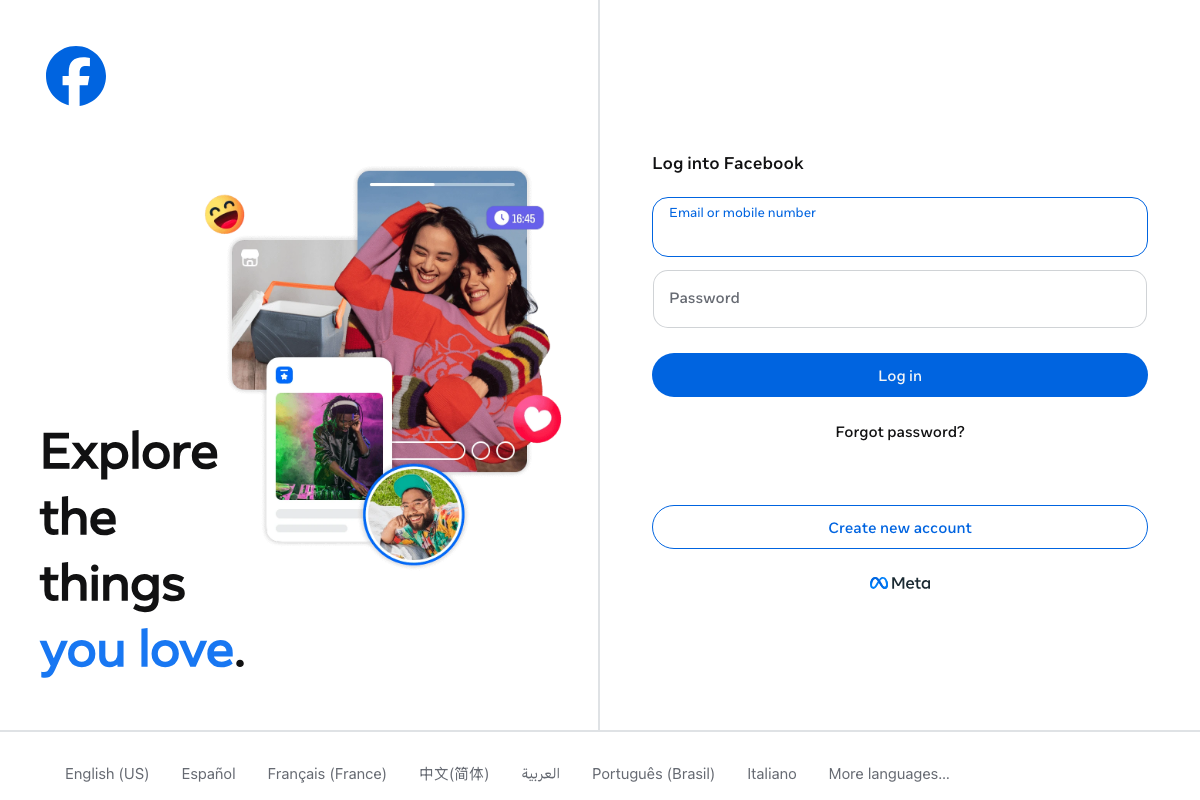
The prompt-based entry method is consistent with Manus’s documented interface. However, directing Manus to find brands “active on Instagram and Facebook in the last 30 days” runs into a documented platform constraint: both Instagram and Facebook present full login walls to unauthenticated visitors — no post, brand, or campaign data is accessible without credentials. The tutorial does not address how Manus handles this authentication requirement.
Step 4 — Let Manus browse and compile autonomously
No official documentation was found for this step — proceed using the video’s approach and verify independently.
Step 5 — Approve deep research mode
No official documentation was found for this step — proceed using the video’s approach and verify independently.
Step 6 — Chain the lead list into a personalization prompt
No official documentation was found for this step — proceed using the video’s approach and verify independently.
Step 7 — Review and edit generated emails
No official documentation was found for this step — proceed using the video’s approach and verify independently.
Step 8 — Connect Instantly or Smartlead to send at scale
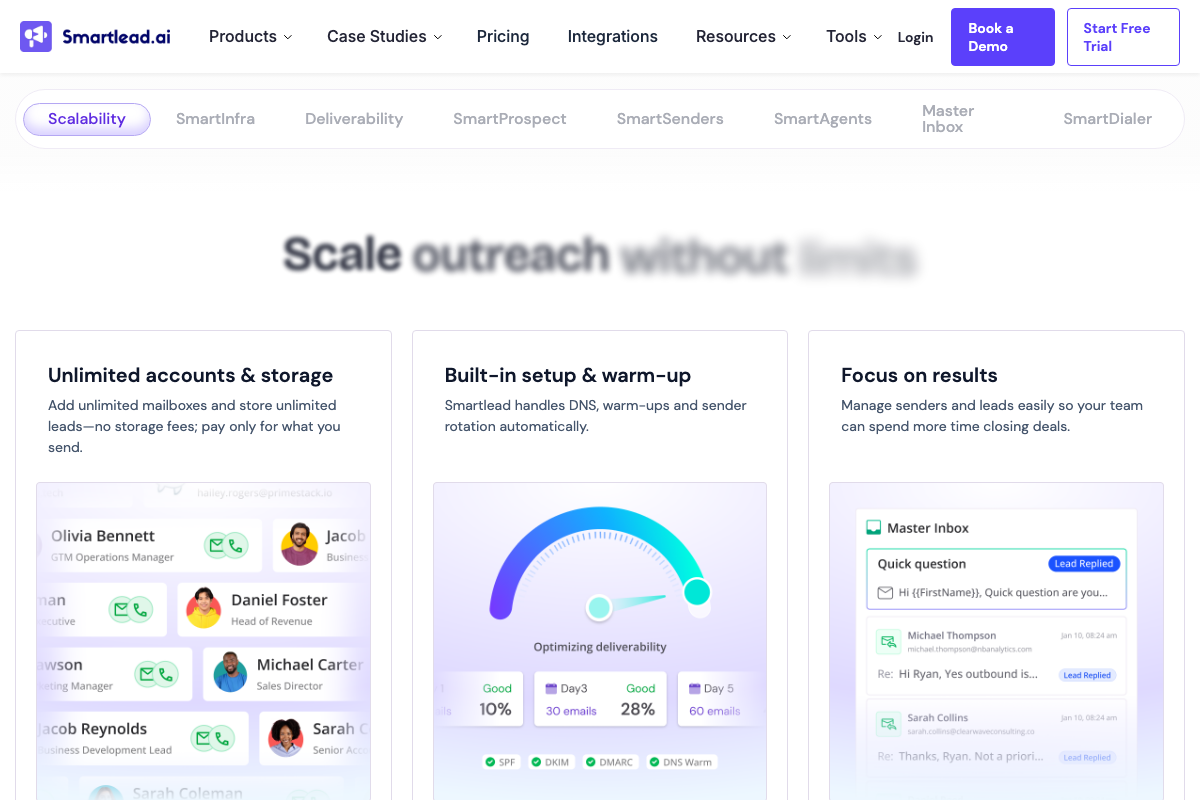
The video’s approach here matches the current docs exactly. Two additions: both Instantly and Smartlead include their own AI-powered lead-finding tools (Instantly’s Leads Finder; Smartlead’s SmartAgent Builder), so lead research doesn’t have to be delegated exclusively to Manus. More critically, both platforms document email domain warm-up as a required prerequisite for deliverability — Smartlead automates DNS, warm-up, and sender rotation, but it must be initiated before you run any campaign. The tutorial does not mention this step.

Step 9 — Set Manus to monitor your inbox every 24 hours
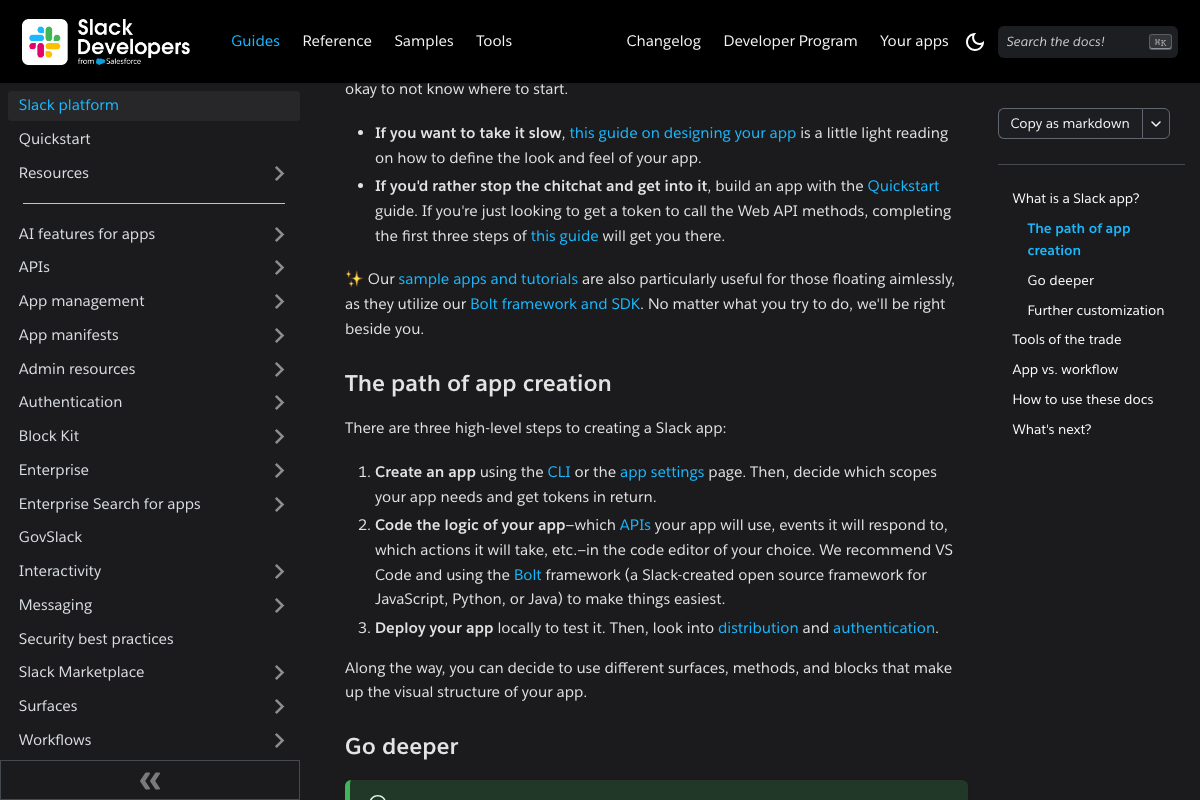
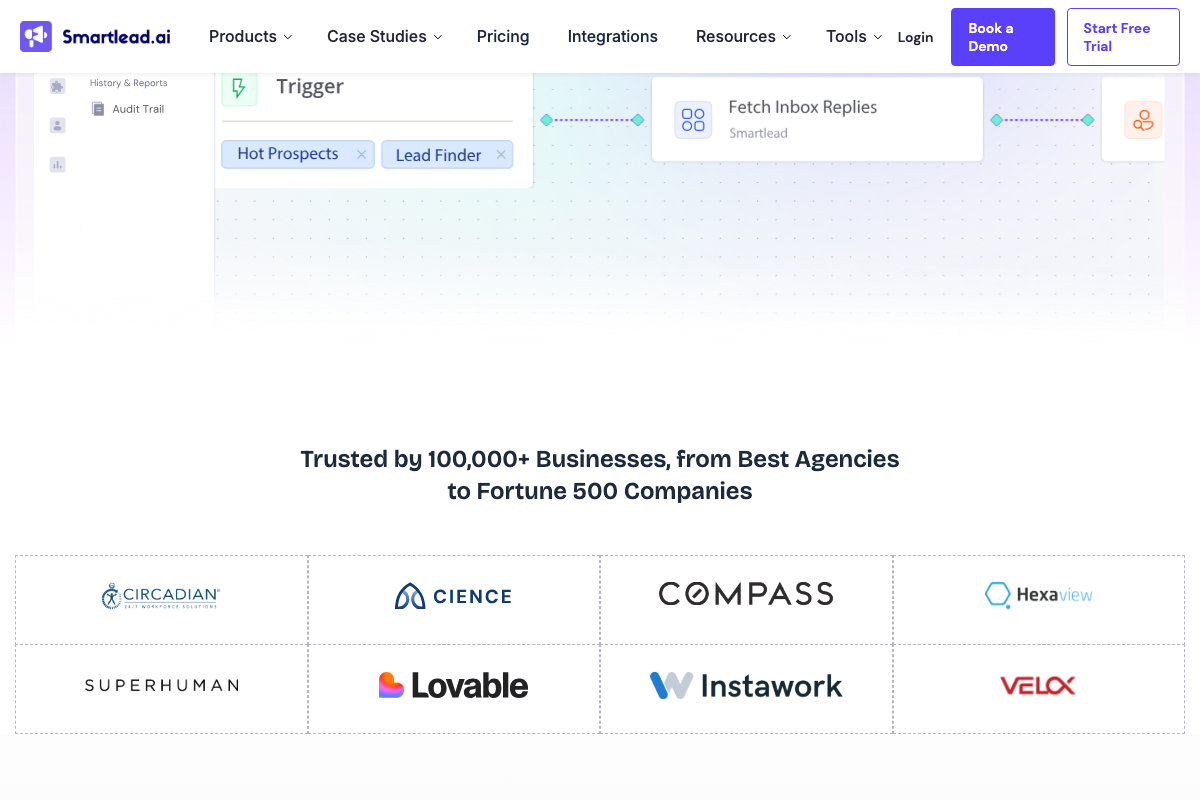
As of March 21, 2026, Slack notifications are not a codeless prompt action. Slack’s official developer documentation shows that programmatic notifications require creating a registered Slack app, configuring OAuth scopes and tokens, writing integration logic via the Bolt framework (Python, JavaScript, or Java), and deploying the app — a three-step process that requires development work. Whether Manus abstracts this internally is not confirmed in any captured documentation. Separately, Smartlead’s native “Fetch Inbox Replies” workflow node and Master Inbox handle reply monitoring directly within the platform, without delegating the task to Manus.
Step 10 — Analyze a responding prospect before the call
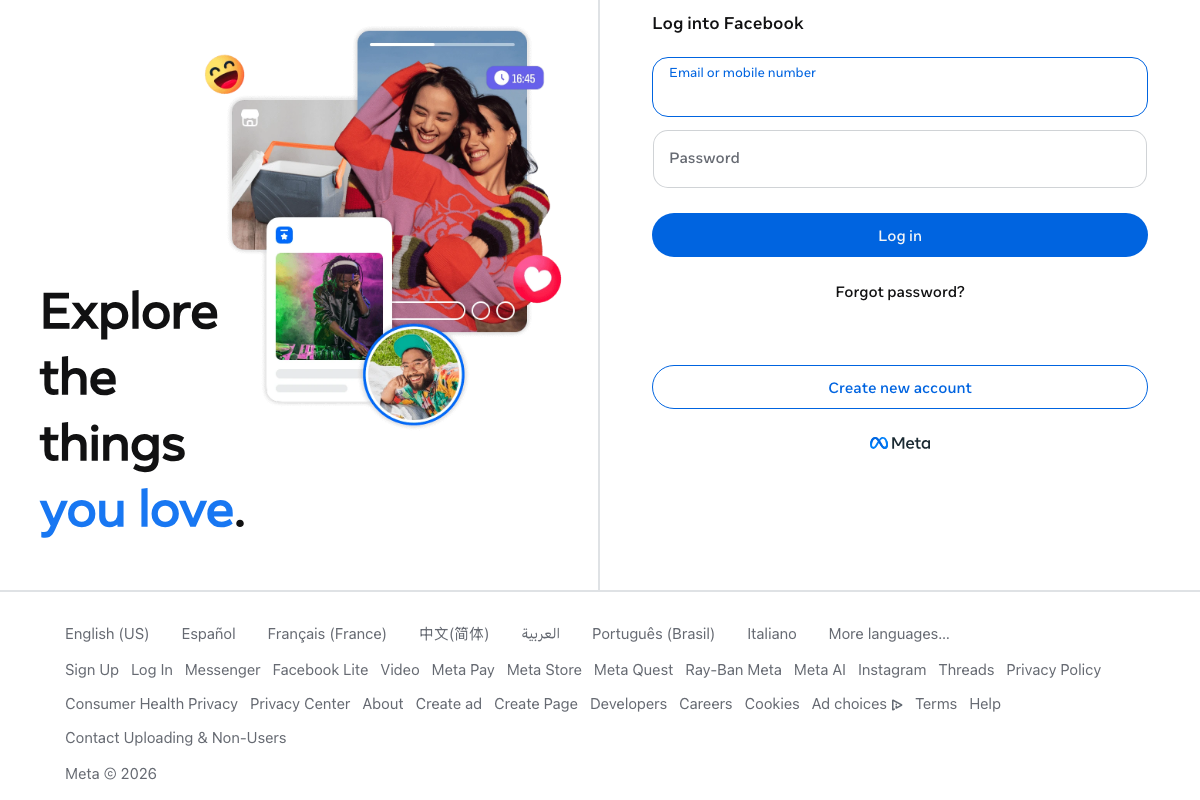
The same authentication constraint from Step 3 applies here. Prompting Manus to pull Instagram activity and Facebook ad campaigns from the last six months requires authenticated access to both platforms; neither exposes that data publicly.
Step 11 — Generate a branded slide deck
No official documentation was found for this step — proceed using the video’s approach and verify independently.
The Manus homepage does confirm a “Create slides” quick-action button, consistent with the slide-creation capability described here.
Step 12 — Publish the presentation to a public URL
No official documentation was found for this step — proceed using the video’s approach and verify independently.
Useful Links
- Manus: Hands On AI — Official Manus interface and entry point for all prompt-based workflow tasks; Meta acquisition banner visible as of March 2026.
- Sales Engagement and Lead Intelligence | Instantly — Mass email outreach platform with built-in AI Leads Finder, campaign automation, and warm-up tooling.
- Home | Smartlead — AI outbound platform with native inbox reply monitoring via Fetch Inbox Replies, Master Inbox, SmartAgent Builder, and automated email warm-up.
- Slack platform overview | Slack Developer Docs — Official developer documentation for building Slack apps and sending programmatic notifications via the Bolt framework.
- The AI workspace that works for you. | Notion — Notion marketing homepage; the developer documentation URL (developers.notion.com/docs) returned a 404 Page Not Found at time of capture.
- Instagram — Instagram login page; confirms full authentication wall with no publicly accessible post or brand data.
- Facebook — Facebook login page; confirms full authentication wall with no publicly accessible brand, post, or ad campaign data.


0 Comments