

Build a Rank-Ready Micro-Tool With Claude Code (No SEO Required)
Matt DiAmond built a one-page backlink gap analyzer on a Saturday afternoon, let Claude Code write every line of code, and watched it hit #1 on Google with 35 words of copy and zero manual SEO. By the end of this walkthrough you’ll know how to spec, build, host, and gate a niche micro-tool using Claude Code — and turn it into a lead-generation engine for your own audience.
- Open Claude Code in your terminal. If you’ve never installed it, open browser-based Claude and ask it directly: “How do I get Claude Code onto my computer?” It will walk you through the setup. Don’t overthink the terminal — the friction disappears after the first session.
-
Before writing a single line, validate the build. Ask Claude Code: “Is it possible to build [your tool idea]? How much will it cost per API run?” This single prompt surfaces feasibility and economics at once. For linkgap.io, the answer came back at roughly $0.05 per run — a number that shaped every monetization decision that followed.
-
Ask Claude Code which hosting provider to use. It recommended Railway at approximately $5/month with built-in traffic scaling. Vercel is a valid alternative. Let the AI surface the tradeoff rather than defaulting to whatever you already know.
- Set up a GitHub repository and let Claude Code guide naming conventions and visibility settings. If you don’t know what to do at any prompt — “What do I do when I’m in here?” is a complete instruction. Claude Code will recommend whether the repo should be public or private and propose a name for it.
-
Ask Claude Code which third-party data APIs serve your niche. For backlink data, it returned five sources with cost and data-parity comparisons against SEMrush, Ahrefs, and Moz. Evaluate on cost-per-run, not brand recognition — the underlying datasets are often identical.
-
Build iteratively by describing what you want in plain language. You do not write code. Tell Claude Code what the tool should do, review the output, then tell it what to adjust. Matt built the full working version during a single afternoon while his wife was running errands.
-
Deploy to Railway or Vercel and let Claude Code generate the title tag, H1, and all page copy without directing it toward SEO outcomes. For linkgap.io, Claude Code produced “Backlink Gap Analyzer — Find Directory Opportunities” as the page title and wrote the entire above-the-fold section unprompted. No Google Search Console. No Analytics. No meta description. The page ranked anyway.
Warning: this step may differ from current official documentation — see the verified version below.

-
Gate the full report behind an email capture form. Offer 3–10 free results before requiring an email address. This single mechanic generated 14,000+ email addresses at roughly $0.16 per lead — with a 40% open rate on the resulting list. The tool ran 20,000+ times, costing approximately $1,000 in API fees.
-
Market the tool exclusively through short-form social video. Do not send it to your existing email list. The list is the destination — keep it clean for the audience you’re building toward, not the one you already have.
How does this compare to the official docs?
The approach Matt demonstrated leans heavily on Claude Code’s autonomous defaults — which raises real questions about what the official documentation recommends for deployment configuration, SEO control, and API cost management that the video doesn’t address.
Here’s What the Official Docs Show
Matt’s walkthrough covers the workflow cleanly; what follows adds the documentation layer that fills the gaps the video naturally leaves open. Where the docs confirm his approach, that’s noted — where they clarify or go silent, that’s called out directly.
Step 1 — Install Claude Code
The video’s approach here matches the current docs exactly. One distinction worth making explicit: the browser interface at claude.ai is a separate consumer product — now branded around “Cowork” for everyday tasks — from Claude Code, which is a terminal CLI tool that requires its own installation process. For authoritative setup steps, docs.anthropic.com/en/docs/claude-code is the right starting point, not claude.ai itself.

Step 2 — Validate feasibility and cost
No official documentation was found for this step — proceed using the video’s approach and verify independently.
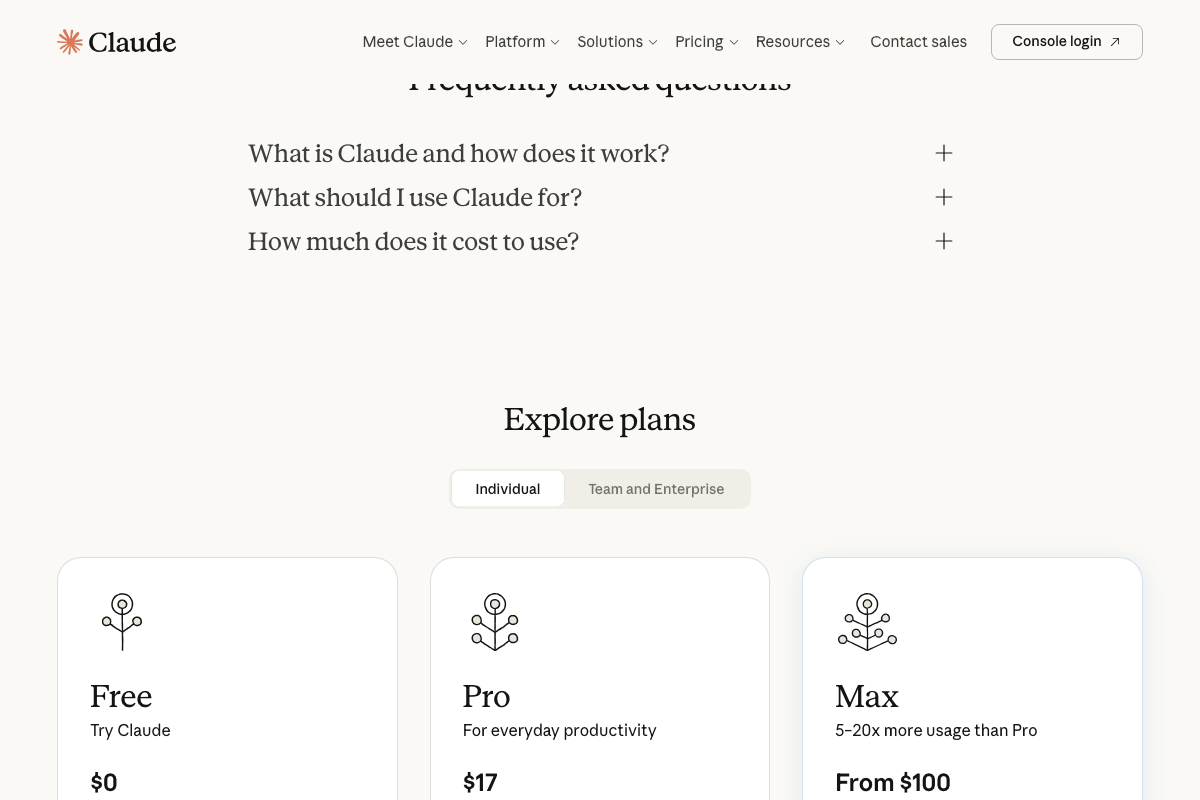
Worth flagging: the only Claude pricing visible in official screenshots covers claude.ai subscription tiers (Free $0, Pro $17/month, Max from $100/month). As of April 25, 2026, per-token API billing — the model relevant to running a tool built with Claude Code — is a separate structure managed through the Anthropic API console. The ~$0.05-per-run figure Matt cites most likely refers to a third-party backlink data API cost, not Claude’s own charges. These are distinct cost lines in any real build budget.
Step 3 — Choose a hosting provider
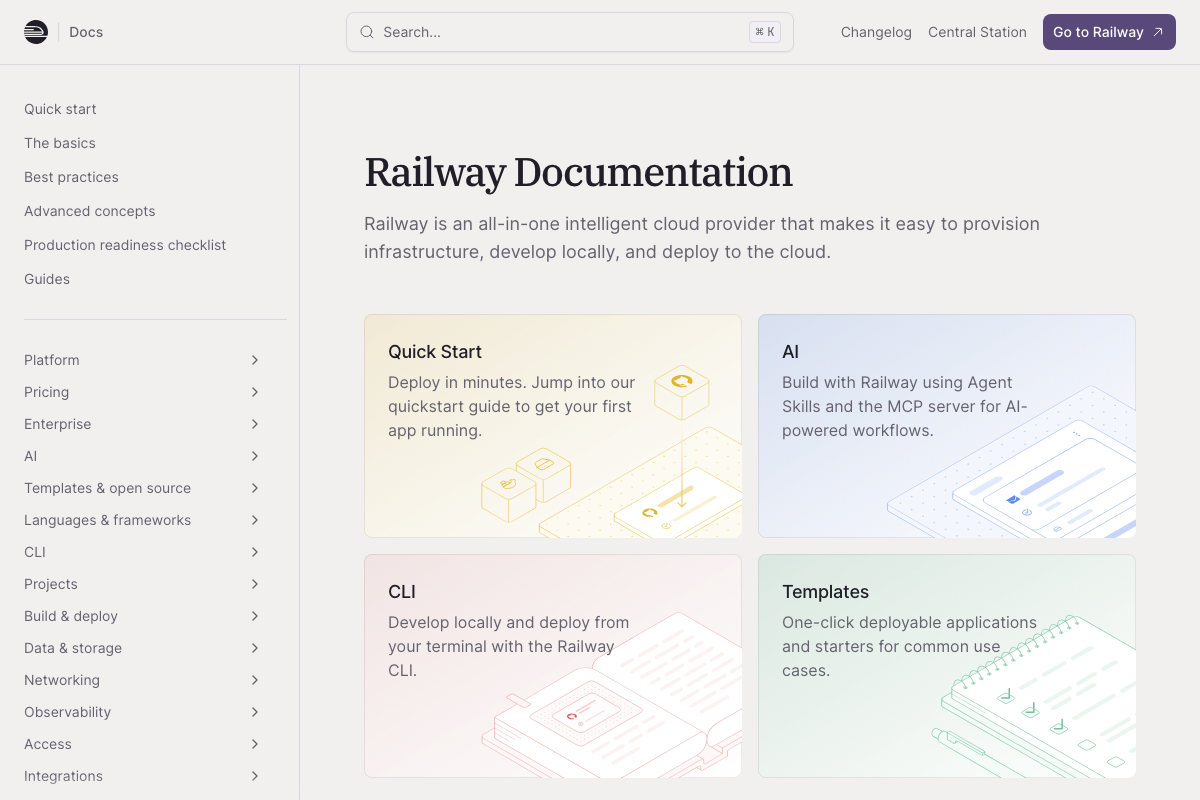
The video’s approach here matches the current docs exactly. Railway’s documentation confirms it as an all-in-one cloud provider supporting Next.js, Django, Rails, and the broader range of stacks Claude Code commonly generates. The ~$5/month Hobby plan figure Matt cites is not visible in any captured documentation page — confirm current pricing at railway.app/pricing before committing.
Step 4 — Set up a GitHub repository
No official documentation was found for this step — proceed using the video’s approach and verify independently.
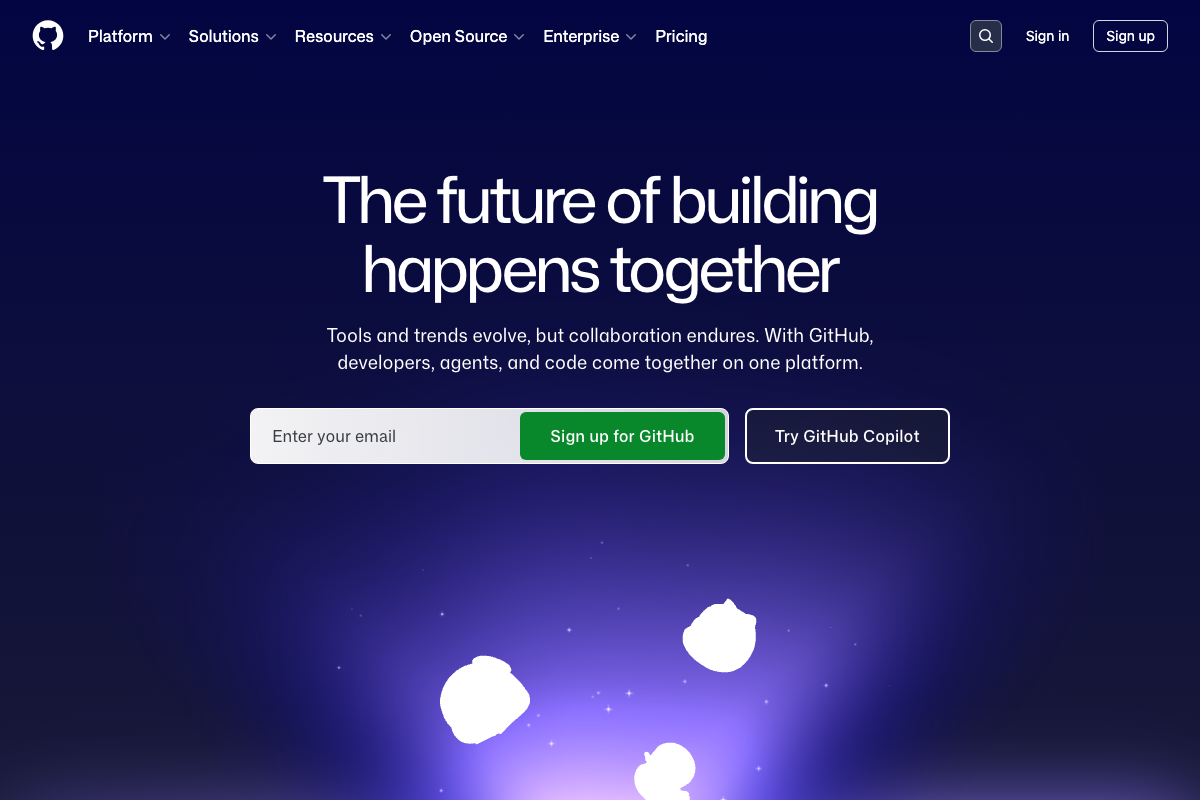
One clarification from the captured screenshots: GitHub Copilot, which features prominently on GitHub’s homepage, is a separate AI coding tool from a different vendor than Claude Code. The tutorial uses GitHub exclusively as a version control host. Repository creation documentation — including naming conventions and visibility settings — lives at docs.github.com/en/repositories/creating-and-managing-repositories.
Step 5 — Select third-party data APIs
No official documentation was found for this step — proceed using the video’s approach and verify independently.
Step 6 — Build iteratively in plain language
No official documentation was found for this step — proceed using the video’s approach and verify independently.
Step 7 — Deploy and let Claude Code write the copy
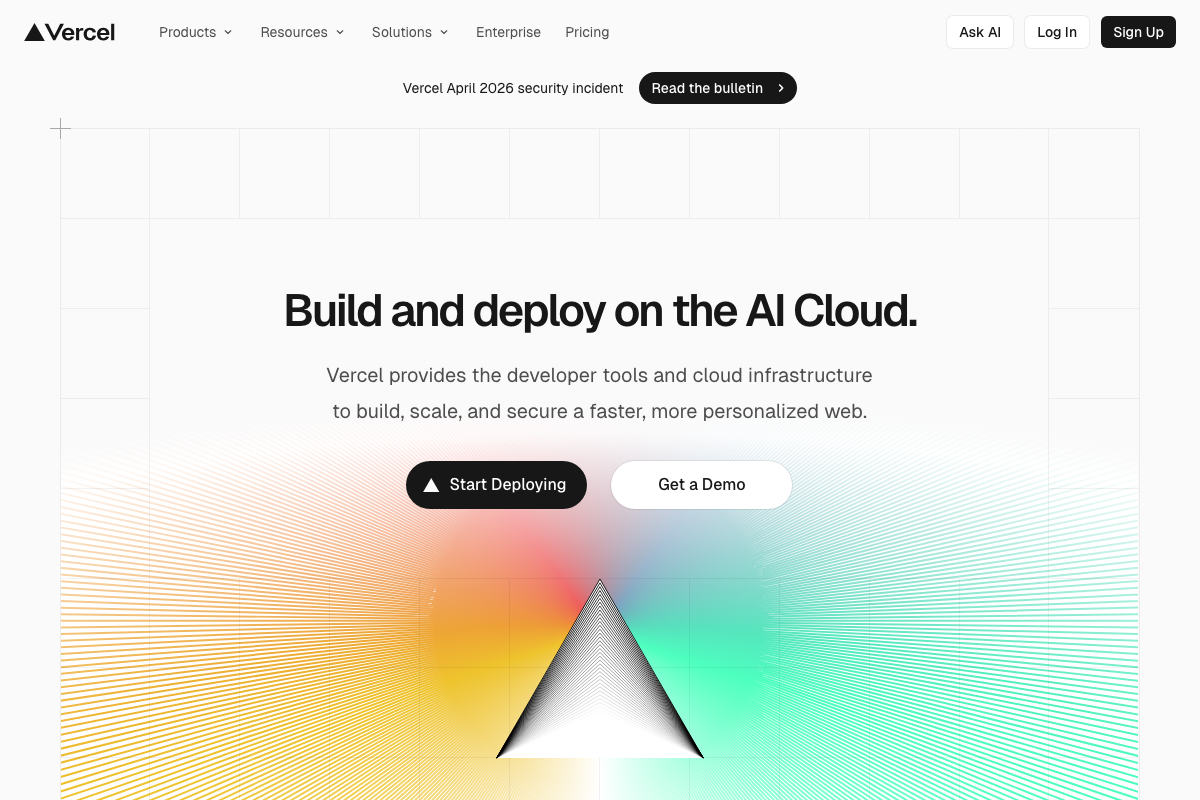
The video’s approach here matches the current docs exactly. Vercel confirms git-push deployment with multi-framework support (Svelte, Vue, Next.js, Nuxt); Railway covers a comparable range. One item the tutorial does not address: a Vercel April 2026 security incident banner is visible on the Vercel homepage as of this writing. If you are selecting Vercel over Railway for a production deployment, review the bulletin at vercel.com before going live.
Step 8 — Gate the report behind email capture
No official documentation was found for this step — proceed using the video’s approach and verify independently.
Step 9 — Market through short-form social video only
No official documentation was found for this step — proceed using the video’s approach and verify independently.
Useful Links
- Sign in – Claude — Claude.ai browser interface referenced in the tutorial for new-user onboarding; the consumer web product, not the Claude Code CLI documentation
- Railway Docs — Official Railway documentation covering Quick Start, CLI deployment, and supported framework stacks for custom-coded projects
- GitHub — Repository hosting platform used in the tutorial; authoritative repo creation and configuration docs at docs.github.com/en/repositories
- WordPress.org — Open-source CMS captured during the documentation sweep; not part of this tutorial’s technology stack
- Avada — WordPress theme and visual page builder captured during the documentation sweep; not part of this tutorial’s technology stack
- Vercel — AI Cloud deployment platform confirmed as a valid Railway alternative; review the April 2026 security incident bulletin before selecting for production use


0 Comments