

Build an Agentic OS for Claude Code: Persistent Identity, Memory, and Repeatable Skills
Two practitioners using identical AI tools can get wildly different results — not because of prompting skill, but because one built a structured context management system underneath the tool. After completing this tutorial, you’ll have a layered “Agentic OS”: a folder-and-file architecture that gives Claude Code a persistent identity, injects your brand context on demand, and recalls past decisions without manual reprompting.
- Map the nine limitations you’re solving. Before writing a single file, list what out-of-the-box LLM tools fail at: no persistent identity, generic outputs, no memory of past sessions, no specialist processes, no repeatability, no autonomous scheduling, no structured project planning, no client separation, and no cross-device access. Each limitation becomes a layer in the system you’re about to build.
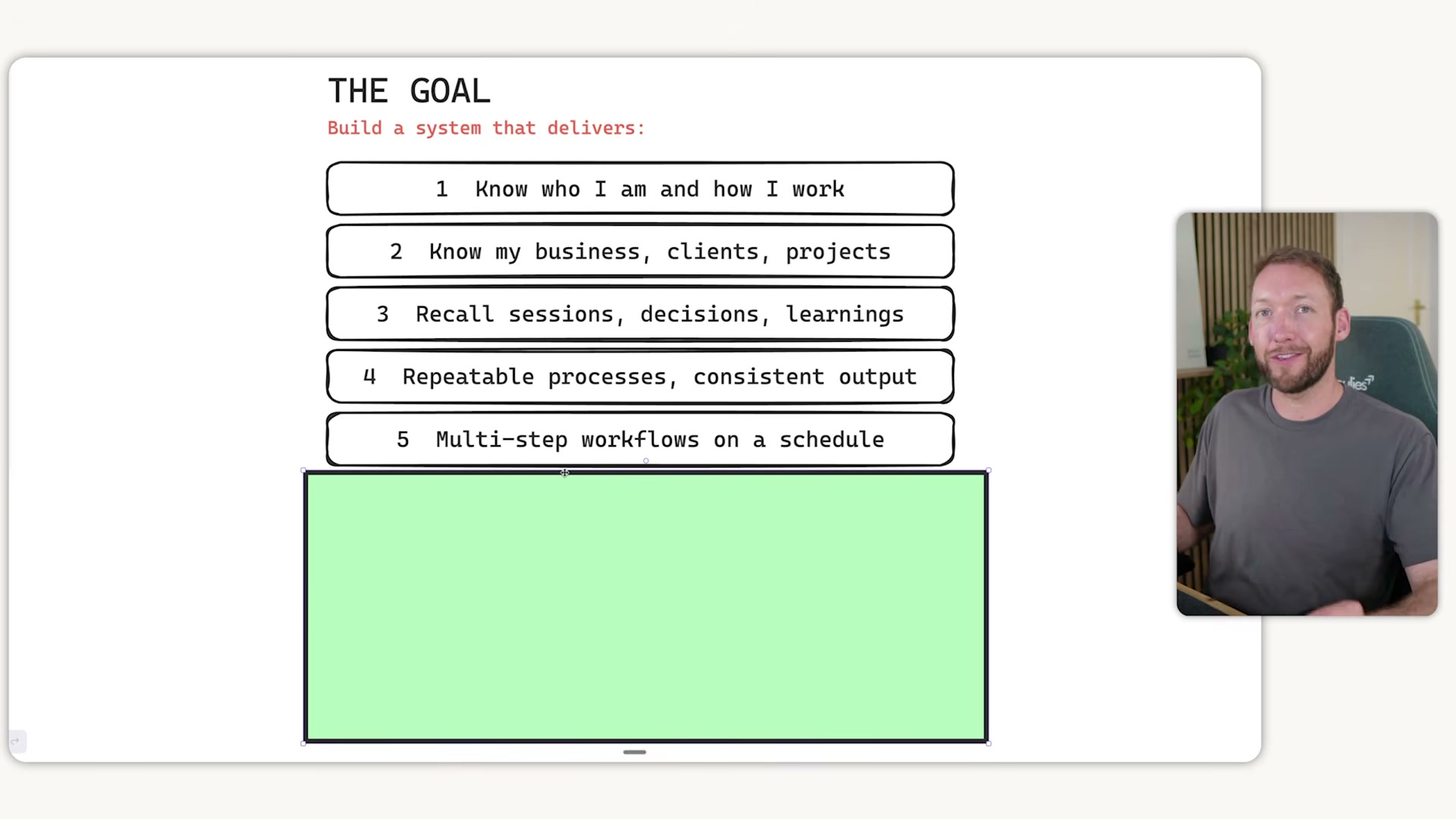
- Create your
user.mdidentity file. Open any AI tool that has prior conversation history with you — it already holds partial memory of your preferences. Run this prompt: “I’m building my identity file. Ask me 15 questions about how I work, what I want, what I don’t want, and how I want you to respond.” Answer each question, then paste the output into auser.mdfile. This file represents you: your working style, communication preferences, and non-negotiables.

- Create a
soul.md(orpersonality.md) file that defines the agent’s persona — its tone, response style, and voice. Whileuser.mddescribes you,soul.mddescribes the AI responding to you. Keep these as two distinct files so either can be updated independently without affecting the other.
-
Wire both files into your
claude.md. Add explicit references touser.mdandsoul.mdinside yourclaude.mdso Claude Code injects them into the system prompt at every session start. Without this reference, the files exist but do nothing. -
Build a
brand_contextfolder as shared infrastructure. Populate it with avoice-profile.mdcontaining linguistic habits, vocabulary, and real examples of your brand messaging; an ICP document; and positioning notes. In the presenter’s own system, business asset links are scraped automatically into this folder. The key architectural decision here is shared: every skill you build later pulls from one central location, so updating brand voice propagates everywhere instantly.


- Implement a Level 2 session start hook. A
claude.mdinstruction asks Claude to load context — a hook forces it. Configure a session start hook to deterministically push your project context into the conversation window on every open.
Warning: this step may differ from current official documentation — see the verified version below.
- Add a Level 3 semantic memory layer using a tool like
mem-searchorclaude-mem. This enables meaning-based recall: you ask a question, and the system retrieves the most relevant notes from past structured sessions. For most agency operators and solo founders, combining Levels 1, 2, and 3 covers the 80/20 of memory needs.
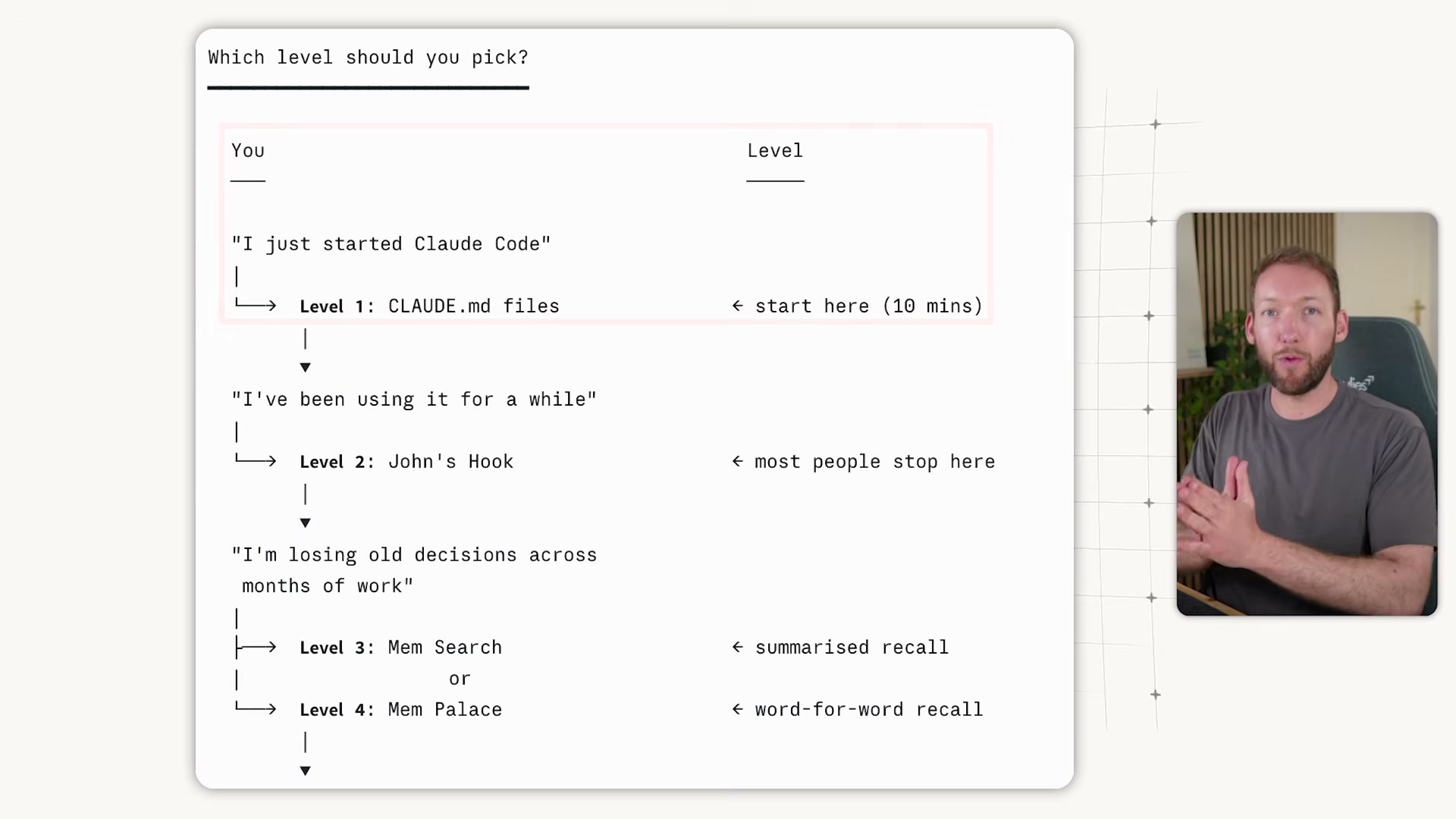
- Optionally add Level 4 verbatim recall (Mem Palace) for client work where exact phrasing matters. Levels 5 and 6 — knowledge bases and cross-tool memory — are worth layering only when you have a specific cross-device or multi-LLM requirement. Critically, these levels stack: the same folder structure supports all of them simultaneously.

- Build modular skill files under 200 lines each, using progressive disclosure so Claude Code loads only what a given task requires. Each skill file should explicitly reference the shared
brand_contextfolder. Note: the transcript cuts off before the skills implementation is demonstrated in full — the steps above cover what was shown.
How does this compare to the official docs?
The presenter’s approach makes deliberate choices — particularly around hook injection and memory layering — that go beyond default Claude Code configuration, and the official documentation has specific guidance on how context loading and hooks are meant to work that’s worth checking before you build.
Here’s What the Official Docs Show
The video’s folder-and-file architecture is a genuinely useful mental model, and Act 1 gives you a clear blueprint to start building. What the documentation pass adds is a set of boundary flags: several of the system’s most load-bearing behaviors couldn’t be confirmed in this review, so you’ll want to cross-check specific steps against the Claude Code developer docs before treating them as stable foundations.
Step 1 — Map the nine limitations
No official documentation was found for this step — proceed using the video’s approach and verify independently.
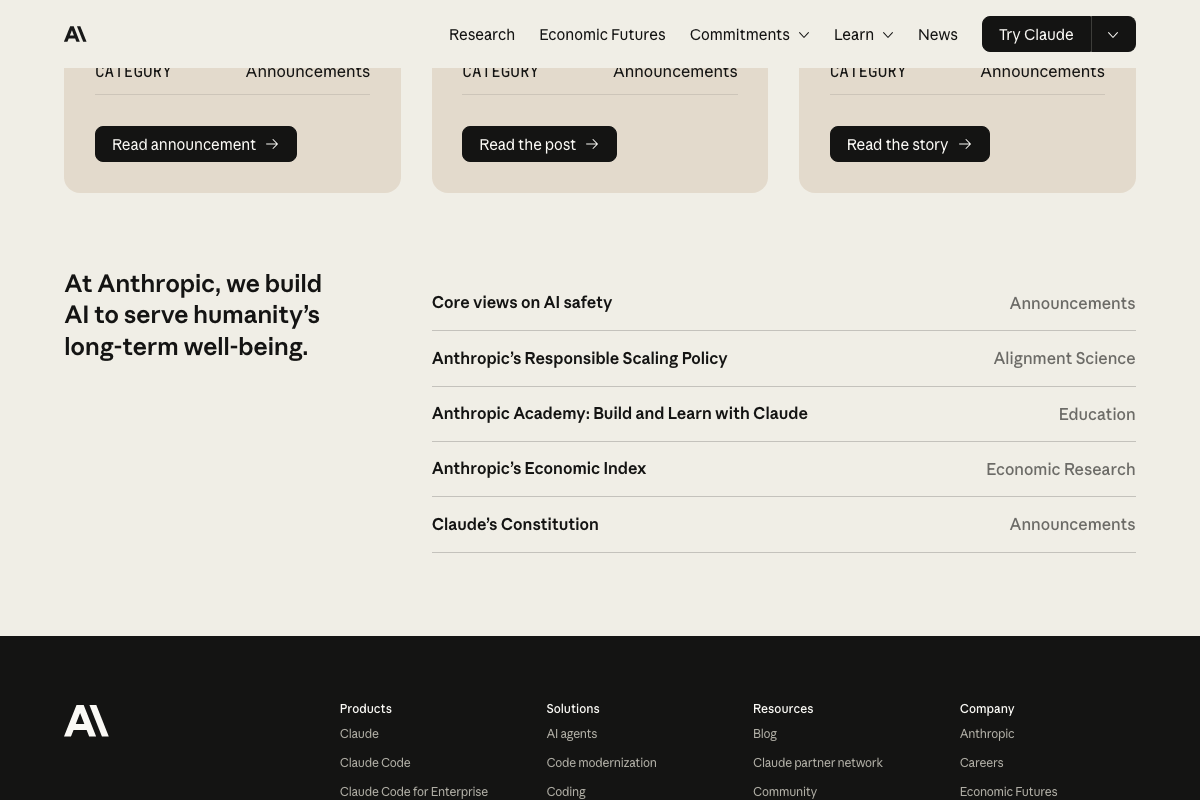
One addition worth noting: Anthropic’s public site confirms Claude Opus 4.7 as the current flagship for “coding, agents, vision, and complex professional work.” The tutorial doesn’t specify a minimum model version, so verify compatibility for your tier. Separately, Anthropic lists Claude Code and Claude Code for Enterprise as distinct products — enterprise deployments may have different configuration surfaces than the standard CLI.

Steps 2–3 — user.md and soul.md identity files
No official documentation was found for these steps — proceed using the video’s approach and verify independently.
Step 4 — Wire files into CLAUDE.md
No official documentation was found for this step — proceed using the video’s approach and verify independently.
The claim that CLAUDE.md content is injected into every session’s system prompt is the architectural keystone of this entire system. Verify it directly at docs.anthropic.com/en/docs/claude-code/overview before building on it.
Step 5 — brand_context folder
No official documentation was found for this step — proceed using the video’s approach and verify independently.
Important distinction: Notion’s native Custom Agents operate on Notion-hosted data inside the Notion product. The tutorial’s brand context folder is a local, file-based structure that runs independently of Notion’s infrastructure — the two are not interchangeable.

Step 6 — Session start hook
No official documentation was found for this step — proceed using the video’s approach and verify independently.
The video’s distinction between a CLAUDE.md instruction (asks Claude to load context) and a hook (forces it deterministically) is meaningful. Hook behavior specifically needs verification in the Claude Code developer docs before you rely on it in any production workflow.

Steps 7–8 — Semantic memory layers
No official documentation was found for these steps — proceed using the video’s approach and verify independently.
Neither claude-mem nor mem-search appeared in any captured documentation. Treat these as community or third-party tools and evaluate their current maintenance status before building a production memory layer on them.

Step 9 — Modular skill files
No official documentation was found for this step — proceed using the video’s approach and verify independently.
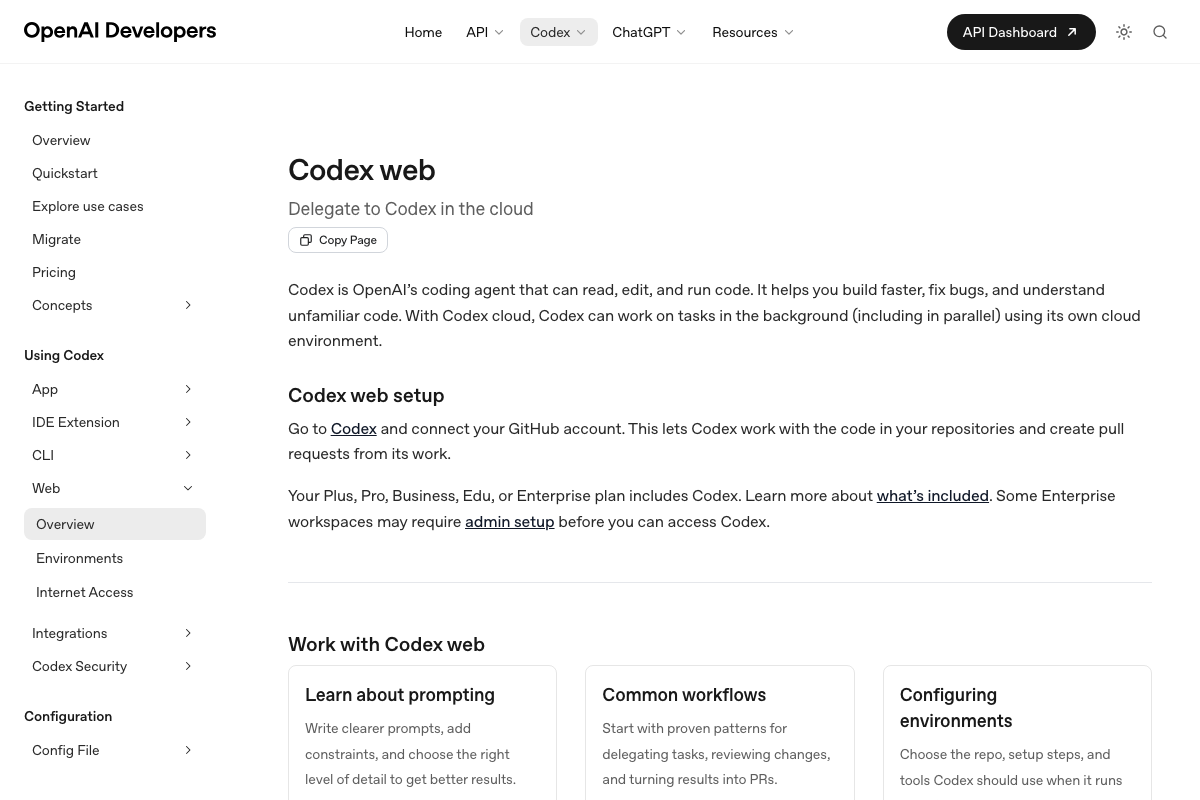
For context: OpenAI Codex, referenced in the video as a comparable tool, is a cloud-hosted agent with GitHub integration requirements — architecturally different from Claude Code’s local CLI model. Its Config File section represents a parallel but distinct approach to configuration persistence.
Useful Links
- Claude Code Overview — Authoritative developer documentation for CLAUDE.md behavior, session hooks, and configuration; essential for verifying steps 4, 6, 7, 8, and 9.
- Home \ Anthropic — Anthropic’s corporate site confirming Claude Opus 4.7 as current flagship and Claude Code for Enterprise as a separate product.
- Web – Codex | OpenAI Developers — OpenAI Codex documentation covering its cloud-hosted coding agent, GitHub integration requirement, and file-based configuration approach.
- The AI workspace that works for you. | Notion — Notion consumer marketing site describing native Notion Agents; Notion API developer documentation at developers.notion.com was not captured in this review.


0 Comments