

A Four-Level Framework for Understanding Agentic AI Systems
Content repurposing is the running example in this breakdown — taking one YouTube video and turning it into LinkedIn posts, Twitter threads, newsletters, and ad copy. By the end, you’ll be able to place any AI tool you use on a four-level framework, understand what separates a chatbot from a fully autonomous system, and identify exactly where your current setup sits.
-
Level 1 — Chatbot: Paste a transcript into Claude or ChatGPT and prompt for a LinkedIn post. The output is functional but contextless — the model doesn’t know your voice, your audience, or what you published last week. It might repeat an angle you’ve already covered. Chatbots are also passive: every output requires a manual prompt to exist.
-
Level 2 — AI Workflow: Build an n8n pipeline triggered by a new YouTube publish. The workflow pulls the transcript, sends it to Claude through an AI node with hardcoded voice guidelines, returns a LinkedIn draft, and drops it into your scheduling tool. Drafts appear without manual effort — but the workflow can’t adapt. If carousels are outperforming text posts this month, the fixed steps don’t know it. If the video topic would suit Twitter better than LinkedIn, the pipeline runs the same sequence regardless.
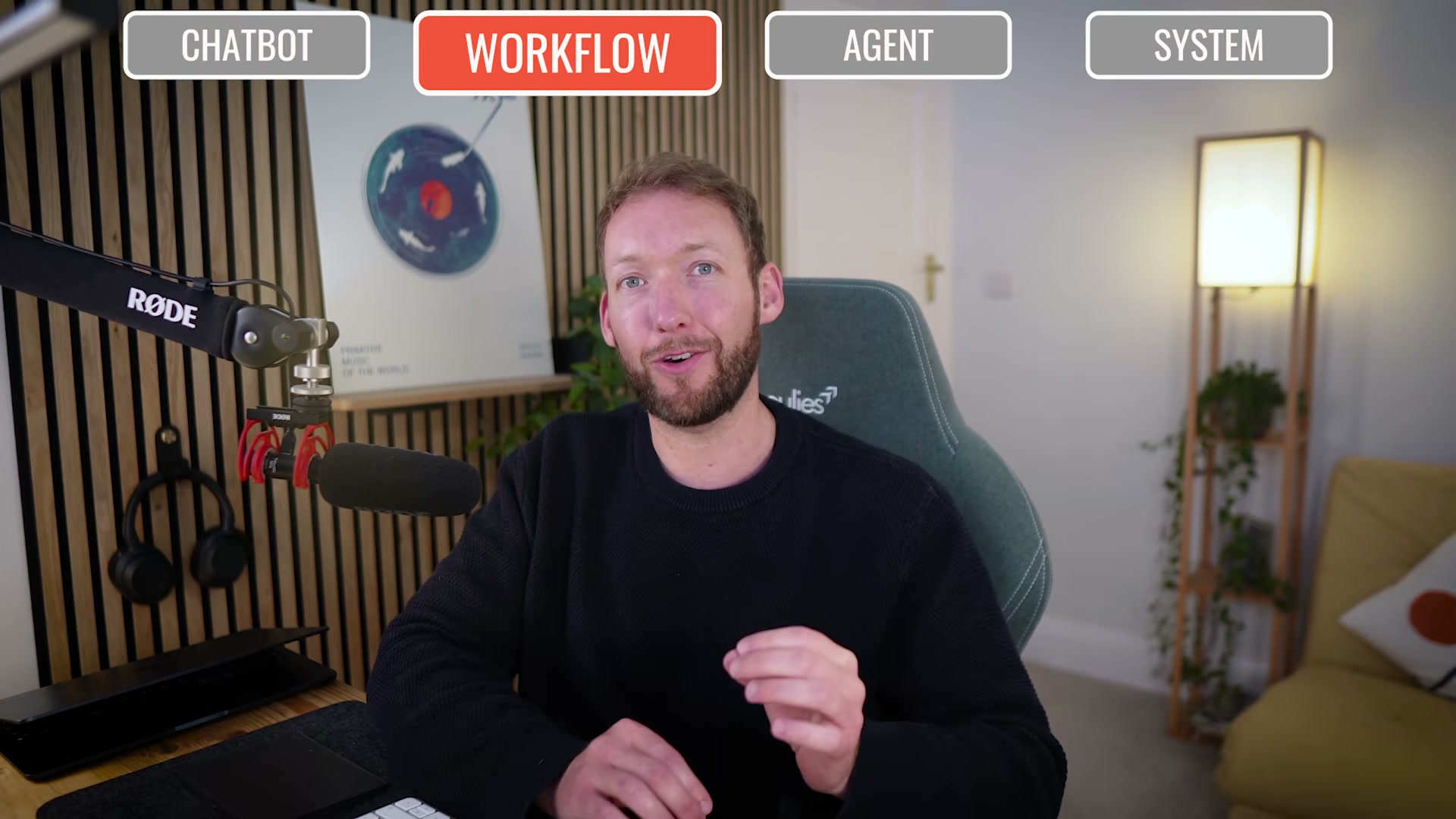
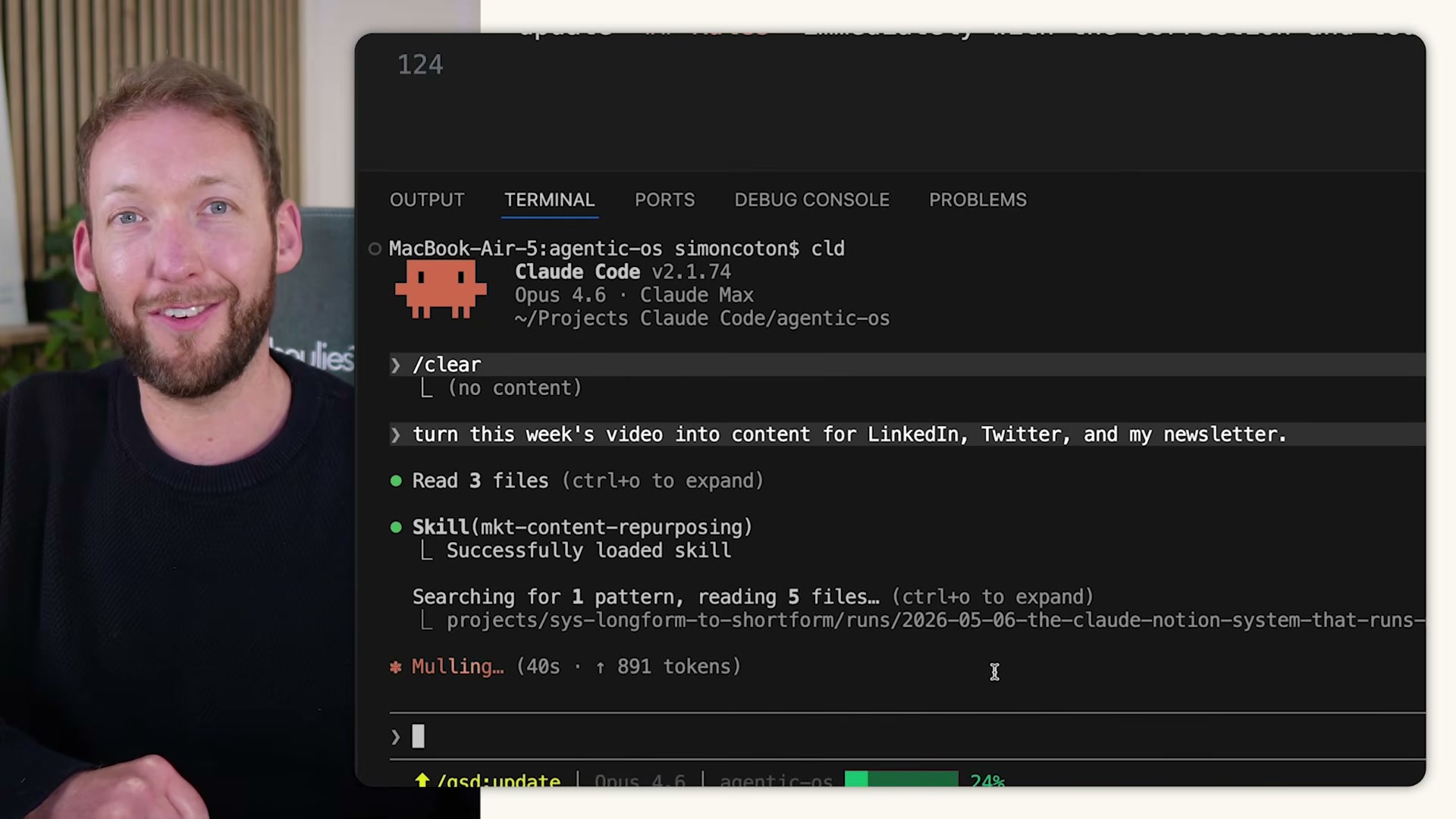
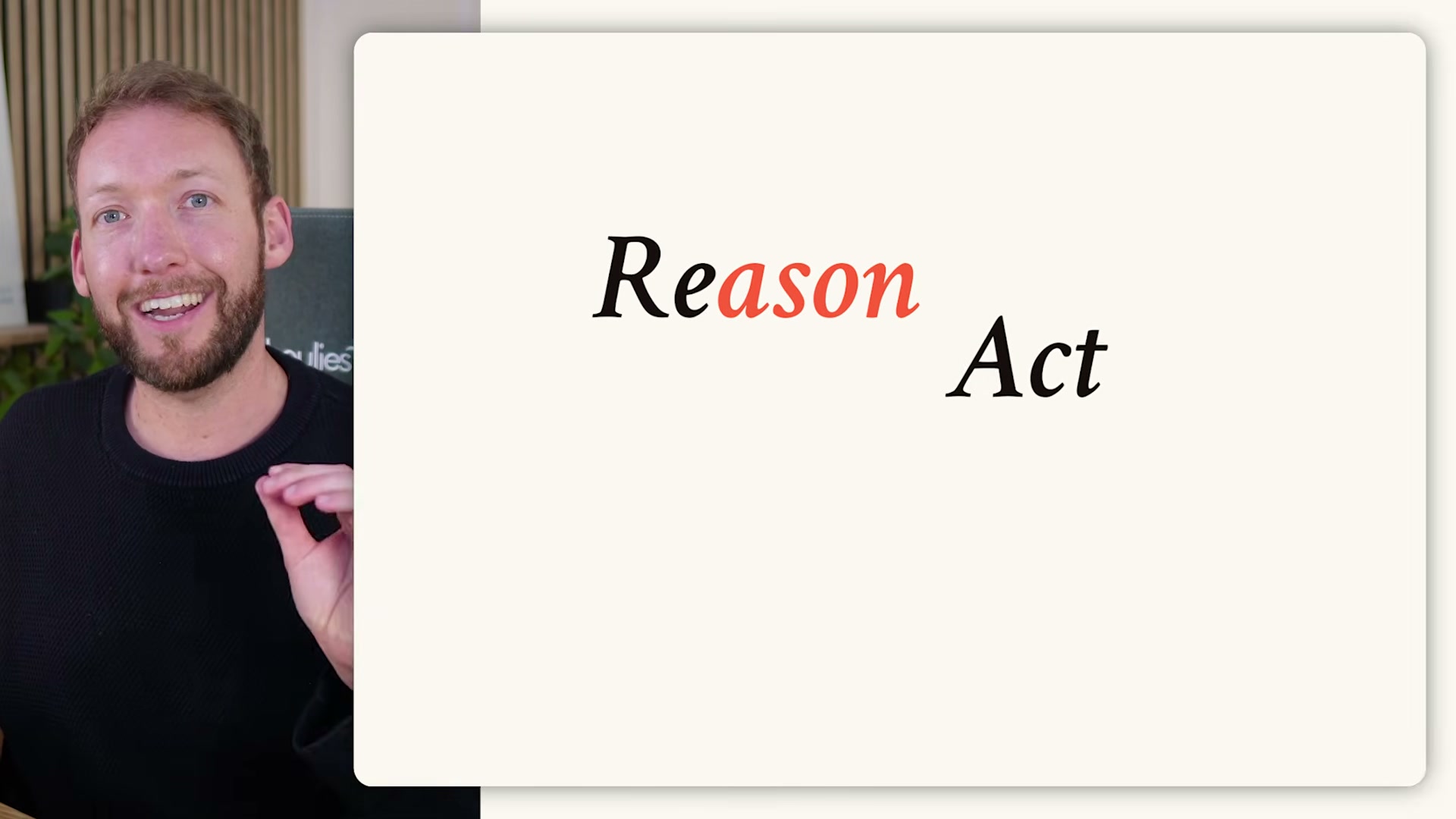
- Level 3 — Agentic Workflow: Issue one goal to Claude Code: “Turn this week’s video into content for LinkedIn, Twitter, and my newsletter.” The agent decides every step — reading the transcript, loading your brand voice file, choosing carousel format for visual storytelling and a thread for a contrarian angle, then running all drafts through your style guide and rewriting anything that doesn’t pass. You defined the goal; the model reasoned through the execution using the ReAct loop: reason about the next step, act on it, observe the result, iterate until done.
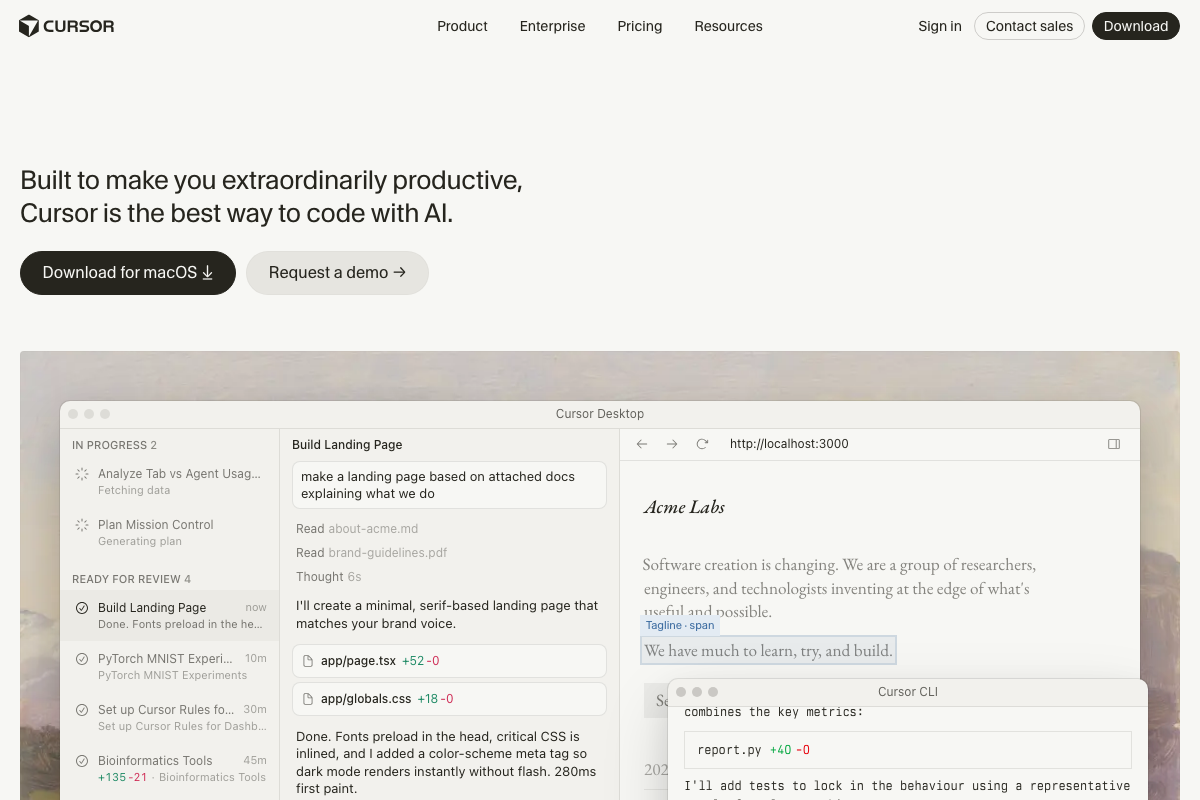
- The harness: Claude Code, OpenAI Codex, and Cursor are all harnesses — infrastructure that wraps the model so it can read files, run commands, call tools, and self-verify output. Without a harness, the model is a chatbot in a browser tab. With one, it becomes controllable and deployable for real business operations.
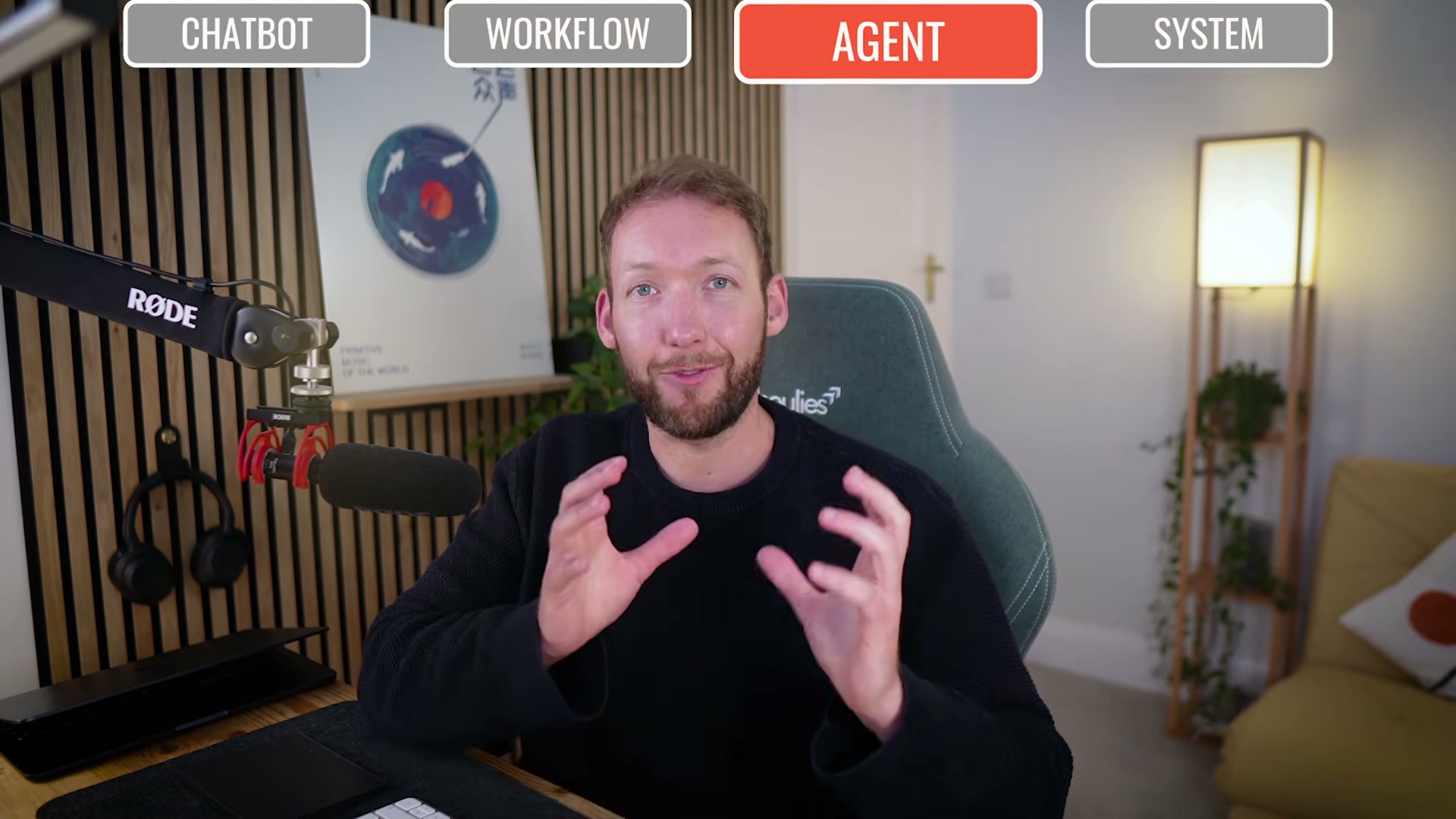
- Level 4 — Agentic AI System: Trigger one command and a coordinated system runs the full content operation. Parallel skills handle clip extraction and ranking, platform-specific carousel building, newsletter drafting from key takeaways, and ad copy generation from historically high-performing angles — all queued into the scheduling tool. The system loads brand context only as needed and flags anything requiring human approval before it touches a publish queue.

-
Skills, MCP, and memory: Skills are markdown files with task-specific instructions loaded on demand, keeping context lean and token costs manageable. MCP (Model Context Protocol) is the plug-in standard that connects scheduling platforms, analytics dashboards, and CRMs to the harness without custom integrations. Memory persists context between sessions — at minimum a markdown file the agent reads and updates; at the sophisticated end, a database synced across multiple LLMs and tools.
-
Human-in-the-loop: No content publishes without human review. The system handles production autonomously, but deliberate checkpoints at the input stage and output stage keep the operator in control. The design principle is maximum leverage, not set-and-forget.
How does this compare to the official docs?
The video builds a useful mental model fast, but Anthropic’s published guidance draws sharper distinctions between orchestrators and subagents, defines specific safety patterns for human-in-the-loop design, and introduces architectural constraints the four-level framework doesn’t surface — which is exactly where Act 2 picks up.
Here’s What the Official Docs Show
The video builds a fast, useful mental model for placing AI tools on a capability ladder. What follows adds the pricing gates, platform upgrades, and doc-verified nuances that matter when you move from understanding the framework to building inside it.
1. Level 1 — Chatbot
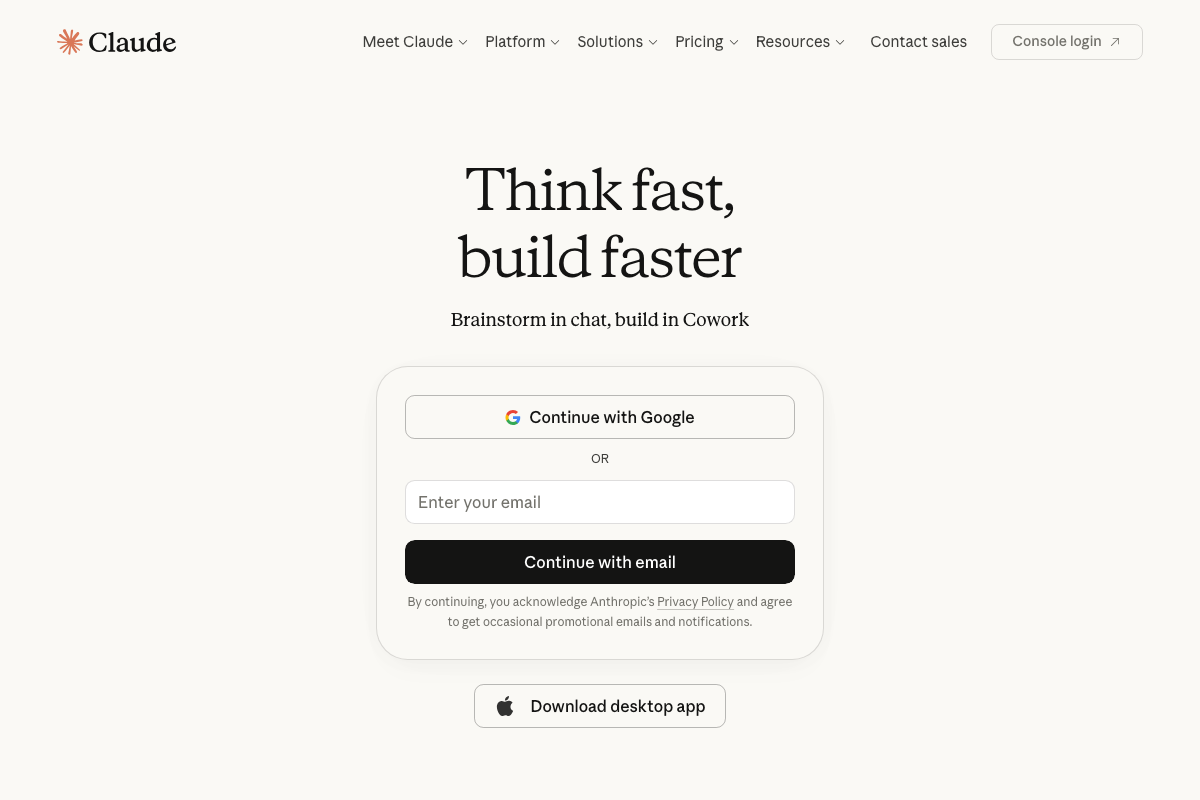
The video’s approach here matches the current docs exactly. One addition: claude.ai now features a product called Cowork, promoted directly on the sign-in and post-login screens as handling “everyday tasks.” It sits between simple chat and a full agentic harness — a capability layer the four-level framework doesn’t address.
2. Level 2 — AI Workflow
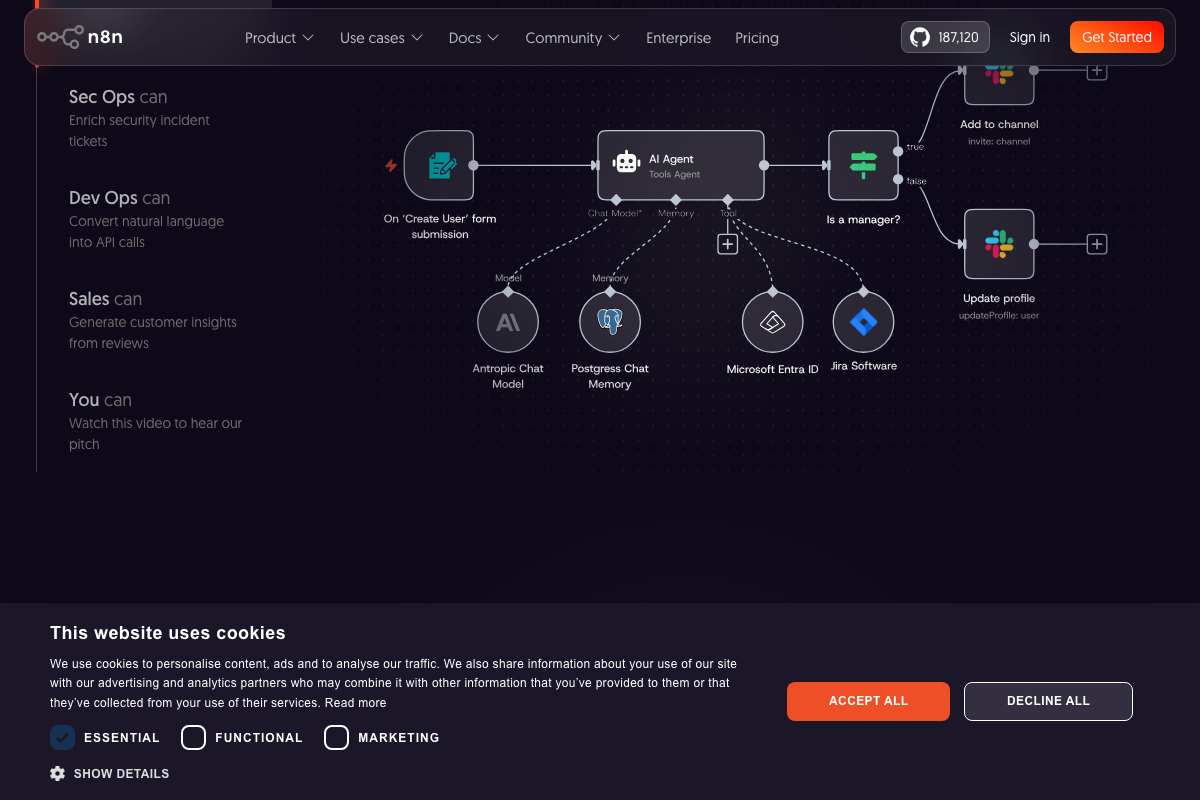
The video’s approach here matches the current docs exactly as a starting point. As of May 2026, n8n’s documented AI Agent node includes Postgres Chat Memory and multi-tool sub-connections — architectural features the video assigns exclusively to Level 3/4. n8n operates across the Level 2 and Level 3 range, not only as a fixed-step pipeline tool.
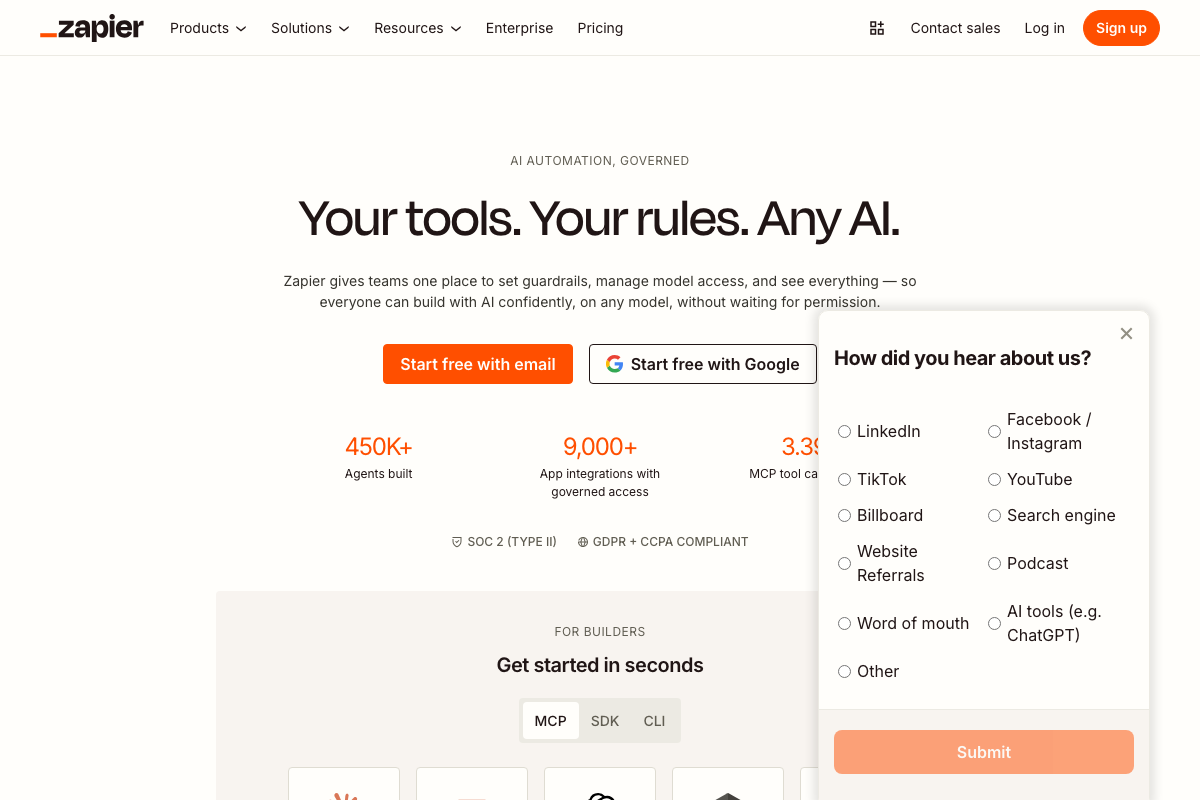
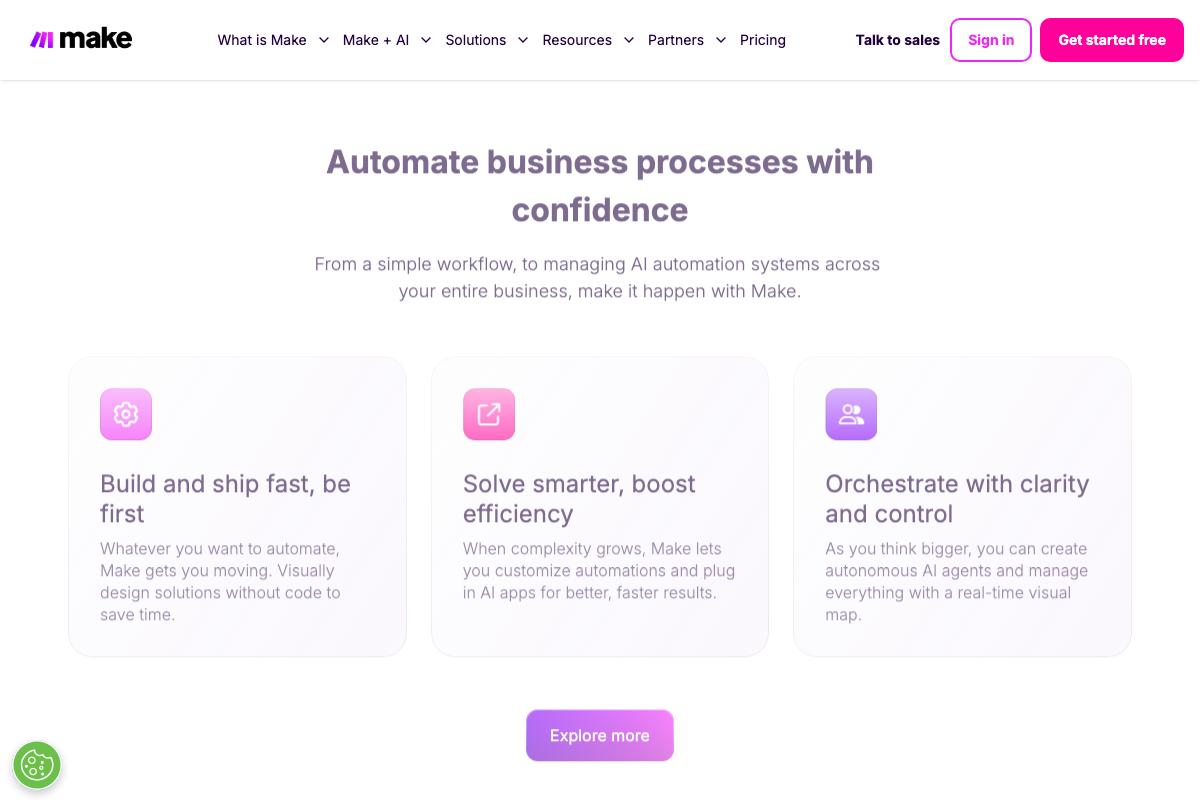
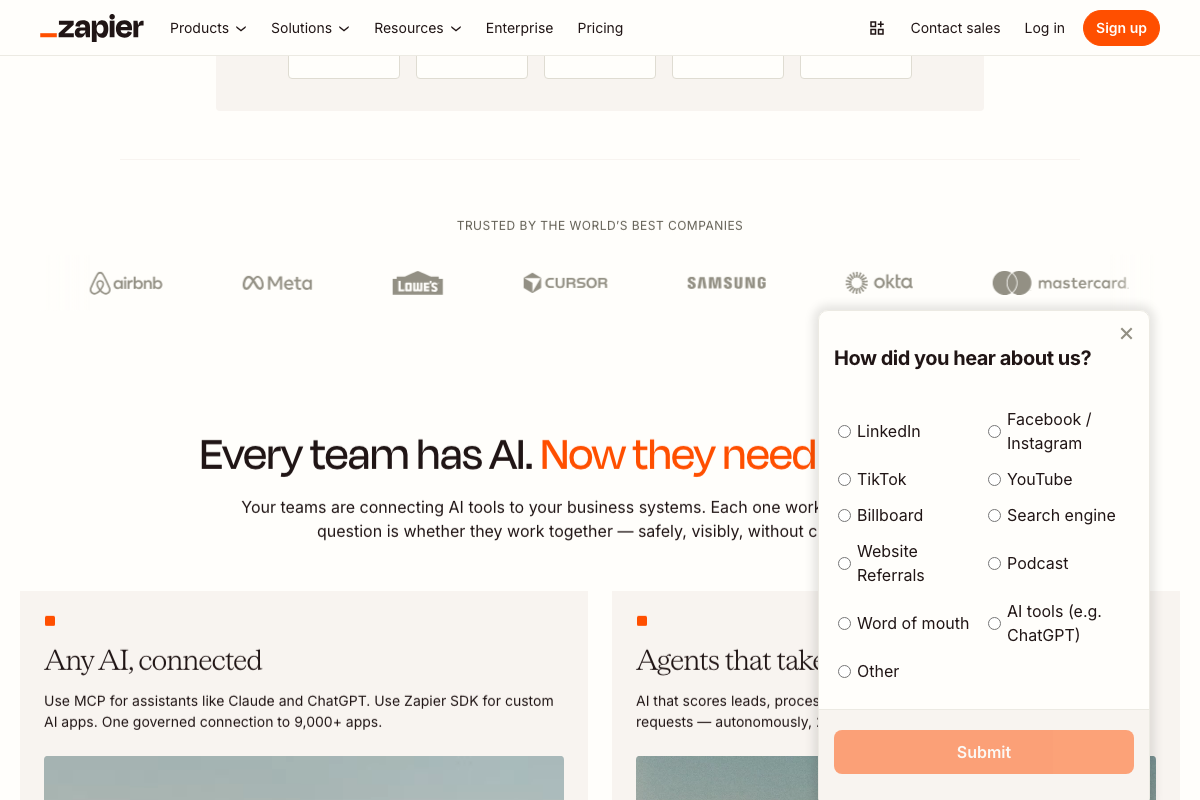
Zapier is now positioned as an AI agent governance platform — 450K+ agents built, 3.3x+ MCP tool calls, 9,000+ governed integrations. Using it as a scheduling destination is one valid application inside a substantially broader current capability set. Make (formerly Integromat), not named in the video, is a direct n8n comparable with its own documented autonomous agent orchestration feature: “Orchestrate with clarity and control.”
3. Level 3 — Agentic Workflow
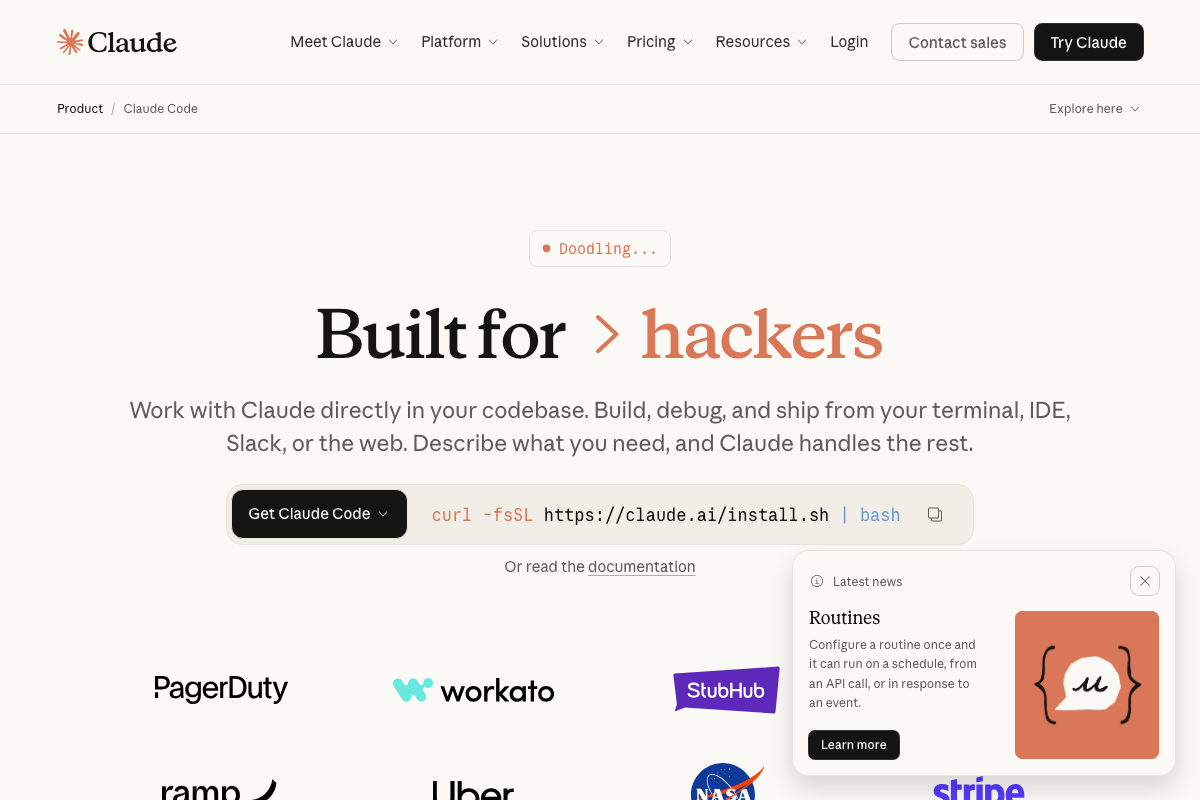
The video’s approach here matches the current docs exactly. One prerequisite the video omits: Claude Code requires a Pro plan ($17/mo) or Max — it is not available on the Free tier. This applies to any Level 3 or Level 4 workflow built on Claude Code.

4. The Harness
No official documentation was found for this step —
proceed using the video’s approach and verify independently.
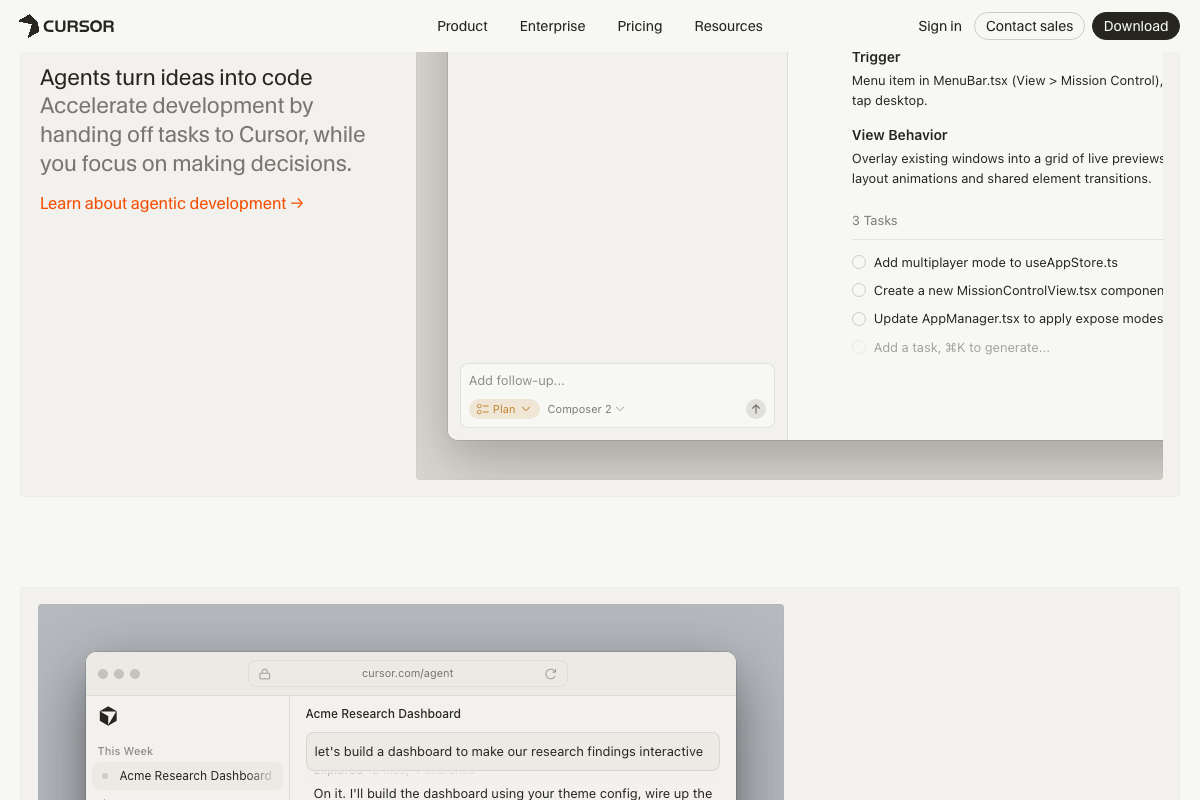
Claude Code and Cursor are confirmed as harnesses. All three OpenAI Codex screenshot attempts returned page load errors — Codex’s harness characterization cannot be verified or corrected from the captured docs. Cursor’s UI directly shows an agent reading brand context files (about-acme.md, brand-guidelines.pdf) before generating output, confirming the file-access behavior described in this step.
5. Level 4 — Agentic AI System
The video’s approach here matches the current docs exactly. One addition: Claude Code’s desktop app includes a native “Scheduled” session type visible in the sidebar — built-in scheduling that supplements the external scheduling tools the video assigns to this role.

6. Skills, MCP, and Memory
No official documentation was found for this step —
proceed using the video’s approach and verify independently.
MCP’s reach extends beyond Anthropic: Zapier documents 3.3x+ MCP tool calls in production; Gemini Deep Research explicitly lists MCP support in preview. The video’s characterization of MCP as a plug-in standard is accurate — the cross-vendor adoption is broader than the tutorial implies.

7. Human-in-the-Loop
The video’s approach here matches the current docs exactly. Cursor’s “Ready for review” queue and step-level task checkboxes provide a product-documented instance of the human-approval gate the video describes as a deliberate design principle, not an optional add-on.
Useful Links
- Claude Code by Anthropic — Official product page covering terminal, IDE, Slack, and web deployment modes, the Routines scheduling feature, and Pro/Max subscription requirements.
- Claude.ai — Claude sign-in, Free/Pro/Max pricing tiers, and the Cowork product introduction.
- n8n AI Workflow Automation Platform — n8n homepage and workflow canvas showing the AI Agent node with persistent memory and multi-tool sub-connections.
- Zapier: Automate AI Workflows, Agents, and Apps — Zapier’s AI agent governance positioning, MCP connectivity documentation, and multi-model agent builder.
- Make (formerly Integromat) — Visual automation platform with documented support from fixed pipelines through autonomous AI agent orchestration.
- OpenAI Codex — OpenAI Codex product page; page content unavailable for verification at time of capture.
- Cursor: The best way to code with AI — Cursor Agent mode documentation, brand-file reading behavior, and built-in review queue features.
- ChatGPT — ChatGPT web interface illustrating the Level 1 manual-prompt, no-persistent-context pattern.
- Gemini generateContent API — Gemini API reference covering Function Calling for agentic workflows and MCP support in Gemini Deep Research.


0 Comments