

Master 80% of Claude Code in 20 Minutes
Claude Code isn’t a chatbot — it’s an agentic environment that reads files, writes to them, and executes commands on your machine. This tutorial covers 15 features behind the majority of real-world Claude Code usage, observed across thousands of practitioners. After working through these steps, you’ll have a production-ready mental model: how to plan work, manage context, personalize your workflow, and connect external tools.
-
Recognize that Claude Code is fundamentally different from a chat interface. You give it a brief with the right context, let it work, and review what it produces. The agent takes actions — it doesn’t give advice.
-
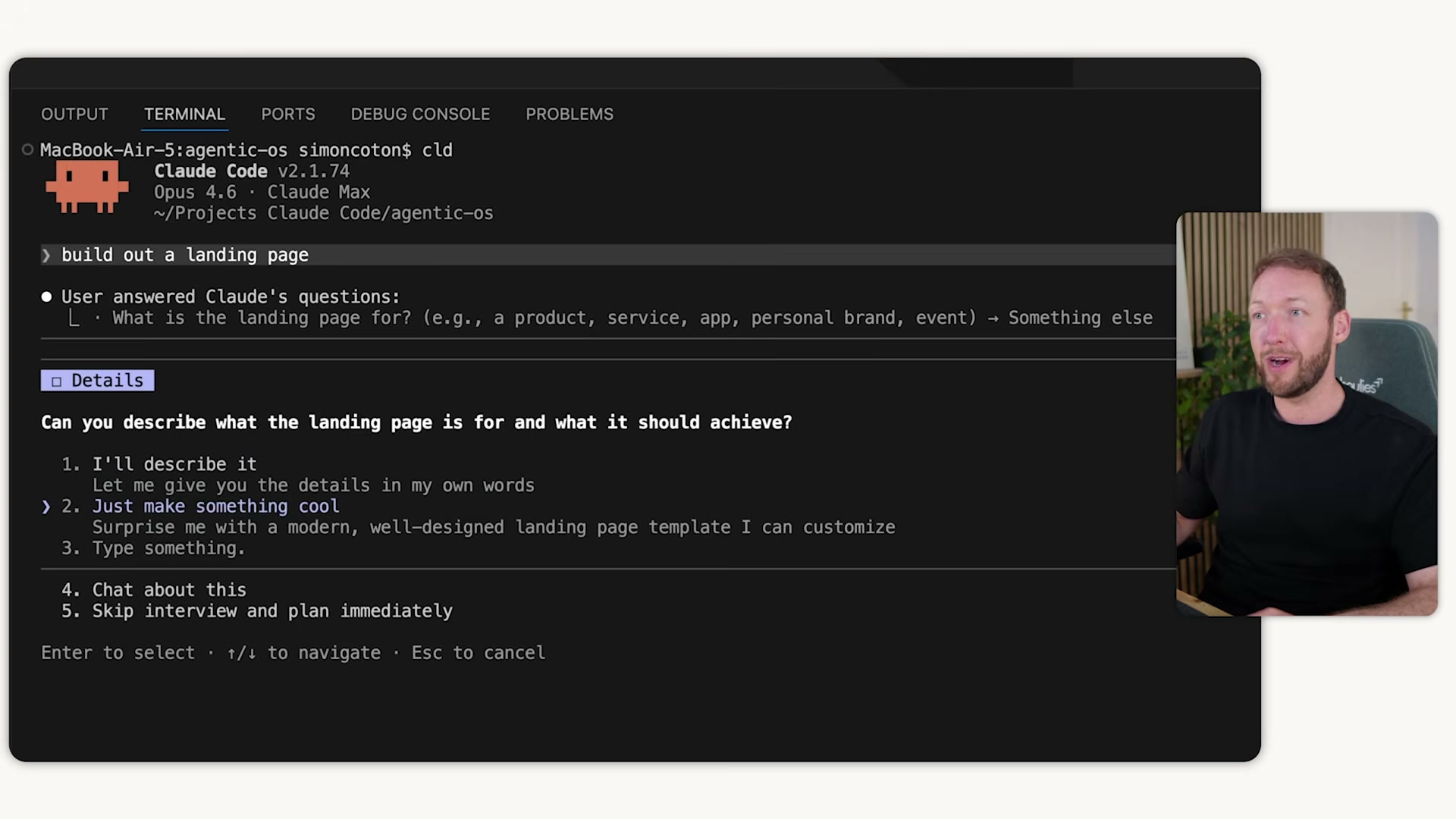
Press Shift+Tab twice to activate plan mode. Claude enters read-only mode, runs a clarification interview, and produces a structured plan before any file is touched. Approve or edit the plan before moving to the build phase.
- Avoid
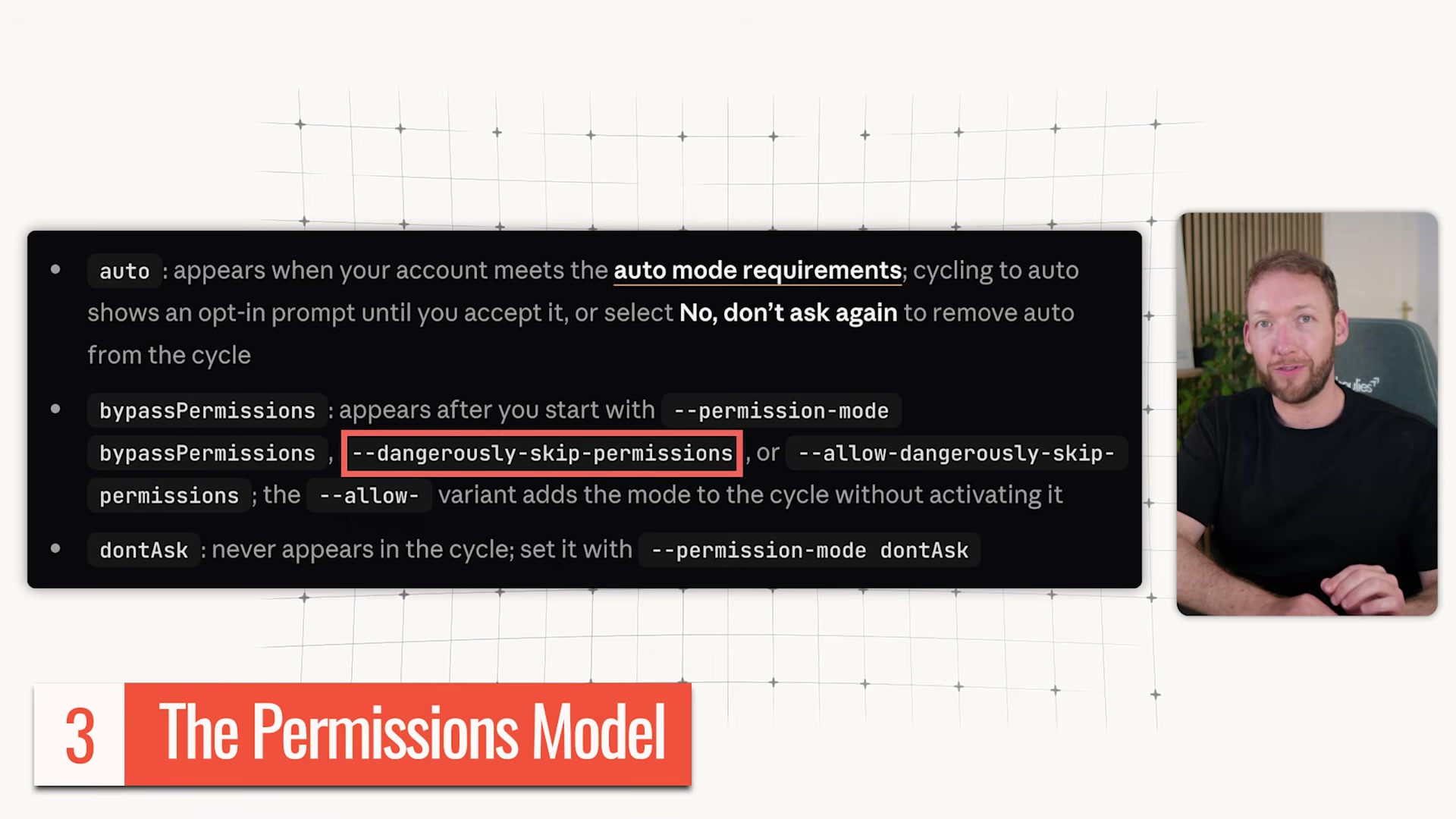
--dangerously-skip-permissionswhen you’re starting out. Work through manual approvals to understand what Claude requests access to; configure your ownsettings.jsonpermissions rules once you have that baseline.
-
Install CC-Notify (or equivalent) so Claude pings you when it needs approval or completes a task. You can step away from the terminal and return only when your input is required — even across multiple concurrent sessions running in parallel.
-
Understand context rot. As token count grows, recall degrades — most models lose roughly 50% recall around 10,000 tokens. Use
/clearbetween unrelated tasks,/compactafter long single-topic sessions to compress context and strip noise, andclaude resumeto restore a prior session without re-explaining the project. -
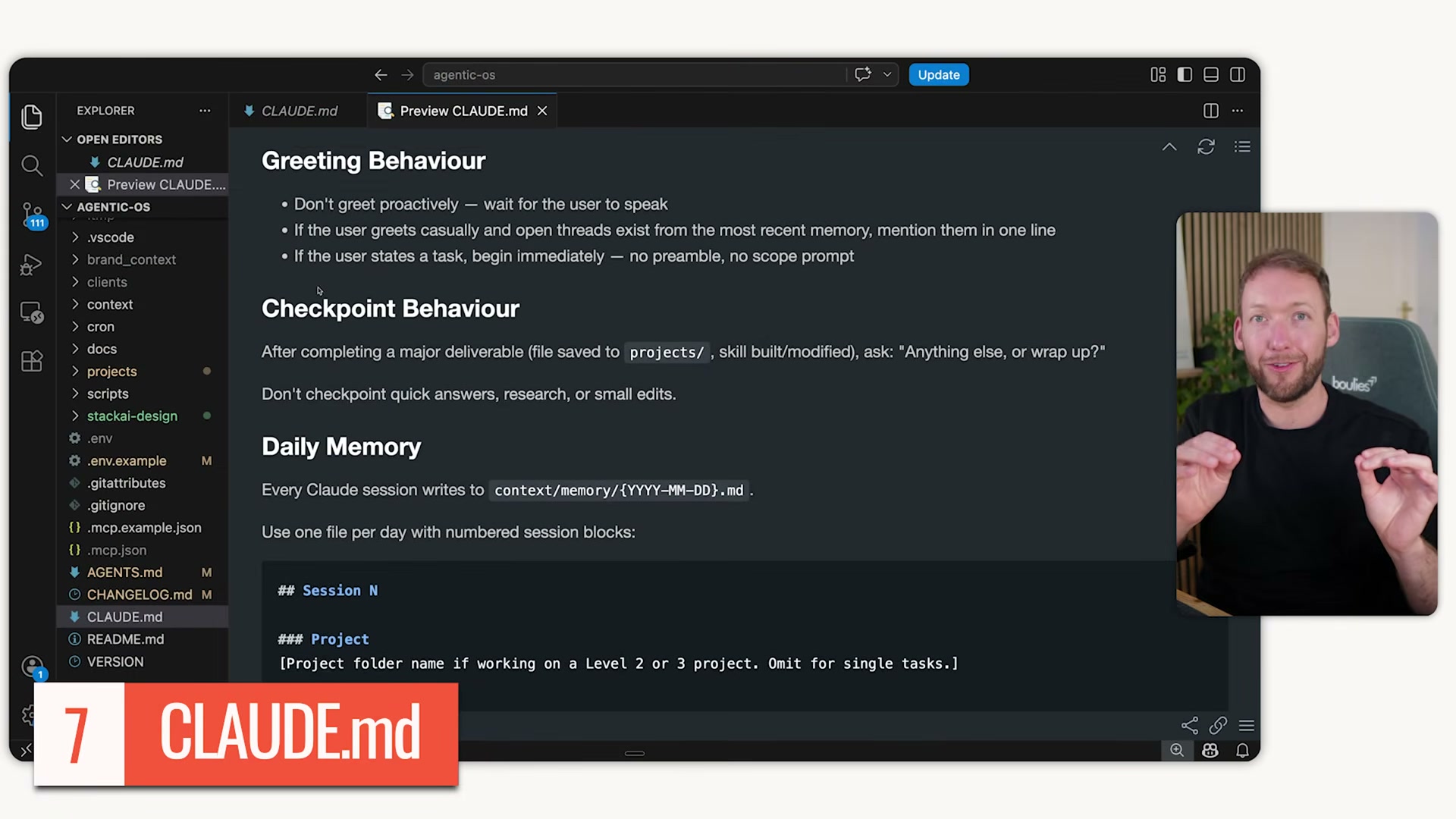
Keep your
CLAUDE.mdunder 200 lines and treat it as a table of contents, not a monolith. Point to separate reference files for brand, workflow, and technical context so Claude loads only what’s needed at each step.
- Build slash commands for repeated prompt patterns. Store markdown files in
.claude/commands/and invoke them with/plus a shortcut. If you’re typing the same context more than twice, it belongs in a slash command.
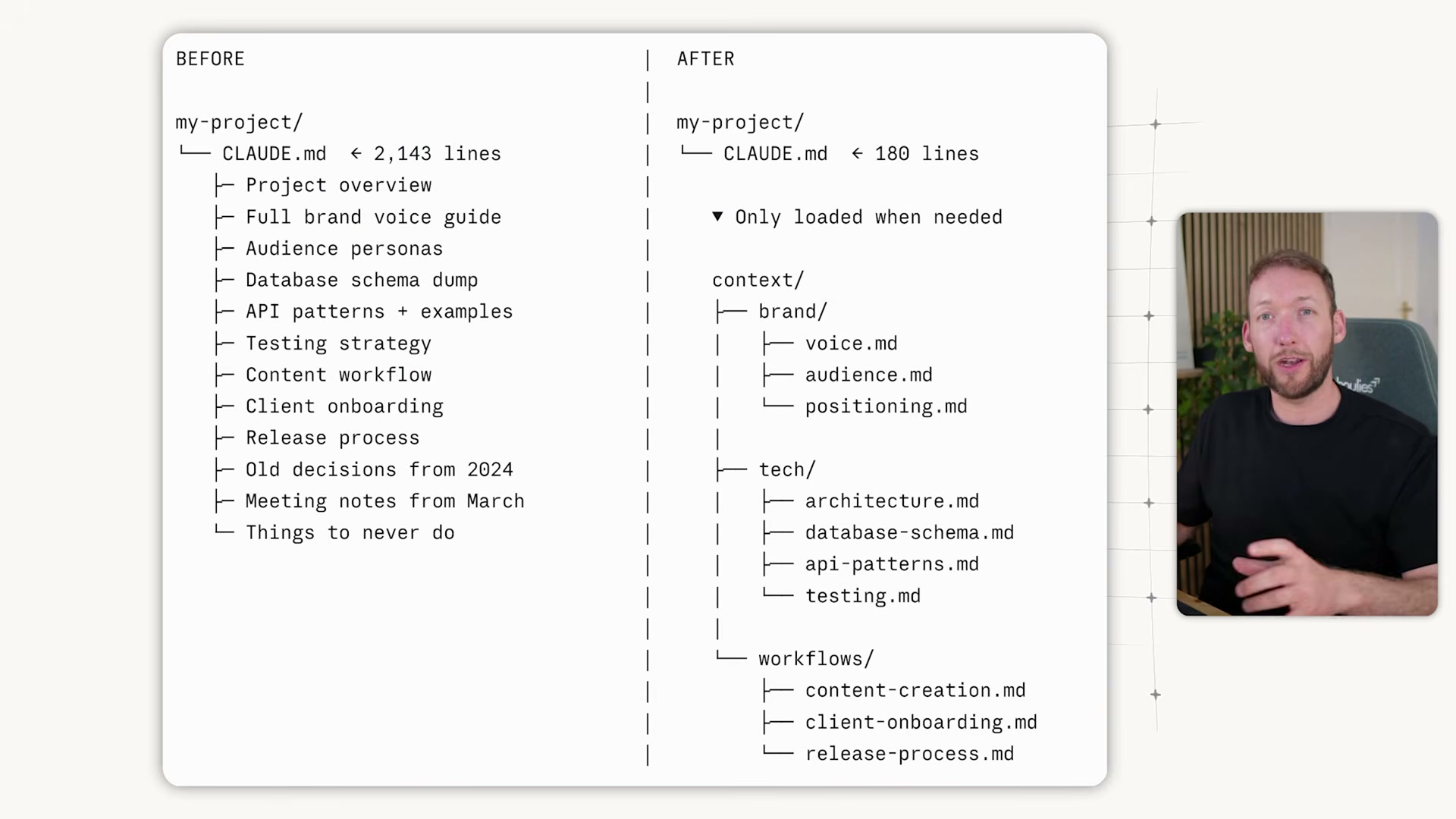
- Build skills for multi-step processes using Anthropic’s skill creator skill rather than writing them from scratch. Keep
skill.mdunder 200 lines and offload detailed examples to areferences/folder. The name and description load first; full instructions load only when the skill is invoked.
Warning: this step may differ from current official documentation — see the verified version below.

-
Configure hooks in
settings.jsonfor deterministic, token-free automation triggered by events like session start. Use them to force-load files, run linters, or automate any repeatable system behavior without consuming context. -
Connect external tools via MCPs — Notion, Slack, Google Drive, HubSpot, databases — to move work inside the tools your team already uses. Start in the terminal or VS Code to build foundational understanding before adding interface layers.
How does this compare to the official docs?
The video draws on observed practitioner patterns, but Anthropic’s official documentation defines the authoritative specification for permissions, hooks, and MCP configuration — and that’s exactly where Act 2 picks up.
Here’s What the Official Docs Show
The video delivers a strong practitioner overview — Act 2 layers in what official documentation confirms, extends, or names differently. Nothing here invalidates the workflow; a few details sharpen it.
Step 1 — Claude Code as an agentic environment
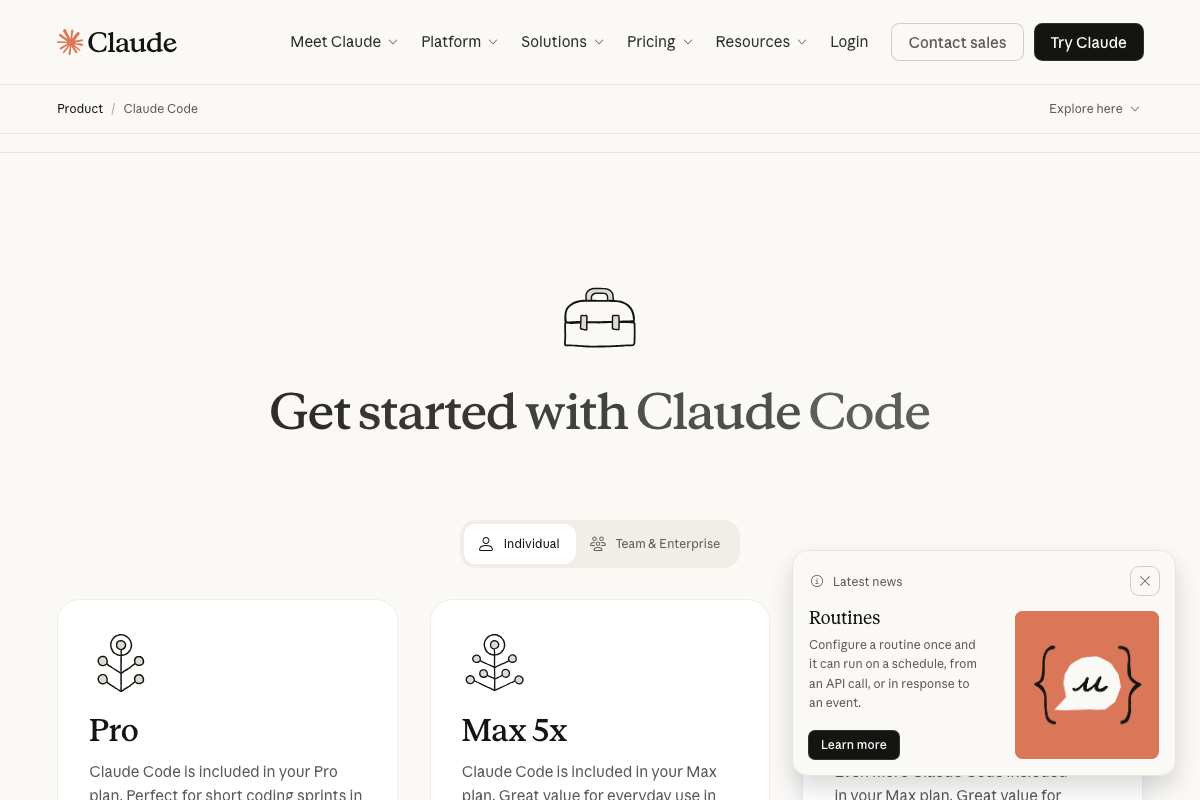
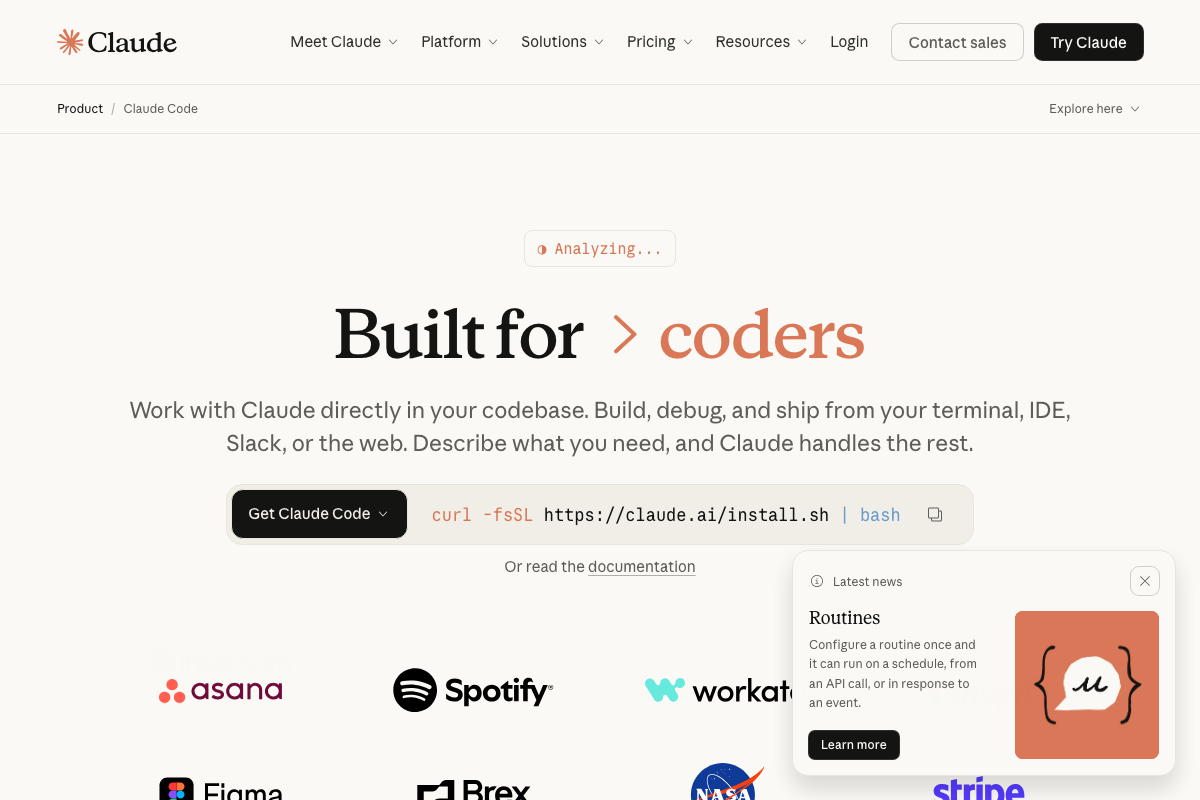
The video’s approach here matches the current docs exactly. Anthropic’s own copy frames Claude Code as an execution layer — “Build, debug, and ship from your terminal, IDE, Slack, or the web” — and VS Code’s agent panel echoes it: “Hand off tasks to AI agents that autonomously plan, make code changes, run commands, and iterate until the job is done.” One detail the tutorial skips: Claude Code requires a Pro plan at minimum. Max unlocks higher usage limits. Team & Enterprise tiers are available for agencies and internal teams.
Steps 2–13 — Plan mode, permissions, CC-Notify, context management, CLAUDE.md, slash commands, skills, hooks
No official documentation was found for these steps —
proceed using the video’s approach and verify independently.
Step 14 — MCPs
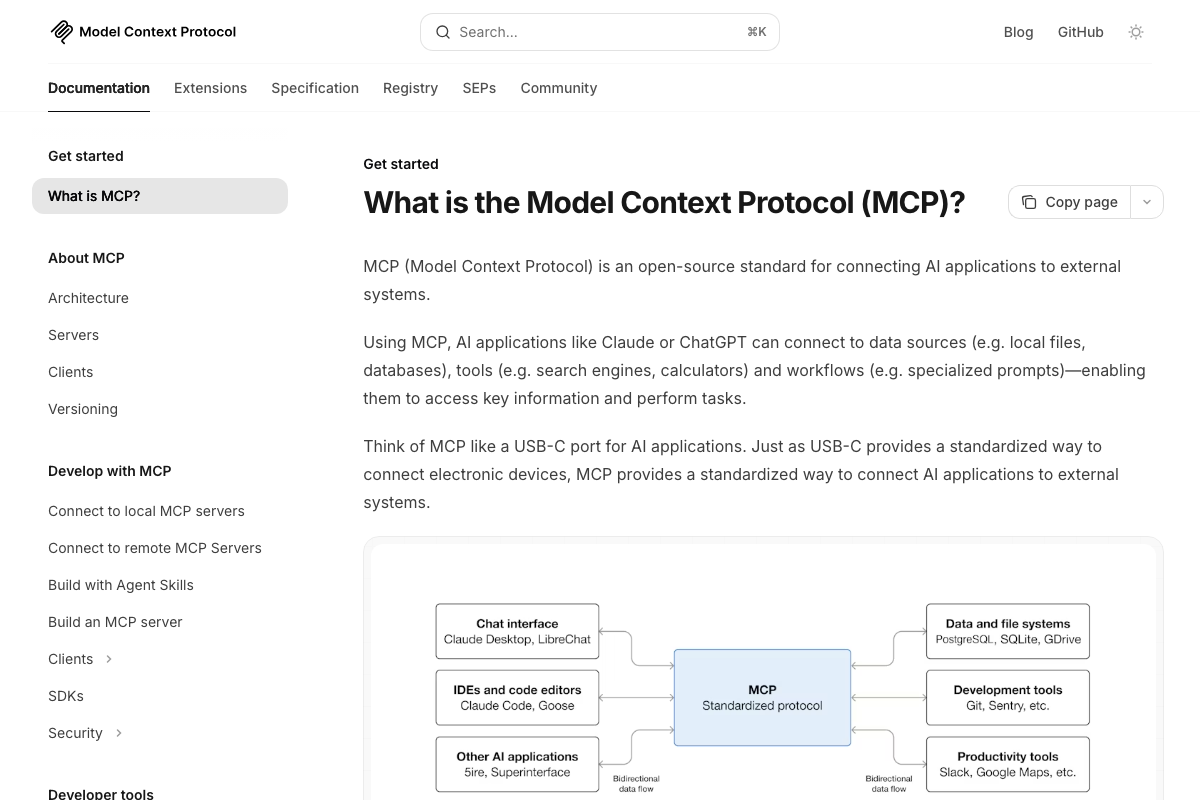
The video’s approach here matches the current docs on the core definition. Slack, Google Drive, Notion, and databases (PostgreSQL, SQLite) are all confirmed in the official MCP architecture diagram. Claude Code is explicitly listed as an MCP client under “IDEs and code editors.” Three additions from the docs:
- Local vs. remote MCP servers. The official docs distinguish these as separate connection pathways. The tutorial treats them as one — that distinction matters when you’re writing
settings.jsonconfig. - HubSpot. As of April 28, 2026, HubSpot does not appear in any official MCP documentation screenshot. Treat it as unverified until you confirm a specific server package.
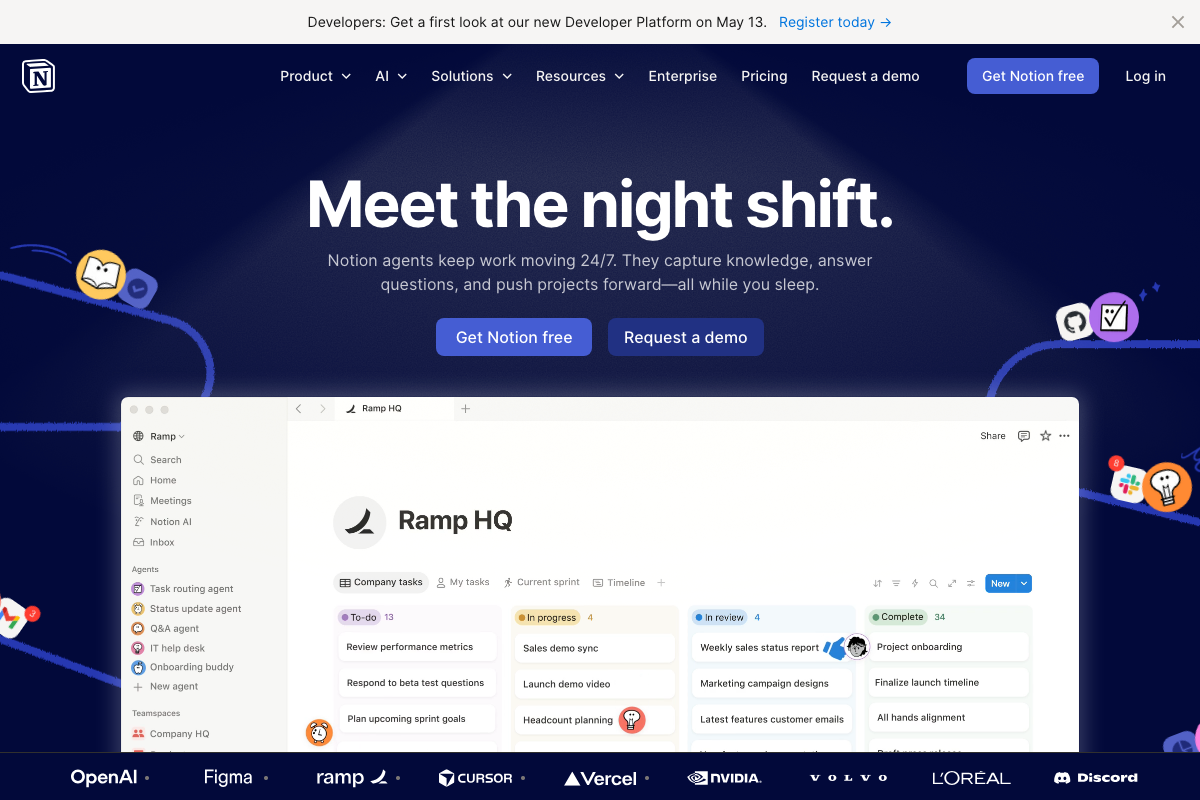
- Notion native agents ≠ Notion via MCP. Notion now ships its own native AI agent layer. Connecting Claude Code to Notion through an MCP server is a separate configuration with different capabilities — the tutorial doesn’t distinguish between them.
Step 15 — Where to run Claude Code
The video’s approach here matches the current docs for three of the four runtimes covered. Two corrections:
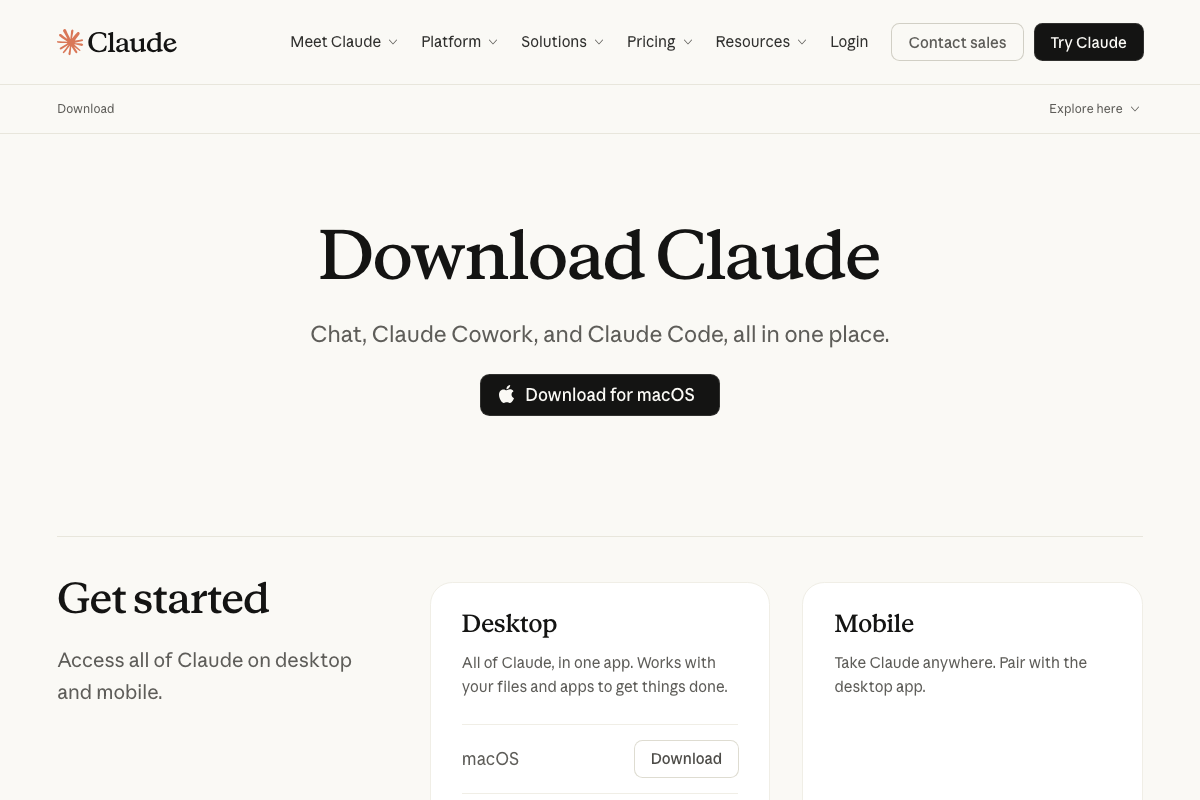
- Product name. As of April 28, 2026, the correct product name is Claude Cowork. The video uses “Claude Codework,” which reflects an earlier or misheard version of the name.
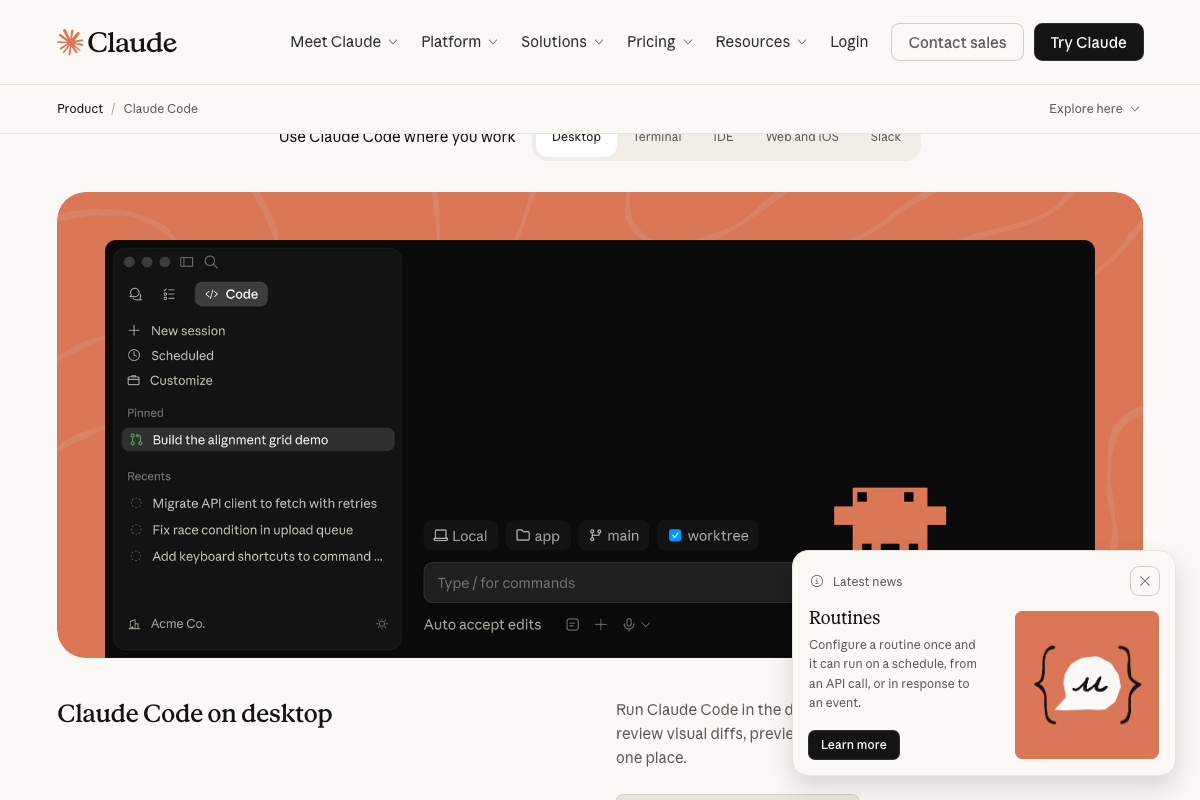
- Five runtimes, not four. The official Anthropic page lists Desktop, Terminal, IDE, Web and iOS, and Slack. The tutorial covers only four and omits the last two.
One undocumented capability — Routines
The official Claude Code marketing page surfaces a Routines feature not covered in any of the 15 tutorial steps: configure a workflow once and run it on a schedule, via API call, or in response to an event trigger. If you’re building automated pipelines, add this to your next research session.
Useful Links
- Claude Code by Anthropic | AI Coding Agent, Terminal, IDE — Official Claude Code product page with install command, all five runtime options, subscription tiers, and the Routines feature announcement.
- What is the Model Context Protocol (MCP)? – Model Context Protocol — MCP official docs covering architecture, local vs. remote server connection types, and developer build pathways.
- Visual Studio Code – The open source AI code editor — VS Code homepage confirming Claude Code as a selectable agent within a multi-provider agent panel alongside Copilot, Codex, and Cline.
- Download Claude | Claude by Anthropic — Official download page confirming the Claude Cowork product name and listing Claude Code environments (Desktop, Terminal, VS Code) as a distinct track from Cowork surfaces.
- The AI workspace that works for you. | Notion — Notion homepage documenting native Notion AI agents and Custom Agents — a separate system from configuring Notion as an MCP server for Claude Code.


0 Comments