

Build a $100K App in Two Months Using AI-Generated TikTok Influencers
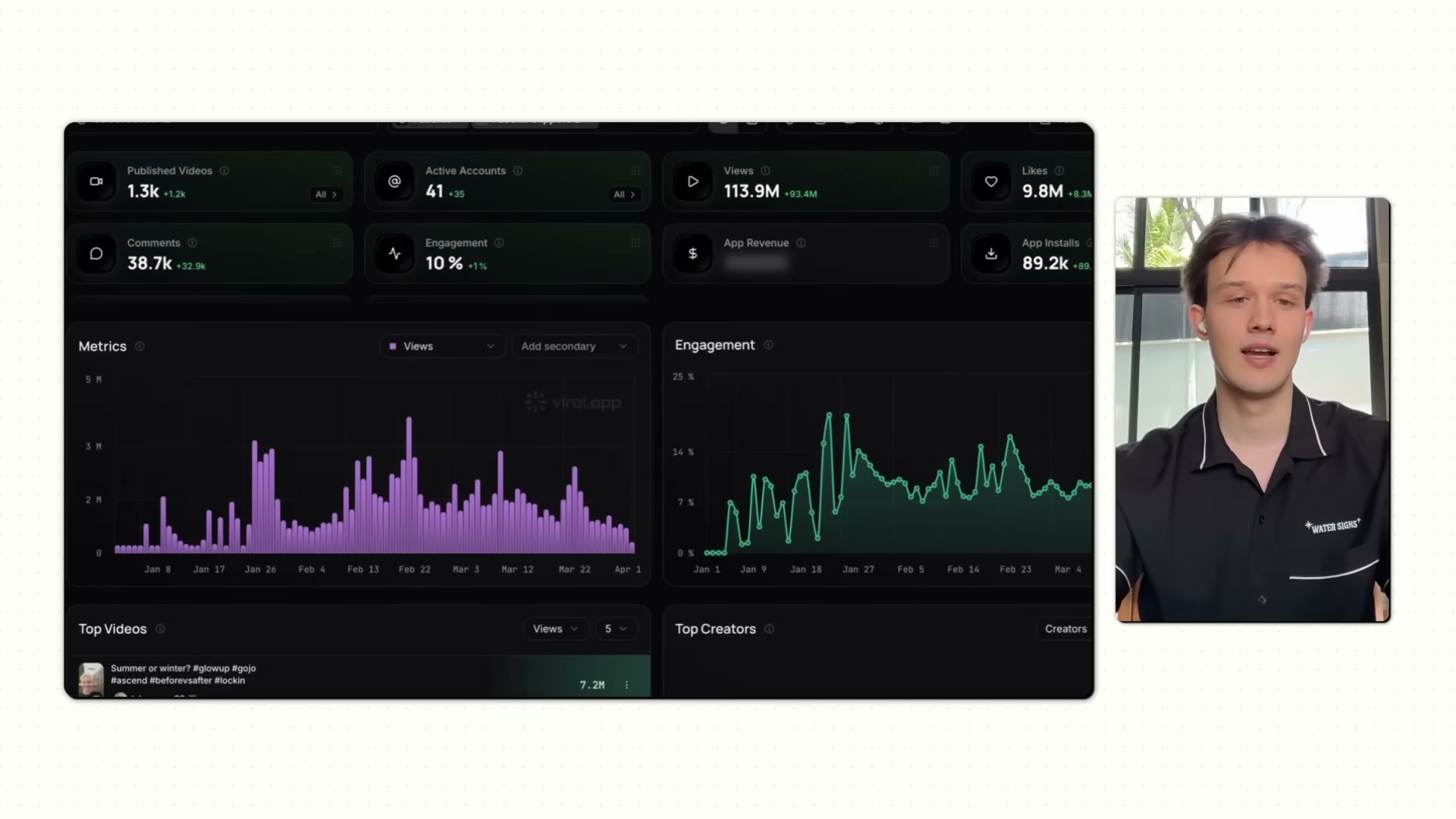
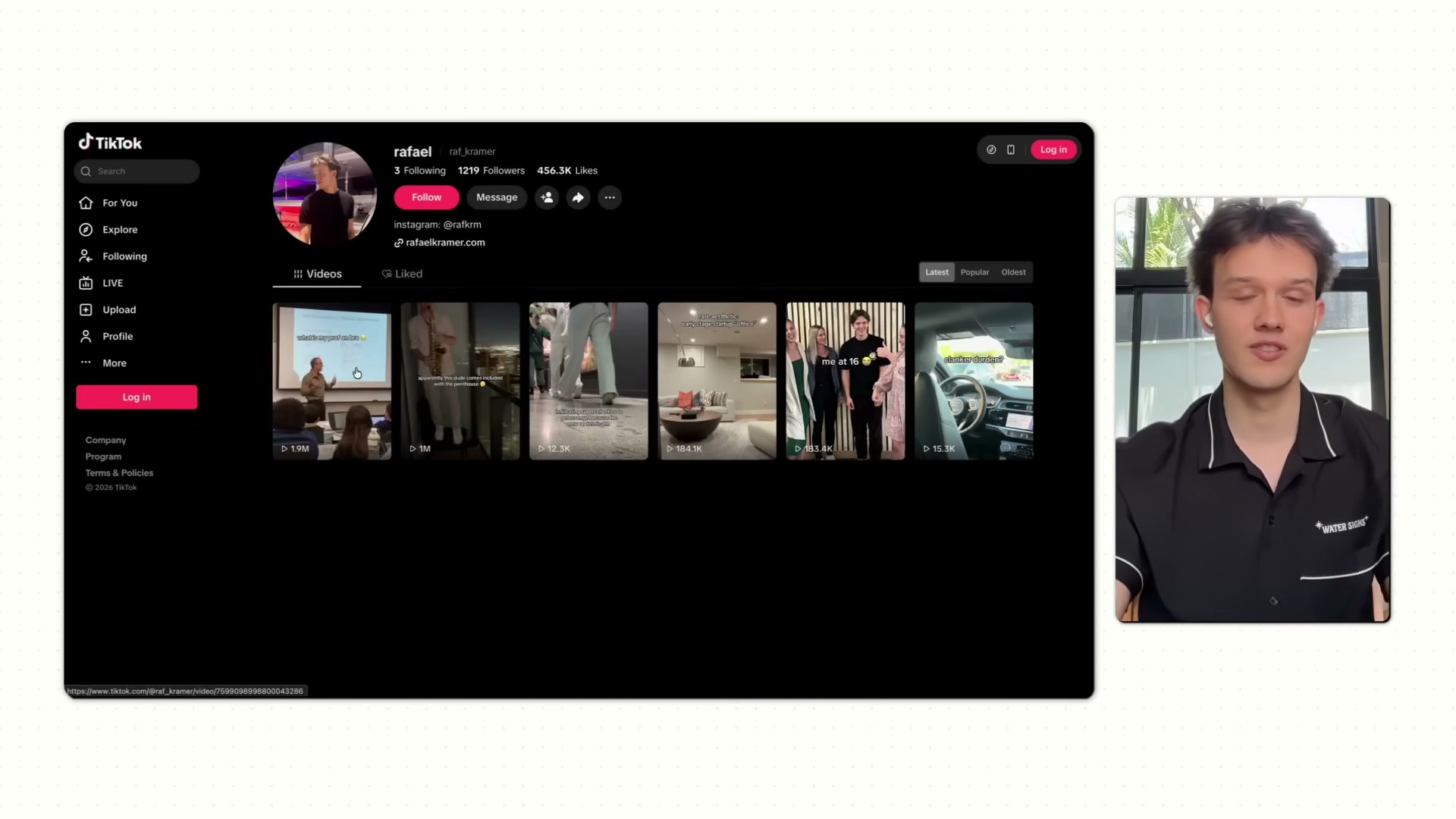
At 19, Rafael Kramer generated over $100,000 from a single mobile app in two months — without paying a single influencer. He did it by building a network of AI-generated personas across 40+ TikTok accounts that collectively drove 113 million views and nearly 90,000 app installs. Follow this system to replicate the core playbook: niche selection, rapid MVP validation, and a high-volume AI content engine that converts views into subscriptions.
-
Identify a niche where transformation is the product. You want a category with a visceral, highly visual before-and-after pain point — looks maxing, fitness, personal finance. The sharper the contrast between “before” and “after,” the easier it is to stop a scroll within two seconds. Kramer found his niche by doom-scrolling TikTok until a glow-up account stopped him cold — and then discovering it was entirely AI-generated.
-
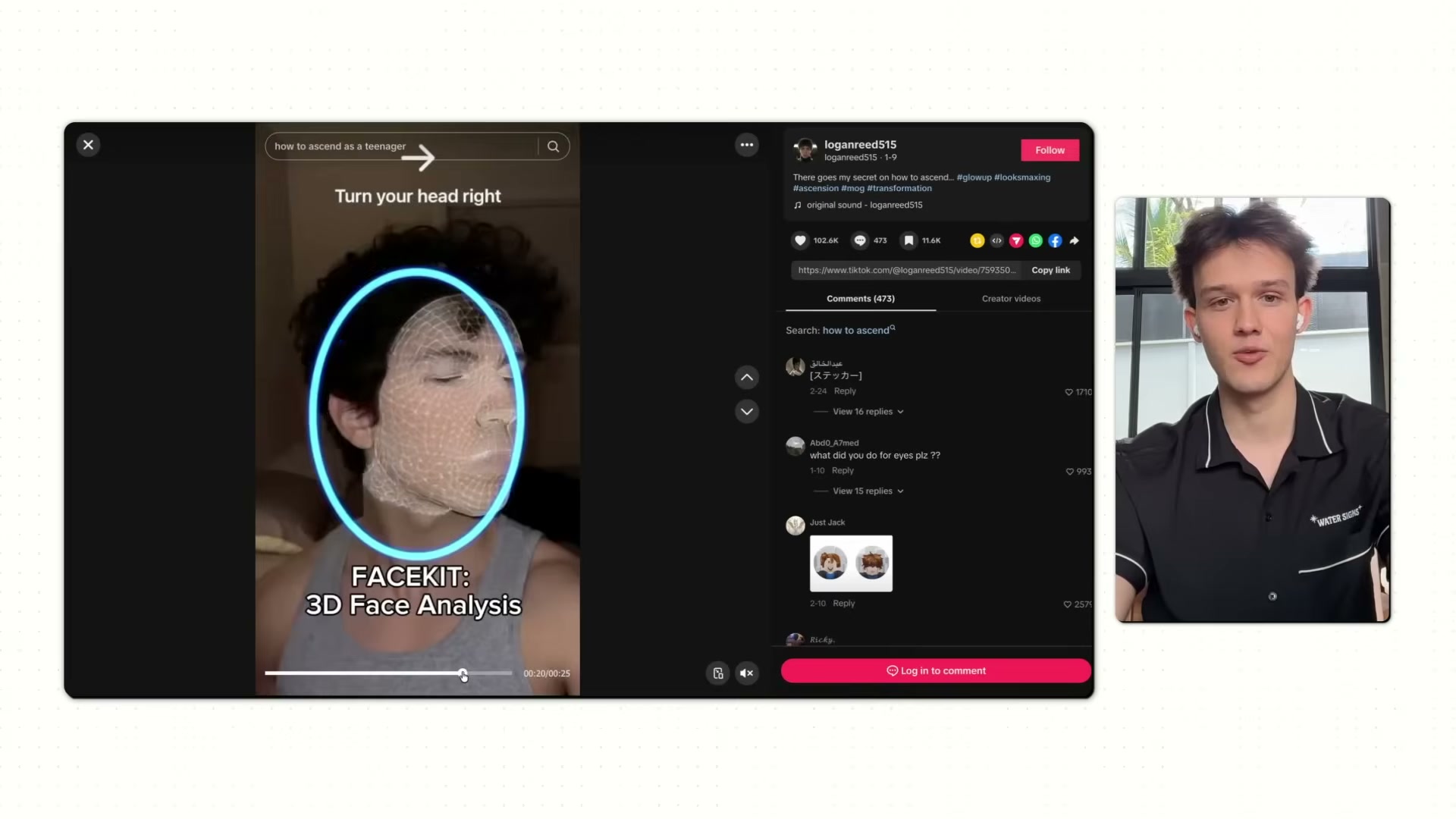
Build the minimum viable app: an onboarding flow and a paywall. Nothing else. FaceKit launched with a single hero feature — a 3D facial analysis scan using Apple’s TrueDepth camera — and a subscription paywall with weekly, monthly, and yearly tiers. Conversion data from real users, not beta signups, is what validates the idea.
-
Create realistic, consistent AI avatar personas using Nano Banana. Each persona needs a stable face, a plausible implied identity, and a profile photo that passes for a real person at a glance. Consistency across every video is what builds the incremental trust that makes a product mention convert rather than read as an ad.
- Set up TikTok and Instagram profiles for each AI influencer persona. Each account should function as an independent creator, not a brand handle. Mix personal-style content with product demonstrations so the feed doesn’t pattern-match to advertising.
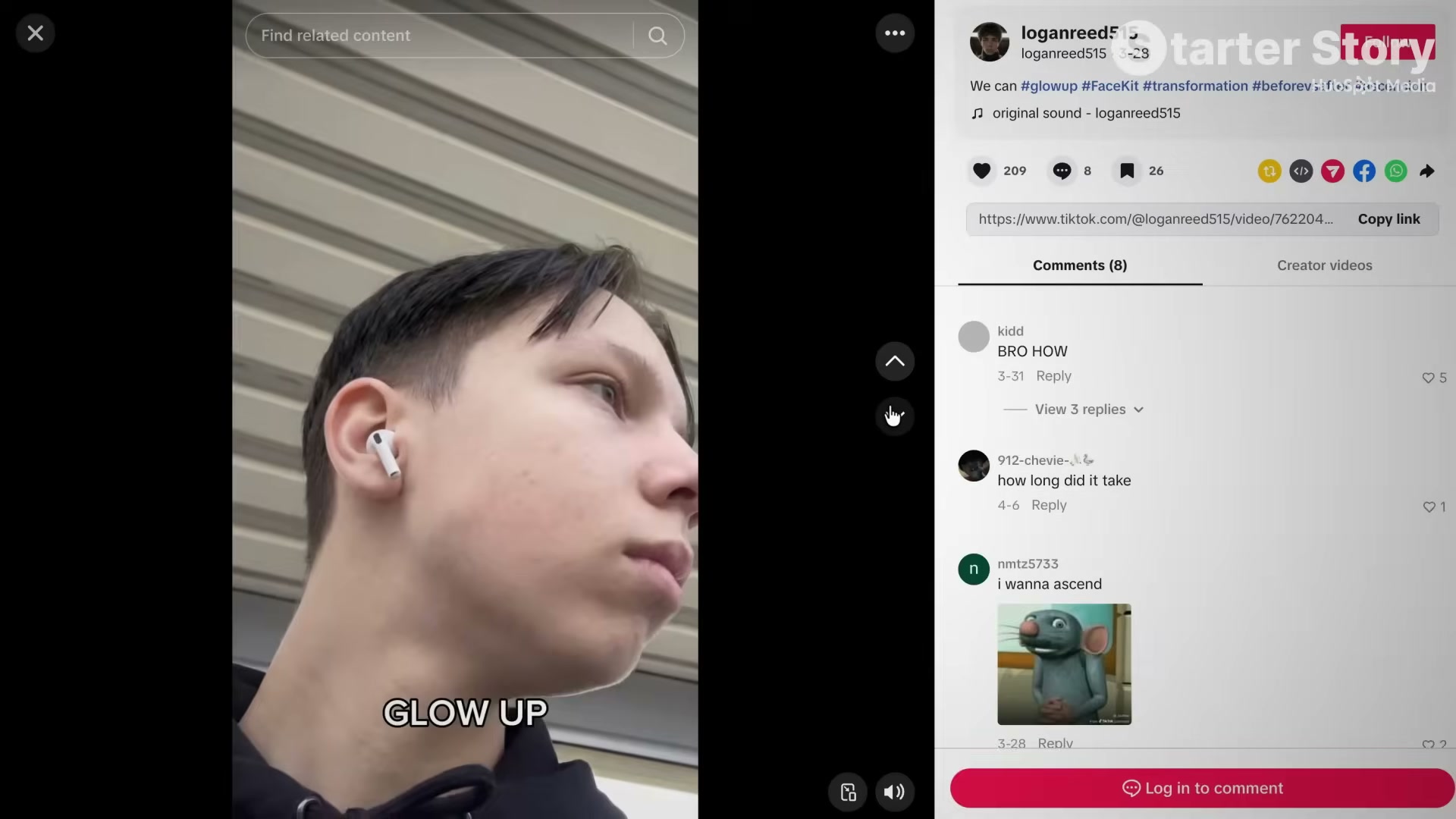
- Study the viral formats currently working in your niche and rebuild them with your AI avatars. Audit the For You Page daily. Identify which audio tracks, visual pacing, and structural hooks are getting traction, then replicate those formats using your AI persona as the subject.
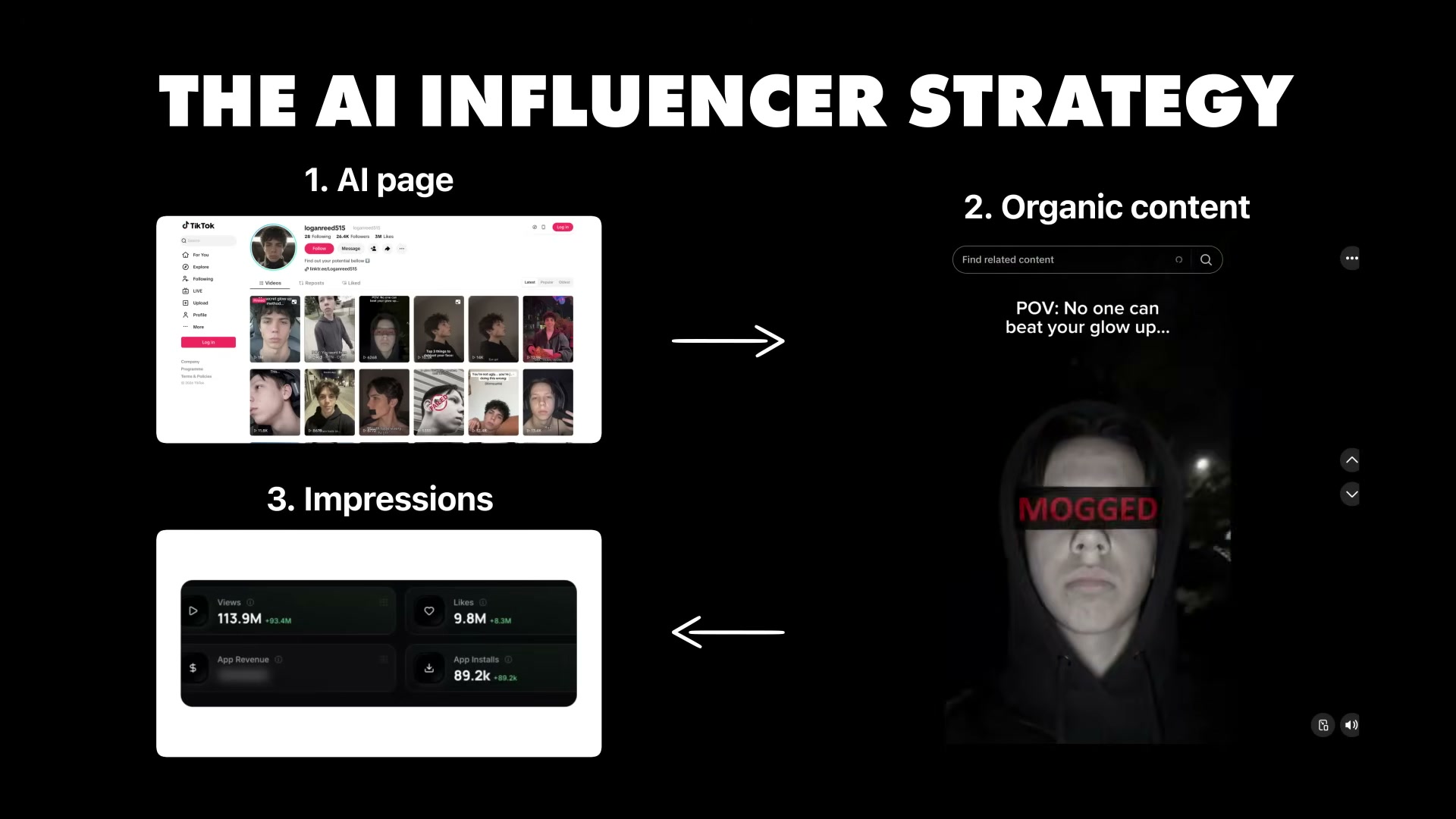
- Post high-volume before-and-after transformation videos across all accounts simultaneously. Kramer’s team published over 1,300 videos across 41 accounts in two months. Volume is the mechanism — enough videos perform to sustain a steady install baseline, with periodic spikes driving revenue days above $6,000.
Warning: this step may differ from current official documentation — see the verified version below.
-
Use Sora to produce higher-concept one-off viral videos for traffic spikes. These are not influencer posts — they are absurdist, highly shareable scenarios designed to spike the algorithm and funnel new audiences into the account network.
-
Route all traffic through a link-in-bio (Linktree) to the App Store listing. Every account bio points to Linktree, Linktree points to the App Store. Each additional tap is a drop in conversion rate.
-
Iterate by scaling to additional accounts and refining prompts against view and install data. Track installs per account in a dashboard like viral.app, double down on the formats producing downloads, and deprecate what produces only views.
How does this compare to the official docs?
The tools powering this system — Nano Banana, Sora, and viral.app — each carry their own documented constraints, and TikTok’s evolving policies on AI-generated content disclosure introduce real compliance risk that the video doesn’t address.
Here’s What the Official Docs Show
Several tools this tutorial recommends have changed materially since it was recorded — this update documents what is currently accurate so you can follow the strategy without hitting dead ends.
Step 1 — Identify a niche with visual transformation
No official documentation was found for this step — proceed using the video’s approach and verify independently.
Step 2 — Build an MVP: onboarding flow and paywall
No official documentation was found for this step — proceed using the video’s approach and verify independently.
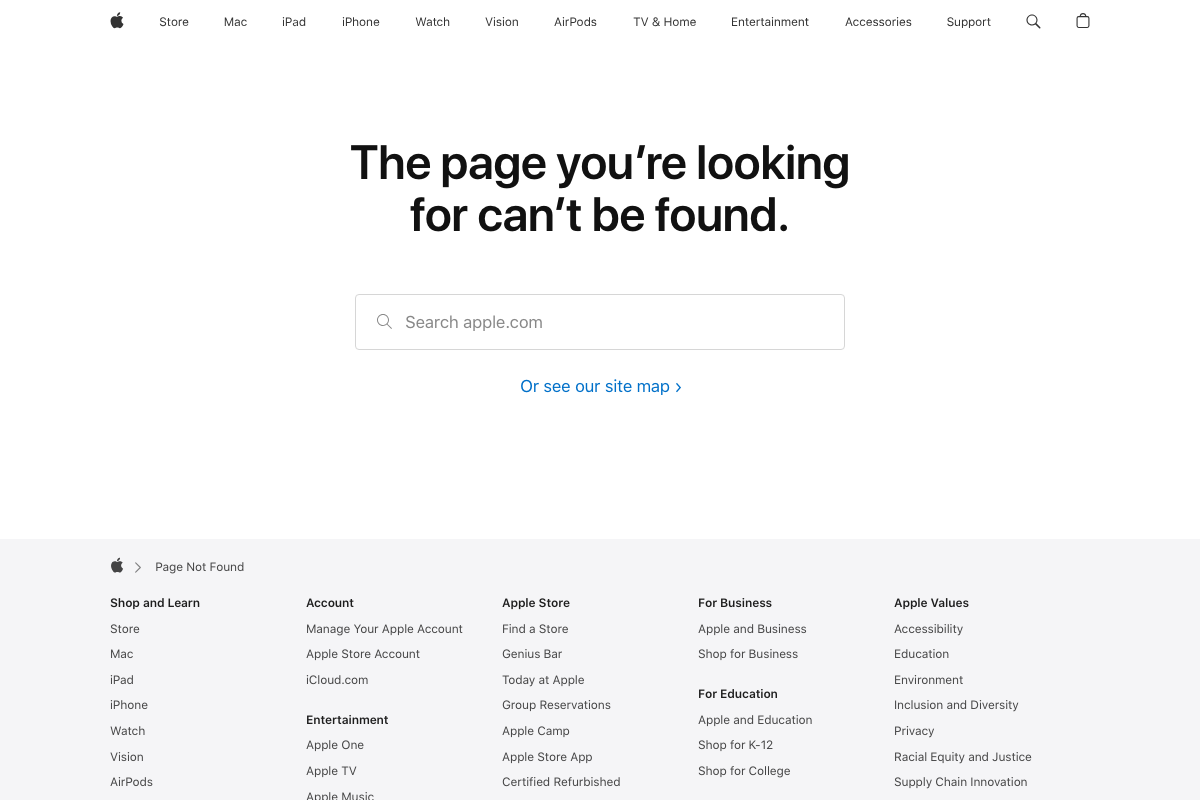
One technical flag: if your app’s onboarding links to Apple’s Face ID overview page, apple.com/face-id/ returns a 404 as of 2026. The current authoritative source for TrueDepth camera and Face ID integration is Apple Developer Documentation at developer.apple.com.
Step 3 — Create AI avatar personas
No official documentation was found for this step — proceed using the video’s approach and verify independently.
Step 4 — Set up TikTok and Instagram profiles
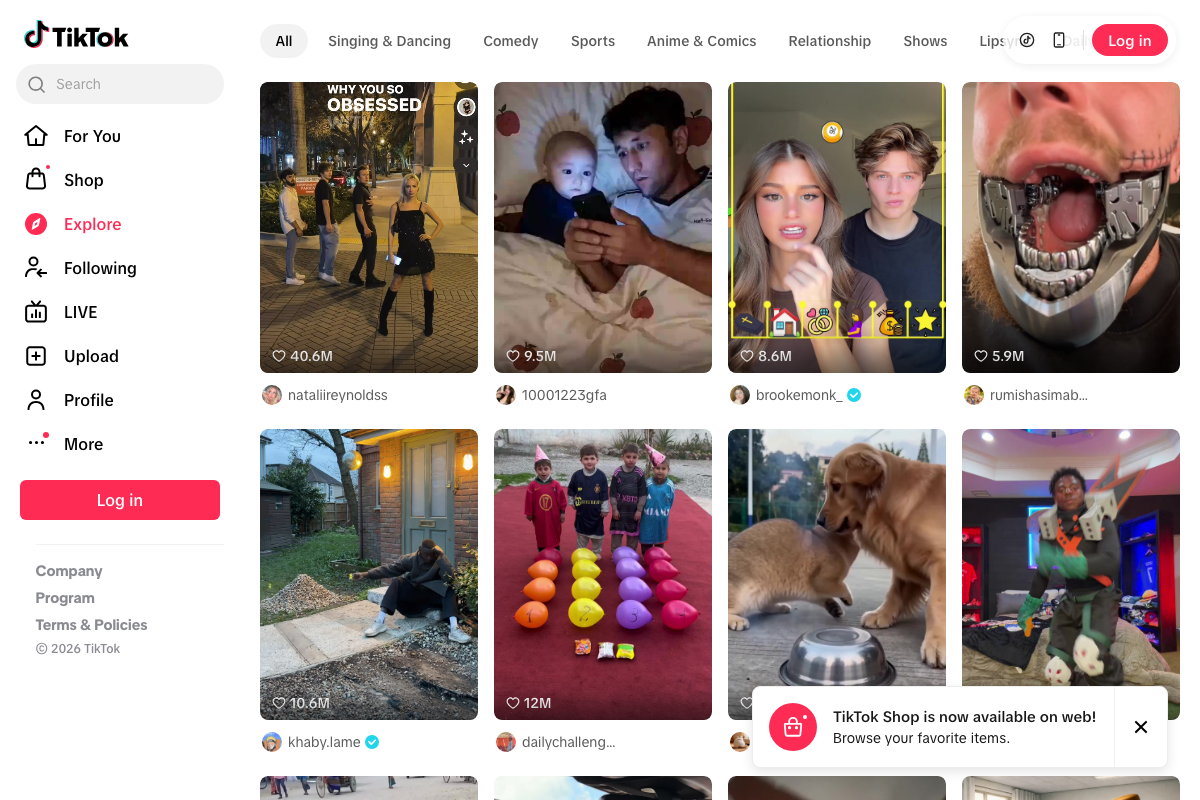
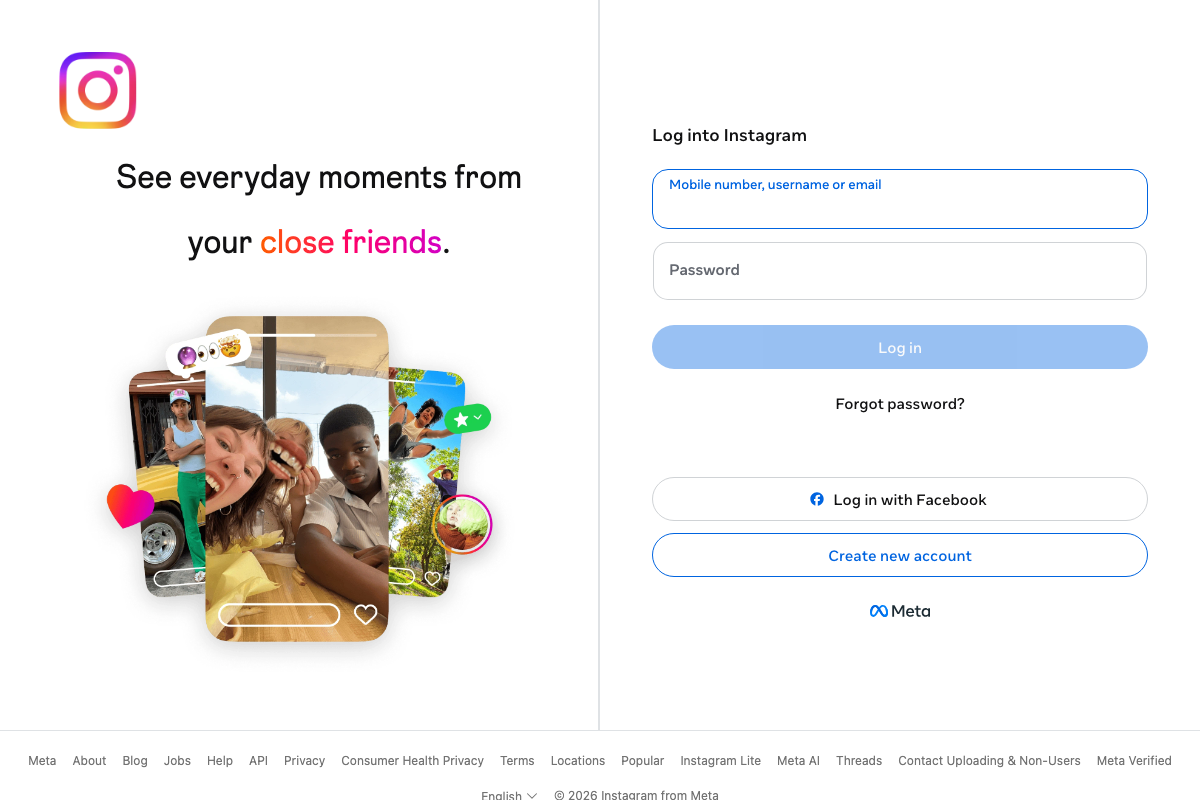
The video’s approach here matches the current docs exactly. TikTok’s Explore feed is active with organic content reaching 40M+ likes. Instagram account creation remains open — note that signup requires a mobile number, username, or email, a friction point to plan for when building AI persona accounts at scale.
Step 5 — Audit viral formats and replicate with your AI avatars
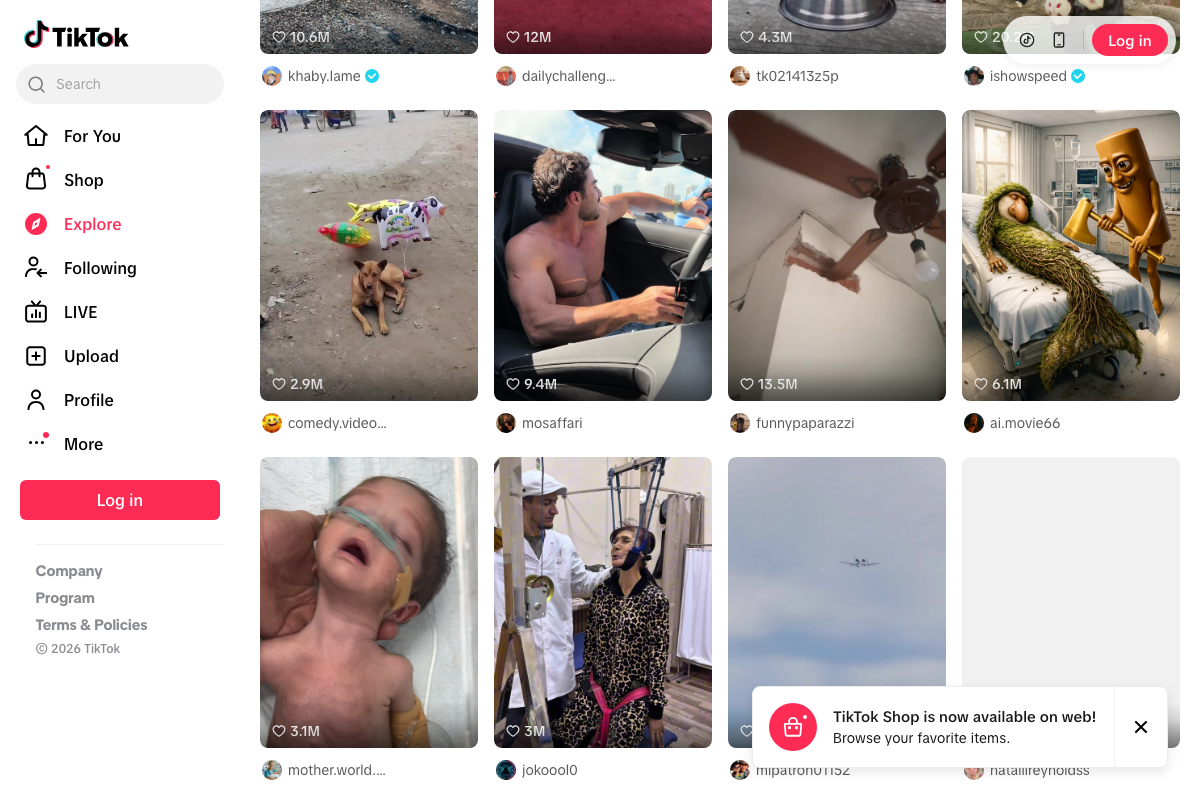
The video’s approach here matches the current docs exactly. TikTok’s content category tabs — Comedy, Relationship, Sports, Anime & Comics — make niche format auditing systematic rather than purely manual.
Step 6 — Post high-volume transformation content across all accounts
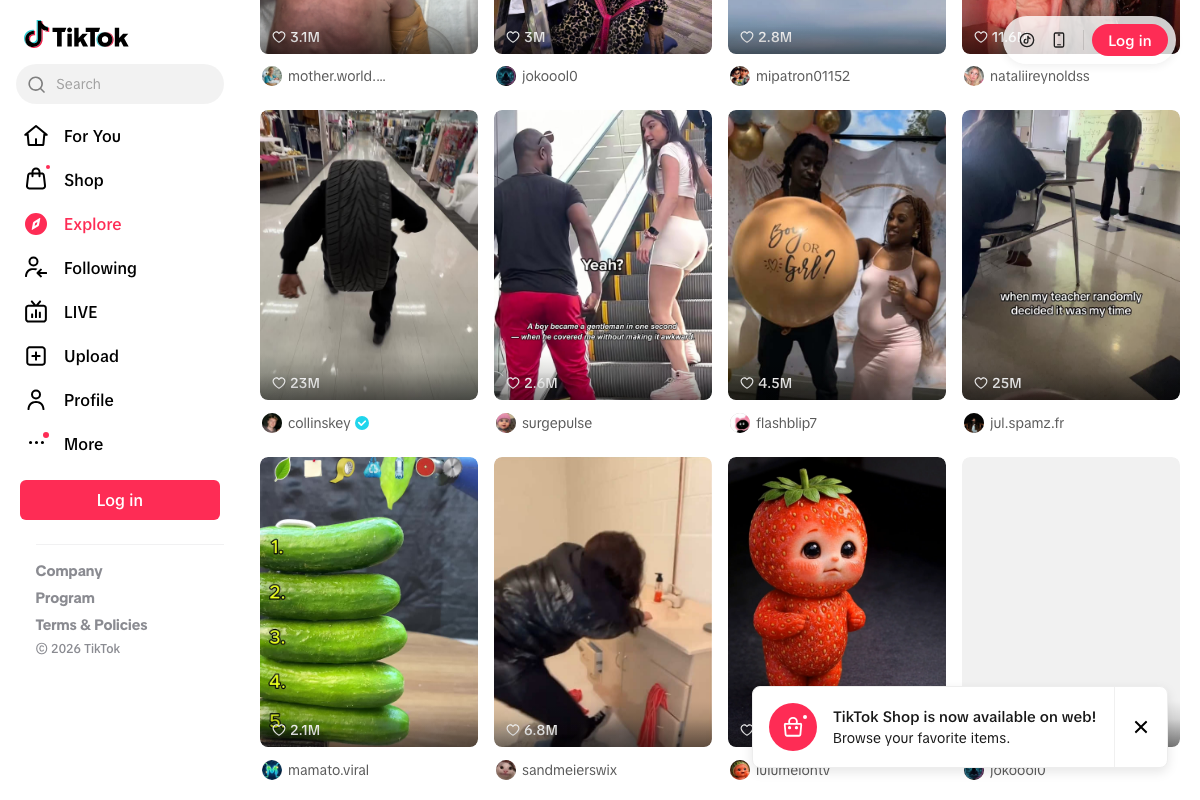
The video’s approach here matches the current docs exactly. The account ai.movie66 appearing in TikTok’s public Explore feed with 6.1M likes confirms AI content is not algorithmically suppressed at the time of writing. One addition: TikTok Shop is now live on web with prominent in-feed placement — monitor whether it affects organic content ranking in your niche.
Step 7 — Use Sora for higher-concept viral videos
As of May 2026, Sora has been discontinued by OpenAI. The URL openai.com/sora now resolves to a Help Center article titled “What to know about the Sora discontinuation” — the video presents Sora as an active tool; it is not. Substitute a current AI video generation platform for this step before proceeding.

Step 8 — Route all traffic through Linktree to the App Store
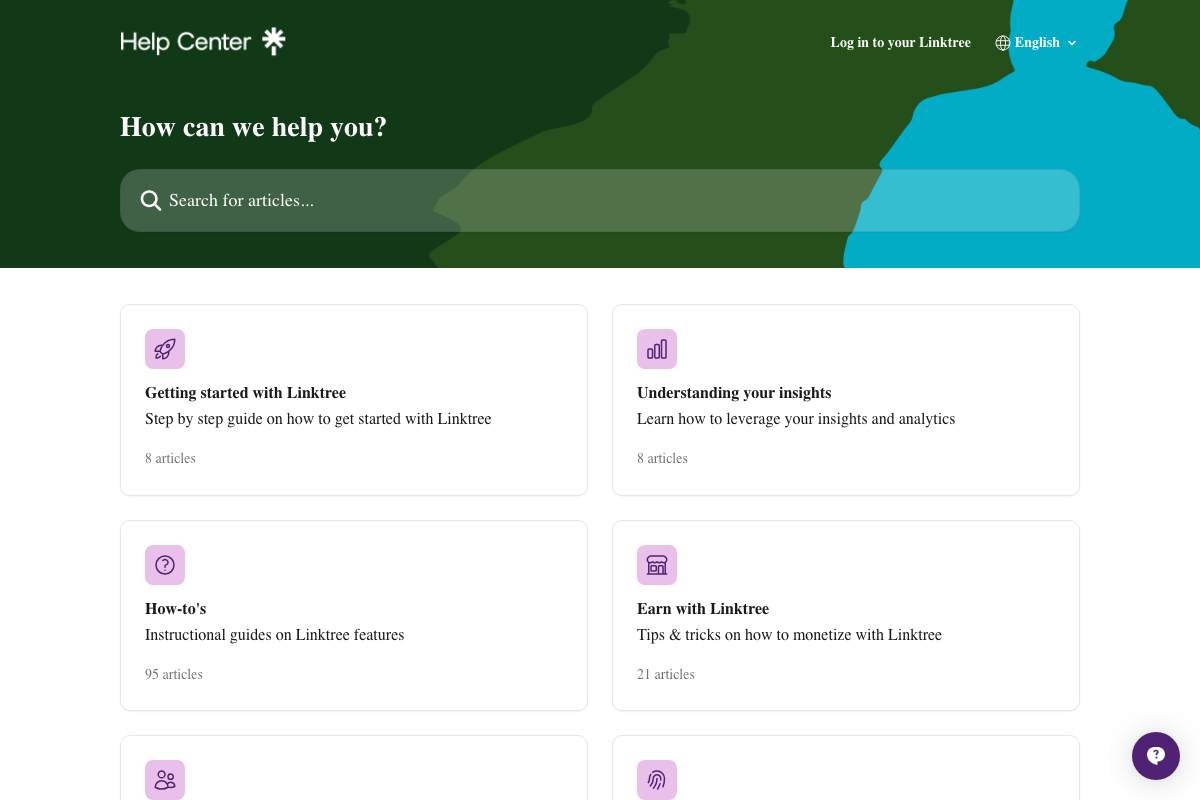
The video’s approach here matches the current docs exactly. Linktree officially documents “How to create and manage multiple Linktrees” as a supported, popular use case. One addition the tutorial skips: Linktree’s built-in “Understanding your insights” section (8 Help Center articles) tracks link-click performance data — a free analytics layer directly useful for the iteration work in step 9.

Step 9 — Scale accounts and iterate against view and install data
No official documentation was found for this step — proceed using the video’s approach and verify independently.
Linktree’s built-in insights give you link-click data that complements the install metrics the video tracks in viral.app — running both in parallel surfaces where funnel drop-off is actually occurring.
Useful Links
- What to know about the Sora discontinuation | OpenAI Help Center — Confirms Sora is discontinued; required reading before attempting step 7.
- Explore — TikTok — Active discovery feed confirming the organic reach potential and AI content viability described in steps 4–6.
- Instagram — Confirms account creation remains open and accessible for AI persona setup in step 4.
- Linktree Help Center — Official documentation for multi-profile management, built-in analytics, and monetization features relevant to steps 8–9.
- Page Not Found — Apple — apple.com/face-id returns a 404 as of 2026; Apple Developer Documentation at developer.apple.com is the current authoritative source for Face ID integration.


0 Comments