

Keyword & Prompt Research for AI SEO and AEO
After completing this workflow, you will have a prioritized keyword list built for both traditional SEO and Answer Engine Optimization — knowing which queries to rank for, which to capture as AI mentions, and which to ignore entirely. The process blends Ahrefs Keywords Explorer with AI assistants and Brand Radar to cover ground that neither tool handles alone. It is designed for sites already getting organic traffic that now need to defend and grow visibility as AI Overviews reshape the SERP.
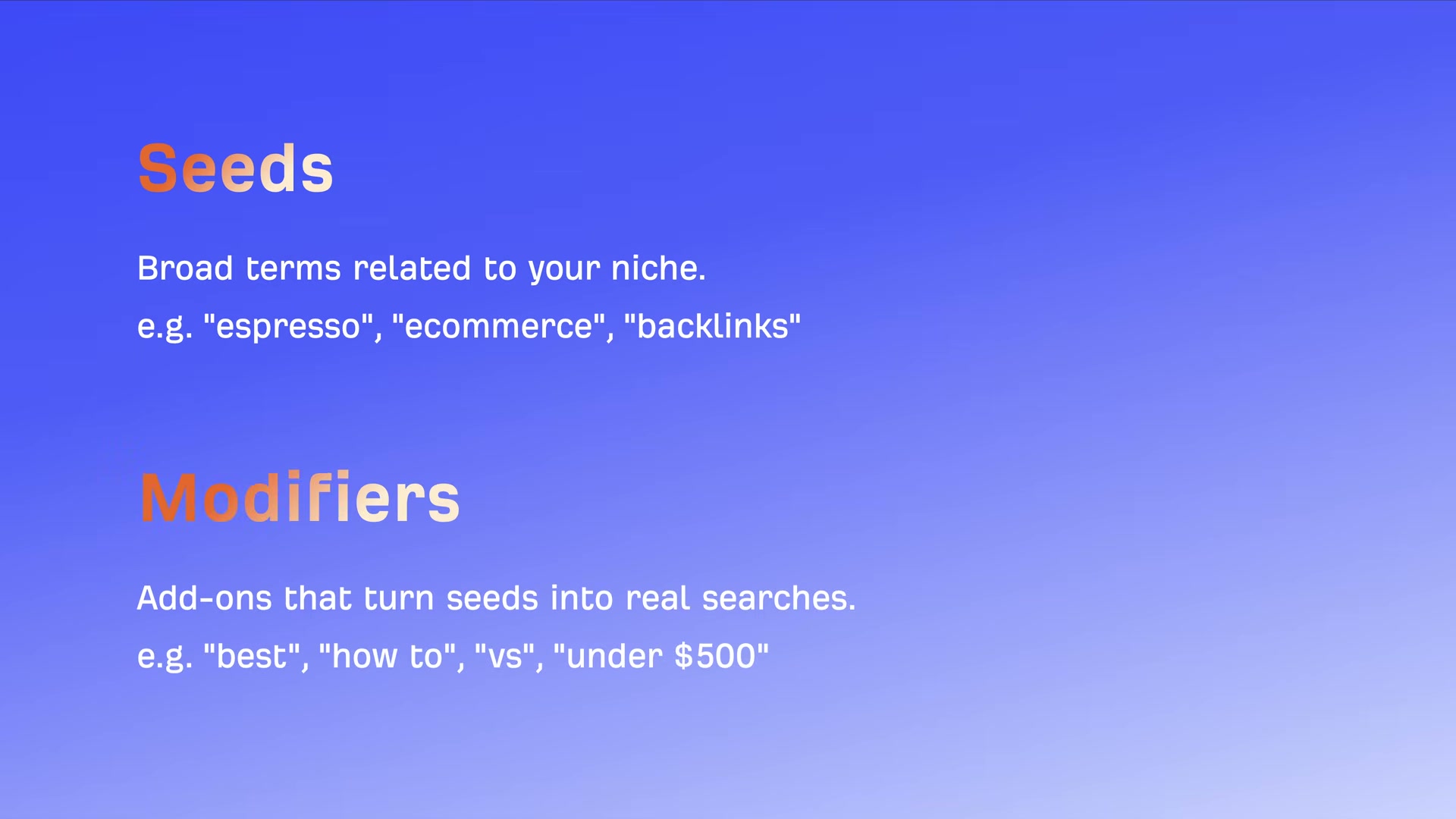
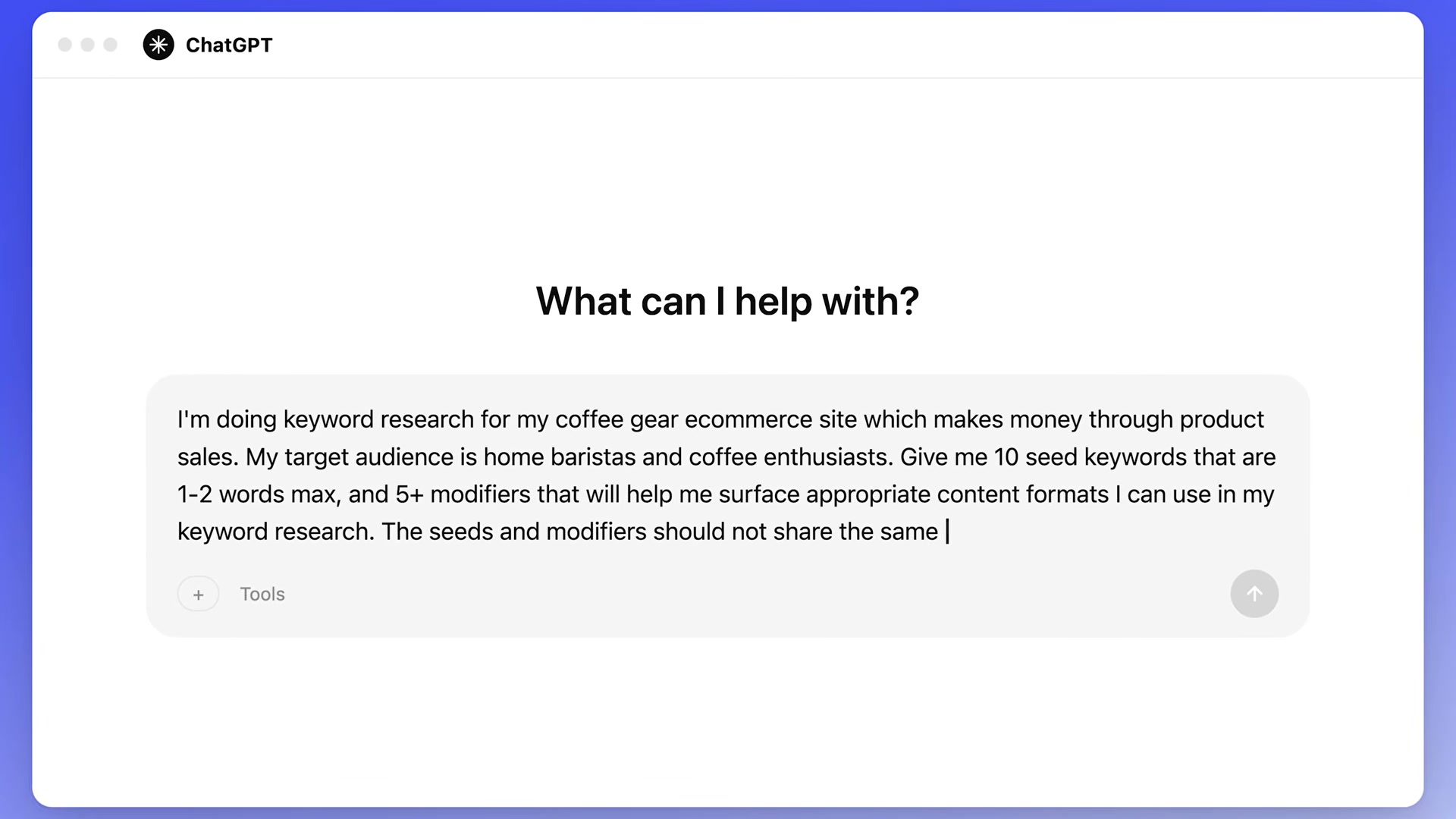
- Build your keyword list. Prompt your AI assistant of choice with a structured template: specify your site type, revenue model, and target audience, then request 10 seed keywords (1–2 words max) and five or more modifiers — such as “best,” “how-to,” or “vs” — that surface relevant content formats. The seeds and modifiers must not share words. This gives you two clean lists to feed into the next step.
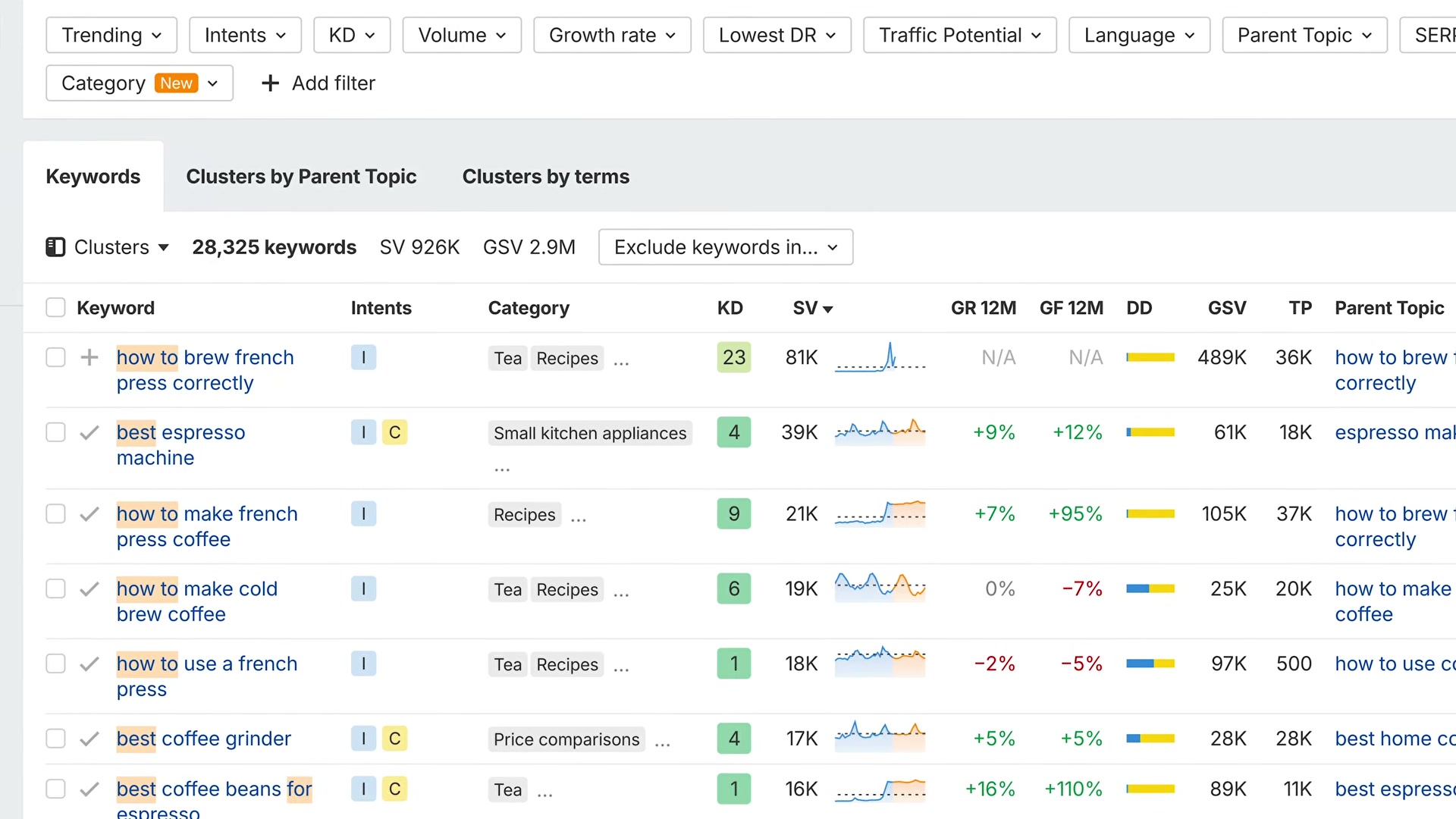
- Expand seeds in Keywords Explorer. Paste your seed keywords into Ahrefs Keywords Explorer, open the Matching Terms report, and apply your modifiers using the Include filter. You should surface hundreds or thousands of real queries your audience actually types into Google, complete with KD scores, monthly search volume, and traffic potential columns you can sort immediately.
- Vet keywords with the BID formula. Each keyword must pass three gates before you commit. B (Business potential): does ranking for this term move revenue, or is it a curiosity query with no conversion path? I (Intent): Google the keyword and check whether the top-ranking content type matches what you plan to create — if every result is an e-commerce page and you’re publishing a blog post, move on. D (Difficulty): review the referring domains and Domain Rating of the pages ranking in the top 10; a few low-DR sites in the mix signals a real opportunity.
- Apply the AI filter. Before committing to any keyword that passed BID, Google it and evaluate whether the AI Overview fully satisfies the query. Research from Ahrefs shows that 99.9% of keywords triggering AI Overviews are informational in intent, and nearly 58% of question-format queries carry an AI Overview. If a user gets a complete answer without clicking, the organic click opportunity is gone — deprioritize those keywords for traditional SEO.

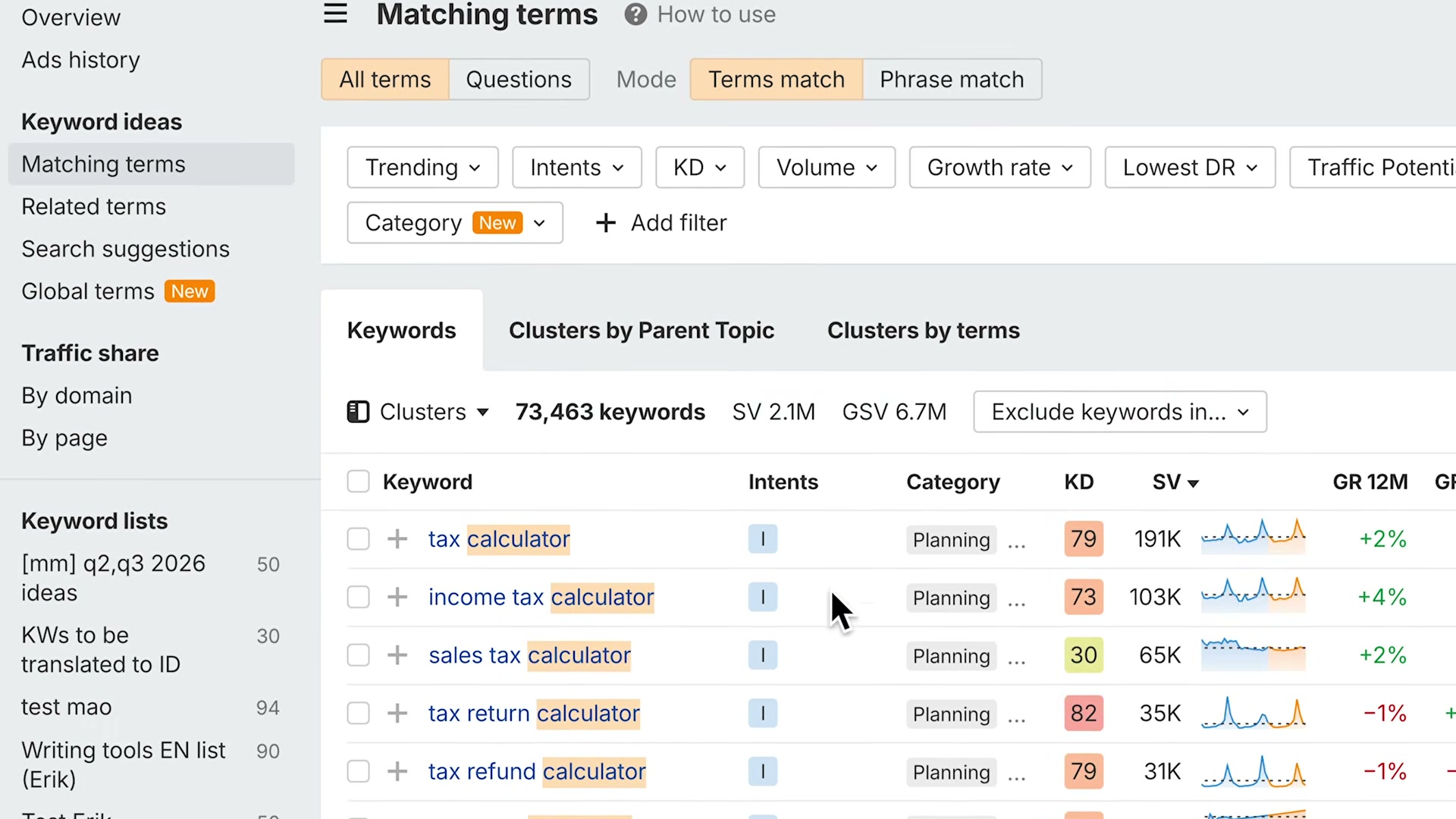
- Find AI-resistant tool queries. Return to Keywords Explorer with your broad seeds, open Matching Terms, and add action-oriented modifiers: calculator, checker, generator, tool, template, finder, planner, maker. These queries require a functional interface — something AI cannot yet replace — so organic clicks remain fully intact.
-
Filter for transactional intent. Inside Keywords Explorer, set the Intent filter to Transactional. This surfaces buy and sign-up queries where AI Overviews are rare, giving you a focused list of high-commercial-value targets.
-
Identify AI mention gaps with Brand Radar. Enter your website in Ahrefs Brand Radar, locate your brand, hover over the AI platform you want to audit, and click “Others only.” Filter the results for queries containing “best,” “top,” “vs,” “review,” or “alternative.” The output shows every query where competitors earn an AI mention and your brand does not — your AEO priority list.

-
Revisit Brand Radar on a regular cadence. AI Overview citations refresh on average every two days, and more than 45% of citations change with each refresh. This report is not a one-time audit — treat it as an ongoing monitoring task, not a project you complete and file away.
-
Map prompt research at the topic level. Conversational AI prompts cannot be targeted the same way keywords can. The same question phrased ten different ways can return ten different answers with ten different brands cited, and most individual prompts have zero repeatable search volume. Visibility in AI assistants is earned at the topic level, not the query level — which means your content strategy needs to cover an entire subject area, not optimize for individual phrases.
How does this compare to the official docs?
The workflow Ahrefs demonstrates is tightly integrated with its own toolset, so it is worth checking how each step holds up against the platform’s current documentation and any third-party guidance before you build this into your production process.
Here’s What the Official Docs Show
The workflow the video walks through holds up well against current platform documentation — what follows fills in a few gaps and adds precision that will sharpen your implementation. Nothing below overturns the core approach; it tightens the parts that matter most.
Step 1 — Build your keyword list
ChatGPT is live and freely accessible at chatgpt.com without a paid account for basic queries. The video’s approach here matches the current docs exactly.
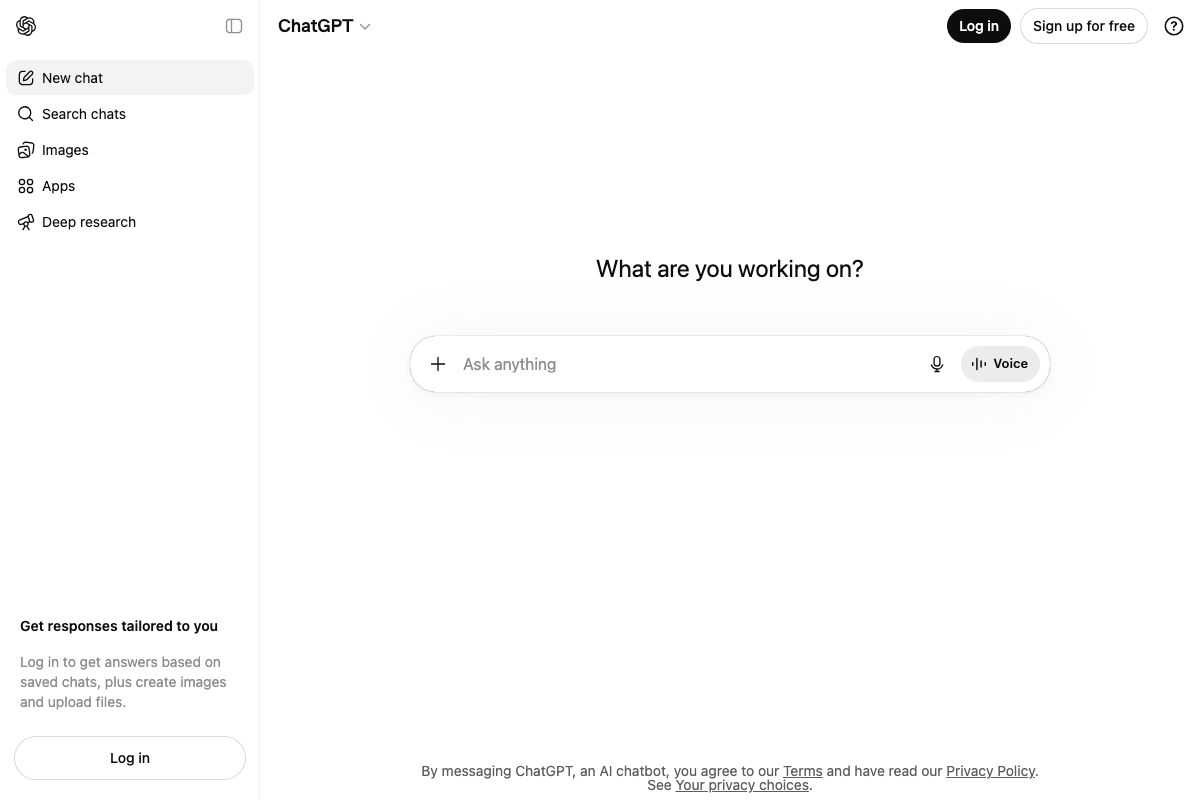
One implicit detail: no pre-loaded SEO keyword prompt template exists in the ChatGPT interface. The structured template the video shows must be entered manually every session. Keep a saved copy.
Step 2 — Expand seeds in Keywords Explorer
Keywords Explorer is confirmed as a current, shipping Ahrefs product. The video’s approach here matches the current docs exactly. The metrics table includes KD, Search Volume, Global Search Volume, Traffic Potential, CPC, and SERP Features — more columns than the video highlights, all sortable.
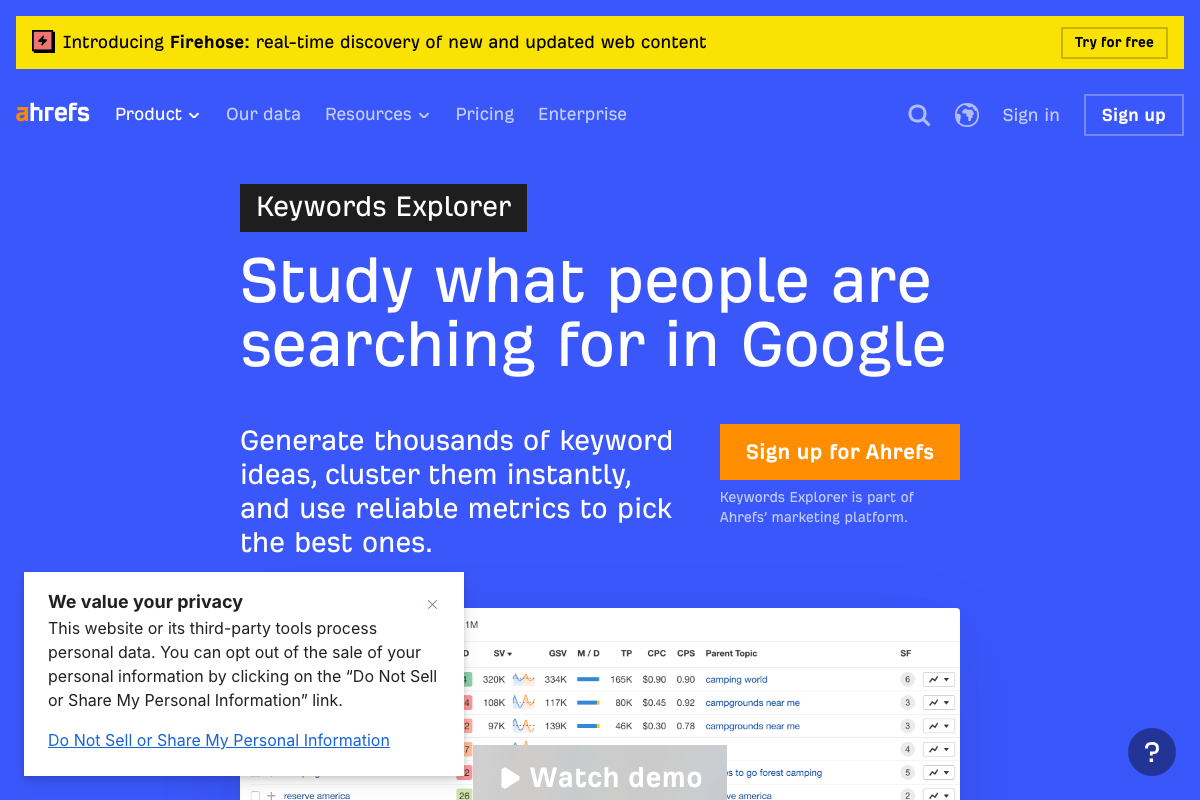
Traffic Potential (TP) is a distinct metric from Search Volume — it estimates the traffic the current #1 ranking page receives, not just how often the query is searched. Worth sorting on in addition to raw volume.

Step 3 — Vet keywords with the BID formula
Keyword Difficulty is confirmed in current Ahrefs documentation as estimating ranking difficulty “based on the links pointing to the top-ranking pages.” At KD 85, the tool shows approximately 488 referring domains required to rank in the top 10.
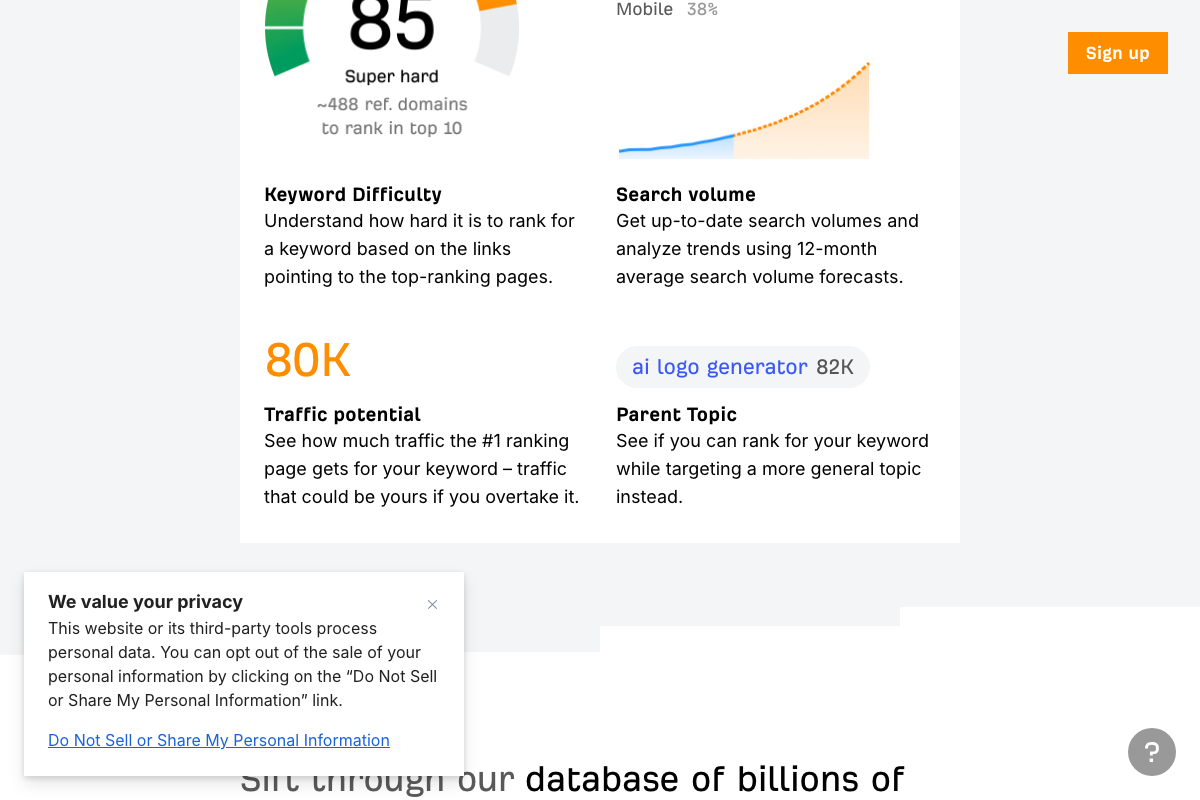
As of May 2026, the official KD definition references only referring domains as its input — the video describes evaluating “referring domains and DR of top results” as co-factors for difficulty. Domain Rating of competing pages is not cited as a direct component of the KD score. DR remains a useful manual SERP check, but it does not move the KD number itself.
The docs also surface Parent Topic as a distinct column — useful for identifying whether you can rank for your keyword by targeting a broader topic, a tiebreaker the BID formula doesn’t address.
Step 4 — Apply the AI filter
No official documentation was found for this step — proceed using the video’s approach and verify independently.
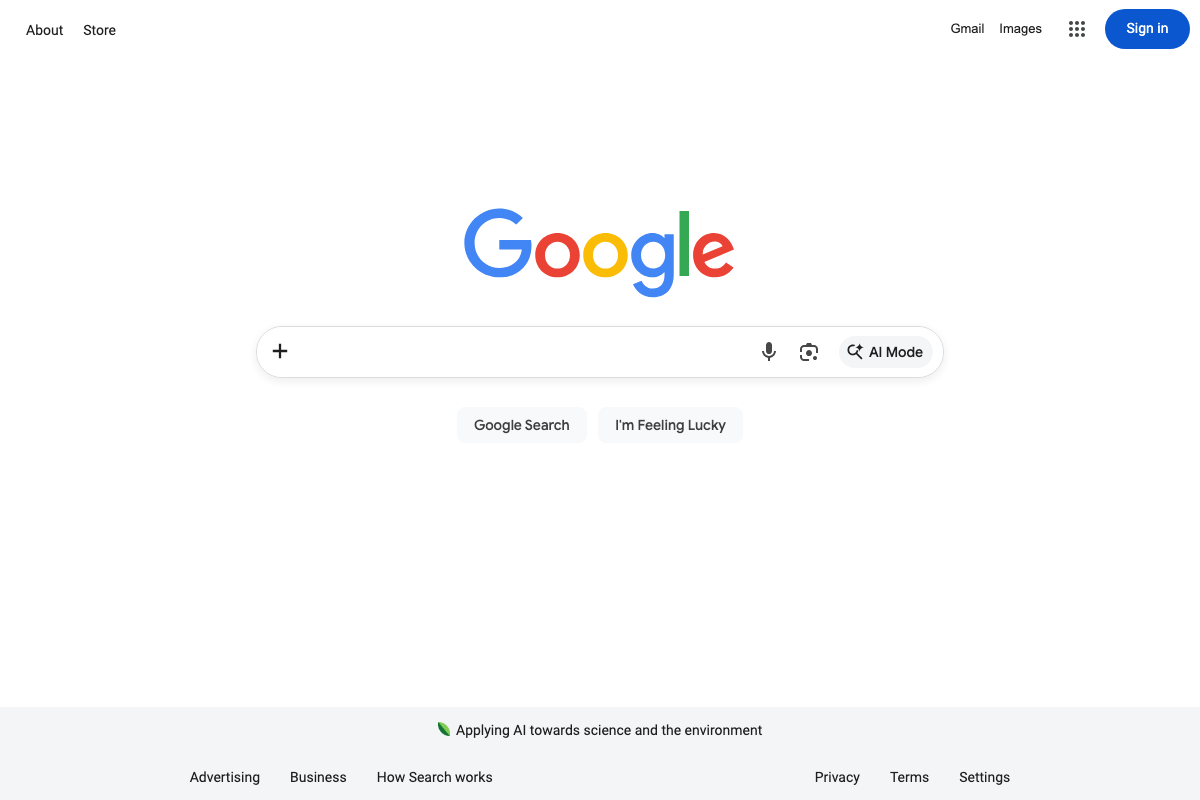
One clarification the screenshots do surface: Google’s current search interface shows “AI Mode” as a discrete labeled button in the search bar — a separate entry point from AI Overviews, which appear inline within standard results. When manually checking whether a query triggers an AI Overview as the video instructs, you’re evaluating standard search results, not AI Mode. These two surfaces behave differently.
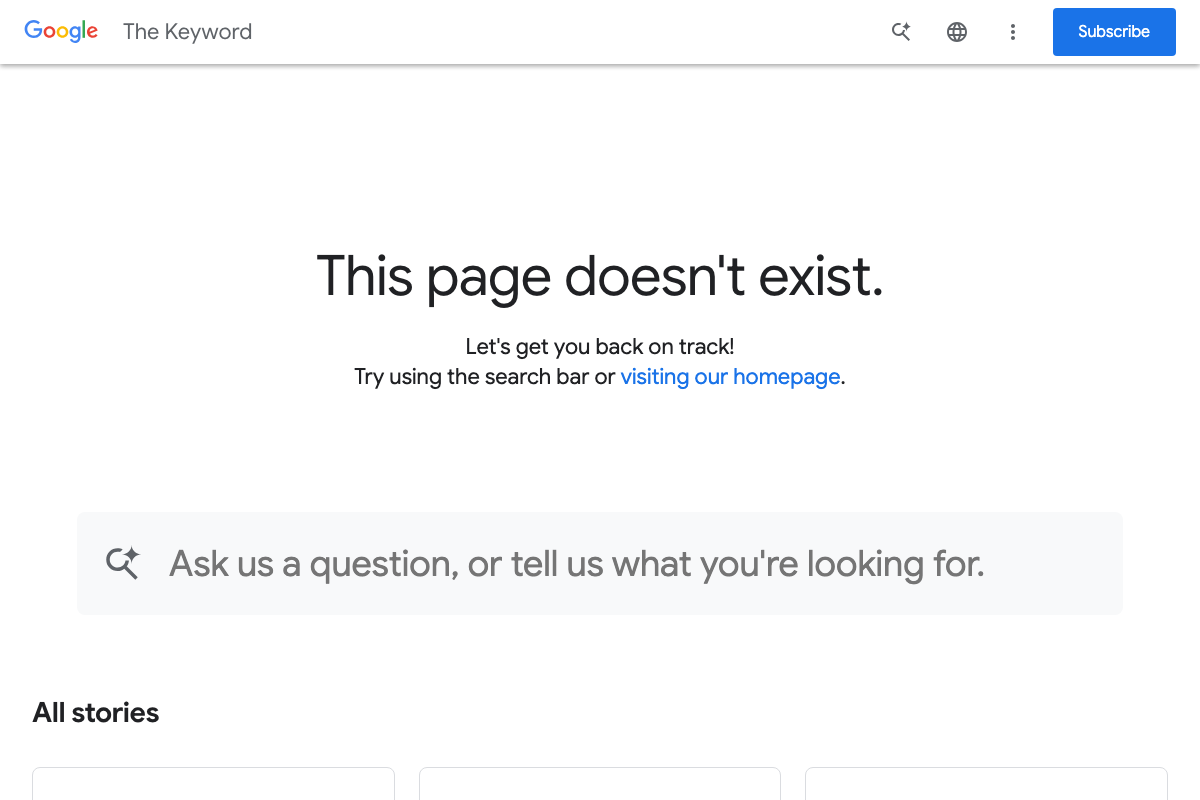
The statistics cited in this step (99.9% of AI Overview keywords are informational; 58% of question queries carry an AI Overview) trace to a Google blog post at blog.google/products/search/ai-overviews-search/ that currently returns a 404 error. Those figures cannot be verified against live official documentation.
Step 5 — Find AI-resistant tool queries
No official documentation was found for this step — proceed using the video’s approach and verify independently.
Step 6 — Filter for transactional intent
No official documentation was found for this step — proceed using the video’s approach and verify independently.
The Intent filter set to Transactional that the video references is not visible in any current Keywords Explorer screenshots captured. Ahrefs does document an Intent signal within the platform; confirm the filter’s current label and location inside the live tool before building this into your workflow.
Step 7 — Identify AI mention gaps with Brand Radar
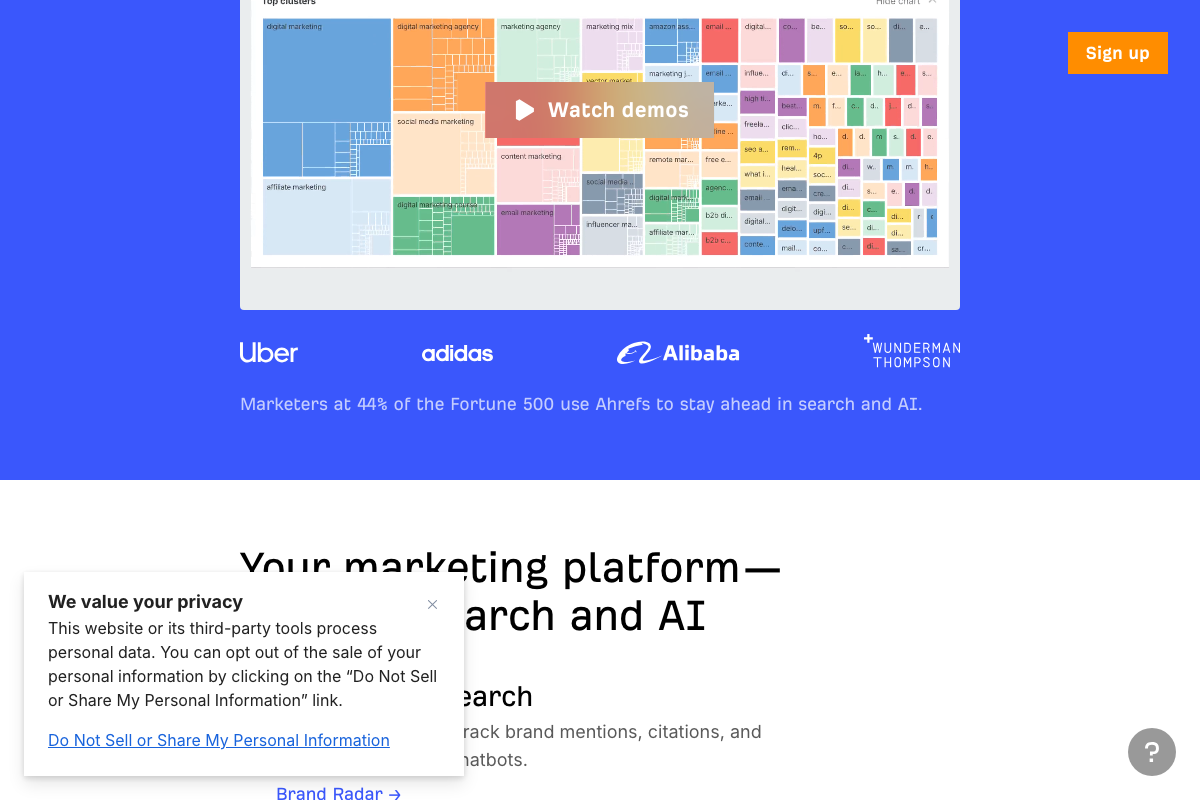
Brand Radar is confirmed as a live, navigable product within Ahrefs. The video’s approach here matches the current docs exactly — the homepage describes it as tracking “brand mentions, citations, and chatbots,” consistent with the AEO monitoring use case.
The platform UI confirms separate tabs for Search demand, Web visibility, AI overviews, ChatGPT, and Perplexity — the exact breakdown the video references.
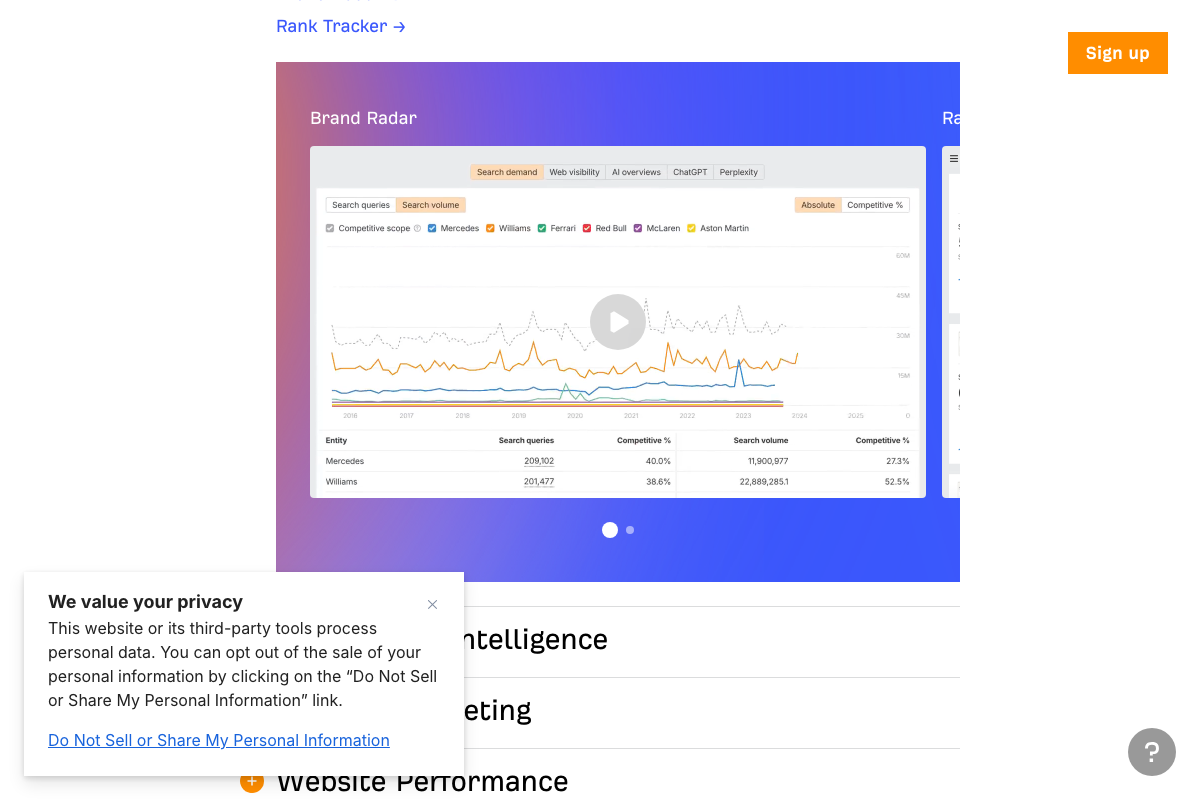
The “Others only” click path and query-modifier filtering (best, top, vs, review, alternative) described in the video are not visible in current product screenshots. The feature and its AI tabs are confirmed; verify the specific filter path inside the live tool.
Step 8 — Revisit Brand Radar on a regular cadence
No official documentation was found for this step — proceed using the video’s approach and verify independently.
The 2-day average refresh cadence and 45% citation change rate cited here trace to the same AI Overviews blog post URL that returns a 404 as of May 2026. The monitoring practice is sound; the specific statistics behind the recommended cadence cannot be confirmed against current official sources.
Step 9 — Map prompt research at the topic level
No official documentation was found for this step — proceed using the video’s approach and verify independently.
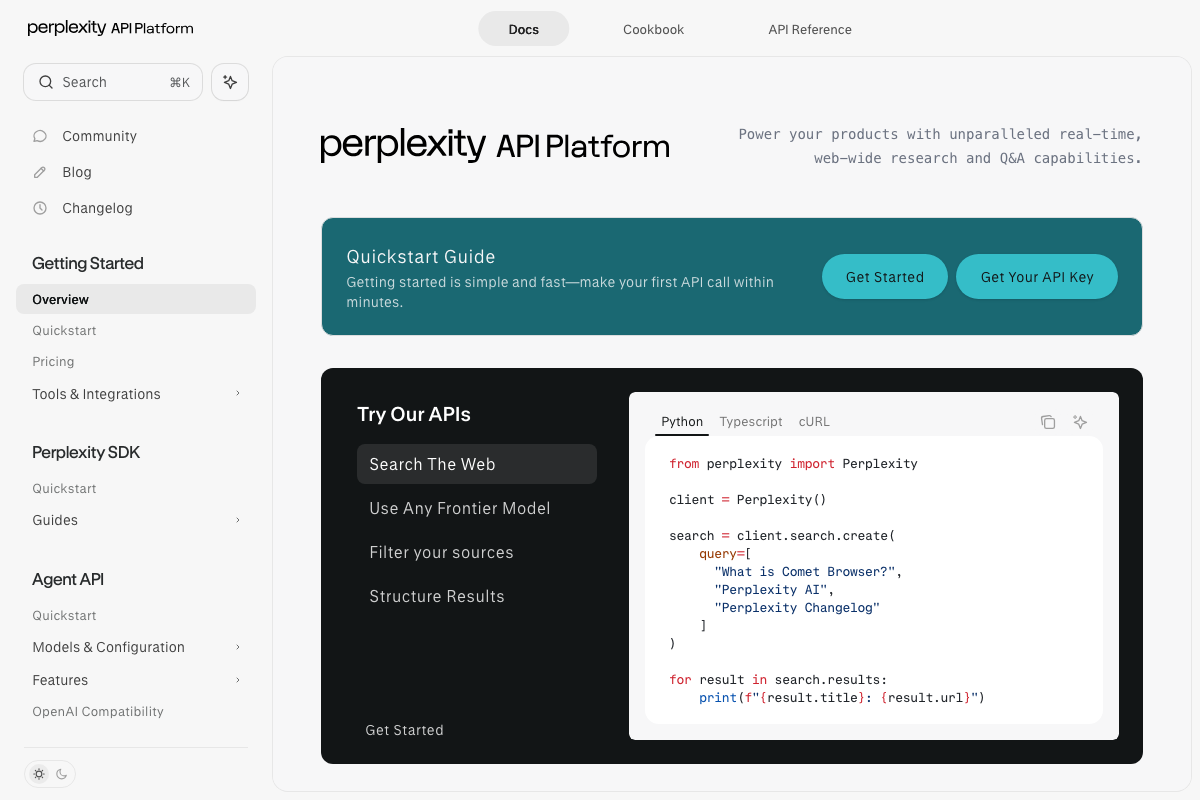
Perplexity is confirmed as an active AI platform tracked within Brand Radar’s dedicated Perplexity tab. Note that the Perplexity URL captured in this screenshot set (docs.perplexity.ai) is the developer API documentation, not the consumer search product the video references for AEO monitoring. If you’re testing visibility manually, use perplexity.ai directly.
Useful Links
- Ahrefs — AI Marketing Platform Powered by Big Data — Ahrefs homepage confirming current platform positioning across traditional SEO and AI visibility, including Brand Radar as a navigable product feature.
- Keywords Explorer by Ahrefs: Find Winning Keyword Ideas. At Scale. — Product page documenting Keywords Explorer’s metric set, including Keyword Difficulty, Traffic Potential, and SERP Features columns.
- Google — Google’s current search homepage, showing the discrete “AI Mode” button as a separate entry point from inline AI Overviews.
- ChatGPT — ChatGPT’s homepage confirming free accessibility for structured prompt workflows without a paid account.
- Overview — Perplexity — Perplexity’s developer API documentation; the consumer search interface for AEO monitoring is at perplexity.ai, not this URL.
- Google AI Overviews — The Keyword Blog — The original Google AI Overviews source cited in the tutorial; this URL returns a 404 as of May 2026 and the statistics it contained cannot be verified.


0 Comments