

Automating iOS App Revenue with Claude Code and the OpenAI Image API: A 10-Day Update
Ten days into an experiment building and shipping iOS apps through AI automation, the pipeline has produced $275 in App Store revenue across three live apps — with virtually no manual coding. This tutorial walks you through the exact workflow: reviewing live revenue in App Store Connect, using Claude Code to open, build, and simulate an iOS app from a single natural-language command, structuring consumable in-app purchases around AI image generation costs, and identifying the next trend to target. By the end, you’ll understand how to close the loop from app idea to monetized product using Claude Code as your primary development agent.
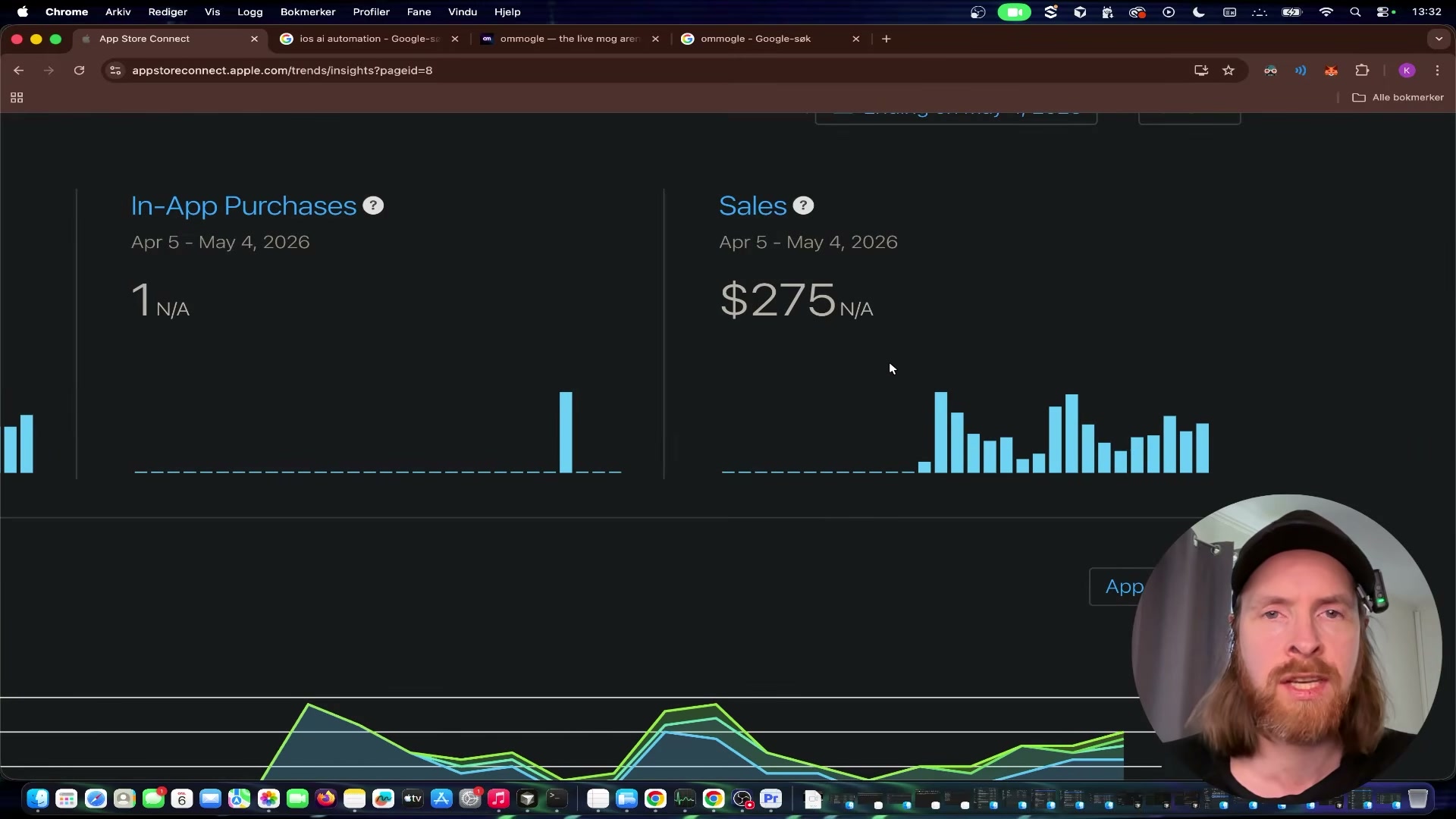
- Open App Store Connect and navigate to Sales and Trends. Set the date range to the past 30 days to pull the revenue and download totals across all your active apps. The three revenue-generating apps at this stage — Neo Collector, Poke Machine, and Looks — show a combined $275 in sales and 132 app units downloaded, with one confirmed in-app purchase on the Looks app.
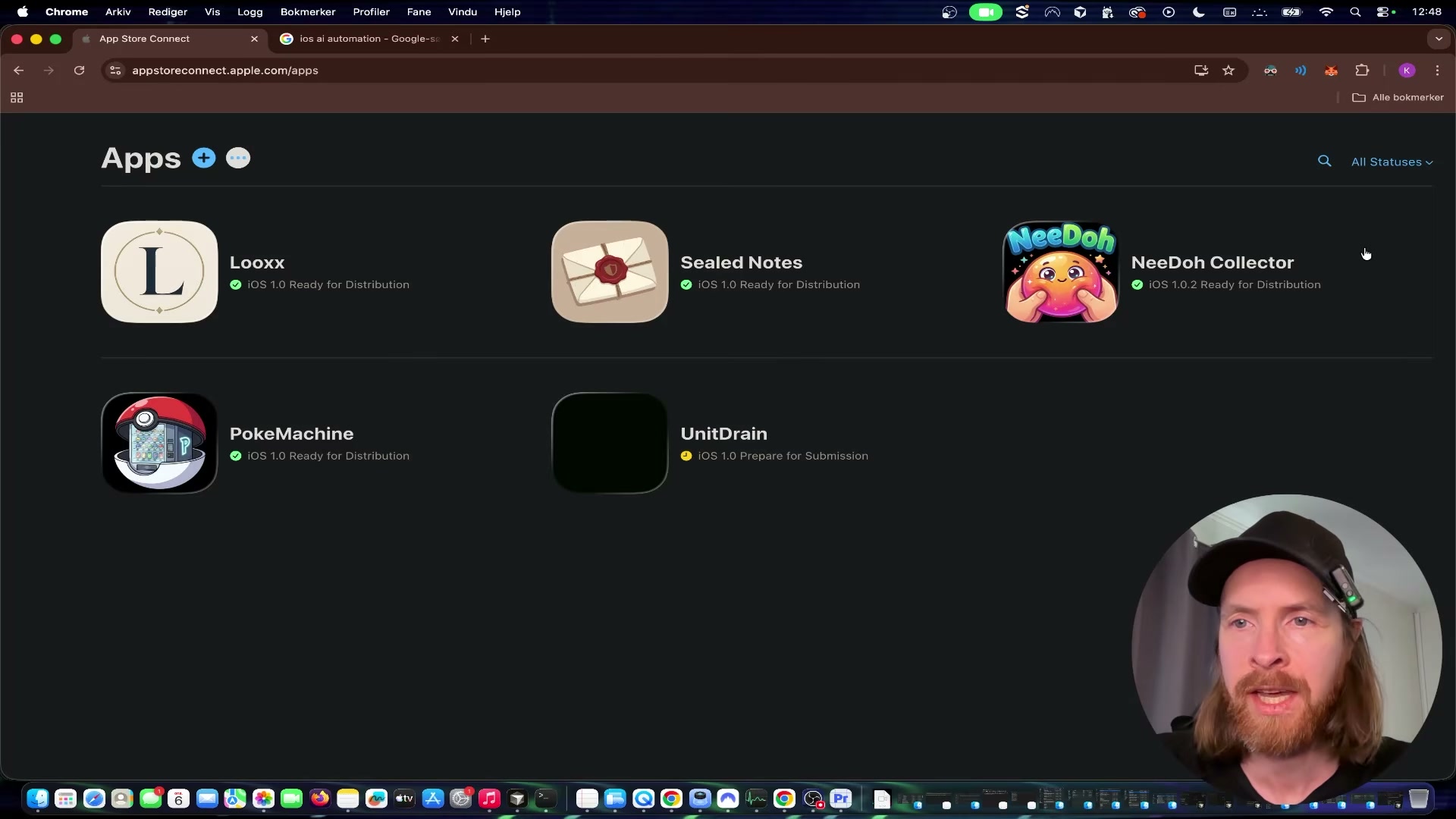
- Switch to Claude Code and issue a natural-language command to open your project. The exact prompt used here is: “Open Xcode with the app Looks in Xcode and simulator.” Claude Code interprets the intent, locates the project directory, and launches Xcode without any manual navigation.

- Once Xcode is open, prompt Claude Code to launch the iOS Simulator and load the app. Claude Code handles the build and simulator boot autonomously — you observe the process rather than driving it. The Looks app appears in an iPhone 17 simulator within seconds.

- Test the full user flow on a physical device for a more accurate sense of the UX. Tap Begin Session, upload a portrait photo, crop and confirm it, then reach the Select a Session paywall. The monetization structure uses consumable in-app purchases: 1 session, 5 sessions, or 10 sessions at tiered price points. Each session triggers one or more calls to the OpenAI image generation API.

-
Review the sample outputs the app produces: old-money lifestyle portraits, hairstyle options, and wardrobe palette suggestions — all generated from a single uploaded photo. The app detects gender from the input image and adjusts the style outputs accordingly.
-
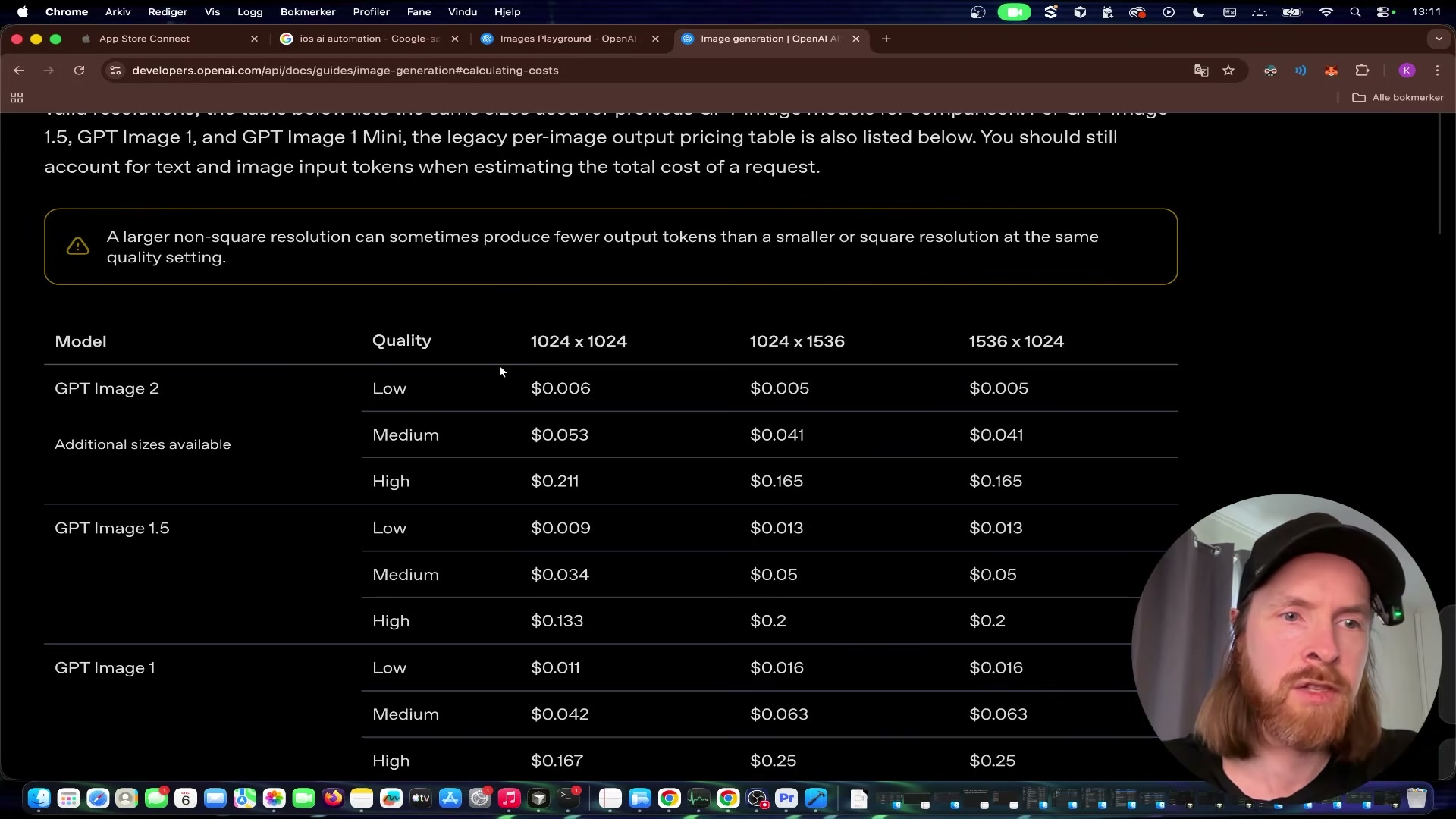
Navigate to the OpenAI platform pricing page and pull up the GPT Image 2 pricing table. At medium quality, a single generated image costs $0.053; at high quality, $0.211. Low quality drops to $0.006. These are per-image figures — the transcript references token-based input/output pricing, which reflects an earlier pricing model structure.
Warning: this step may differ from current official documentation — see the verified version below.
-
Calculate your break-even before setting IAP prices. At high quality, a session generating four images costs roughly $0.84 in API calls. Price your lowest session tier above that floor and stress-test the integration by running 10–20 real API calls before submitting to App Store review — unexpected loops or retry logic can burn through budget fast.
-
Use Reddit and X to identify the next app concept. The signal to look for: a trending behavior or social format that has search volume, no dominant app solution, and a short shelf life. The goal is a fast build cycle against a live trend rather than a durable product roadmap.
How does this compare to the official docs?
The workflow here is pragmatic and moves fast, but a few of the cost assumptions and Claude Code invocation patterns deserve a closer look against what Anthropic and OpenAI actually document — which is exactly where Act 2 picks up.
Here’s What the Official Docs Show
The video’s workflow — Claude Code to Xcode to App Store — is a real, functional pipeline. What follows adds verified context for the steps where the docs fill in gaps the tutorial moves past quickly.
Step 1: Checking revenue in App Store Connect
No official documentation was found for this step —
proceed using the video’s approach and verify independently.
Step 2: Prompting Claude Code to open the project
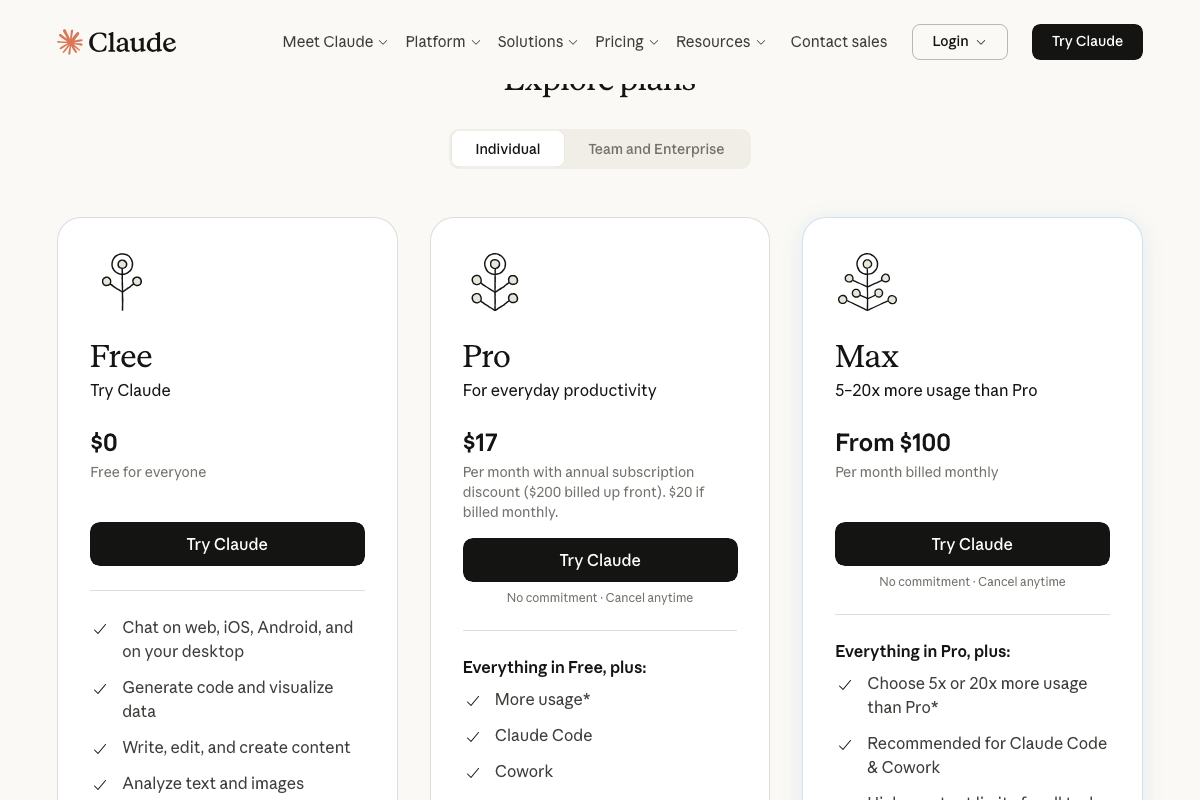
One important distinction: claude.ai/code routes to the Claude.ai web login page — not a Claude Code entry point. Claude Code is a terminal CLI installed separately via npm. On pricing: it’s available on Pro ($17/month annually) and Max (from $100/month); Max is explicitly the recommended tier for sustained use.
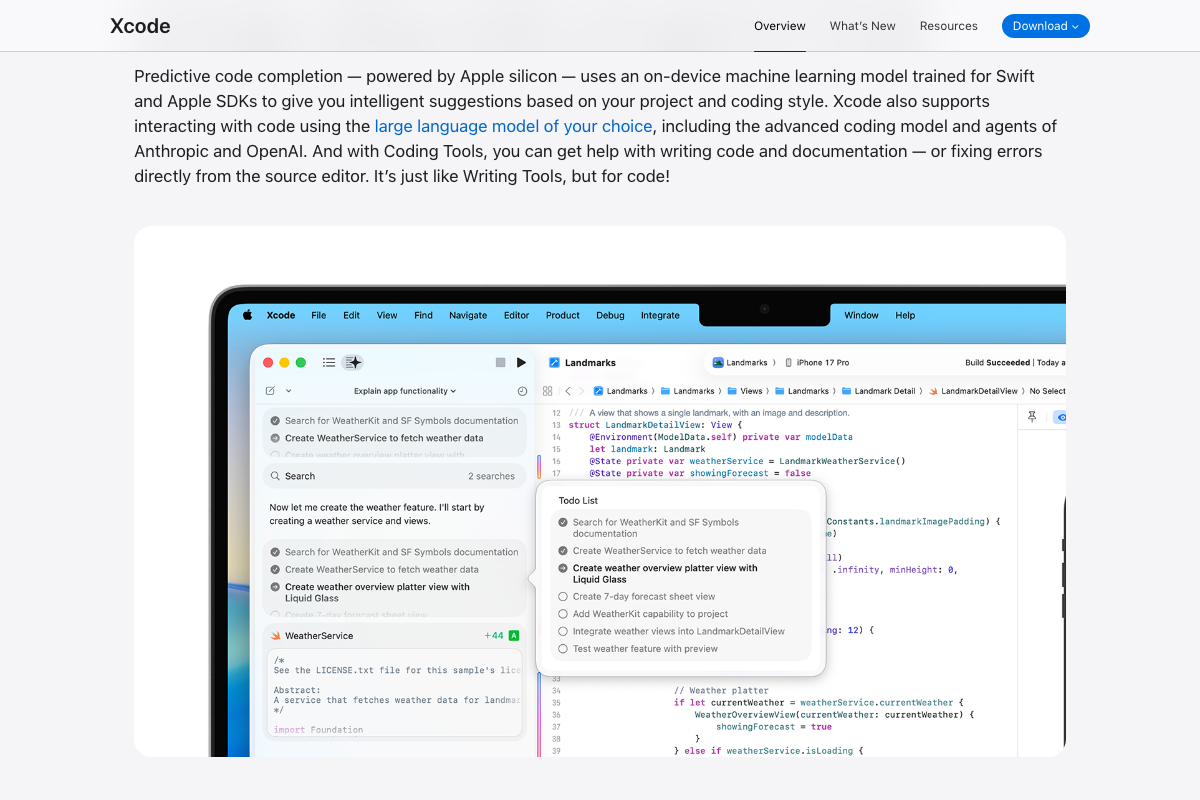
Worth flagging separately: Xcode 26.3 now includes native agentic coding with first-party Anthropic and OpenAI model support. The CLI approach in the video and Xcode’s built-in LLM integration are two distinct workflows for the same outcome — both are valid.

Step 3: Launching the iOS Simulator
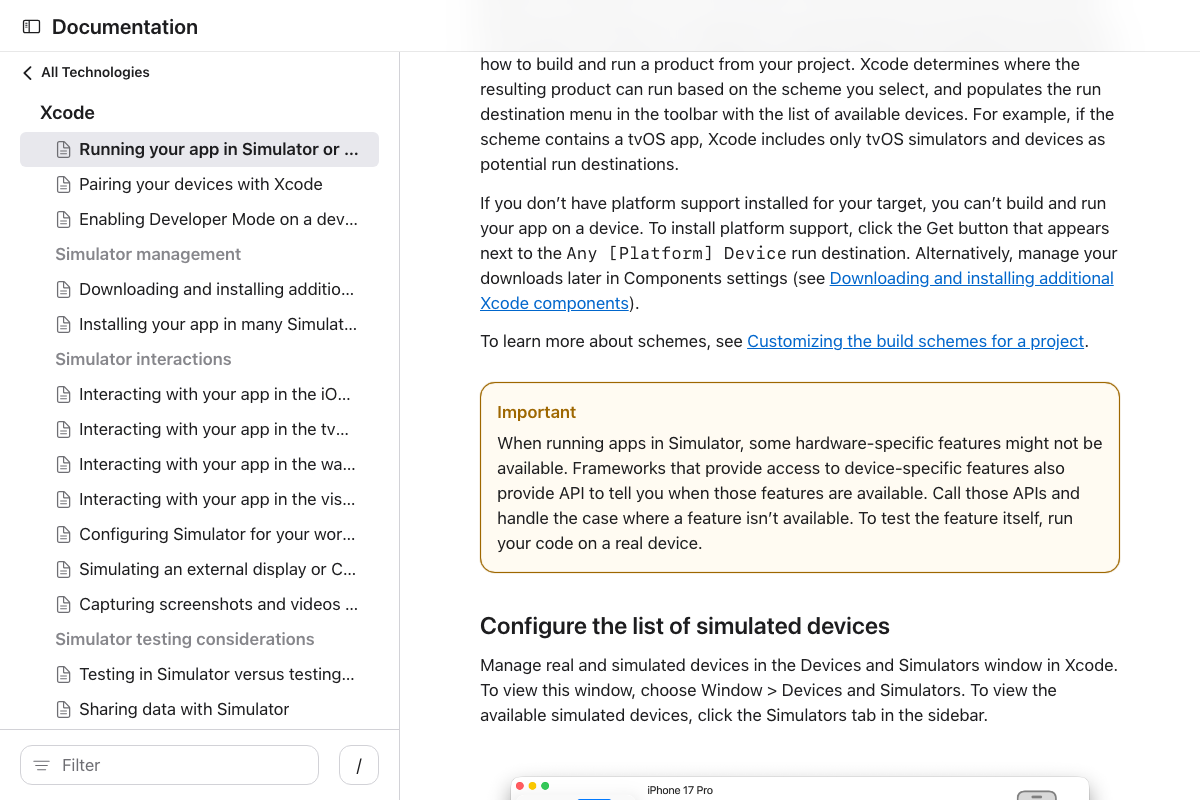
The video’s approach here matches the current docs exactly. One practical note from Apple’s documentation: Simulator does not replicate hardware-specific features, including camera access — which is why testing the Looks photo-upload flow on a physical device (step 4) is the right call.
Step 4: Testing the IAP flow on a physical device
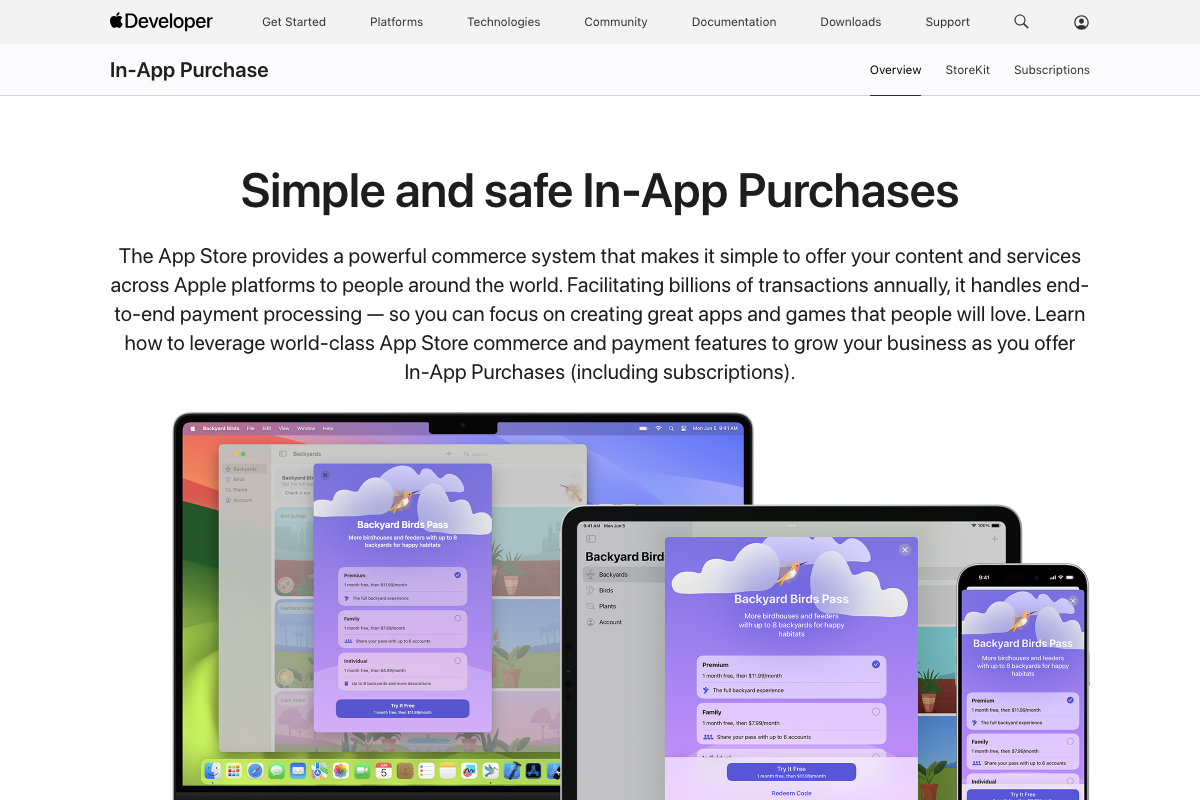
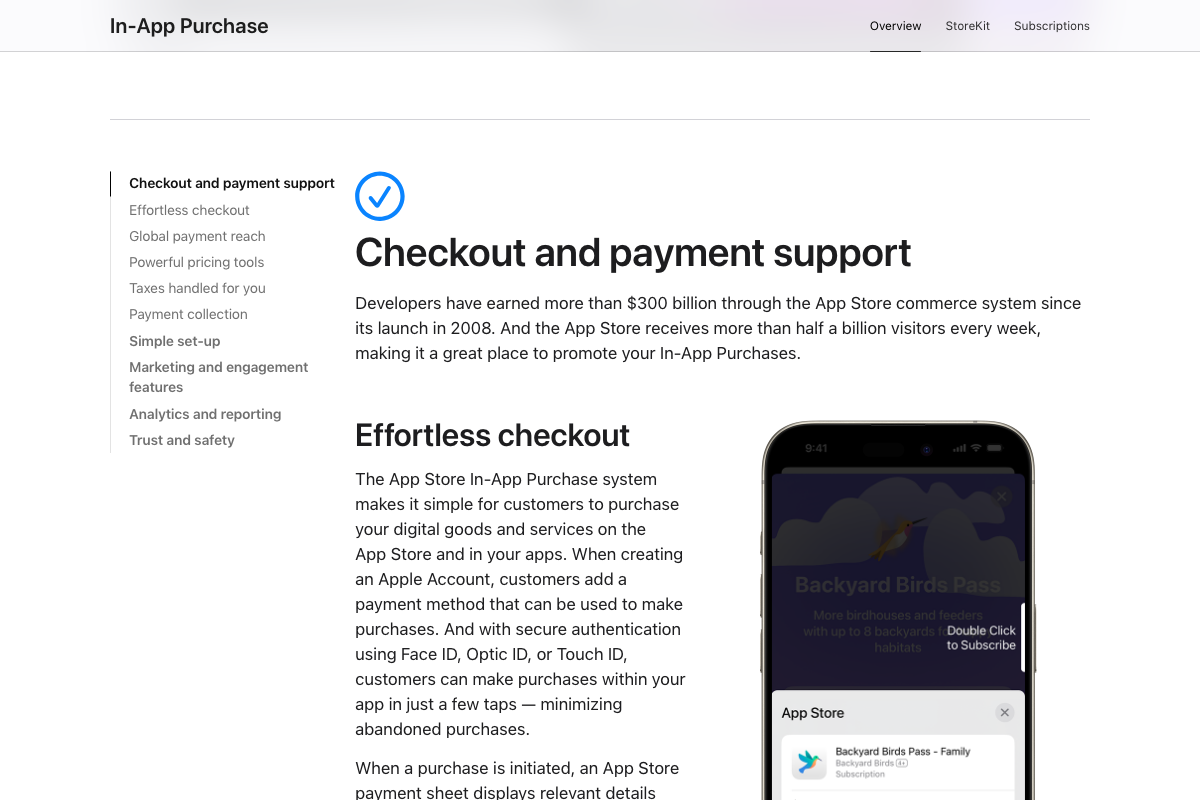
The video’s approach here matches the current docs exactly. Consumable IAPs are fully supported via StoreKit. Apple manages the complete payment chain across 200+ payment methods in 175 regions.
Step 5: Reviewing sample app outputs
No official documentation was found for this step —
proceed using the video’s approach and verify independently.
Step 6: Pulling OpenAI image generation pricing
No official documentation was found for this step —
proceed using the video’s approach and verify independently.
The documentation screenshots captured the OpenAI blog homepage rather than the API pricing page. ChatGPT Images 2.0 was featured prominently at time of capture, indicating the image generation product landscape has shifted. Verify current per-image costs directly at platform.openai.com/docs/pricing before building any cost model.

Step 7: Calculating the break-even
No official documentation was found for this step —
proceed using the video’s approach and verify independently.
One correction to note: as of May 6, 2026, the video’s margin math omits Apple’s IAP commission. Apple’s IAP documentation confirms a 30% commission on all consumable transactions (15% under the App Store Small Business Program). The accurate break-even formula is: (IAP price × 0.70) ≥ API cost per session.
Step 8: Finding the next app concept on Reddit and X
No official documentation was found for this step —
proceed using the video’s approach and verify independently.
Useful Links
- App Store Connect — Apple’s platform for managing live app revenue and download data, including Sales and Trends reporting.
- Sign in – Claude — Routes to Claude.ai web authentication; Claude Code CLI is a separate tool installed via npm.
- Xcode – Apple Developer — Official Xcode page documenting native agentic coding in Xcode 26.3 with first-party Anthropic and OpenAI model support.
- Running your app in Simulator or on a device — Apple’s documented Simulator workflow including hardware feature limitations relevant to camera-dependent apps.
- In-App Purchase – Apple Developer — Apple’s IAP overview covering consumable purchase types, StoreKit implementation, and the commission structure that affects net revenue.
- Images and vision | OpenAI API — OpenAI image generation API documentation; verify current pricing at
platform.openai.com/docs/pricingas figures in the video could not be confirmed.


0 Comments