

Building a Self-Maintaining Agentic OS with Claude Code Skills
Most Claude Code setups treat skills as isolated tools — one for copy, one for research, never connected. This tutorial walks through an architecture that chains them into a self-maintaining operating system: one that builds your brand context automatically, learns from session feedback, and keeps its own registry in sync. By the end, you’ll understand every architectural layer, from skill anatomy to scheduled chains running on cron.
- Understand skill anatomy. Every skill is a folder with two components:
skill.md(the step-by-step process instructions) and a set of reference files — brand voice docs, example outputs, API guides, templates — that inject deep business knowledge into that process. The reference layer is what separates a generic skill from one that produces usable output.
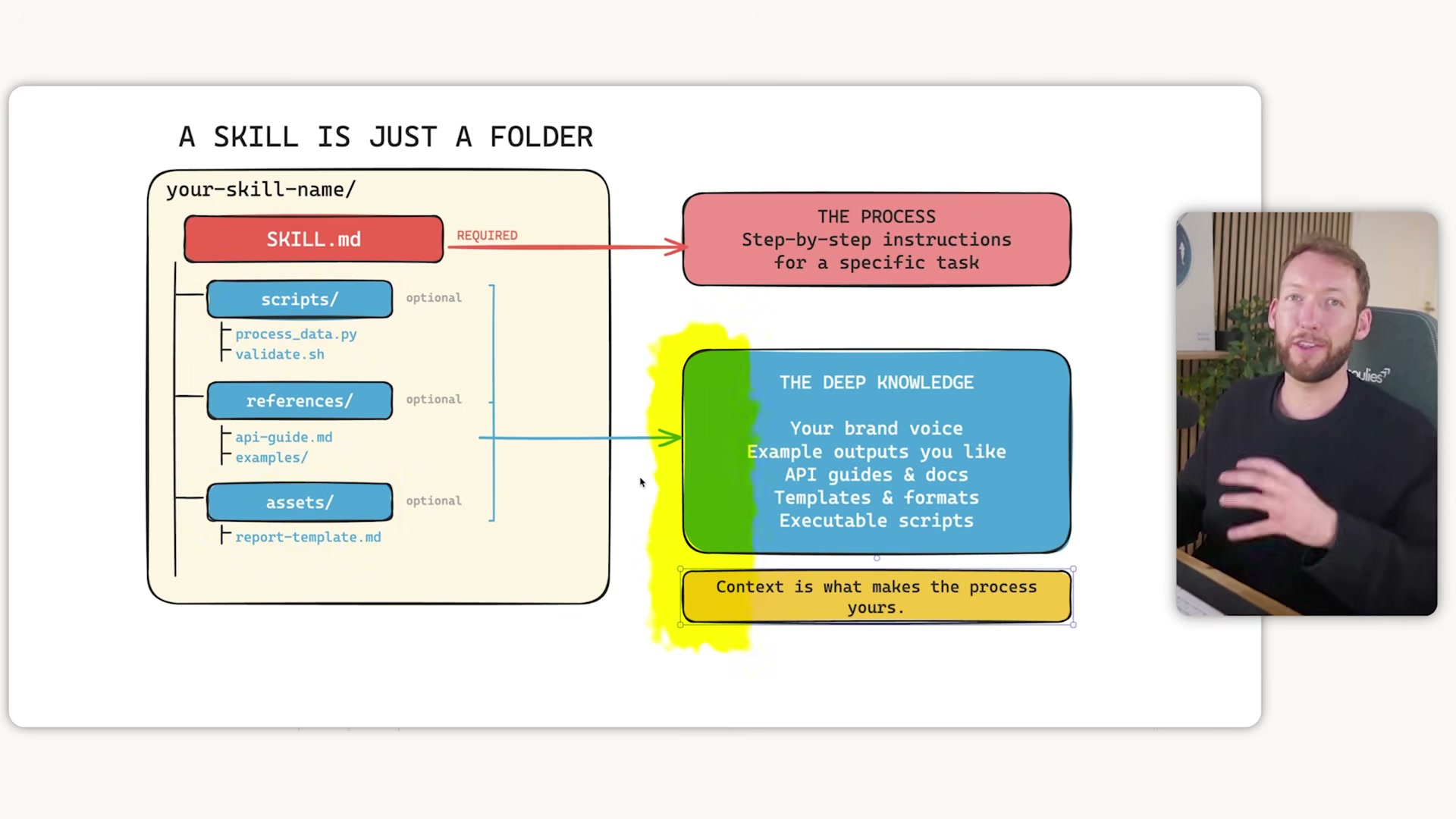
2. Fill in the knowledge gaps that downloaded skills leave. Skills pulled from GitHub or a marketplace are intentionally generic — they define a repeatable process but contain no knowledge about your business. Running them without populating the reference files with real brand data produces generic output. Every installed skill needs its knowledge layer populated before it’s production-ready.
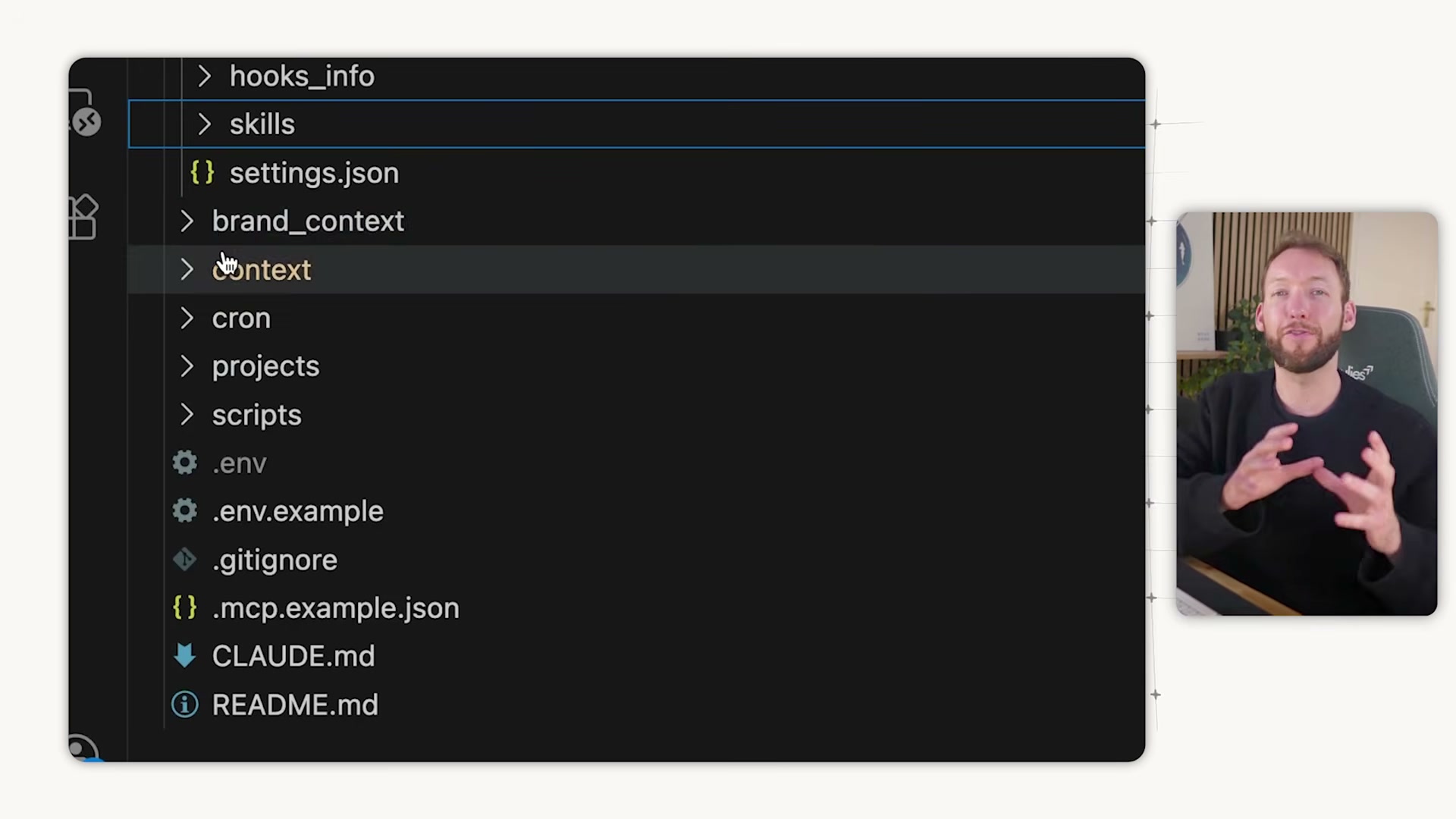
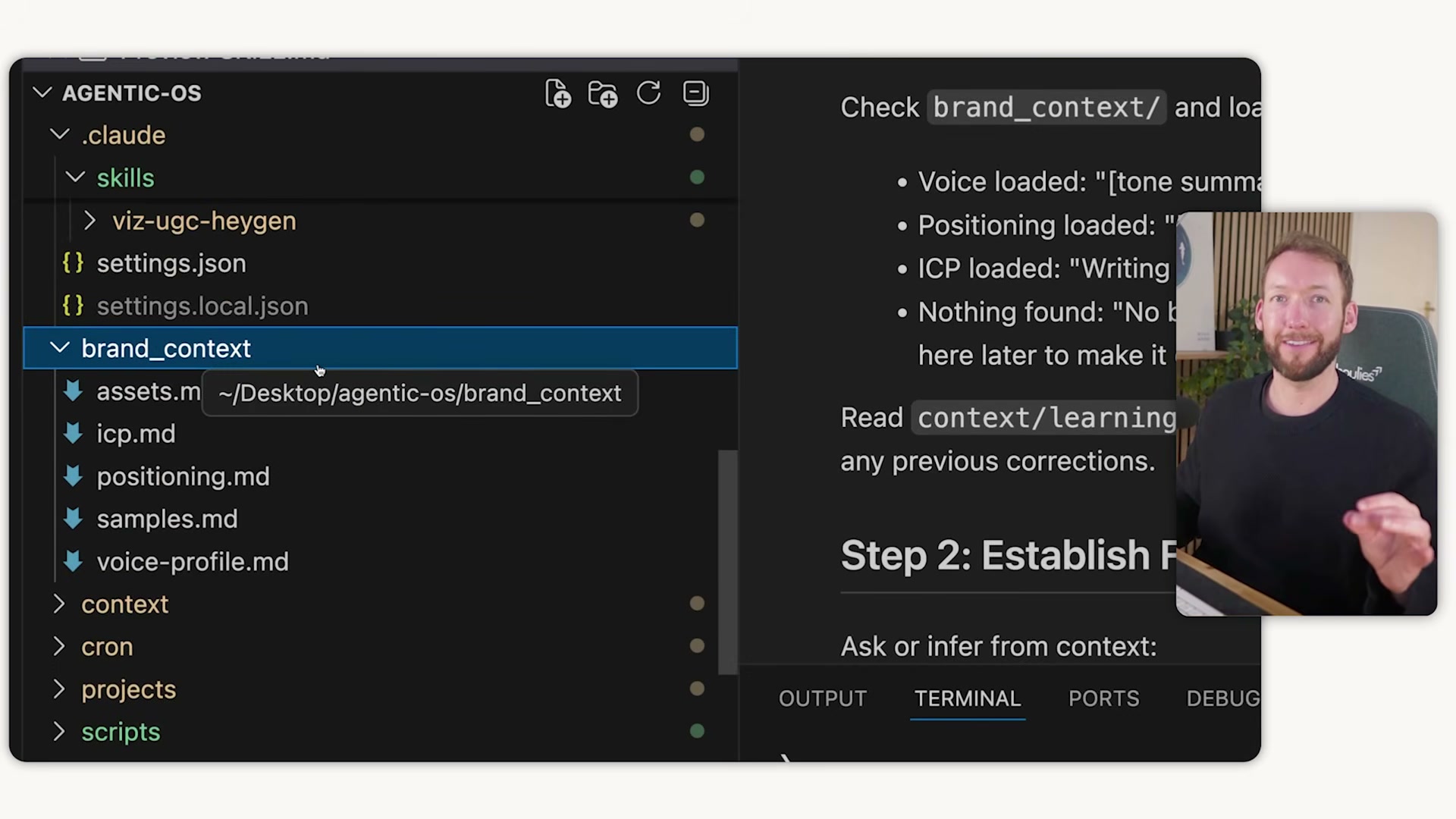
3. Point every skill at a shared brand_context/ folder. Create one central folder and configure each skill.md to read from it. Your copywriting, content repurposing, and research skills all pull from the same voice profile, ICP, positioning doc, samples, and assets file — one source of truth, no duplication across skills.
4. Run start here to build brand context automatically. The system interviews you about your brand, audience, tone, and differentiators, then runs three foundation skills in sequence — brand voice extraction, positioning, and ICP. Each interviews you, processes your responses, and writes a structured markdown file into brand_context/.
5. Set up the context/ folder for memory and ongoing learning. This folder holds soul.md (agent identity and behavior), user.md (your communication preferences and working style), memory.md (long-term business knowledge), and dated daily memory logs for session continuity. Configure learnings.md so skills log post-deliverable feedback, then auto-update their own skill.md files at session end — the next run reads those learnings first.
Warning: this step may differ from current official documentation — see the verified version below.


6. Enable the heartbeat for self-maintaining sync. At every session start, configure the system to scan the skills/ folder, compare what’s on disk against the registry in CLAUDE.md and README, register new skills, remove stale entries, detect added MCP servers, and interlink dependencies — all without manual intervention.
7. Build skill chains with overlap detection enabled. Before creating any new skill, the system reads every installed skill’s front matter to map overlaps and prevent duplication. Connect skills sequentially — a trending research skill saves a brief, a content repurposing skill ingests that brief plus a video transcript, producing a newsletter informed by brand context and prior learnings.
8. Close every session with the wrap-up skill. Trigger it with close session or wrap things up. It reviews deliverables, collects feedback, patches skill.md files with that feedback, commits all work via git, and re-runs the heartbeat to keep the registry current.
9. Schedule skill chains with cron. Use Claude Code’s scheduling feature to trigger recurring skill chain runs automatically — research, content production, and reporting workflows on a set cadence with no manual initiation.
How does this compare to the official docs?
The heartbeat pattern, learnings.md feedback loop, and self-updating skill registry are compelling extensions of Claude Code’s native conventions — but Anthropic’s official documentation defines the boundaries of these primitives differently, and those differences matter when you’re deciding what to build versus what to trust in production.
Here’s What the Official Docs Show
The video describes a genuinely useful architecture built on top of Claude Code, and the documentation helps you see precisely which layers are native to the platform versus which are yours to own and maintain. That distinction is the most actionable thing Act 2 adds.
Step 1 — Skill anatomy (skill.md + reference files)
No official documentation was found for this step — proceed using the video’s approach and verify independently.
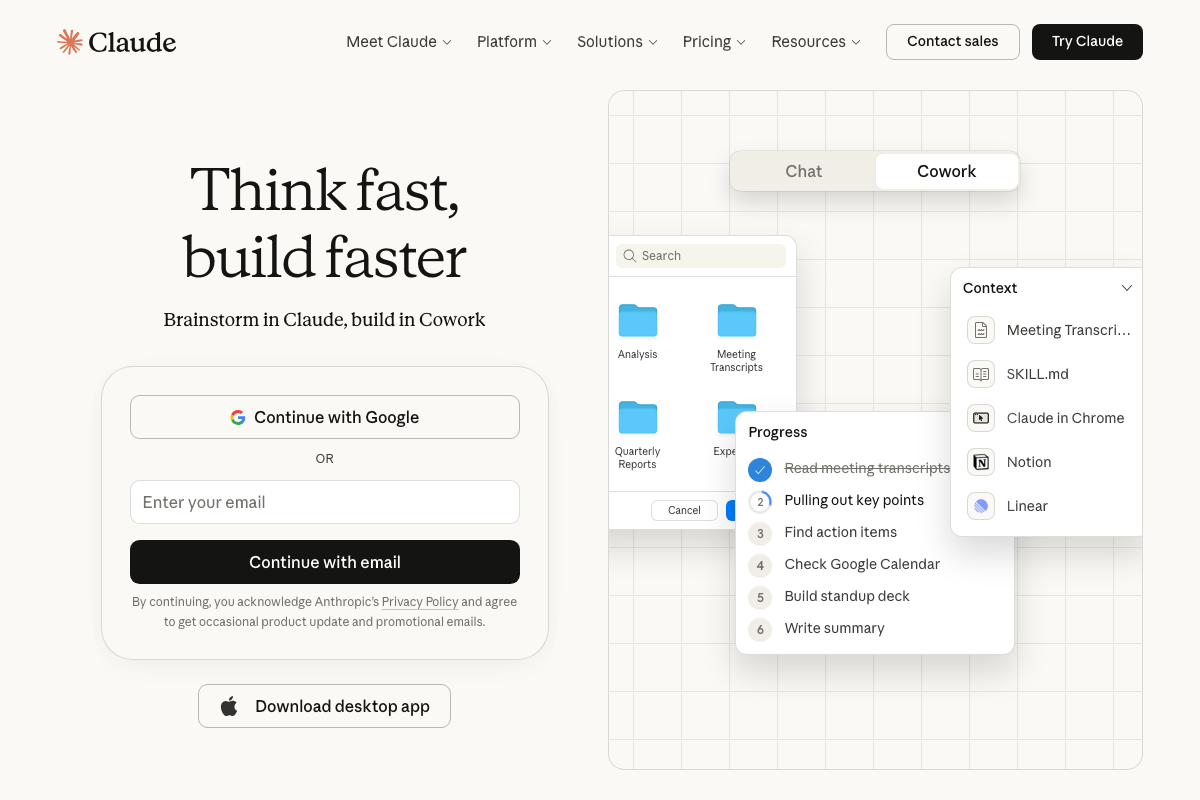
SKILL.md does appear as a user-added context file in the claude.ai Cowork interface — supporting the naming convention, but not documenting a structured skills folder system as a native Claude Code feature. It shows up alongside user files like Notion and Linear, not as part of a documented skill registry.
Step 2 — Populating knowledge gaps in downloaded skills
No official documentation was found for this step — proceed using the video’s approach and verify independently.
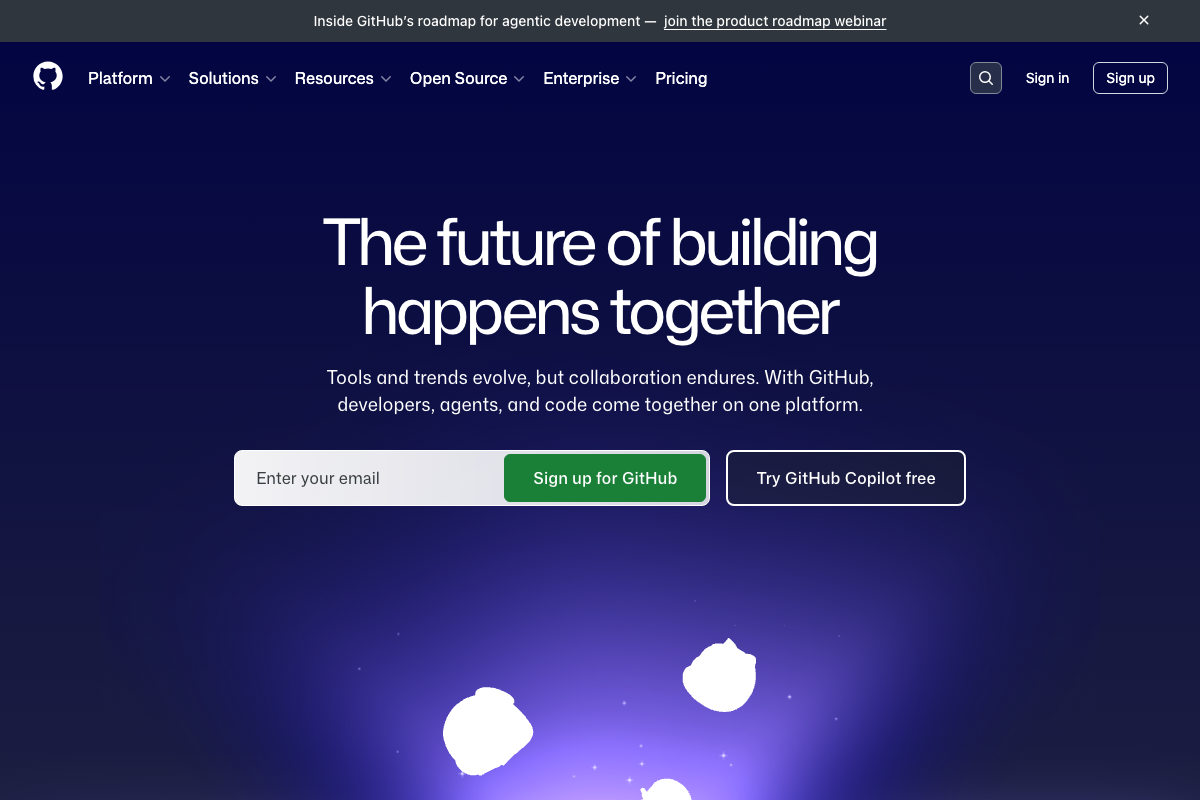
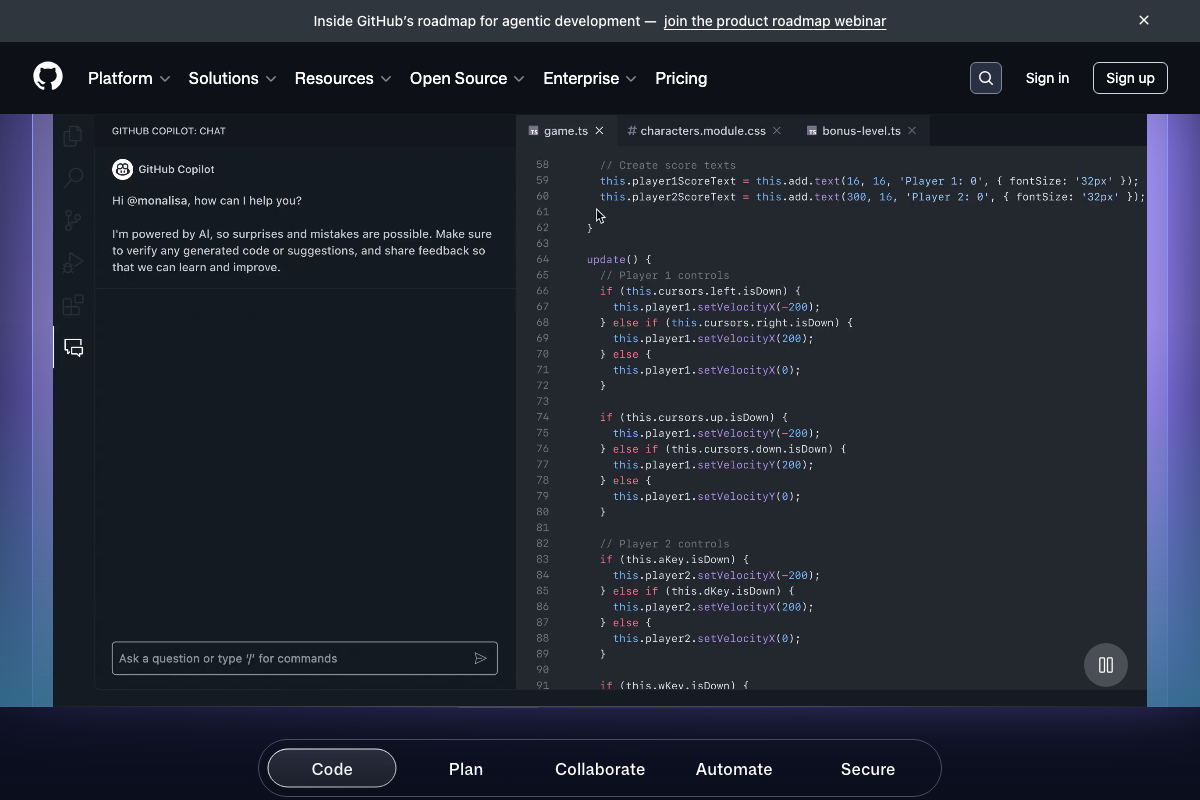
As of March 2026, no official Claude Code skills marketplace on GitHub is documented. The captured screenshots show the GitHub.com homepage and GitHub Copilot Chat — a separate product with a separate extension model that is not interchangeable with Claude Code.
Step 3 — Shared brand_context/ folder
No official documentation was found for this step — proceed using the video’s approach and verify independently.
Step 4 — Run start here to build brand context automatically
No official documentation was found for this step — proceed using the video’s approach and verify independently.
Step 5 — The context/ folder: soul.md, user.md, memory.md, learnings.md
No official documentation was found for this step — proceed using the video’s approach and verify independently.
learnings.md, soul.md, user.md, and memory.md are user-constructed conventions layered on top of Claude Code’s native CLAUDE.md context system — not documented primitives. Build them knowing you own the full implementation stack.
Step 6 — The heartbeat scan
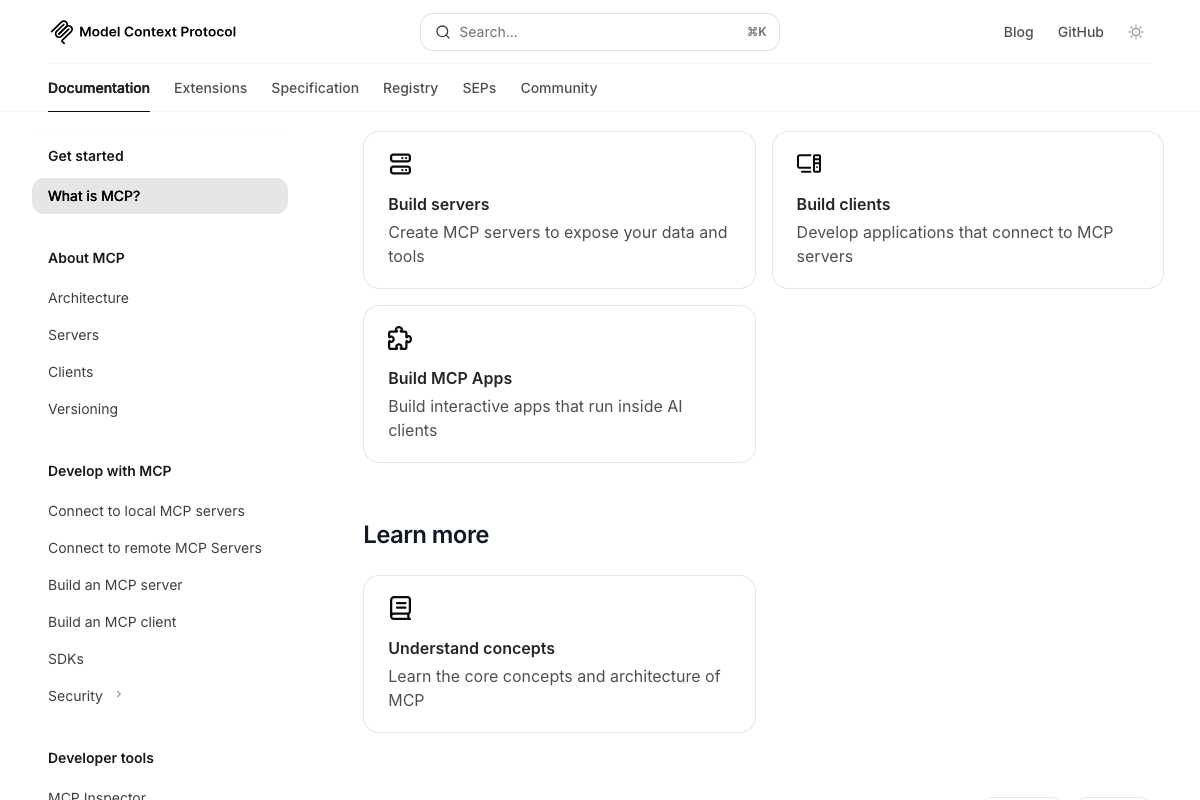
The heartbeat’s folder scan, registry sync, and self-update loop are user-built conventions with no corresponding official documentation. The MCP server detection component, however, is grounded in real, documented infrastructure. The official MCP architecture diagram explicitly lists Claude Code as an MCP client under “IDEs and code editors,” and the docs confirm agents can connect to Google Calendar, Notion, Git, Slack, and more through conformant MCP servers — making the heartbeat’s server detection premise technically sound.

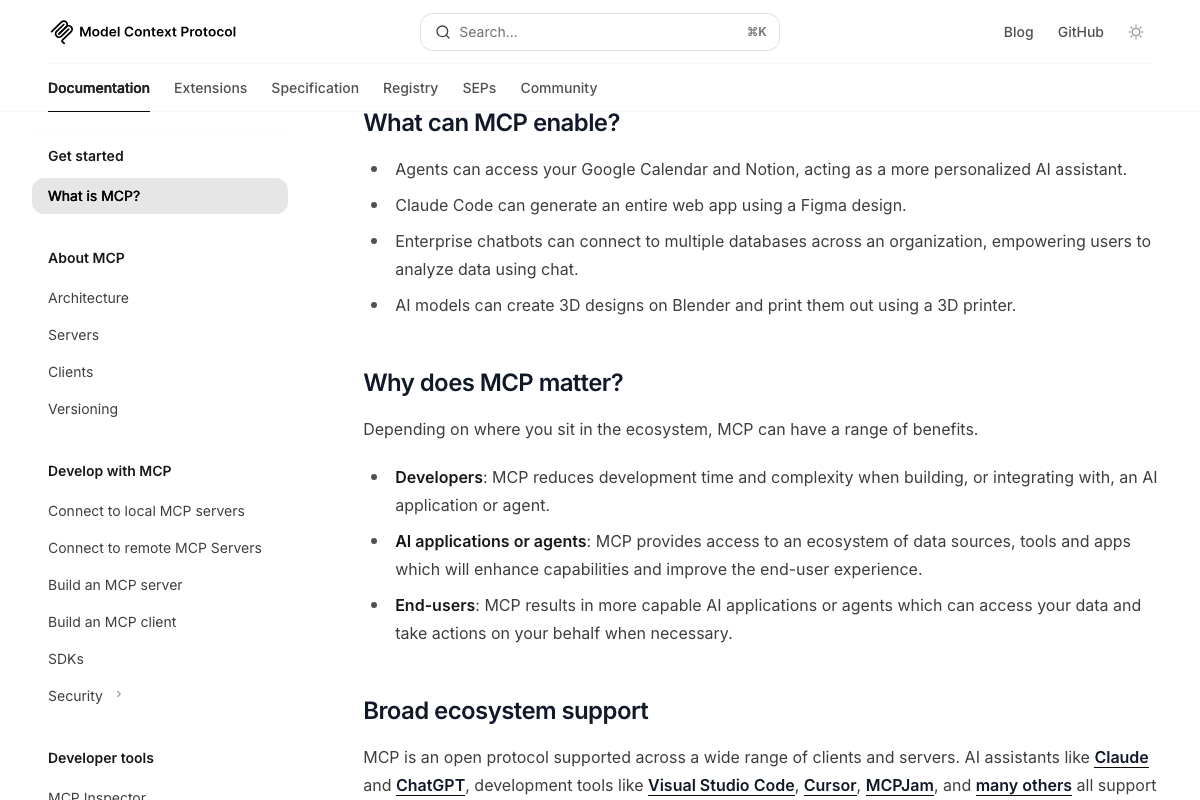
The video’s approach here matches the current docs exactly for the MCP server detection premise.
Step 7 — Skill chains with overlap detection
No official documentation was found for this step — proceed using the video’s approach and verify independently.
MCP’s documented ecosystem — described officially as connecting AI agents to “an ecosystem of data sources, tools and apps” — provides the underlying plumbing that makes multi-tool skill chains technically feasible, even though the chaining orchestration layer itself is yours to build.
Step 8 — The wrap-up skill (close session)
No official documentation was found for this step — proceed using the video’s approach and verify independently.
Step 9 — Scheduling skill chains with cron
No official documentation was found for this step — proceed using the video’s approach and verify independently.
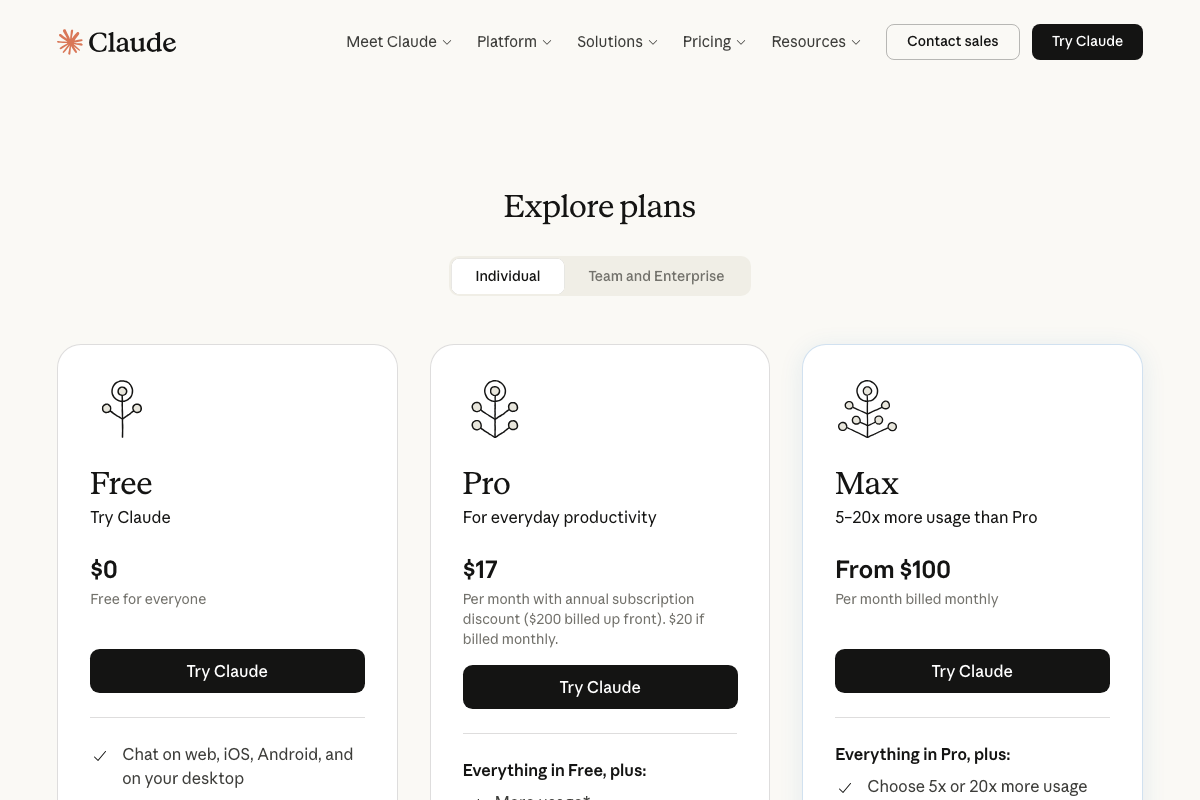
Claude Code’s native scheduling or cron capability is not confirmed in any captured official documentation. If you’re designing always-on pipelines, note that automated runs accrue usage against your claude.ai plan tier — the Max plan provides 5–20× more usage than Pro, which is relevant context for high-cadence skill chain workflows.
Useful Links
- Model Context Protocol Documentation — Official MCP reference confirming Claude Code as a native MCP client with documented access to Git, Slack, Google Calendar, Notion, and other external tool ecosystems.
- claude.ai — Claude.ai product page covering the Cowork collaborative workspace and individual plan pricing; note this is distinct from the Claude Code CLI documentation hosted at docs.anthropic.com.
- GitHub.com — GitHub homepage; no official Claude Code skills marketplace is hosted or documented here as of March 2026.


0 Comments