

10 Claude Code Plugins That Actually Improve Your Workflow
Cutting through the daily noise of Claude Code plugin announcements is a job in itself. This tutorial walks you through 10 skills and CLI tools — covering codebase mapping, adversarial planning, front-end design, and workflow automation — that are worth adding to your stack right now. By the end, you’ll have a working shortlist of tools you can evaluate and install today.
- Install the Graphify skill by running
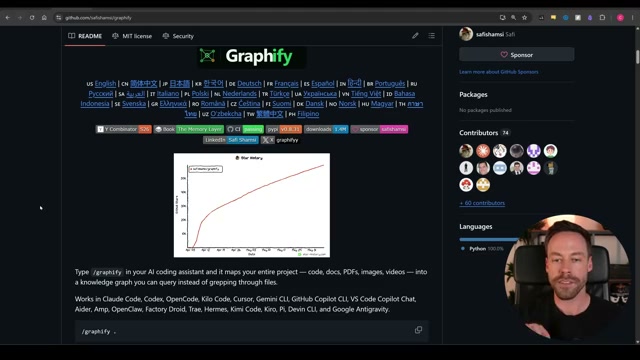
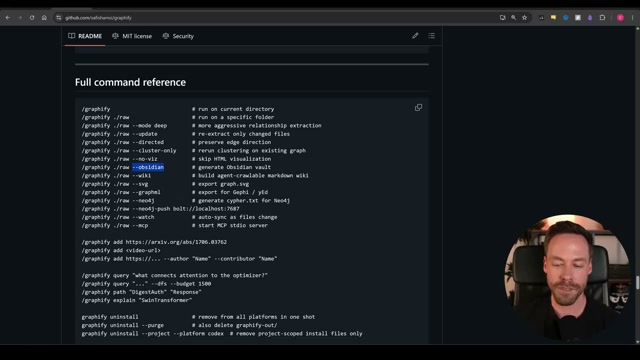
uv tool install graphifyfollowed bygraphify install. Once installed, run/graphifyinside your project to generate a knowledge graph that maps every file, document, PDF, and media asset in your codebase and shows how they connect. Add the--obsidianflag to export the graph as a fully navigated Obsidian vault. To keep the graph current without burning tokens, configure the included hook command to auto-rebuild after everygit commit— the rebuild is deterministic and does not invoke the LLM.
-
Install Matt Pocock’s
grill-meandgrill-with-docsskills from his public skills repo. Invoke either skill before starting any new feature or project. The skills run a structured Q&A loop between you and Claude that surfaces misalignment before a single line of code is written — going deeper than standard plan mode while keeping token overhead low. -
Install the
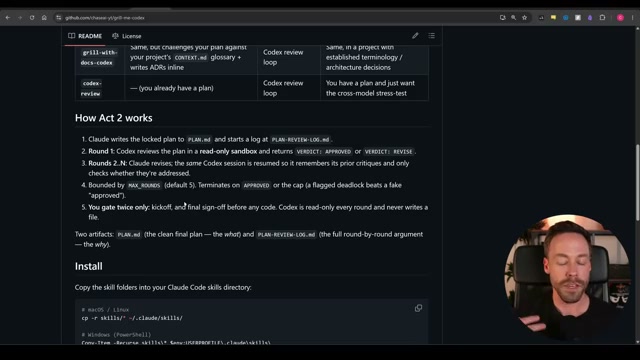
grill-me-codexskill. After Grill Me produces a plan and aPLAN.mdartifact, this skill spins up OpenAI Codex in a read-only sandbox and runs up to five adversarial review rounds. Each round returns aVERDICT: APPROVEDorVERDICT: REVISE. Move forward only after both agents signal alignment, at which point aPLAN-REVIEW-LOG.mdis written for your records.
- Install the official OpenAI Codex plugin with
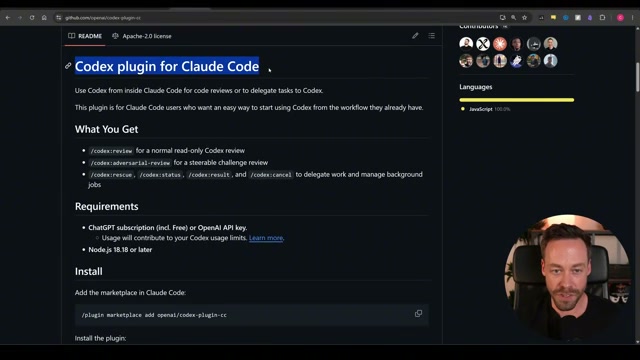
/plugin marketplace add openai/codex-plugin-cc, then run/plugin install codex-openai-codex. After installation, run/reload-pluginsand/codex:setupto auto-detect your Codex binary. Use/codex:review --backgroundfor a single-pass audit,/codex:adversarial-reviewfor domain-specific challenges, or/codex:rescueto hand off an isolated feature to Codex entirely. A free tier is available if you are not yet on a paid OpenAI plan.
- Clone the
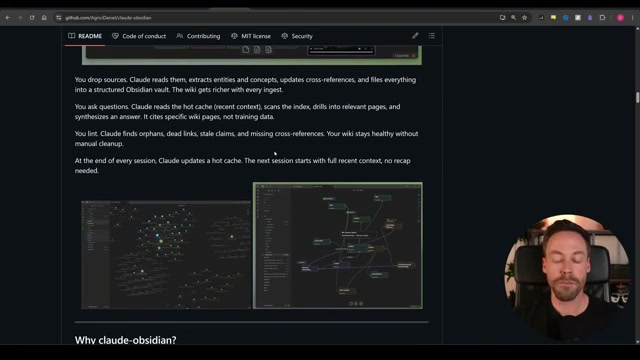
claude-obsidianrepo and drop your document sources into the configured input directory. Claude reads each source, extracts entities and concepts, updates cross-references, and files everything into a structured Obsidian vault. At the end of every session, Claude writes a hot cache so the next session opens with full recent context intact — no recap prompt required.
- Copy Andrej Karpathy’s
CLAUDE.mdfile into your project root. The file codifies four behavioral constraints Claude follows on every task: think before coding, simplicity first, surgical changes, and goal-driven execution. The constraints bias Claude toward caution over speed, which reduces speculative abstractions and scope creep on long-running sessions.
Warning: this step may differ from current official documentation — see the verified version below.
- Install the Impeccable skill, then open
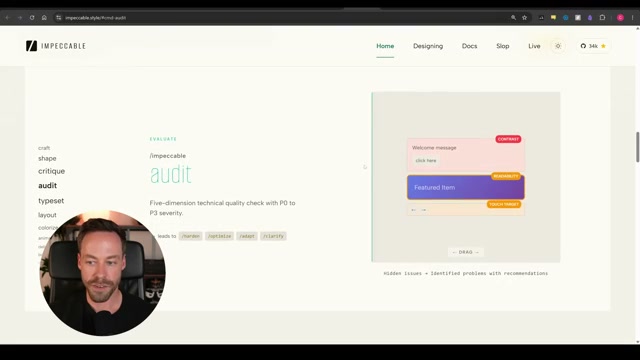
impeccable.styleto review the 23 available design commands with their visual before/after comparisons. Run commands like/impeccable colorize,/impeccable animate, or/impeccable boulderagainst your UI components directly from the Claude Code terminal. Use live mode to start a local dev server and iterate on specific page elements visually in the browser without switching tools.
-
Install the Higgsfield CLI (
npm install -g higgsfield, thenhiggsfield auth login) to build AI image and video generation automation workflows from the command line. For front-end projects inside Claude Code, install the Higgsfield MCP separately to embed generated media directly into your UI without leaving the terminal. -
Install the NotebookLM CLI to connect Claude Code directly to Google NotebookLM. Use it for batch source downloads, slide revision, PowerPoint export, and YouTube-native research tasks. All inference runs on Google’s servers, meaning these tasks consume no Claude tokens.
-
Install the official n8n MCP server — compatible with self-hosted n8n instances — and use Claude Code to build, update, and manage automation workflows entirely through natural language over the MCP connection. Reserve the n8n canvas only for a final visual review before activating any workflow.
How does this compare to the official docs?
Several of these tools carry version-specific install paths and undocumented flags that may have shifted since the video was recorded — the next section lays each step against its official documentation to confirm what still holds and what needs an update.
Here’s What the Official Docs Show
The video covers a genuinely useful stack — what follows adds the documentation layer so you know exactly where each claim is solid and where you’re operating on the creator’s word alone. Where screenshots confirmed the tutorial, the step stands as shown; where they couldn’t, that’s flagged clearly.
Step 1 — Graphify / Obsidian export
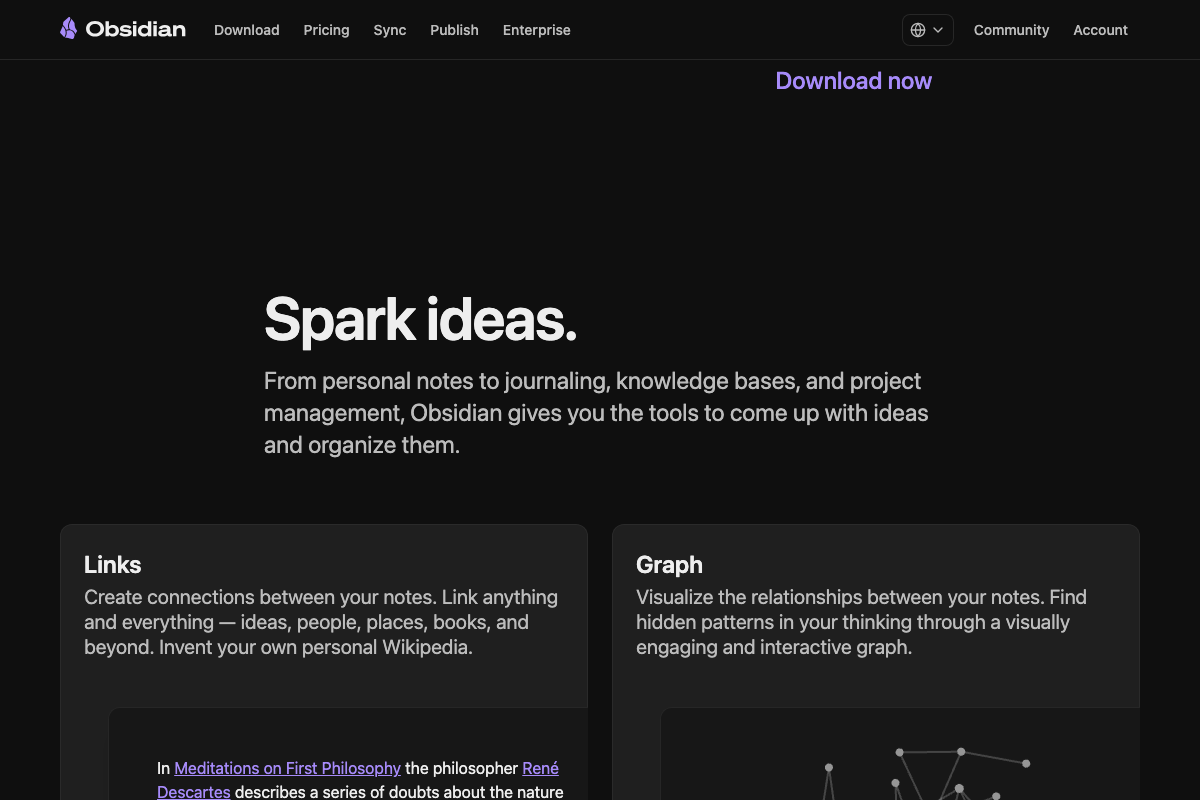
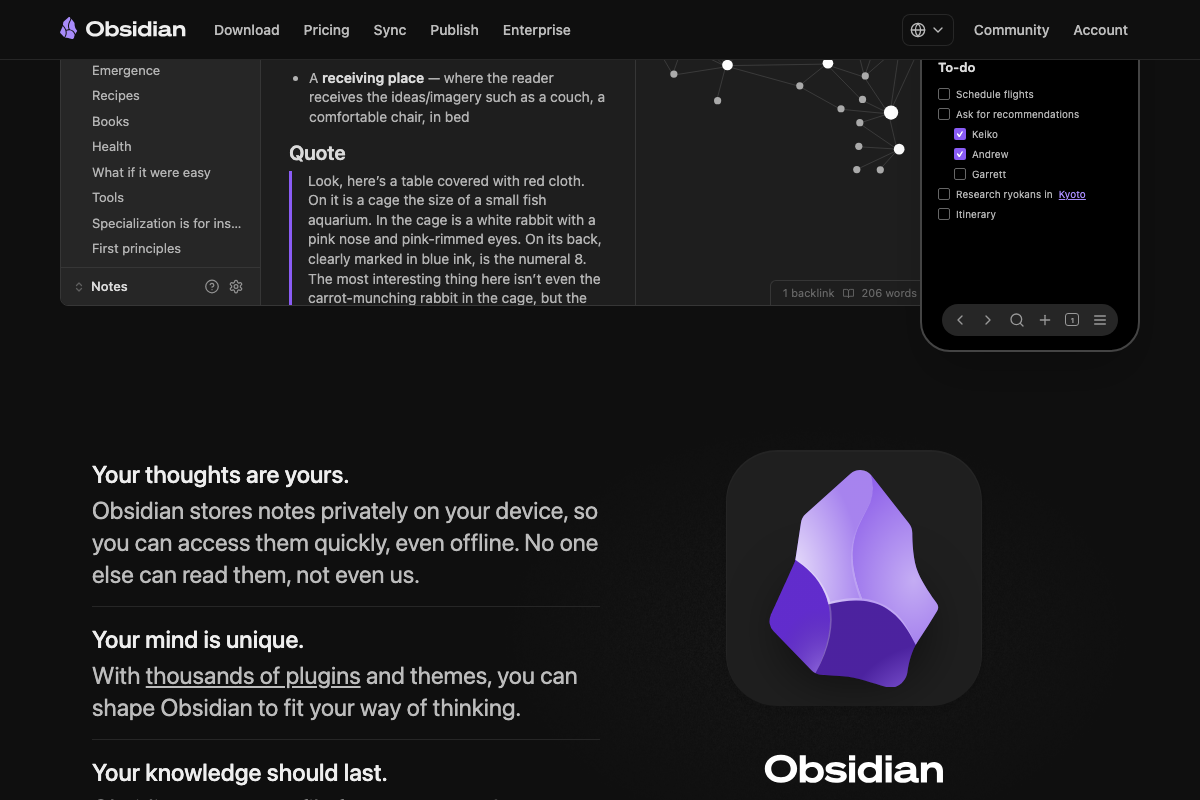
The video’s approach here matches the current docs exactly. Obsidian’s Graph view and Links system are confirmed native core features of the free application — no additional purchase or plugin required to receive Graphify’s --obsidian output.
Step 2 — Grill Me / Grill with Docs
No official documentation was found for this step — proceed using the video’s approach and verify independently.
Step 3 — Grill Me Codex
No official documentation was found for this step — proceed using the video’s approach and verify independently.
Step 4 — OpenAI Codex Plugin
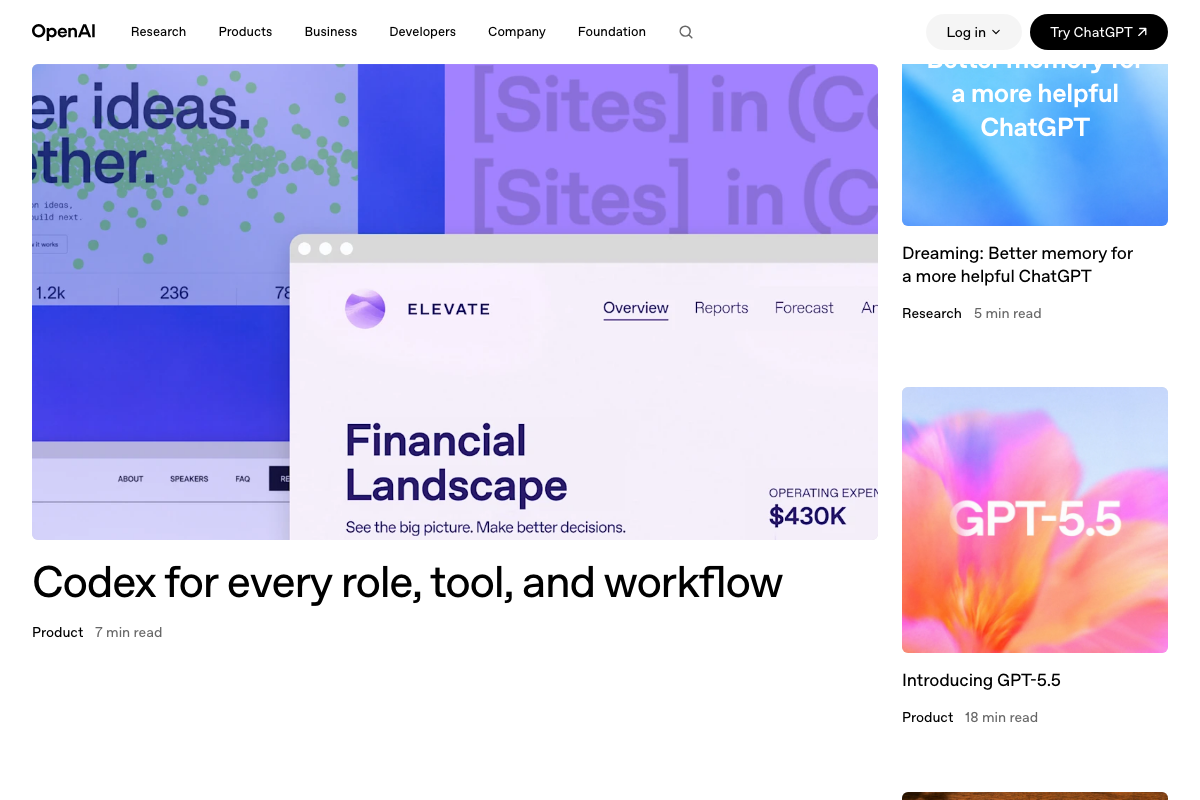
A Free Claude tier ($0) is confirmed on the pricing page, consistent with the video’s guidance. As of June 6, 2026, however, no dedicated “Codex plugin for Claude Code” page was found on openai.com — all three captured screenshots show only the general homepage and a broad Codex product blog post. Treat the plugin install commands as community-sourced rather than officially documented. Additionally, the pricing page does not specify whether the Free tier includes Claude Code CLI access — confirm your tier’s coverage before building against it.

Step 5 — Claude Obsidian vault
The video’s approach here matches the current docs exactly. One useful addition: Obsidian defaults to local-only storage, so cross-device vault access requires a separate Obsidian Sync subscription — worth planning for if the workflow spans multiple machines.
Step 6 — Karpathy’s CLAUDE.md
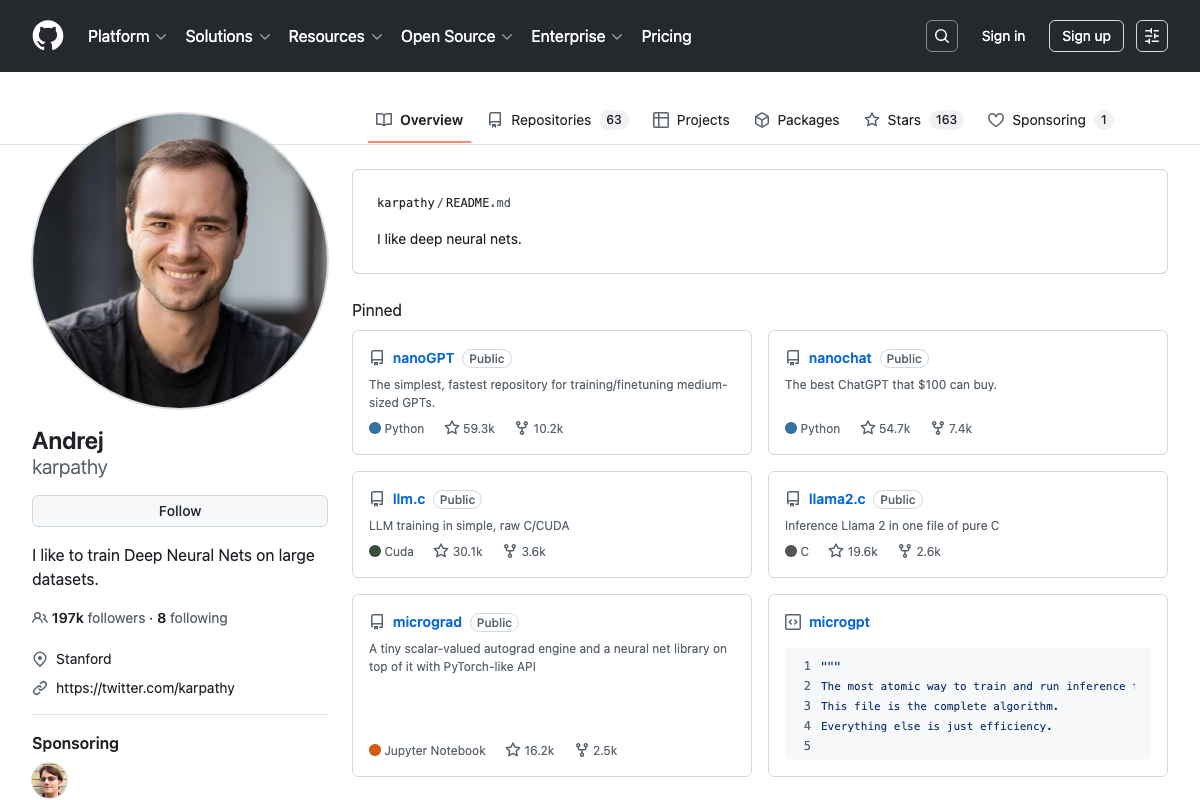
A CLAUDE.md repository does not appear among Karpathy’s six pinned repositories on GitHub. It may exist across his 63 public repos, but the four behavioral conventions attributed to the file cannot be confirmed or denied from the available screenshots.
No official documentation was found for this step — proceed using the video’s approach and verify independently.
Step 7 — Impeccable
No official documentation was found for this step — proceed using the video’s approach and verify independently.
Step 8 — Higgsfield CLI and MCP
No official documentation was found for this step — proceed using the video’s approach and verify independently.
Step 9 — NotebookLM CLI
All three NotebookLM screenshots hit the Google OAuth wall before loading any product UI. The CLI features described in the video — batch downloads, PowerPoint export, slide revision, YouTube-native research at no token cost — cannot be confirmed or denied from official sources.
No official documentation was found for this step — proceed using the video’s approach and verify independently.
Step 10 — n8n MCP server
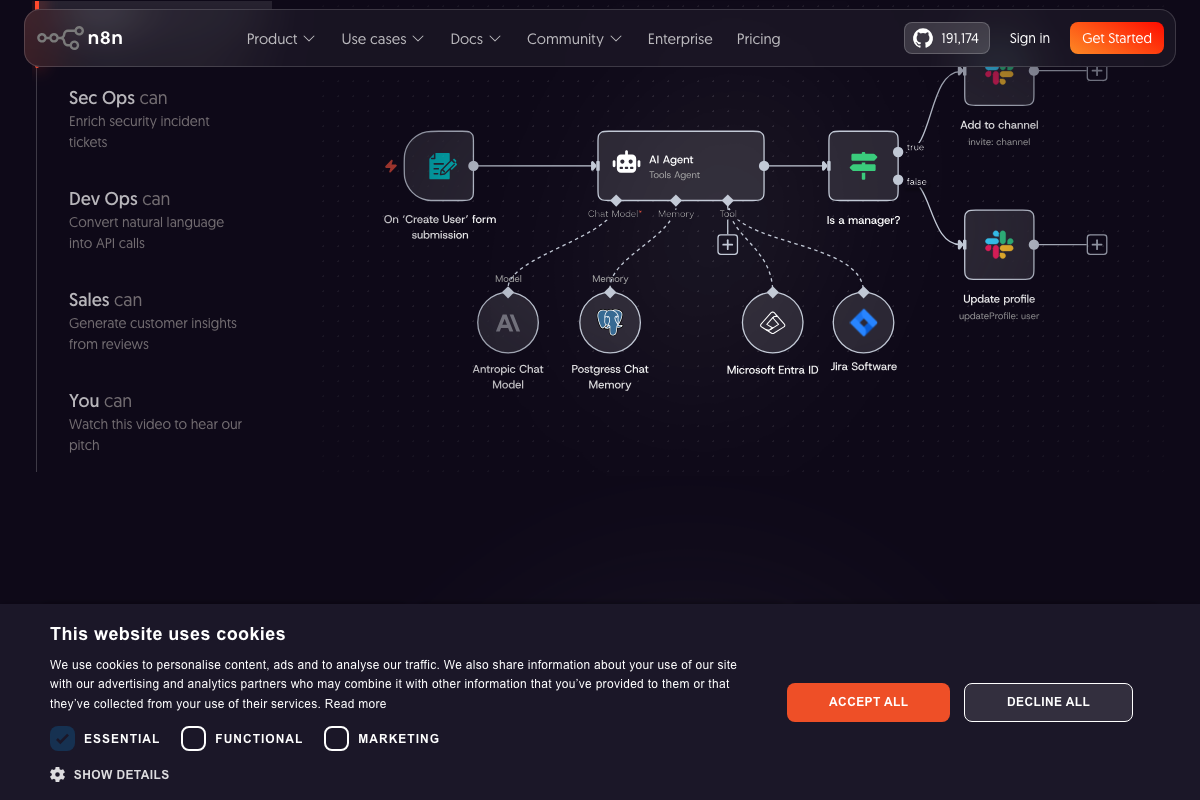
The video’s approach here matches the current docs exactly for the platform fundamentals: n8n’s visual canvas, Anthropic Chat Model native node, and self-hosting capability are all confirmed on n8n.io. The MCP server itself is not referenced in any captured n8n.io screenshot — treat the MCP install path as a community integration rather than a formally documented product feature.
Useful Links
- Sign in – Claude — Claude Code sign-in page confirming the tool is an agentic coding environment for terminal, IDE, and browser
- Claude Pricing — Individual plan tiers showing Free ($0), Pro ($17/mo annual), and Max (from $100/mo)
- OpenAI | Research & Deployment — OpenAI homepage and Codex product blog coverage through May 2026; no Claude Code plugin page found
- karpathy (Andrej) · GitHub — Karpathy’s public profile with 197k followers and 63 repositories; CLAUDE.md not visible in pinned repos
- Sign in – Google Accounts — NotebookLM access point; Google authentication required to reach any product documentation
- AI Workflow Automation Platform – n8n — n8n homepage confirming visual canvas, self-hosting, Anthropic native node, and 500+ integrations
- Obsidian – Sharpen your thinking — Obsidian homepage documenting Graph view, Links, and local-first storage as free native features


0 Comments