

Fix Your E-Commerce Conversion Leaks with FAQ Strategy and Claude Code
Most e-commerce operators chase more traffic when their real problem is conversion. By the end of this tutorial, you’ll know how to audit your site for purchase friction, build data-driven FAQ sections from your own customer service history, and use Claude Code to surface cost savings and customer insights across your entire business stack.
- Audit your homepage for a direct, minimal path to checkout. Collections pages should funnel customers toward purchase — not branch them into dead ends. If a visitor faces more than two decisions before reaching a product detail page, the site is working against itself.

-
Identify where customer risk is highest in your catalog. High average order value (AOV) products carry elevated perceived risk for buyers, and unanswered questions are the primary reason carts get abandoned before checkout. Map those products and flag every question a customer might have before committing.
-
Export your historical customer service emails and run them through an AI tool to categorize, count, and rank recurring question topics by frequency. Unlike generic keyword research tools, your own support inbox reflects real objections about real products. David Schmer, CEO of Build Grow Scale, applied this approach to a client’s six-year, 100,000-email archive — producing a ranked FAQ dataset tied directly to that store’s actual customers.
- Build FAQ sections on product detail pages ordered from most to least common concern. The highest-frequency objection appears first. This structure mirrors how buyers think and systematically reduces the perceived risk that stops purchases before they complete.

- Connect Claude Code to your Shopify analytics and Google Drive before asking it for any business recommendations. Most companies have disorganized Drive folders with valuable data buried inside — Claude Code can scrub those documents and return context-specific recommendations rather than generic advice.

-
Pull QuickBooks reports into Claude Code and ask open-ended questions — “What are some low-hanging fruit expenses to cut?” The system cross-references subscription tiers and flags whether you’re paying for a plan level your usage doesn’t justify.
-
Audit every SaaS subscription by having Claude Code check plan tiers against active user counts, then cancel or downgrade where usage doesn’t justify the cost. Schmer’s team cleared roughly $1,000 in unnecessary spend in under 30 minutes using this method.
-
Switch to Claude Code’s voice mode on mobile to conduct conversational data analysis sessions while away from your desk. Close each session by asking it to save a PDF summary to a specified Google Drive folder.
Warning: this step may differ from current official documentation — see the verified version below.
-
Route all contact form submissions through Zapier into Google Sheets, then periodically feed those sheets into Claude to extract recurring customer insight patterns at scale.
-
Immediately after a successful purchase, ask customers: “What is one thing that almost stopped you from buying?” That single question surfaces more actionable friction data than any analytics dashboard — specific, timely, and tied to real purchase intent.
How does this compare to the official docs?
The workflow David describes spans Claude Code, Shopify, QuickBooks, Google Drive, and Zapier simultaneously — and the integration steps look meaningfully different when you work from each platform’s official documentation rather than a single practitioner’s walkthrough.
Here’s What the Official Docs Show
Act 1 walks through a coherent workflow that holds up across its core logic — the platform-specific details have moved in a few places that matter if you’re building this today. What follows adds what the official documentation confirms, clarifies, and updates for each step.
Step 1 — Homepage conversion audit
No official documentation was found for this step — proceed using the video’s approach and verify independently.

One additive note from Shopify’s current platform: the homepage-to-checkout funnel now shares the stage with Agentic Storefronts, which enable in-chat checkout across AI channels. Your conversion audit should account for AI discovery entry points alongside direct site traffic paths.
Step 2 — Map high-AOV product questions
No official documentation was found for this step — proceed using the video’s approach and verify independently.
Step 3 — Mine customer service emails for ranked FAQ data
No official documentation was found for this step — proceed using the video’s approach and verify independently.
Step 4 — Build FAQ sections by objection frequency
No official documentation was found for this step — proceed using the video’s approach and verify independently.

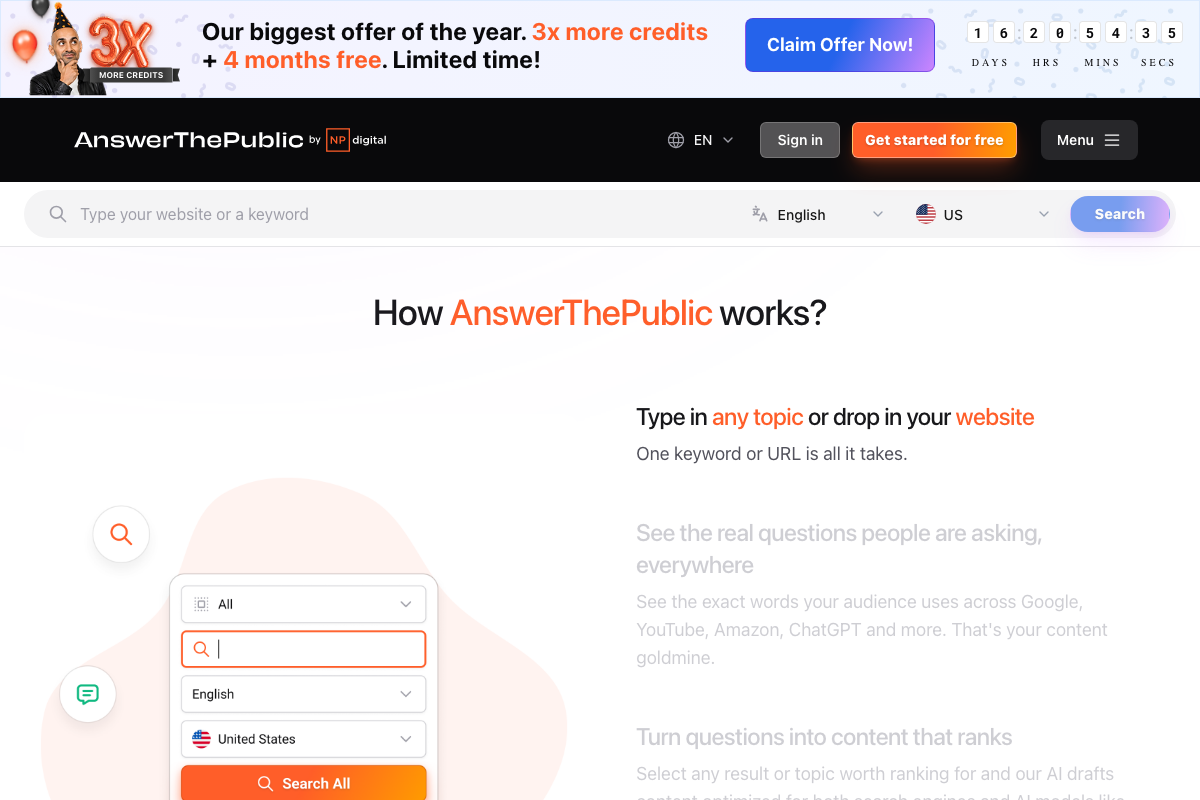
If you’re using AnswerThePublic to supplement your email data: the tool has been acquired by NP Digital and significantly repositioned. The question-research interface has changed — it now leads with AI brand visibility and content generation. Core keyword search remains, and it now pulls from Google, YouTube, Amazon, and ChatGPT — a broader source set than earlier versions that adds to, not replaces, your inbox analysis.
Step 5 — Connect Claude Code to Shopify analytics and Google Drive
The video’s approach here matches the current docs exactly.
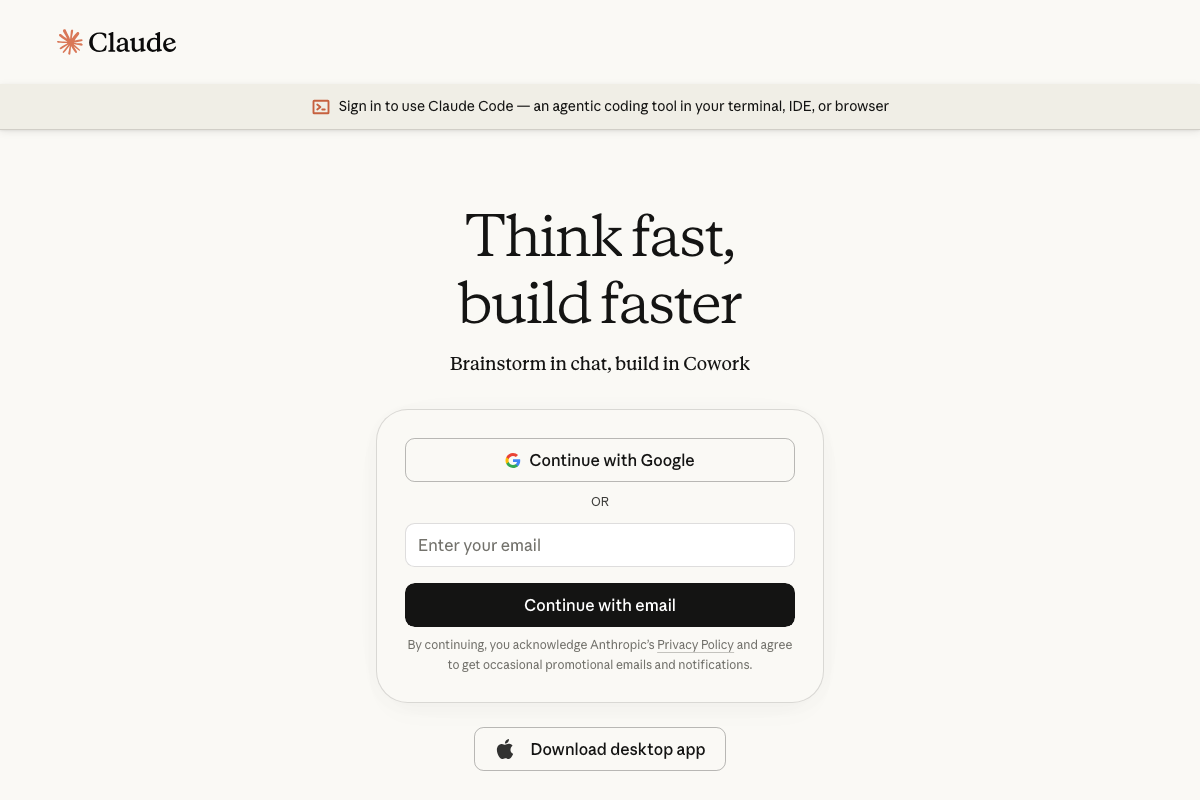
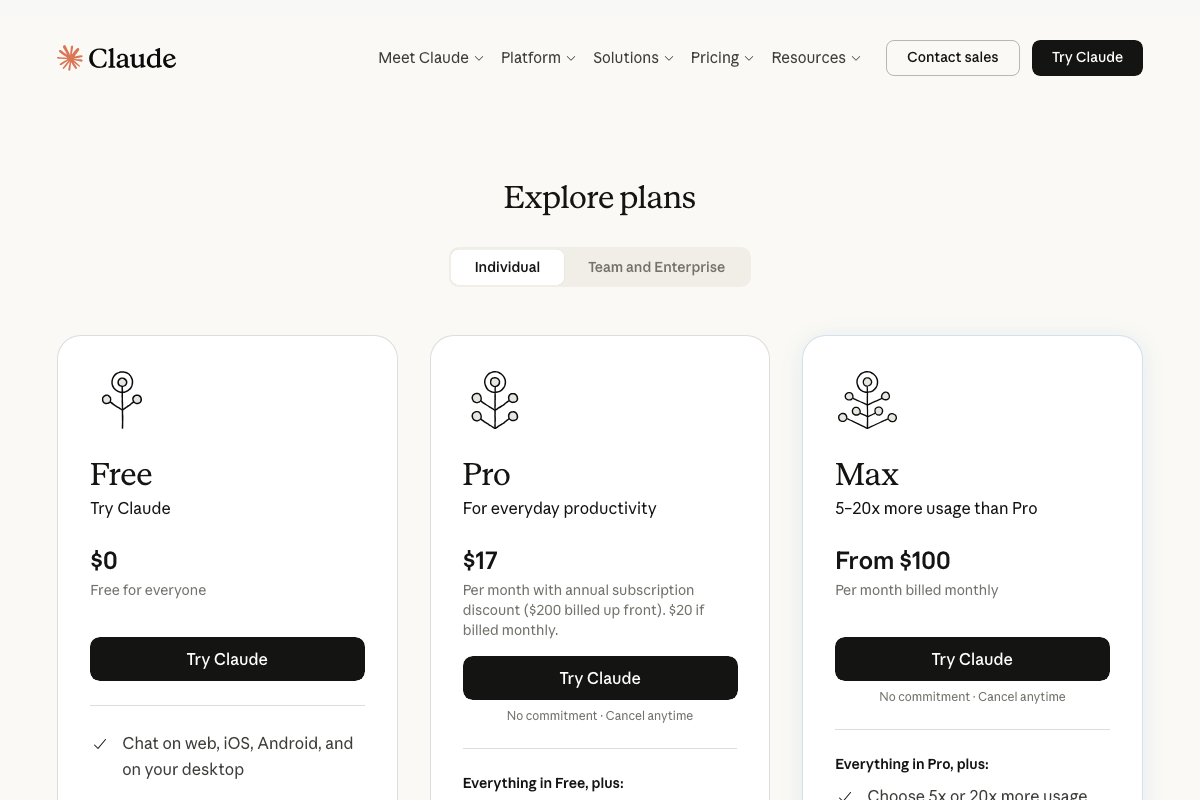
Two things the video doesn’t mention: Claude Code is officially positioned as a coding and agentic tool — the business intelligence workflows in steps 5–8 are supported but non-primary use cases. More practically, Claude Code is not free. The pricing page lists Free, Pro ($17–$20/mo), and Max (from $100/mo) tiers; verify which plan unlocks Claude Code access before starting.
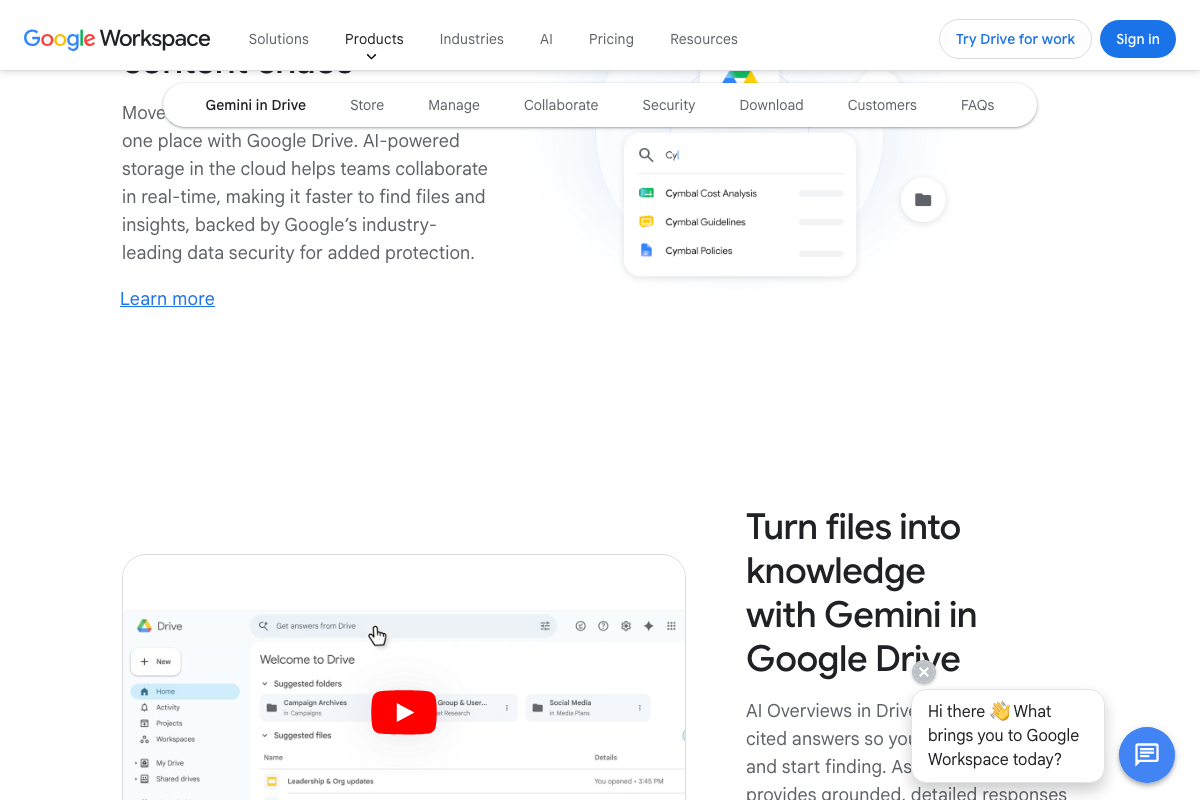
Google Drive now includes Gemini AI natively — “Turn files into knowledge with Gemini in Google Drive” — providing built-in file analysis without an external AI connection. Worth evaluating before you build the Claude Code integration.
Step 6 — Pull QuickBooks reports into Claude Code
No official documentation was found for this step — proceed using the video’s approach and verify independently.
Step 7 — Audit SaaS subscriptions via Claude Code
No official documentation was found for this step — proceed using the video’s approach and verify independently.
Step 8 — Use Claude Code voice mode on mobile
As of June 2026, Claude Code’s official product page describes it as a terminal, IDE, and browser tool — no voice mode is documented as a Claude Code capability. Voice features exist in the Claude mobile app but are distinct from Claude Code. For mobile sessions, use the Claude app’s voice feature or access Claude Code via mobile browser. The PDF-to-Drive save workflow is sound regardless; Drive’s free 15GB tier handles summary files for most users.

Step 9 — Route contact form submissions through Zapier into Google Sheets
The video’s approach here matches the current docs exactly.
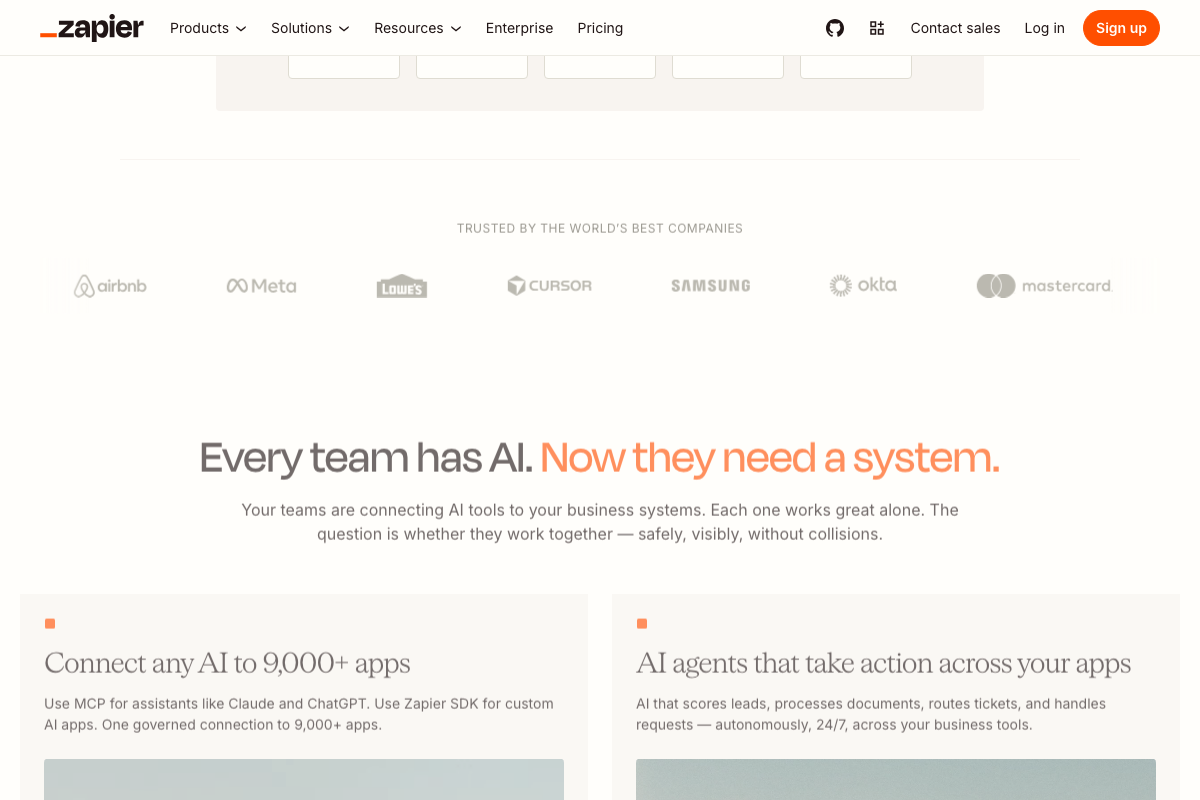
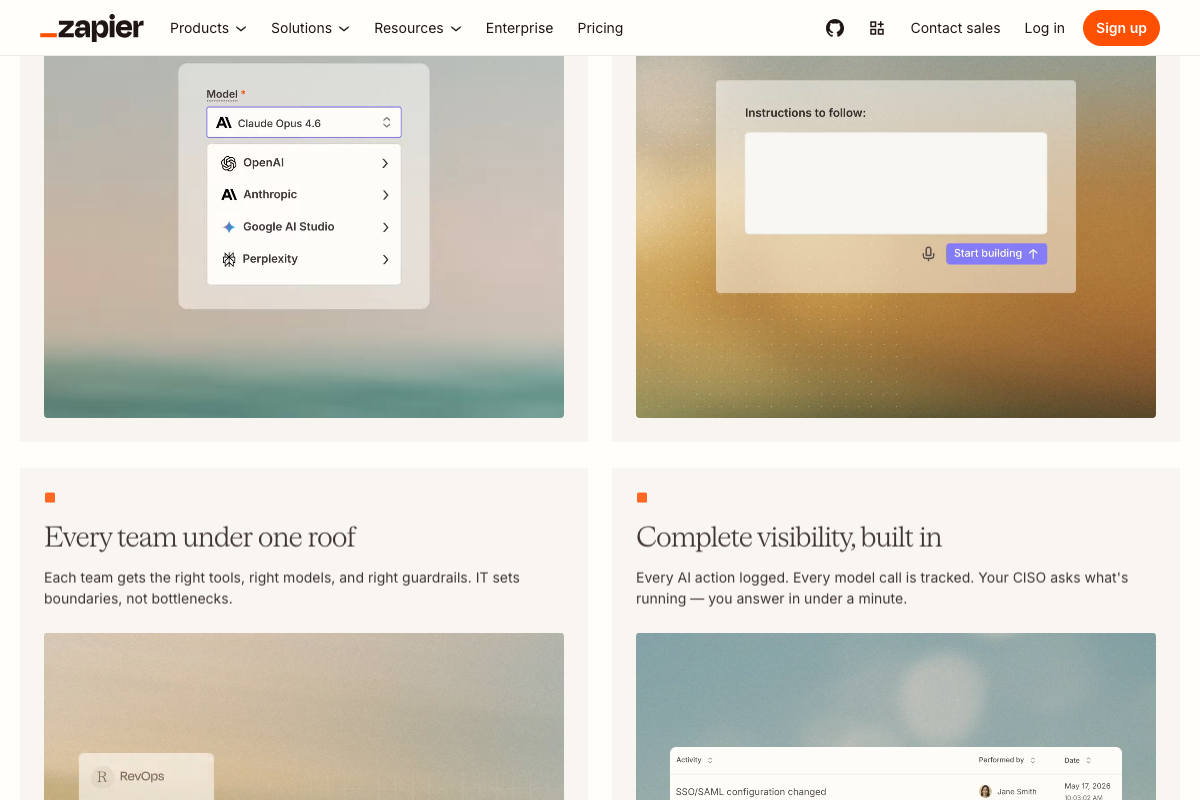
Claude Opus 4.6 is confirmed available in Zapier’s model selector. The simple form-routing workflow works — and it’s a starting point. Zapier’s current MCP integration supports bidirectional, agentic Claude workflows well beyond passive data collection. Also relevant for operators routing customer PII: Zapier carries SOC 2 Type II, GDPR, and CCPA compliance.
Step 10 — Post-purchase friction question
No official documentation was found for this step — proceed using the video’s approach and verify independently.
Useful Links
- Sign in – Claude — Official Claude Code product page confirming terminal, IDE, and browser access, plus current plan tier pricing.
- Shopify: The All-in-One Commerce Platform for Businesses — Shopify’s public homepage documenting Agentic Storefronts, AI-channel checkout, and multi-channel commerce capabilities.
- Google Drive: Share Files Online with Secure Cloud Storage — Google Drive product page covering Gemini in Drive AI file analysis and storage tier details.
- Zapier: Automate AI Workflows, Agents, and Apps — Zapier’s homepage confirming MCP support for Claude Opus 4.6, agent builder capabilities, and SOC 2 / GDPR / CCPA compliance status.
- AnswerThePublic by Neil Patel: Keyword Research & Content Ideas — AnswerThePublic’s current homepage documenting the NP Digital acquisition, repositioned AI brand visibility focus, and expanded multi-platform search coverage.
- Google Sheets: Sign-in — Google Sheets access page confirming that an authenticated Google account is a prerequisite for the Zapier → Sheets workflow in step 9.


0 Comments