

Build a $120K/Month iOS App From a Hobby Problem
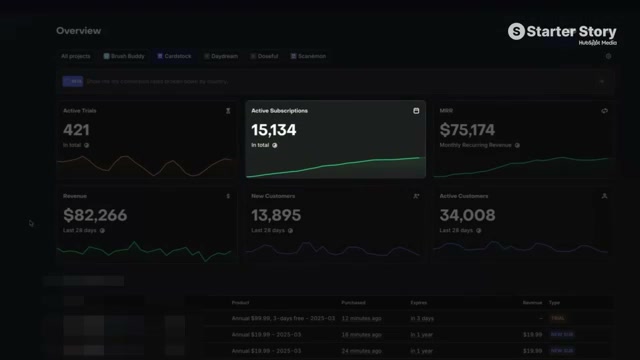
Kyle Fowler turned a personal frustration — not knowing which sports cards in his collection were valuable — into two iOS apps generating $120,000 a month. CardStock and Scanon, built with Swift, SwiftUI, and an AI-assisted workflow centered on Cursor, prove the indie app playbook still works in 2026. Follow this framework to go from hobby problem to monetized subscription app on the App Store.
-
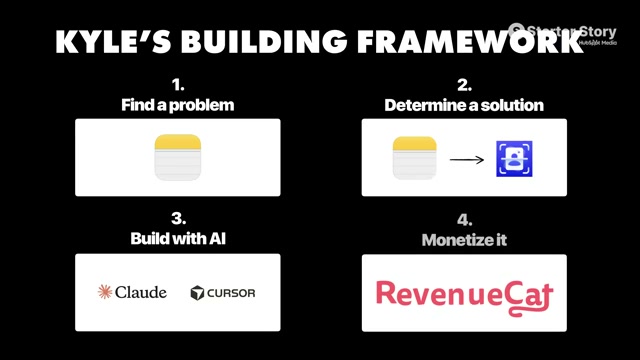
Find a problem or opportunity. Open a notes document on your phone and start logging every task in your daily life or hobbies that feels slow, repetitive, or needlessly painful. Kyle’s trigger was realizing he couldn’t identify the value of his sports card collection without physically being in the room with it. If you think you have no problems worth solving, you’re not paying close enough attention — they’re there.
-
Determine the minimal solution. Resist the urge to design the full product vision. Identify the smallest version of the solution that removes the core friction. For CardStock, that meant a camera-based card scanner that returned a market value — nothing more.
-
Build the MVP using Cursor’s agent mode. Open Cursor, engage agent mode, and describe the core functionality you need in plain language. Kyle built Scanon’s entire MVP in a single day this way, a pace that would have been unthinkable when he built CardStock manually in 2019 using Stack Overflow as his primary resource.

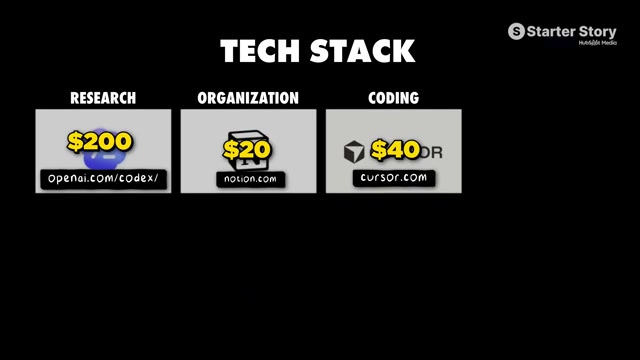
- Monetize with a subscription paywall. Integrate either RevenueCat or Superwall to handle subscription logic. Kyle’s position is that the AI can fully implement the integration on its own — point Cursor at the SDK, describe the paywall behavior you want, and let the agent run.
Warning: this step may differ from current official documentation — see the verified version below.
-
Market with TikTok slideshows. Develop a repeatable slideshow format and publish it consistently. Test content against two separate goals: what drives raw views and what actually converts to downloads. The format that balances both becomes your reusable template.
-
Scale distribution through Noise. Upload your converting slideshow template to the Noise platform. Creators on the platform receive the template, post it to their own accounts, and you pay per view generated. This extends reach without requiring you to build a personal audience first.
How does this compare to the official docs?
Kyle’s framework compresses several significant technical decisions into shorthand — particularly around AI-driven SDK integration and the Noise distribution model — so it’s worth examining what RevenueCat, Superwall, and Apple’s own guidelines actually require before you ship.
Here’s What the Official Docs Show
Act 1 walks you through Kyle’s proven indie app playbook exactly as he described it — this section layers in what the official product documentation confirms, clarifies, and extends for each step. Where gaps exist, they’re flagged so you can verify independently before you ship.
Step 1: Find a problem or opportunity
Kyle’s advice here is pure methodology — keep a running log of friction in your daily life, especially within hobbies. There’s no official documentation for this step because it’s a discovery process, not a product feature.
No official documentation was found for this step — proceed using the video’s approach and verify independently.
Step 2: Determine the minimal solution
Same situation. Scoping a minimum viable product is a practitioner discipline, not a documented SDK behavior. No official source can confirm or deny whether your scope is tight enough.
No official documentation was found for this step — proceed using the video’s approach and verify independently.
Step 3: Build the MVP using Cursor’s agent mode
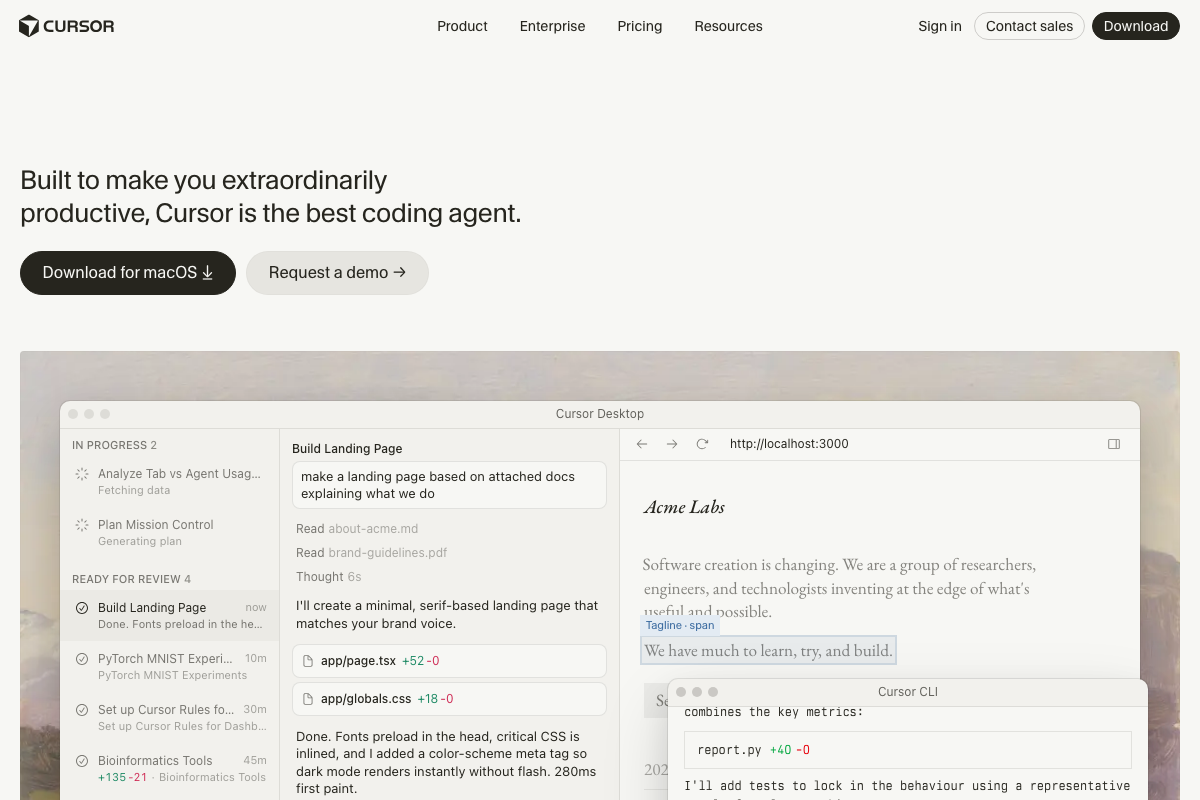
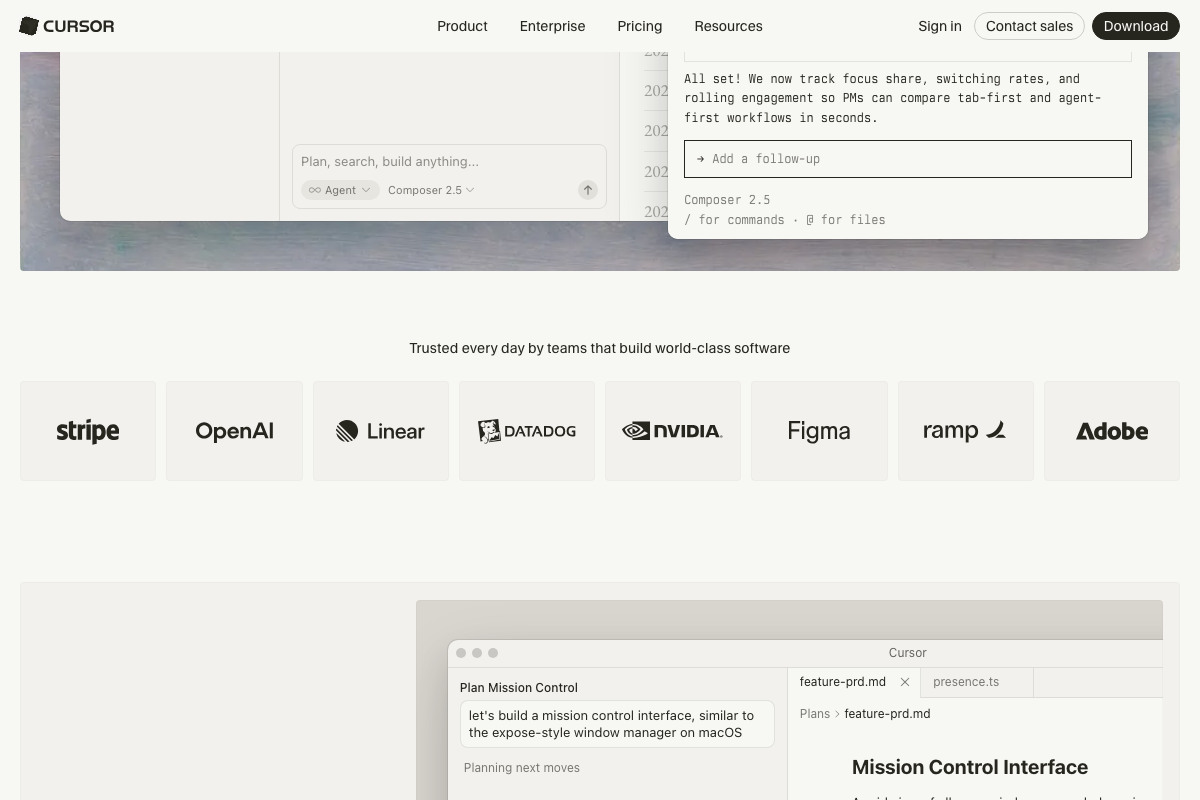
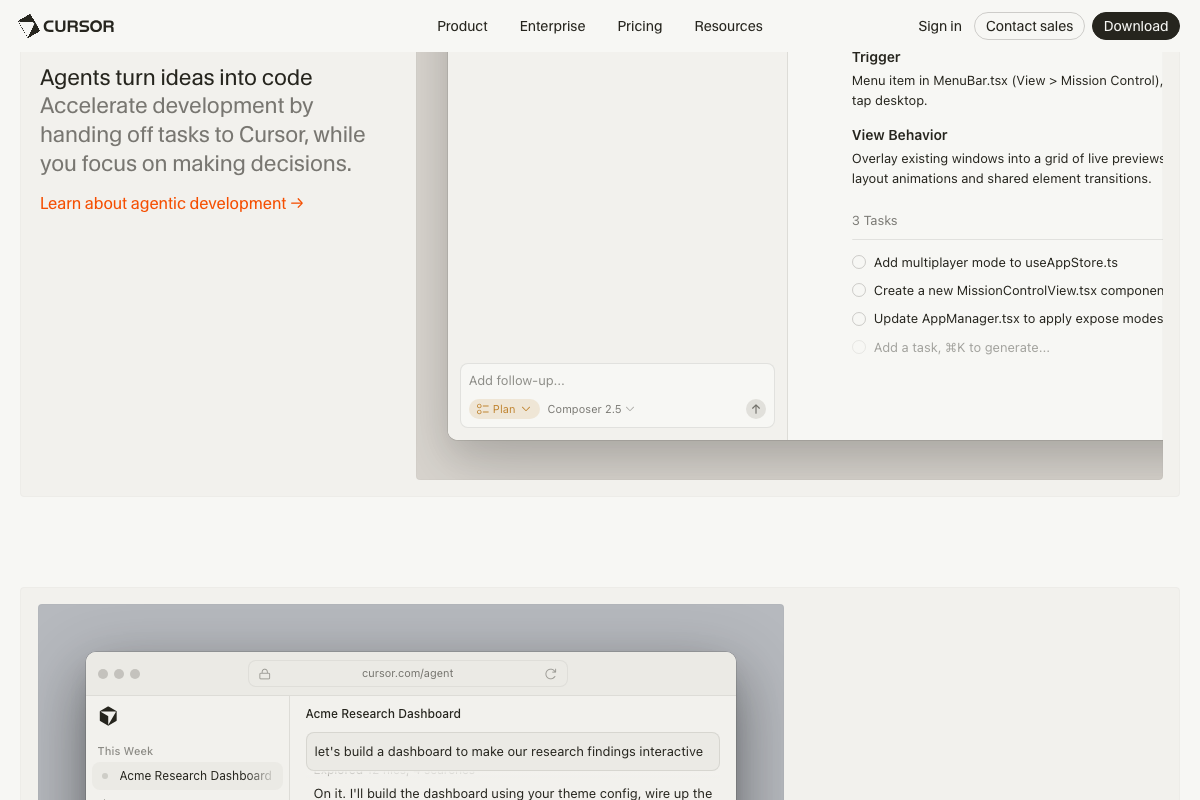
The video’s approach here matches the current docs exactly — agent mode is a real, shipping feature with its own dedicated URL at cursor.com/agent.
One naming detail worth knowing: the current Cursor interface labels this workflow Composer 2.5, with two explicit toggles — Agent mode and Plan mode. Plan mode generates a structured task breakdown before Agent mode begins writing code. Kyle’s description of typing natural-language instructions and letting the AI run is accurate; the docs just give you a cleaner mental model of the two-phase structure underneath it.
Step 4: Monetize with a subscription paywall
The video’s approach here matches the current docs exactly for the core RevenueCat and Superwall integration pattern.
That said, both platforms ship significantly more capability than the tutorial covers.
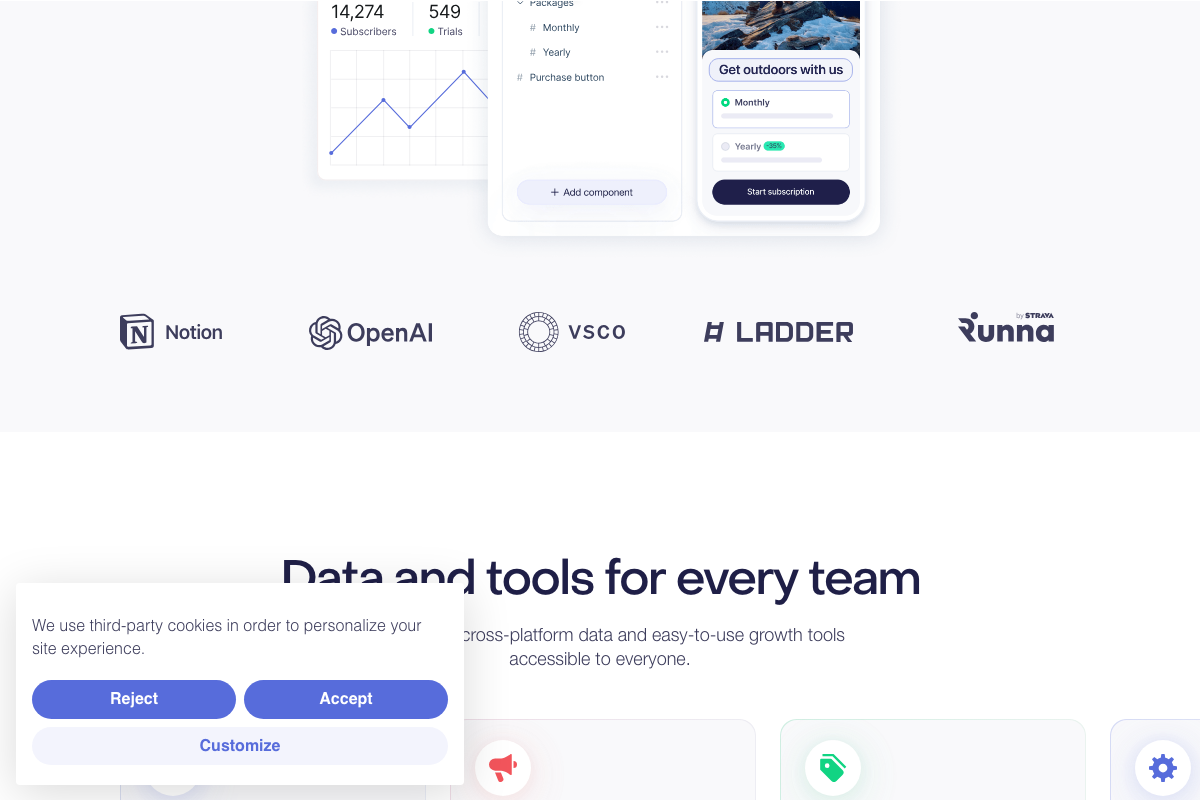
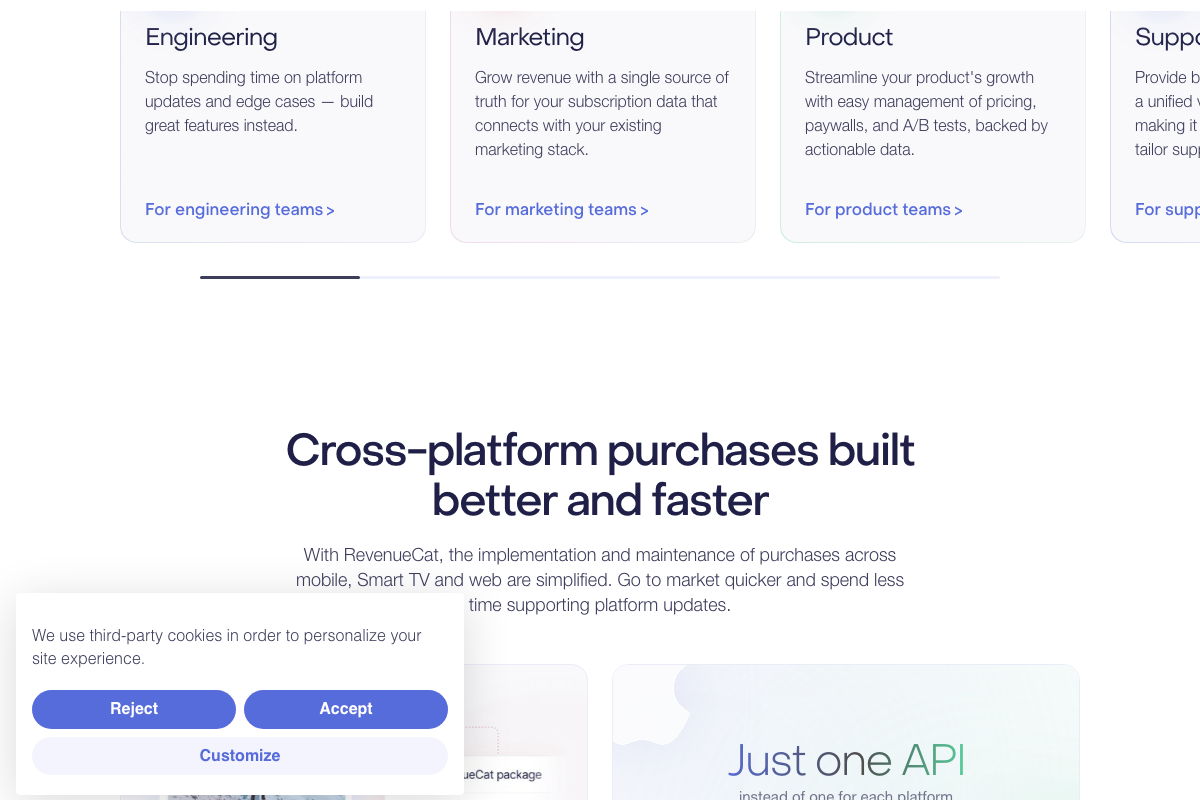
RevenueCat: The docs confirm iOS support, but RevenueCat is explicitly cross-platform — iOS, Android, and web — with a single unified API. The platform also includes a visual no-code paywall editor (drag-and-drop Layers panel with Image, Text, and Packages components) and built-in A/B testing for paywalls and pricing, managed under the Product team dashboard. If you’re testing price points or paywall copy, that feature is already in the tool Kyle recommended — you don’t need a separate solution.

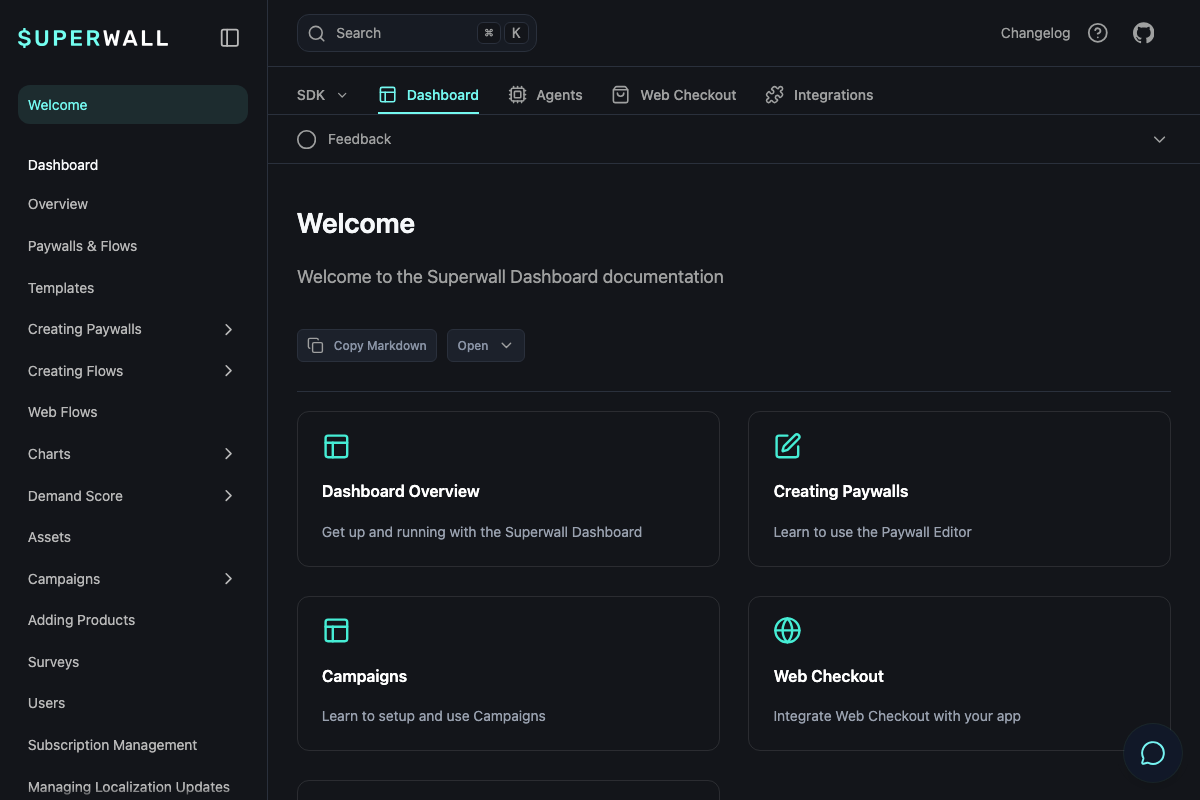
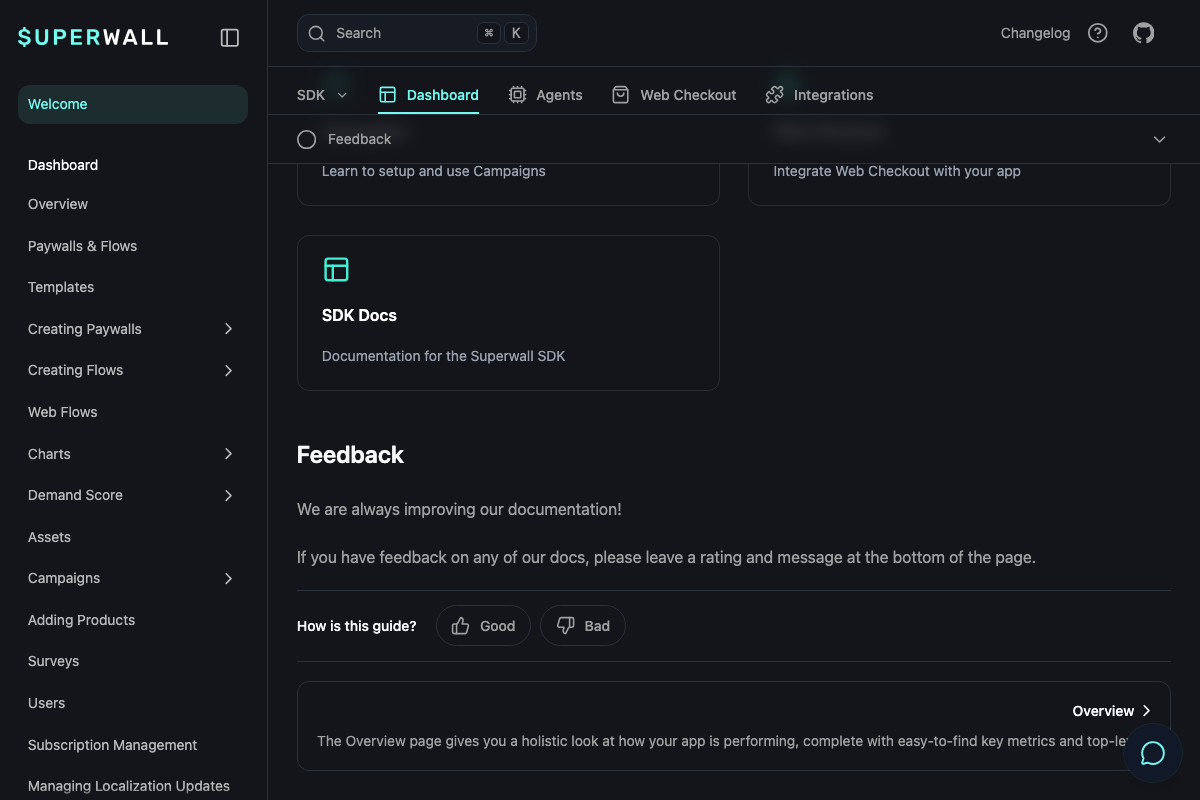
Superwall: The docs surface four capabilities the tutorial doesn’t mention: Demand Score, Campaigns, Surveys, and Web Flows. There’s also an Agents tab in the top navigation — suggesting Superwall has its own AI-assisted features built into the dashboard. If you’re using Superwall beyond basic paywall display, spend time in the docs before you configure anything.
Step 5: Market with TikTok slideshows
The video’s approach here matches the current docs exactly for TikTok’s core upload and distribution mechanics.
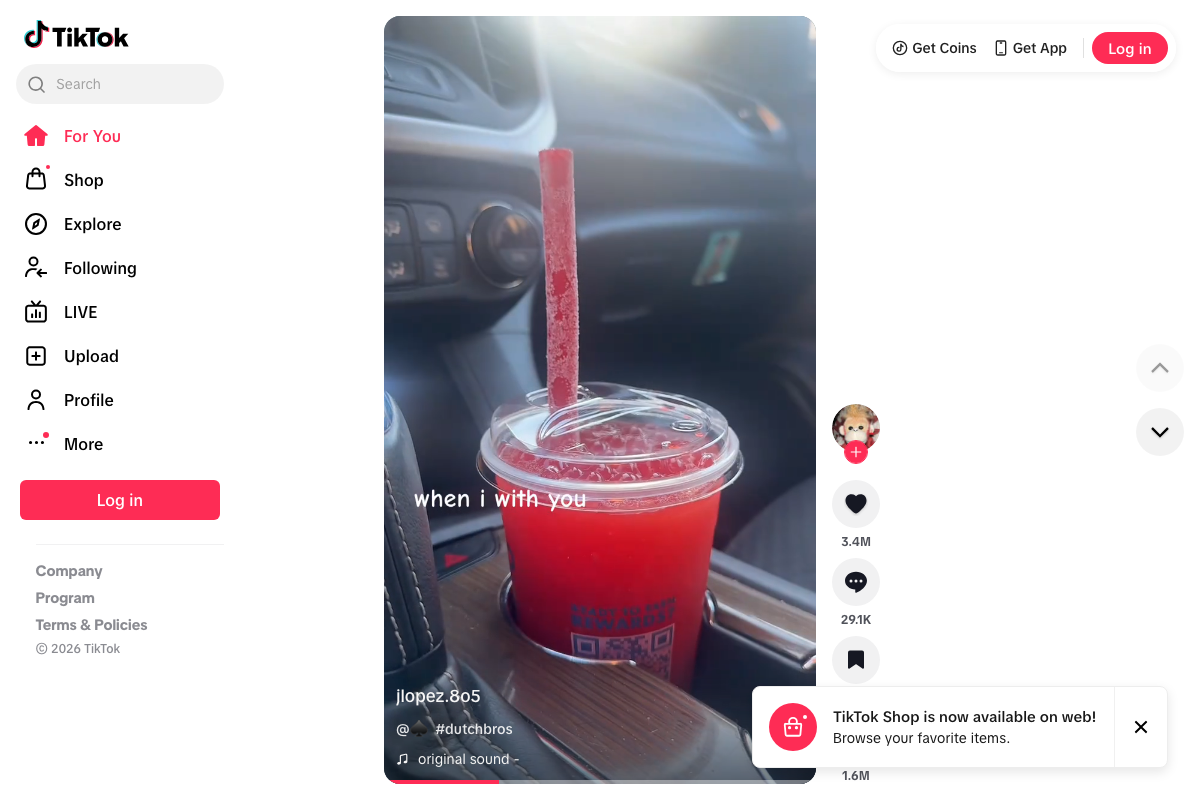
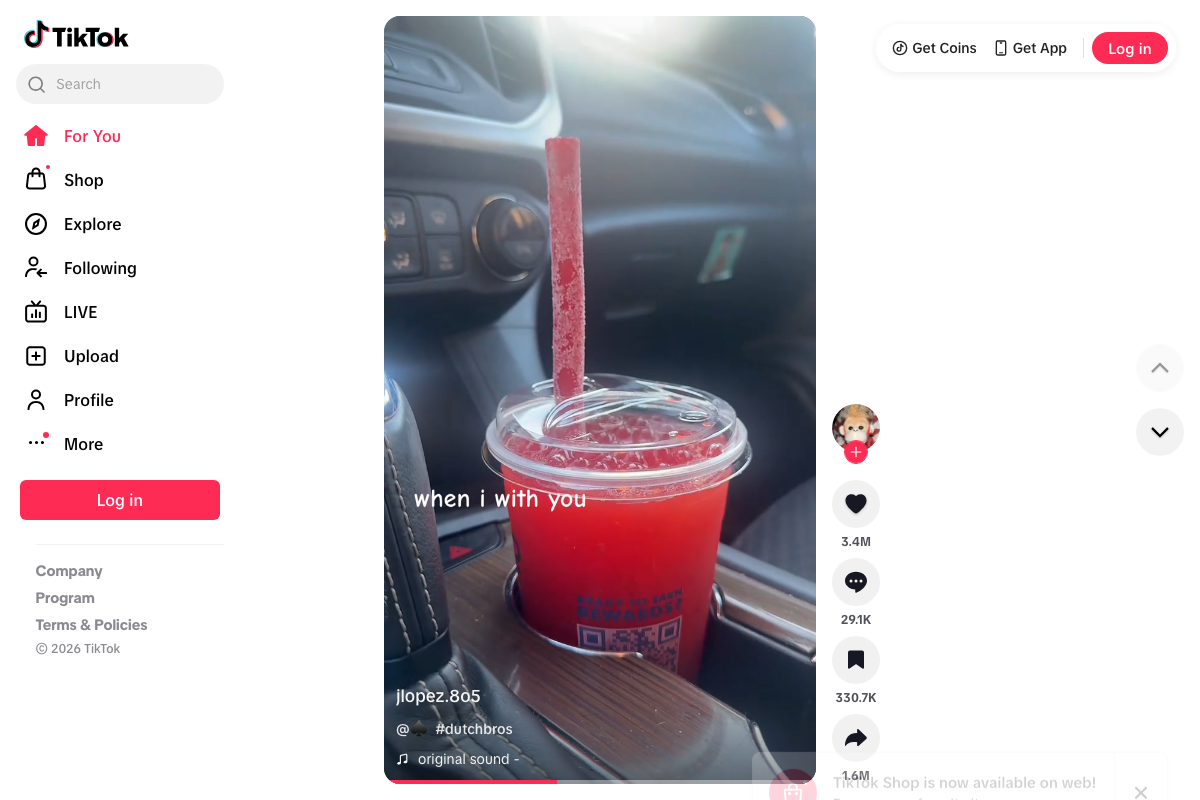
One gap: TikTok’s web interface confirms an Upload option in the sidebar, but a dedicated slideshow or photo carousel upload mode is not visible in the web screenshots captured. The format Kyle describes almost certainly exists in the mobile app or creator tools — but verify the specific upload path before committing to a production workflow built around it. Additionally, TikTok Shop is now available on web as of the current date — a native commerce layer the tutorial doesn’t address, but worth knowing exists if your app has a physical product component.

Step 6: Scale distribution through Noise
No official documentation was found for this step — proceed using the video’s approach and verify independently.
No screenshots of the Noise platform were captured during research. Kyle’s description of a creator marketplace where you pay per view is the only source available here. Before building this into your distribution budget, locate Noise’s current terms, creator network size, and cost-per-view benchmarks directly from the platform.
Useful Links
- Cursor: The best coding agent — Official homepage for Cursor, including the Composer 2.5 agent interface and documentation on Agent and Plan mode workflows
- Cursor Agent Interface — Dedicated landing page for Cursor’s agentic development mode, with the chat-based prompt interface for multi-file code generation
- Build and Grow Your App Business – RevenueCat — RevenueCat’s product homepage covering cross-platform subscription management, the visual paywall editor, trial tracking, and A/B testing features
- Welcome | Superwall Docs — Official Superwall documentation covering SDK integration, Dashboard features (Demand Score, Campaigns, Surveys, Web Flows), and the Agents tab
- TikTok – Make Your Day — TikTok’s web platform, confirming the Upload workflow and the availability of TikTok Shop on web


0 Comments