

Reverse-Engineering ChatGPT’s Fanout Queries to Get Your Content Cited
A 1.4-million-prompt study by Ahrefs found that ChatGPT retrieves dozens of URLs per response yet cites roughly half of them — and selection isn’t random. By the end of this tutorial, you’ll know how to intercept ChatGPT’s internal search queries using browser DevTools, use those queries to restructure your content, and run cosine-similarity gap analysis in Ahrefs Brand Radar to identify exactly what your pages are missing before ChatGPT decides to ignore them.
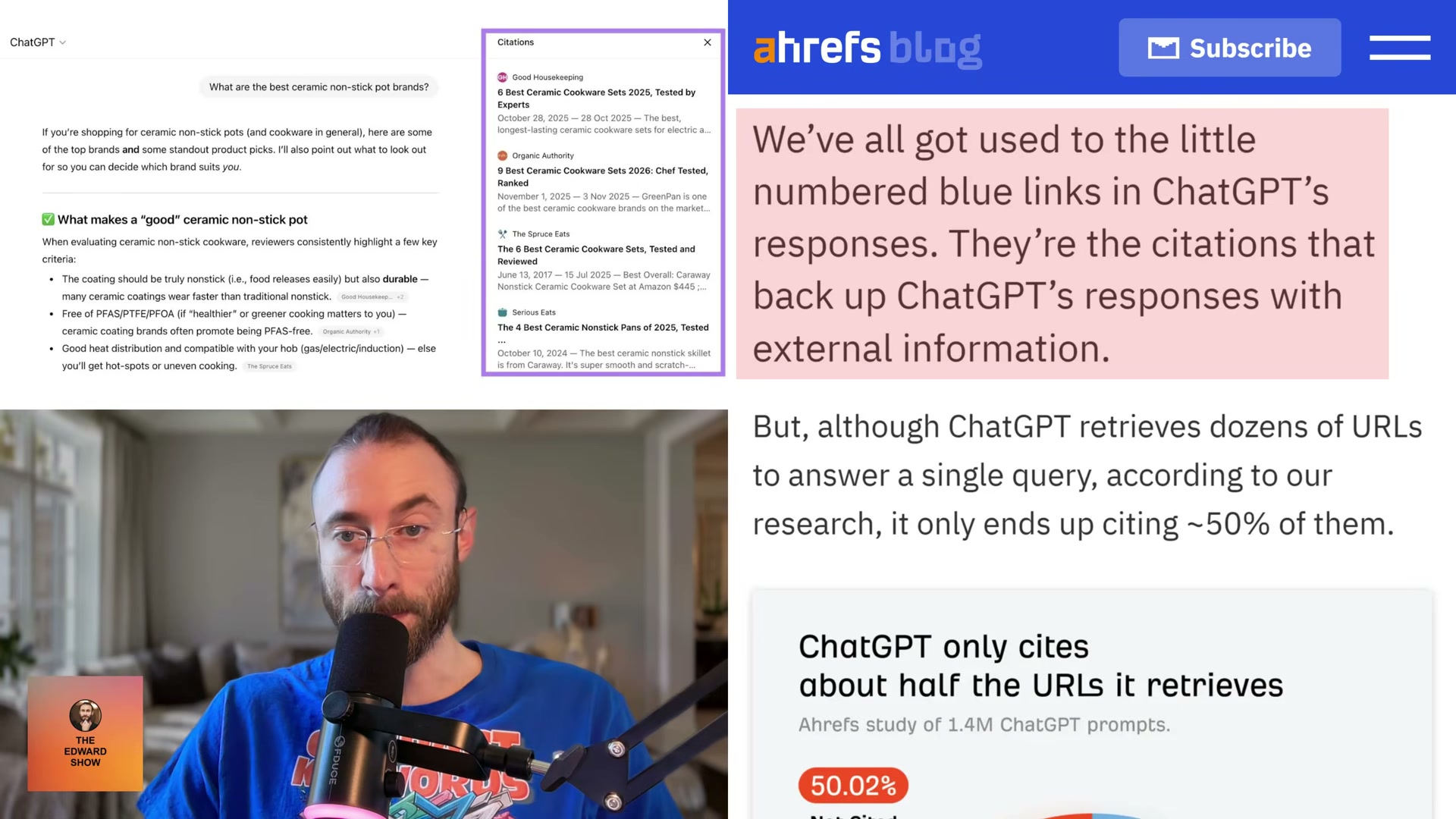
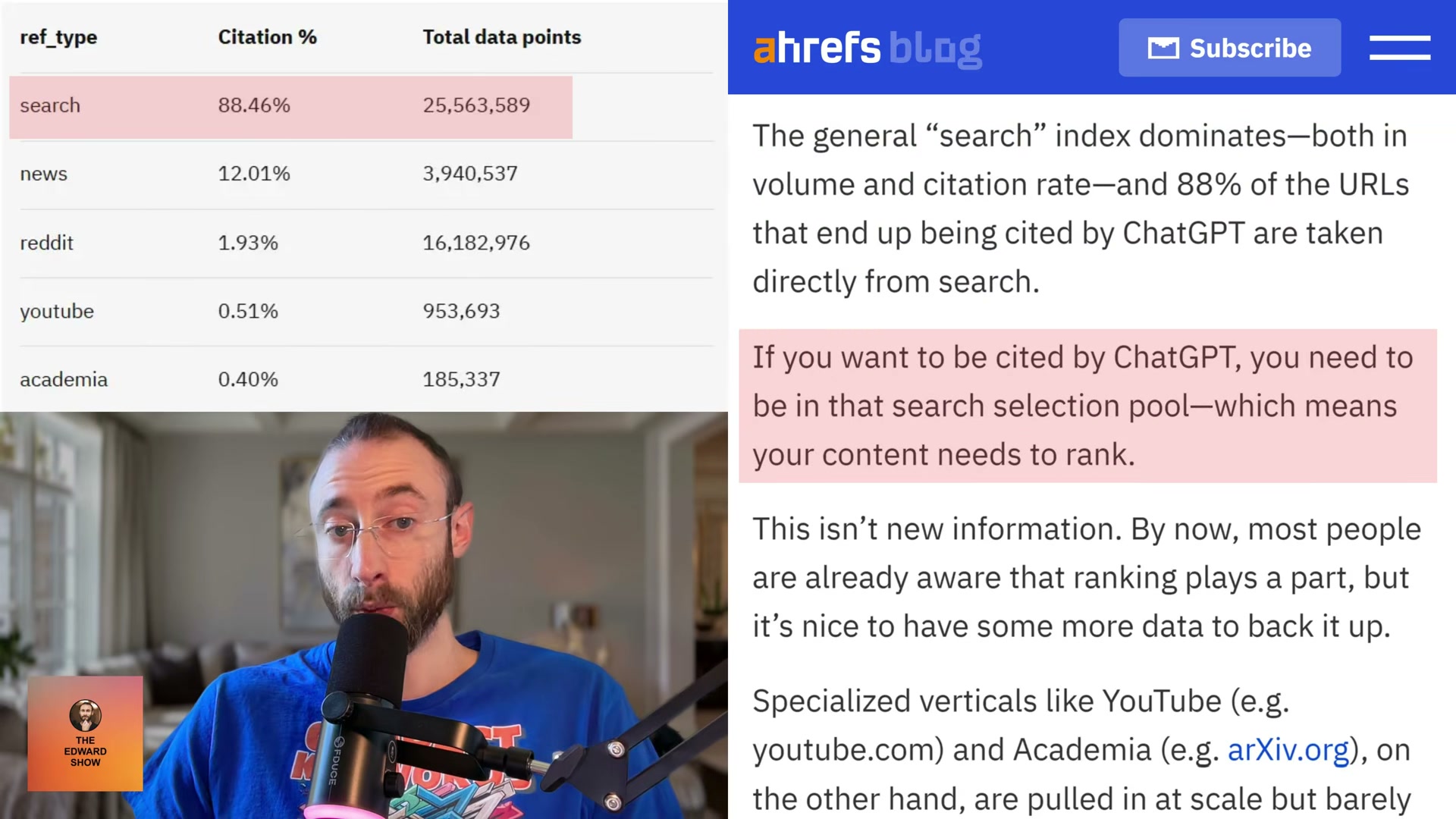
- Understand the ref_type citation hierarchy. ChatGPT tags every URL it retrieves with an internal
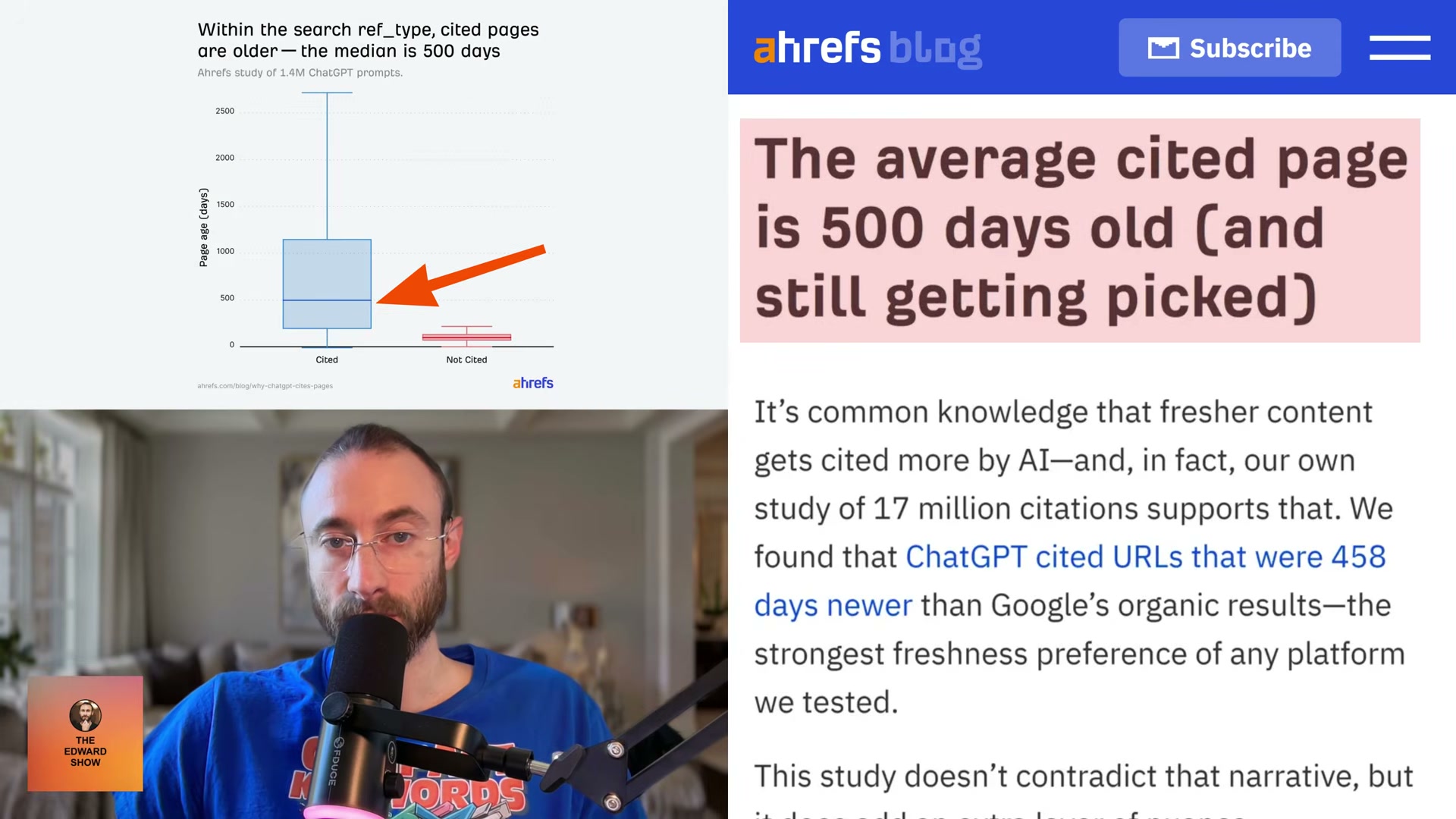
ref_typefield — one of five channels: search, news, Reddit, YouTube, or academia. Citation rates differ dramatically between them. Search accounts for 88.46% of all citations. Reddit, despite representing 67.8% of non-cited URLs in the dataset, is cited at just 1.93%. ChatGPT uses Reddit extensively to build context, then credits an institution instead. If your content doesn’t rank in organic web search, it won’t enter the citation pool regardless of how well-optimized it is for other channels.
-
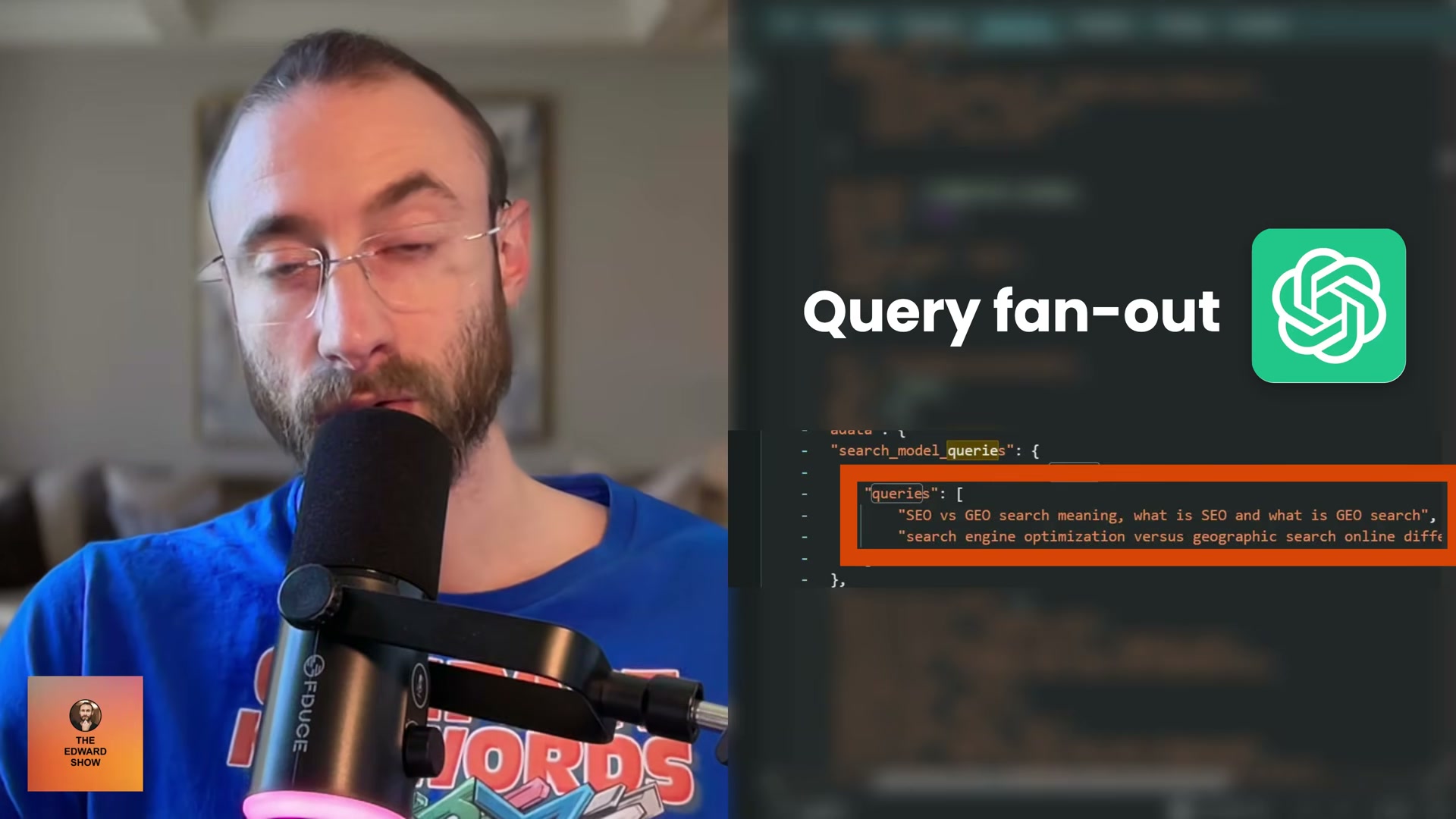
Recognize that fanout query relevance — not prompt relevance — drives citation selection. When a user submits a prompt, ChatGPT generates a set of internal sub-queries called fanout queries to hunt for specific facts. Cited pages score significantly higher on cosine similarity to those fanout queries than to the original user prompt. Optimizing for the sub-questions is the higher-leverage move.
-
Open ChatGPT in Chrome and enter a test prompt. Navigate to chatgpt.com, type a representative query such as Fashion trends for this winter, and submit it.
- Extract the fanout queries from Chrome DevTools. Right-click the page and select Inspect, then switch to the Network tab. Find the request URL containing a forward slash followed by
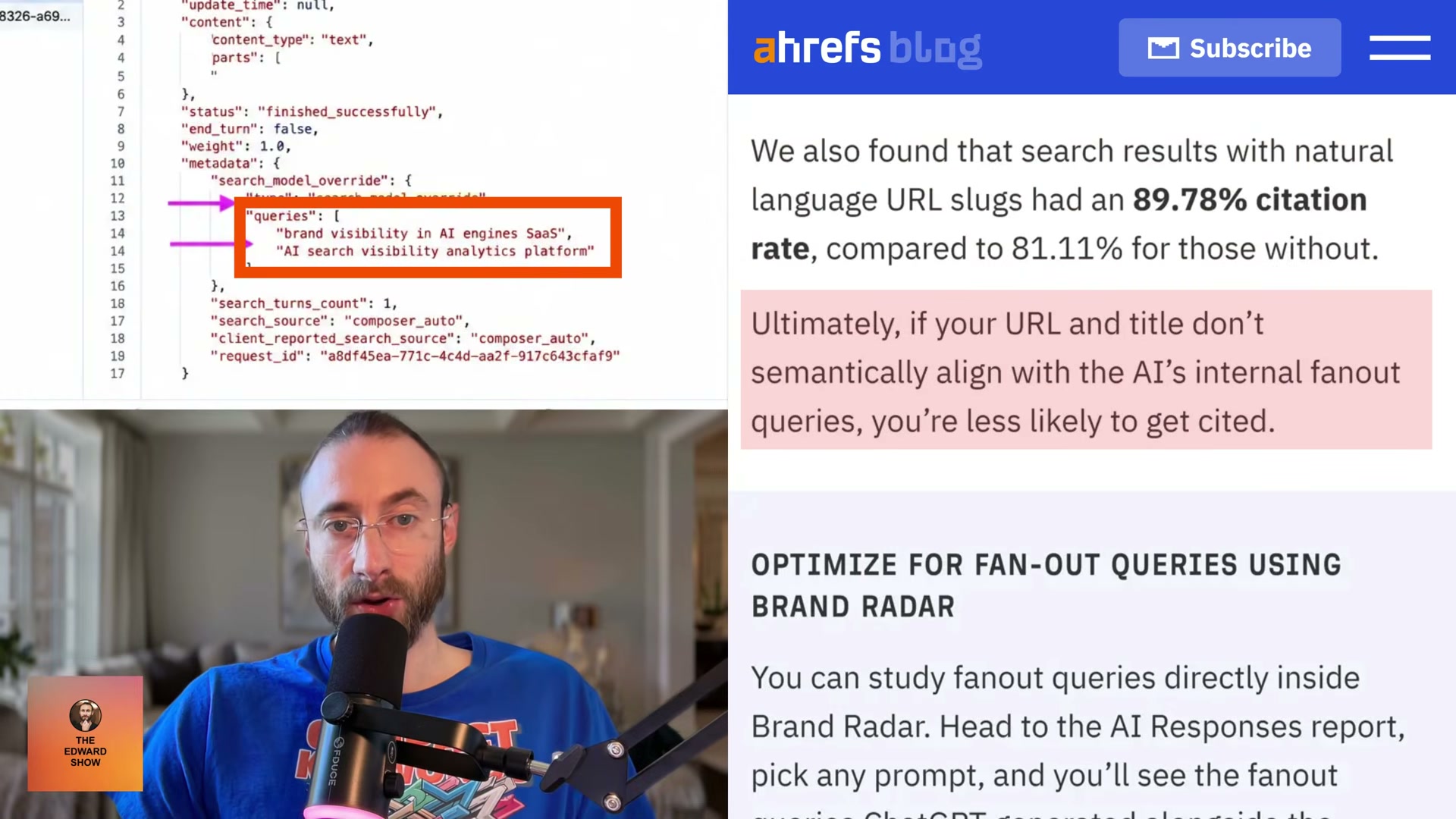
C, copy the string that follows that slash, paste it into the Network filter bar, and refresh the page. Click the result displaying orange brackets, open the Response tab, and search the payload for the wordqueries. Thesearch_model_queriesarray that appears contains the exact sub-queries ChatGPT sent to the web on the user’s behalf.
Warning: this step may differ from current official documentation — see the verified version below.
-
Use the fanout strings to restructure your content. Place the extracted queries as H2 section headers within existing pages, or build standalone content pieces targeting each sub-question individually. Title and URL slug alignment matters most here — pages with natural-language URL slugs were cited at 89.78% versus 81.11% for opaque ones in the Ahrefs dataset.
-
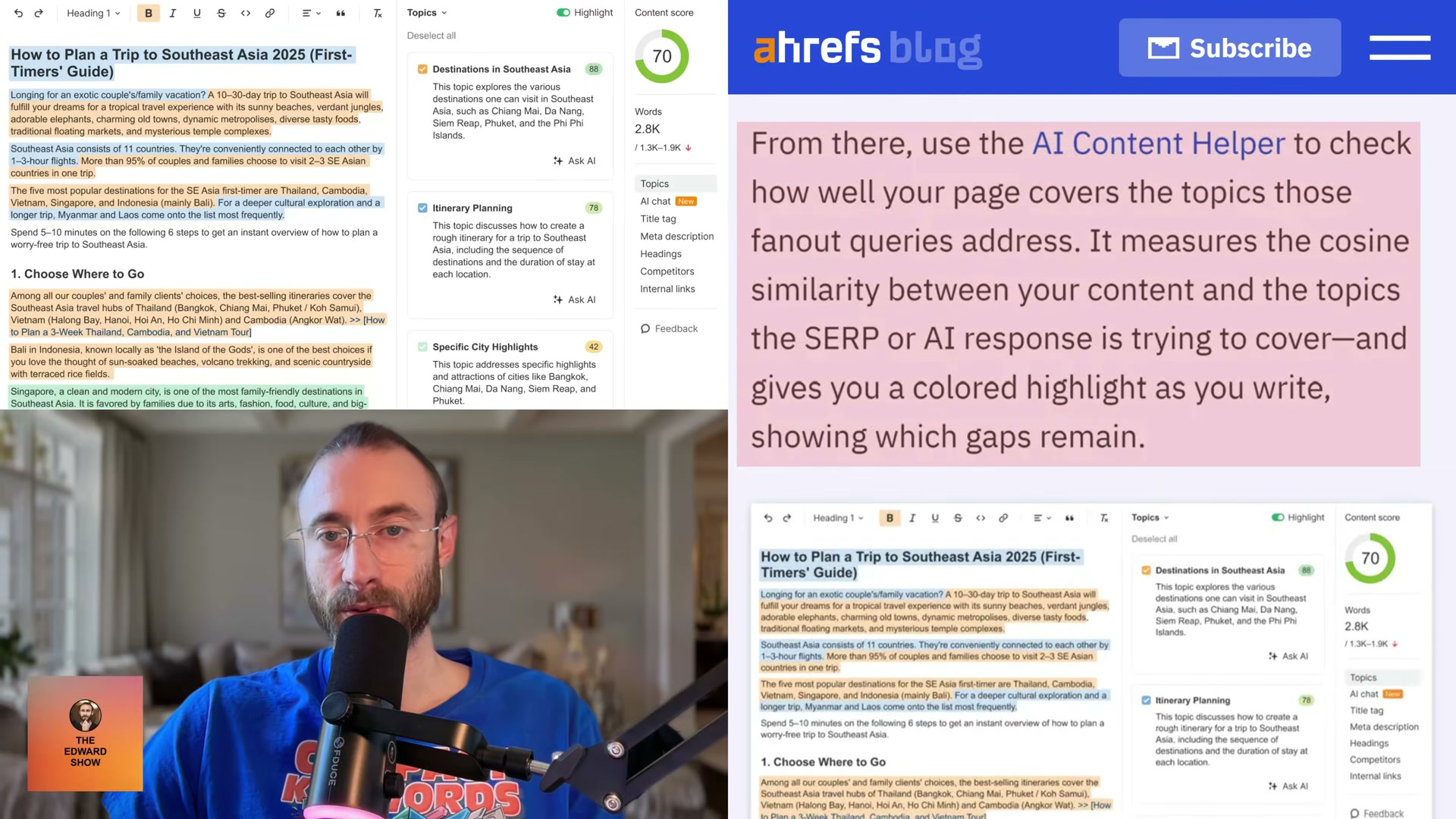
Audit semantic gaps using Ahrefs Brand Radar. In Ahrefs, open Brand Radar → AI Responses Report, select a target prompt, and review the fanout queries alongside the URLs ChatGPT cited. Activate the AI Content Helper to measure cosine similarity between your content and those query topics. Color-coded highlights identify which sub-questions your page still needs to address.
- Prioritize product pages and landing pages as your primary citation targets. Both content formats fall squarely within the
searchref_type. According to PromptWatch research, SEO product pages and landing pages are among the most cited content types across AI platforms — and their keyword-targeting structure naturally produces the high fanout-query relevance the Ahrefs data rewards.
How does this compare to the official docs?
The DevTools extraction method is a practitioner workaround built on undocumented ChatGPT internals, and the Ahrefs Brand Radar workflow layers directly on top of that — Act 2 examines what OpenAI and Ahrefs actually publish to map where the video’s approach holds up and where verified guidance tells a different story.
Here’s What the Official Docs Show
The tutorial’s practitioner workflow is built on real, documented tools — official sources confirm the access paths and core capabilities the video relies on. Where the docs go quiet, those gaps are called out step by step below so you can calibrate your confidence at each stage.
1. The ref_type citation hierarchy and the 88% search citation figure
No official documentation was found for this step — proceed using the video’s approach and verify independently.
2. Fanout query relevance versus prompt relevance
No official documentation was found for this step — proceed using the video’s approach and verify independently.
3. Open ChatGPT in Chrome and enter a test prompt
The video’s approach here matches the current docs exactly. One practical addition: the Network panel interception in the next step requires an active, logged-in session — the public homepage won’t generate the API traffic you need to inspect.
4–5. Open DevTools and navigate to the Network panel
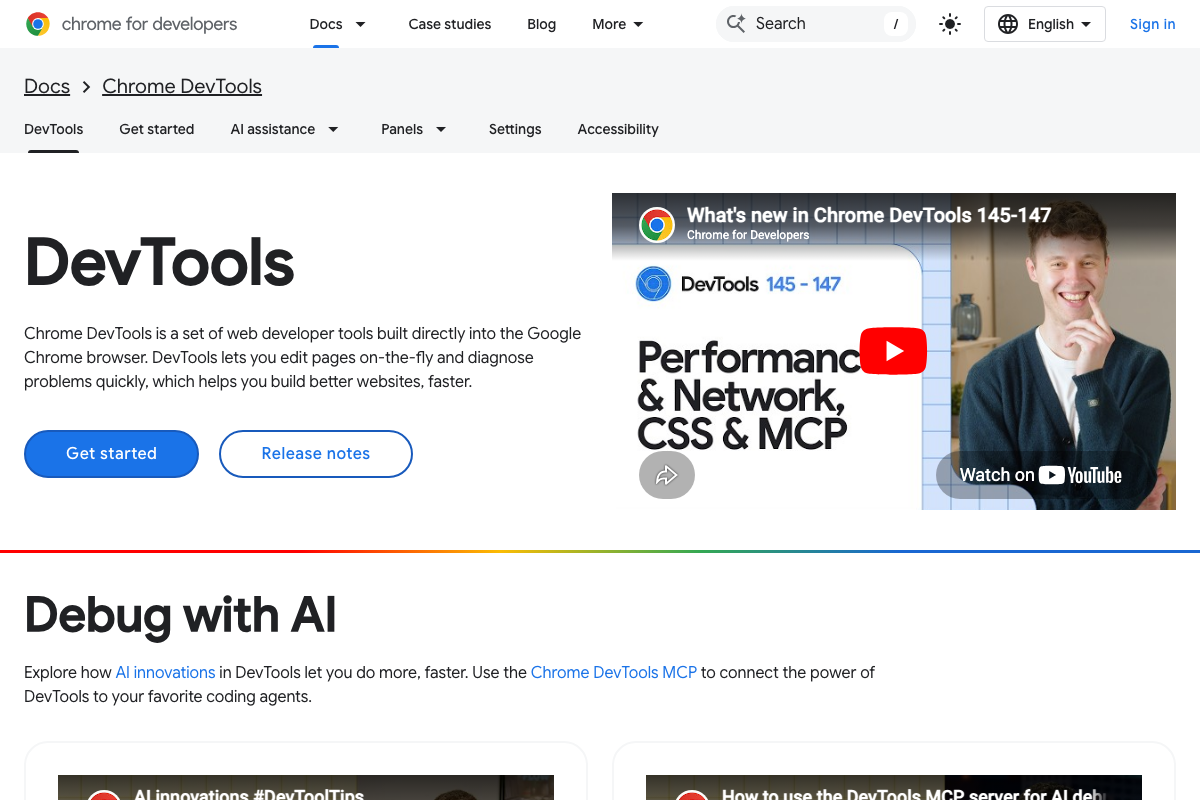
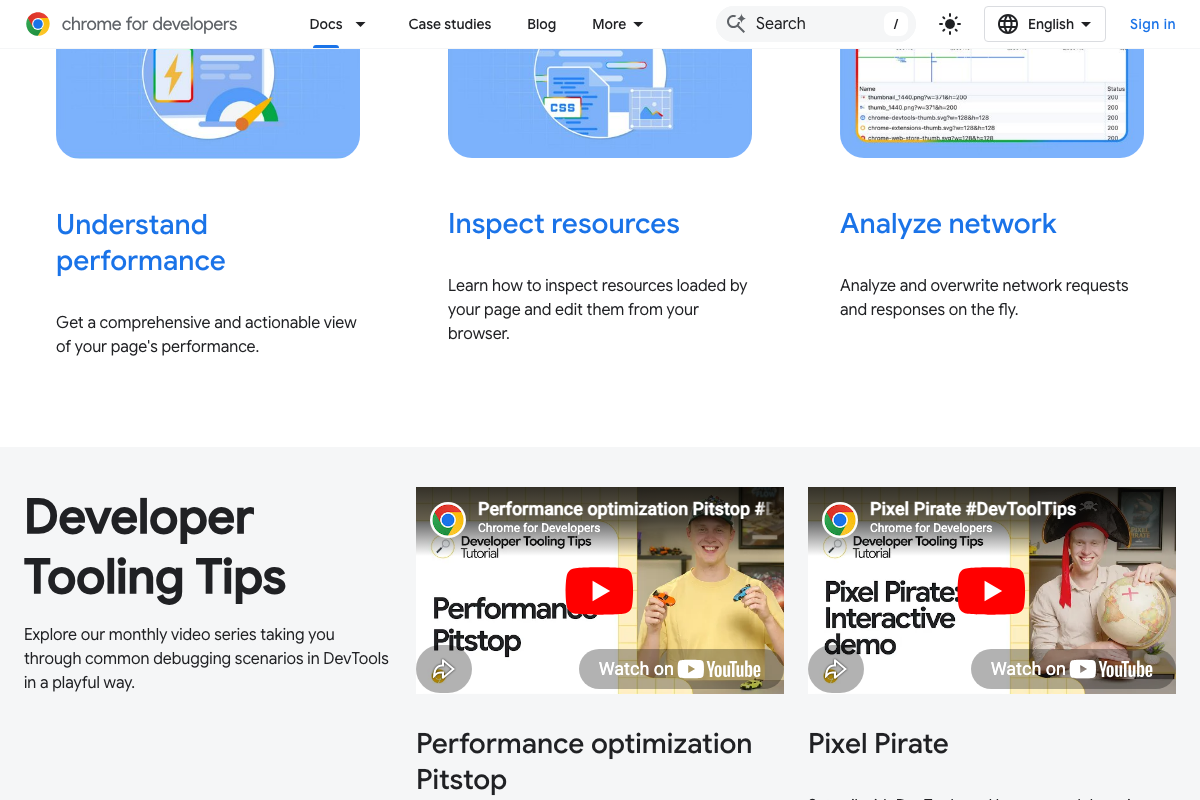
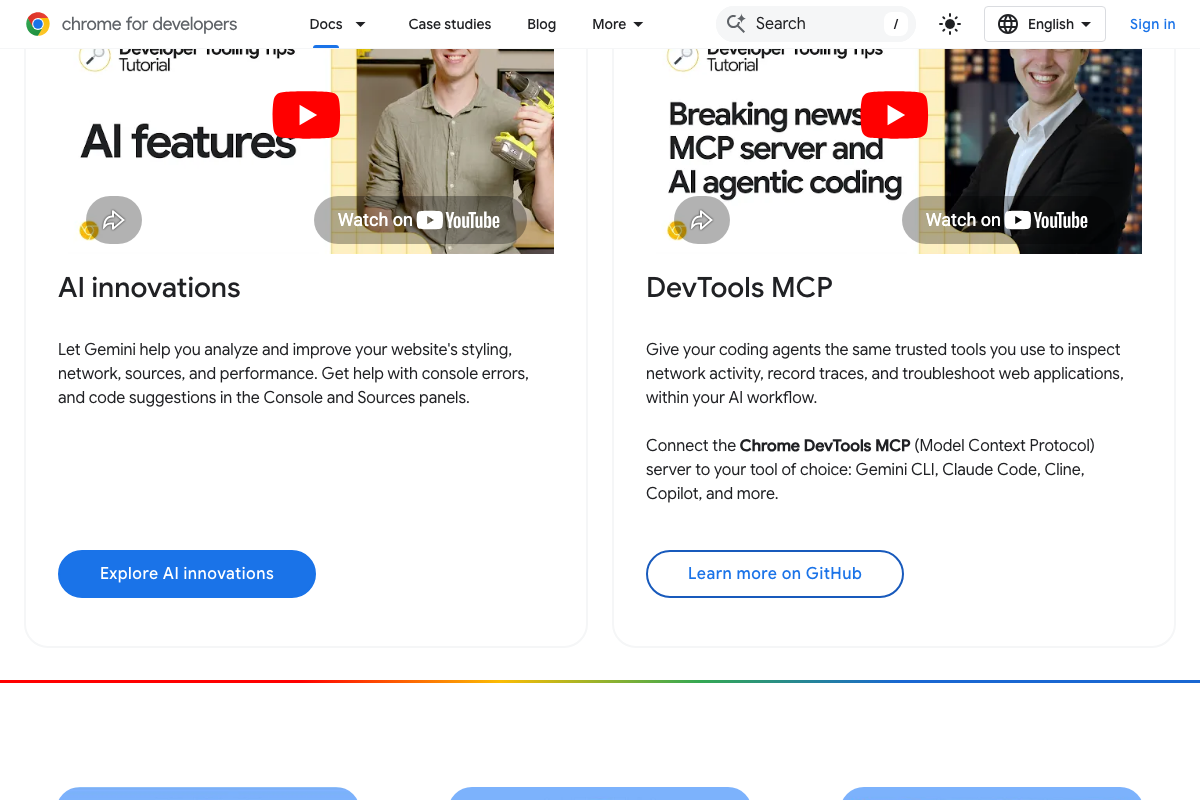
The video’s approach here matches the current docs exactly. Chrome DevTools is browser-native, requires no installation, and the Network panel is officially documented to “analyze and overwrite network requests and responses on the fly” — the confirmed capability the entire interception technique depends on.
6–9. Isolating the fanout payload: the ‘/C’ string, filter bar, orange brackets, and ‘queries’ search
No official documentation was found for these steps — proceed using the video’s approach and verify independently.
The Network panel’s general capability to inspect live API response payloads is well documented; the specific sub-steps applied to ChatGPT’s internal endpoint are a practitioner field technique, not covered by any official Chrome or OpenAI source.
10. Restructure content using the extracted fanout strings
No official documentation was found for this step — proceed using the video’s approach and verify independently.
11–12. Ahrefs Brand Radar and the AI Responses Report view
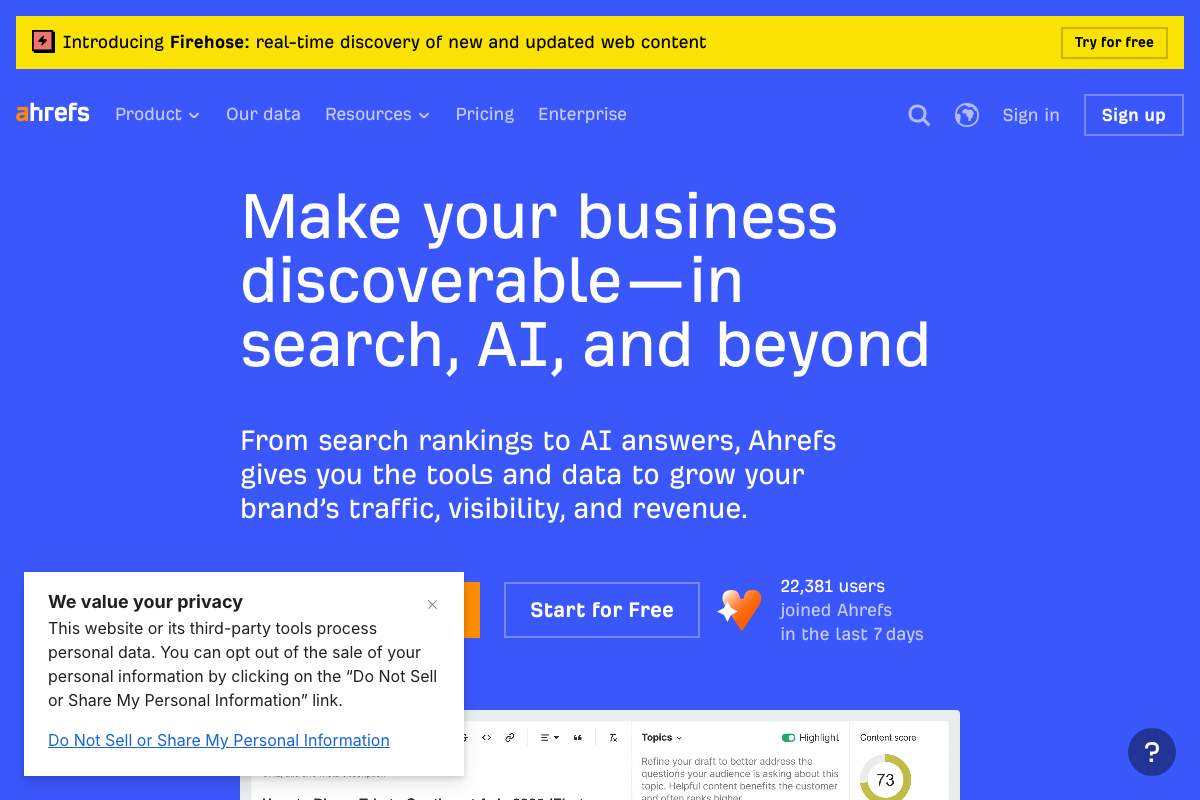
Brand Radar is confirmed as a named, navigable Ahrefs product — the video’s approach here matches the current docs exactly on that point. As of May 2, 2026, the sub-feature label “AI Responses Report” does not appear as a tab, heading, or navigation label in any available screenshot; the confirmed UI label is simply “Brand Radar.” The specific fanout queries + cited-URL side-by-side layout described in step 12 is also not visible in documentation — Brand Radar displays full AI overview paragraphs per keyword, not a discrete sub-query list.

13. Cosine similarity scoring in the AI Content Helper
The Ahrefs content tool is confirmed and shows numeric topic scores with color-coded coverage indicators. As of May 2, 2026, the label “cosine similarity” does not appear in any available UI screenshot — the scoring methodology is unlabeled in official sources. Treat the topic scores as a practical proxy for semantic alignment regardless of what’s powering them.

14–15. Prioritize product pages and landing pages
No official documentation was found for these steps — proceed using the video’s approach and verify independently.
One tool the video doesn’t cover: Promptwatch
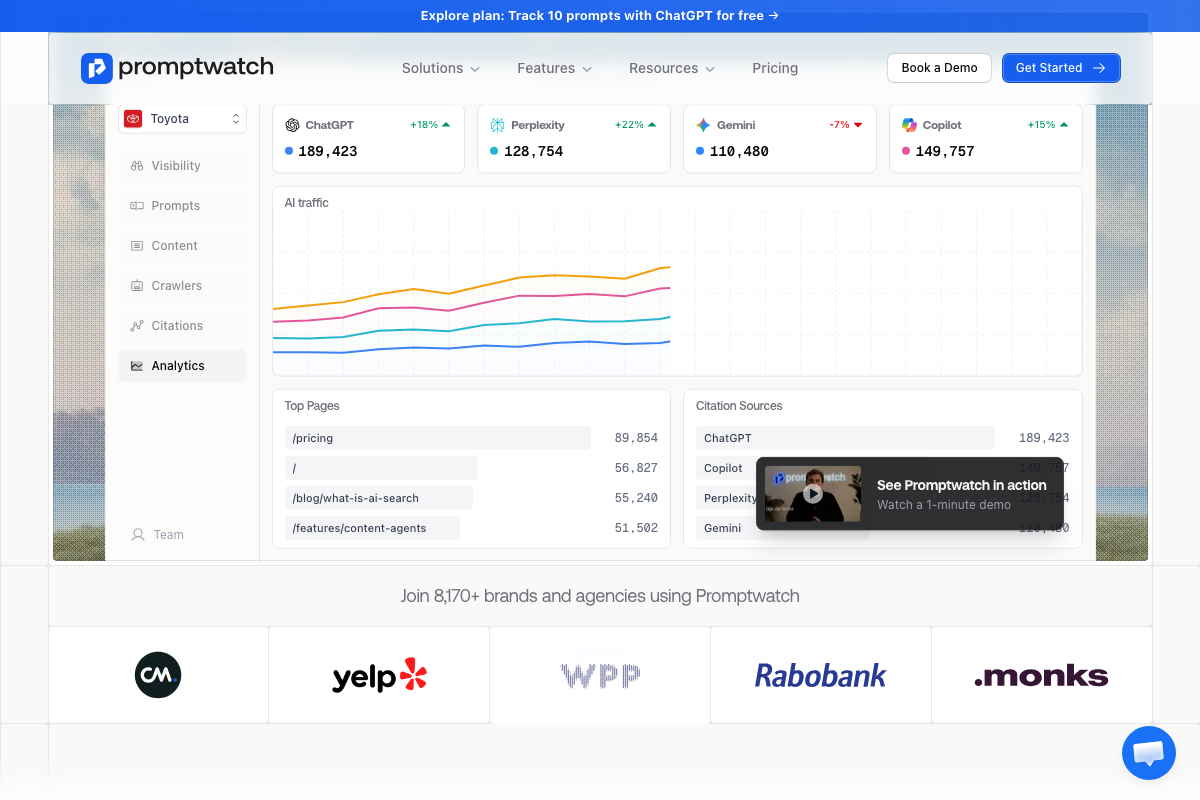
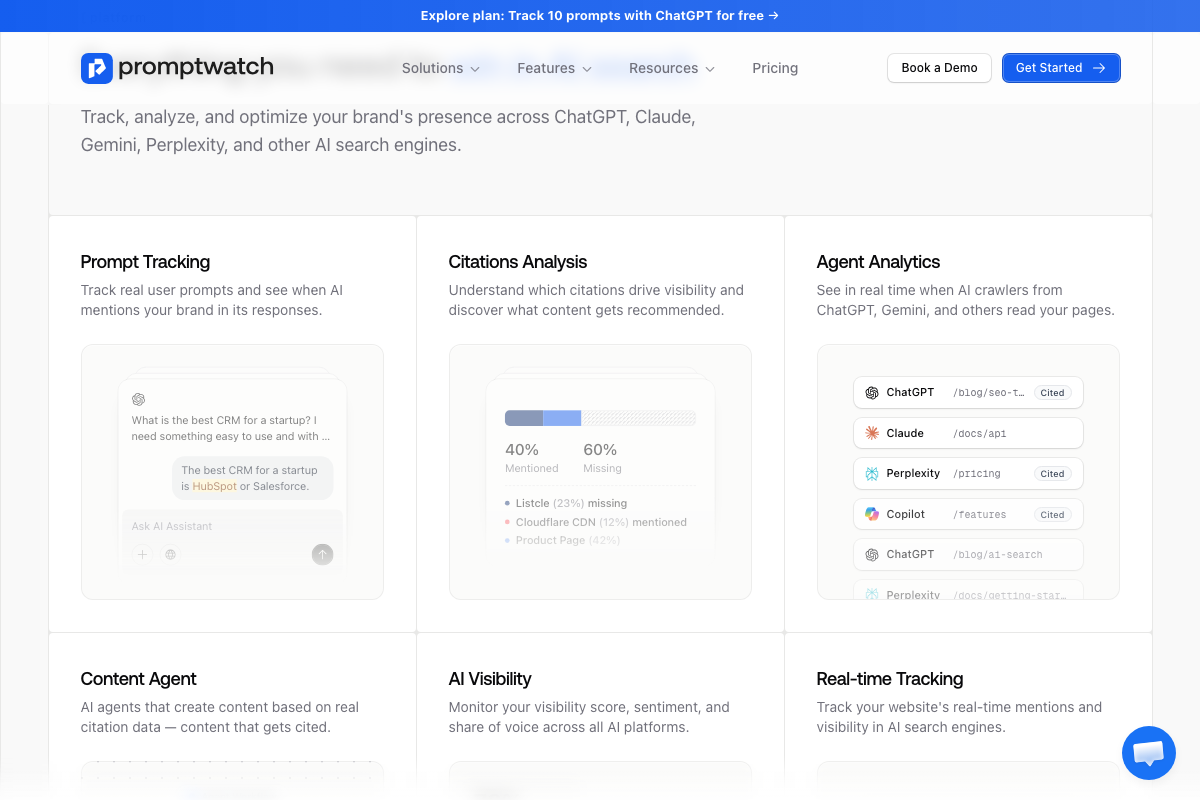
Promptwatch automates the equivalent of steps 3–9. It tracks AI citations across ChatGPT, Gemini, Perplexity, and Copilot; surfaces prompt-level fanout data; and produces a quantified Citations Analysis view — 40% Mentioned / 60% Missing in their demo. Its analytics also show /pricing and /features/content-agents among the highest AI-cited URL paths, which independently supports the video’s product-page recommendation in step 15. Free tier covers 10 ChatGPT prompts.
Useful Links
- ChatGPT — Browser interface for submitting test prompts and generating the network traffic inspected in steps 4–9.
- Ahrefs — AI Marketing Platform — Platform providing Brand Radar for AI overview monitoring and the content optimization tool with topic-level scoring used in steps 11–13.
- Chrome DevTools — Official documentation for Chrome’s browser-native developer tools, including the Network panel used to inspect API response payloads.
- Promptwatch — Third-party AI citation tracking platform offering automated fanout prompt monitoring and citation gap analysis as an alternative to the manual DevTools workflow.


0 Comments