

How Upload Format Determines How Fast You Reach 1,000 Subscribers
vidIQ analyzed 200,000 YouTube channels created in 2025 — all of which reached 1,000 subscribers — and broke the results down by upload format. The findings contradict one of the most widely taught growth strategies on the platform. After working through this data, you’ll know which format delivers the fastest path to 1K and, if you’re running a hybrid channel, how to fix the structural problem slowing it down.
- Compare the three format strategies by median upload count. vidIQ split its dataset into buckets based on what each channel primarily uploaded. Channels that were at least 95% long-form hit 1,000 subscribers at a median of 46 uploads. Channels that were at least 95% Shorts reached the same milestone at a median of 90 uploads — nearly double the output for the identical result.

- Understand why Shorts convert viewers into subscribers at a lower rate. Viewers in the Shorts feed are in a scroll mindset: something catches their attention, they watch, and they move on. There’s rarely enough time to form a sense of who the creator is or what the channel is about. A viewer who finishes a 12-minute long-form video has had enough time to make that decision — that emotional context is what drives the subscribe button.
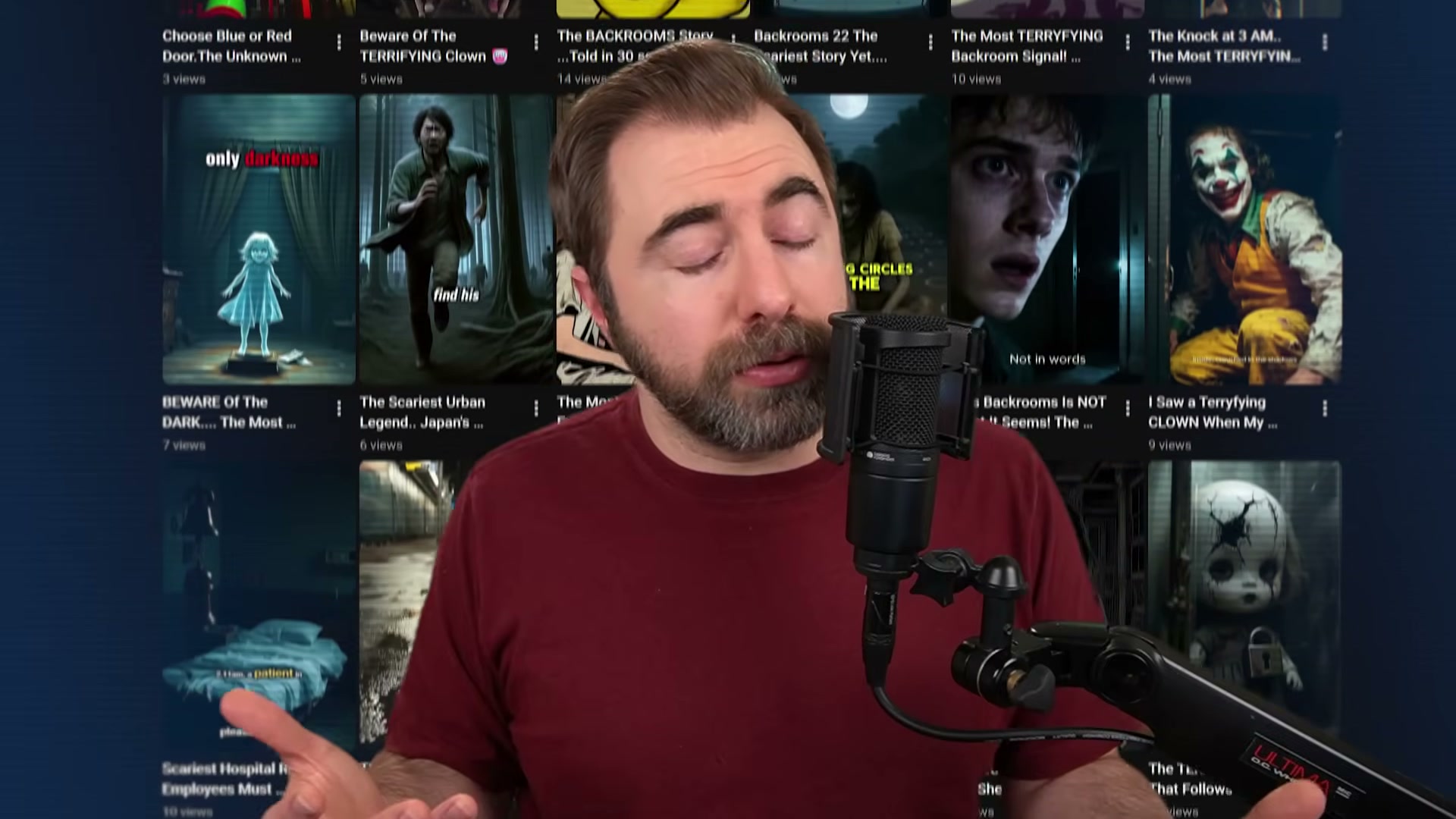
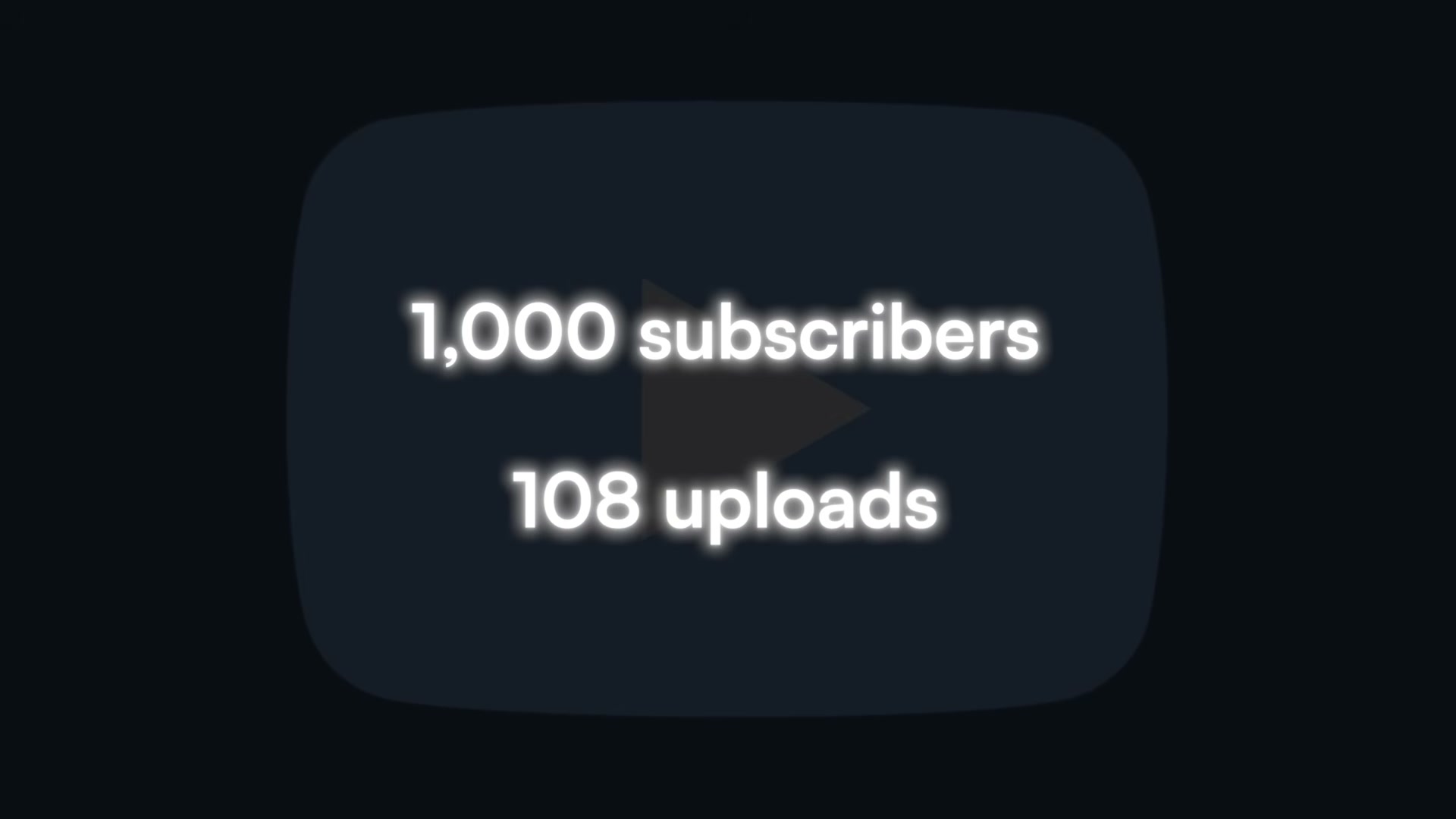
- Acknowledge that hybrid channels, without a content bridge, perform worst of all three strategies. Channels where neither format exceeded 80% of uploads hit 1,000 subscribers at a median of 108 uploads — worse than either pure format. More than a third of hybrid channels needed over 200 uploads, the highest variance of any category. The root cause is audience confusion: a viewer who watches a strong long-form video and then finds a grid full of unrelated Shorts has no clear signal for what they’re subscribing to.
-
Identify whether your hybrid channel has a content bridge. A content bridge is a direct topical link between your Shorts and your long-form videos — not a YouTube feature, but something you build deliberately. The channel Aviation Tech reached 1,000 subscribers in 31 uploads by posting Shorts about specific aircraft and then dropping long-form deep dives on those exact planes. Scary Stories 666 needed 219 uploads because its Shorts and long-form content shared no consistent topical thread.
-
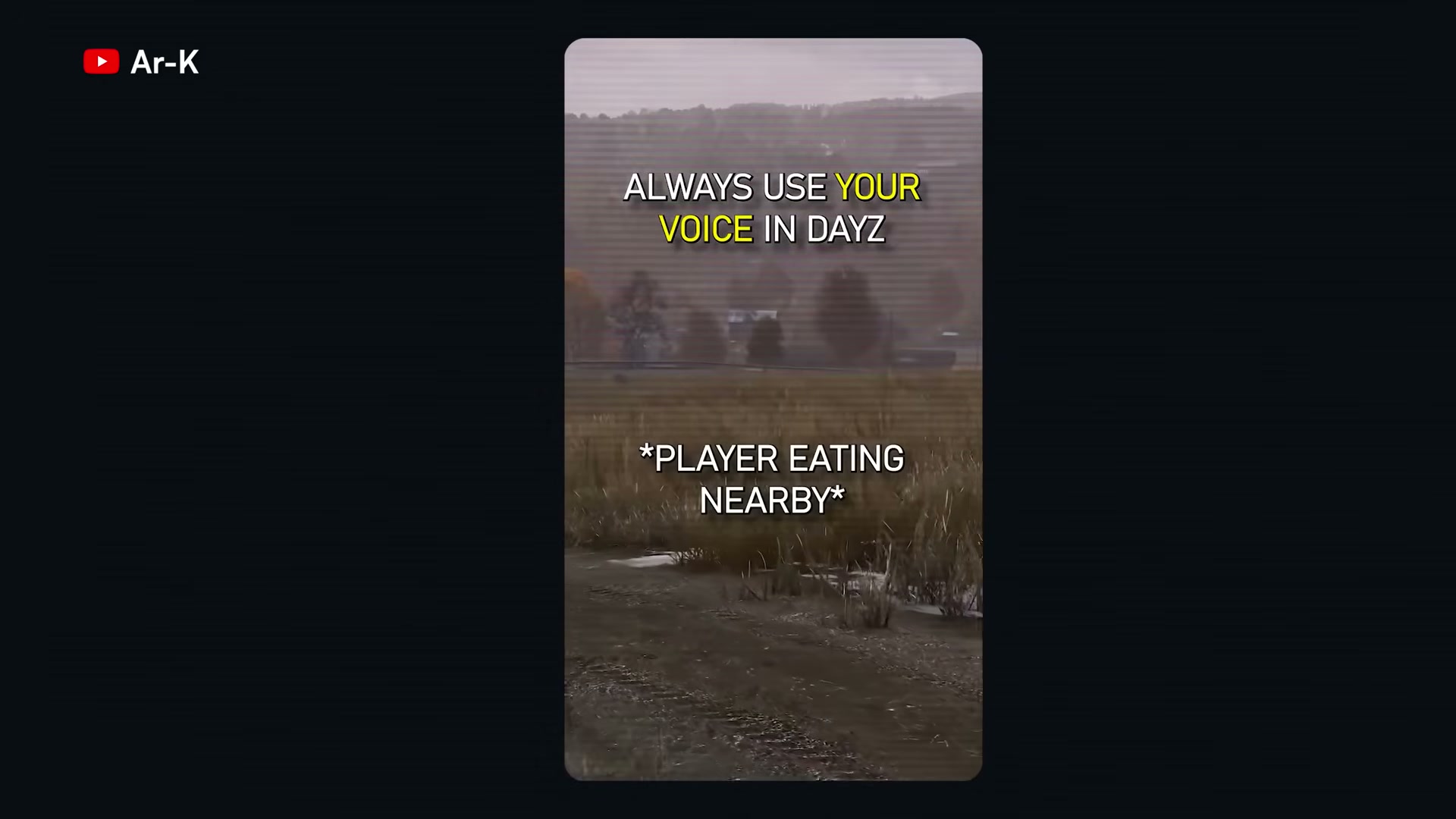
Build the content bridge by making each Short function as a trailer, teaser, or open loop. The goal is to generate enough curiosity that viewers seek out the longer version on their own — without being asked. The DayZ creator Ar-K does this with single-scene Shorts that carry one punchy narrative arc under a minute, each one pointing toward the same creative world as the long-form videos. That approach helped Ar-K grow from 37,000 to nearly 80,000 subscribers in a single year.
- Ensure every piece of content feels made by the same creator for the same audience. Not every Short needs to be a direct companion to a specific long-form video, but all uploads — Shorts and longs — should cover the same topics, speak to the same type of viewer, and carry the same voice. Consistent visual branding across your channel reinforces that signal for both viewers and the algorithm.
- Audit your current channel strategy against these medians. If your upload count is significantly above 46 for a long-form channel, or you’re running a hybrid past 100 uploads without hitting 1K, diagnose two things: whether your format mix is sending a clear, consistent signal, and whether your Shorts are creating topical pull toward your long-form content — or simply existing alongside it.
How does this compare to the official docs?
vidIQ’s dataset is grounded in real channel performance, but YouTube’s Creator Academy and its official format guidance frame the Shorts-versus-long-form trade-off differently — and the gap between those two perspectives is where the most useful nuance lives.
Here’s What the Official Docs Show
The video builds a coherent case for format strategy and subscriber velocity — what follows works through the same steps with documentation screenshots in hand, confirming what the official record supports and clearly marking where it doesn’t. This is an additive pass, not a rewrite: the gaps are about documentation coverage, not factual errors the screenshots can contradict.
- Compare the three format strategies by median upload count.
No official documentation was found for this step — proceed using the video’s approach and verify independently.

- Understand why Shorts convert viewers into subscribers at a lower rate.
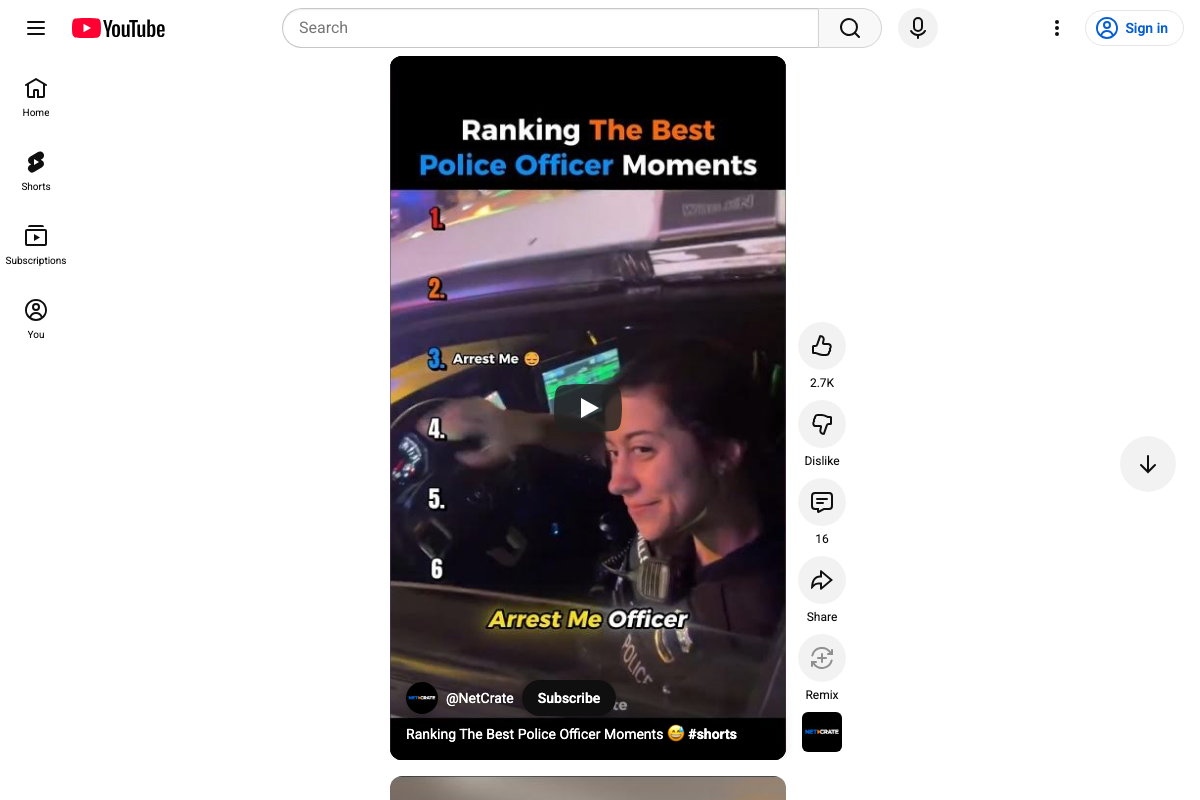
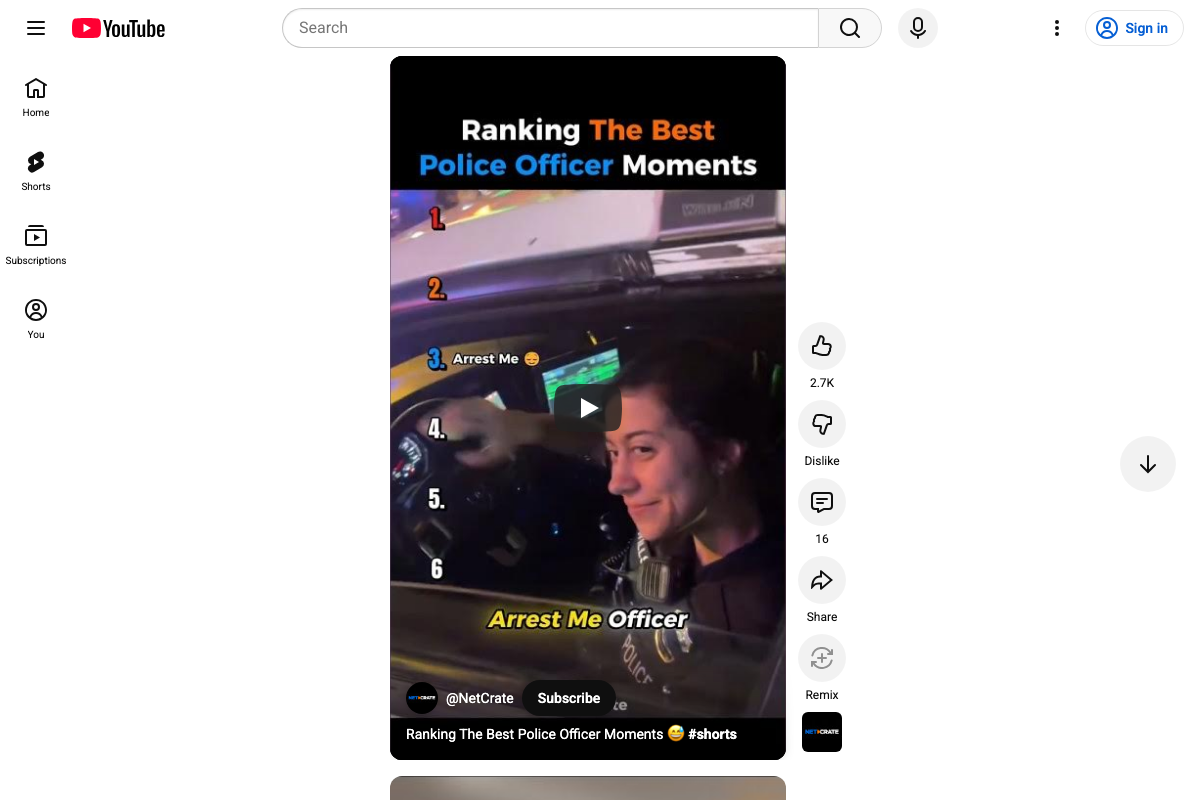
The video’s approach here matches the current docs exactly. YouTube’s own navigation separates Shorts into a dedicated tab distinct from the main feed, and the live Shorts player confirms the full-screen, scroll-to-next consumption format the video describes. The Subscribe button appears as an in-player overlay — present, but embedded in an interface designed to move viewers to the next clip before a channel decision can form.

- Acknowledge that hybrid channels, without a content bridge, perform worst of all three strategies.
No official documentation was found for this step — proceed using the video’s approach and verify independently.
- Identify whether your hybrid channel has a content bridge.
No official documentation was found for this step — proceed using the video’s approach and verify independently.
- Build the content bridge by making each Short a teaser, trailer, or open loop.
No official documentation was found for this step — proceed using the video’s approach and verify independently.
- Ensure every piece of content feels made by the same creator for the same audience.
No official documentation was found for this step — proceed using the video’s approach and verify independently.
- Audit your current channel strategy against these medians.
No official documentation was found for this step — proceed using the video’s approach and verify independently.
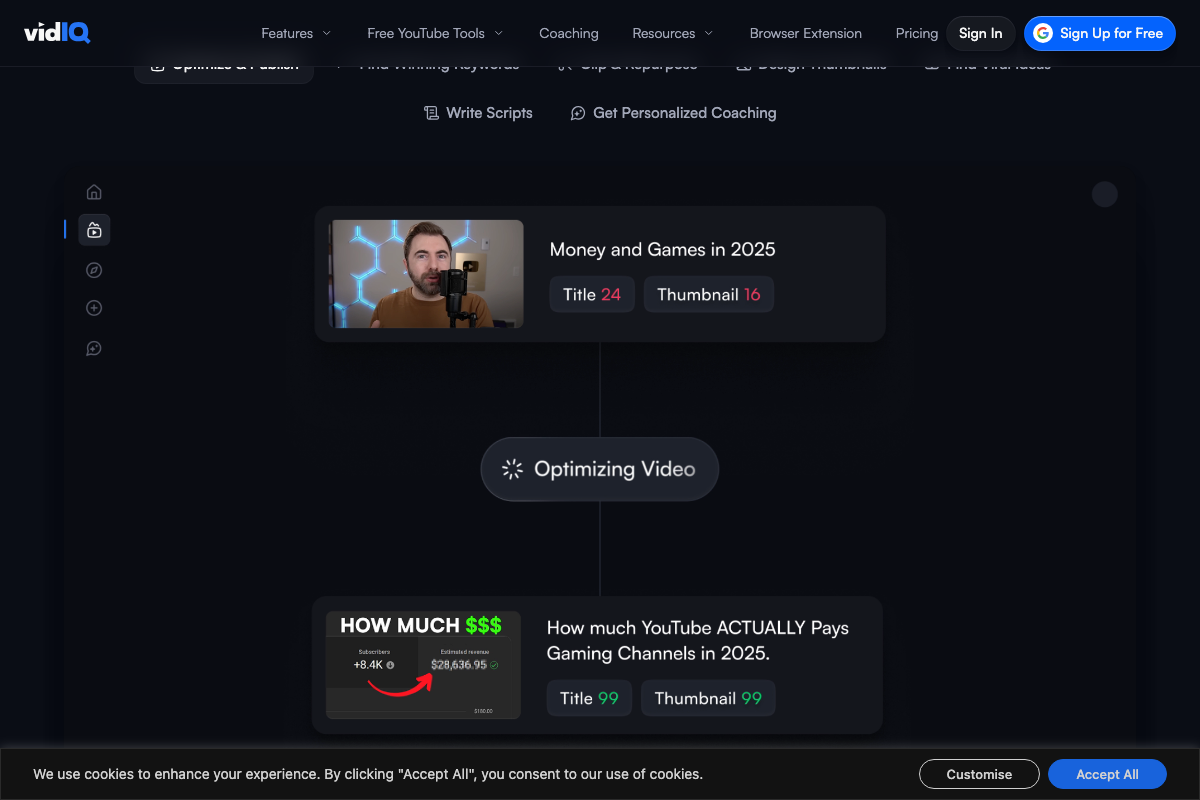
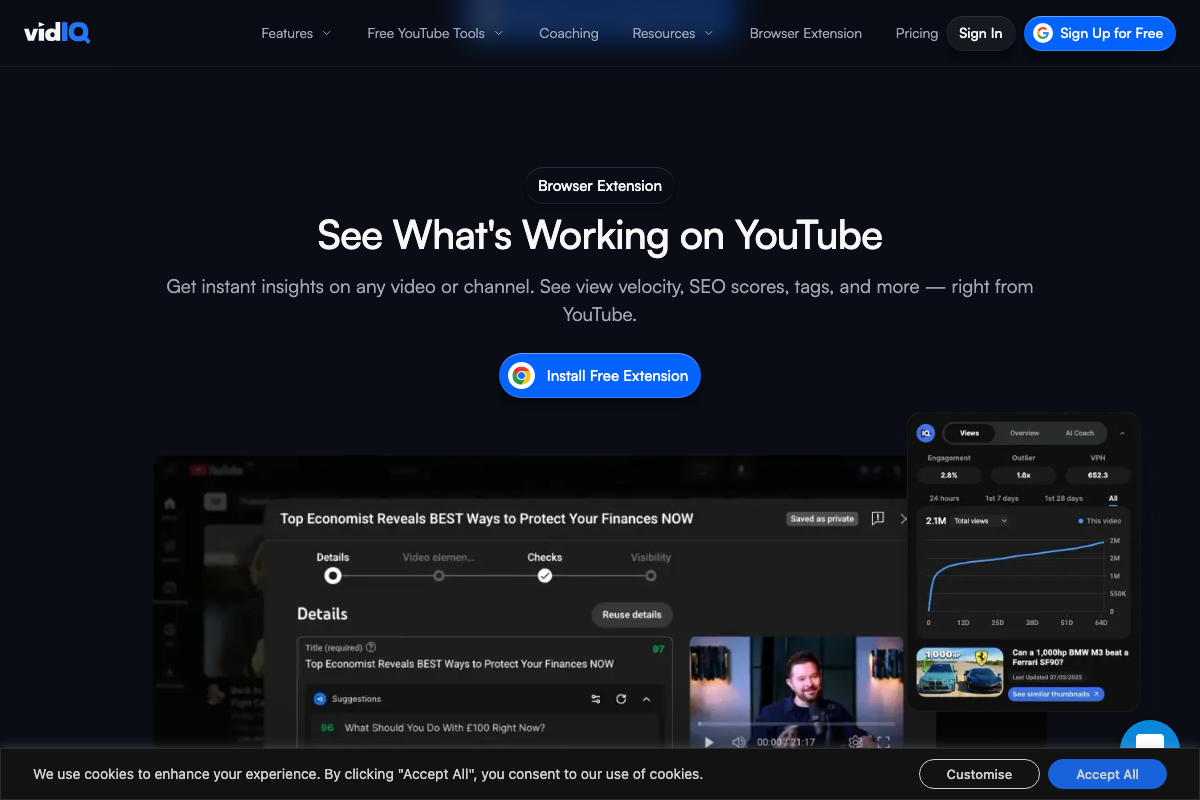
That said, vidIQ’s own platform surfaces exactly the signals this audit requires. The browser extension overlays view velocity and SEO scores directly on YouTube channel pages, and the in-app AI Coach scores titles and thumbnails — both are the channel-level indicators a format-consistency review depends on.
Useful Links
- vidIQ: Get More Subscribers & Views on YouTube | YouTube Tools — vidIQ’s homepage, establishing the platform as the source of the 200,000-channel dataset and the entry point to its subscriber and view growth tooling.
- YouTube — YouTube’s main homepage, confirming the platform’s navigation structure and the separation of Shorts as a distinct content destination from the main feed.
- YouTube Shorts — The YouTube Shorts player, confirming the full-screen vertical scroll format and the in-player Subscribe overlay described in step 2.


0 Comments