

How to Architect a Team-Wide Agentic Operating System with Claude Code
A personal agentic OS is a solved problem — a team-wide one is not. After completing this tutorial, you’ll be able to design a three-tier file architecture that lets non-technical teammates edit shared context in Notion or Google Drive, keeps agent-managed files version-controlled in GitHub, and enforces row-level security in a shared PostgreSQL memory database so client data never crosses the wrong desk.
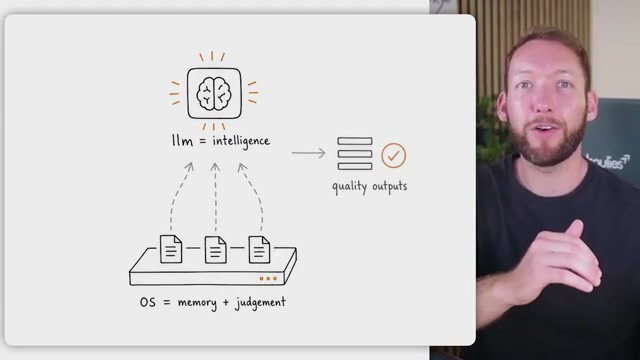
- Understand what an agentic OS actually is. Strip away the jargon and it’s a set of folders and files that inject the right context into an LLM at the right moment — brand voice when you need it, client implementation rules when you need those. Out of the box, an LLM has no long-term recall of your business, your decisions, or your clients. The OS supplies the memory and the judgment about what to load when; the model supplies the intelligence.
-
Name the team-specific problem the architecture must solve. Individual setups break down at the team level for three reasons: memory has to be shared without exposing everything to everyone, non-technical teammates need to contribute without touching code, and the whole system has to survive tool churn without locking you into a single interface.
-
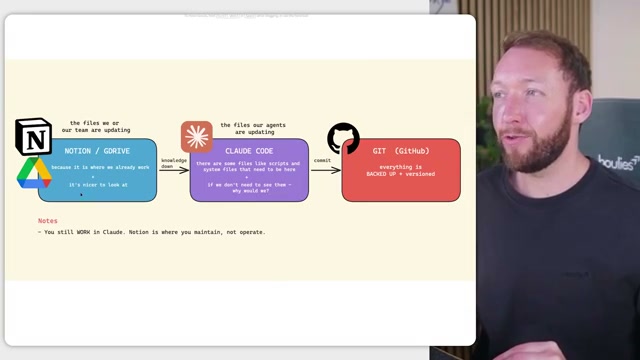
Adopt the three-tier file location model. Where a file lives depends on who maintains it. Human-maintained markdown — global rules, brand context, shared knowledge — belongs in Notion or Google Drive because that’s already where teams work and the markdown editor is familiar. Agent-maintained files — skills, settings, memory indexes — live in Claude Code because agents operate on them directly. GitHub backs up everything, human-authored and agent-authored alike, as version control for the technical team. Non-technical teammates never need to touch it.
- Build out the complete folder structure. At the root of
team-os/sitclaude.md(company-wide rules),soul.md(agent identity), andbrand_context/. Acontext/folder holds the shared knowledge base. Aclients/folder scopes context per client. Aworkstations/folder — e.g.,workstations/finance/— scopes context per department, each with its ownclaude.md. Users add personal overrides in aclaude.local.mdthat stays private on their machine and never syncs upstream.

- Apply the blue/purple ownership model. Blue files are Notion-managed markdown that humans write and edit. Purple files are GitHub/Claude Code-managed — skills, settings, agent-generated memory — that the team doesn’t need to see. One practical boundary: skills use YAML frontmatter that can break when passed through Notion’s sync pipeline, so skill files stay purple regardless of preference.
Warning: this step may differ from current official documentation — see the verified version below.

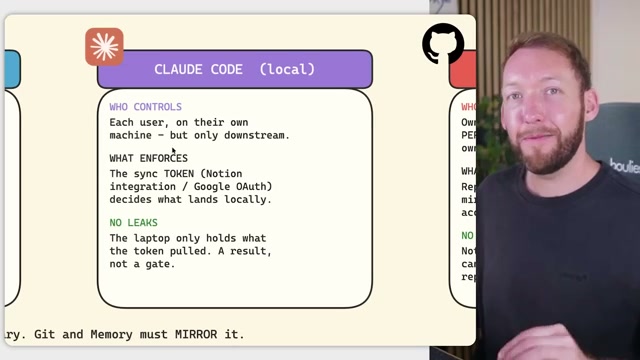
- Enforce access control across all four systems. Notion or Google Drive is the source of truth: per-document view and edit rights plus space membership determine what a user’s sync token can pull down to their local machine. Claude Code is deliberately downstream-only — the laptop holds only what the token was permitted to retrieve. GitHub enforces the same permissions structurally: one private repo per client, scoped to exactly the people who have Notion access to that client; local
claude.local.mdfiles are git-ignored into a personal private repo. Memory database permissions mirror all of the above at query time.
- Choose a memory database architecture. The simpler option is a local vector index per user, built on the individual machine — easy to stand up, but no shared memory across the team. The scalable option is a shared PostgreSQL instance on Supabase with
pgvectorand row-level security: every memory row is tagged by client, and the database refuses to return rows the requesting token doesn’t own. The team in the video is implementing the shared Postgres path and plans a June release of their team edition.

How does this compare to the official docs?
The architecture above reflects one team’s production implementation — Act 2 maps each layer against the Claude Code documentation, Supabase RLS references, and GitHub permissions model to show where the video aligns, where it diverges, and where the official path is simpler than the workarounds suggest.
Here’s What the Official Docs Show
The architecture the video walks through holds up well — what follows layers in what the current product docs surface for each step, so you build with full situational awareness rather than discovering gaps mid-deployment. Steps mirror Act 1’s sequence exactly.
Step 1 — What an agentic OS is
No official documentation was found for this step — proceed using the video’s approach and verify independently.
Claude’s official product page does confirm Claude Code as “an agentic coding tool in your terminal, IDE, or browser” — the video covers terminal and local use only; browser execution is also a supported deployment surface worth knowing about.
Step 2 — The team-specific problems
No official documentation was found for this step — proceed using the video’s approach and verify independently.
Step 3 — Three-tier file location model
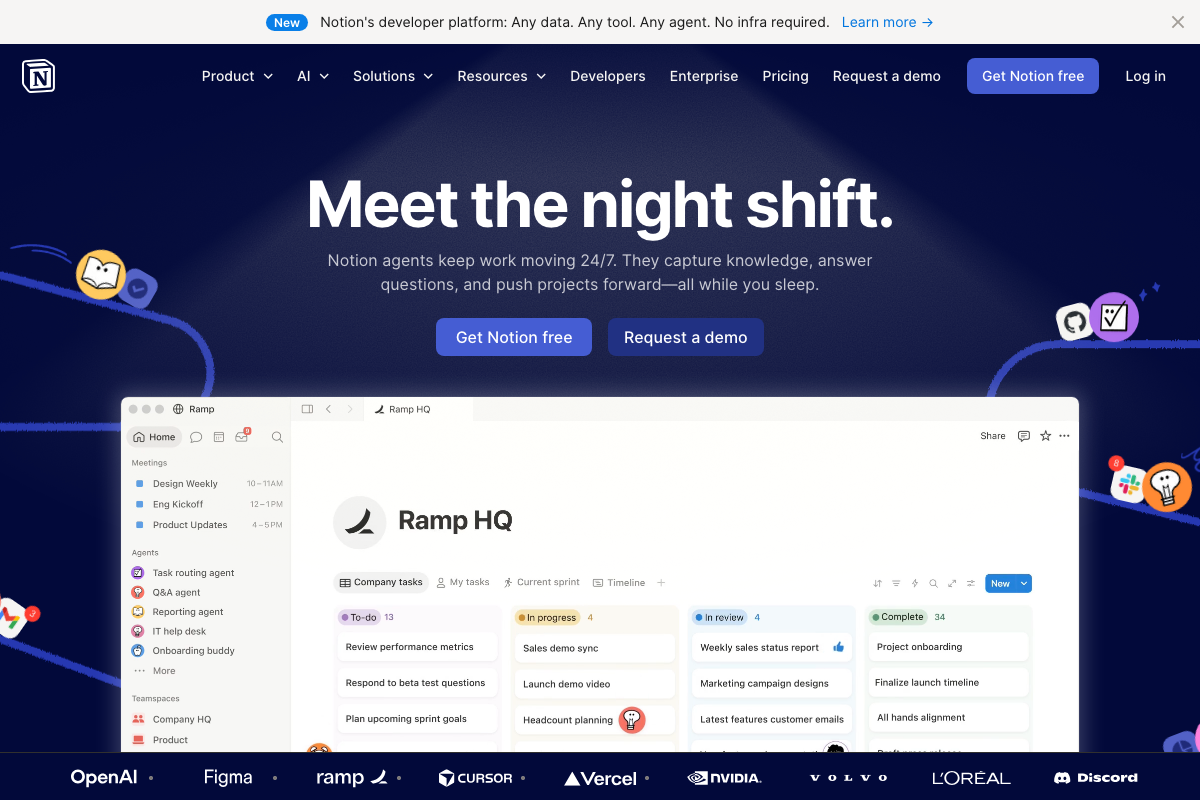
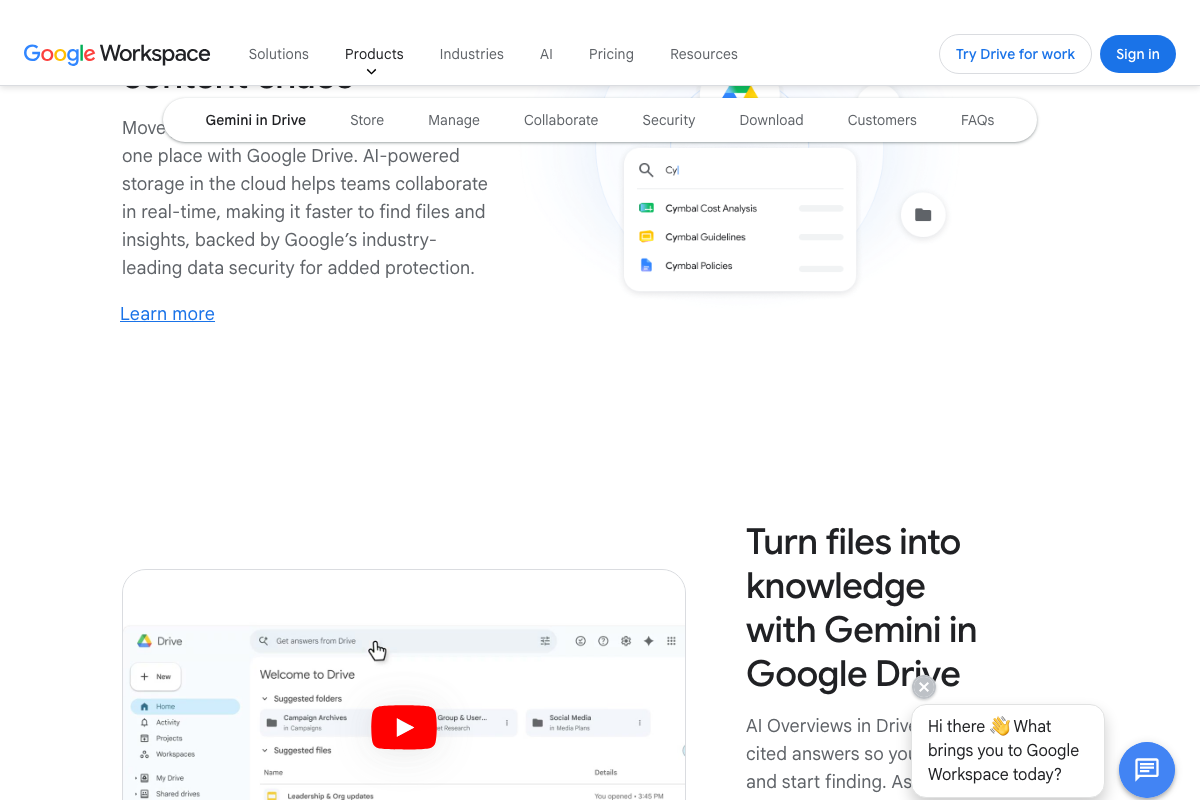
The video’s approach here matches the current docs exactly. One material addition per tool: Notion’s homepage now leads with native agent capabilities (“Notion agents keep work moving 24/7, capturing knowledge and answering questions”) — the knowledge store the video treats as passive has its own AI layer you’ll need to account for in your architecture. Google Drive now includes Gemini AI Overviews that index and answer from files stored in Drive — same situation. Neither tool is purely passive anymore.
Step 4 — Folder structure
No official documentation was found for this step — proceed using the video’s approach and verify independently.
Step 5 — Blue/purple ownership model
No official documentation was found for this step — proceed using the video’s approach and verify independently.
Step 6 — Access control
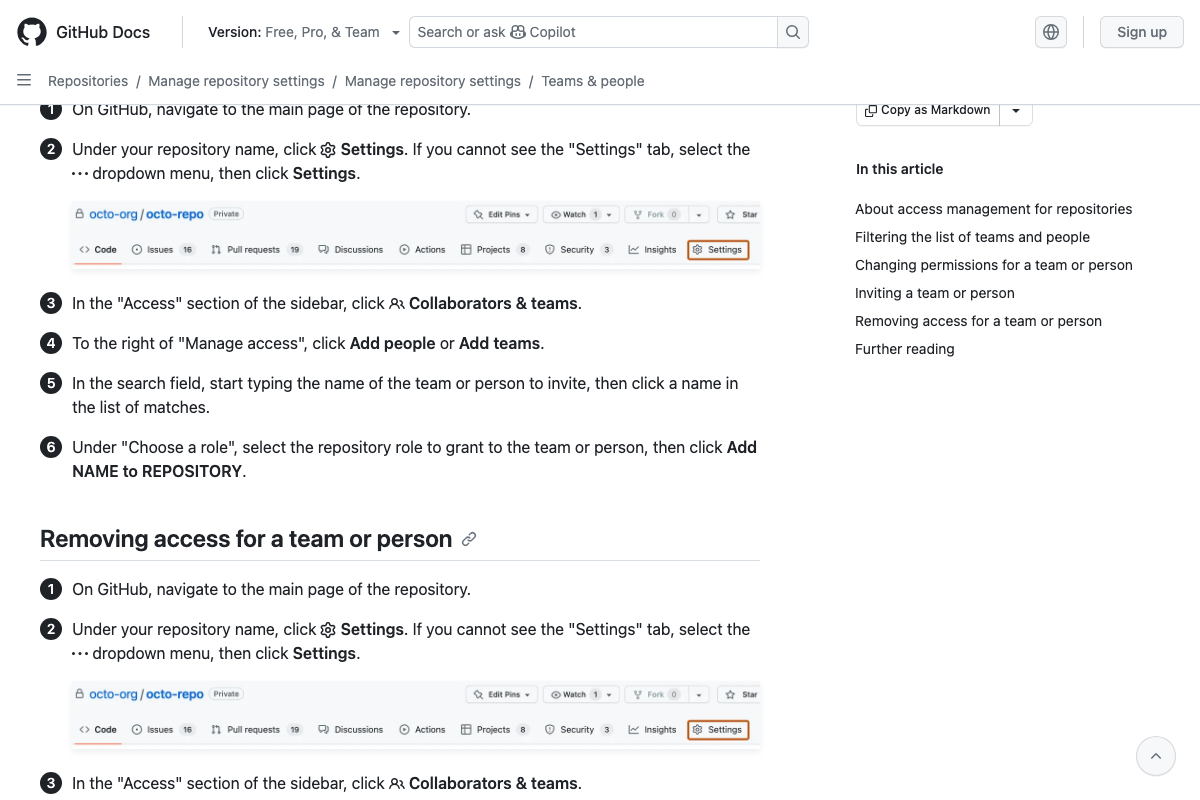
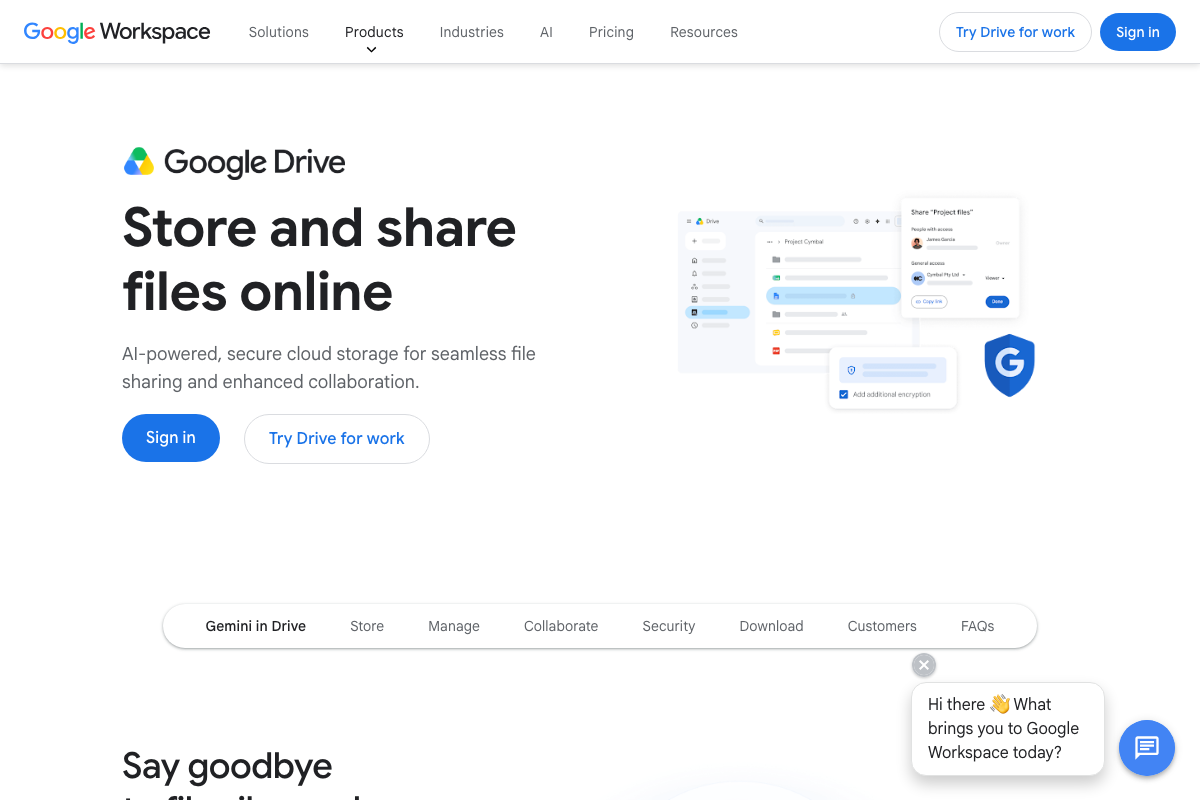
The video’s approach here matches the current docs exactly at the conceptual level, with two practical additions. First: GitHub requires admin access to manage repository collaborators — the video doesn’t specify this prerequisite, and it will block implementation if you assign the wrong initial role. As of June 2, 2026, the correct GitHub permission model uses five named roles (Read, Triage, Write, Maintain, Admin) — the video implies a binary view/edit model, which does not match GitHub’s actual role system. Second: Google Drive’s sharing dialog exposes a separate “General access” link-sharing toggle the video doesn’t mention — disable this explicitly on every document or you’ve created an access vector outside your permission model.
Step 7 — Memory database
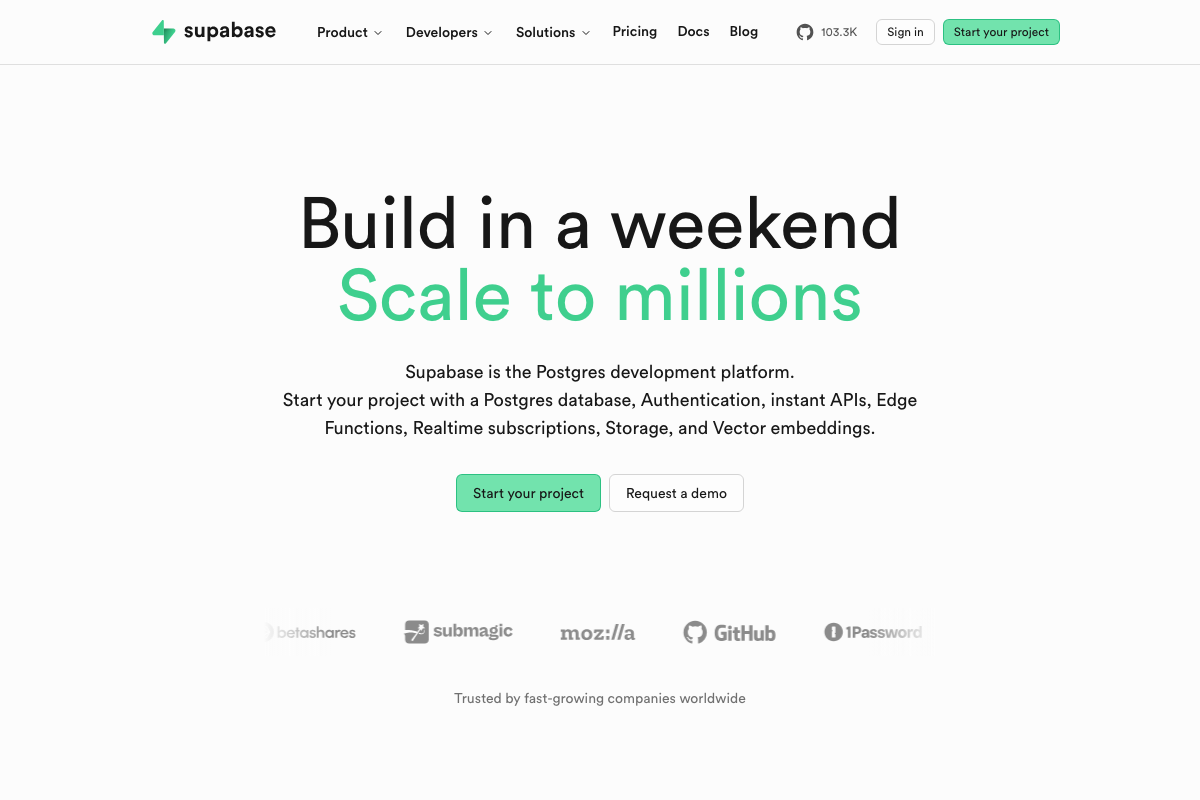
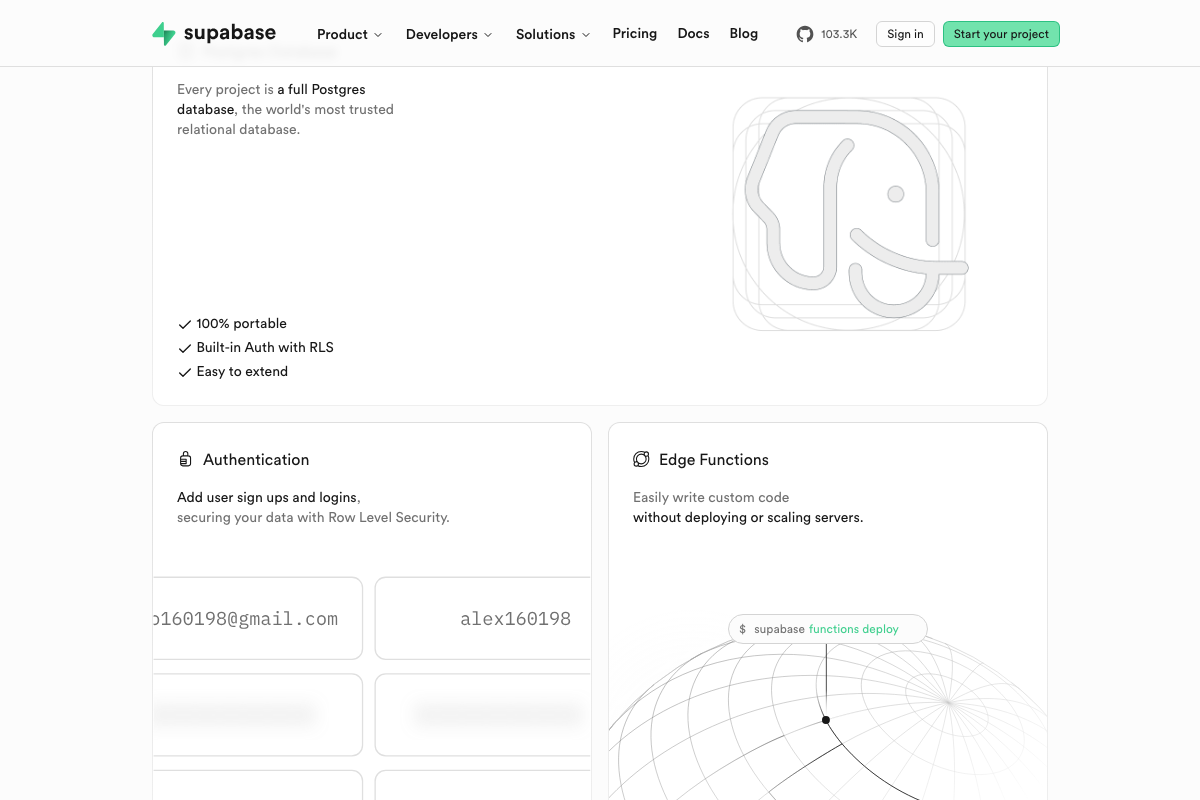
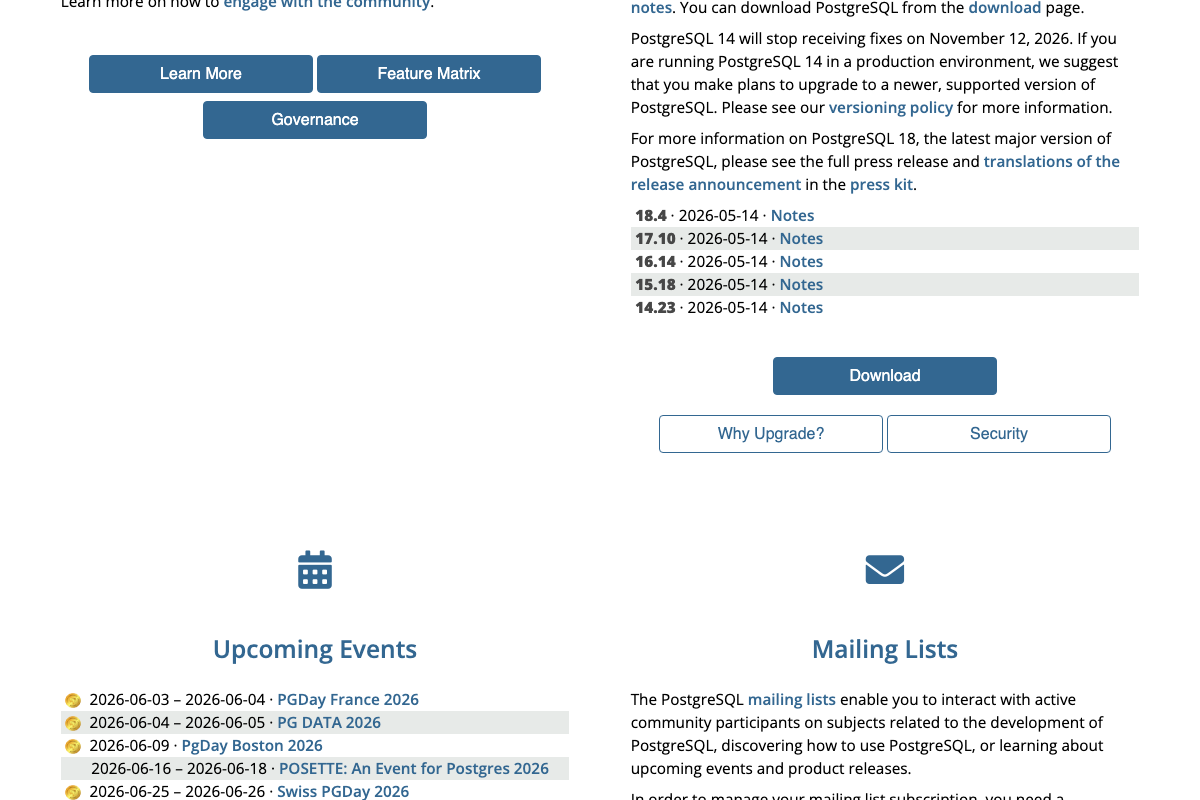
The video’s approach here matches the current docs exactly. Two additions materially simplify the build. Supabase natively supports Vector embeddings alongside RLS-secured Postgres in a single project — the local-vector-index vs. shared-Postgres fork the video frames as an architectural choice can both be served by one Supabase project, reducing operational overhead. Supabase Auth is also natively coupled to RLS policy evaluation via auth.uid() — the platform automatically passes authenticated user identity into every RLS policy, so the manual configuration the video describes is shorter in practice. On PostgreSQL versions: PostgreSQL 14 reaches end-of-life November 2026 — target PostgreSQL 15 or higher for any new deployment built on this architecture.
Useful Links
- Sign in – Claude — Official Claude Code product page confirming terminal, IDE, and browser as supported execution environments.
- The AI workspace that works for you. | Notion — Notion homepage covering shared workspaces, Custom Agents, and Q&A agent capabilities built natively into the platform.
- Google Drive: Share Files Online with Secure Cloud Storage | Google Workspace — Google Drive product page covering per-document sharing controls, Gemini AI Overviews, and storage tiers from 15 GB to 5 TB.
- Managing teams and people with access to your repository – GitHub Docs — GitHub’s official documentation on repository access management, including the five-tier named role system and admin-access prerequisites.
- Supabase | The Postgres Development Platform. — Supabase homepage confirming native Vector embeddings, built-in Auth with RLS via
auth.uid(), and fully portable Postgres. - PostgreSQL: The world’s most advanced open source database — PostgreSQL.org showing current version 18.4 (released 2026-05-14) and the November 2026 end-of-life notice for PostgreSQL 14.


0 Comments