

How to Scale Google Ads Campaigns Profitably in 2026
Google Ads scaling isn’t about bigger budgets — it’s about knowing when to push and how hard. This tutorial walks through the exact framework used to take one client from $400/month to $4,000/month in ad spend and another from $20,000 to $33,000/month, both while staying profitable. You’ll learn how to evaluate campaigns for vertical scaling readiness, execute budget increases without breaking your conversion metrics, and recognize when to pivot from vertical scaling to segmentation.
- Consolidate keyword themes into fewer ad groups. Group keywords that share the same landing page and user intent into a single ad group, even if they differ in syntax — for example, merge “buy,” “sale,” and “available” variants rather than splitting them. In 2026, Google targets intent signals rather than exact keyword strings, which means splitting these themes fragments your conversion data without meaningfully improving targeting precision.
Warning: this step may differ from current official documentation — see the verified version below.
- Enable dynamic keyword insertion to maintain ad relevance after consolidation. With fewer ad groups covering broader keyword sets, DKI ensures your headlines still reflect the searcher’s query — protecting Quality Score and CTR without requiring individual ad variations for every theme.
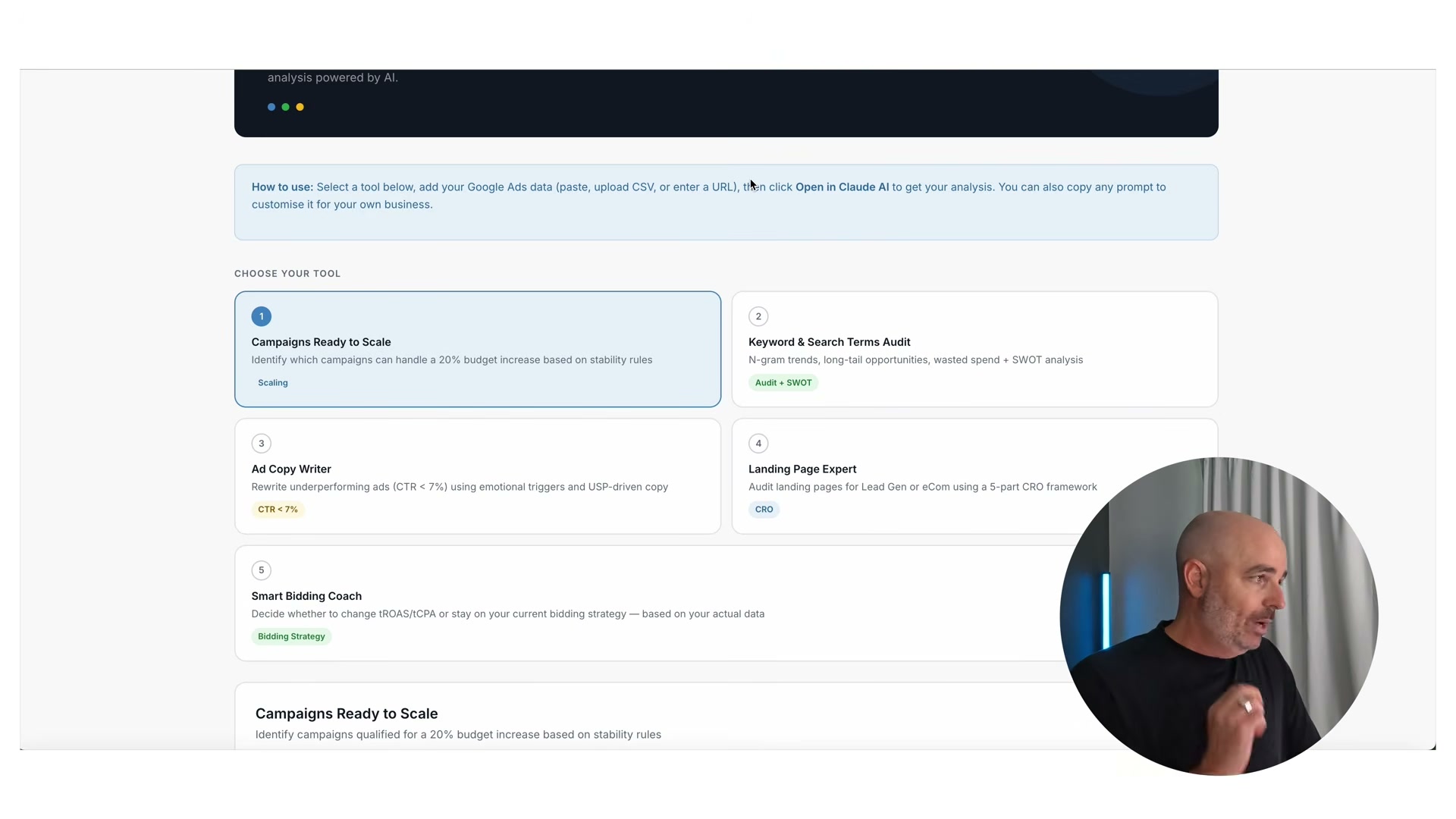
- Assess vertical scaling readiness before touching the budget. Look for at least 4–6 weeks of stable, profitable conversion metrics — cost/conv., ROAS, or conv. value/cost held within your target range week over week — combined with a Search Impression Share below 50–60%. Both conditions must be true simultaneously; strong metrics alone aren’t sufficient if you’re already capturing the majority of available impressions.
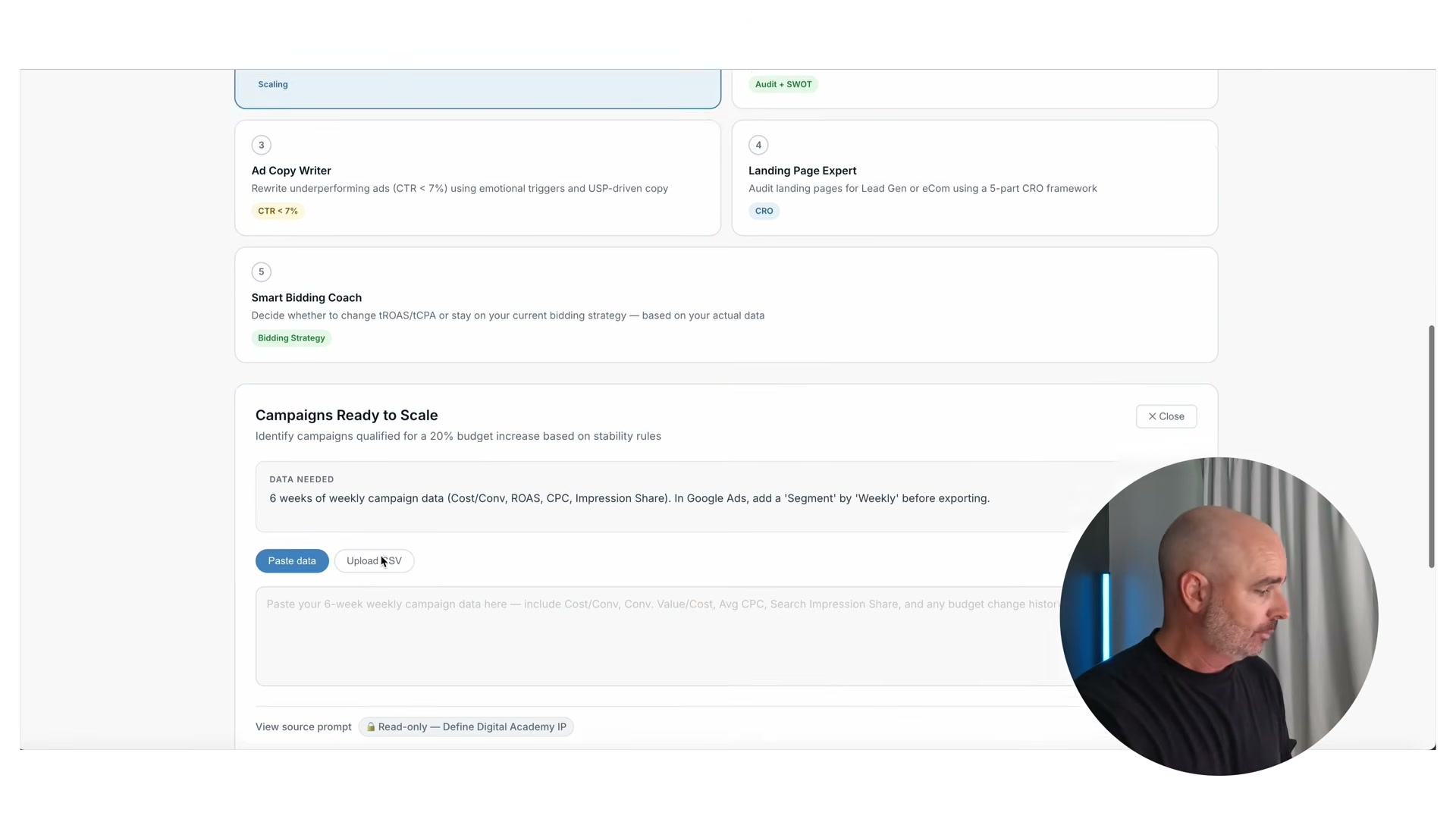
- Scale vertically by raising the daily budget in controlled increments. Increase by no more than 20% at a time, then wait 5–7 days before the next move. If conversion metrics soften after an increase, hold steady and give the campaign 1–2 weeks to recover before deciding whether to push further or pull back.
Warning: this step may differ from current official documentation — see the verified version below.
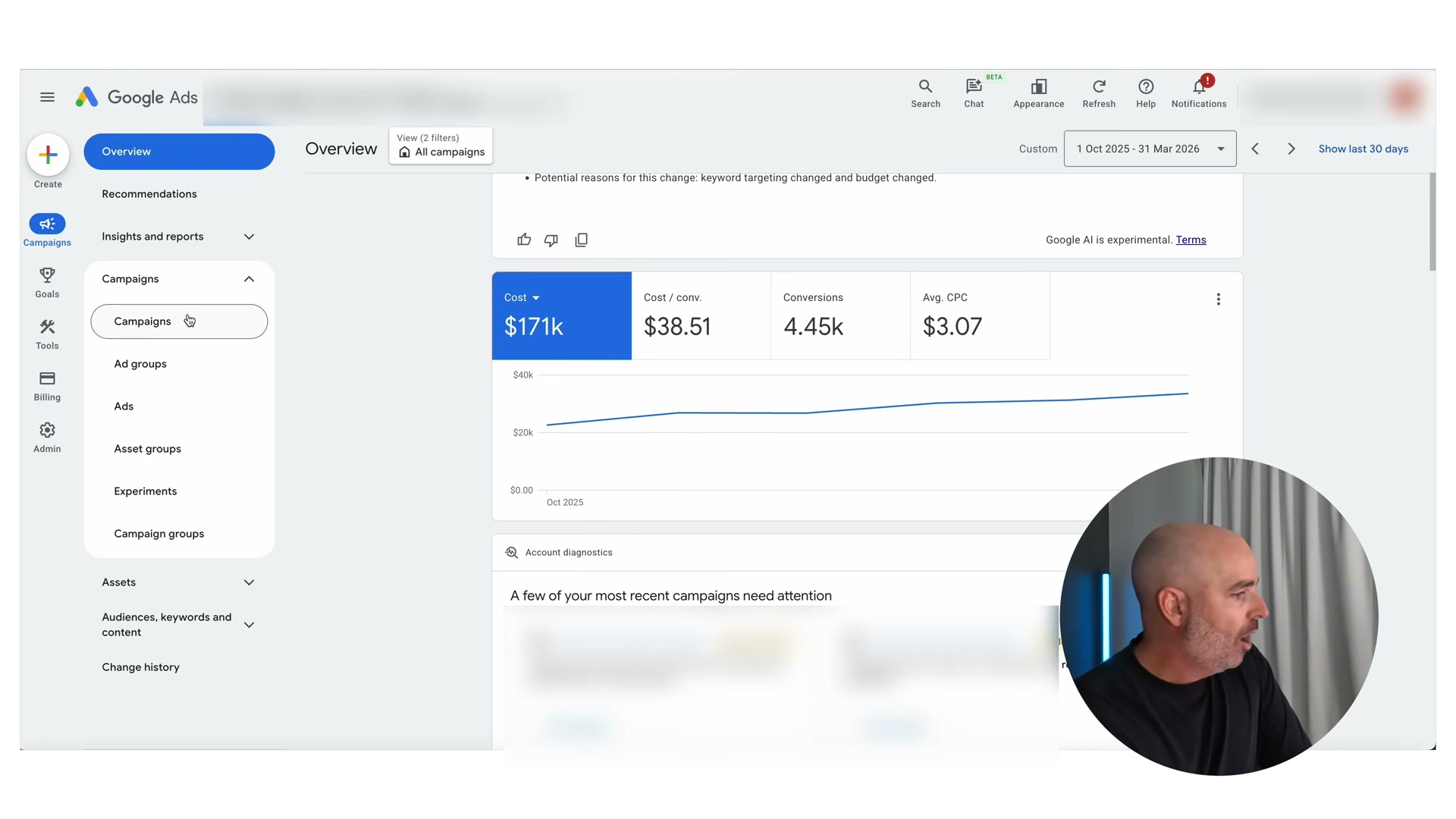
- Add Search Impression Share and Search Top Impression Share columns to your Campaigns view via Modify Columns. These metrics quantify how much headroom remains before you encounter CPC resistance. A Search Impression Share below 10% signals that budget increases should translate directly into more conversions at stable CPCs — a green light for continued vertical scaling.

- Identify CPC resistance and stop vertical scaling when it appears. If a roughly 10% budget increase causes CPC to jump approximately 30%, or if conversion metrics deteriorate and don’t recover within two weeks, the campaign has reached its vertical ceiling.

-
Switch to segmentation scaling once vertical scaling is exhausted. Break out new campaigns by geography — for example, state-level campaigns for a nationally served product — or by product and service category. Each new segment gets its own budget, allowing you to restart the vertical scaling process against a fresh pool of impression share.
-
Apply a spend/conversion quadrant matrix to identify which products or keyword themes deserve a segmentation breakout campaign first. Themes showing high conversion volume alongside controlled spend are the lead candidates; low-spend, low-conversion themes should stay consolidated until they generate enough data to stand on their own.
How does this compare to the official docs?
Google’s own documentation addresses account structure, budget pacing, and impression share thresholds from a different vantage point — and mapping where it converges with this framework, and where it diverges, will sharpen how you put these strategies into practice.
Here’s What the Official Docs Show
The tutorial above delivers a practical Search campaign scaling framework worth working through carefully — Act 2 maps it against the available official documentation to show you exactly where platform docs provide useful context and where the tactical specifics require you to rely on the video’s guidance alone. In this case, the documentation set covers campaign types and platform entry points rather than the Search-specific scaling mechanics the tutorial describes, so every step carries an independent-verification flag.
Step 1: Consolidate keyword themes into fewer ad groups
No official documentation was found for this step — proceed using the video’s approach and verify independently.

Step 2: Enable dynamic keyword insertion
No official documentation was found for this step — proceed using the video’s approach and verify independently.
Step 3: Assess vertical scaling readiness before touching the budget
No official documentation was found for this step — proceed using the video’s approach and verify independently.
Step 4: Scale vertically in controlled 20% increments
No official documentation was found for this step — proceed using the video’s approach and verify independently.
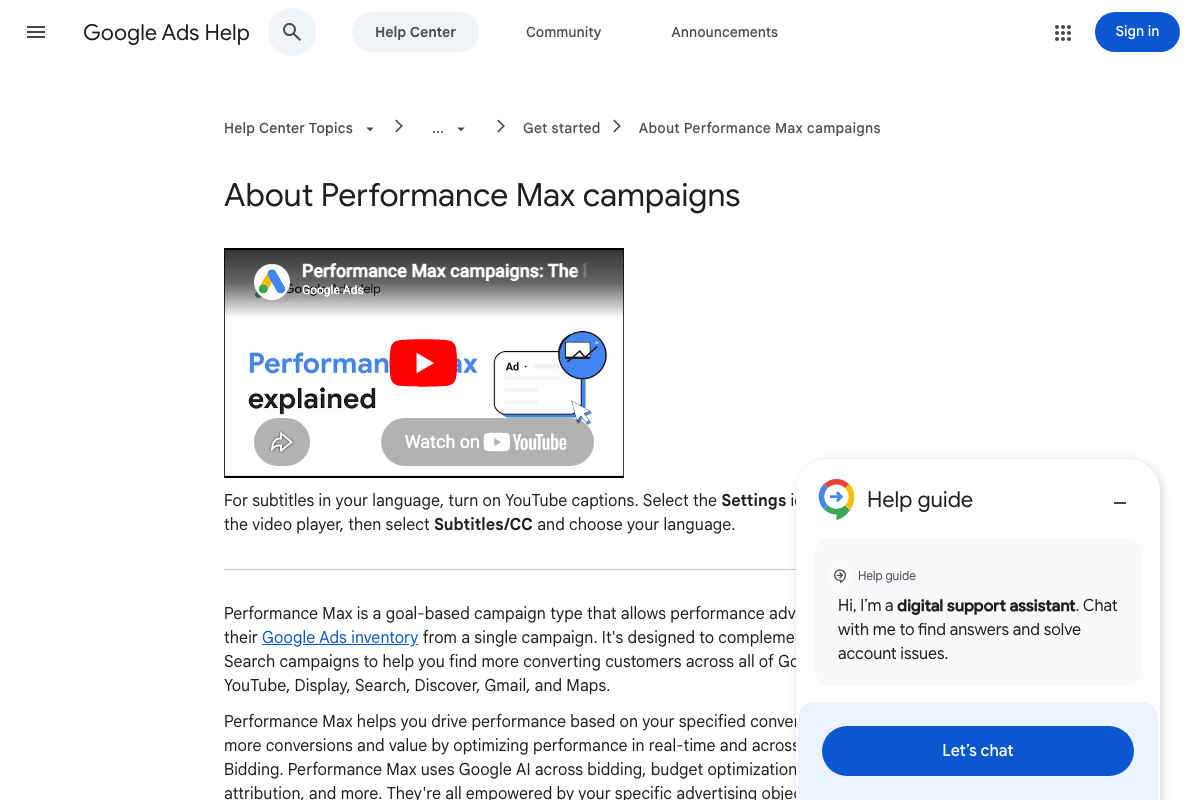
The tutorial’s manual, increment-based Search budget approach is architecturally distinct from Performance Max, which uses automated cross-inventory budget allocation. Official docs confirm PMax is designed to complement existing Search campaigns — budget decisions for each should be managed independently.
Step 5: Add Search Impression Share and Search Top Impression Share columns
No official documentation was found for this step — proceed using the video’s approach and verify independently.

Step 6: Identify CPC resistance and stop vertical scaling
No official documentation was found for this step — proceed using the video’s approach and verify independently.
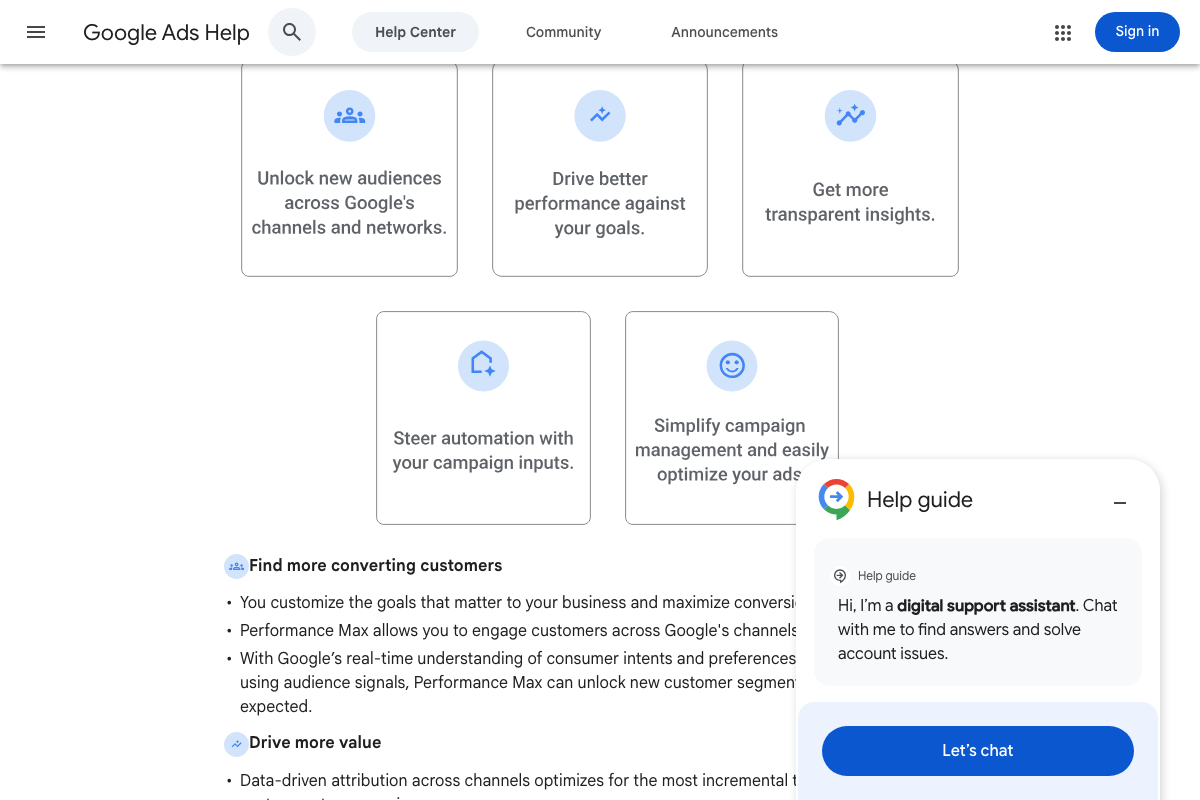
Official docs confirm Performance Max uses data-driven attribution and automated bidding across channels — a contrast worth noting because PMax CPCs are not manually monitored the same way the tutorial’s CPC resistance check requires for Search.
Step 7: Switch to segmentation scaling
No official documentation was found for this step — proceed using the video’s approach and verify independently.
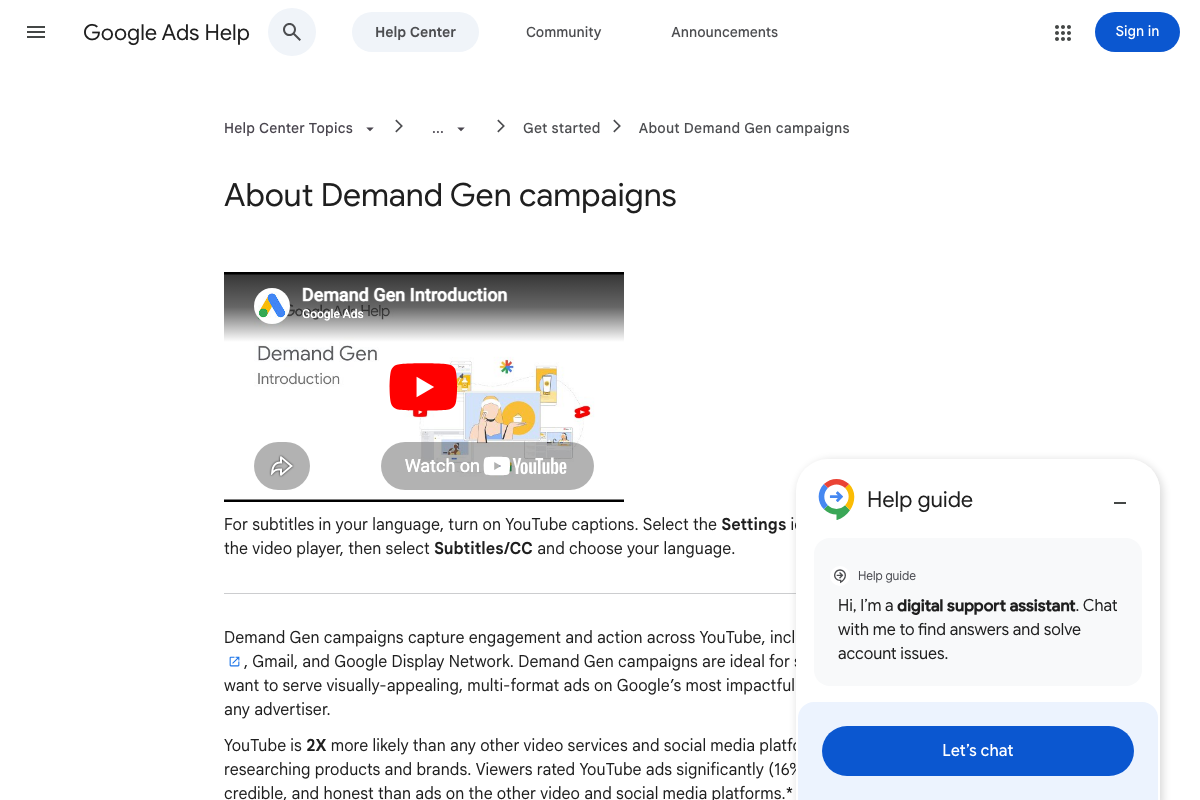
Demand Gen reaches 3B+ monthly users across YouTube, Gmail, and Discover, but it operates on a separate inventory and bidding model from the Search geographic or product-category segmentation the tutorial recommends. These are distinct scaling tracks — not substitutes.
Step 8: Apply a spend/conversion quadrant matrix
No official documentation was found for this step — proceed using the video’s approach and verify independently.
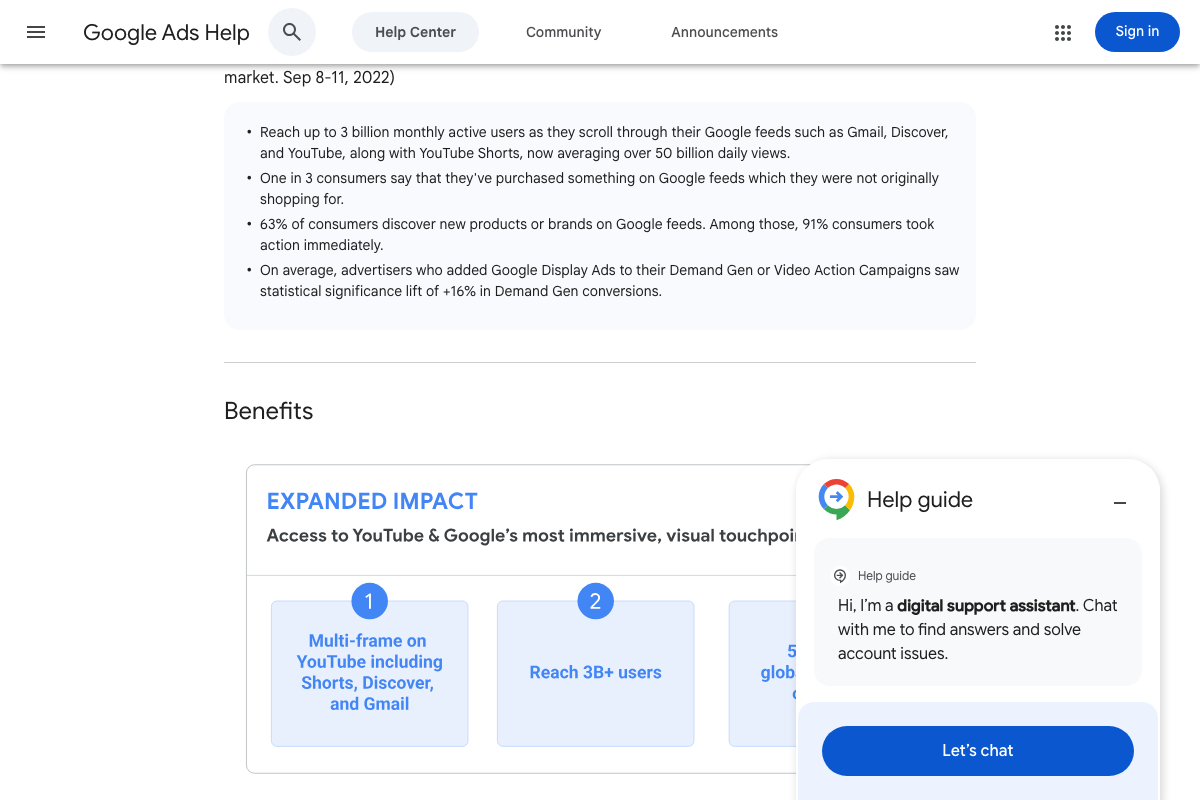
A note on the documentation set: The screenshots gathered for this post include six Anthropic homepage images unrelated to Google Ads, and three Google Ads marketing homepage images misattributed in the source manifest to support.google.com. None of the 12 screenshots cover the Help Center articles most directly relevant to this tutorial — Google Ads account structure, budget management, or Search Impression Share. Those are the pages to consult for independent verification of steps 1–8.
Useful Links
- Google Ads — Get Customers and Sell More with Online Advertising — Google Ads product homepage; starting point for campaign creation and account access.
- About Performance Max campaigns — Google Ads Help — Official overview of PMax as a cross-inventory, AI-driven campaign type that complements but does not replace Search campaigns.
- About Demand Gen campaigns — Google Ads Help — Official documentation on the Demand Gen campaign type, covering YouTube, Shorts, Gmail, and Display reach and bidding options.
- Home — Anthropic — Anthropic corporate homepage; included here because it appeared in the documentation set for this post but contains no content relevant to Google Ads scaling strategy.


0 Comments