

Track Your Brand in AI Search Results with Moz Pro AI Visibility
Search behavior has shifted — your customers are getting direct answers from ChatGPT and Gemini before they ever reach a results page. Moz Pro’s AI Visibility feature lets you monitor whether your brand appears in those AI-generated responses, how early in the response it’s mentioned, and how you stack up against competitors. By the end of this walkthrough, you’ll have a live dashboard tracking your brand’s presence across both GPT and Gemini.
-
Log in to Moz Pro, then click AI Research in the left navigation and select AI Visibility.
-
Click Add New Dashboard to open the four-step setup wizard.
-
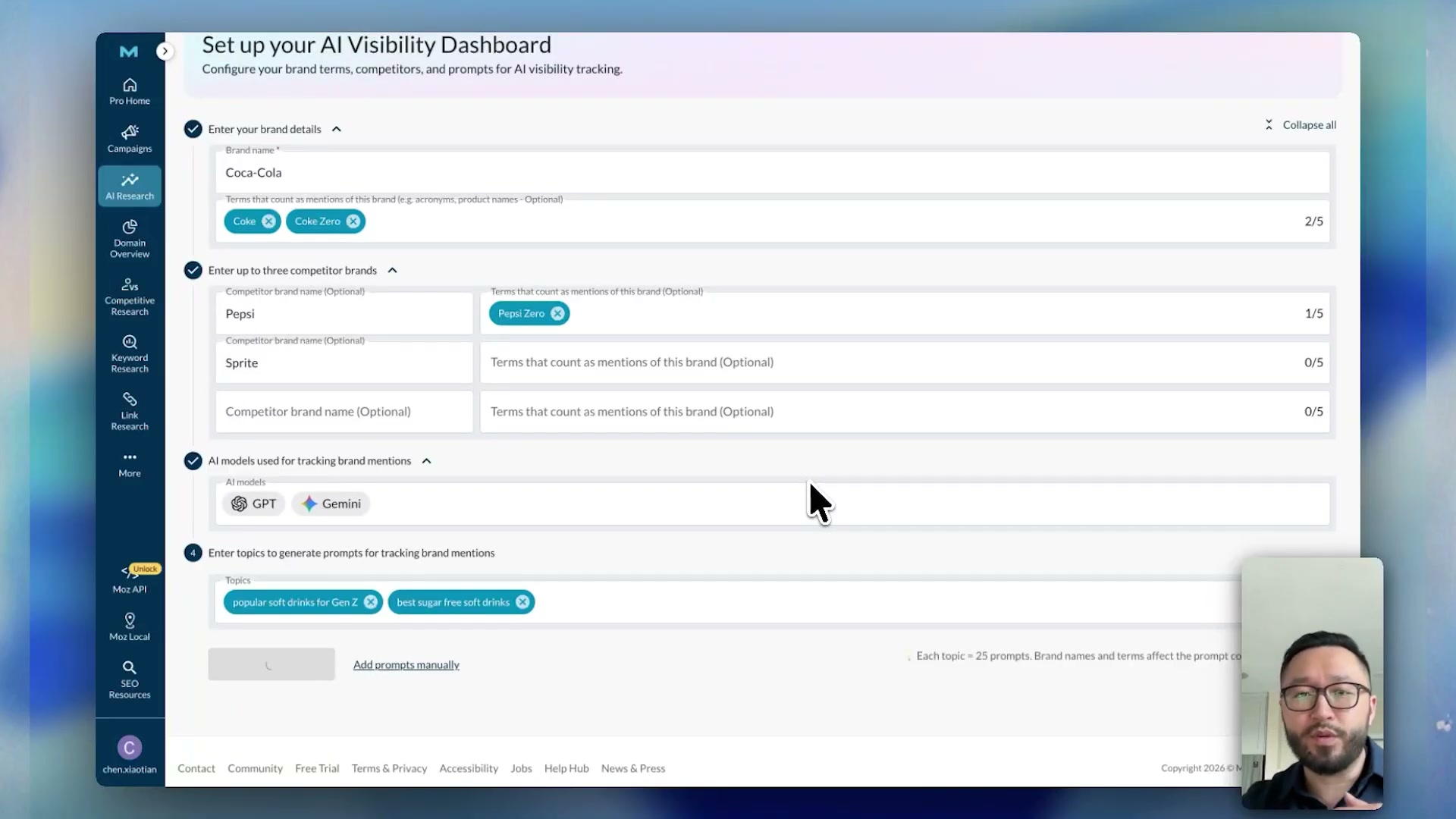
Enter the brand name you want to track. The tutorial uses Coca-Cola as the working example throughout.
- Add up to five related brand terms or product lines in the alias field. For Coca-Cola, that means adding Coke and Coke Zero so the tracker captures every mention variation across AI responses — not just the exact registered name.

-
Add up to three competitor brands — Pepsi and Sprite in the demo — and include their related terms (e.g., Pepsi Zero) using the same alias field for each competitor.
-
In the Topics field, enter questions your customers are likely asking AI tools. The example uses popular soft drinks for Gen Z and best sugar-free soft drinks. Topics should reflect real purchase or research intent, not brand messaging.
-
Click Generate Prompts and wait a few seconds for Moz to build a tracking prompt list from your topics. If you already have a curated list, click Add Prompts Manually instead.
-
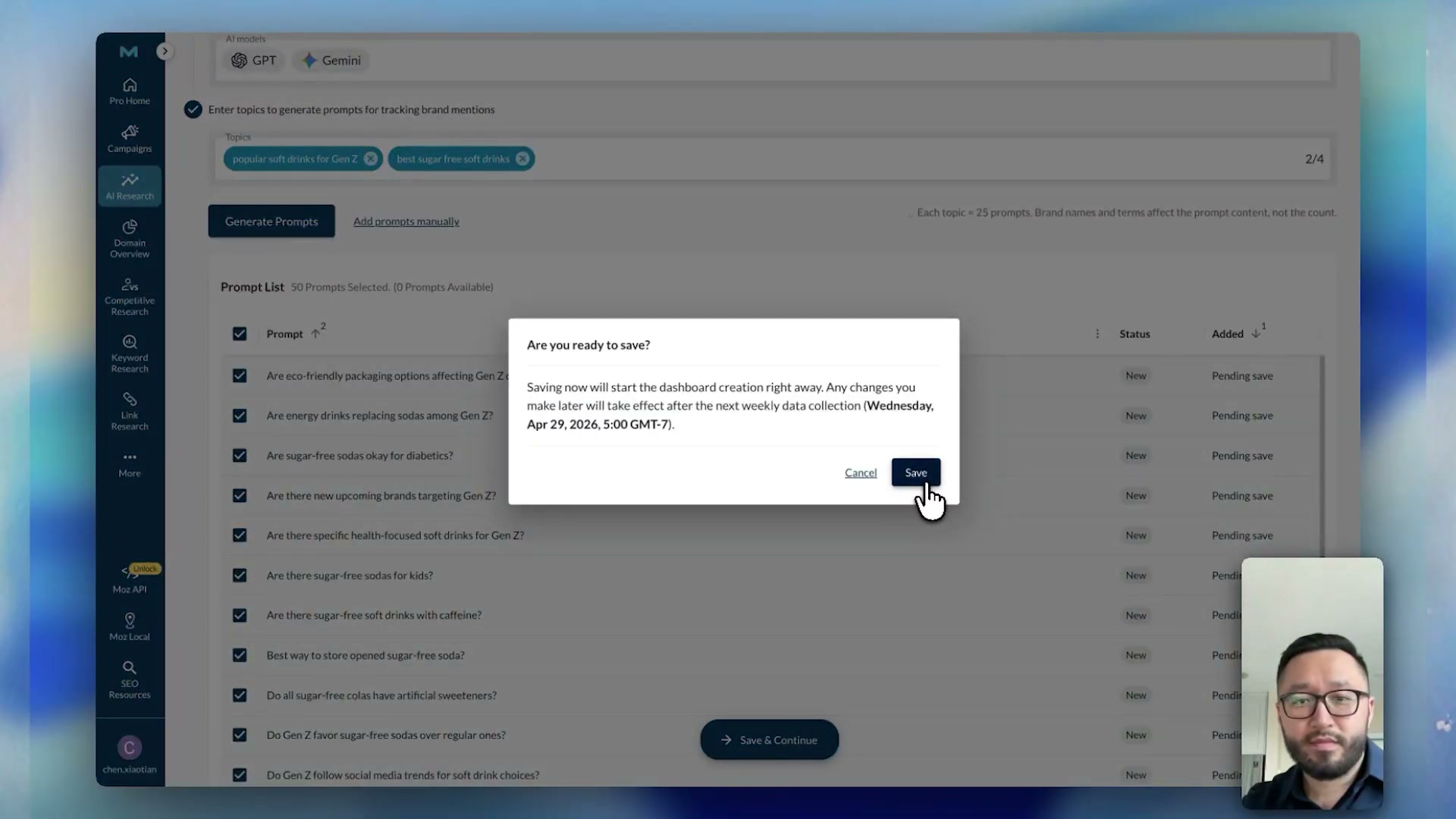
Review the generated prompts to confirm they reflect how your audience actually talks. Then click Save and Continue.
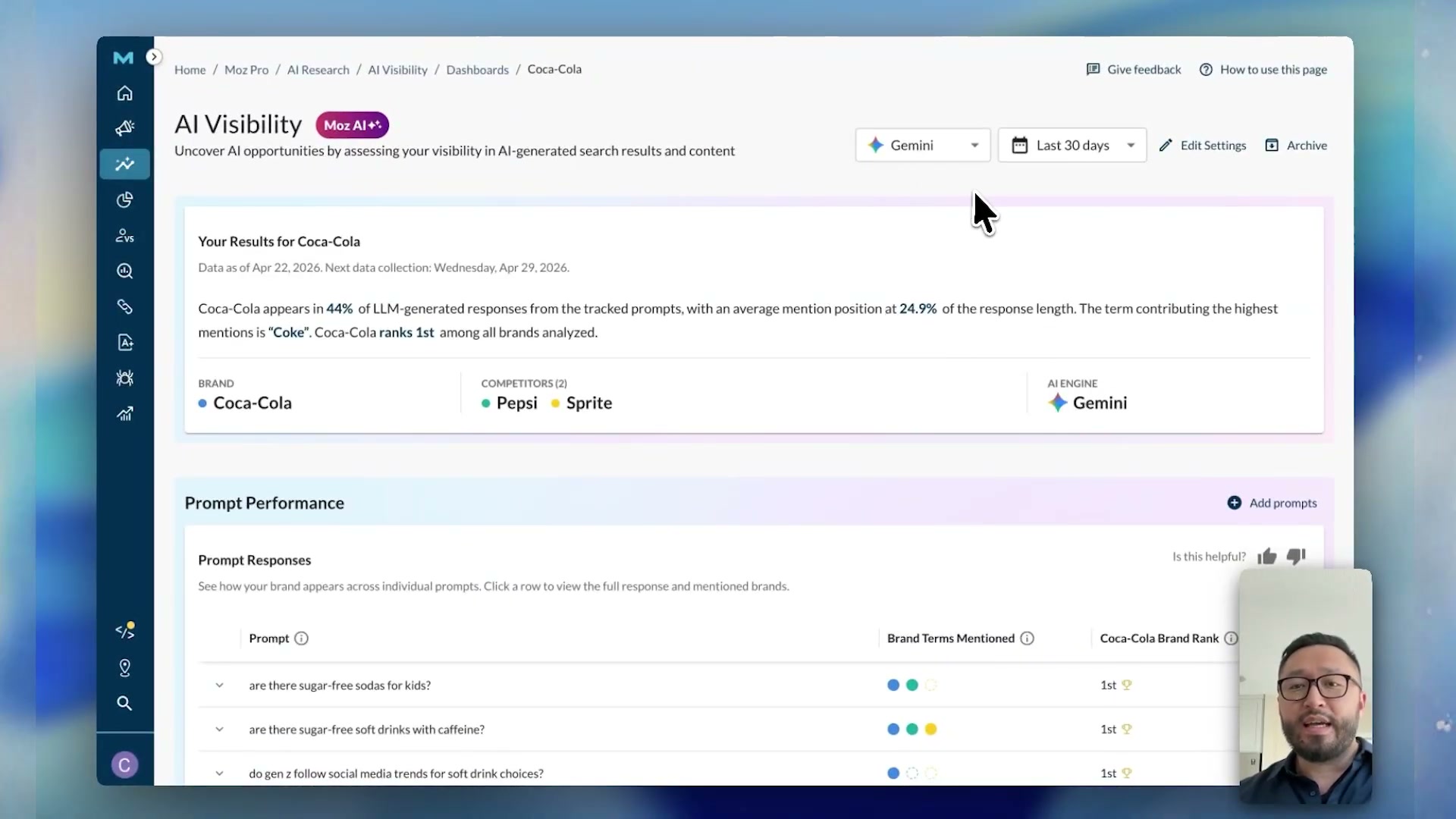
- Once the dashboard loads, review the Performance Summary at the top — it shows your brand’s appearance rate across all tracked prompts, your average mention position, and a head-to-head competitor comparison.
-
Use the AI engine dropdown to switch between ChatGPT and Gemini results at any point.
-
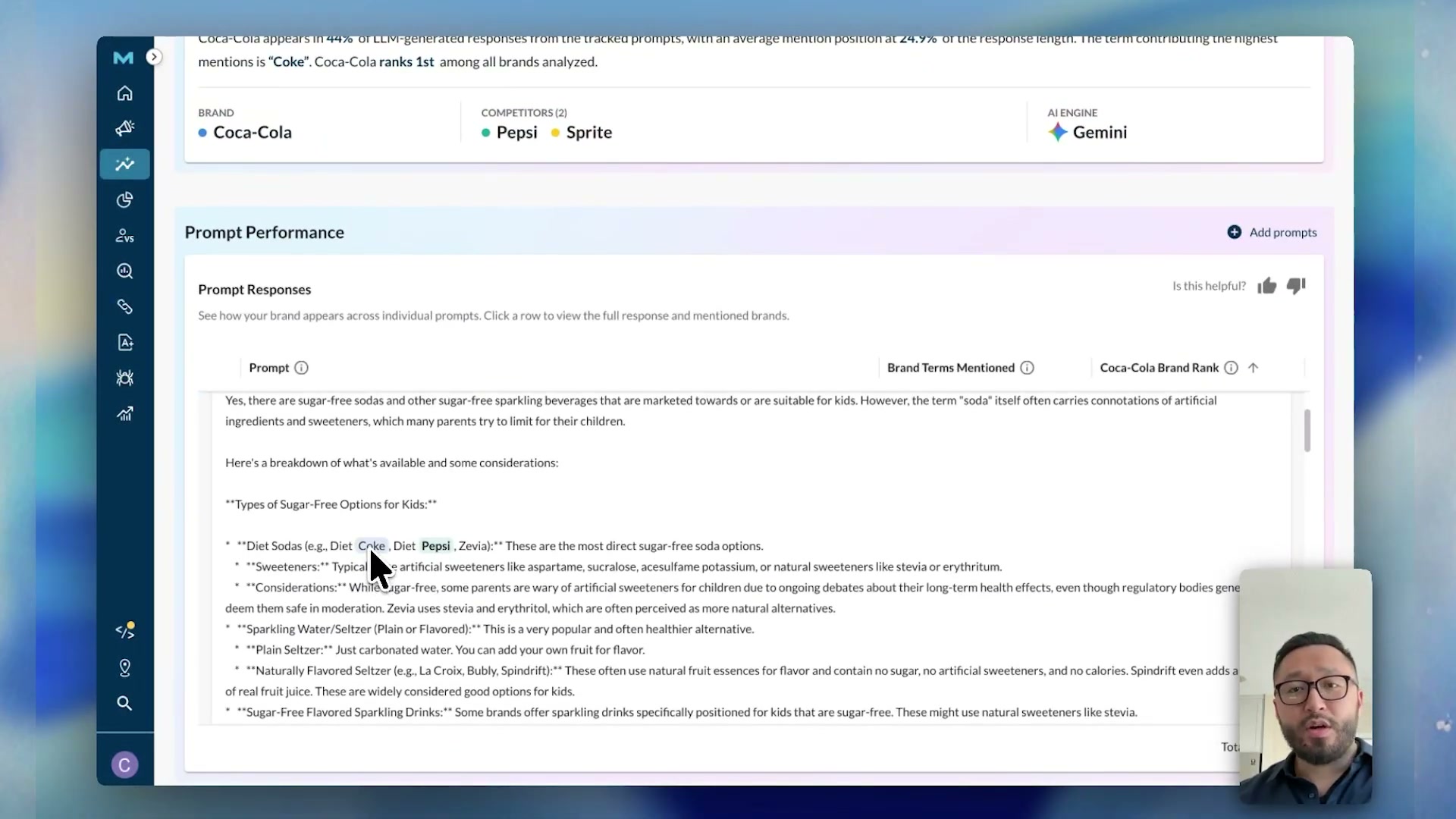
Scroll to Prompt Performance to see per-prompt breakdowns. Click the expand arrow on any row to load the full AI-generated response, with your brand and competitor mentions highlighted inline.
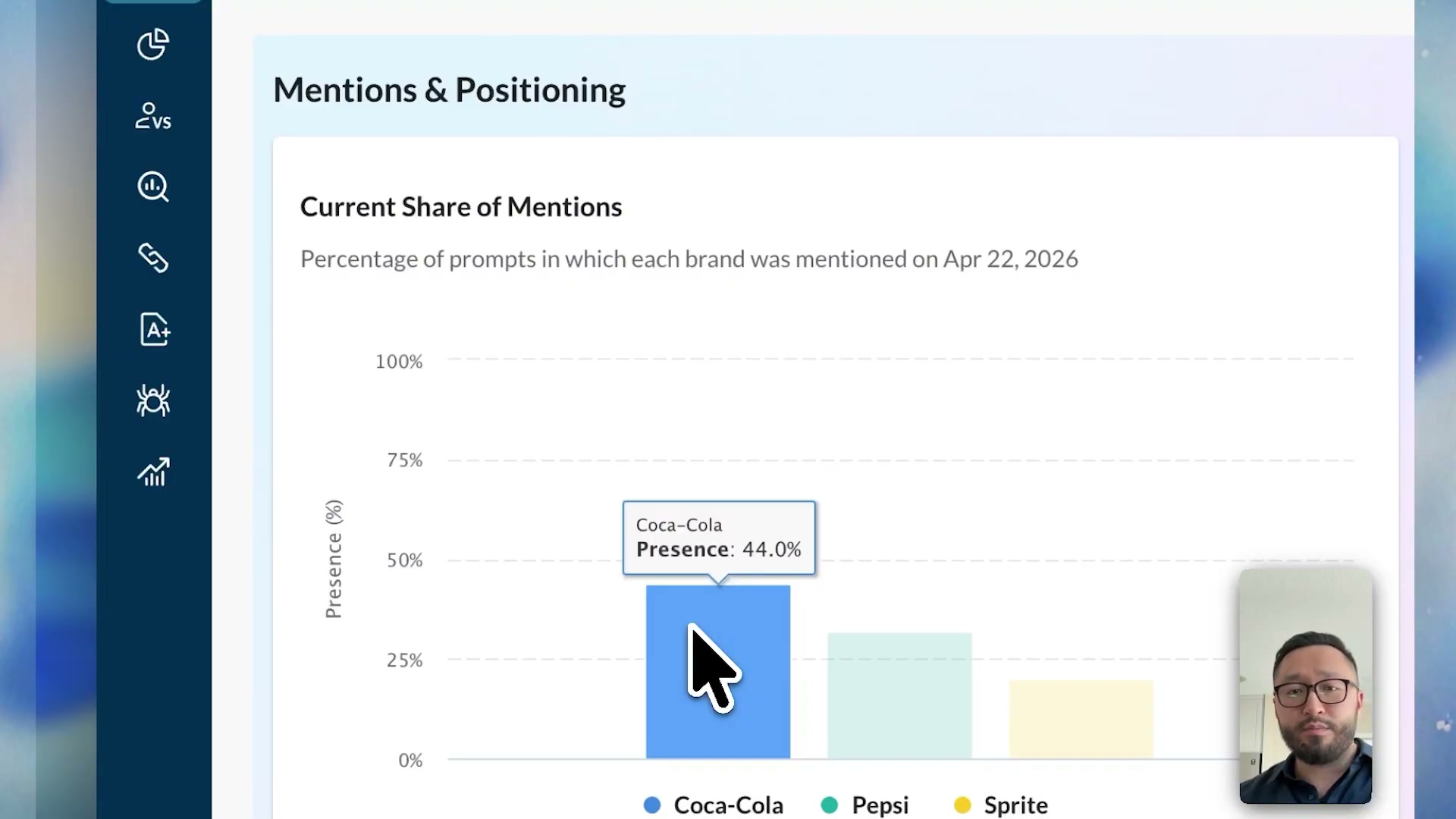
- Review Mentions and Positioning for share-of-mention percentages and average mention position. In the example, Coca-Cola holds 44% share of mentions. Note that a lower average position number is better — it means the brand appears earlier in the response body.
- Check the Visibility Trend chart at the bottom of the dashboard. A freshly created dashboard shows a single data point; the chart builds into a full trend line as weekly collection cycles accumulate.
How does this compare to the official docs?
The setup flow shown here covers the core configuration path end-to-end, but Moz’s official documentation may surface additional options, prompt volume limits, or plan-tier restrictions that a demo walkthrough won’t show — Act 2 checks those details directly against the source.
Here’s What the Official Docs Show
Act 1 laid out the Moz Pro AI Visibility setup end-to-end from the creator’s direct experience — Act 2 brings in what public documentation actually confirms, along with context that a screen recording naturally won’t surface. The gaps here are worth knowing before you invest setup time.
Steps 1–2: Log in and open AI Visibility
No official documentation was found for these steps —
proceed using the video’s approach and verify independently.
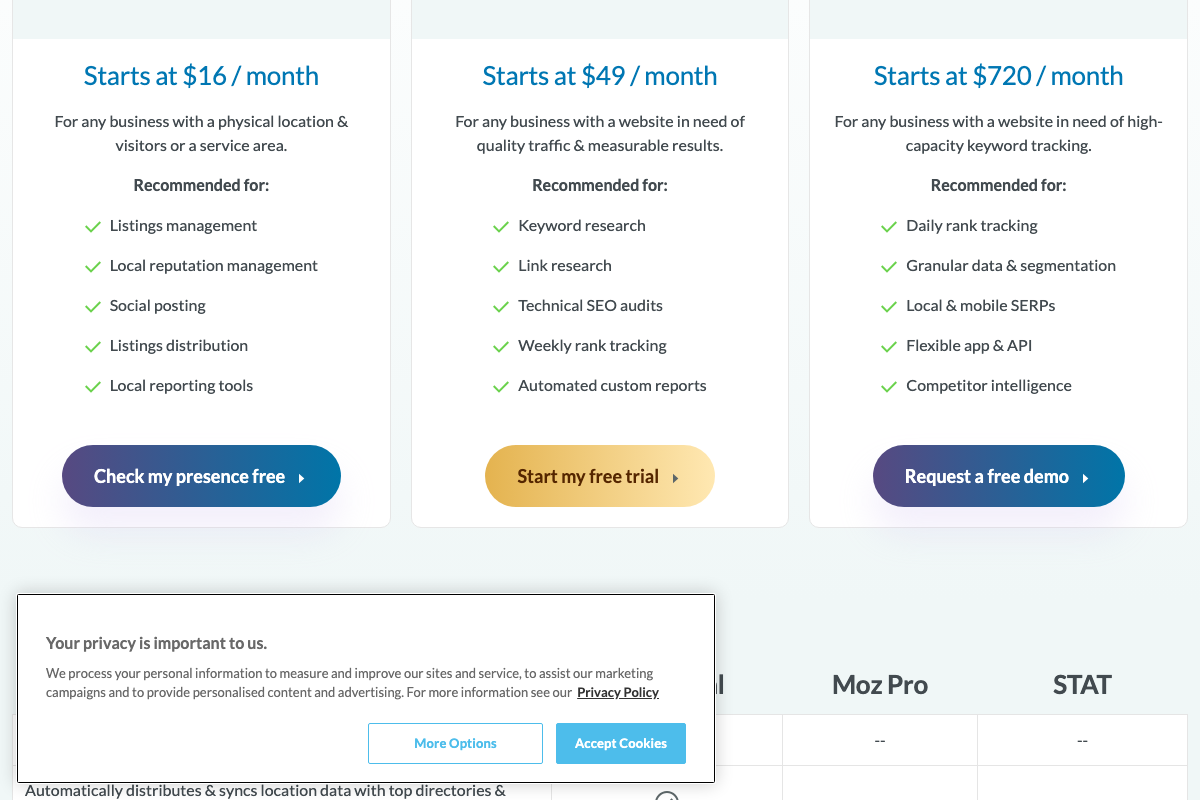
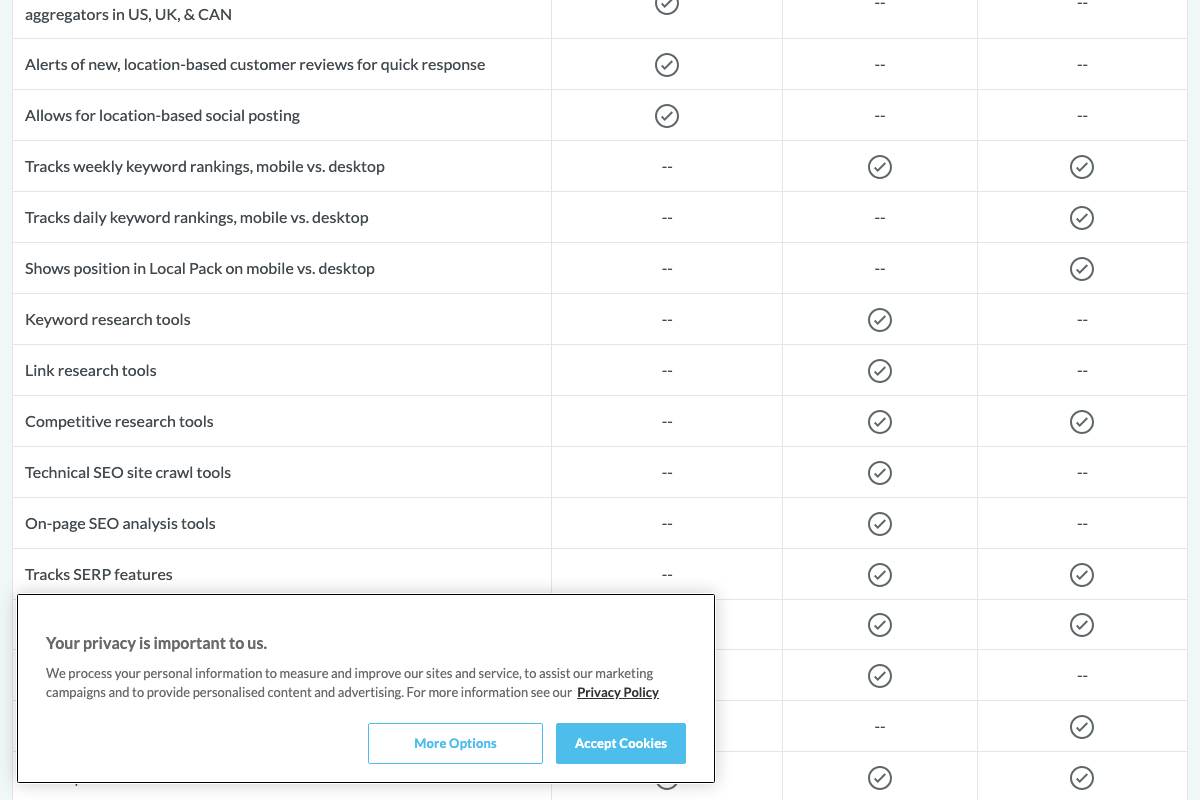
What the public Moz pages do confirm: Moz Pro starts at $49/month, and moz.com/pro is a pre-login marketing surface — the AI Visibility feature lives inside the authenticated Moz Pro application, reached after clicking Log In in the top-right corner. Critically, AI Visibility does not appear in the visible Moz Pro pricing card summary or in any visible row of the feature comparison table. The comparison table is partially cut off in the available screenshots, so this is not a confirmed absence — but verify plan eligibility directly with Moz before starting setup.

Steps 3–10: Dashboard setup, brand configuration, and Performance Summary
No official documentation was found for these steps —
proceed using the video’s approach and verify independently.
No screenshots of the Moz Pro application interface were available for documentation review. The setup wizard, brand and alias input fields, competitor configuration, topic entry, prompt generation workflow, Performance Summary metrics (appearance rate, average mention position), and the AI engine dropdown selector cannot be confirmed from any publicly available source.
Steps 11–12: Prompt Performance and Mentions and Positioning
No official documentation was found for these steps —
proceed using the video’s approach and verify independently.
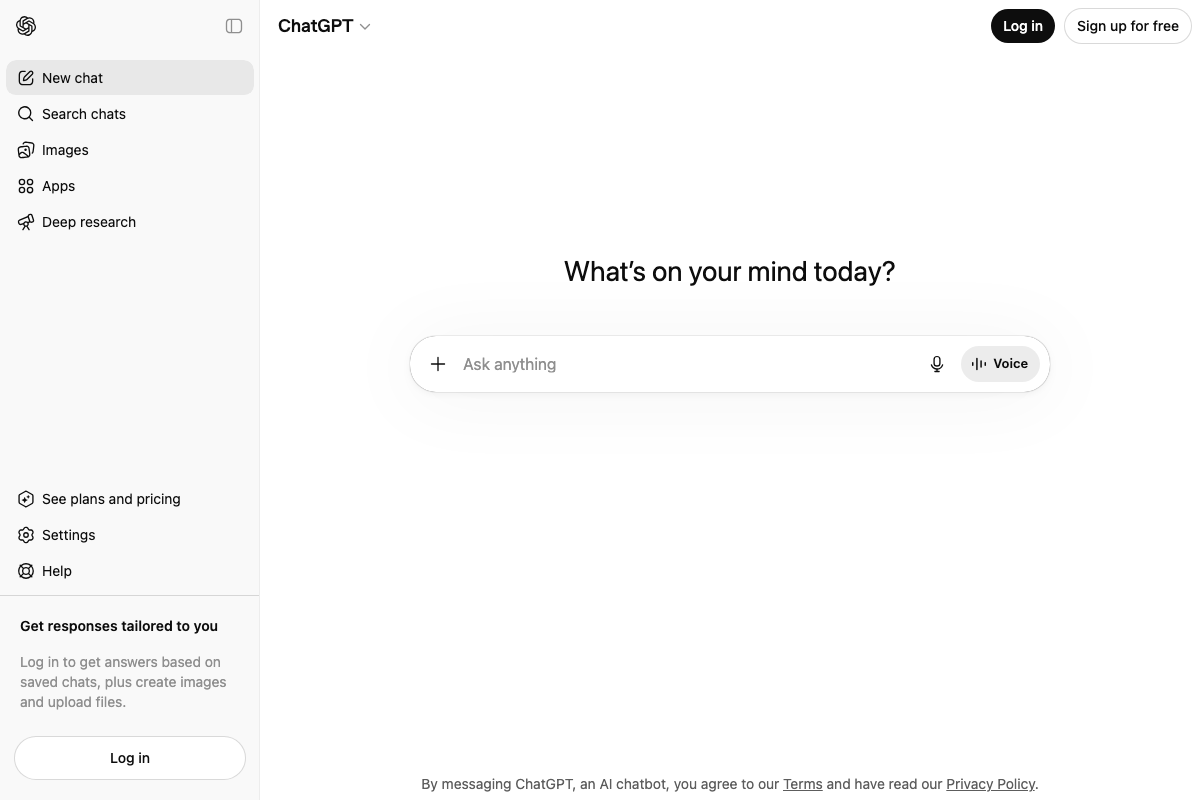
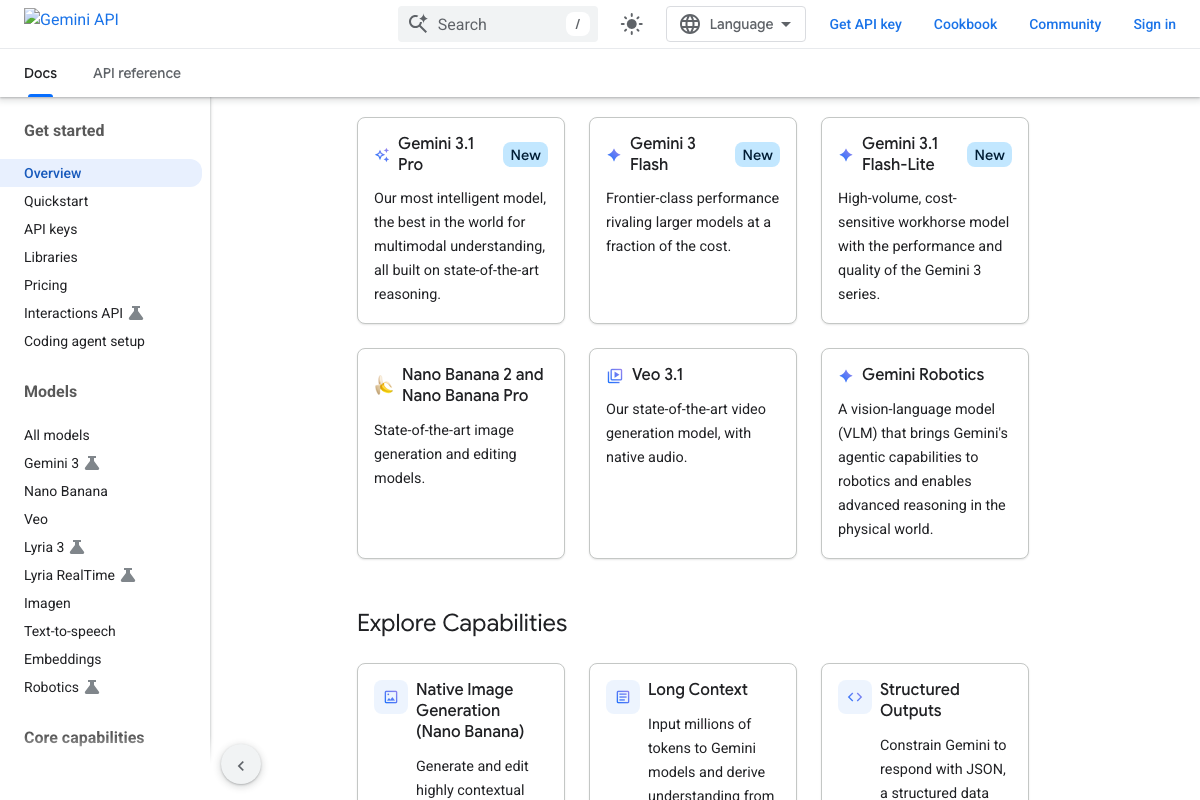
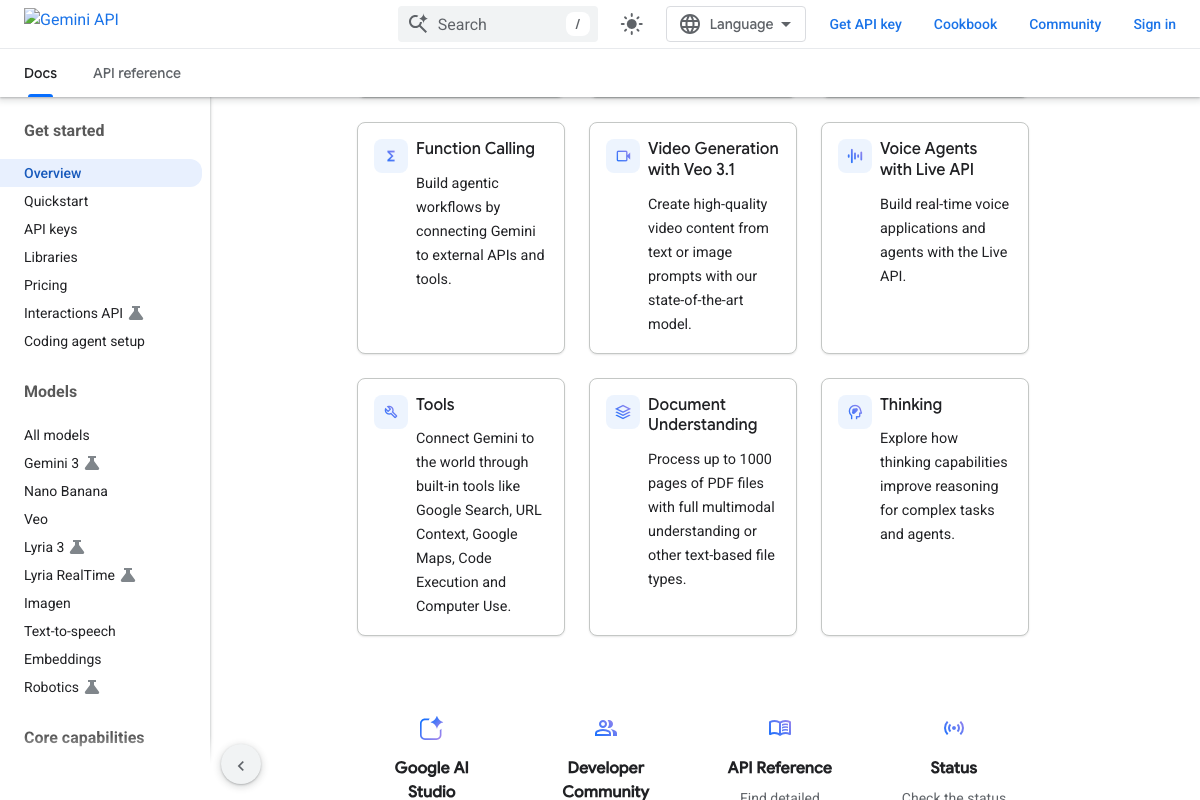
ChatGPT and Gemini are both confirmed active platforms. As of April 28, 2026, ChatGPT’s current feature set includes Deep research — not referenced in the tutorial — reflecting platform evolution since recording. The current Gemini conversational model lineup is Gemini 3.1 Pro, Gemini 3 Flash, and Gemini 3.1 Flash-Lite; the specific version Moz Pro queries is unconfirmed. One substantive clarification: Gemini’s built-in Google Search tool means its responses can draw on live web results. That directly influences whether brands appear in AI-generated answers and how consistently — a variable the tutorial’s demo data won’t fully capture.
Steps 13–14: Visibility Trend and ongoing tracking
No official documentation was found for these steps —
proceed using the video’s approach and verify independently.
Useful Links
- Moz – SEO Products & Solutions for Better Search Performance — Public Moz pricing and product overview page; starting point for plan selection before accessing AI Visibility inside the authenticated Moz Pro app.
- OpenAI API Platform Documentation — Official OpenAI developer documentation for the API platform; a distinct product from the ChatGPT consumer interface referenced in the tutorial.
- Gemini API | Google AI for Developers — Official Gemini API developer documentation covering current models, built-in tools, and integration quickstarts.


0 Comments