

Close the AI Search Gap Before Your Competitors Do
Thirty-seven percent of searches now begin in an AI tool, not Google — and buyers are using those tools to build shortlists before they’ve ever visited your website. This tutorial shows you how to audit your brand’s AI search visibility, uncover the topic gaps where competitors are being recommended instead of you, and rebuild your content strategy to win both AI and traditional search from one unified effort.

- Recognize the scale of the shift. According to SparkToro, 37% of searches now start in an AI tool rather than a traditional search engine. Google isn’t going anywhere — it processes billions of queries daily — but 60% of those queries now end without a click. Buyers get answers directly in the results page, and a growing number of them never open Google at all.

-
Understand the pre-awareness funnel stage. Buyers use ChatGPT, Claude, Gemini, or Perplexity to build personalized shortlists before they open a search engine. An FD researching accounting software for a construction firm doesn’t start with Google — they start a conversation with an AI that already knows their industry, role, and day-to-day frustrations. Your brand is either on that shortlist or it isn’t, and your CRM has no record of the conversation.
-
Open ChatGPT and run a query your buyers would actually use — for example, “best accounting software for construction contracting businesses.” The AI returns a structured shortlist with pros, cons, and personalized recommendations based on what it knows about the user. This is the pre-awareness stage in action, and it leaves no trace in your analytics stack.

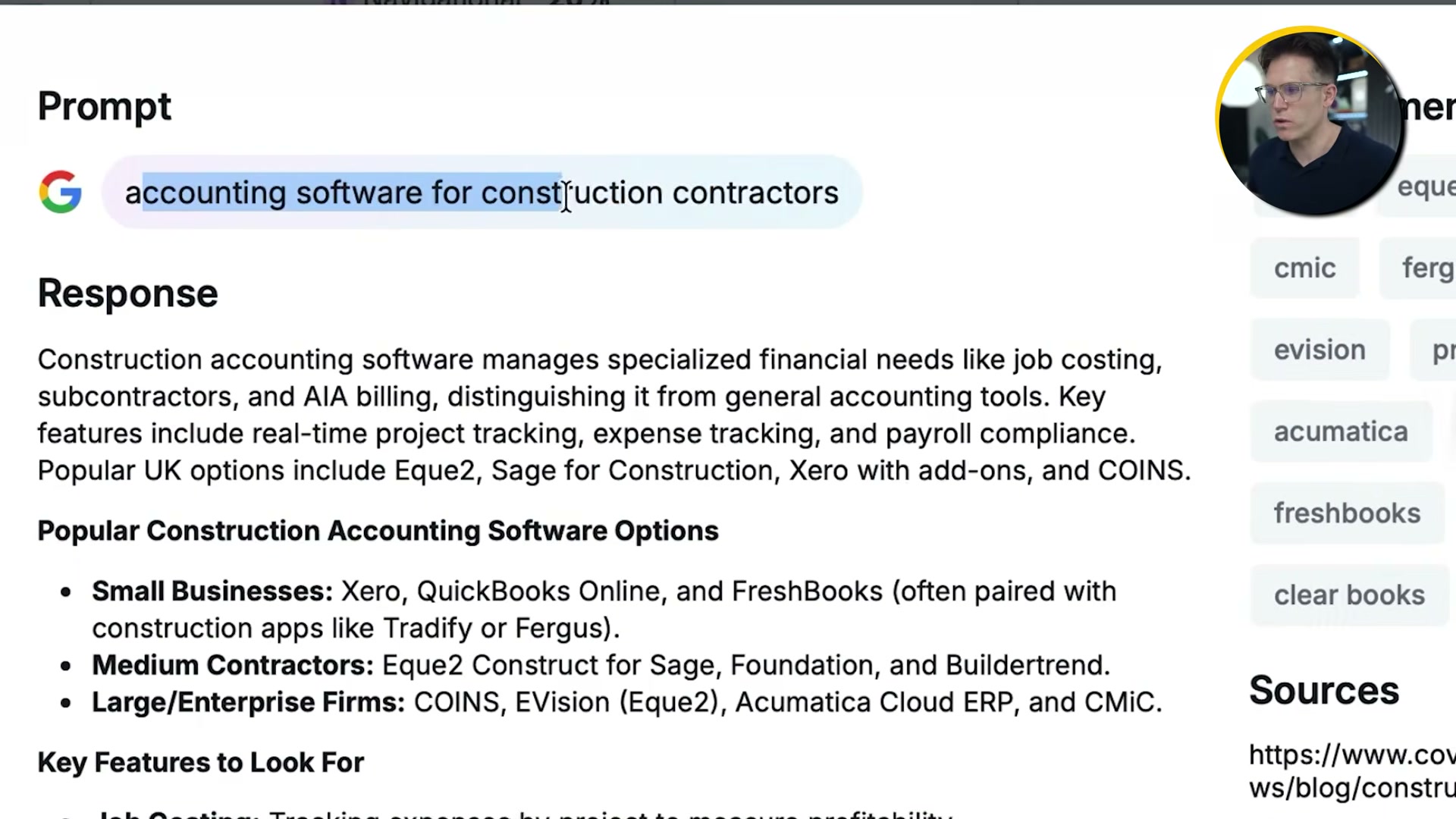
- Open SEMrush and enter a target keyword to view the full Google AI Overviews response. SEMrush surfaces which competitor brands appear in the AI-generated shortlist for that query and tracks your brand’s presence against theirs over time. A company can rank on page one of traditional Google results while being entirely absent from AI Overviews — and vice versa.

-
Use SEMrush’s visibility tracking to benchmark your AI Overview presence against competitors across multiple queries simultaneously.
-
Navigate to SEMrush’s Topic Opportunities section to find queries where competitors are being recommended in AI results and your brand is not. Filter by category — for example, “expense” — to surface the specific topic clusters driving AI recommendations in your vertical.

-
Audit your existing content against the topic gaps you’ve identified. In a B2B sale, each stakeholder — CFO, procurement, IT — runs independent AI-assisted research with their own set of decision criteria. Your content needs to answer each of their specific questions, not just those of the primary buyer.
-
Build conversion paths directly into your content pages. If a buyer arrives from an AI tool already having shortlisted your brand, routing them to a separate product page adds friction at exactly the wrong moment.
-
Structure content to satisfy both traditional Google ranking signals and AI retrieval signals as a single campaign, not two parallel tracks. The same well-structured, authoritative content can serve both channels.
-
Measure uplift across blog sessions, blog-attributed revenue, and hero product sales to validate the combined strategy. Tracking these metrics separately lets you attribute gains by channel while confirming the approach is compounding, not cannibalizing.
How does this compare to the official docs?
The workflow above reflects Exposure Ninja’s demonstrated approach using SEMrush’s current interface — Act 2 goes directly to SEMrush’s platform documentation and Google’s own AI Overviews guidance to verify each step against what the tools officially support today.
Here’s What the Official Docs Show
The workflow the video walks you through is well-grounded and largely confirmed by what the platforms show today. These additions layer in a few specific details — around product tier requirements, interface navigation labels, a personalization caveat, and a new Google search surface — so you can execute without friction.
Step 1 — Recognize the scale of the shift
No official documentation was found for this step — proceed using the video’s approach and verify independently.
Step 2 — Understand the pre-awareness funnel
No official documentation was found for this step — proceed using the video’s approach and verify independently.
Step 3 — Run a buyer query in ChatGPT
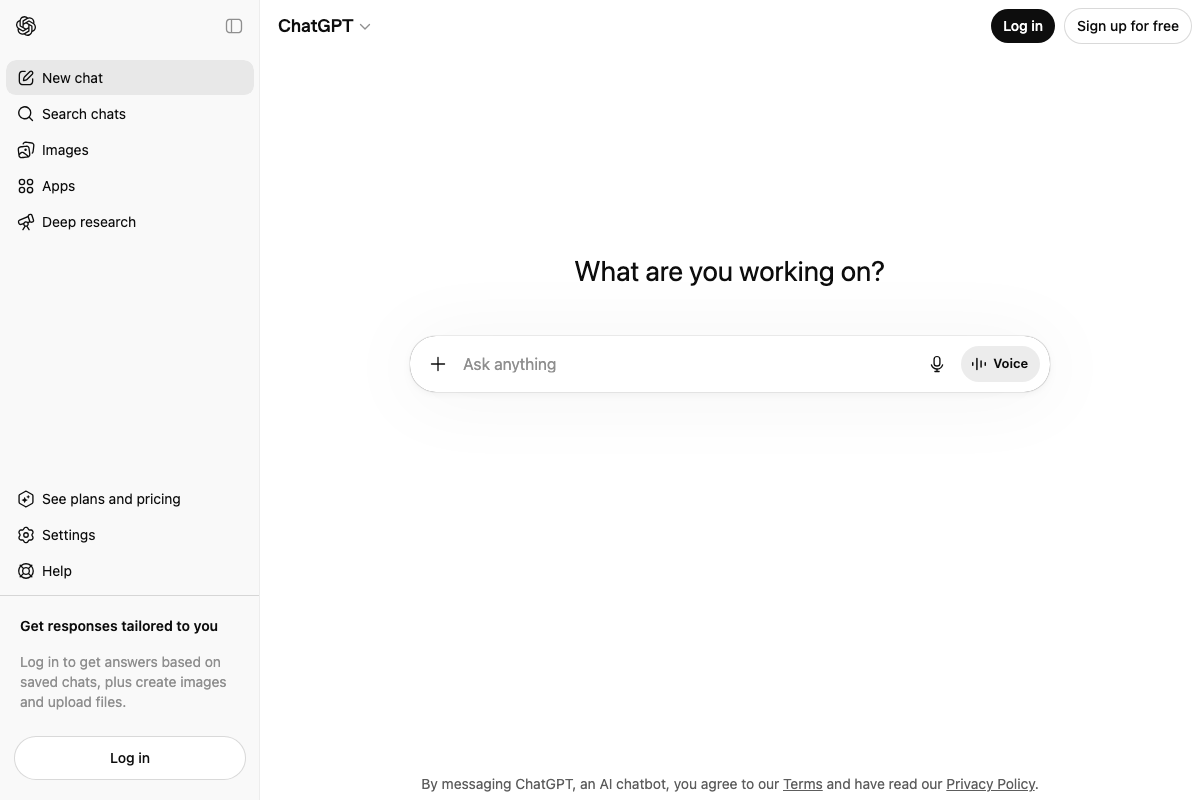
The video’s approach here matches the current docs exactly. One precision worth applying in practice: as of April 27, 2026, the output is better described as a shortlist rather than a personalized AI shortlist — the video shows the latter. ChatGPT’s own interface states that personalization (“answers based on saved chats”) only applies when you’re logged in. An unauthenticated session returns generic results. Log in before running buyer-intent queries if personalized output is what you’re testing.
Step 4 — Query a keyword in Semrush to view AI Overviews presence
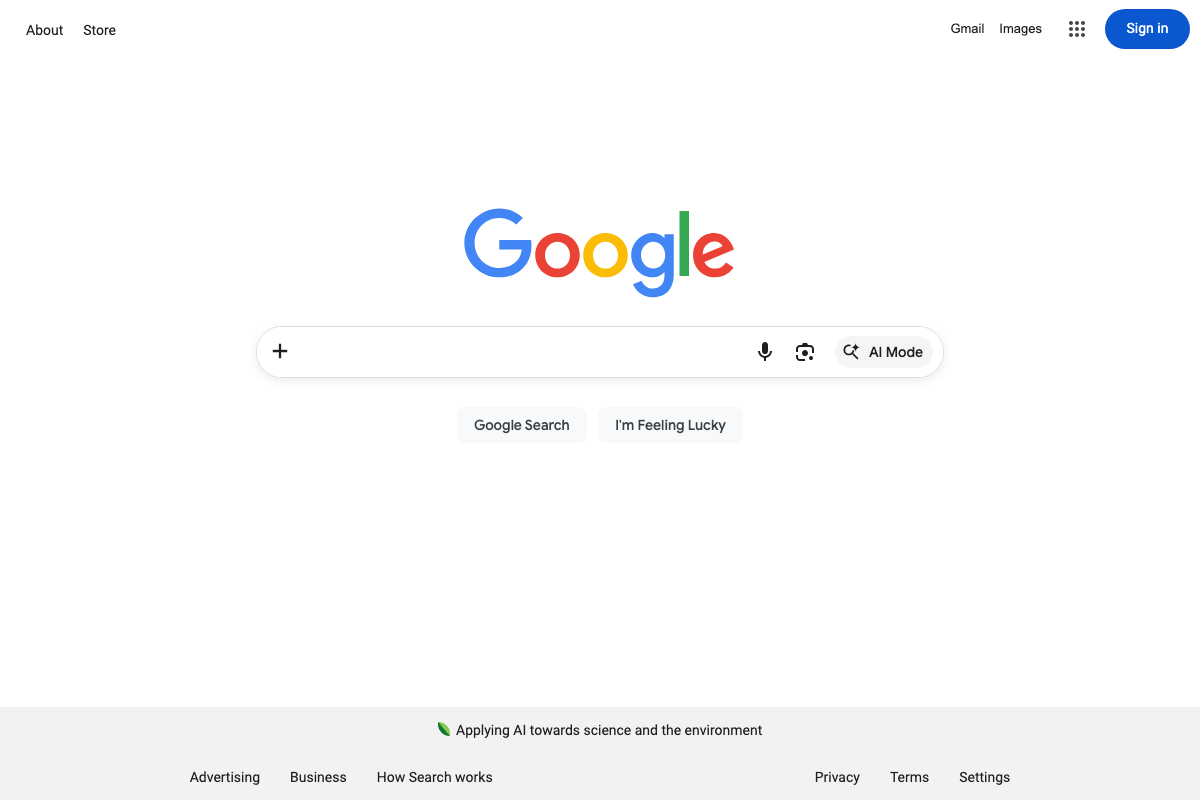
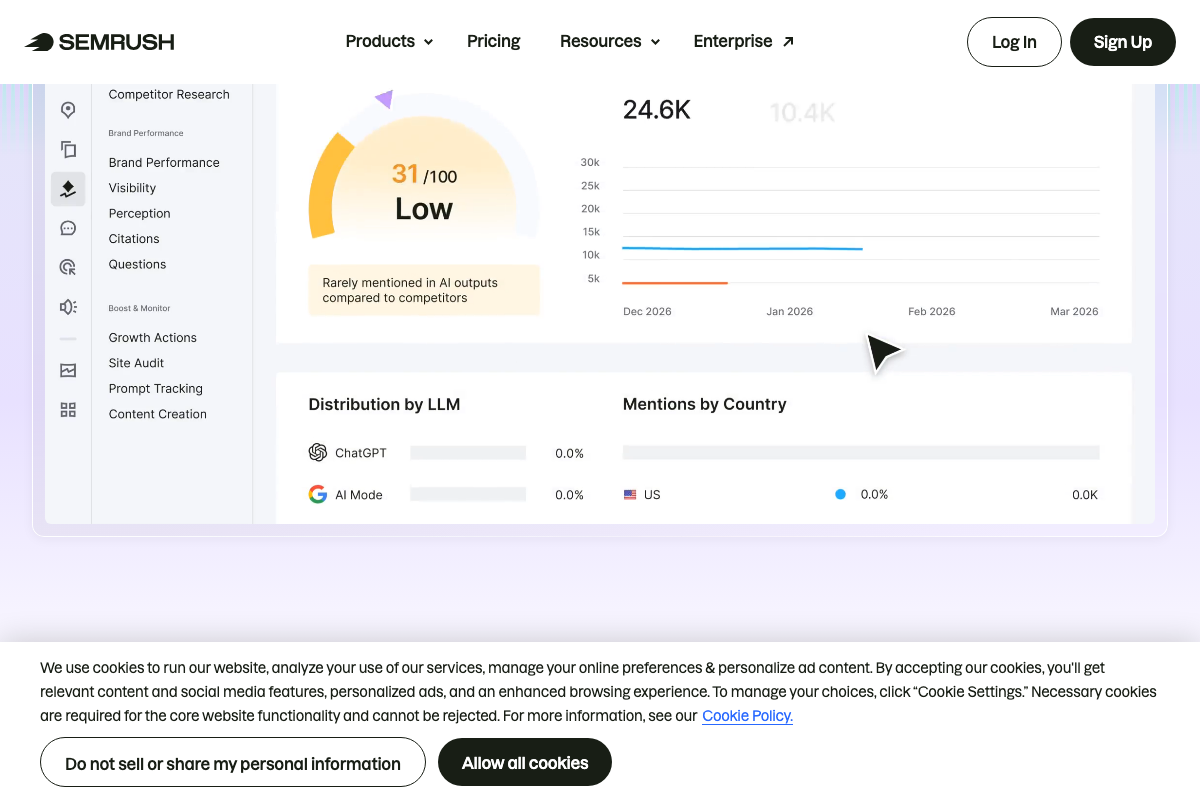
The video’s approach here matches the current docs exactly. One addition: Google’s homepage now features a dedicated AI Mode button directly in the search bar — a separate product from AI Overviews, which appear inline within standard search results. Semrush tracks both independently in its Distribution by LLM panel. A complete AI visibility audit covers both surfaces.
Step 5 — Benchmark AI presence against competitors
The video’s approach here matches the current docs exactly. Important prerequisite the tutorial skips: the Brand Performance dashboard and AI visibility scoring shown require the Semrush One product tier specifically. Confirm your plan level before expecting to replicate this part of the workflow.

Step 6 — Navigate to Topic Opportunities
No official documentation was found for this step — proceed using the video’s approach and verify independently.
As of April 27, 2026, the correct navigation does not include a section labeled “Topic Opportunities” — the video shows a label that doesn’t appear in the current Semrush Brand Performance left nav. The visible sections are Visibility, Perception, Citations, Questions under Brand Performance, and Growth Actions, Site Audit, Prompt Tracking, Content Creation under Boost & Monitor. Start with Questions or Prompt Tracking as the closest functional equivalents.
Step 7 — Audit content by stakeholder
No official documentation was found for this step — proceed using the video’s approach and verify independently.
Step 8 — Build conversion paths into content pages
No official documentation was found for this step — proceed using the video’s approach and verify independently.
Step 9 — Structure content for Google and AI retrieval as one campaign
The video’s approach here matches the current docs exactly. Semrush One’s own positioning confirms the premise: “unites SEO and AI visibility in one place — built on 17 years of search intelligence.” One campaign, two channels, one platform.
Step 10 — Measure uplift across sessions and revenue
No official documentation was found for this step — proceed using the video’s approach and verify independently.
The docs do surface the specific metric names to wire up: Semrush’s Search Performance Overview tracks Share of Voice Trend, Position Changes, Keyword Spread, and Keyword Changes — useful anchors when configuring your reporting dashboard.
Useful Links
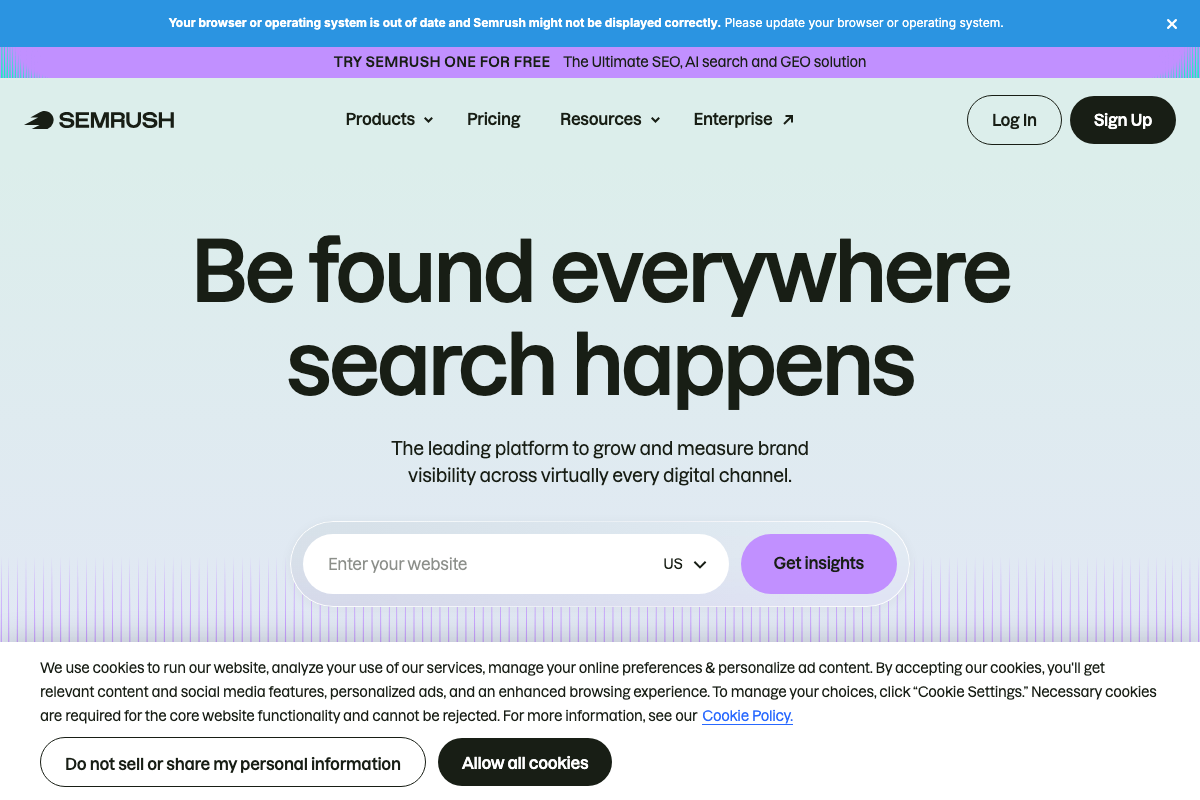
- Semrush: Your Unfair Advantage for Growing Brand Visibility — Semrush homepage confirming platform scope as an SEO, AI search, and GEO solution under the Semrush One tier.
- Knowledge Base | Semrush — Semrush KB entry point for Brand Performance dashboard and AI visibility feature documentation.
- ChatGPT — ChatGPT interface confirming free-tier access and the login requirement for personalized query responses.
- ChatGPT | OpenAI Help Center — OpenAI Help Center collection covering ChatGPT features, modes, and personalization behavior.
- Google — Google homepage confirming AI Mode as a dedicated search surface in the standard search bar, distinct from AI Overviews.
- Find information in faster & easier ways with AI Overviews in Google Search — Google Search Help documentation for AI Overviews as they appear inline within standard search results.


0 Comments