

Every Core Claude Code Concept Explained for Normal People
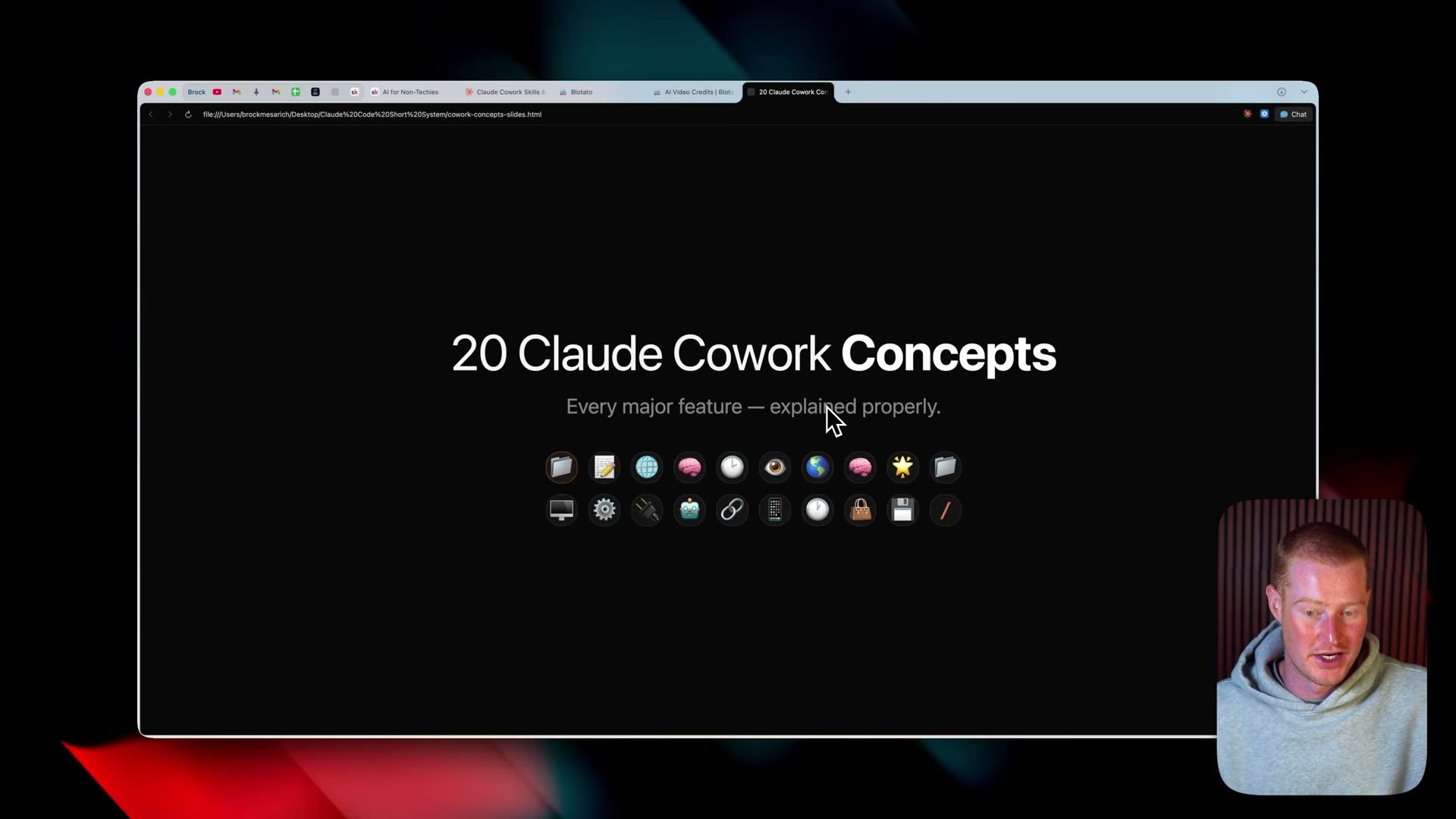
Claude Code (called “Claude Cowork” throughout this video) packs 20 distinct features into a single desktop app — and most beginners never get past three of them because the terminology is never properly defined. This tutorial walks you through the full conceptual stack, from spinning up your first workspace folder to wiring up memory, projects, and automations. By the end, you’ll have the mental model that makes every advanced Claude Code tutorial finally land.
-
Download the Claude Desktop App from Anthropic’s website. Both Mac and Windows builds are available. Install and open it before proceeding — everything here runs inside the desktop app, not the browser.
-
Inside the app, locate the mode toggle at the top of the interface and switch from normal chat mode to Cowork mode. The interface shifts to a workspace-oriented layout with an active-tasks panel and a folder selector.
-
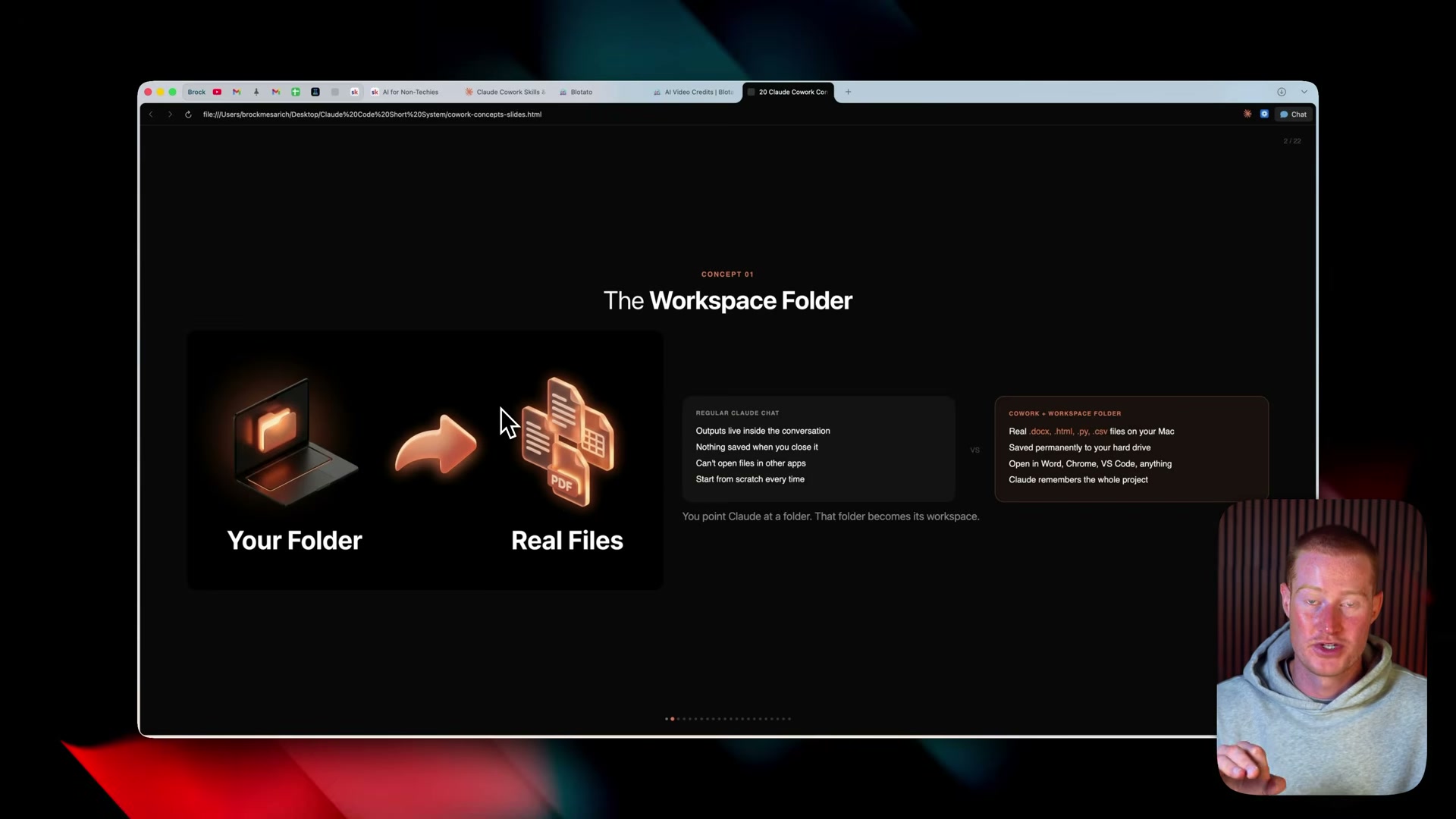
Click the folder selector to choose an existing folder or create a new one. This folder becomes Claude’s workspace — every file Claude generates or reads will live here as a real file on disk (
.docx,.html,.py,.csv), permanently accessible outside Claude.
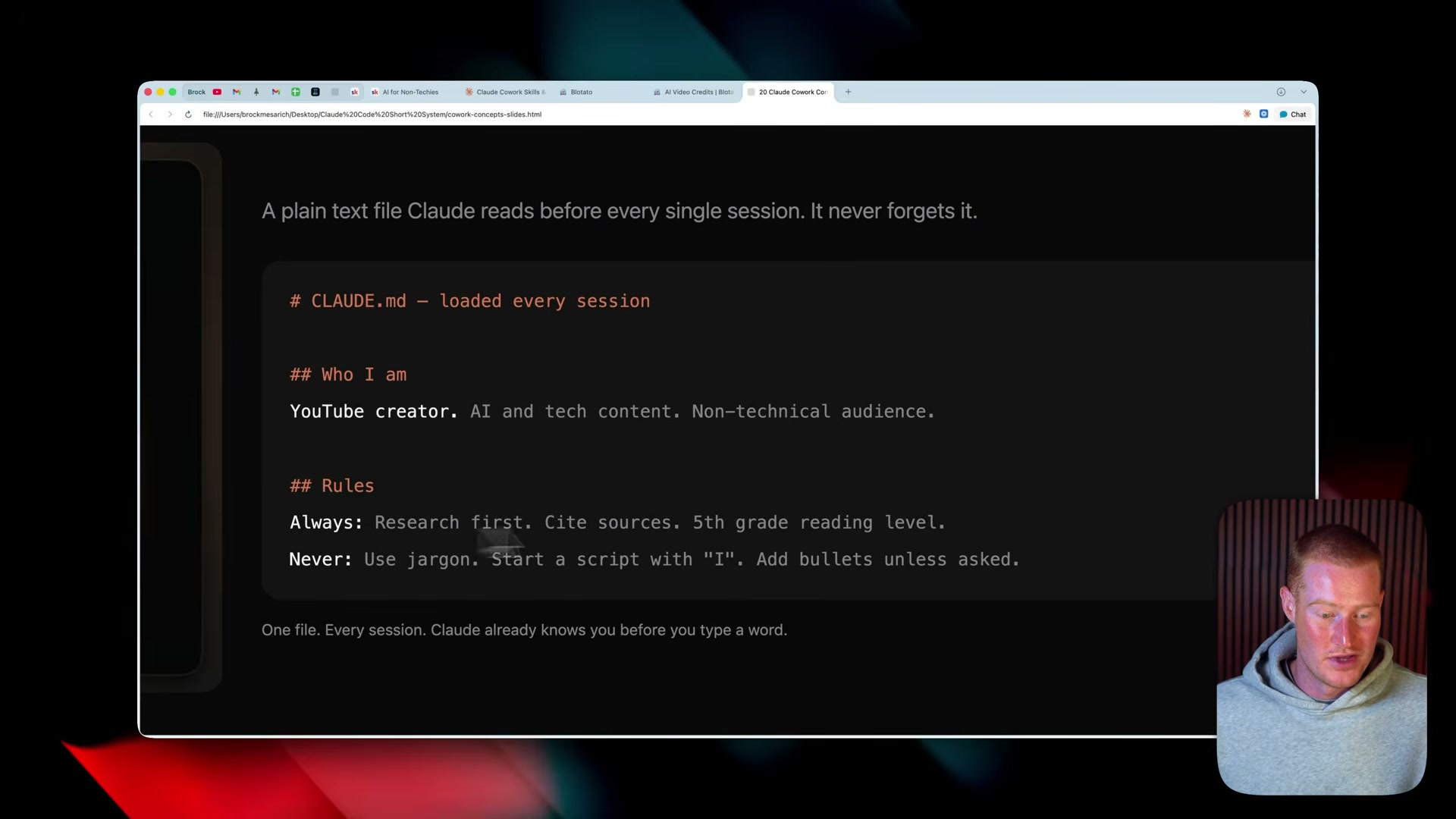
- Create a file named
CLAUDE.mdinside your workspace folder. Claude reads it at the start of every session. Structure it with## Who I amand## Rulessections — always/never directives, tone preferences, project context — and Claude internalizes them before responding to anything.
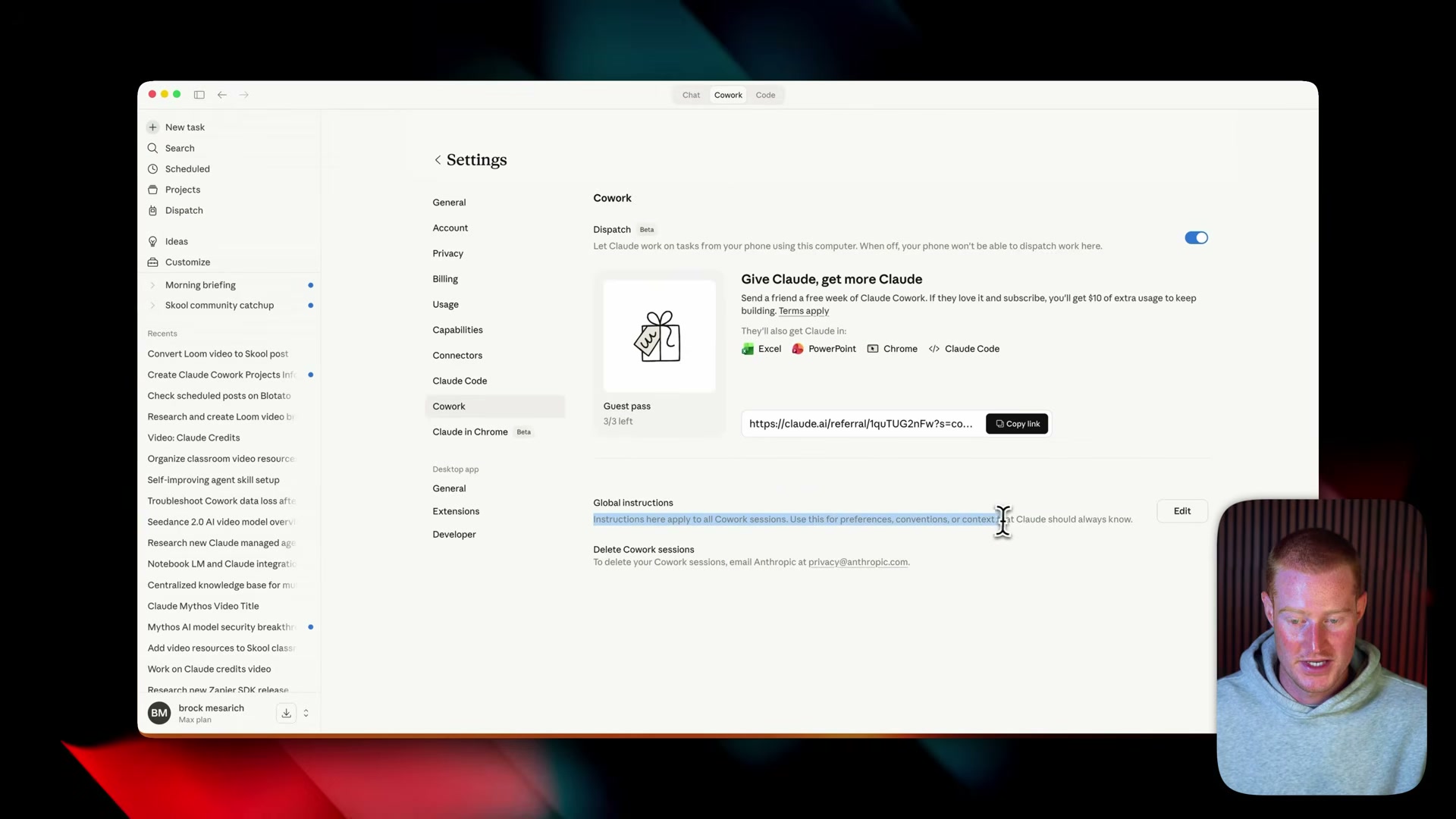
- For instructions that span all Claude sessions, go to Settings → Cowork → Global Instructions and add your permanent identity there.
CLAUDE.mdis the project brain; Global Instructions are your system-wide identity across web, mobile, and chat.
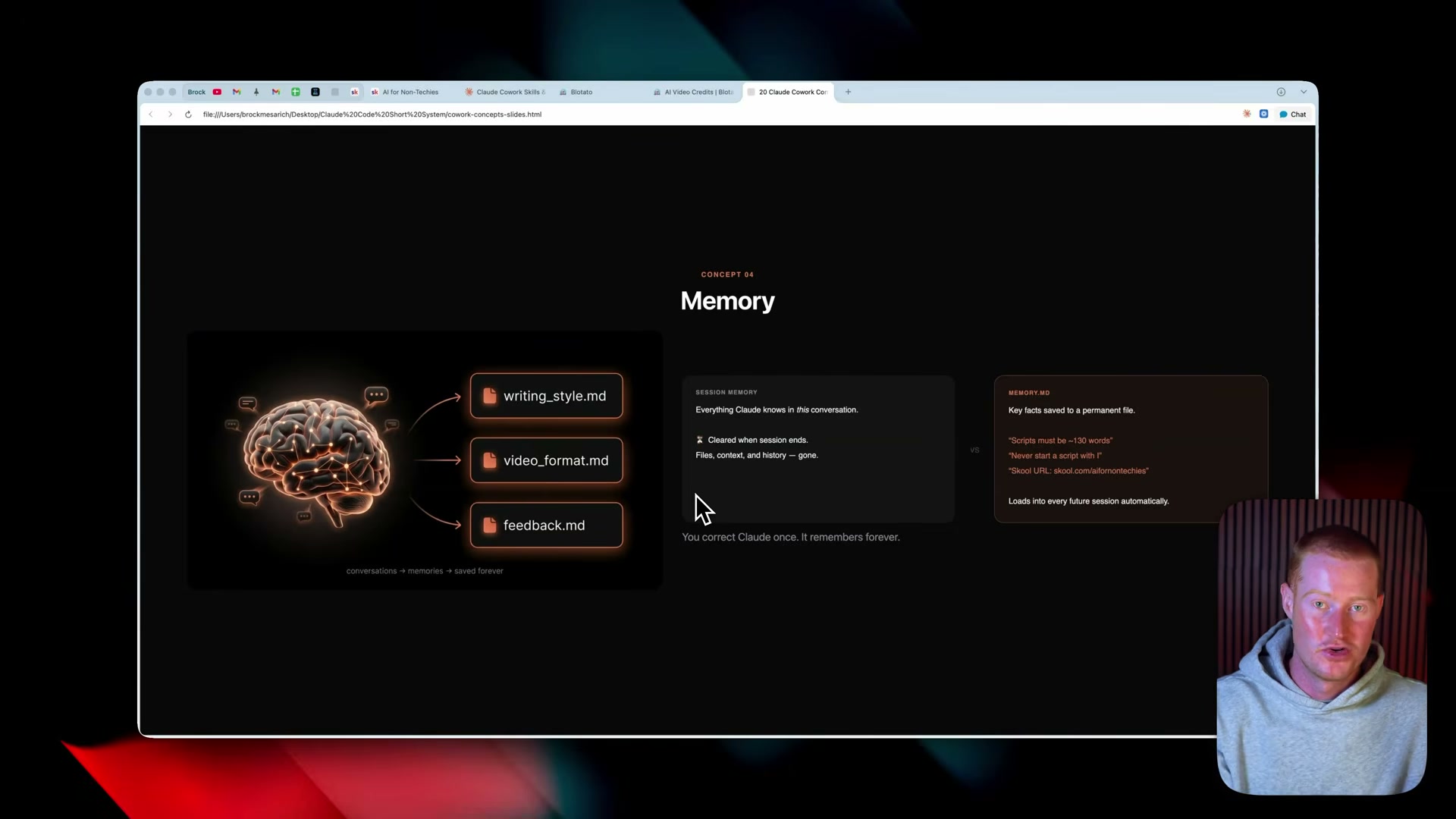
- Let memory accumulate naturally across sessions. Claude saves important context as
.mdfiles inside your project. To force a save, tell it explicitly: “Save that to memory.” Over time this builds a persistent library of preferences, workflows, and corrections you only have to make once.
-
Keep the 1-million-token context window in mind as you work. Every active session draws from that budget:
CLAUDE.md, memory files, conversation history, uploaded files, and tool outputs all count toward it. -
Drop images, PDFs, and screenshots directly into any conversation. “Multimodal” means nothing more exotic than that — Claude reads them all natively.
-
Enable web search when you need live data. The video states Claude’s knowledge cutoff is May 2025, so current pricing, recent model releases, and breaking news require web search to stay accurate.
Warning: this step may differ from current official documentation — see the verified version below.
-
Switch to extended thinking for complex, multi-step problems. Responses take longer, but the quality improves measurably on hard reasoning tasks.
-
Ask Claude to produce artifacts — HTML dashboards, interactive slideshows, and similar self-contained outputs — saved directly to your workspace folder as real files.
-
Organize related conversations into Projects, each with its own memory library,
CLAUDE.md, scheduled tasks, and output folder. Projects are the organizing layer that turns a collection of chats into a managed workflow.

How does this compare to the official docs?
The video delivers a practical mental model built from real use — Act 2 tests that model against Anthropic’s official Claude Code documentation to surface what’s changed, what’s missing, and what holds up even better than shown here.
Here’s What the Official Docs Show
The tutorial in Act 1 gives you a solid working mental model of Claude Code’s desktop experience — at the conceptual level, most of it holds up. The official docs add precision on two points that matter as your usage scales, and flag a handful of steps that need independent verification.
Step 1 — Download and install the desktop app
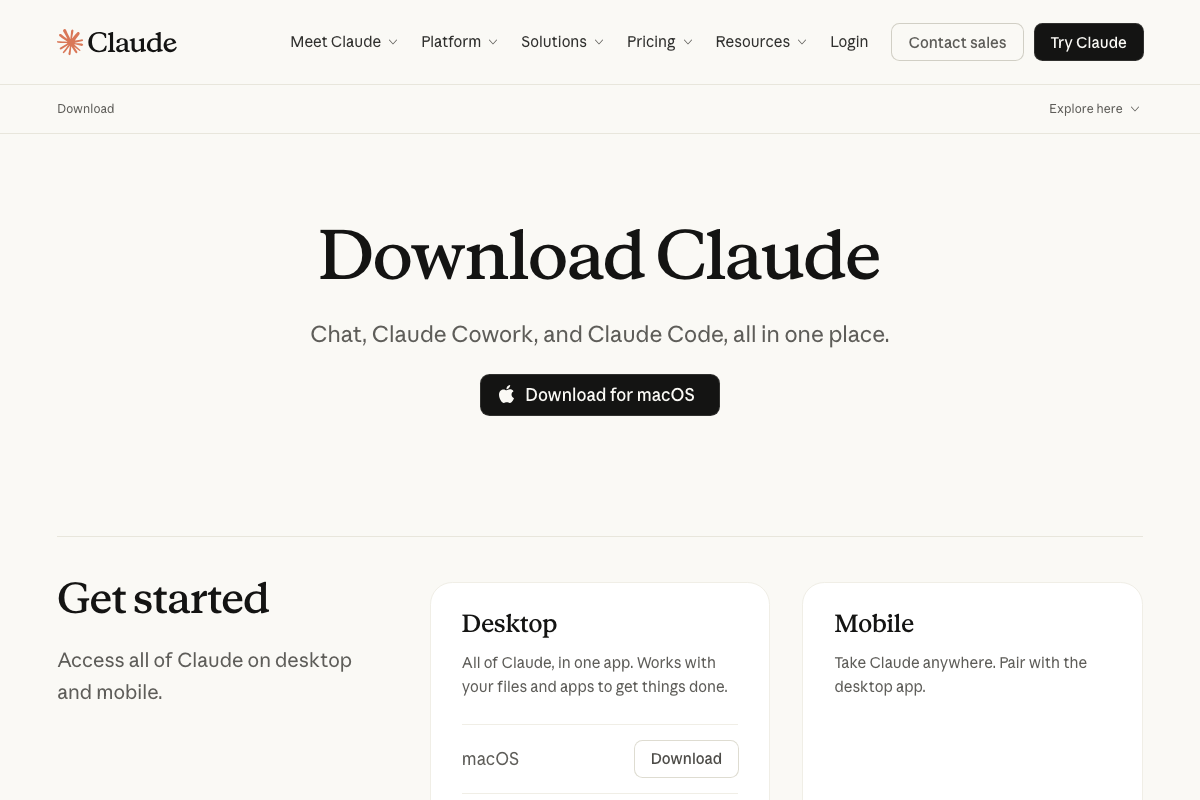
The video’s approach here matches the current docs exactly. Anthropic’s download page leads with “Chat, Claude Cowork, and Claude Code, all in one place” and offers a macOS download as the primary CTA; Windows is confirmed further down the page.
Step 2 — Switch to Cowork/Code mode
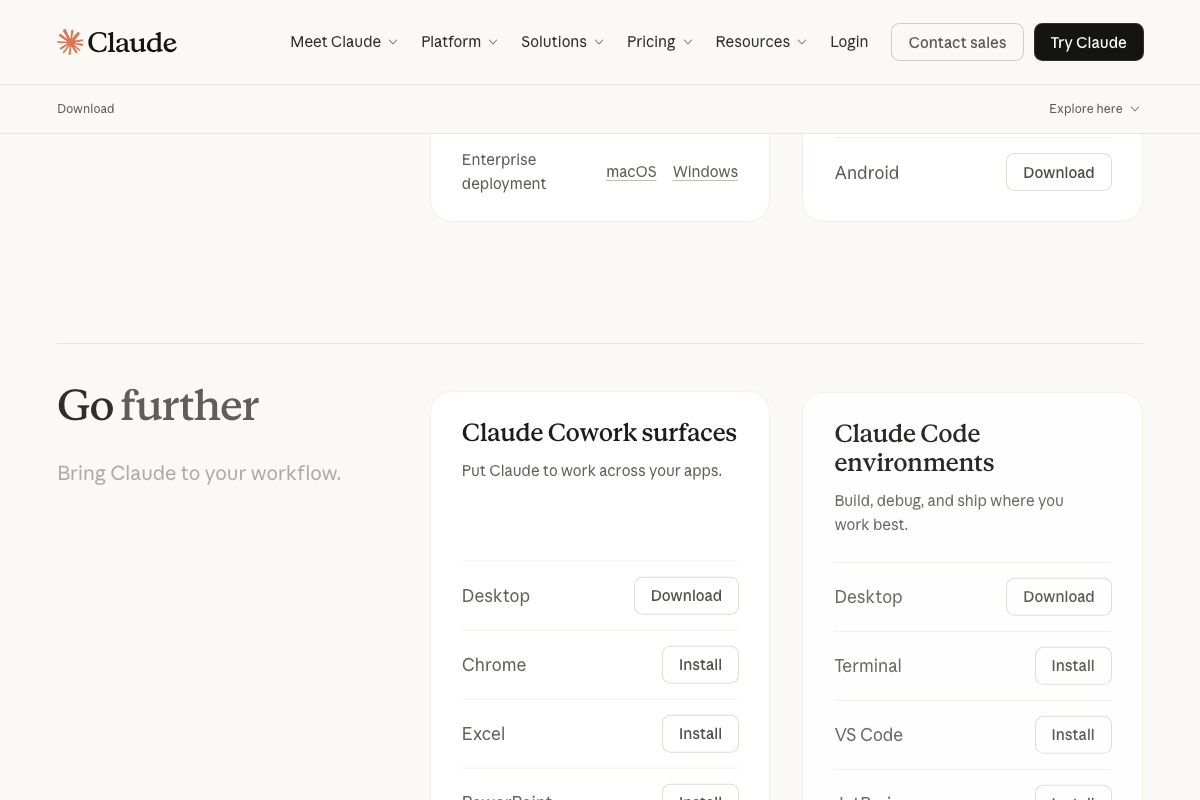
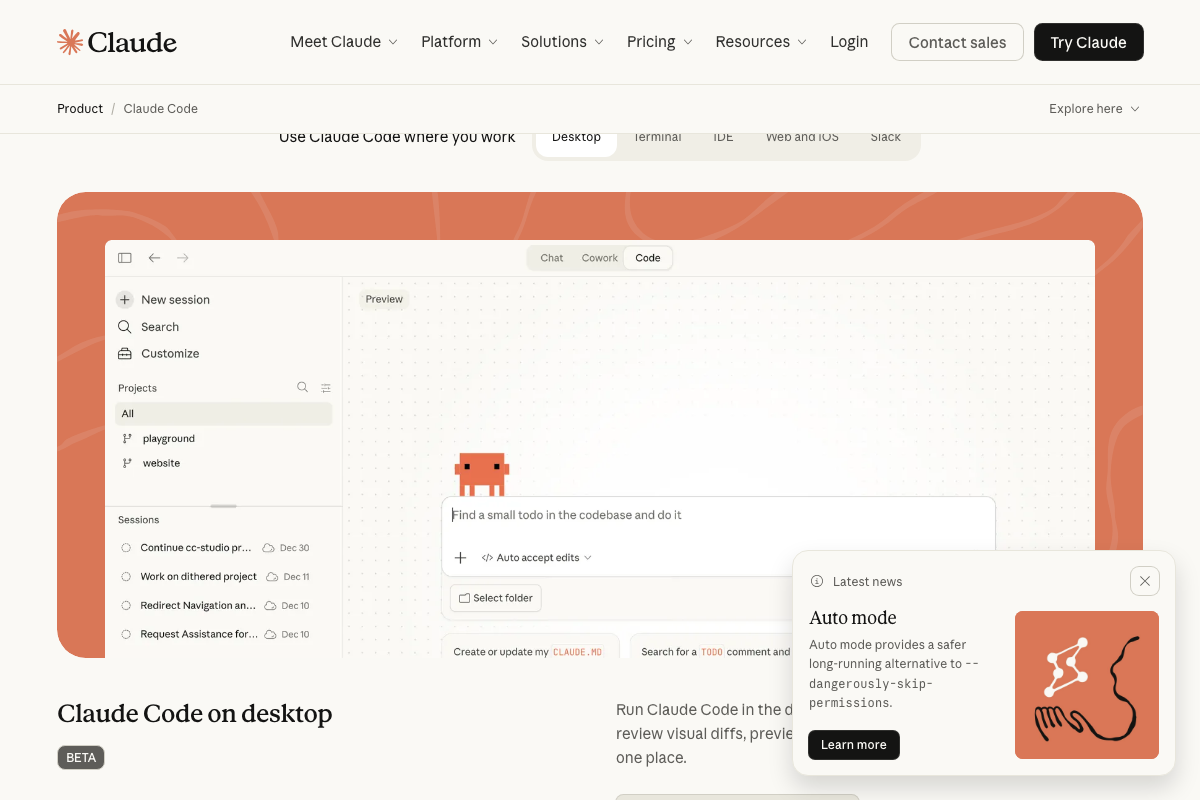
The video’s approach here matches the current docs exactly — the desktop app contains Chat, Cowork, and Code tabs, and “Claude Cowork” is an official Anthropic product name. Worth noting: Claude Code and Claude Cowork are officially distinct products sharing the same desktop shell. Claude Code’s primary form is a terminal/IDE agent installed via curl; the desktop tab carries a BETA label. Both modes require a paid Pro or Max plan.
Step 3 — Set a workspace folder
The video’s approach here matches the current docs exactly.
Step 4 — Create CLAUDE.md
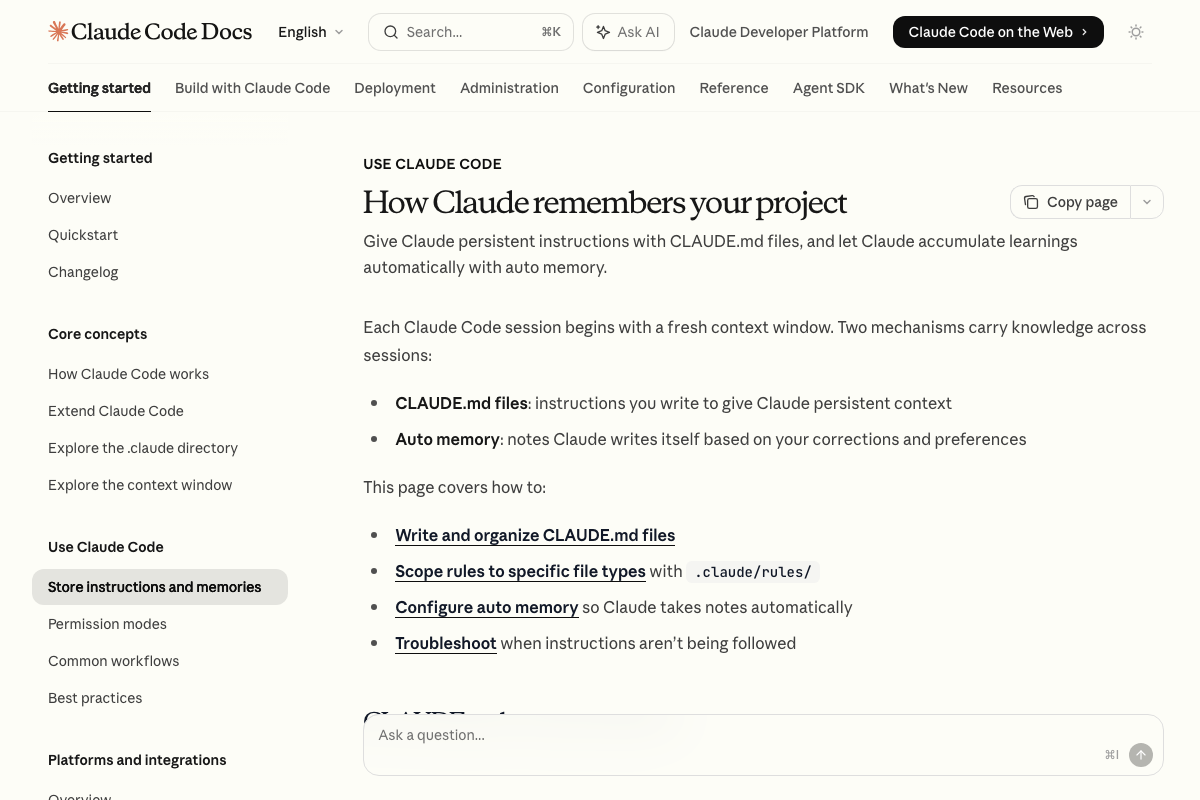
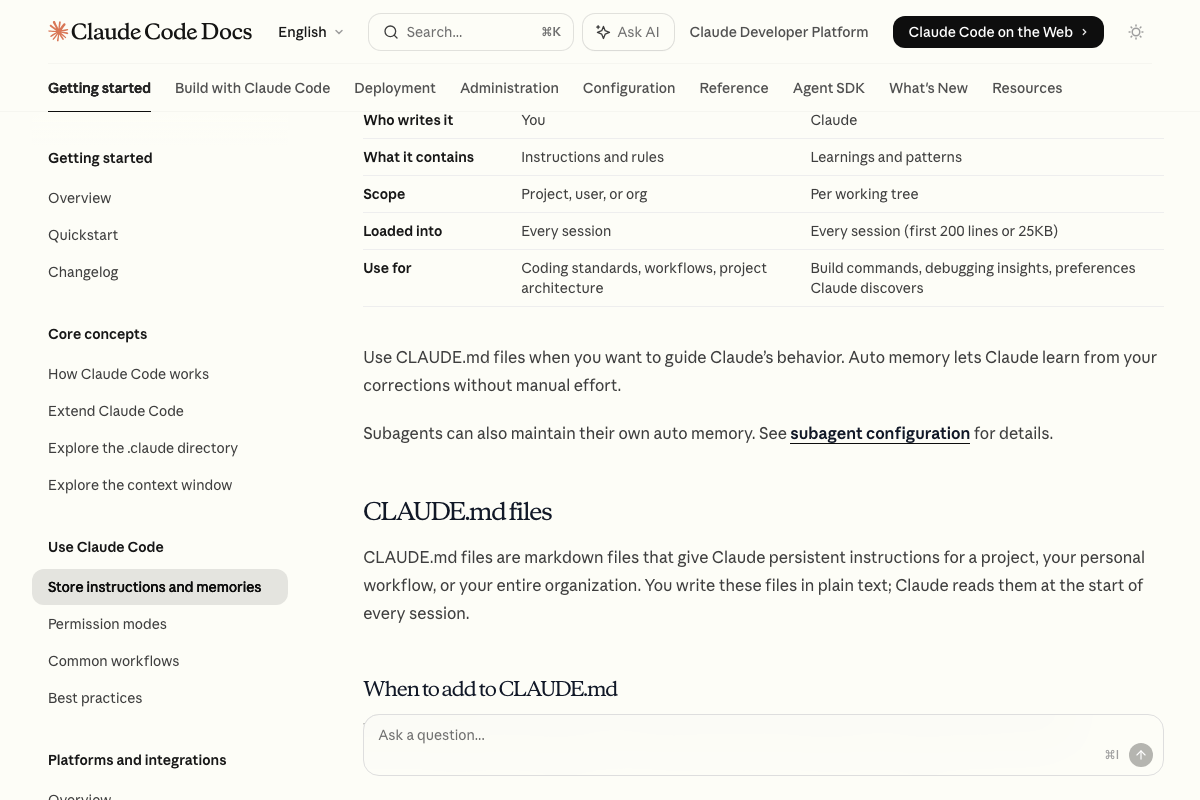
The video’s approach here matches the current docs exactly. One useful clarification: CLAUDE.md (written by you) and Auto memory (written by Claude) are two separate mechanisms. CLAUDE.md carries standards and project context; Auto memory captures build commands, debugging patterns, and preferences Claude discovers on its own.
Step 5 — Set global instructions
As of April 12, 2026, the official docs show global CLAUDE.md files live at specific filesystem paths — on macOS: /Library/Application Support/ClaudeCode/CLAUDE.md — not under a “Settings → Cowork → Global Instructions” UI menu. The video shows a UI path not reflected in current documentation. Whether that UI writes to these paths behind the scenes is unconfirmed; for verified behavior, create the file directly at the documented path for your platform.

Step 6 — Let memory accumulate across sessions
As of April 12, 2026, auto memory is fully automatic — the docs state “Claude learns from your corrections without manual effort.” The “save that to memory” trigger command the video demonstrates is not documented. Additionally, auto memory loads only the first 200 lines or 25KB per session, meaning a large accumulated memory file is silently truncated beyond that threshold. Plan your memory files accordingly.
Steps 7–12 — Context window, multimodal inputs, web search, extended thinking, artifacts, Projects
No official documentation was found for these steps —
proceed using the video’s approach and verify independently.
Useful Links
- Claude Code by Anthropic | AI Coding Agent, Terminal, IDE — Official product page covering Claude Code’s installation command, supported environments, and Pro/Max plan requirements.
- Download Claude | Claude by Anthropic — Primary download page confirming Claude Cowork and Claude Code availability for macOS and Windows, including the surface/environment breakdown for each product.
- How Claude remembers your project – Claude Code Docs — Official memory documentation covering CLAUDE.md files, Auto memory, scope hierarchy, filesystem paths, and the 200-line/25KB per-session load limit.


0 Comments