

Build a Three-Part AI Agent Pipeline with Claude Code, SerpAPI, and Surf Agent
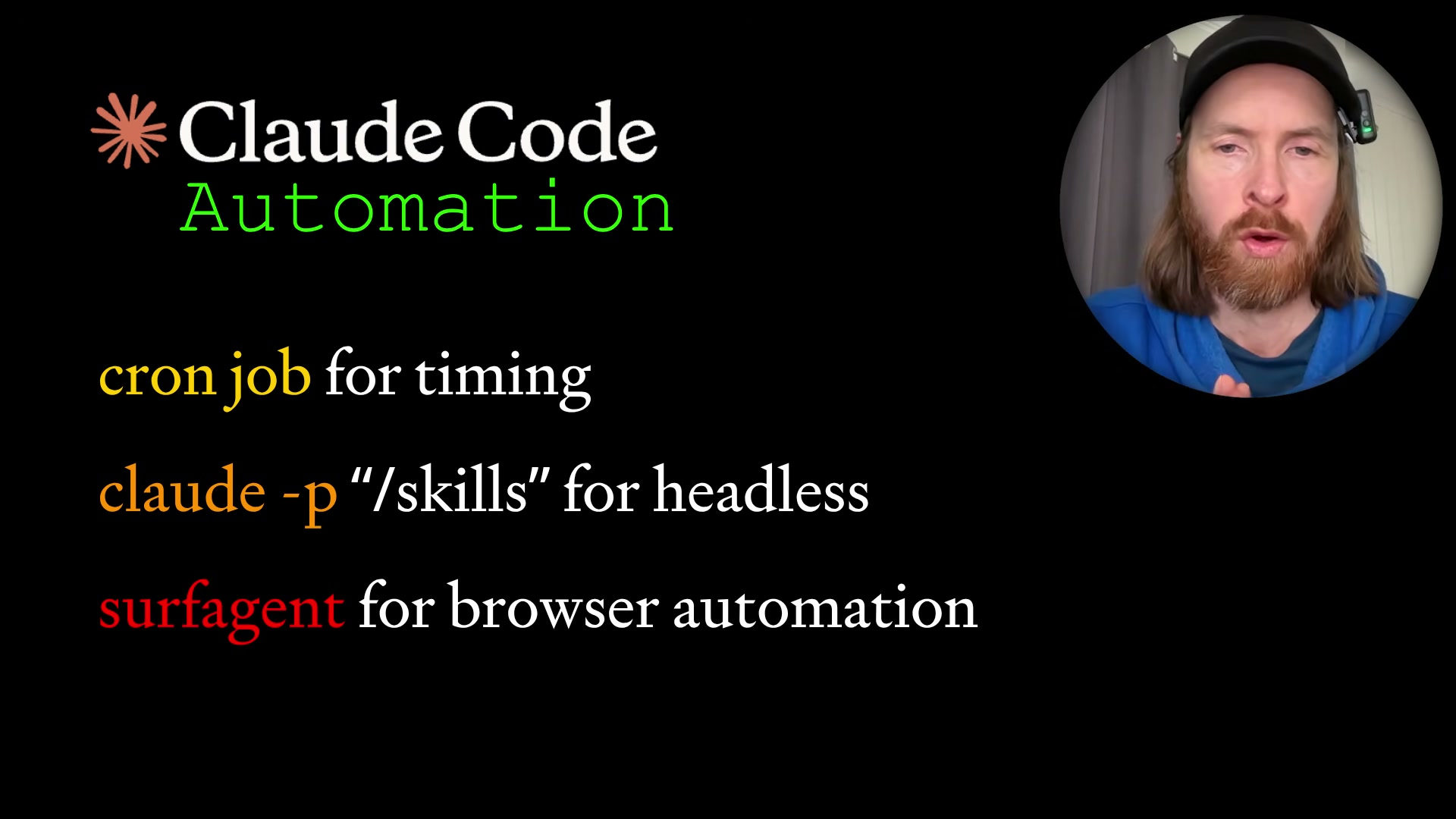
By the end of this tutorial, you’ll have a fully automated research pipeline that searches Google and YouTube via SerpAPI, fact-checks sources with a browser agent, and submits a curated report to a Google Form on a daily cron schedule. The stack is three tools deep — a cron trigger, Claude Code’s headless claude -p mode, and Surf Agent for browser control — and composable enough to retarget at any research topic without structural changes.
- Map the five-step pipeline before touching any code. The stages are: SerpAPI search → Surf Agent verification → markdown report → Google Form submission → cleanup. Defining these boundaries upfront means any stage can be swapped or extended without cascading changes to the others.

-
Obtain a SerpAPI key and locate the relevant endpoint docs. In your SerpAPI dashboard, find the documentation pages for the Google Search Engine Results API, Google News API, and YouTube Search API. Copy the full documentation for each endpoint — you’ll feed these directly into your IDE in the next step.
-
Generate the recon skill by giving SerpAPI docs to Claude Code. Paste all three SerpAPI documentation pages into Cursor and prompt Claude Code: “Read these SerpAPI docs. Build a skill using the API key from ENV. Return context from Google Search, Google News, and YouTube based on user input.” Once Claude Code generates the skill, open
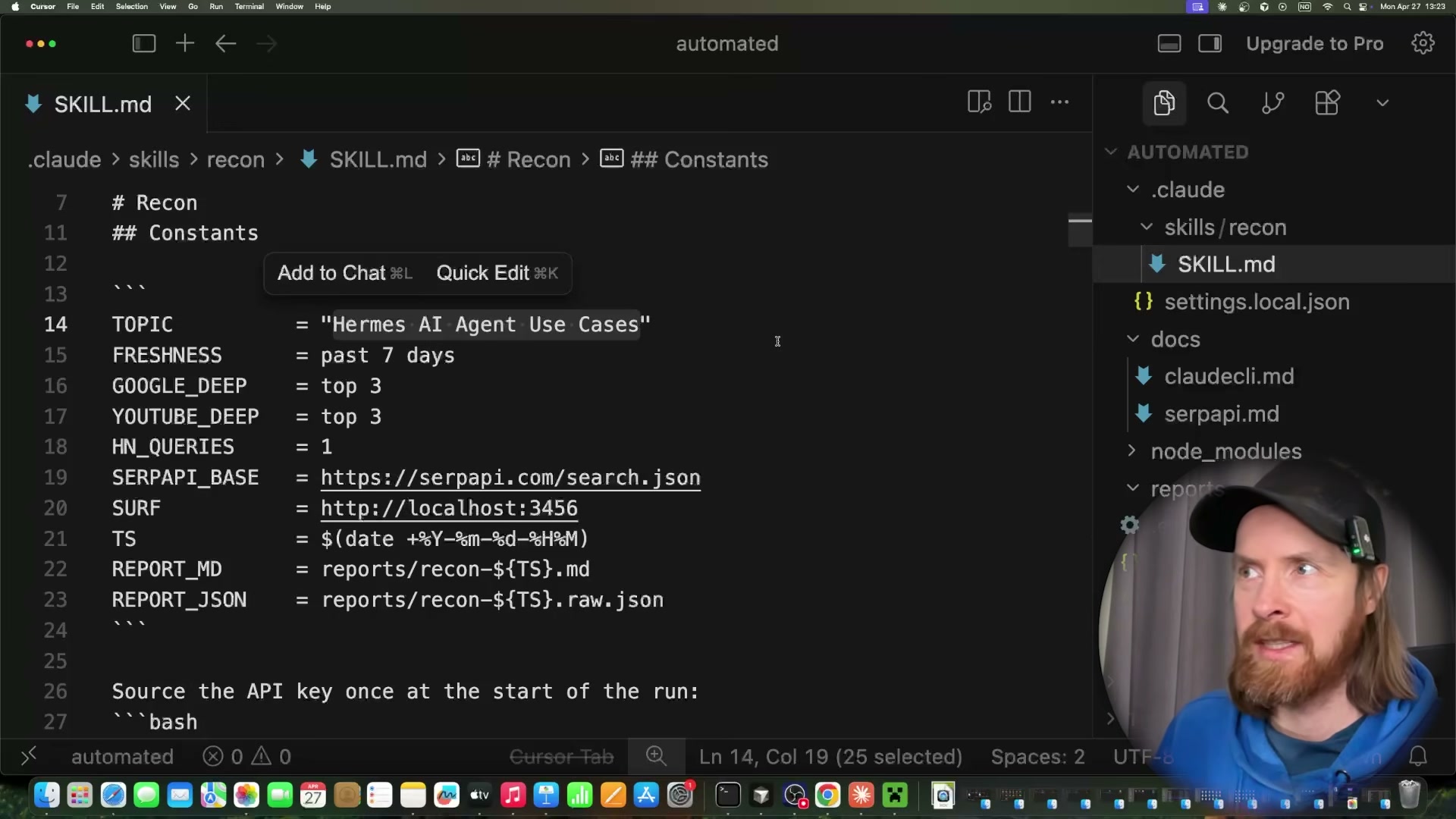
SKILL.mdand verify the constants block definesTOPIC,FRESHNESS,SERPAPI_BASE, the Surf Agent endpoint URL, and the timestamped report output paths.
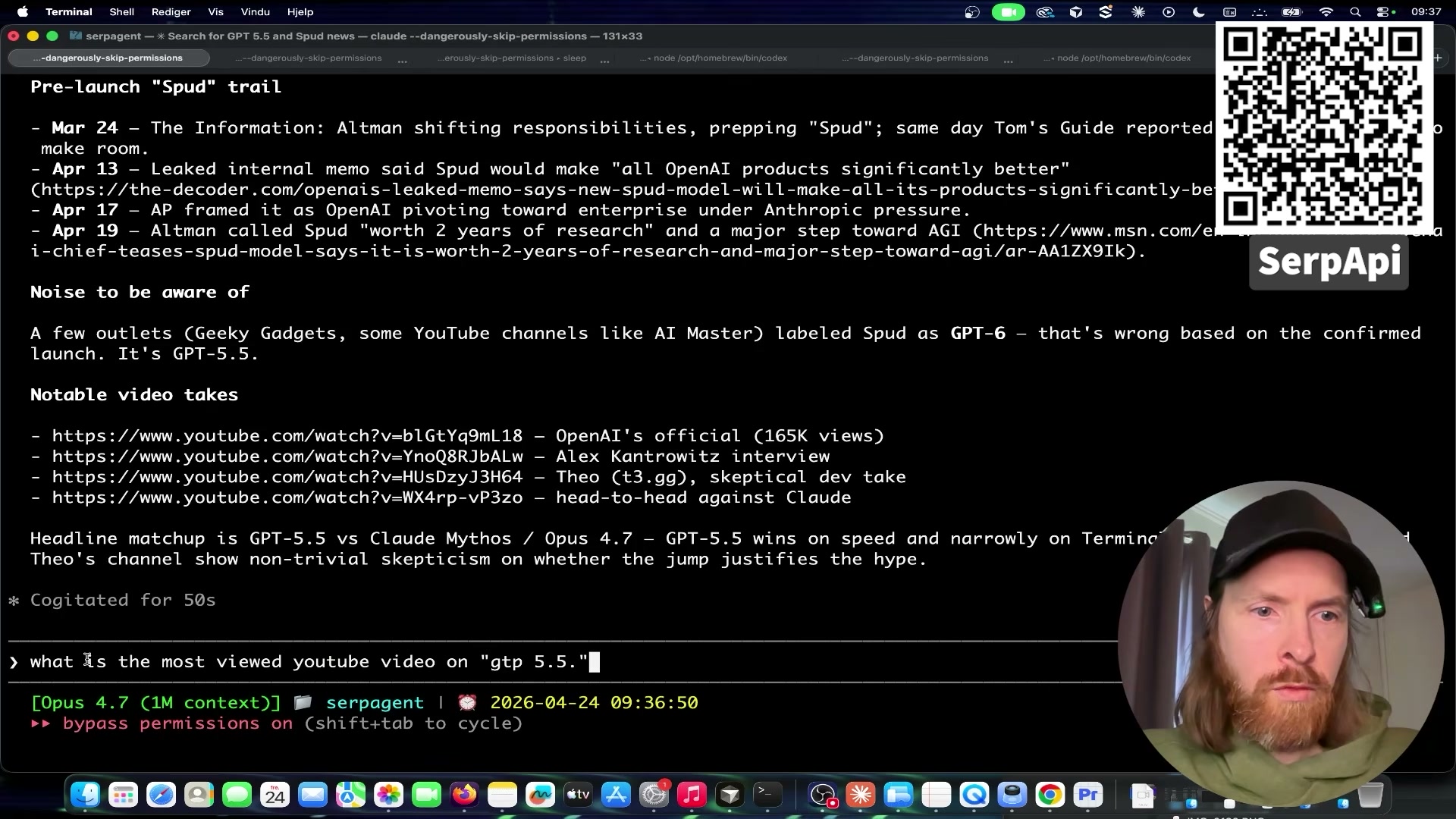
- Run a live test query to validate the skill. Inside Claude Code, invoke:
use the serp-context skill — search YouTube and Google for any news around GPT-5.5. The agent queries SerpAPI, returns structured JSON, and assembles a timestamped timeline with source URLs. Confirm the output includes dated entries and functional links before moving on.
-
Set your research topic directly in the skill file. Open
SKILL.mdand hardcode theTOPICconstant to your target query —Hermes AI agent use casesin this example. If you want the cron job to vary the topic per run, you can instead accept it as a bash parameter passed to theclaude -pinvocation. -
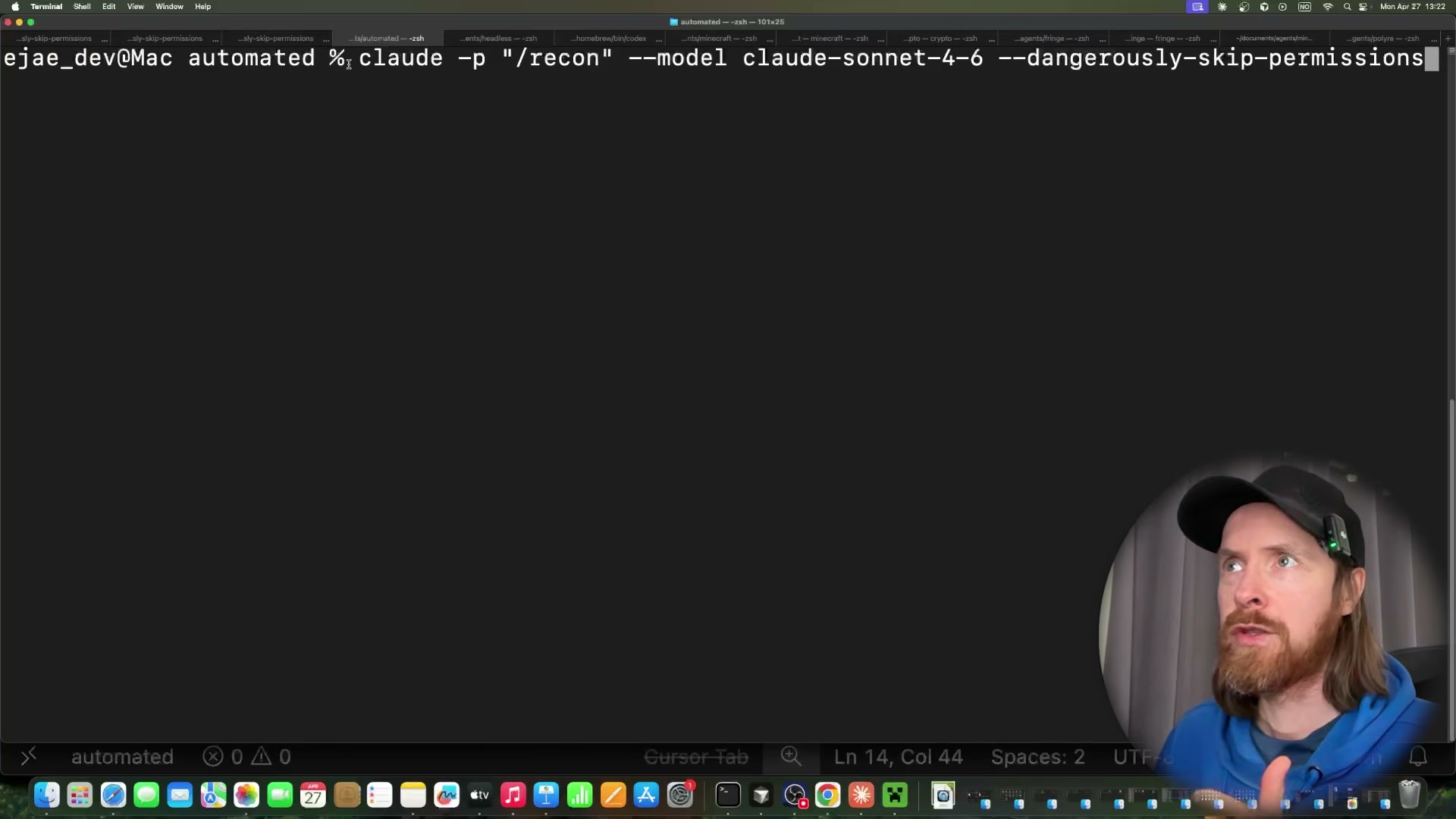
Execute the full pipeline headlessly.
claude -p /recon --model claude-sonnet-4-6 --dangerously-skip-permissions
Warning: this step may differ from current official documentation — see the verified version below.
-
Observe Surf Agent open YouTube tabs and read transcripts. Once SerpAPI delivers results, Surf Agent launches Chrome, opens each returned video, reads the full transcript, and scrolls the comments section for community signal — then advances to the next result without any input from you.
-
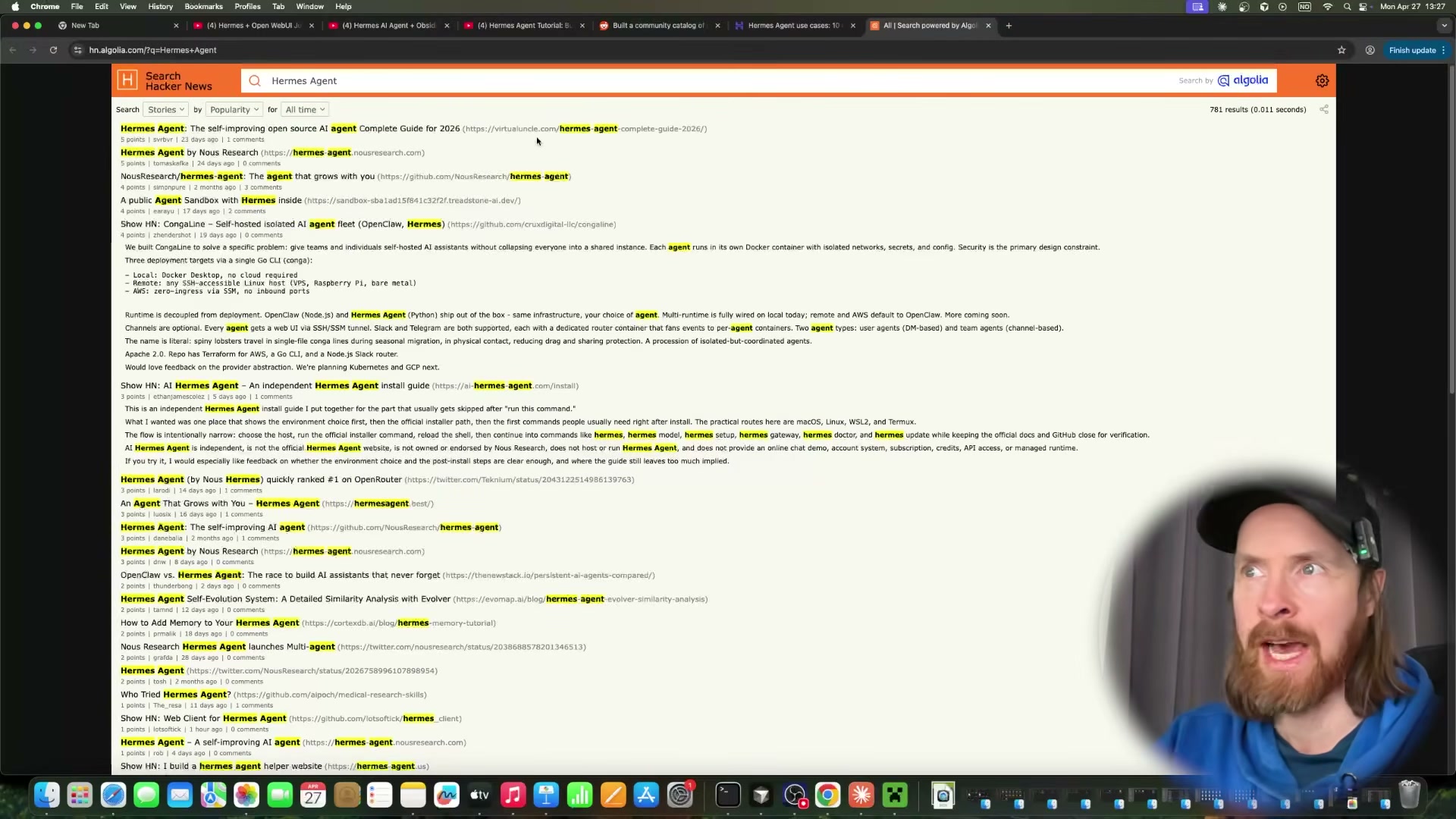
Observe Surf Agent cross-reference sources on Hacker News and Reddit. After exhausting the YouTube results, the agent searches Hacker News via Algolia and checks Reddit threads, using community discussion to corroborate or challenge the claims it pulled from the video transcripts.
- Observe Surf Agent fill and submit the Google Form. The agent opens your pre-created form, populates all three fields — most interesting idea, source URL, and a 1–5 star rating — then clicks Submit. No selectors or scripting required; Surf Agent reads the form visually and interacts with it the same way a person would.

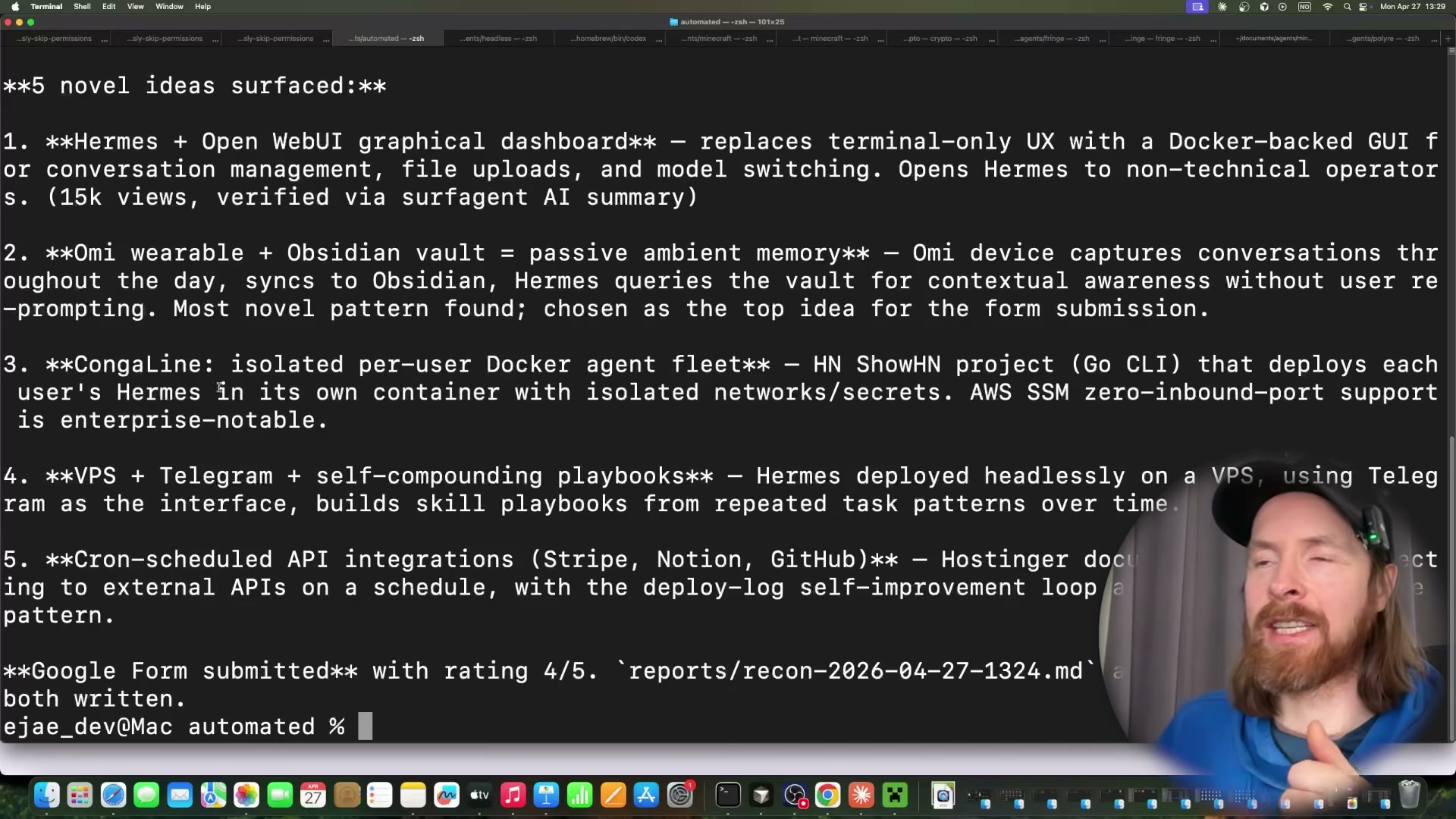
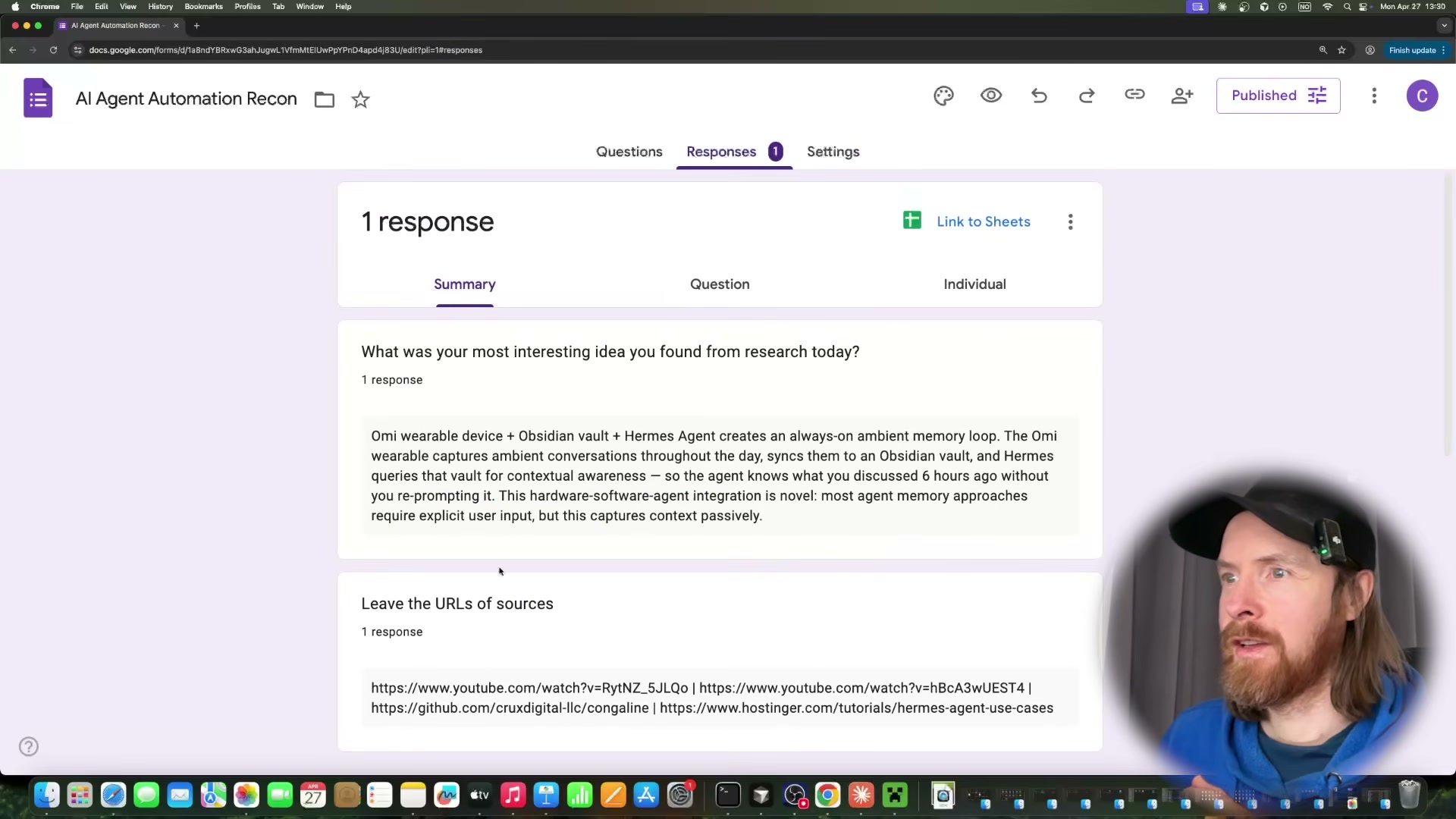
- Review the terminal summary and verify the form response. After submission, the pipeline prints every idea it surfaced — five in this run — and marks the one it selected for the form. Open Google Forms from any device to confirm the response was recorded with the correct content and rating.
- Wrap the command in a cron job for hands-free daily execution. Add the
claude -p /reconcommand to your crontab. A daily 9 AM trigger looks like:
0 9 * * * claude -p /recon --model claude-sonnet-4-6 --dangerously-skip-permissions
Each scheduled fire runs the full search-verify-submit loop and exits cleanly, ready to repeat the next day.
How does this compare to the official docs?
The --dangerously-skip-permissions flag and the claude -p headless invocation pattern produce real results here, but the official Claude Code documentation draws important distinctions around permission scoping that change how you’d safely deploy this in a production environment.
Here’s What the Official Docs Show
The video gives you a solid working model of this three-part pipeline. What follows adds the production-grade specifics the official documentation surfaces — particularly around SerpAPI authentication and cron environment configuration — where small details determine whether the pipeline runs once or reliably every day.
Step 1 — Map the pipeline architecture
No official documentation was found for this step — proceed using the video’s approach and verify independently.
Step 2 — Obtain a SerpAPI key and locate endpoint docs
The video’s approach here matches the current docs exactly. SerpAPI’s Google Search API returns structured JSON — search_metadata, search_parameters, and search_information — via a GET request to https://serpapi.com/search.json. One gap: only the Google Search API endpoint is confirmed in the captured documentation. Verify the Google News and YouTube Search endpoints directly in your SerpAPI dashboard before building the skill around them.
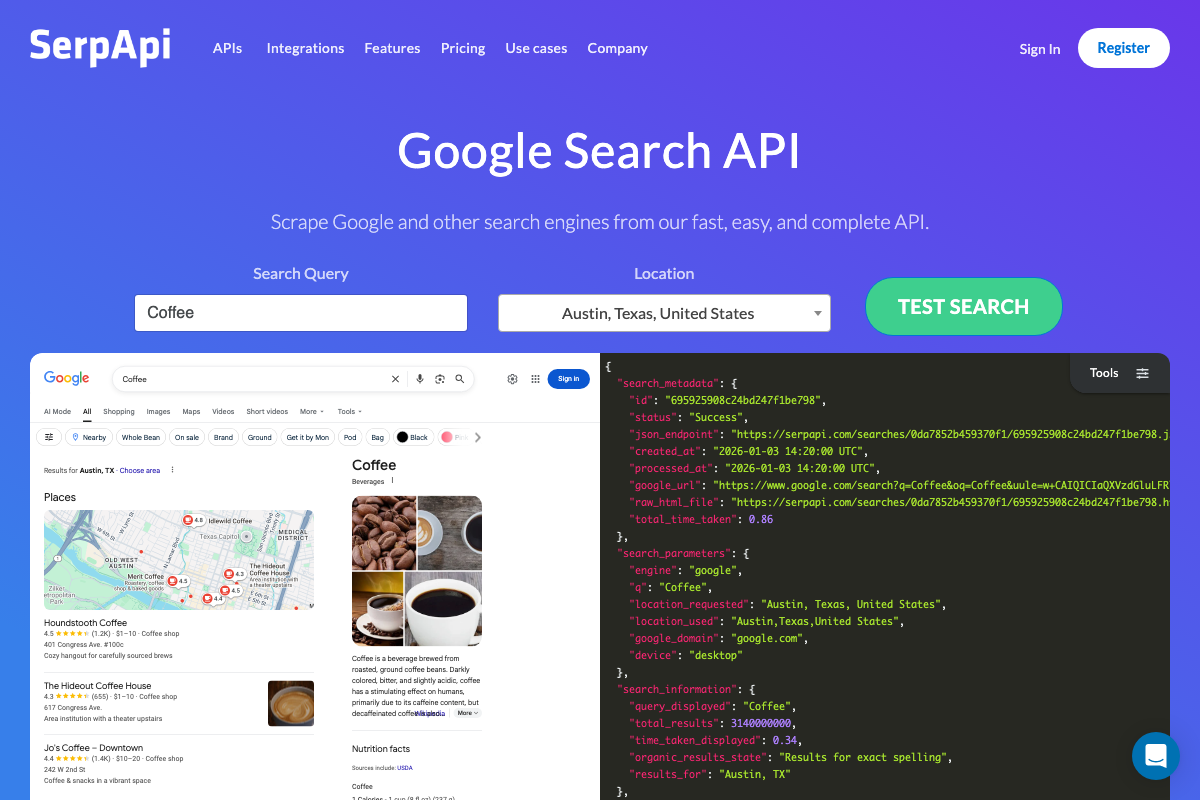
Step 3 — Generate the recon skill in Cursor
The video’s approach here matches the current docs exactly. Cursor’s Composer 2 Agent mode is the confirmed interface for scaffolding multi-file skills. Plan mode is also available within the same Composer 2 UI — useful for reviewing the proposed file structure before any code executes.

Step 4 — Run a live test query
The video’s approach here matches the current docs exactly. Note that api_key is a required parameter on every SerpAPI request; it must be appended to the GET URL even when truncated examples in the official docs omit it.

Step 5 — Set your research topic in SKILL.md
No official documentation was found for this step — proceed using the video’s approach and verify independently.
One useful addition: official SerpAPI SDK examples pass api_key as a hardcoded string literal. The video’s approach of reading it from an environment variable is the correct security practice for a pipeline that runs unattended — it simply isn’t the pattern depicted in official documentation.
Step 6 — Execute the pipeline headlessly
As of April 27, 2026, the -p, --dangerously-skip-permissions, and --model flags shown in the video cannot be verified against official Claude Code documentation — all three captured screenshots landed on the claude.ai consumer website rather than docs.anthropic.com. Cross-reference the current CLI reference at docs.anthropic.com before using these flags in production.
Steps 7–8 — Surf Agent browser verification
No official documentation was found for these steps — proceed using the video’s approach and verify independently.
Steps 9–10 — Google Form submission and terminal review
No official documentation was found for these steps — proceed using the video’s approach and verify independently.
Step 11 — Wrap in a cron job
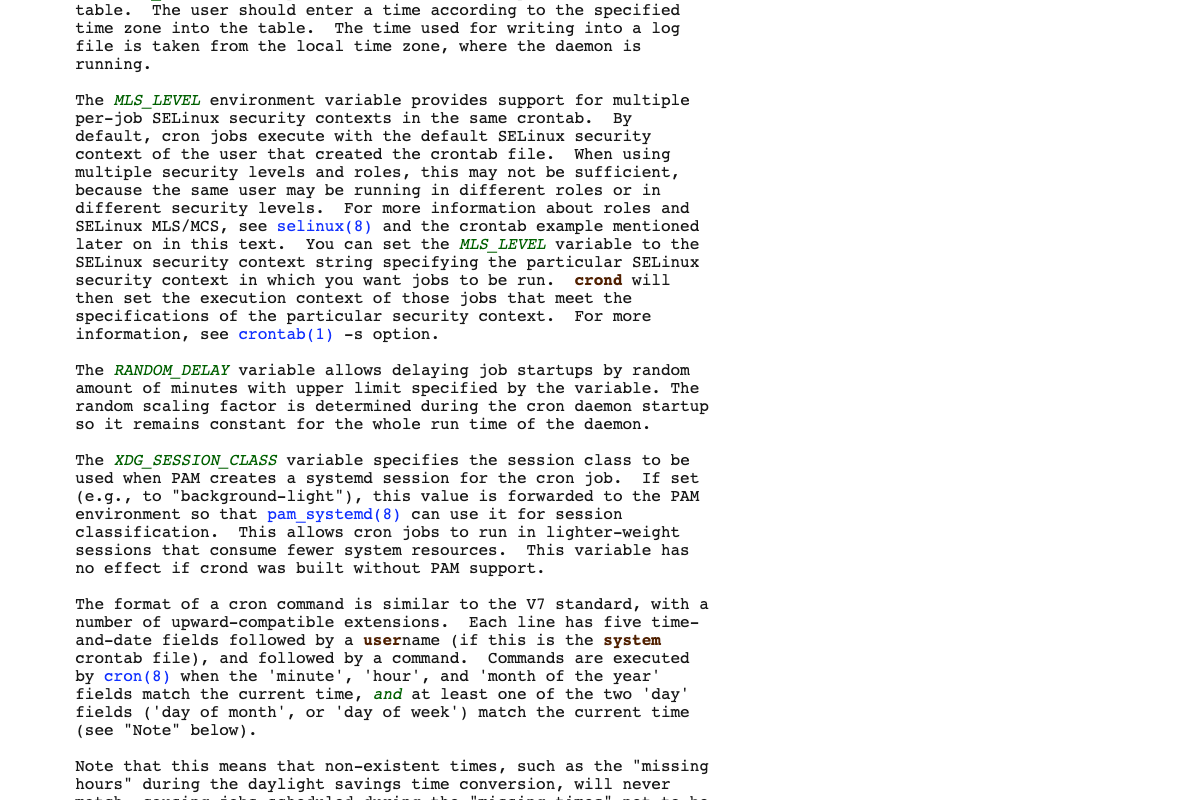
The video’s approach here matches the current docs exactly — cron is the right scheduling mechanism. The crontab(5) man page adds two environment constraints the video skips that will silently break an unattended pipeline:
- SHELL: cron defaults to
/bin/sh. If your pipeline uses bash-specific syntax, addSHELL=/bin/bashas the first line of your crontab. - PATH: cron runs with a minimal PATH, so
claudewill not resolve by name. Use the full absolute path to the binary. SetSERPAPI_KEYand any other required variables on their own dedicated lines above the command entry — inline comments on a cron command line are not supported.
SHELL=/bin/bash
SERPAPI_KEY=your_key_here
0 9 * * * /usr/local/bin/claude -p /recon --model claude-sonnet-4-6 --dangerously-skip-permissions
Useful Links
- Google Search Engine Results API – SerpApi — Official SerpAPI documentation covering the Google Search JSON response structure, GET endpoint format, and multi-language SDK examples.
- crontab(5) – Linux manual page — Authoritative crontab syntax reference documenting SHELL, PATH, MAILTO, CRON_TZ defaults, and the five-field time format.
- Sign in – Claude — Claude.ai consumer entry point; the Claude Code CLI documentation is located at docs.anthropic.com, not this URL.
- Google Forms: Sign-in — Google Forms authentication gate; form creation and help documentation is available via support.google.com.
- Cursor: The best way to code with AI — Cursor AI code editor homepage confirming Composer 2 Agent mode, Plan mode, and agentic task decomposition capabilities referenced in step 3.


0 Comments