

Run Claude Code Headlessly on a Schedule with Bash While Loops
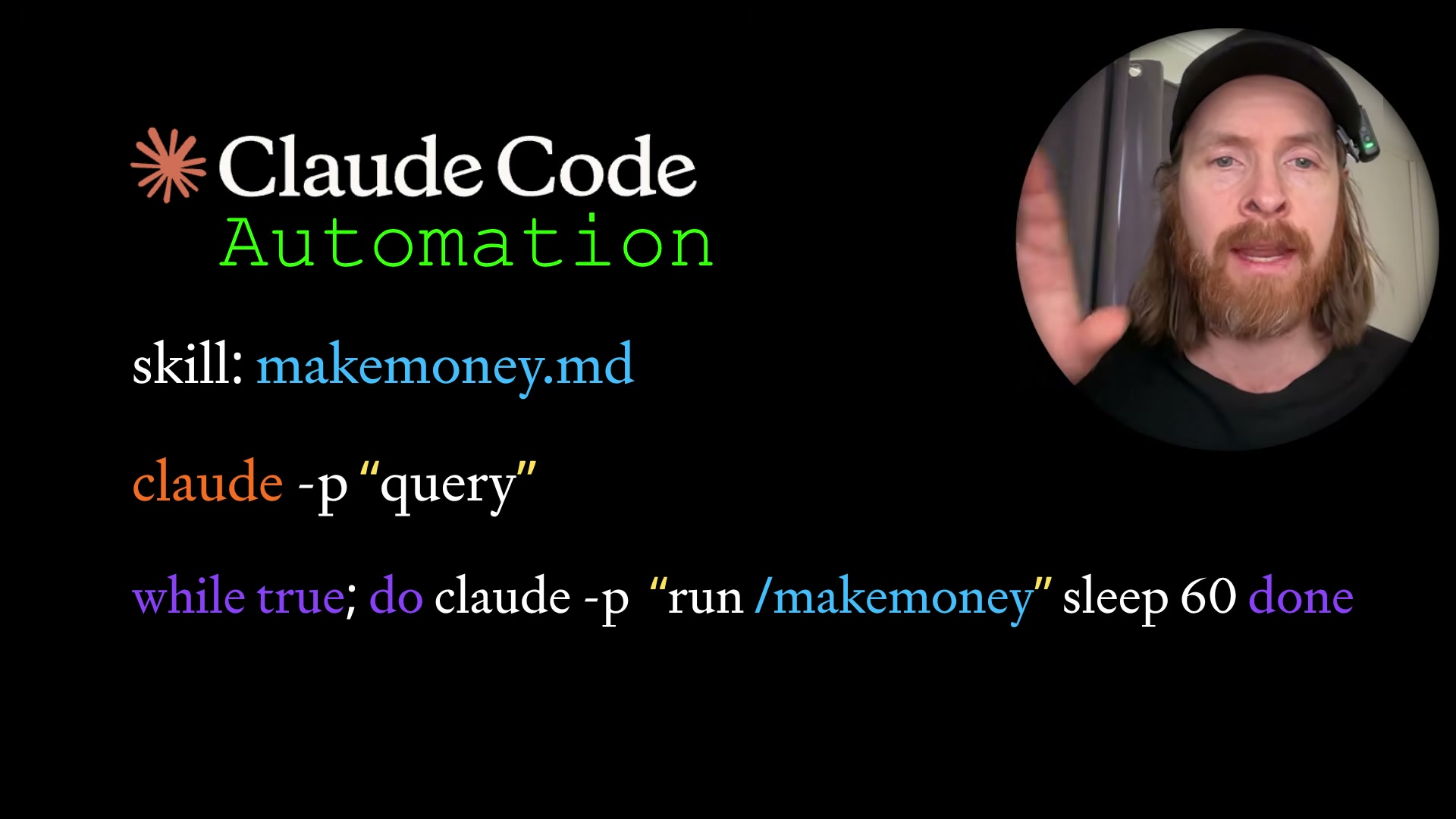
Claude Code’s claude -p flag lets you invoke any registered skill from the command line without opening the interactive UI — combine that with a bash while loop and you have a lightweight autonomous agent that runs on a schedule with no external infrastructure required. By the end of this walkthrough, you’ll have a working skill that fetches Hacker News headlines and delivers a formatted digest to your Gmail inbox on a repeating interval. The same three-part pattern — skill file, headless flag, loop — applies to any automation you can describe in natural language.
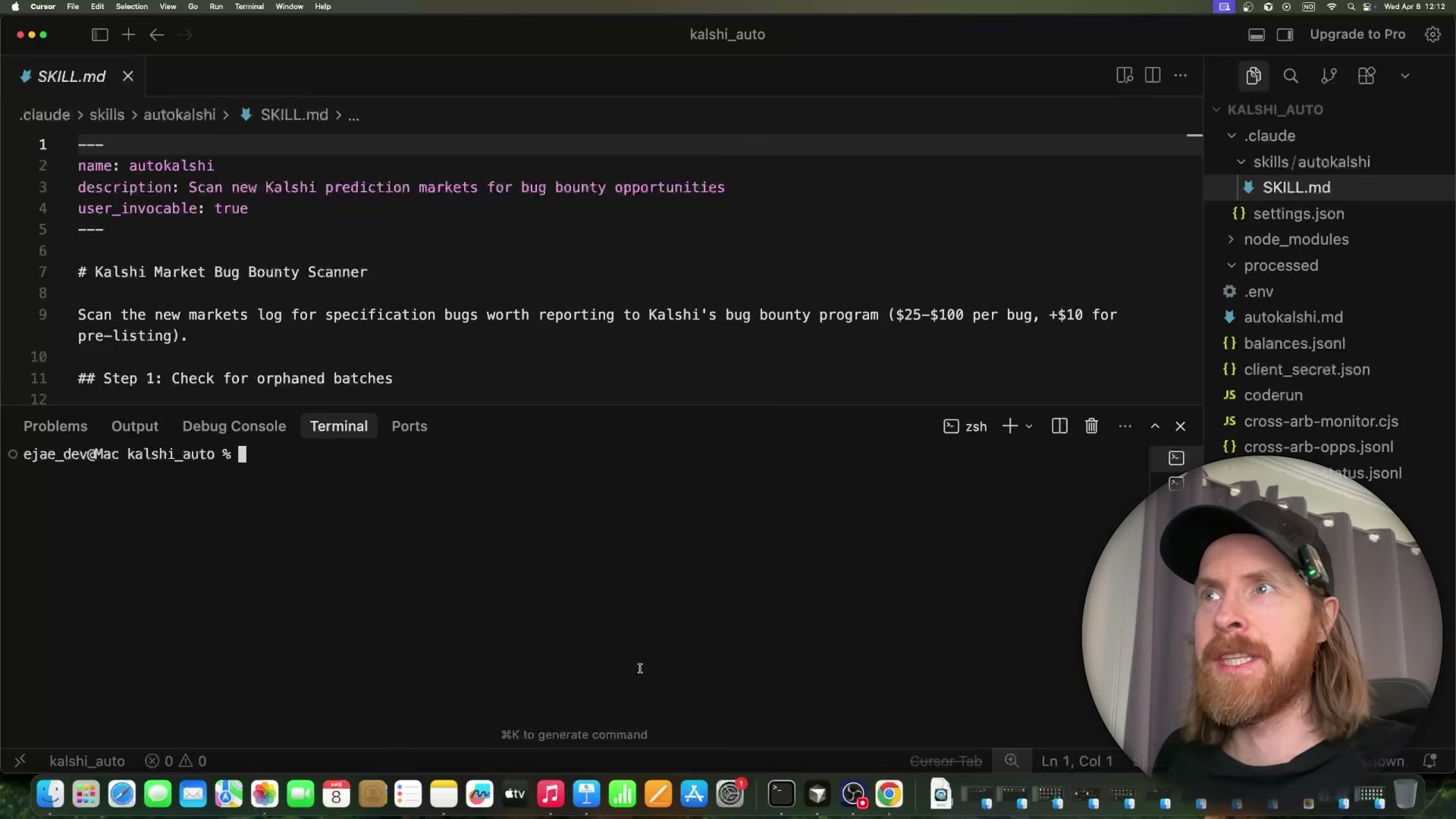
- Open a Claude Code session and ask it to fetch the official skill documentation before building anything — for example:
fetch https://docs.anthropic.com/claude-code/skills, then create a placeholder .md file for an automail skill. Letting Claude Code self-reference the docs ensures the generated frontmatter matches the required schema.
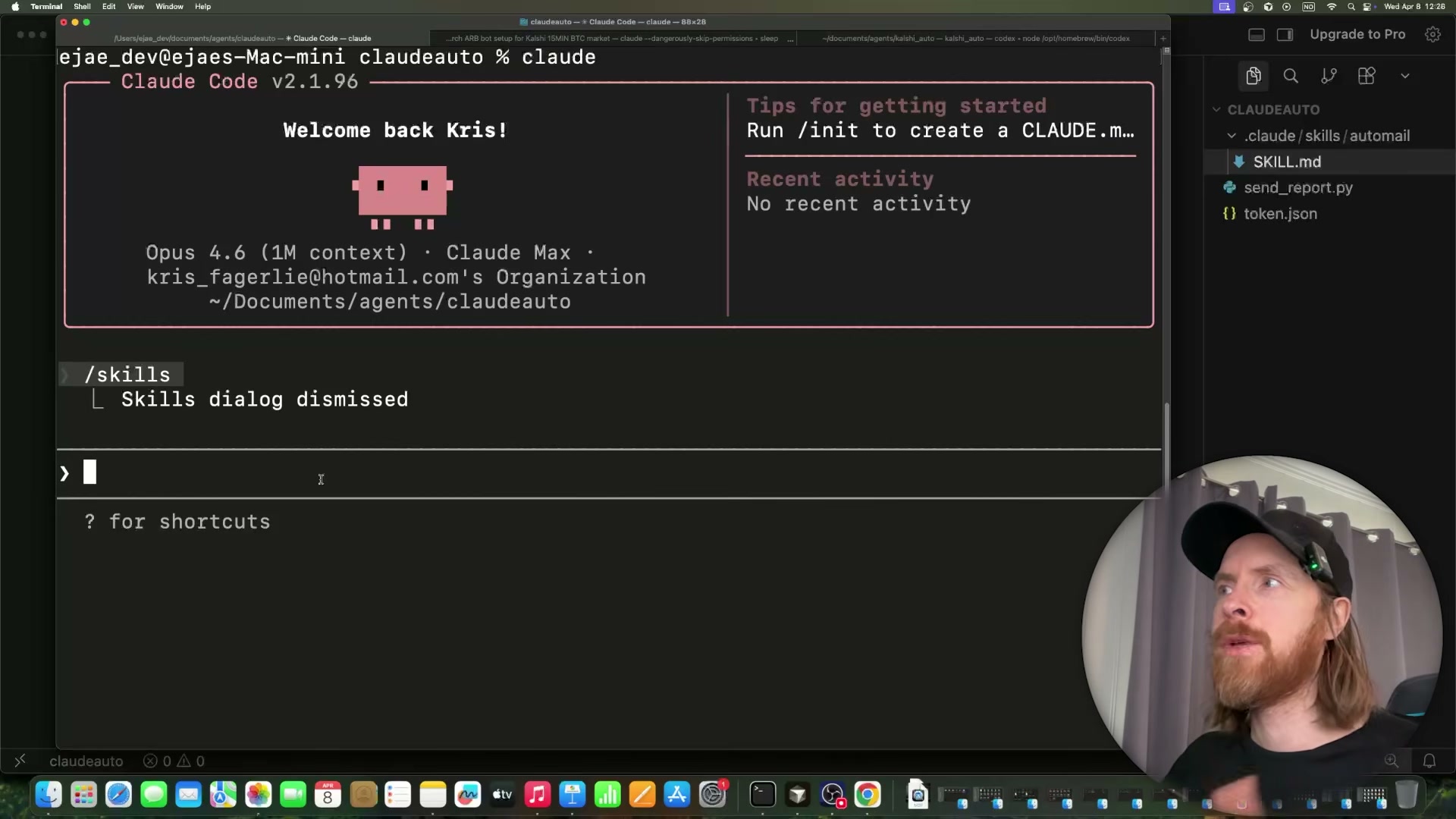
- Exit Claude Code completely and relaunch it. The new skill will not appear in the
/skillslist until the session restarts and re-indexes the skills directory.
Warning: this step may differ from current official documentation — see the verified version below.
- After relaunch, run
/skillsin the TUI to confirm your placeholder is registered. At this point the skill file exists but contains no executable steps.
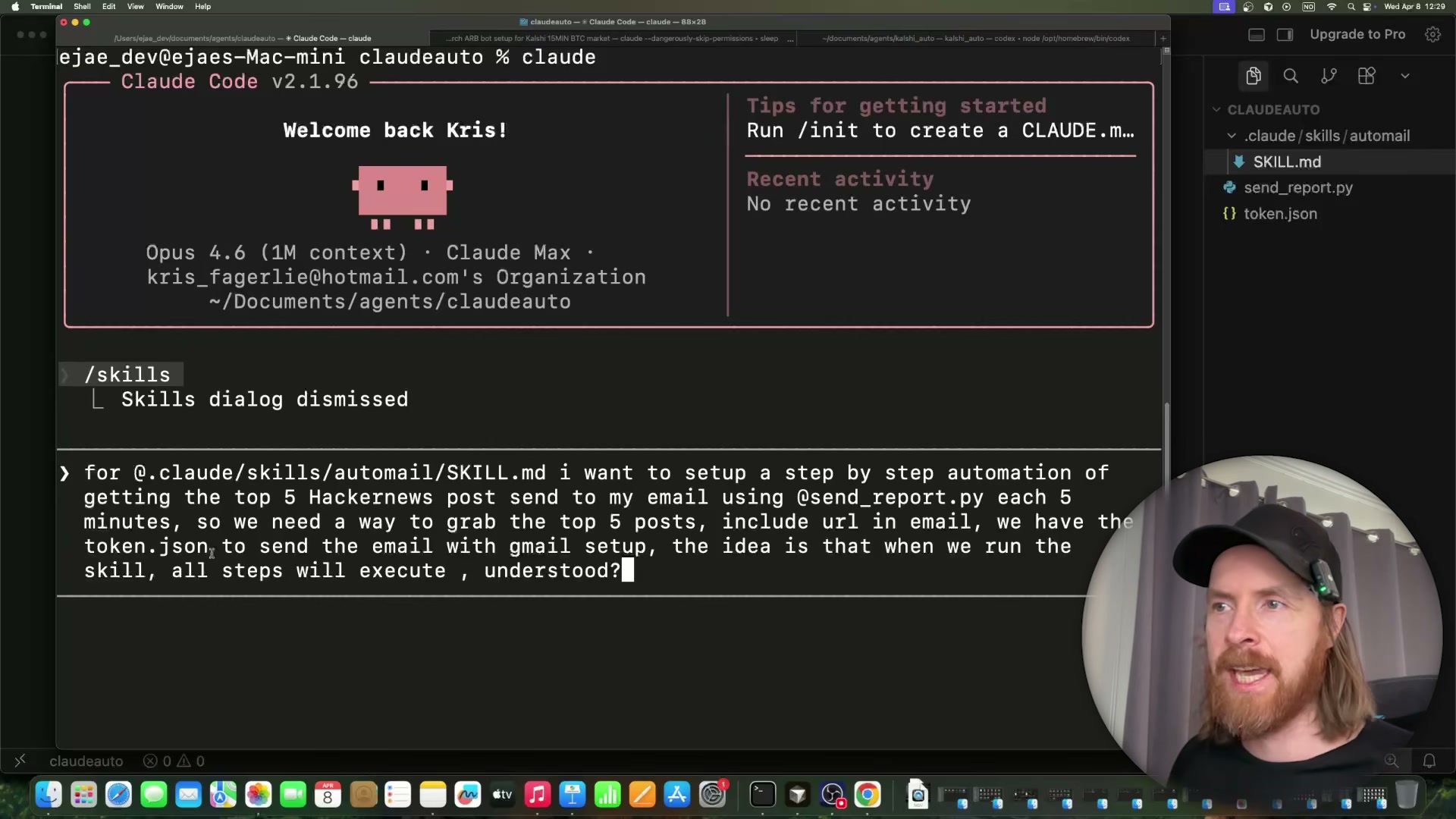
- In the same session, write a single detailed prompt describing the complete automation. Be explicit about the data source (Hacker News top 5 posts), the intermediate output file (
news.json), and the delivery mechanism (send_report.pyauthenticating viatoken.json). Instruct Claude Code that every step should execute sequentially when the skill is invoked.
-
Claude Code generates the supporting scripts (
fetch_hn.py,send_report.py) and populatesSKILL.mdwith numbered steps that call each script in order. Review the generated steps to confirm the sequence matches your intent before running anything. -
Run
python fetch_hn.pymanually in the terminal to confirmnews.jsonis created with the expected structure — titles, scores, and URLs — before wiring the skill into the loop.
- Open Claude Code’s
settings.jsonand add both bash commands (python fetch_hn.pyandpython send_report.py) to the pre-authorized commands list. Without this, Claude Code pauses on each invocation to request permission interactively, breaking the unattended loop.
Warning: this step may differ from current official documentation — see the verified version below.
-
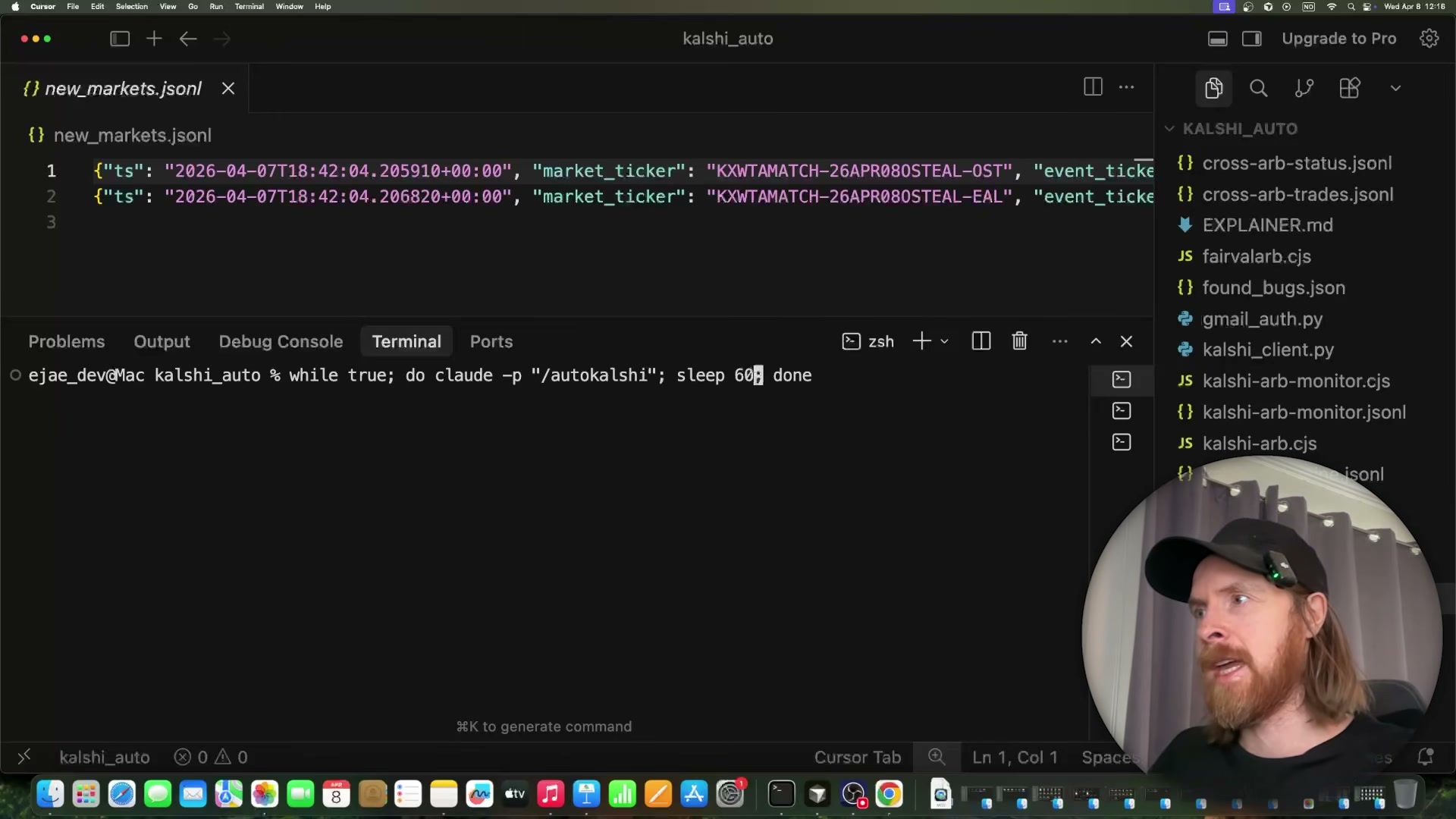
Open a terminal that is entirely outside of Claude Code. The loop invokes
claudeas a subprocess, so launching it from within the TUI creates a conflict. -
Paste and execute the loop:
while true; do claude -p "/automail"; sleep 60; done
- Watch the working directory for
news.jsonto appear, confirming the fetch step completed, then check your inbox. A successful first run delivers one email per fetched post. Verify that headline text, score, and source URL are present in each message body.
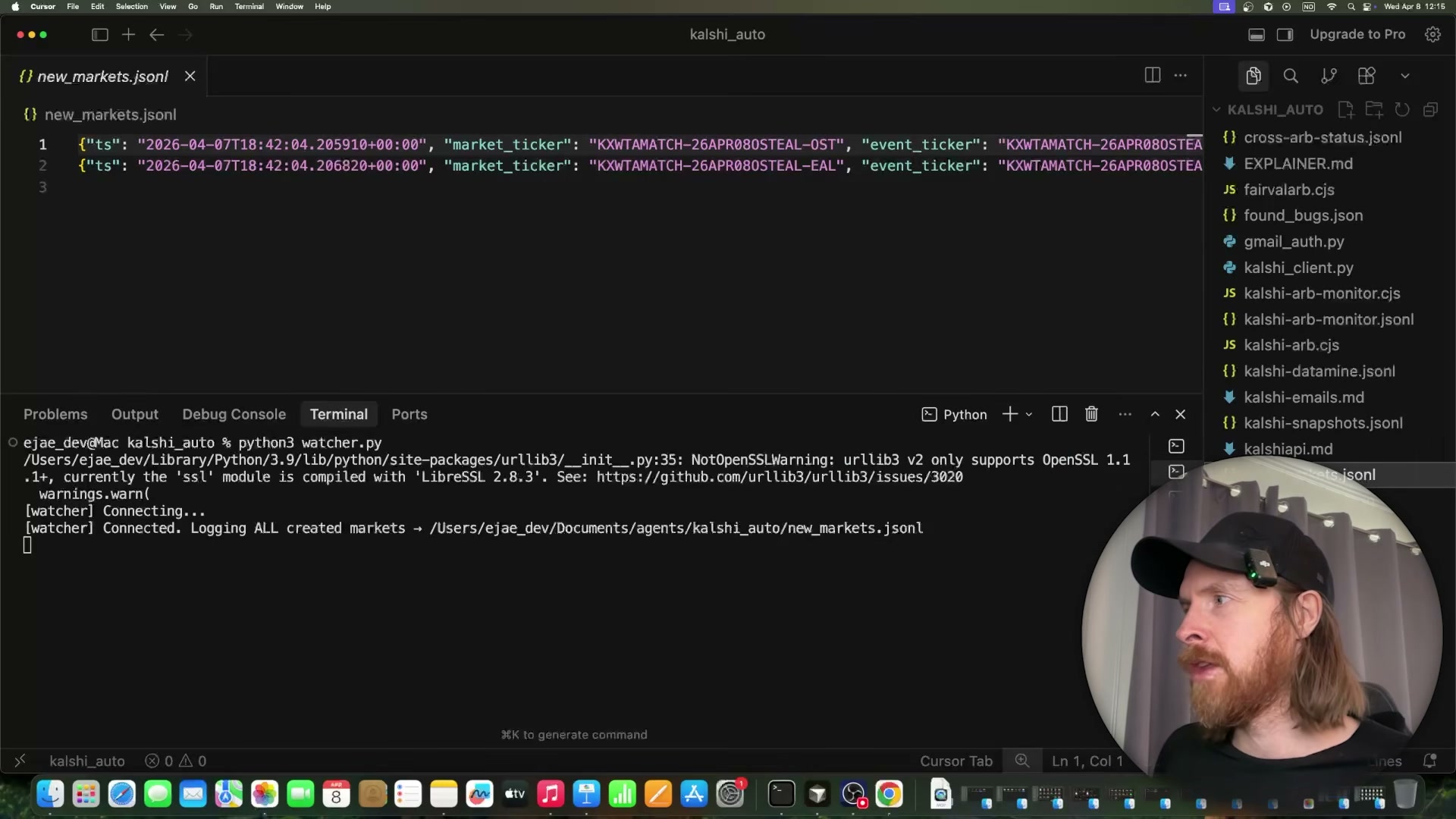
- Adjust the
sleep 60value to match your intended cadence —3600for hourly,86400for once daily. The loop restarts automatically after each completed skill run, so the entire schedule is controlled by this single integer.
How does this compare to the official docs?
The headless -p flag and the skill file format both have documented behavior in Anthropic’s Claude Code reference — and the official docs clarify several details the video moves past quickly, starting with exactly how skill discovery, permission grants, and the claude -p invocation model are intended to work together.
Here’s What the Official Docs Show
The tutorial’s core pattern holds up well — the -p flag, skill file format, and settings path are all confirmed by official documentation. What follows adds a few structural details the video moves past quickly, and flags which external API steps couldn’t be verified from the captured docs.
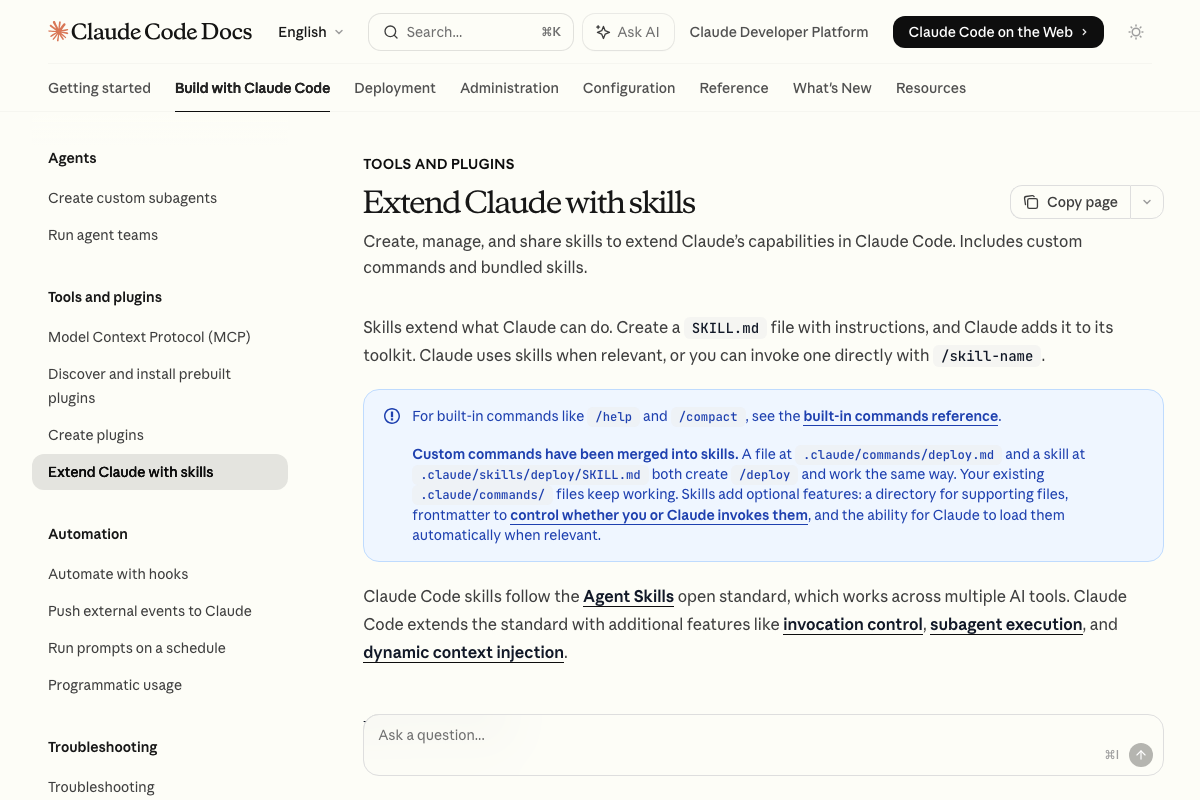
Step 1 — Fetch skill docs before building
The video’s approach here matches the current docs exactly. SKILL.md format and /skill-name invocation are both confirmed. One useful addition: legacy .claude/commands/ files remain valid, so existing command files you already have will still work without migration.
Step 2 — Create the skill file
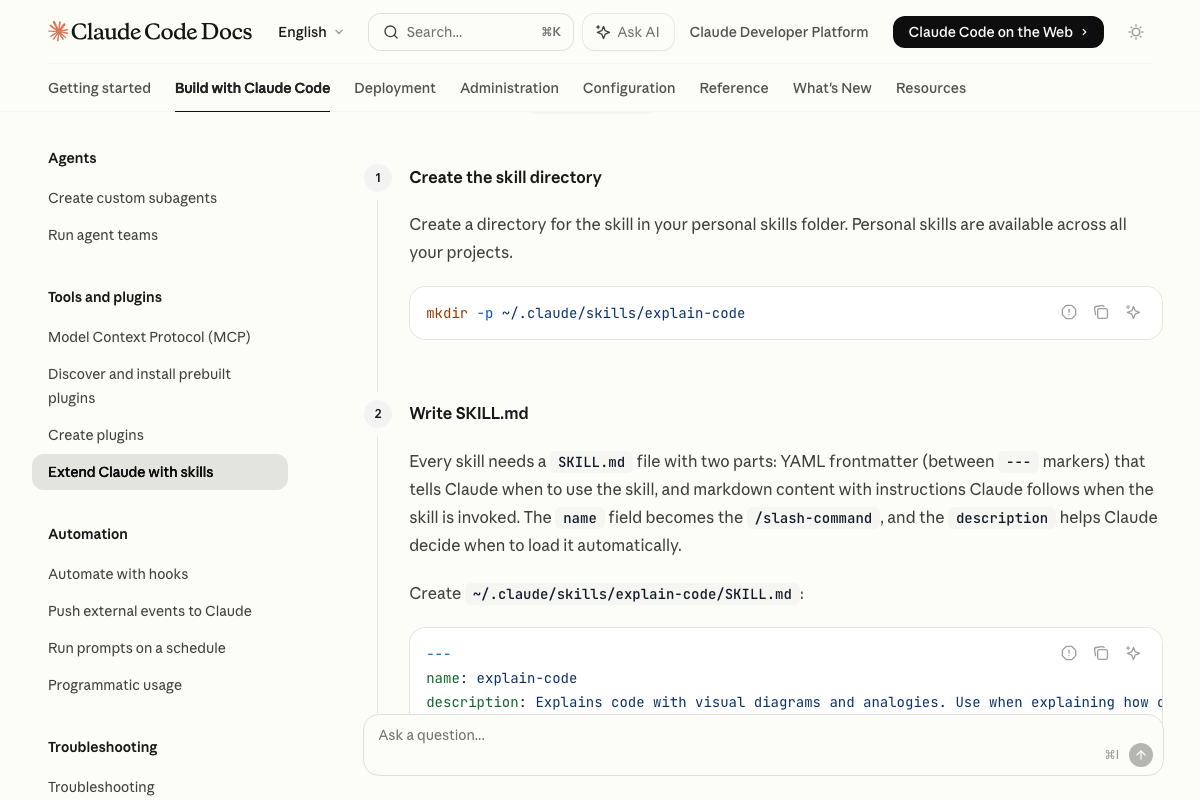
The docs confirm SKILL.md as the correct format — but the required path is ~/.claude/skills/automail/SKILL.md, not a flat file at the skills root. Run mkdir -p ~/.claude/skills/automail first, then place SKILL.md inside that subdirectory. The name field in YAML frontmatter directly determines the /command name invoked at runtime.
Step 3 — Relaunch to register the skill
No official documentation was found for this step —
proceed using the video’s approach and verify independently.
Step 4 — Write the full automation prompt
No official documentation was found for this step —
proceed using the video’s approach and verify independently.
Step 5 — Review generated scripts
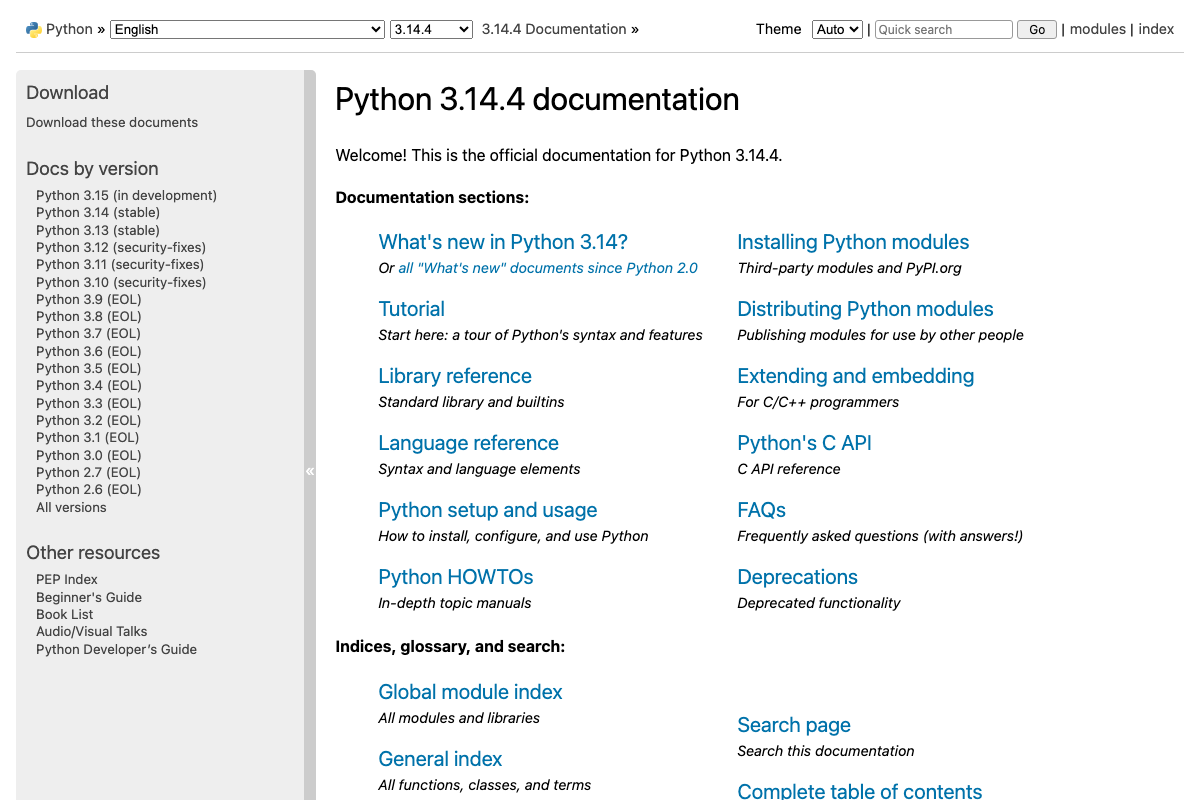
Python 3.9 and below are now end-of-life as of April 2026. Verify that any scripts Claude Code generates for you target Python 3.10 at minimum before putting them into an unattended loop.
Step 6 — Test fetch_hn.py manually
No official documentation was found for this step —
proceed using the video’s approach and verify independently.
Step 7 — Pre-authorize commands in settings.json
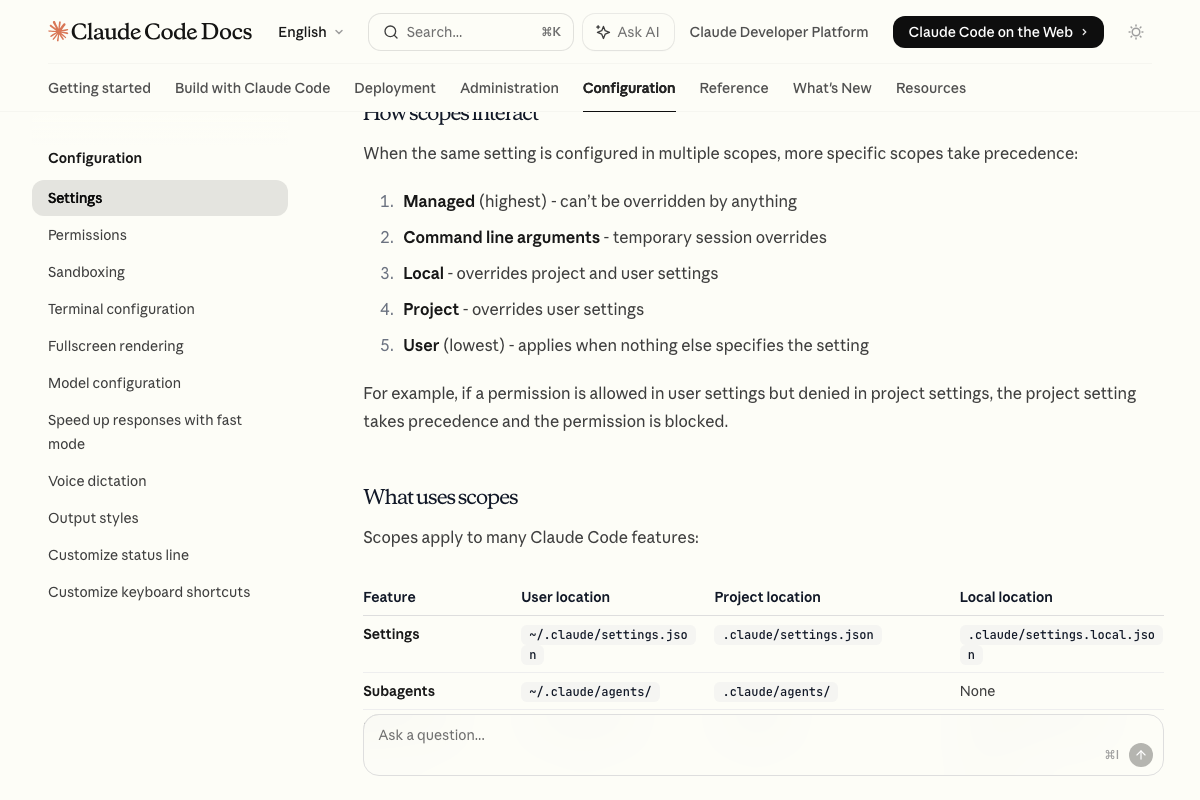
The video’s approach here matches the current docs exactly for file location. ~/.claude/settings.json is confirmed as user-scope — the right choice for a personal skill used across multiple projects. One gap: the specific JSON key syntax for pre-authorizing bash commands wasn’t visible in the captured screenshots. Consult the Settings docs directly for the exact allowedTools format before editing the file.
Step 8 — Open a terminal outside Claude Code
No official documentation was found for this step —
proceed using the video’s approach and verify independently.
Step 9 — Run the while loop
The video’s approach here matches the current docs exactly. The CLI reference defines claude -p "query" as “Query via SDK, then exit” — the correct non-interactive, subprocess-safe invocation. One flag the video skips: --bare is documented specifically for scripted headless calls. It bypasses auto-discovery of skills, hooks, plugins, and MCP servers for faster execution. For tight scheduled loops, prefer:
while true; do claude --bare -p "/automail"; sleep 60; done

Step 10 — Verify first email delivery
No official documentation was found for this step —
proceed using the video’s approach and verify independently.
Step 11 — Adjust the sleep interval
No official documentation was found for this step —
proceed using the video’s approach and verify independently.
Useful Links
- CLI reference – Claude Code Docs — Full command and flag reference including
claude -p,--bare, and--allowedTools - Extend Claude with skills – Claude Code Docs — Official skill creation guide covering subdirectory structure, YAML frontmatter requirements, and legacy
.claude/commands/compatibility - Claude Code settings – Claude Code Docs — Settings scope system, file paths, and the
/configinteractive command for managing permissions - Python 3.14.4 Documentation — Current stable Python reference; all versions through 3.9 are now marked end-of-life
- Hacker News — Active news aggregator used as the data source; the API endpoint documentation lives at
github.com/HackerNews/APIand was not captured in this screenshot set


0 Comments