

Build and Automate an SEO-Optimized Website with Astro, Claude Code, and Cloudflare
Programmatic SEO at scale used to mean either expensive dev shops or fragile WordPress plugins. This tutorial walks you through building a self-updating, SEO-clean website using the Astro framework, Claude Code, and Cloudflare — driven almost entirely by natural-language prompts. By the end, you’ll have a working site that scrapes external data, rewrites metadata automatically, and refreshes its own content on a cron schedule.

-
Choose Astro as your web framework. Astro produces minimal, standards-compliant HTML with no JavaScript bloat by default — two properties that help pages rank and load fast out of the box. It was recently acquired by Cloudflare, which makes the deployment step nearly frictionless. Avoid AI site builders like Lovable for SEO-critical projects; their output tends to be structurally messy in ways that hurt crawlability.
-
Create a dedicated local project folder. Before opening any terminal, create a clean directory for the project. Keeping Claude Code workspaces separated by project prevents context bleed between sessions and makes it easier to hand off or archive work later.
-
Install CMX to manage multiple Claude Code terminal instances. CMX lets you open, label, and switch between several Claude Code sessions simultaneously — useful once your project splits into a scraper thread, a content thread, and a deployment thread running in parallel.
- Launch Claude Code with the
--dangerously-skip-permissionsflag. The aliasCCDPshortens the command. This flag suppresses the per-action permission prompts that interrupt long automated tasks, letting Claude execute file writes, installs, and shell commands without pausing.
Warning: this step may differ from current official documentation — see the verified version below.
- Prompt Claude Code to scaffold the Astro site. Describe the business in plain language — the tutorial uses a “Joe’s Plumbing Melbourne” example to show how quickly a real-looking site takes shape. Claude generates the project structure, routing, and component files through conversation alone, with no templates required.

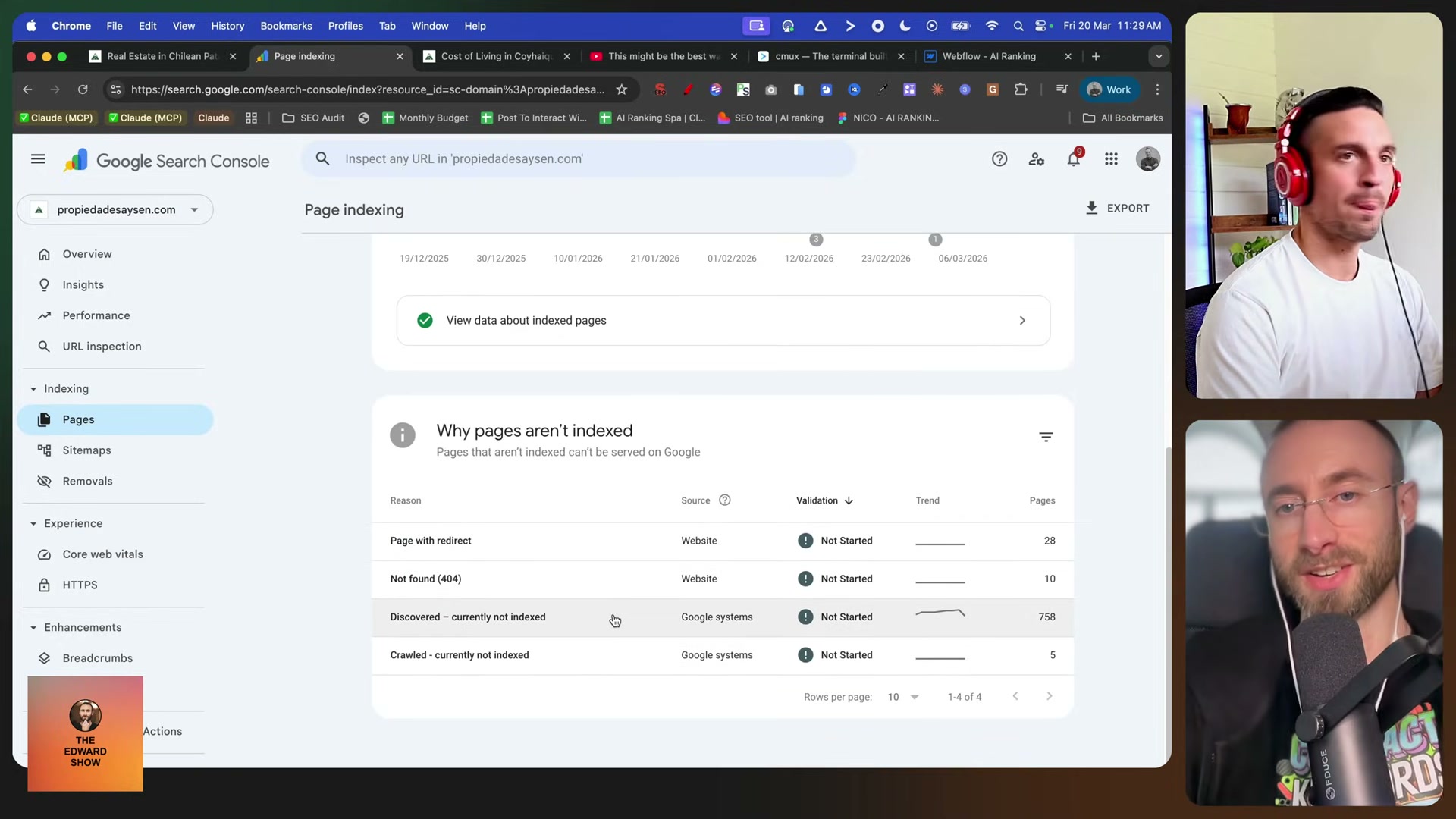
- Build a scraper inside Claude Code to pull and rewrite external data. Instruct Claude to scrape a target source — in the demo, live real estate listings from multiple regional agents — and then rewrite each listing’s title tag and meta description in an SEO-optimized format. Claude generates the scraper script and the rewrite logic in the same session.

- Add cron jobs to automate recurring scrapes and content refreshes. Once the scraper works manually, tell Claude to schedule it. Cron jobs handle the ongoing data pull so the site stays current without any manual intervention. This is what makes the build self-sustaining rather than a one-time export.

-
Deploy the site to Cloudflare. Push the finished Astro build directly to Cloudflare Pages. Because Astro and Cloudflare now share an ownership relationship, the integration is first-class — no adapter gymnastics needed for edge deployment.
-
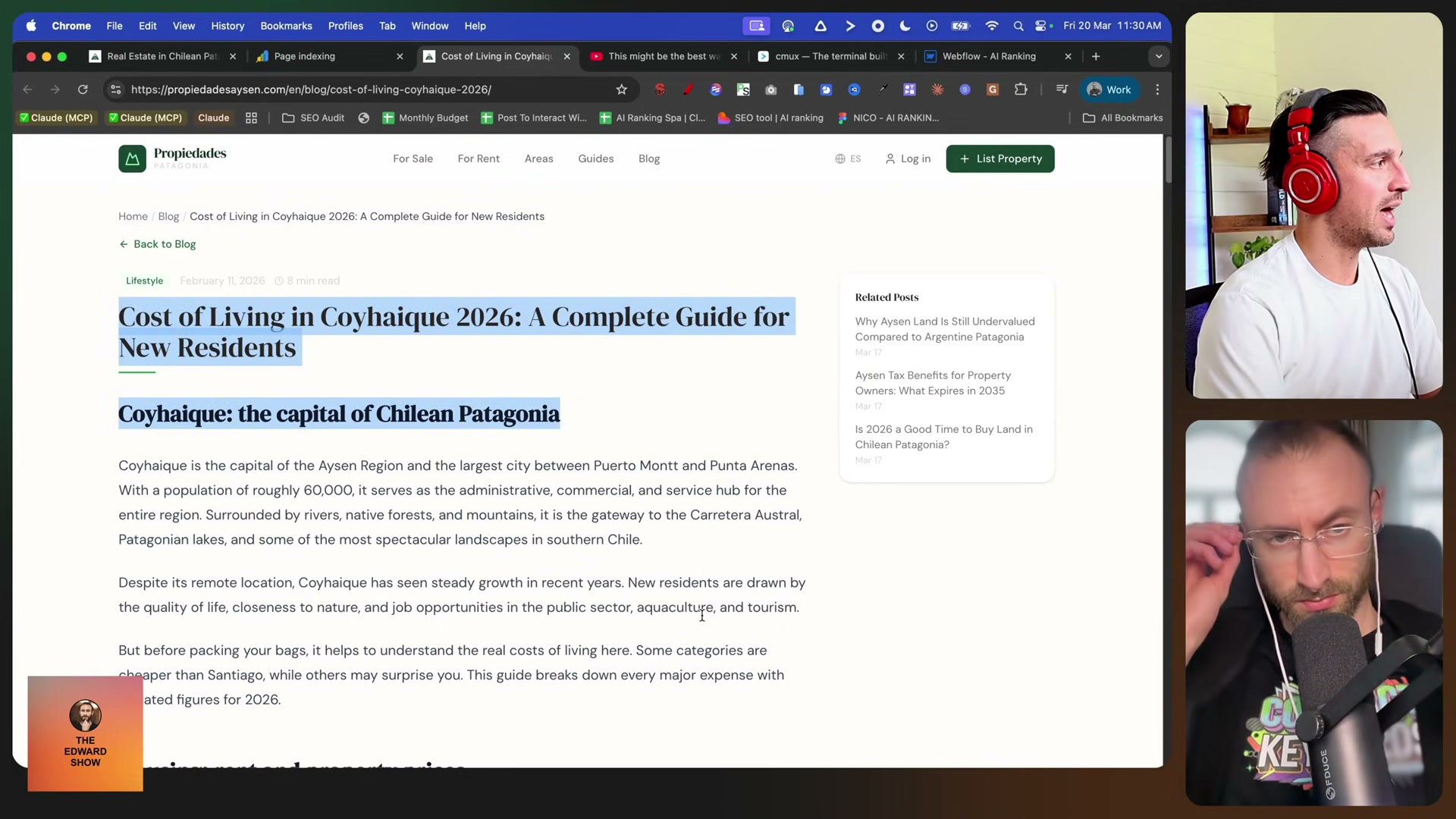
Review published content and use Claude Code memory to correct recurring errors. After the first content cycle runs, read through a sample of published pages. If Claude consistently gets the regional dialect wrong, links to off-target sources, or drifts in tone, issue a correction and append it to Claude’s memory: “Save this — don’t do X again.” Each correction compounds, producing progressively tighter output without re-prompting from scratch.
How does this compare to the official docs?
The video moves fast through several steps — particularly around the --dangerously-skip-permissions flag and Cloudflare deployment configuration — where the official Astro and Claude Code documentation tells a more precise story worth knowing before you ship.
Here’s What the Official Docs Show
The video delivers a solid end-to-end build — these documentation notes add the version numbers, product distinctions, and unverified gaps that matter before you go to production. Nothing here replaces the video; it fills in what the video moves past.
1. Choose Astro as your web framework.
The video’s approach here matches the current docs exactly. One number the video skips: Astro sites pass Core Web Vitals at a 66% rate versus 30% for Next.js and 48% for WordPress, sourced from the HTTP Archive and Chrome UX Report. That benchmark is the documented technical foundation for every SEO claim in this tutorial.

2. Create a dedicated local project folder.
No official documentation was found for this step — proceed using the video’s approach and verify independently.
3. Install CMX to manage multiple Claude Code terminal instances.
No official documentation was found for this step — proceed using the video’s approach and verify independently.
4. Launch Claude Code with the --dangerously-skip-permissions flag.
No official documentation was found for this step — proceed using the video’s approach and verify independently.
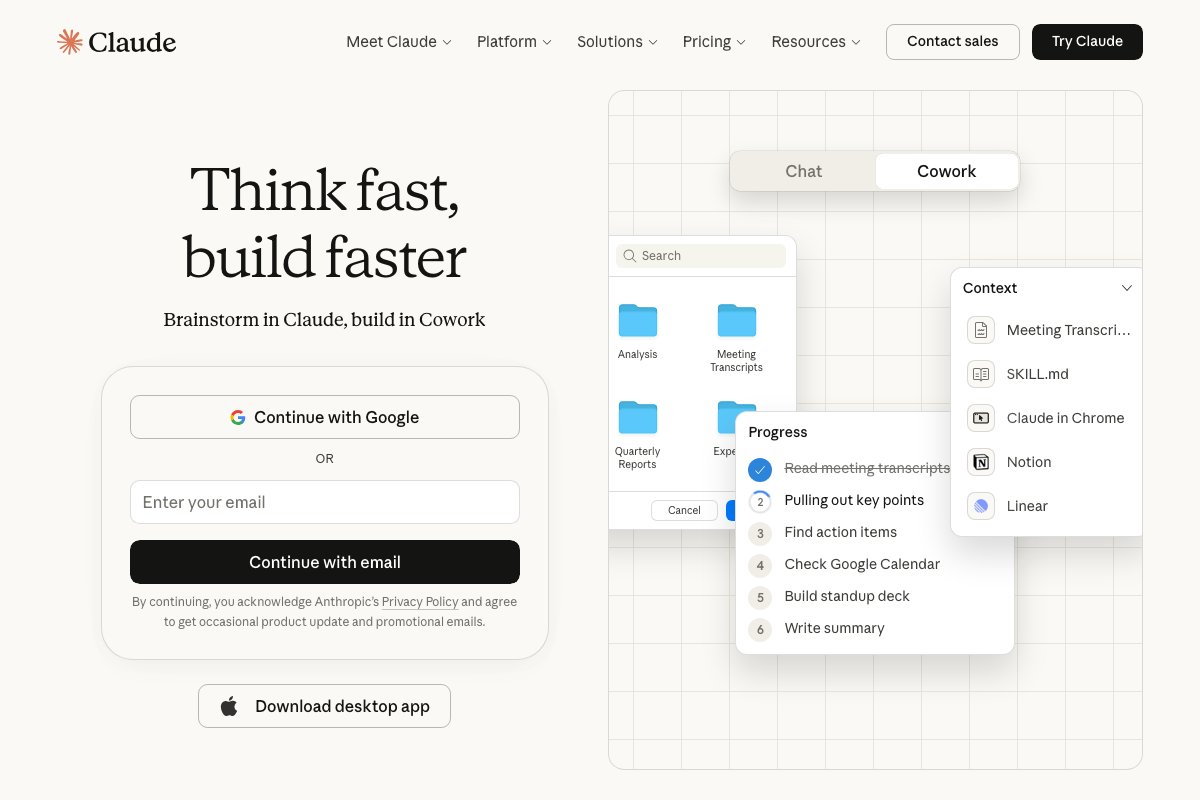
The available screenshots show the claude.ai consumer portal and “Cowork” product — not the Claude Code CLI. Verify steps 3 and 4 directly at docs.anthropic.com/en/docs/claude-code before running any automated sessions.
5. Prompt Claude Code to scaffold the Astro site.
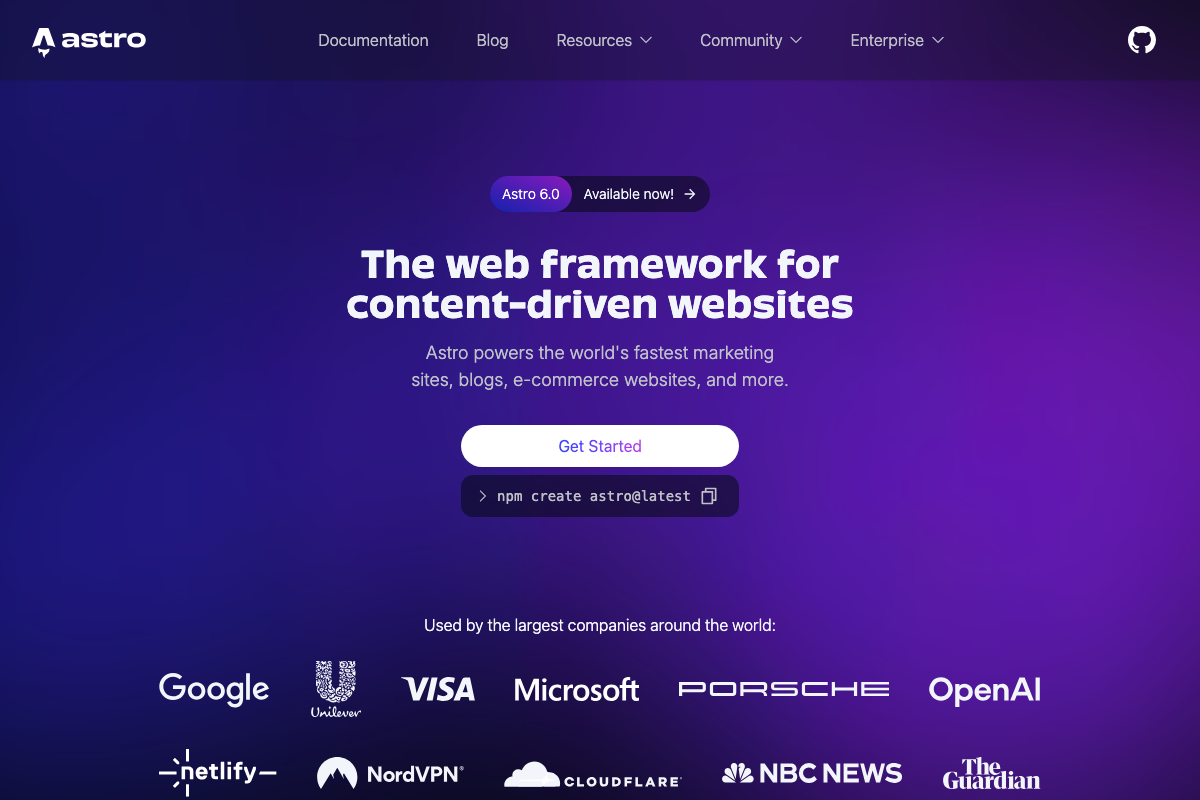
The video’s approach here matches the current docs exactly. The official scaffold command is npm create astro@latest — the video doesn’t state this explicitly, but it’s what Claude Code will invoke when you describe the project in plain language. Current release as of March 2026: Astro 6.0.
6. Build a scraper inside Claude Code to pull and rewrite external data.
No official documentation was found for this step — proceed using the video’s approach and verify independently.
7. Add cron jobs to automate recurring scrapes and content refreshes.
No official documentation was found for this step — proceed using the video’s approach and verify independently.
Note: heavy automated workflows — cron-triggered scraping and repeated content generation — will draw against your Claude plan’s usage limits. The claude.ai pricing page shows Pro at $17/month (annual) and Max from $100/month; sustained automation at scale likely requires Max to avoid rate-limit interruptions mid-run.
8. Deploy the site to Cloudflare.
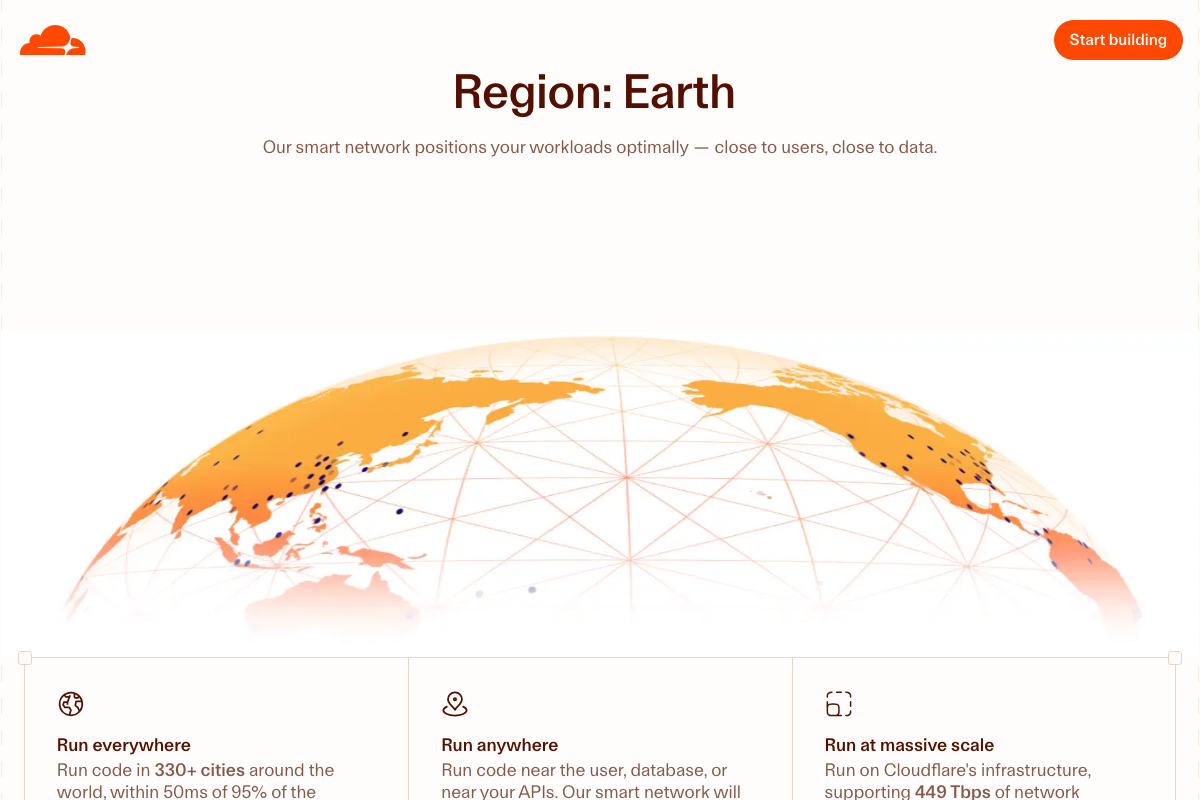
The video’s approach here matches the current docs exactly — with one product-level distinction. The tutorial says “deploy to Cloudflare” without naming the specific product. A static Astro site deploys to Cloudflare Pages, not Cloudflare Workers. Both run on the same edge network (330+ cities, within 50ms of 95% of internet users), but the deployment workflow and CLI commands differ. Confirm you’re targeting Cloudflare Pages before following the video’s deployment commands.
9. Review published content and use Claude Code memory to correct recurring errors.
No official documentation was found for this step — proceed using the video’s approach and verify independently.
Useful Links
- Astro — Official Astro framework site, including the
npm create astro@latestscaffold command, architectural documentation, and Core Web Vitals benchmark data. - Claude Code — Claude.ai entry point for Claude products, including plan pricing; Claude Code CLI documentation lives separately at
docs.anthropic.com/en/docs/claude-code. - Cloudflare Workers — Cloudflare’s compute, AI inference, and storage platform; static Astro sites deploy to Cloudflare Pages, a distinct product within the same platform.
- Screaming Frog SEO Spider — Desktop crawler for post-deployment SEO audits including title tag and meta description analysis; free up to 500 URLs, £199/year for unlimited — not part of the tutorial build, but a practical tool for auditing the site after step 8.


0 Comments