

The Six-Step Local SEO Strategy That Took a Garage Door Company from $18K to $1.7M
A single local business. Eleven months. $1.7 million in revenue from an $18,000 SEO engagement. SEO strategist Sarvesh Ostrava documented the exact playbook he used to get there, and it contradicts nearly everything small business owners assume about ranking locally. Work through these six steps and you’ll have a concrete, executable framework for turning a stagnant local site into a phone-ringing lead machine.
- Optimize your Google Business Profile before touching your website. Upload real photos of your actual team and job sites — not stock images with smiling actors. Collect at least 10 genuine reviews as quickly as possible. Correct your hours, services, categories, and business description until every field is complete and accurate. Most local businesses pour energy into their website while their GBP sits half-finished; Google treats the profile as a primary trust signal before it evaluates your site at all.

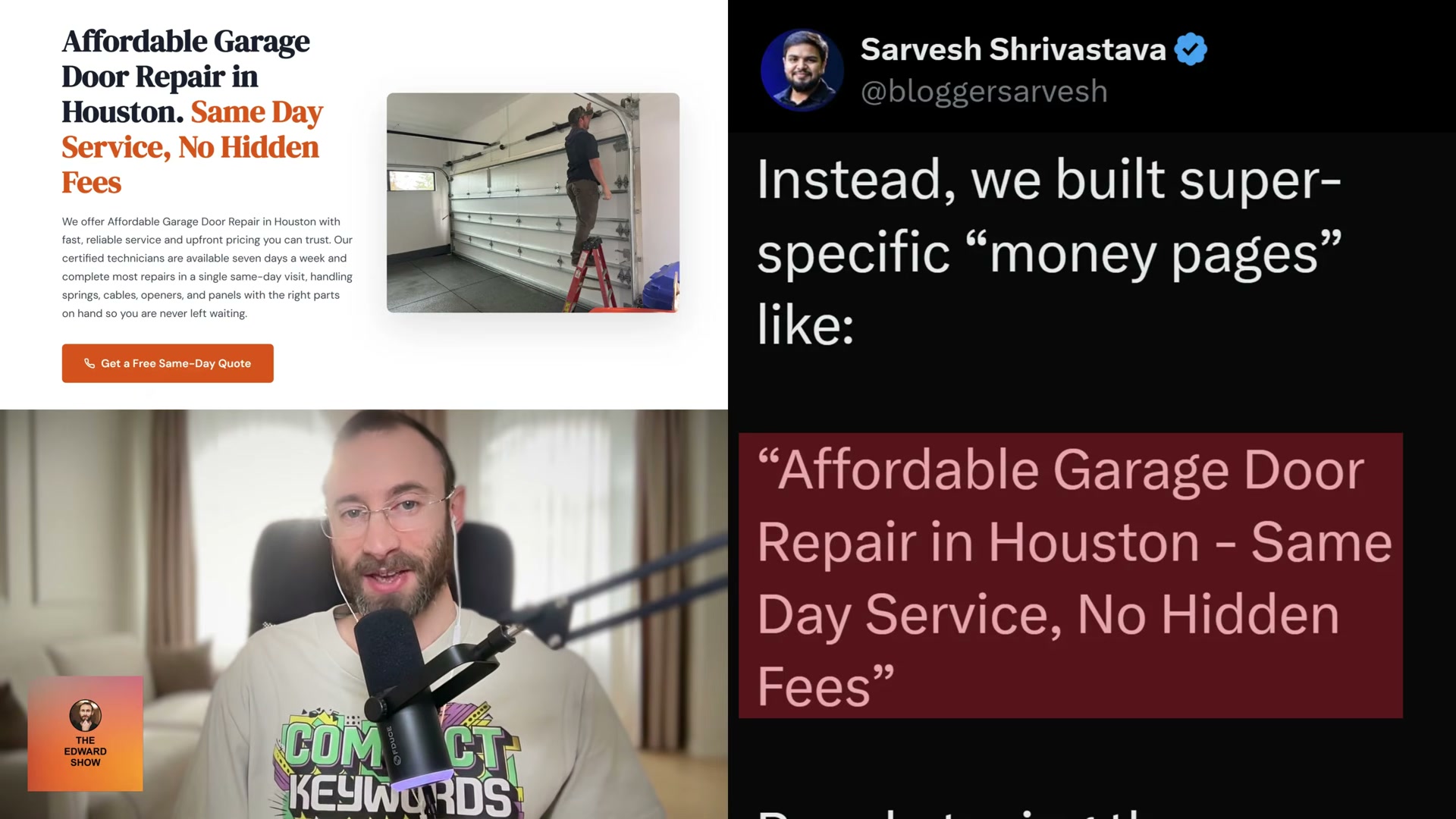
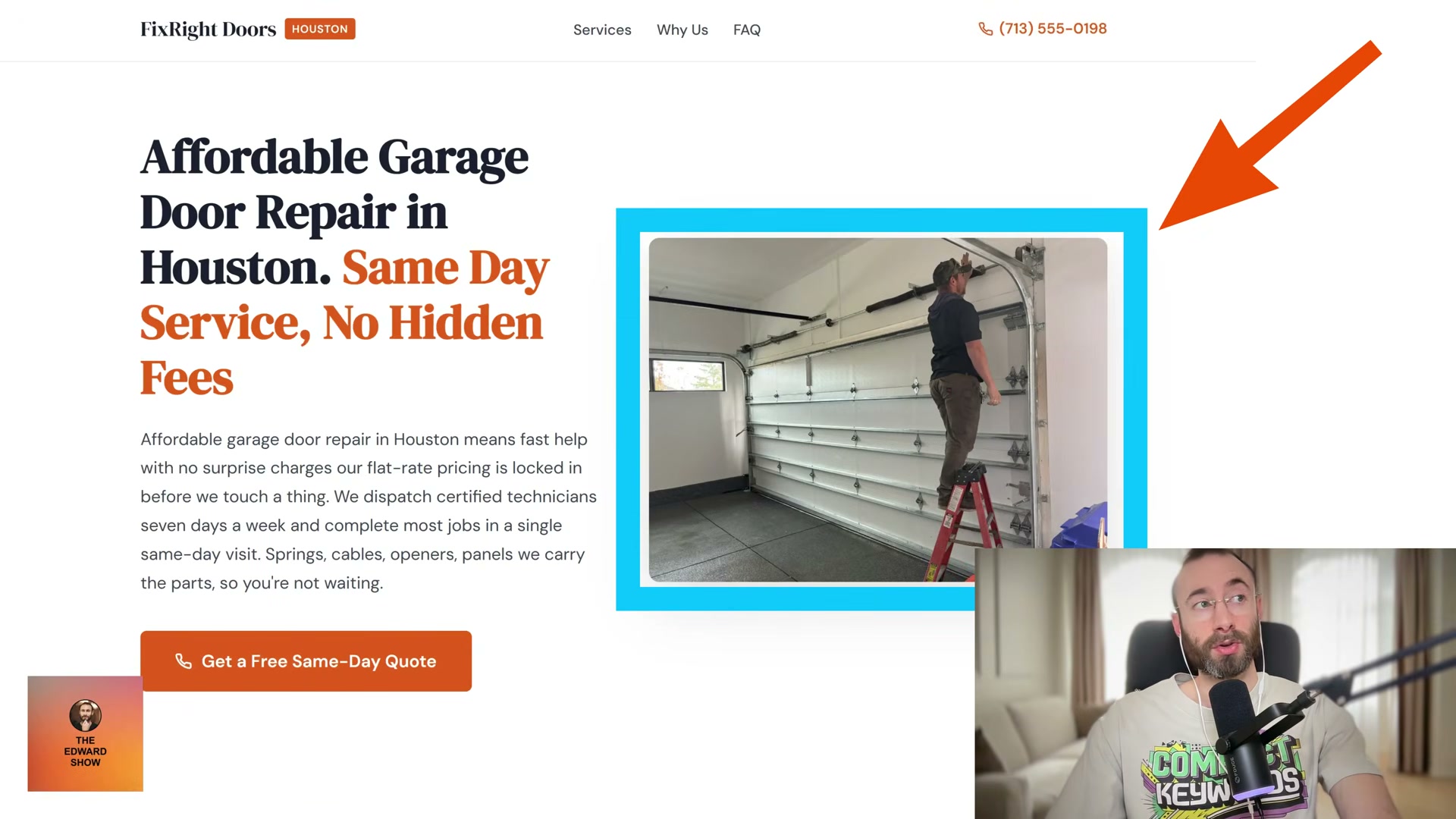
- Replace generic service pages with hyper-specific money pages. Delete the vague “Services” page that lists everything in a single paragraph. Build individual pages targeting purchase-intent phrases like “Affordable Garage Door Repair in Houston – Same Day Service, No Hidden Fees.” People searching those terms are ready to book, not browse. A page built around a specific buyer-intent phrase will also surface for dozens of related keyword variations, compounding its return over time.
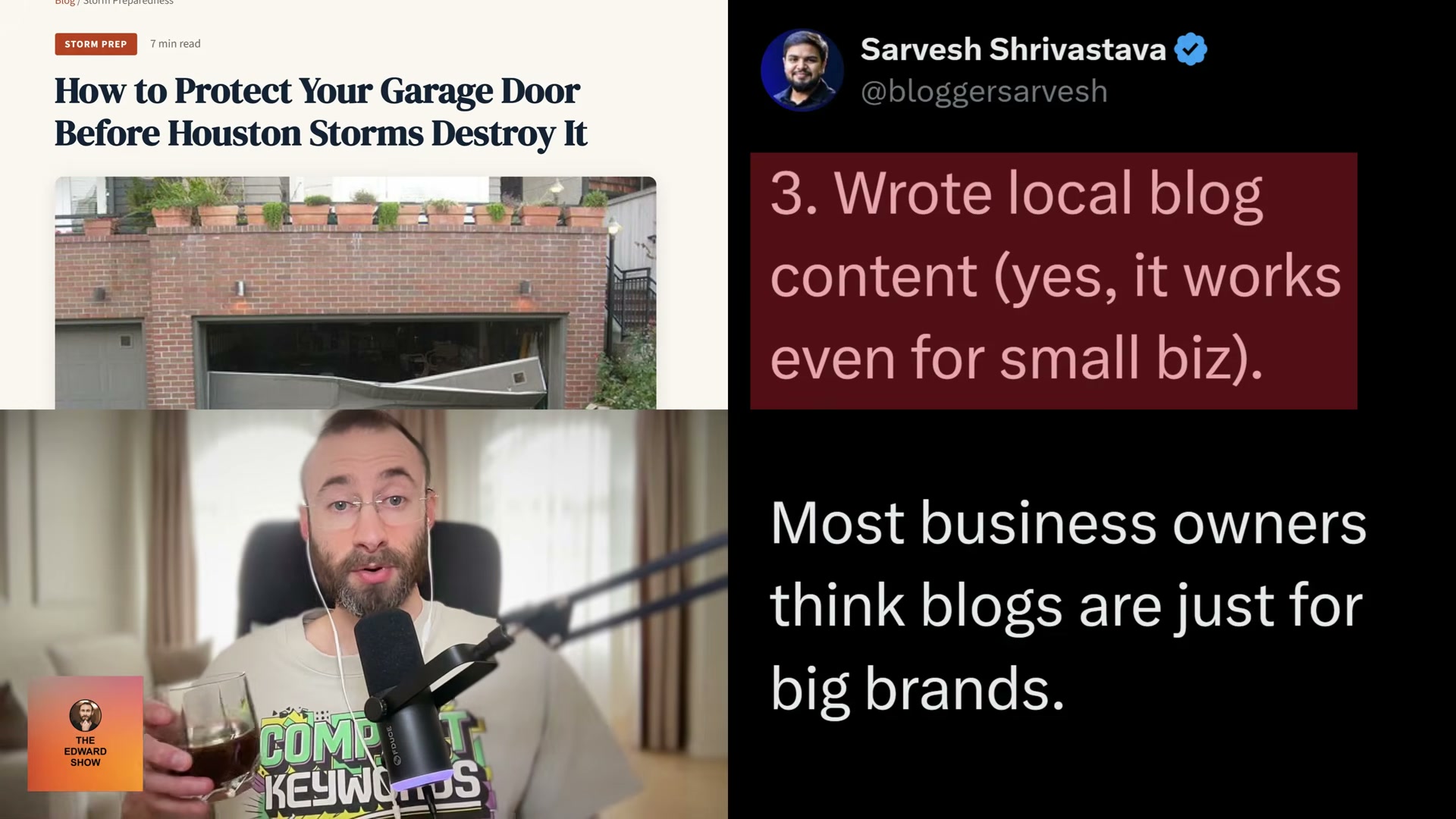
- Publish local blog content tied to community-specific events and problems. Write posts like “How to Protect Your Garage Door Before Houston Storms Destroy It” rather than generic how-to guides. This type of content builds topical authority, earns organic rankings, and creates natural PR opportunities — local news publishers covering storm season will quote the garage door expert who already wrote the definitive piece. Locals share it, journalists link to it, and Google reads both signals.
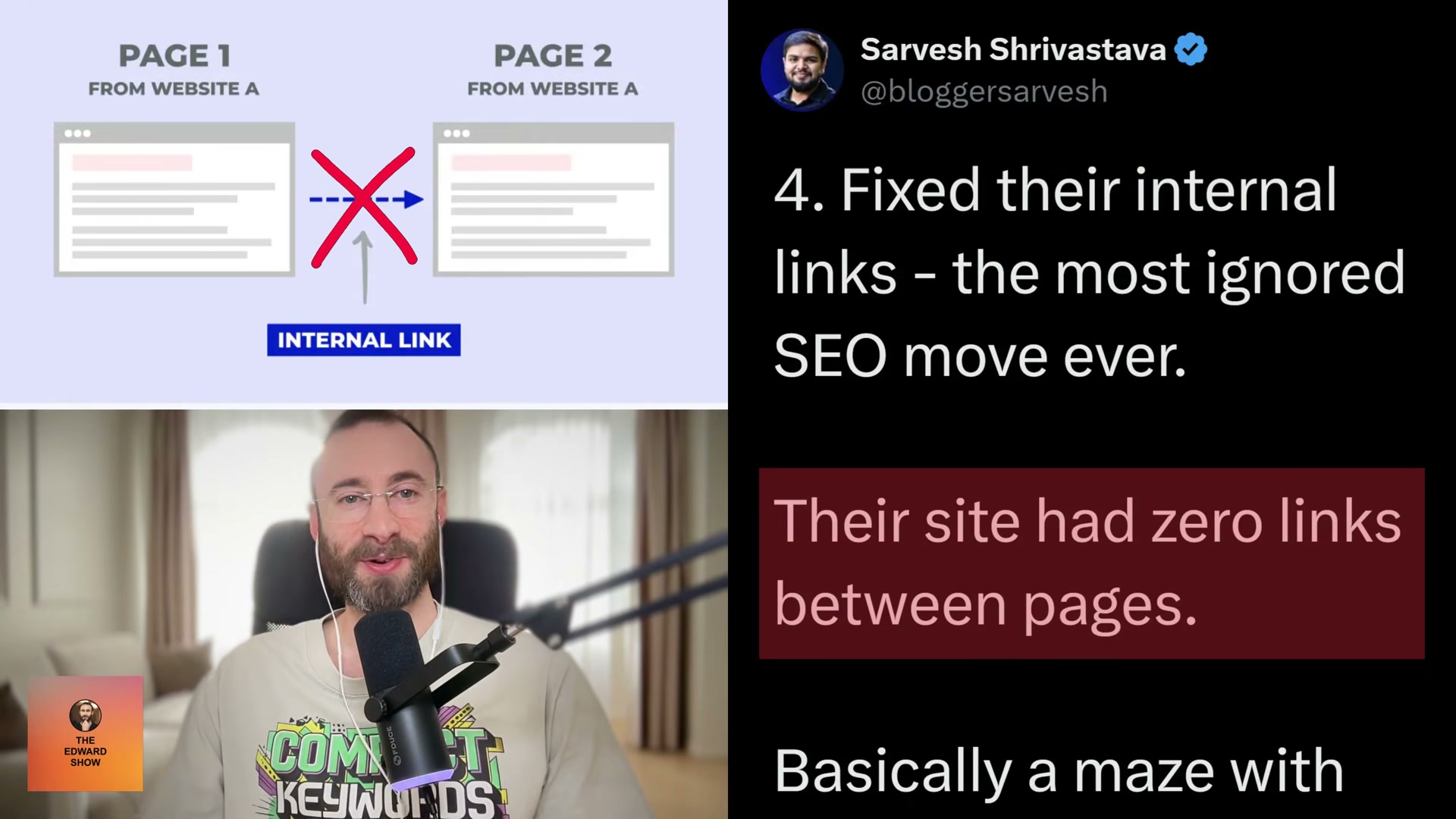
- Rebuild your internal linking structure so Google can navigate your entire site. Connect every service page, blog post, and your homepage in a deliberate information architecture. A
/serviceshub page linked from the footer — with individual service pages organized under clear H2 categories — gives Google a logical crawl path and channels link equity to pages that need it most. Pages that were invisible before can begin ranking quickly once they’re properly wired into the rest of the site.
- Build backlinks from real, indexed, ranking sites — not directories. Pursue guest posts on niche or local blogs that already rank for relevant terms and aren’t packed with indiscriminate guest content. Build reciprocal link partnerships with complementary local businesses: a garage door company links to a trusted locksmith, who links back in kind. These placements carry geo-relevance and genuine trust signals that directory submissions will never replicate.
Warning: this step may differ from current official documentation — see the verified version below.

- Drop broad national keywords entirely and commit to geo-modified local terms. Targeting “best garage door” nationwide wastes crawl budget and domain authority for a local operator. Replace every broad target with geo-modified phrases like “garage door repair Austin” or “same-day garage door service Dallas.” These searches come from people ready to call, not people researching a future purchase — and that distinction is the difference between traffic and revenue.
How does this compare to the official docs?
Google’s own guidance on local search visibility adds important nuance to several of these steps — and draws specific lines around link-building practices that are worth understanding before you build your outreach list.
Here’s What the Official Docs Show
The six-step framework covered in the video is a solid operational starting point, and the doc verification run adds an important layer of transparency you should know about before executing any of these steps. Every step came back unverified — not because the strategy is wrong, but because the documentation sources either returned errors or were not successfully captured during this review cycle.
Step 1: Google Business Profile Optimization
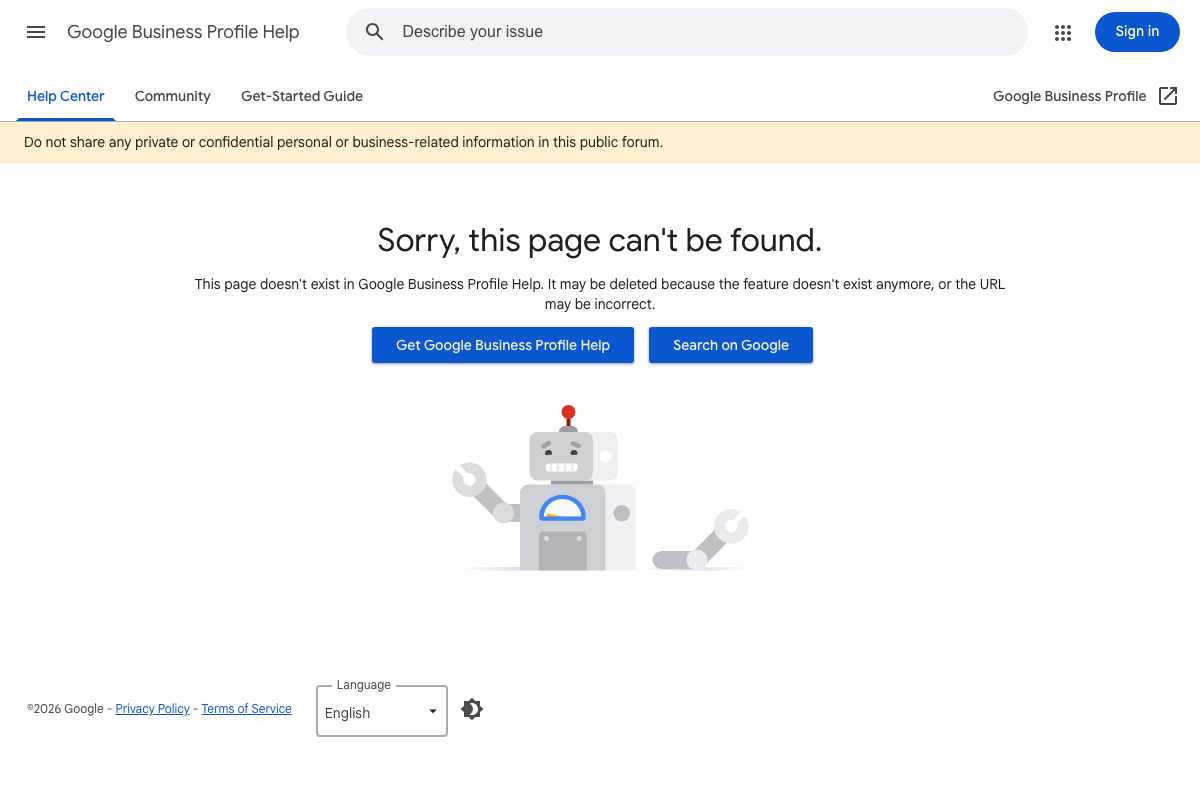
The intended documentation source for this step — the Google Business Profile Help article at support.google.com/business/answer/6397652 — returns a 404 error as of April 2026. The page message from Google reads: “This page doesn’t exist in Google Business Profile Help. It may be deleted because the feature doesn’t exist anymore, or the URL may be incorrect.” The GBP Help Center itself is still live and navigable; this specific article simply no longer exists at this URL.
No official documentation was found for this step —
proceed using the video’s approach and verify independently.
Step 2: Money Pages (Hyper-Specific Service Pages)
The documentation run targeted Google Search Central (developers.google.com/search/docs) for Steps 2 through 6. All three screenshots captured the Google Search homepage (google.com) instead of the Search Central documentation. No guidance on page targeting, buyer-intent optimization, or service page structure was visible in any screenshot.
No official documentation was found for this step —
proceed using the video’s approach and verify independently.
Step 3: Local Blog Content
Same documentation gap applies here. The Google Search Central source was not captured across any of the three attempts. No content confirming or extending the tutorial’s guidance on topical authority, local content strategy, or editorial link signals is available from this review.
No official documentation was found for this step —
proceed using the video’s approach and verify independently.
Step 4: Internal Linking Structure
No Search Central documentation content was captured for this step. The intended source — Google’s crawlability and site structure guidance — was not available in any screenshot from this review cycle.
No official documentation was found for this step —
proceed using the video’s approach and verify independently.
Step 5: Backlink Building
No documentation source content was captured for link-building guidance. This is the step where Google’s current policies around link schemes and reciprocal linking are most worth verifying directly before execution — the Search Central documentation on this topic does exist and has been updated in recent years.
No official documentation was found for this step —
proceed using the video’s approach and verify independently.
Step 6: Geo-Modified Keyword Targeting
No Search Central documentation was captured for this step. One notable observation from the Google homepage screenshots: as of April 2026, Google’s primary search bar includes an AI Mode button alongside voice and lens search options. This is a live product feature that does not appear in the tutorial’s keyword targeting strategy. Whether AI Mode affects local search result visibility or click-through behavior for geo-modified queries is worth monitoring — and is not addressed anywhere in the video.
No official documentation was found for this step —
proceed using the video’s approach and verify independently.
Useful Links
- Google Business Profile Help Center — The active GBP Help portal; use this to locate current profile optimization documentation rather than the broken URL referenced in the video.
- Sorry, this page can’t be found — Google Business Profile Help — The specific article cited as the Step 1 source; returns a 404 as of April 2026 and should not be used as a reference.
- Google Search Central Documentation — The intended documentation source for Steps 2–6; was not successfully captured during this review but remains the authoritative reference for Google’s guidance on indexing, crawlability, and search best practices.
- Google Search Homepage — Captured in place of Search Central; notable for the visible AI Mode feature in the search bar, a 2026 product change not addressed in the tutorial.


0 Comments