

How $18K in Local SEO Generated $1.7M for a Garage Door Company
A garage door company handed an SEO agency $18,000 and walked away eleven months later with $1.7 million in attributed revenue. In this case study walkthrough, SEO practitioner Sarvesh Shrivastava breaks down every lever he pulled — starting with Google Business Profile fundamentals most service businesses ignore entirely. By the end, you’ll have a repeatable framework for auditing a GBP, systematizing review collection, and building the high-intent landing pages that close local searches.
- Run a full GBP audit on day one. Pull the client’s profile alongside the top three or four map-pack competitors and compare primary category, subcategories, total photo count, total reviews, and — critically — review velocity. A competitor sitting at 500 reviews accumulated over five years is a very different target than one acquiring 30 reviews per month right now. Review velocity signals current popularity to Google; total count alone does not.
-
Identify the correct primary GBP category by running your target keyword (e.g., “garage door repair Houston”) directly in Google Maps. Look at what primary category the top-ranking results share. If the top three results all use “Garage Door Supplier” and your client is set to “Home Improvement Contractor,” that mismatch alone is a ranking obstacle.
-
Feed the competitor subcategory data into Claude. Paste in the secondary categories from each top competitor, prompt Claude to identify patterns and gaps, and use that output to select the optimal subcategory set for your client’s profile.
-
Give the client a concrete, week-one review target — ten reviews in the first seven days. The number itself is less important than the mental shift it forces: the business stops treating reviews as a luck-based byproduct and starts treating them as an operational metric with an owner.
-
Configure the client’s CRM to send an automated review-request message immediately after each job is marked complete. The message should include a direct link to the GBP review form.
-
Brief field technicians to ask for the review in person at job completion. Instruct them to ask customers to mention the technician’s name in the review body — this creates a personal accountability loop that increases follow-through on both sides.
-
Pay field staff a flat bonus of $10–$30 for every published review that includes their name. Shrivastava frames this as a per-review attribution system: if Edward’s name appears in the review, Edward gets the bonus.
Warning: this step may differ from current official documentation — see the verified version below.
-
Collect real job-site photos from the client via a shared Google Drive folder. Geotag every image before uploading to the GBP — geotagged photos carry additional location relevance signals.
-
Add every service and product the business offers as a GBP listing entry. Write keyword-rich descriptions for each — most profiles leave these fields either blank or filled with generic copy.
-
Rewrite the GBP business description from scratch with targeted, search-intent-aligned copy. Treat it as a 750-character keyword opportunity, not a mission statement.
-
Build local citations across relevant directories — industry-specific, city-specific, and general authority directories — to reinforce NAP consistency and extend the profile’s local relevance signals.
-
Replace generic website service pages with specific service-plus-location “money pages” built around transactional queries (e.g., Affordable Garage Door Repair in Houston — Same Day Service). These pages target searchers with buying intent, not research intent.
How does this compare to the official docs?
The strategy Shrivastava describes is grounded in real results — but Google’s own GBP guidelines, search quality documentation, and review policies draw some sharp lines that are worth mapping against every step above.
Here’s What the Official Docs Show
The walkthrough above gives you the practitioner’s playbook exactly as it was executed. What follows layers in what Google’s and Anthropic’s own documentation confirms, extends, or leaves open — so you can run this framework with your eyes open on every step.
Step 1 — GBP audit. The video’s starting point is sound. Google’s Help Center lists “Add & verify your business” as the entry workflow and confirms that claiming and verifying a Business Profile is the documented first action for any new optimization engagement.

The video’s approach here matches the current docs exactly. One addition worth bookmarking: Google publishes a dedicated “Get-Started Guide” tab at support.google.com/business that the video doesn’t reference — it covers the platform’s own recommended onboarding sequence.
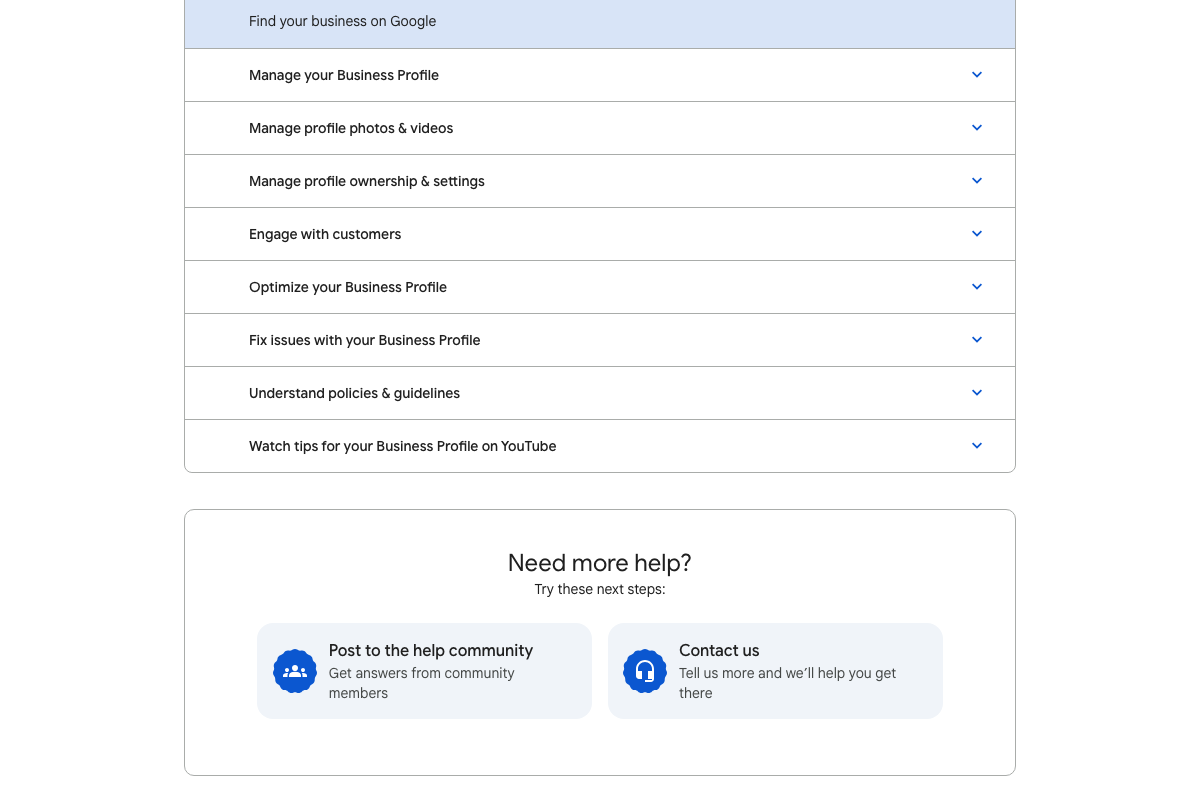
Step 2 — Primary category identification. The video’s approach here matches the current docs exactly. GBP’s Help Center confirms “Optimize your Business Profile” as an official topic area, which encompasses category selection.
Step 3 — Claude for competitive category analysis. The video’s approach here matches the current docs exactly. The consumer interface at claude.ai is the correct destination — no API integration required.
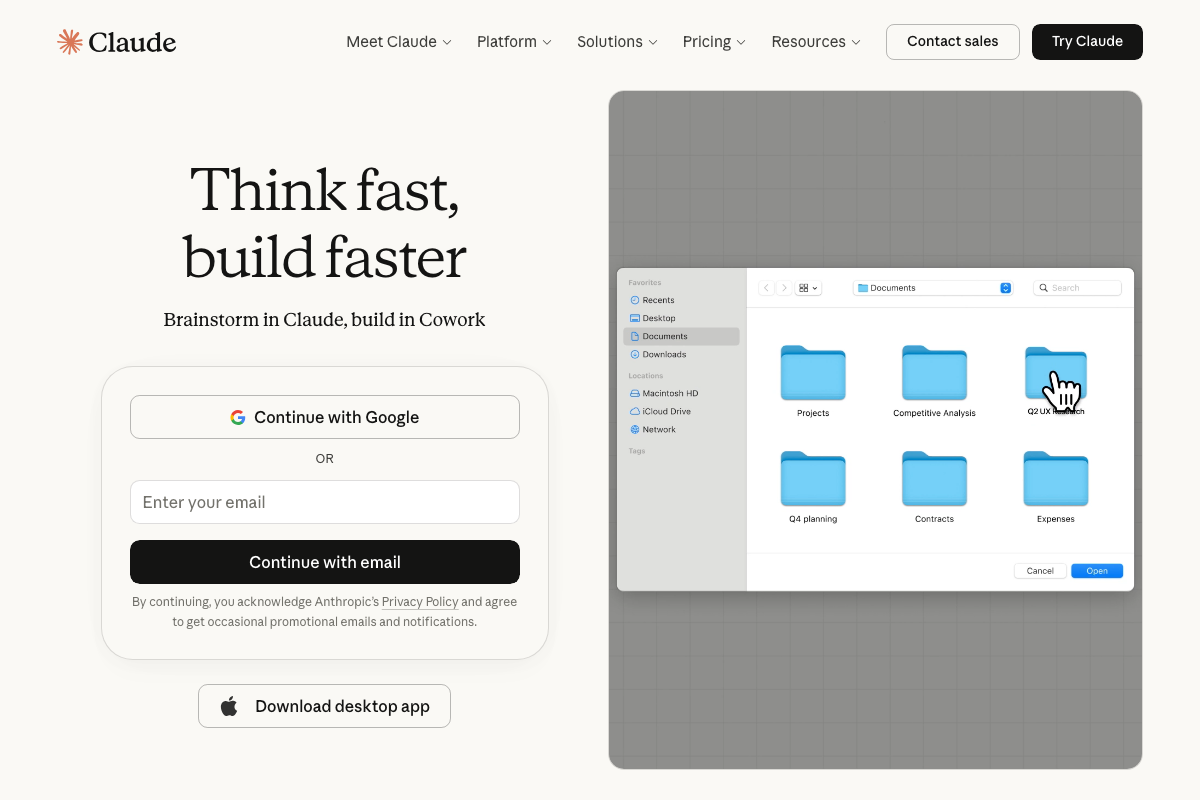
One useful addition: as of April 2026, the Free plan at $0 includes both web search and extended thinking — the two capabilities this task actually needs. The video doesn’t specify a plan tier, but you don’t need to upgrade to run this analysis.

Steps 4–7 — Review collection tactics and staff incentive bonuses.
No official documentation was found for these steps — proceed using the video’s approach and verify independently.
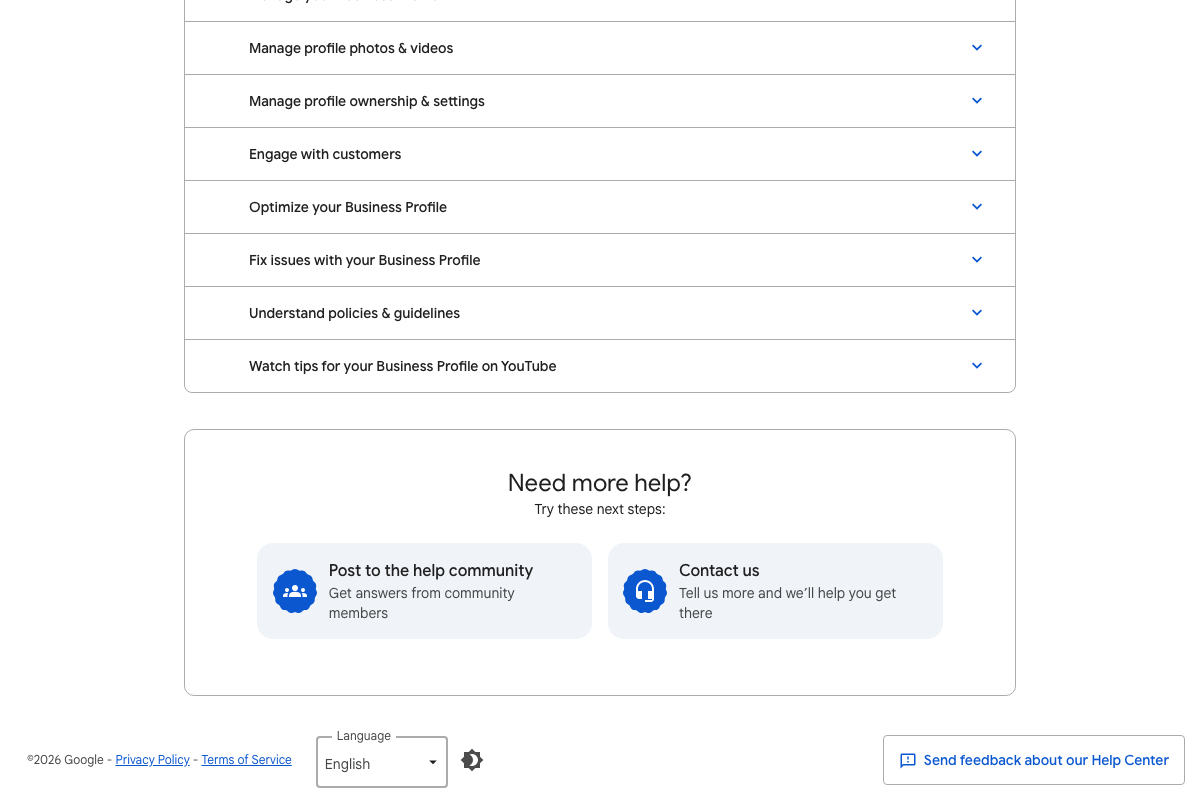
One flag worth acting on before you do: the GBP Help Center lists “Understand policies & guidelines” as a dedicated section covering review solicitation. That section is visible in the screenshots but not expanded. Read it before implementing any incentive-based review program — Google’s policies on review incentives are enforceable at the profile level.
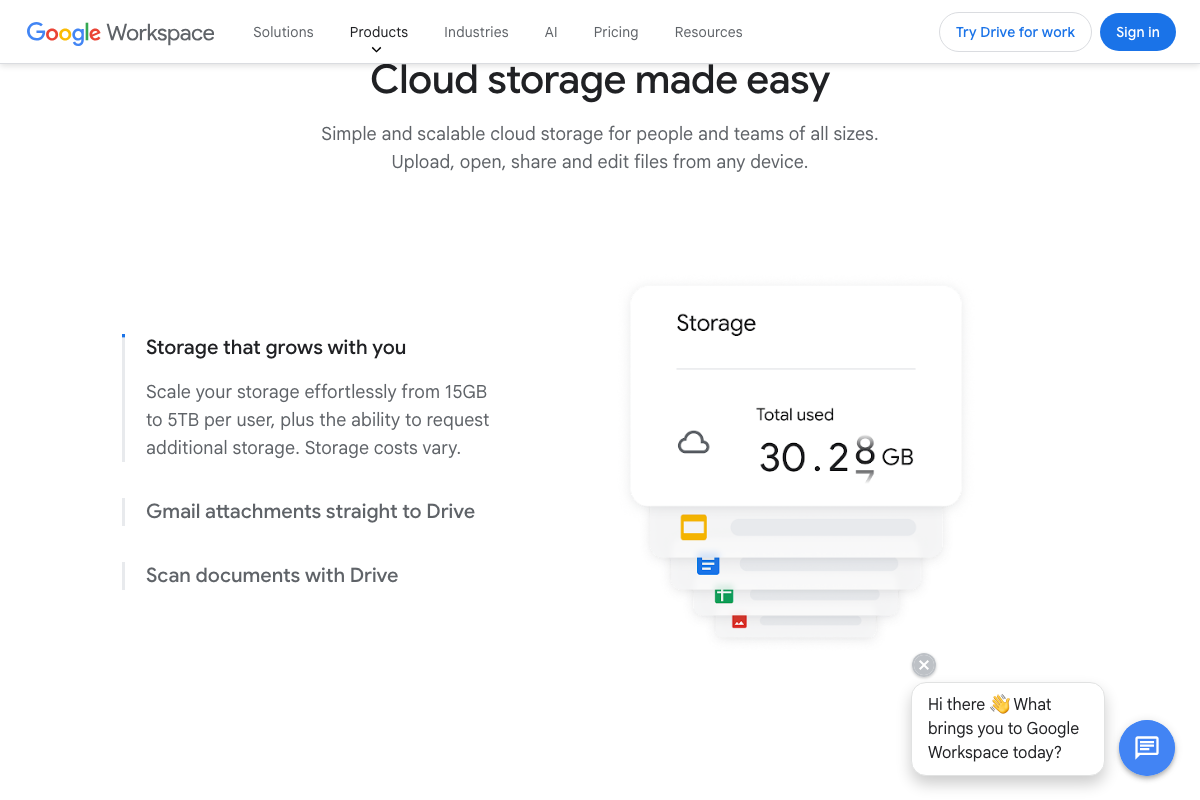
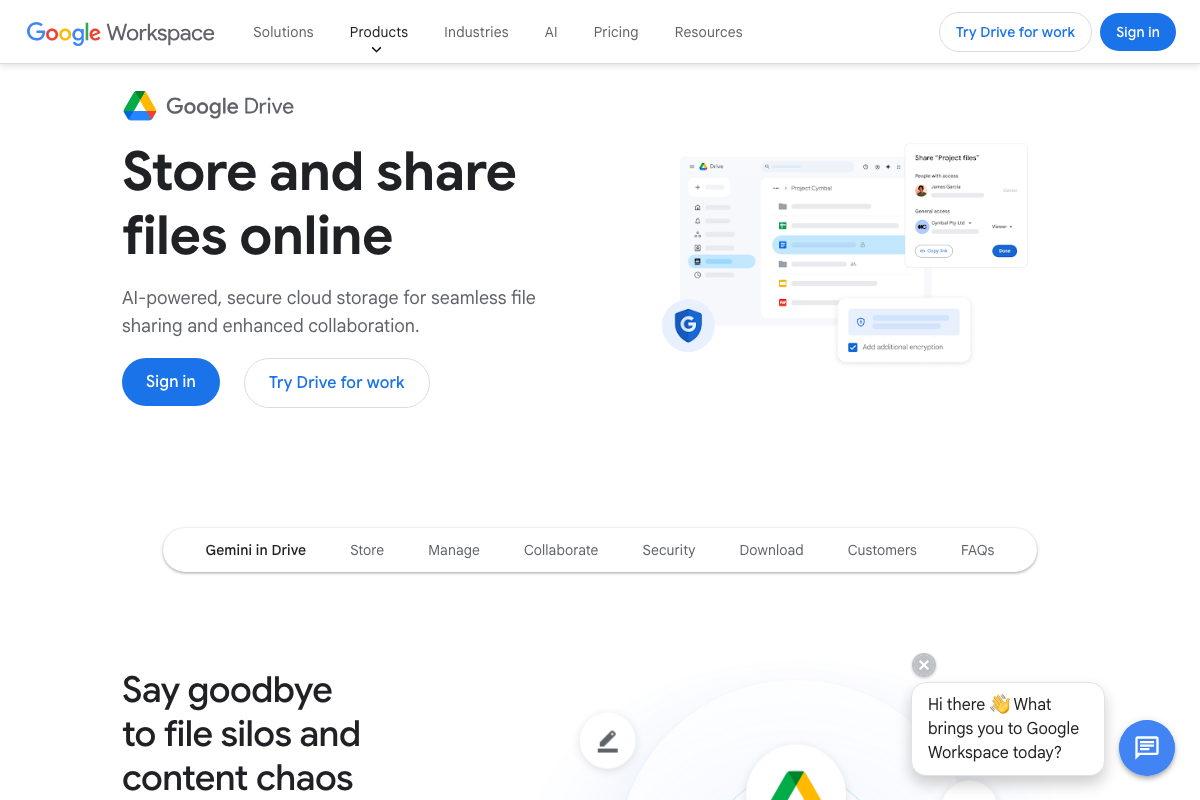
Step 8 — Photo collection and geotagging via Google Drive. Google Drive is confirmed as a valid platform for collecting and sharing job-site photos. The video’s shared-folder method works — and Drive also supports Gmail attachment saves and native mobile scanning as alternative submission paths for field staff the video doesn’t cover.
The geotagging instruction, however, requires a separate tool. As of April 2026, no geotagging functionality appears in any Google Drive documentation — that step needs to happen in a dedicated EXIF editor or geotagging app before files land in Drive or GBP.
Steps 9–10 — Services, products, and business description. The video’s approach here matches the current docs exactly. GBP’s Help Center lists “Manage your Business Profile” and “Optimize your Business Profile” as documented functions covering both steps.
Steps 11–12 — Local citations and service+location pages.
No official documentation was found for these steps — proceed using the video’s approach and verify independently.
Useful Links
- Google Business Profile Help — Official Help Center covering profile setup, photo management, customer engagement, optimization, and Google’s policies and guidelines for Business Profiles.
- Claude — Consumer interface for Claude used in Step 3; includes pricing details for Free, Pro, and Max plans as of April 2026.
- Google Drive: Share Files Online with Secure Cloud Storage — Google Drive marketing page confirming storage capacity, file-sharing workflows, Gmail attachment integration, and mobile scanning features referenced in Step 8.


0 Comments