

Stop Optimizing Keywords. Start Building a Brand Entity Google Can Recognize.
Google no longer operates as a search engine — it queries a database of 54 billion entities to determine what’s real and worth surfacing. After working through this tutorial, you’ll know how to define your brand as a recognized Knowledge Graph entity, deploy schema markup that makes you machine-readable, and reorient your content strategy toward complex topics that earn AI citations. The shift requires rethinking what SEO success looks like entirely.
- Understand the shift from keyword SEO to entity recognition. Google’s 2012 Knowledge Graph launch began a “strings to things” revolution most marketers ignored until ChatGPT and Google’s AI Mode made entity databases the only game that matters. AI search queries entity records first — not web pages. If your brand isn’t a defined entity in that system, it doesn’t exist to AI-powered search.

- Grasp the disambiguation problem. Google must resolve which entity a search term refers to before surfacing anything. “Jaguar” could be the animal, the car brand, or the NFL franchise — Google chooses based on entity context signals, not keyword matching. If your content doesn’t clearly signal which entity you represent, Google defaults to the competitor whose signals are stronger.

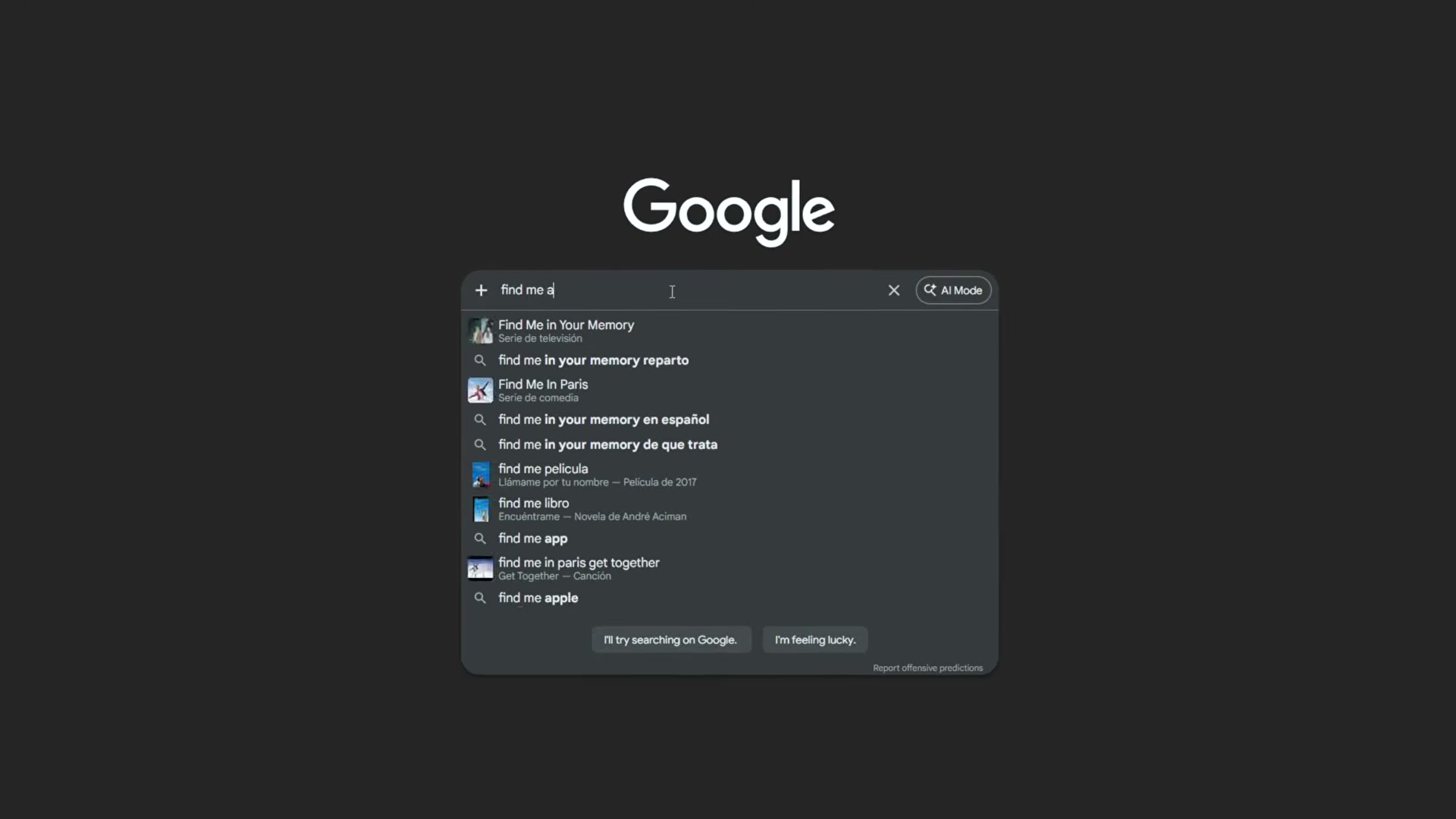
- Audit your current entity status. Search your company name. If a Knowledge Panel appears, verify it correctly identifies your category and core offering. No panel — or a mislabeled one — means Google doesn’t know what you are, and AI systems can’t surface you for anything related to what you actually do.
- Implement Organization schema. Add JSON-LD markup that explicitly defines your company: type, name, industry, and URL. A generic “Our Services” page tells Google nothing; Organization schema tells Google exactly what classifiable entity it’s dealing with.

-
Add Product or Service schema with specific attributes. Specify category, target market, and use case in the markup — not your copy. “Software company” is too generic to be useful. “Enterprise resource planning software for manufacturing” earned one client a 40% rankings jump in 60 days on the same site with the same content.
-
Add Local Business schema if you serve a geographic area. Define service type, service area, and hours explicitly. An HVAC company that corrected its schema classification from “general contractor” to “HVAC specialist” doubled organic traffic in 90 days without touching a line of content.
-
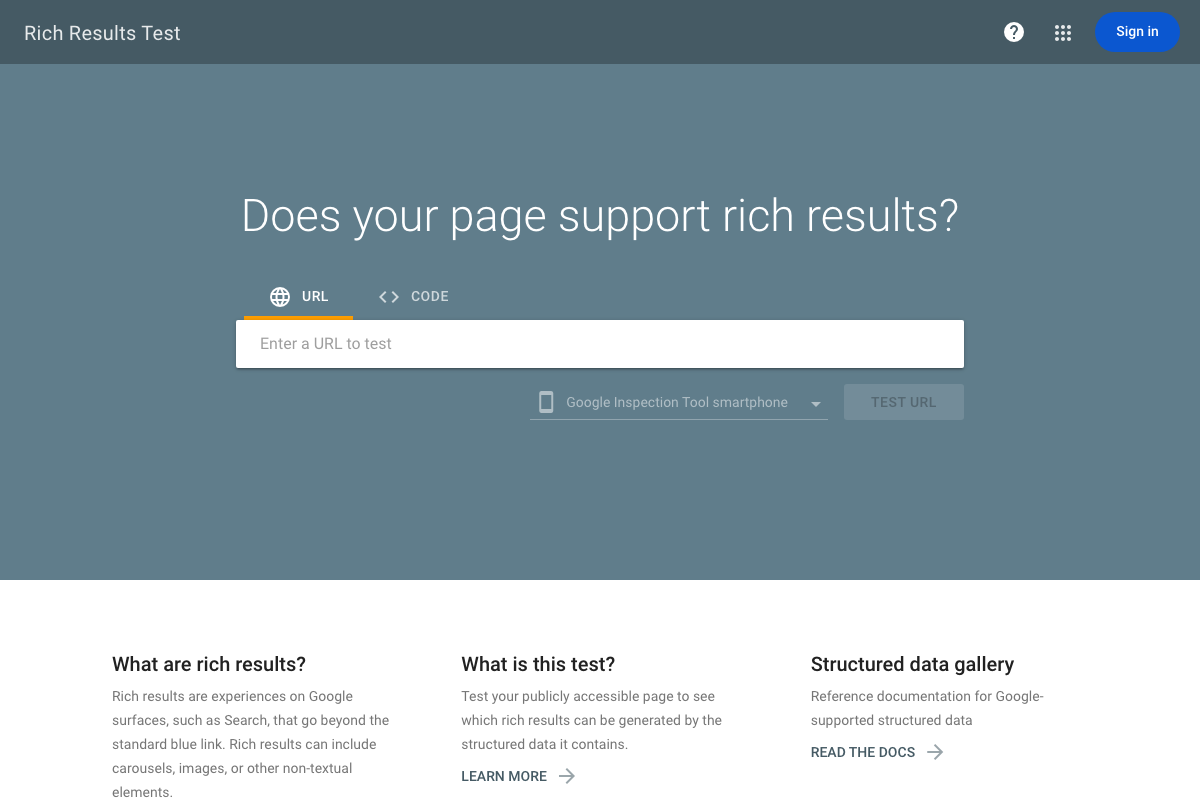
Validate every major page with Google Rich Results Test. Run the tool on your key pages. “No structured data detected” means your markup isn’t being extracted — you’re invisible by choice.
-
Audit your content strategy for complexity. Short, broad queries trigger AI Overviews only 24% of the time. Six-plus-word complex queries trigger them 77% of the time. Brands chasing high-volume simple terms earn impressions and zero AI citations.
-
Identify the multi-layer topics in your space that require expert sources. Find the questions AI can’t synthesize without citing someone — those that demand proprietary data, real-world experience, or genuine nuance. Those are the positions worth owning.
-
Build authoritative content around those complex topics. One client abandoned broad email marketing content, pivoted to deliverability optimization for high-volume e-commerce senders, watched traffic drop 30%, and saw revenue climb 200%.

- Shift your success metrics away from traffic and rankings. Measure entity presence: Knowledge Panel accuracy, AI Overview citation rate, and whether your brand appears when someone asks an AI about your category.
How does this compare to the official docs?
Google’s Search Central documentation and schema.org specifications add important precision to several of these steps — particularly around which schema properties actually influence entity classification and how JSON-LD should be structured for maximum extraction — and that’s exactly where Act 2 picks up.
Here’s What the Official Docs Show
The tutorial’s core framework holds up against current official documentation — the schema-first approach is exactly what Google specifies. The docs add a few important constraints and one meaningful correction worth building into your implementation before you go live.
Step 1 — The Knowledge Graph and schema signals
The video’s approach here matches the current docs exactly. Google’s Knowledge Graph documentation confirms it indexes entities via schema.org types in JSON-LD. Two warnings the video doesn’t address: Google is actively migrating the standard API to Cloud Enterprise Knowledge Graph, and the API is explicitly “not suitable for use as a production-critical service” — treat entity audits from it as informational, not authoritative real-time data.


Step 2 — Disambiguation
No official documentation was found for this step — proceed using the video’s approach and verify independently.
Step 3 — Audit your entity status
The video’s approach here matches the current docs exactly. Google’s ©2026 Knowledge Panel Help confirms panels represent entities in the Knowledge Graph, auto-generated from web sources. Schema markup is a signal — there is no documented submission process for earning a panel, and Google makes no guarantee of panel creation.

Step 4 — Implement Organization schema
The video’s approach here matches the current docs exactly. Verified representatives can claim a Knowledge Panel and suggest edits via Google’s official verification process — confirming that schema-backed entity definition and panel management are both legitimate, documented levers.

Step 5 — Add Product or Service schema
The video’s approach here matches the current docs exactly. Schema.org V30.0, released March 19, 2026, is the current specification. It confirms JSON-LD encoding support and covers a broader vocabulary than the three types the tutorial names — Organization, Product, and LocalBusiness are a solid starting set, not an exhaustive one.


Step 6 — Add Local Business schema
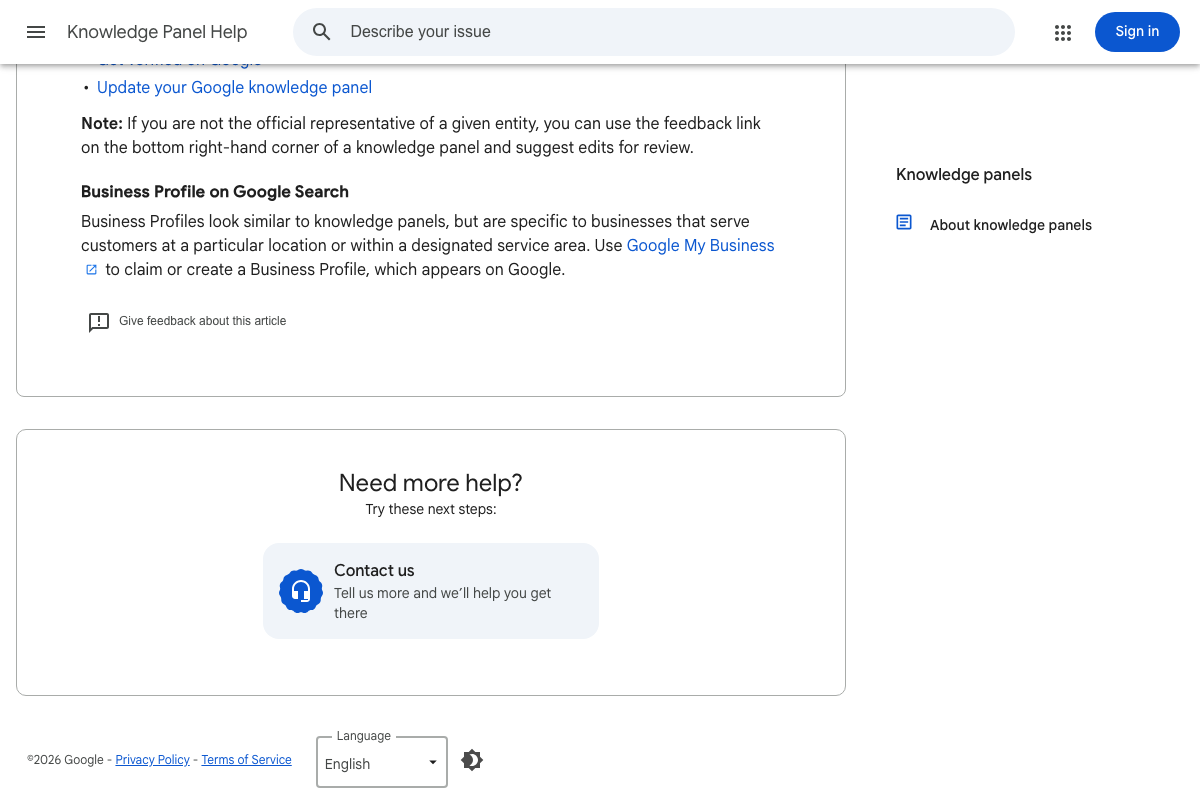
The video’s approach here matches the current docs exactly on using schema for entity classification. One important distinction the docs make explicit: Google treats Knowledge Panels and Business Profiles as separate systems. The docs state: “Business Profiles look similar to knowledge panels, but are specific to businesses that serve customers at a particular location or within a designated service area. Use Google My Business to claim or create a Business Profile.” If geographic presence on Google is your primary goal, Google Business Profile is the management tool — Local Business schema contributes entity signals to the Knowledge Graph pipeline, but the two tracks are distinct and not interchangeable.
Step 7 — Validate with Google Rich Results Test
The video’s approach here matches the current docs exactly. One URL to update: as of March 25, 2026, the Rich Results Test is live and fully functional at search.google.com/test/rich-results. The companion documentation URL at developers.google.com/search/docs/appearance/rich-results returned a 404 at the time of capture — bookmark the tool URL directly.
Step 8 — Audit your content for complexity
The video’s approach here matches the current docs exactly in framing. Google’s AI Search materials confirm that complex, multi-variable queries are the ones AI snapshots attribute to cited sources — directly supporting the high-complexity content argument. One caveat: the available screenshots come from Google’s May 2023 SGE announcement post, not current AI Overviews product documentation. No published citation-selection criteria are present in the captured sources.

Steps 9–11 — Complex topic identification, authoritative content, and success metrics
No official documentation was found for these steps — proceed using the video’s approach and verify independently.
Useful Links
- Google Knowledge Graph Search API | Google for Developers — Official API reference for querying the Knowledge Graph, including the active migration notice directing new users to Cloud Enterprise Knowledge Graph
- Schema.org — Authoritative structured data vocabulary in current version V30.0 (March 2026), maintained jointly by Google, Microsoft, Yahoo, and Yandex
- Rich Results Test – Google Search Console — Google’s live tool for testing whether a page’s structured data qualifies for rich results in Search, accepting both URL and raw code input
- About knowledge panels – Knowledge Panel Help — Official ©2026 definition of Knowledge Panels, the claim and verification process, and the explicit distinction from Business Profiles
- How Google is improving Search with Generative AI — Google’s May 2023 SGE announcement post demonstrating early AI-generated search snapshots with cited source links
- Overview – Perplexity API Platform — Perplexity developer API documentation; covers the API product with real-time web sourcing, distinct from the consumer citation selection behavior the tutorial references
- ChatGPT — ChatGPT homepage; no documentation on citation methodology or entity recognition is available at the public UI level


0 Comments