

How One Creator Turned Burnout Content Into a $5/Day Ad System That Actually Works
After burning through $35,000 on Meta ads with little to show for it, Elise Darma discovered that the content she already had — emails, captions, story slides, and comments — outperformed every polished video ad she’d ever run. By the end of this tutorial, you’ll be able to audit your existing content library, convert it into multiple ad creative formats, and run a low-budget testing campaign that surfaces winning creatives before you commit real spend.
-
Audit your existing content assets. Before creating anything new, pull everything you already have: email campaigns, Instagram captions, story slides, comment threads, and Reels. The goal is to treat your content library as a raw creative inventory. If you’ve been publishing consistently, you likely have weeks of ad material sitting unused.
-
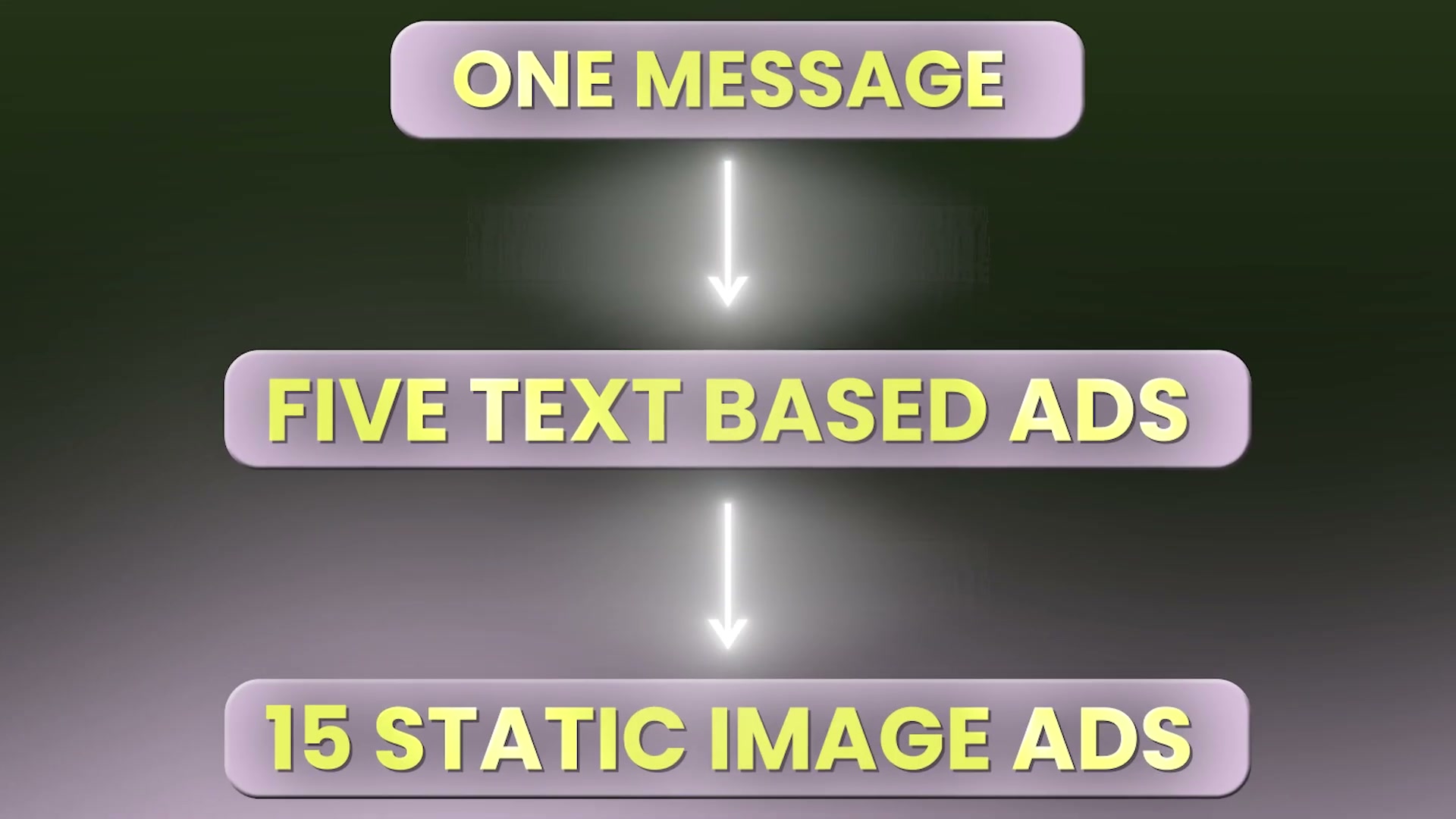
Convert email copy into text-based ad creatives. Take paragraphs from your highest-performing emails and drop them directly into Meta’s text ad format — no images, no video. These perform well precisely because they read like a message, not a promotion. A single email can yield three to five distinct ad variations by isolating different sections or angles.

- Use captions as headlines for static image ads. Your Instagram captions are already written for scroll-stopping attention. Pull the opening line or hook from your top-performing posts and use it as the headline over a simple lifestyle image. The copy has already been tested organically — you’re just changing the distribution channel.
-
Repurpose story slides into in-feed graphic ads. Story slides are already sized and designed for mobile. Drop them into your ad set as static placements. Their native look — informal, unpolished — is an advantage, not a liability, because they blend into organic feeds rather than signaling “this is an ad.”
-
Turn positive comments into social proof ads. Screenshot real comments from customers or followers and run them as creative. Social proof framed as a peer recommendation consistently outperforms brand-generated copy, and this format costs nothing to produce.
-
Repurpose Reels as in-feed video ads. Existing Reels can be submitted directly into your ad campaigns without re-editing. Content that performed organically already has a validated hook — it stopped the scroll once and can do it again in a paid placement.
-
Launch a $5/day testing campaign across multiple creative variations. Run each creative as a separate ad within one campaign. A $5/day budget generates enough signal within a week to identify which formats and messages resonate without significant risk exposure.
-
Identify top performers by ROAS before scaling budget. Let the data decide before you increase spend. Look for creatives with a return on ad spend of 2x or higher on cold audiences as your threshold for scaling. Warm audience benchmarks will naturally read higher.
-
Scale winning creatives and prioritize volume and variety over polish. Once you know what works, produce more variations of that format — not more elaborate versions of it. The Meta algorithm rewards frequent creative refreshes, so quantity of testable variations outperforms a single high-production asset.
How does this compare to the official docs?
Meta’s own advertising guidance has a lot to say about creative best practices, testing frameworks, and what Advantage+ actually rewards — and some of it lines up with this system in ways that might surprise you, while other details point to nuances the video doesn’t cover.
Here’s What the Official Docs Show
The workflow Elise walks through is a smart creative system, and the docs add useful structural context for the steps that touch Meta’s ad platform directly. What follows layers in what Meta’s official pages confirm, where the platform documentation is silent, and one meaningful gap you’ll want to fill before you launch.
1. Audit your existing content assets.
No official documentation was found for this step —
proceed using the video’s approach and verify independently.
2. Convert email copy into text-based ad creatives.
No official documentation was found for this step —
proceed using the video’s approach and verify independently.
3. Use captions as headlines for static image ads.
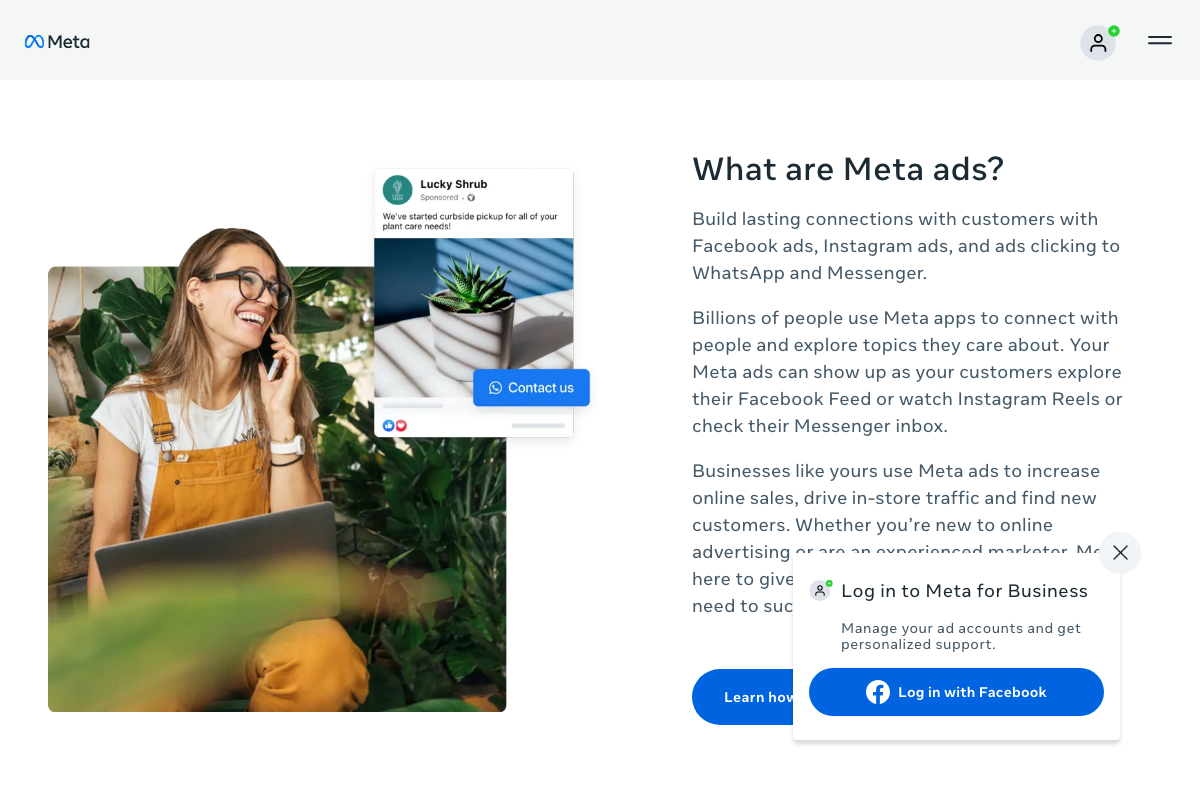
Facebook Feed is explicitly listed as an ad placement surface in Meta’s current overview documentation. The video’s approach here matches the current docs exactly — pulling organic copy into Feed placements is consistent with how Meta describes the format.
4. Repurpose story slides into in-feed graphic ads.
No official documentation was found for this step —
proceed using the video’s approach and verify independently.
5. Turn positive comments into social proof ads.
No official documentation was found for this step —
proceed using the video’s approach and verify independently.
6. Repurpose Reels as in-feed video ads.
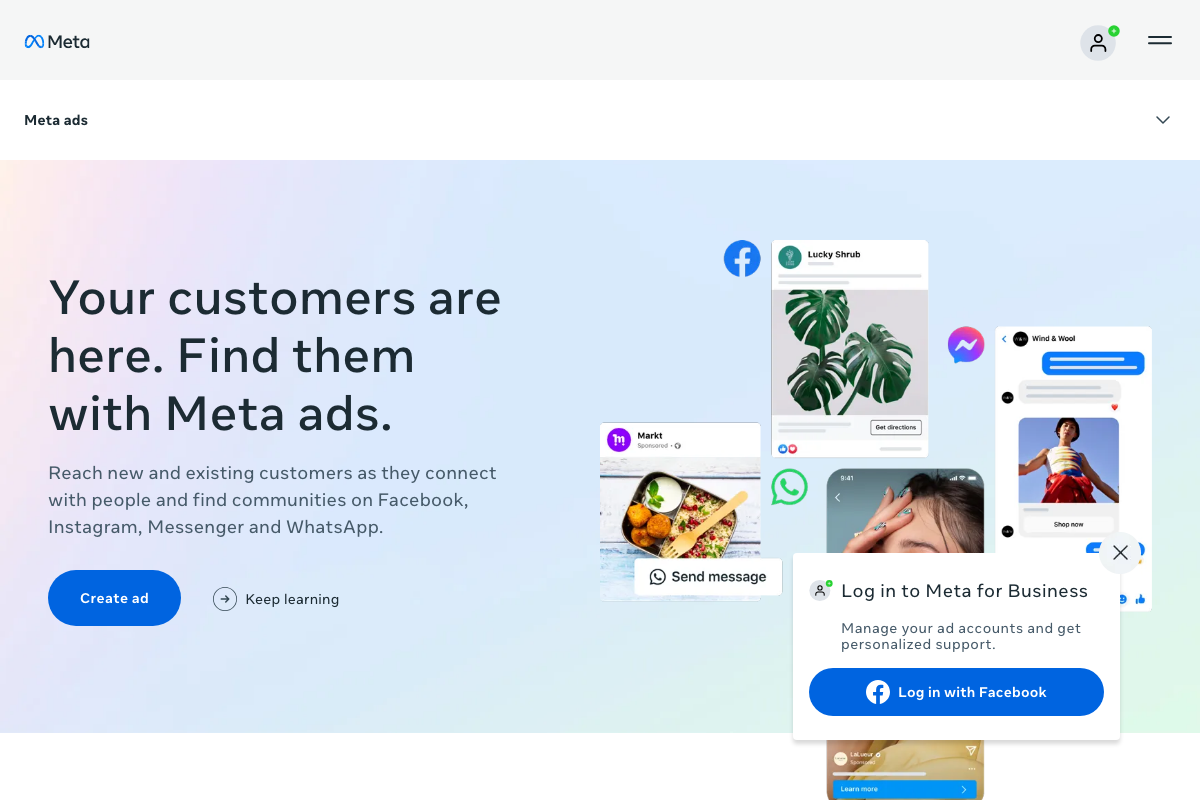
Instagram Reels is explicitly named as a placement surface in Meta’s current documentation. The video’s approach here matches the current docs exactly. Meta’s overview page confirms you can reach audiences where they’re already watching Reels organically.
7. Launch a $5/day testing campaign across multiple creative variations.
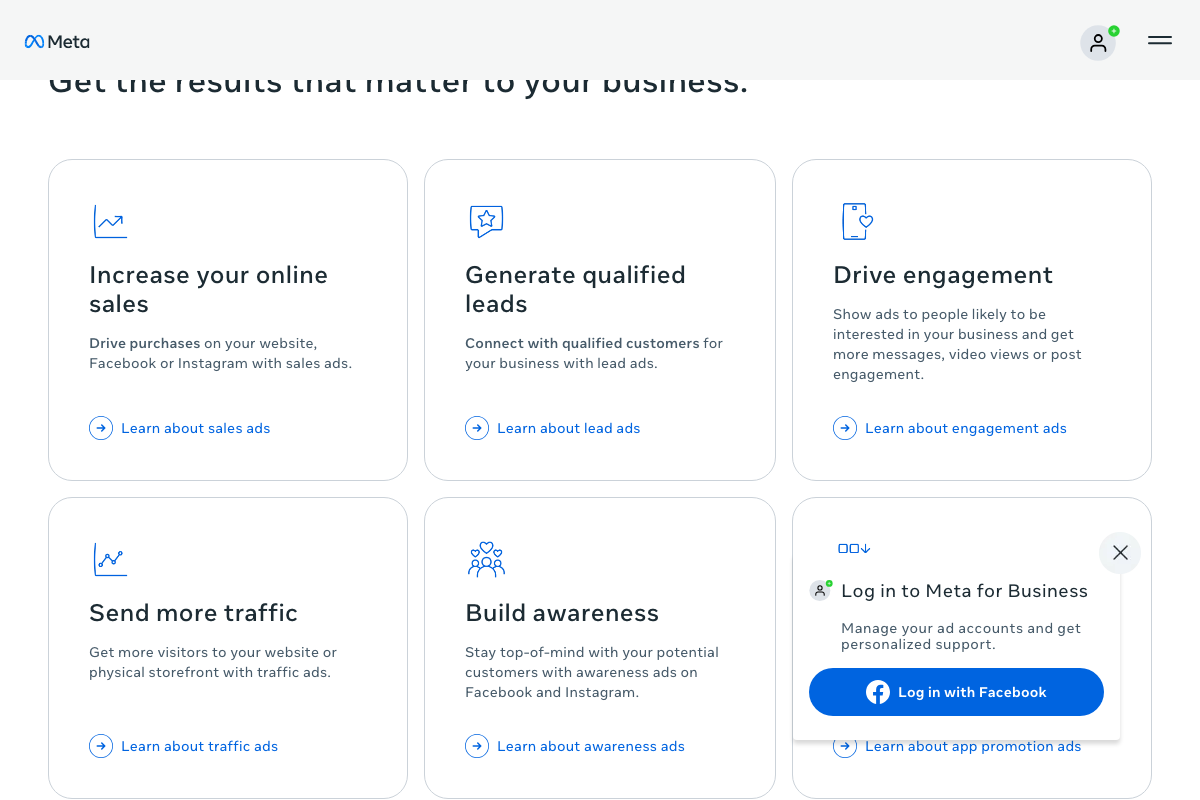
The docs add something important here the video skips: Meta currently surfaces six distinct campaign objectives — Sales, Lead ads, Engagement, Traffic, Awareness, and App promotion. The tutorial does not specify which objective to select for the test campaign. For a ROAS-focused test, the Sales objective is the appropriate selection. As of March 2026, no minimum daily spend threshold appears anywhere in Meta’s publicly available documentation; the $5/day figure cannot be confirmed or denied from the official pages.
8. Identify top performers by ROAS before scaling.
No official documentation was found for this step —
proceed using the video’s approach and verify independently.
ROAS is a reporting metric found inside Ads Manager, not a campaign objective — the distinction matters when you’re setting up the campaign, not just reading results.
9. Scale winning creatives and prioritize volume and variety over polish.
No official documentation was found for this step —
proceed using the video’s approach and verify independently.
Useful Links
- Meta Ads — Reach Customers Online with Ads on Facebook, Instagram, Messenger & WhatsApp — Meta for Business marketing overview page confirming platform placement surfaces and available campaign objectives as of March 2026.


0 Comments