

YouTube Shorts Hooks and Curiosity Loops That Explode Your Views
YouTube Shorts has a retention problem — not a reach problem — and most marketers are solving for the wrong thing. After completing this tutorial, you’ll understand how YouTube’s algorithm actually rewards Shorts creators, why promotional content kills your distribution, and how to structure each Short so it builds compounding brand trust instead of flatline view counts.
-
Optimize for watch time, not clicks or shares. YouTube Shorts ranks on a different signal than Instagram Reels or TikTok. The platform measures how long a viewer stays before swiping away. Every production and scripting decision — hook strength, pacing, information density — should serve retention, not drive traffic somewhere else.
-
Treat each Short as a complete, self-contained piece of content. The most common mistake marketers make is using Shorts as a teaser or redirect — “watch my full video,” “visit my landing page.” Viewers can read that intent immediately, and YouTube’s algorithm reads the resulting drop-off just as fast. A Short must deliver its full value inside the Short itself.
-
Interpret your seed audience data correctly. Every new Short receives an initial distribution of roughly 1,000 views from YouTube’s test pool. If the view count flatlines after that, the algorithm has measured low viewer satisfaction and stopped promoting the video. A flatline is not a reach problem — it’s a content signal telling you retention failed.
-
Repurpose podcast and livestream clips as your highest-converting Shorts format. Clips from interview-based shows or live streams already function as self-contained value units — they survive outside their original context and deliver a complete idea. A podcast clip posted as a Short can earn views on its own merits while simultaneously introducing the source show to new audiences without any promotional framing required.
-
Layer entertainment or education underneath any product demonstration. A Short that opens with something inherently watchable — a chaotic before-and-after, a counterintuitive claim, a visual surprise — earns viewer satisfaction independent of whether the viewer ever converts. The product reveal lands harder because the viewer is already engaged. Lead with the content; let the product appear after the hook has done its job.
-
Publish free value consistently to build algorithmic compounding. When a viewer watches a Short to completion, YouTube’s algorithm flags that viewer as a likely match for your next Short. Consistent delivery of value without strings attached trains the system to surface your content to the same audience repeatedly — building the equivalent of a subscription relationship even with non-subscribers.
-
Let the viewer self-select into your funnel — never force the transition. High-performing Shorts do not end with a call to action. A viewer who found genuine value will seek out your long-form content or product on their own terms. Inserting an explicit redirect disrupts viewer satisfaction and signals to the algorithm that the Short was a vehicle, not a destination.
How does this compare to the official docs?
The strategy above comes directly from a practitioner’s experience in the Shorts feed — but YouTube’s own Creator documentation frames some of these mechanics differently, and the gaps are worth understanding before you build your content calendar.
Here’s What the Official Docs Show
The tutorial above gives you a solid practitioner’s map of how Shorts distribution works — the screenshots add platform-level context where the video leaves gaps, and flag clearly where claims remain unverified by any official YouTube source.
Step 1: Optimize for watch time, not clicks or shares.
No official documentation was found for this step —
proceed using the video’s approach and verify independently.
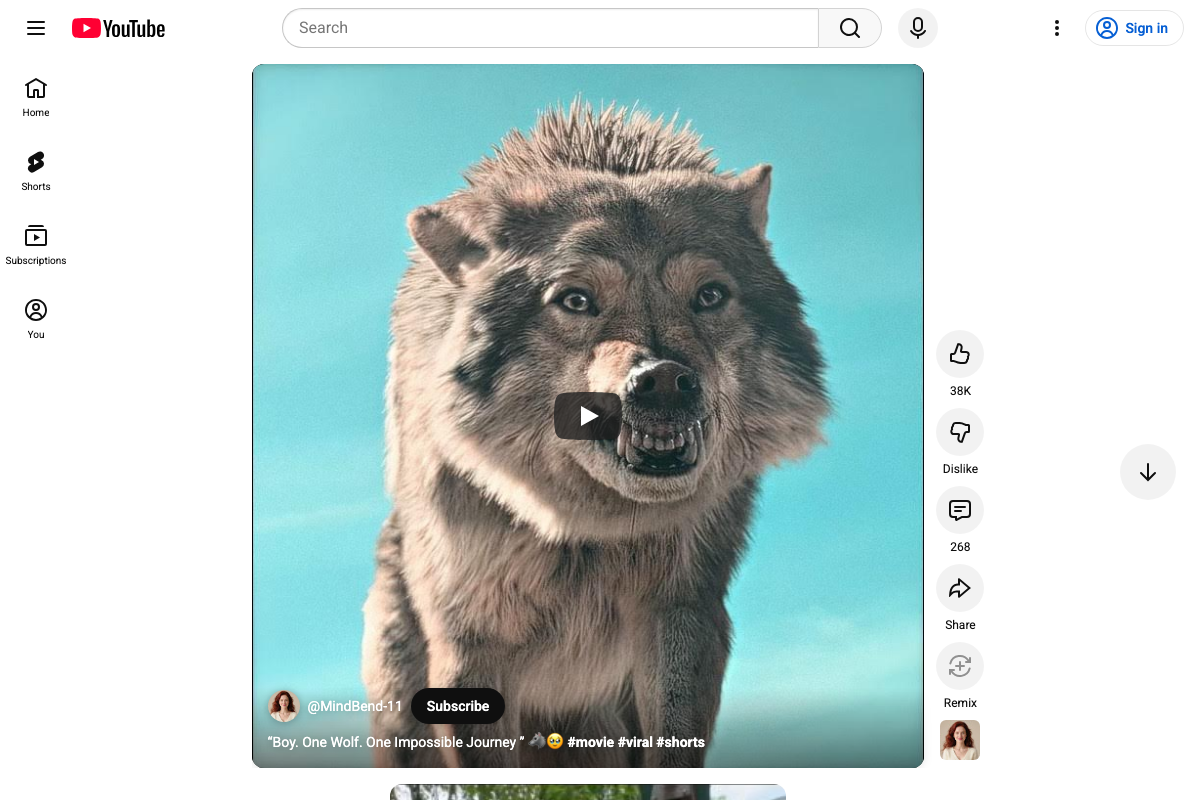
One thing the screenshots do surface: the Shorts player sidebar includes a native Remix button alongside Like, Dislike, Comments, and Share. The tutorial doesn’t mention it — Remix lets any viewer create a response Short from your content, making it a distinct engagement type separate from watch time and worth tracking in your analytics.
Step 2: Treat each Short as a complete, self-contained piece of content.
No official documentation was found for this step —
proceed using the video’s approach and verify independently.

The player UI does confirm one structural detail: the Subscribe button renders as a native overlay inside the Shorts player itself. Viewers can convert to subscriber without leaving the Short — which aligns with the tutorial’s argument that the Short should function as a destination, not a gateway.
Step 3: Interpret your seed audience data correctly.
No official documentation was found for this step —
proceed using the video’s approach and verify independently.
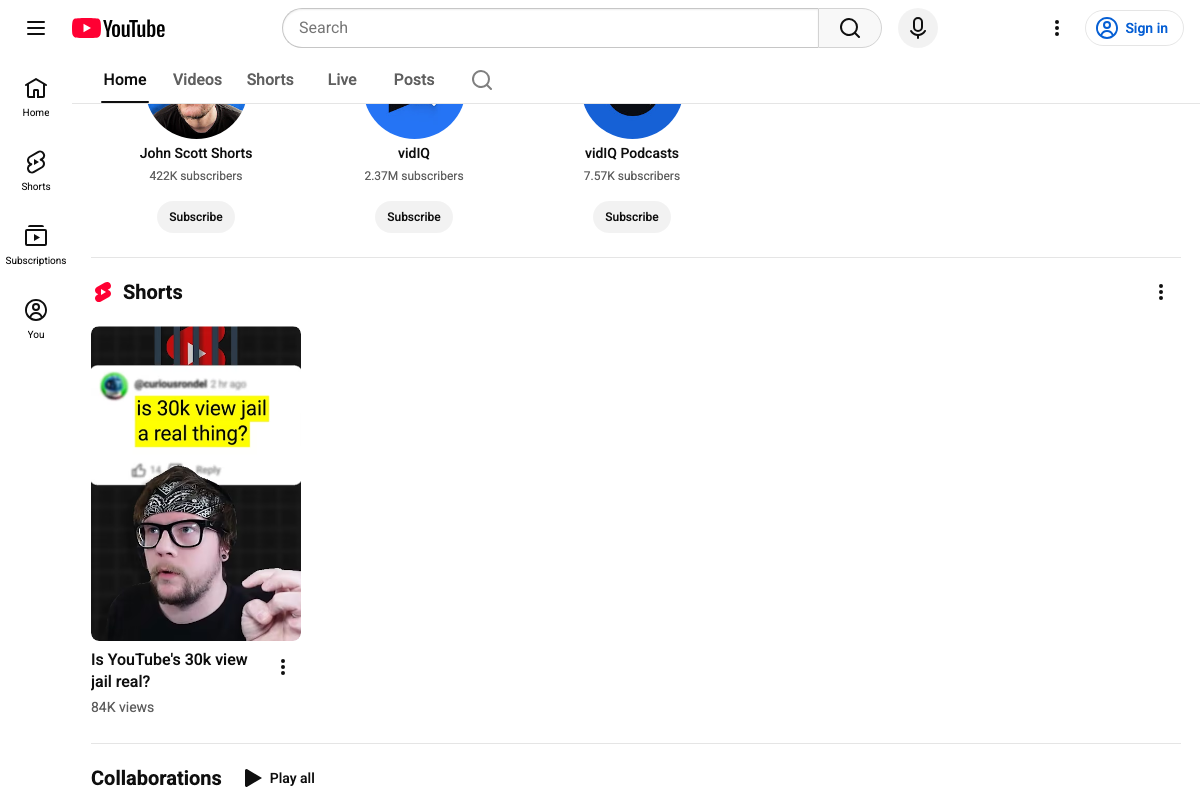
Worth noting: the creator’s own channel surfaces multiple view-count thresholds — “flatline,” “30k view jail,” and the ~1,000-view seed audience — as separate concepts describing different distribution stages. None of these thresholds are confirmed by official YouTube documentation in the available screenshots.
Step 4: Repurpose podcast and livestream clips as your highest-converting Shorts format.
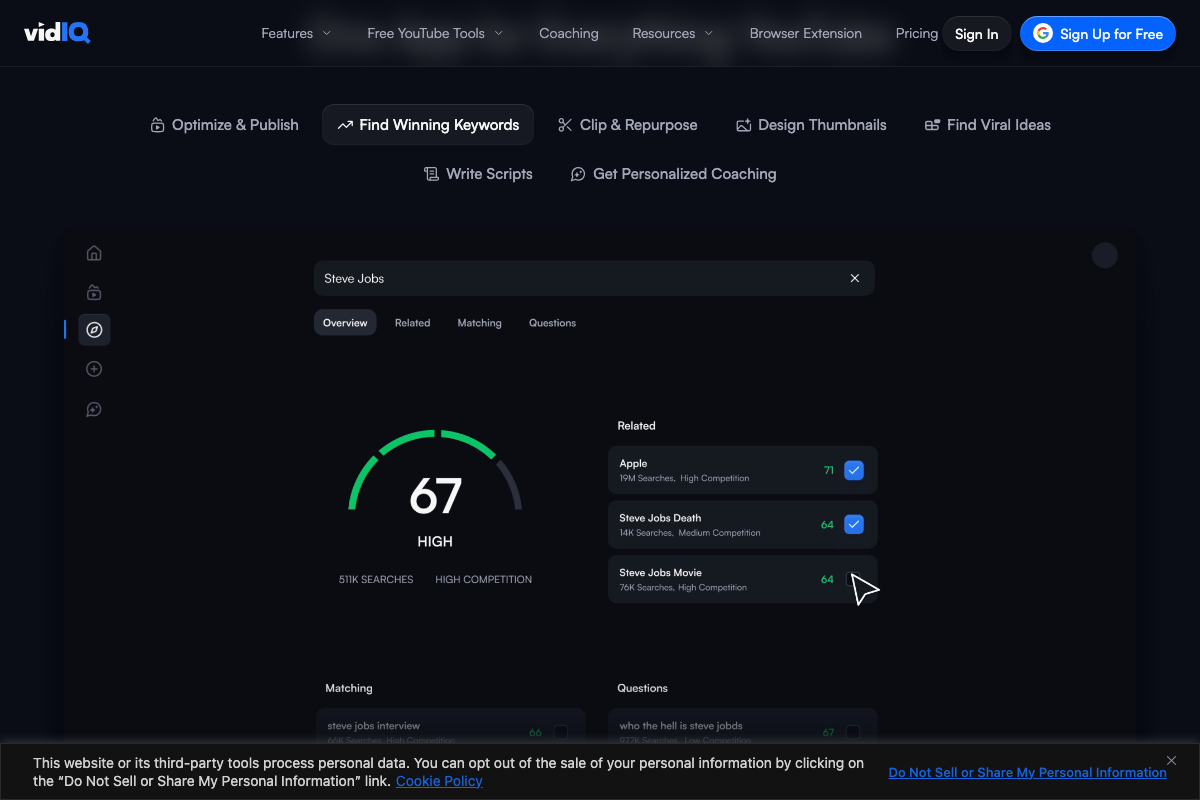
The video’s approach here matches the current docs exactly. vidIQ’s product dashboard shows a dedicated Clip & Repurpose feature tab, confirming this workflow is recognized, industry-standard, and purpose-built. Keep in mind that vidIQ is a third-party platform — this validates the workflow is well-established, not that YouTube officially endorses the format over others.
Step 5: Layer entertainment or education underneath any product demonstration.
No official documentation was found for this step —
proceed using the video’s approach and verify independently.

Step 6: Publish free value consistently to build algorithmic compounding.
No official documentation was found for this step —
proceed using the video’s approach and verify independently.
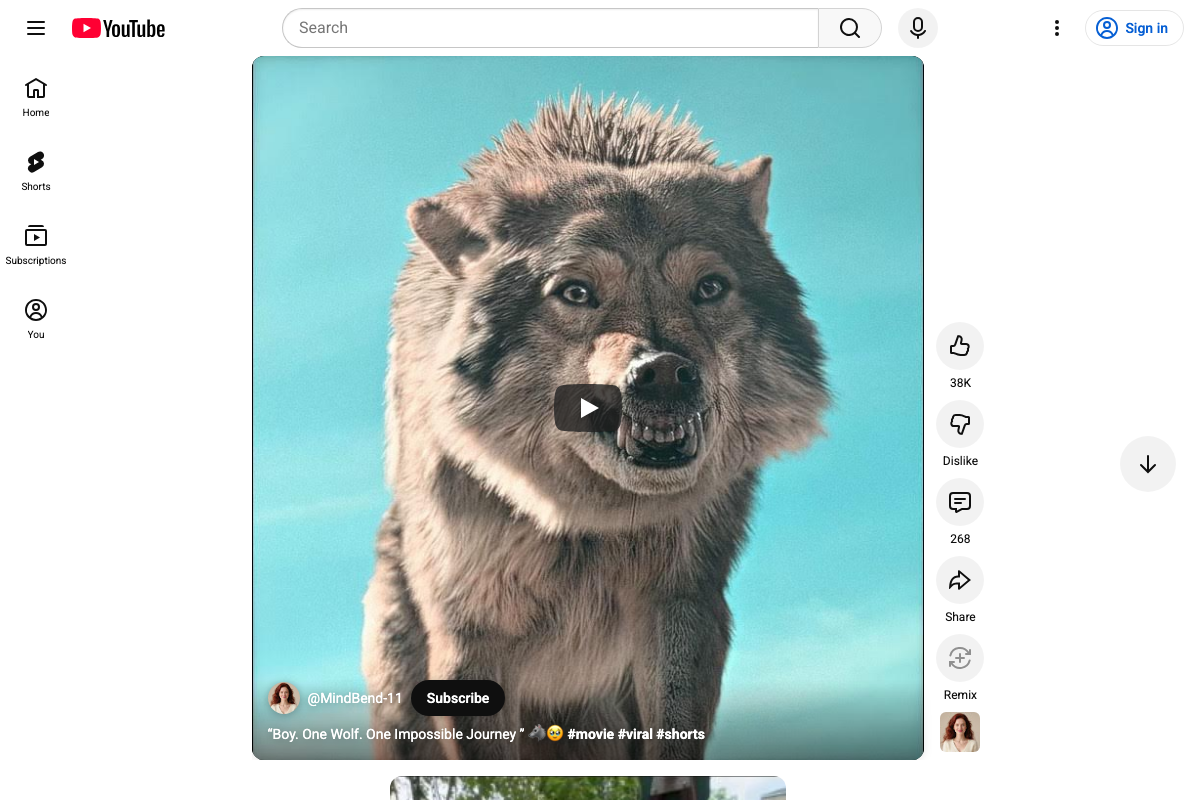
The platform UI does confirm that Shorts has its own dedicated discovery feed — structurally independent from the main YouTube homepage — which is consistent with the tutorial’s implication that a separate surfacing algorithm governs distribution. How consistency is weighted within that algorithm remains unconfirmed by official documentation.
Step 7: Let the viewer self-select into your funnel — never force the transition.
No official documentation was found for this step —
proceed using the video’s approach and verify independently.

Useful Links
- YouTube Shorts — The public Shorts discovery feed; confirms the platform’s vertical full-screen format and native engagement actions, including the Remix button not addressed in the tutorial.
- vidIQ: Get More Subscribers & Views on YouTube — Third-party YouTube growth platform featuring Clip & Repurpose, keyword research, and view velocity analytics; the only screenshot source directly confirming a tutorial step.
- John Scott — YouTube (@CreatorRant) — The tutorial creator’s main channel, home to Shorts strategy content and the origin of “flatline” and “Shorts Jail” terminology used in the tutorial.


0 Comments