
Tutorial: BBA Framework for GA4 Multimedia Strategy
The BBA (Basic, Better, Advanced) framework uses GA4 video progress events and scroll depth tracking to reveal how different markets prefer to consume content. By segmenting engagement data by country, you can make data-driven decisions about multimedia placement and format selection. This post walks through Azeem Ahmad's MozCon 2023 methodology — plus a platform-status check against current Google and Moz documentation.

The BBA Framework: Tracking Multimedia Engagement in GA4 to Win Stakeholder Buy-In
Most content teams optimize for what they publish, not for how their audiences actually want to receive it. Azeem Ahmad’s MozCon 2023 session introduces the BBA (Basic, Better, Advanced) framework — a tiered approach that uses GA4’s native video and scroll tracking to surface per-market content preferences. By the end of this walkthrough, you’ll be able to identify which markets prefer video over text, make data-driven placement decisions, and translate that evidence into boardroom-ready arguments that unlock multimedia budget.
- Diagnose the measurement problem. The starting point is recognizing that most marketing teams track conversions, MQLs, and broad engagement — but almost none measure how audiences prefer to consume content. Knowing your best-performing topic is not the same as knowing whether your audience would rather watch it, read it, or hear it. That gap is where content strategy breaks down.
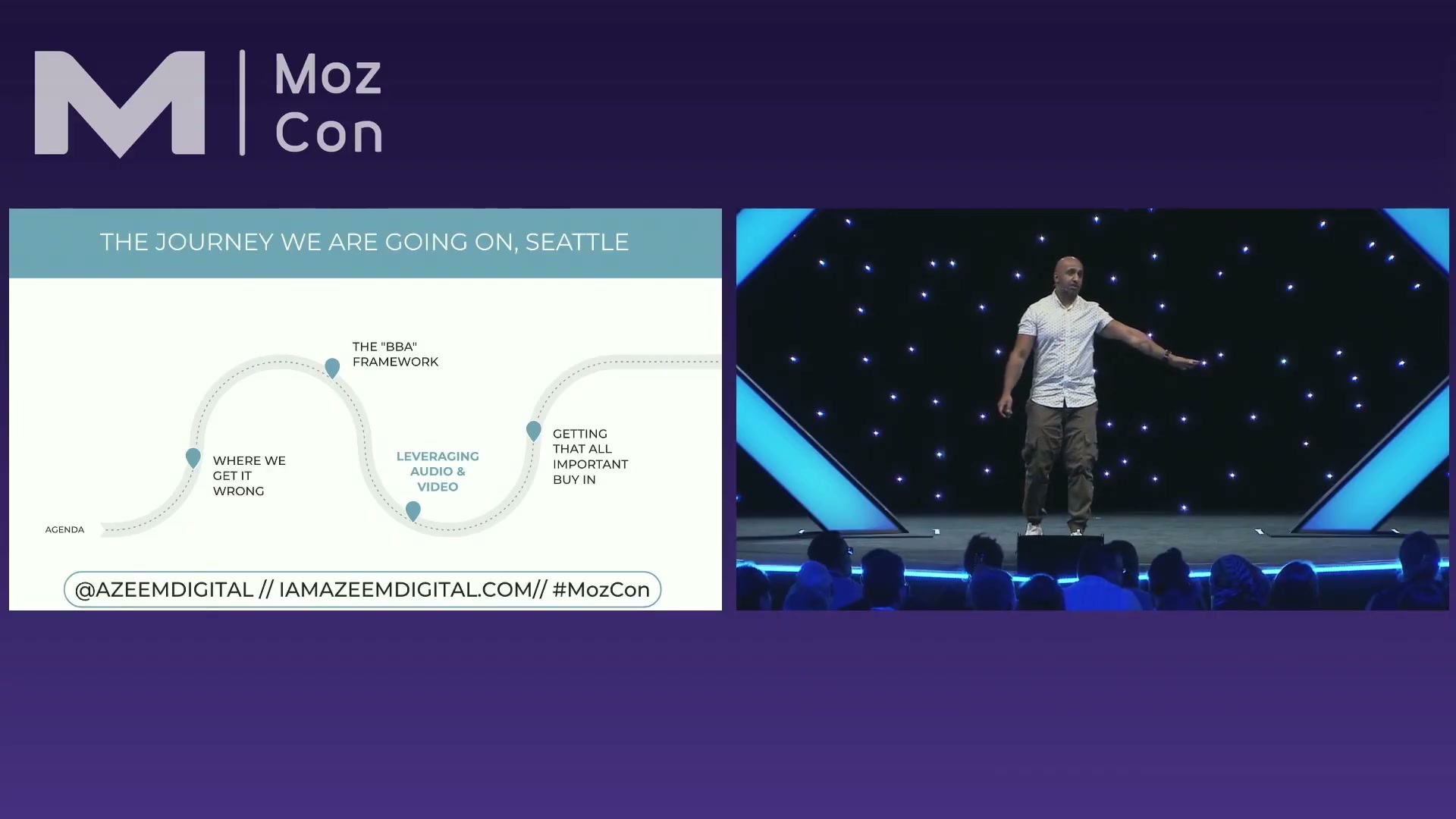
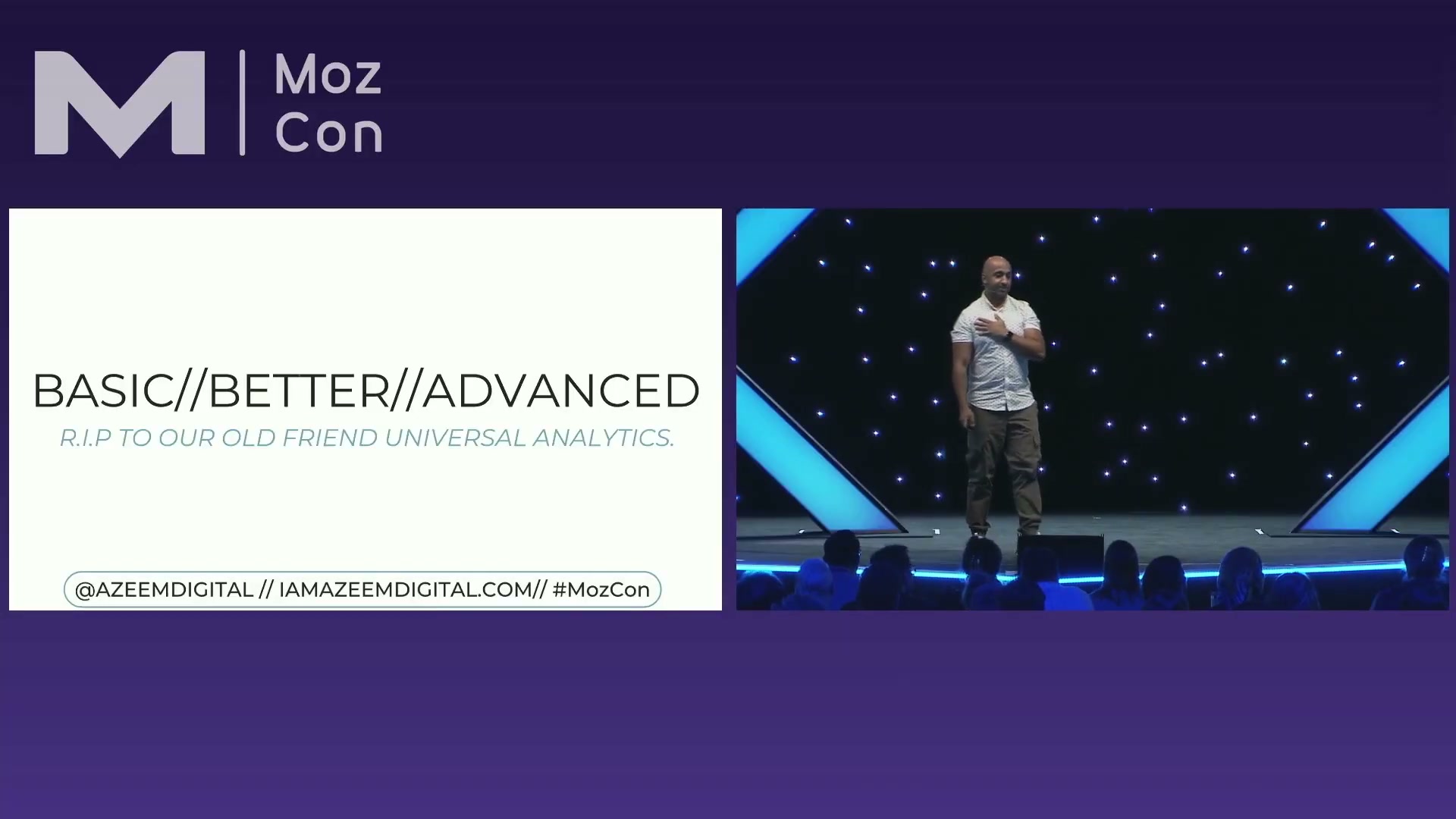
- Learn the three tiers of the BBA framework. Basic starts in GA4 with raw performance data to identify your top-performing content topic. Better means using Universal Analytics multi-channel funnels to understand conversion path length — historically, the longest paths often spanned nine or more touchpoints. Advanced is the GA4 cross-channel data-driven model, which maps early, mid, and late touchpoints by channel across your top five markets.
Warning: this step may differ from current official documentation — see the verified version below.
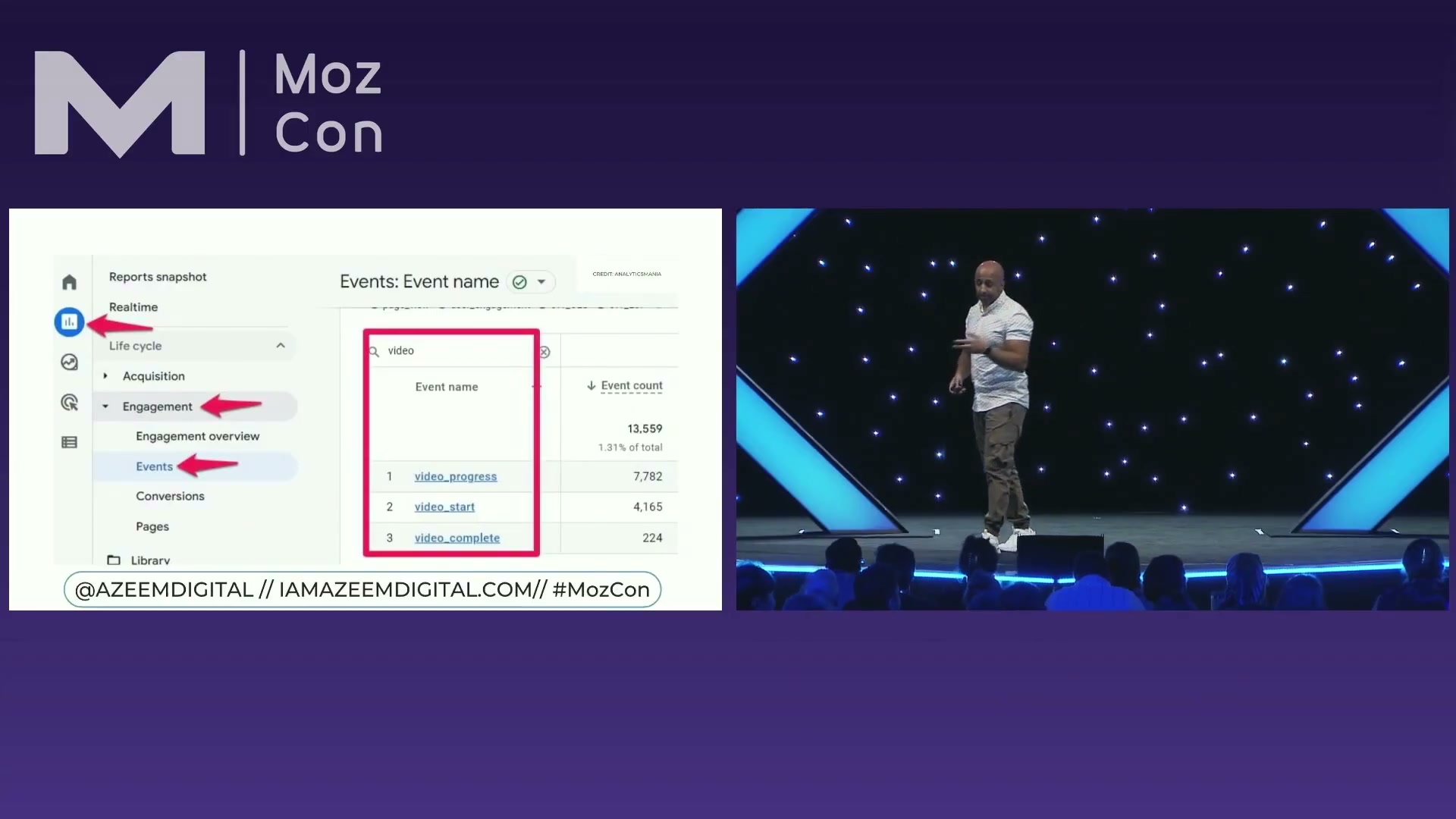
- Enable and read video tracking events in GA4. Navigate to Reports → Engagement → Events and filter for “video.” With enhanced measurement active, GA4 automatically surfaces
video_start,video_progress, andvideo_complete. Track progress at percentage milestones rather than one-percent increments — the finer granularity adds noise without adding strategic clarity.
- Layer in scroll depth data from the same Events report. Filter for “scroll” to find GA4’s default depth events at 10%, 25%, 50%, and 75%. These default thresholds are sufficient for cross-market comparison — custom increments are possible but rarely change the conclusions you’ll draw.
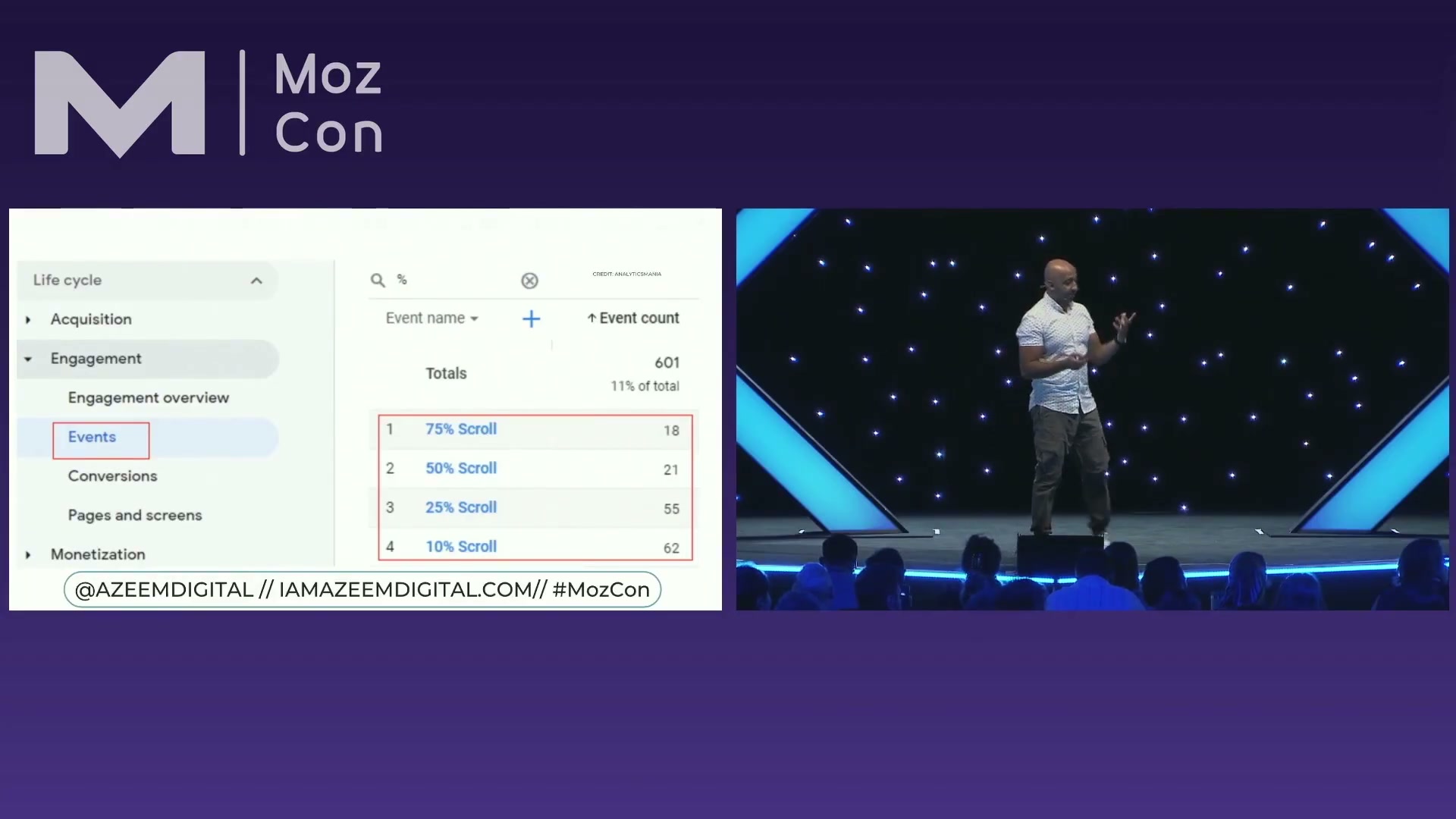
- Split both data sets by country or region and interpret the patterns. Add country as a secondary dimension to both your video and scroll event views, then compare markets side by side. High video with low scroll means your audience won’t dig through long copy to find video — place it above the fold. High scroll with low video signals a preference for detailed written content; layer in PPC remarketing with dedicated landing pages to bring those readers back. Markets with high average session duration but middling scores on both signals contain research-stage audiences Ahmad calls “page hoppers” — target them with brand-focused remarketing rather than direct conversion messaging.

- Use conversion path data to make the case in the boardroom. Open Advertising → Attribution → Conversion paths in GA4, filter by market, and bring the full touchpoint sequence into stakeholder meetings. The question to put to CMOs and CFOs: if we removed budget from any channel visible on this path, how confident are you the journey stays intact? The visual reframes the conversation from channel cost to channel dependency, making awareness-stage multimedia investment legible to decision-makers who don’t speak attribution fluently.
How does this compare to the official docs?
Ahmad’s framework was built against a GA4 that was still maturing — and it leaned on a Universal Analytics “Better” tier that has since been fully retired — so Act 2 maps each step against current Google documentation to show exactly what the workflow looks like in today’s interface.
Here’s What the Official Docs Show
The BBA framework Ahmad presented is a sound strategic structure, and Act 2 adds a platform-status layer to each step. Two key tools in the stack have changed materially since MozCon 2023 — knowing the current state lets you adapt the methodology rather than set it aside.
Step 1 — Diagnose the measurement problem.
No official documentation was found for this step —
proceed using the video’s approach and verify independently.
Step 2 — The three tiers of the BBA framework.
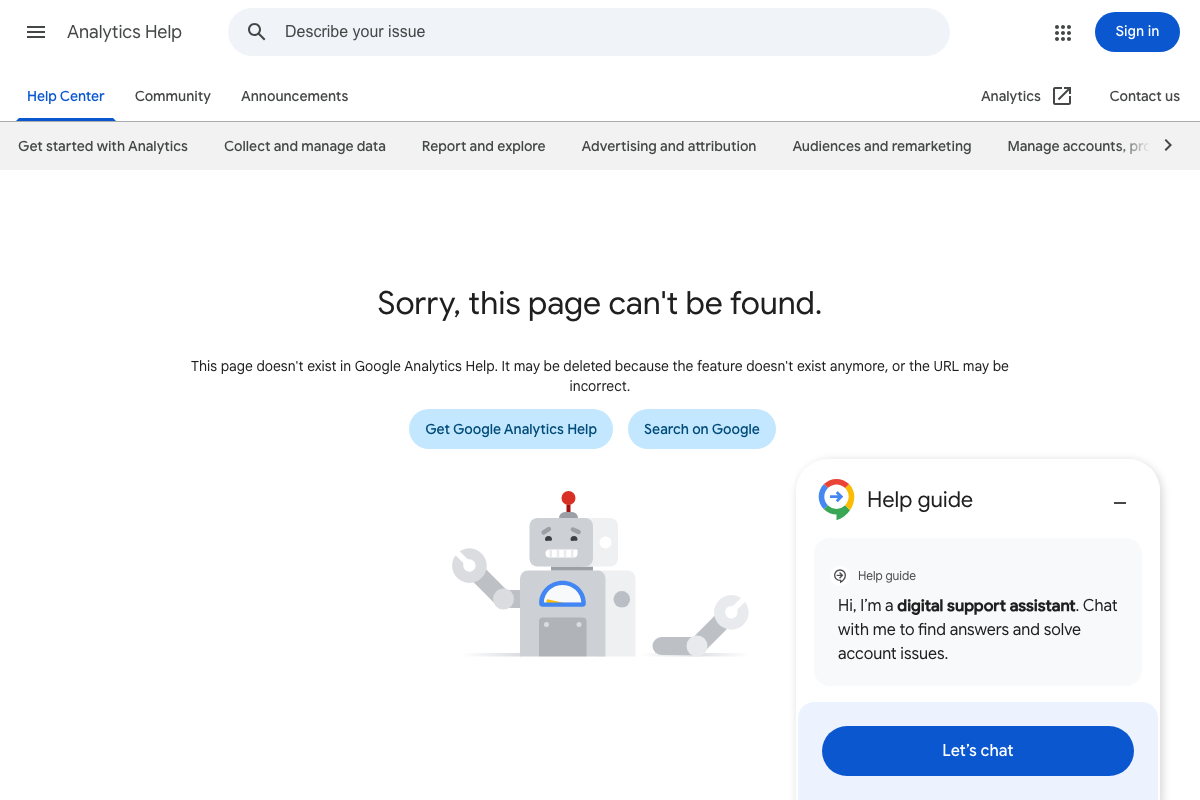
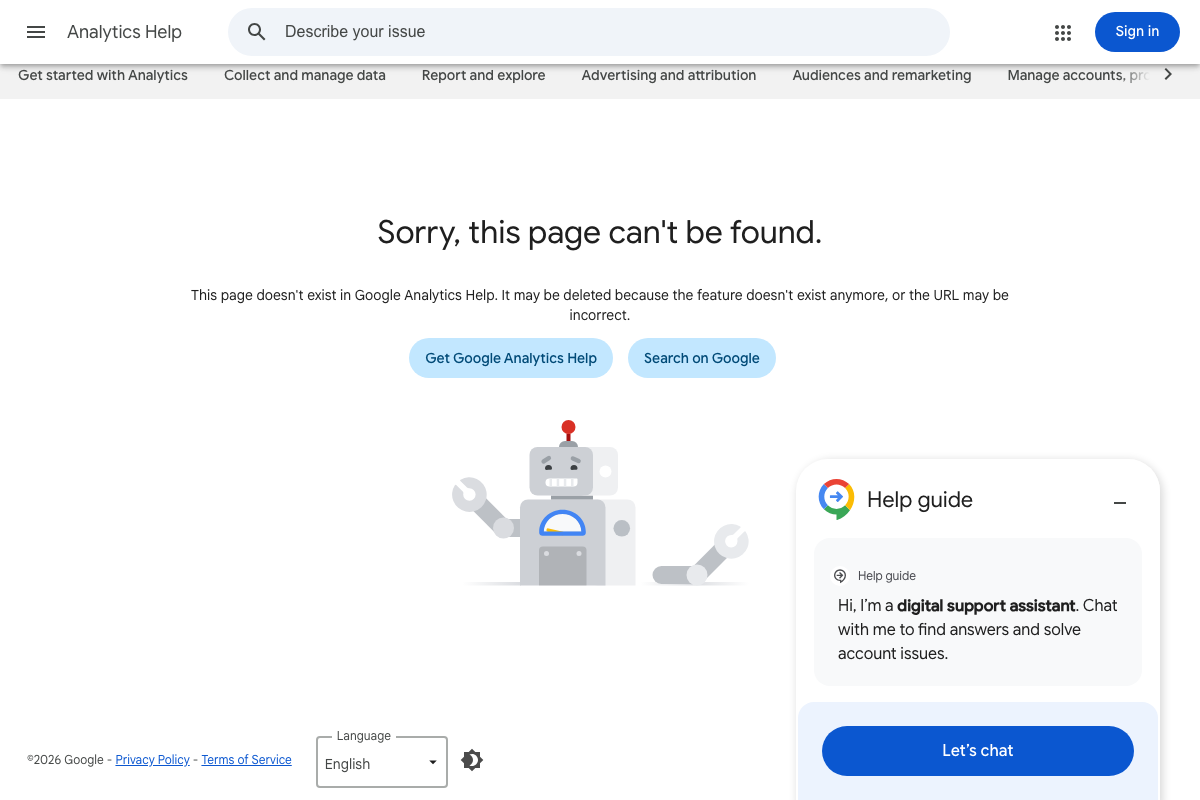
The “Better” tier is no longer replicable as described. As of March 2026, the Universal Analytics multi-channel funnels help article at support.google.com/analytics/answer/2849230 returns a confirmed 404 — captured across three successive attempts, with a ©2026 Google footer establishing the removal as current, not transient. Universal Analytics was sunset in July 2024. The working replacement is GA4’s Conversion paths report under Advertising → Attribution → Conversion paths.

Steps 3–5 — Video tracking events, scroll depth, and per-market segmentation in GA4.
No official documentation was found for these steps —
proceed using the video’s approach and verify independently.
The GA4 help article at support.google.com/analytics/answer/10089681 and the analytics.google.com interface both sit behind Google Account authentication. Six capture attempts — three per URL — returned identical login screens. No Events UI, video tracking configuration, scroll depth views, or per-market reporting could be confirmed against current documentation.
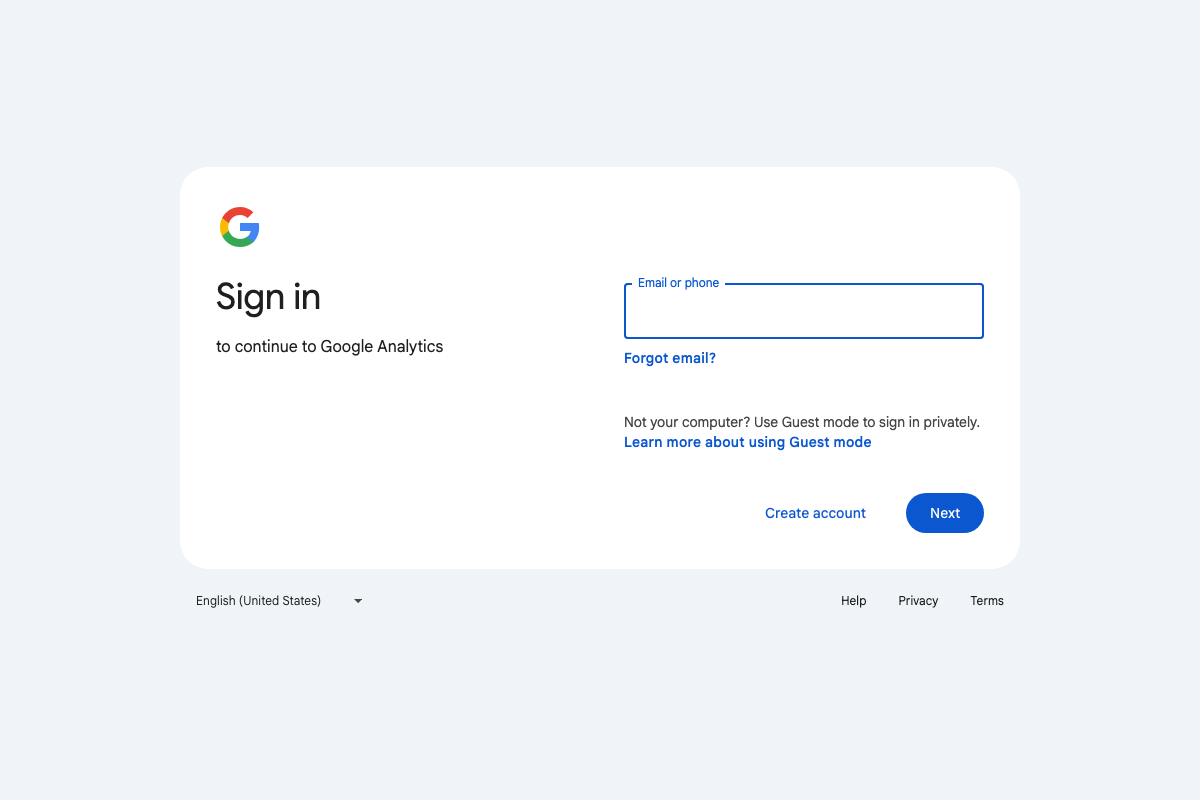
One thing is confirmed: analytics.google.com is live and functional. The Events section Ahmad references is reachable once you’re logged into an account with an active GA4 property.
Step 6 — Conversion path data for stakeholder buy-in.
No official documentation was found for this step —
proceed using the video’s approach and verify independently.
Steps 7–9 — Per-market behavioral analysis methodology.
No official documentation was found for these steps —
proceed using the video’s approach and verify independently.
Step 10 — Multi-channel funnel conversion path data.
Same platform issue as Step 2. As of March 2026, UA multi-channel funnels are unavailable and undocumented. Use GA4’s Advertising → Attribution → Conversion paths as the direct replacement.
Step 11 — Trust vs. Performance quadrant and Moz Brand Authority.
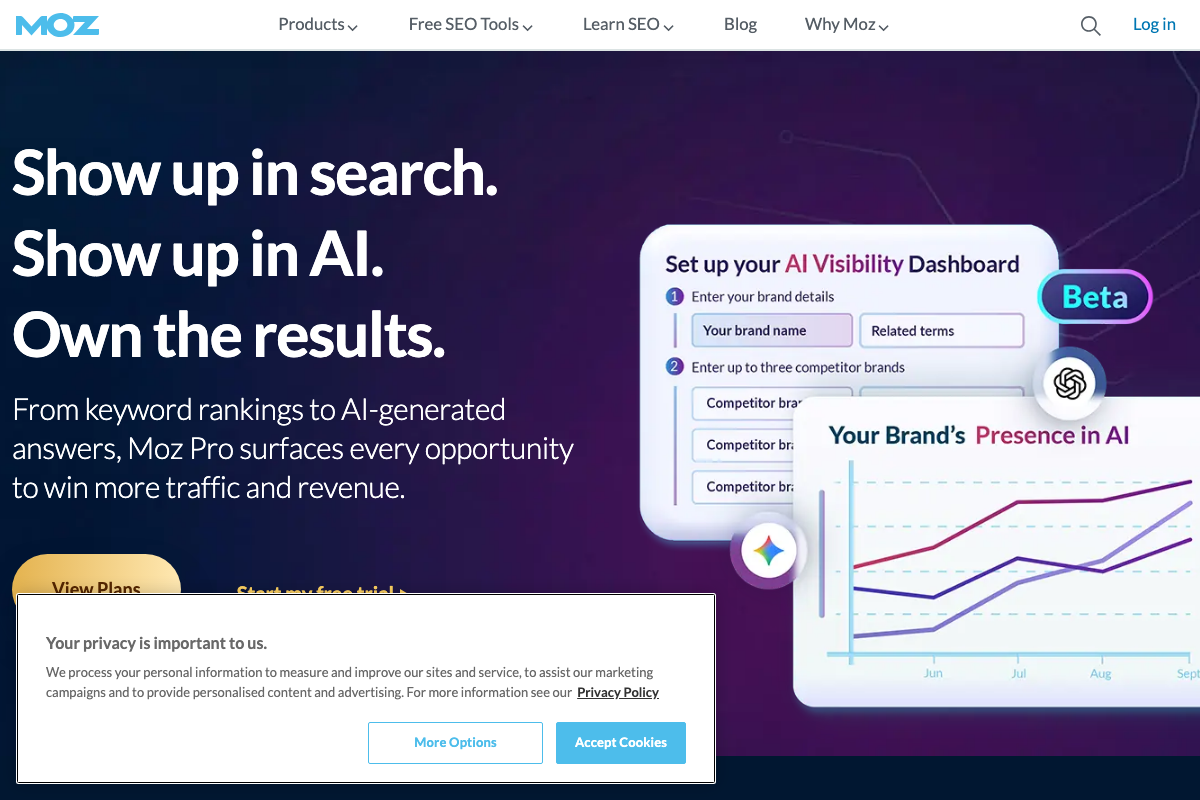
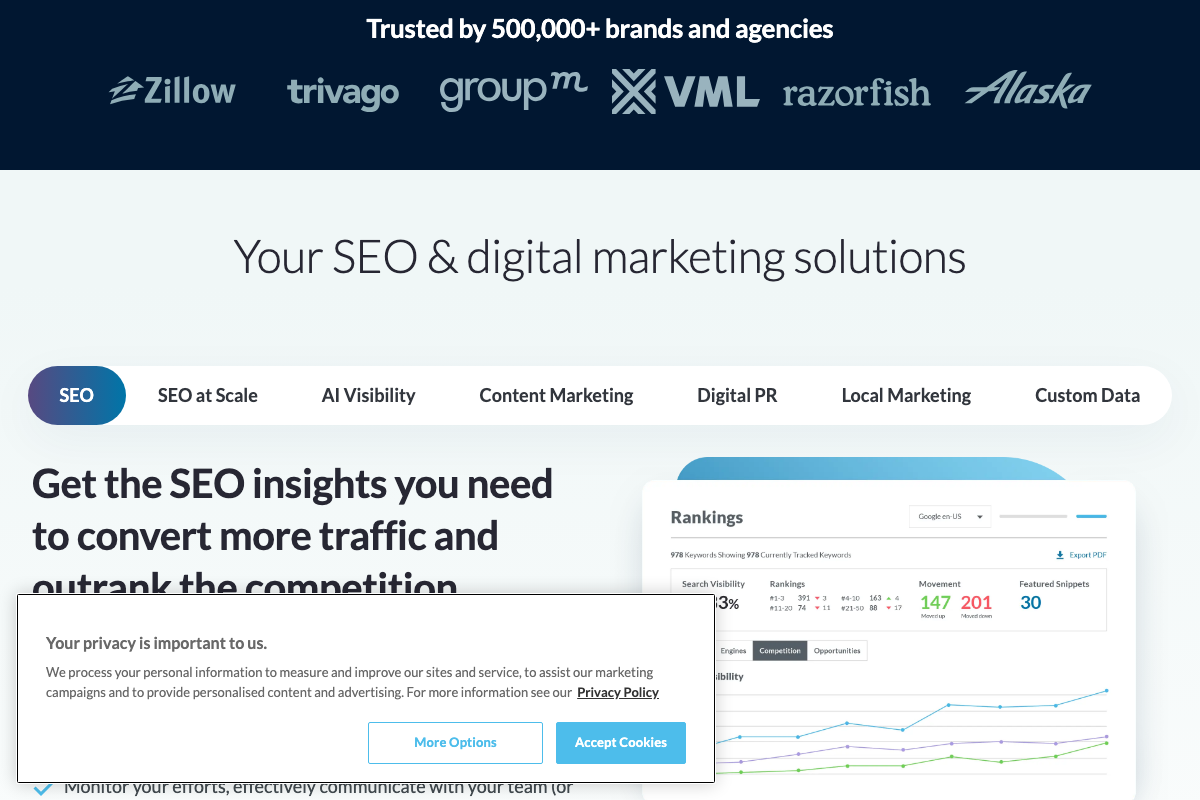
The Moz platform has shifted significantly since MozCon 2023. Brand Authority is no longer surfaced as a primary product feature. Current navigation presents seven solution tabs — SEO, SEO at Scale, AI Visibility, Content Marketing, Digital PR, Local Marketing, and Custom Data — with an AI Visibility Dashboard (Beta) as the lead offering. That dashboard tracks brand presence in AI-generated results, a capability distinct from Brand Authority and not a substitute for the Trust vs. Performance quadrant Ahmad describes. Verify Brand Authority’s current availability directly with Moz before building this step into a client workflow.

Useful Links
- Introducing the next generation of Analytics, Google Analytics — Analytics Help — GA4 product overview article; full content requires Google Account authentication to access.
- Google Analytics — Live GA4 reporting interface; Events and Conversion paths are accessible only after login with an active GA4 property.
- Universal Analytics multi-channel funnels — Analytics Help — Formerly the documentation for the UA “Better” tier feature referenced in the BBA framework; returns a 404 as of March 2026 following the Universal Analytics sunset.
- Moz — SEO Software for Smarter Marketing — Current Moz platform homepage, now leading with an AI Visibility Dashboard (Beta); product positioning has evolved substantially since the MozCon 2023 talk.


0 Comments