

YouTube’s New ‘Ask YouTube’ AI Search Feature Explained
YouTube’s “Ask YouTube” — announced by Google CEO Sundar Pichai at Google I/O — replaces keyword-driven search with a conversational AI layer that synthesizes video transcripts and freeze frames into structured answers. After working through this breakdown, you’ll understand how the feature surfaces content, why it de-emphasizes traditional metadata, and what a “micro-moment” video strategy looks like in practice. The implications for watch time, discoverability, and content structure are significant enough to change how you plan videos from here forward.
- At Google I/O, Sundar Pichai introduced Ask YouTube as a direct answer to the way viewers already use the platform — arriving with questions, not just search terms. The feature is designed to handle the kind of nuanced, intent-rich queries that traditional keyword search has always struggled with.
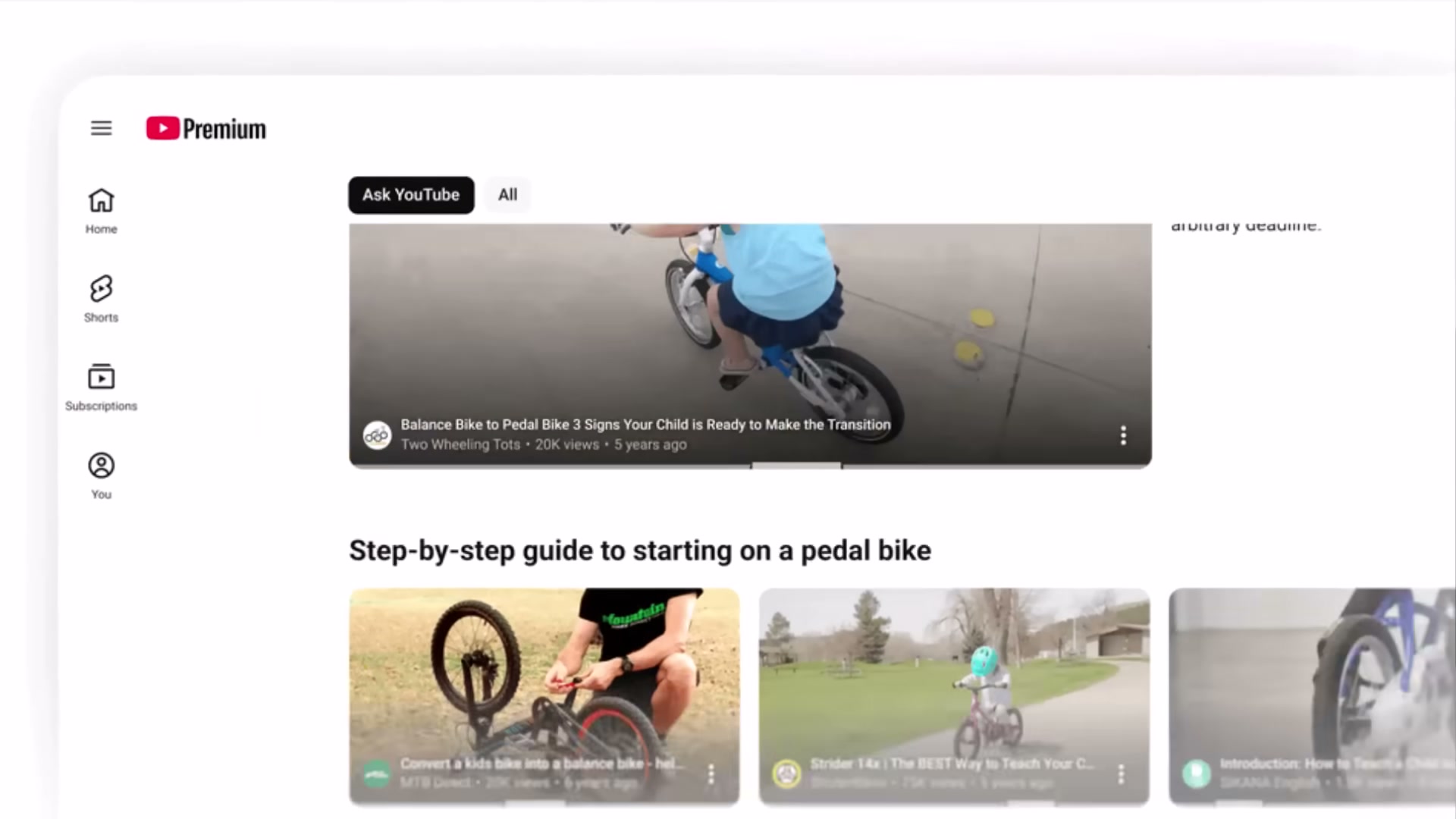
- The existing YouTube search bar stays in place. Ask YouTube appears as a separate, dedicated button or tab — not a replacement for the standard search experience. Users can switch between traditional results and AI-curated answers from the same interface.
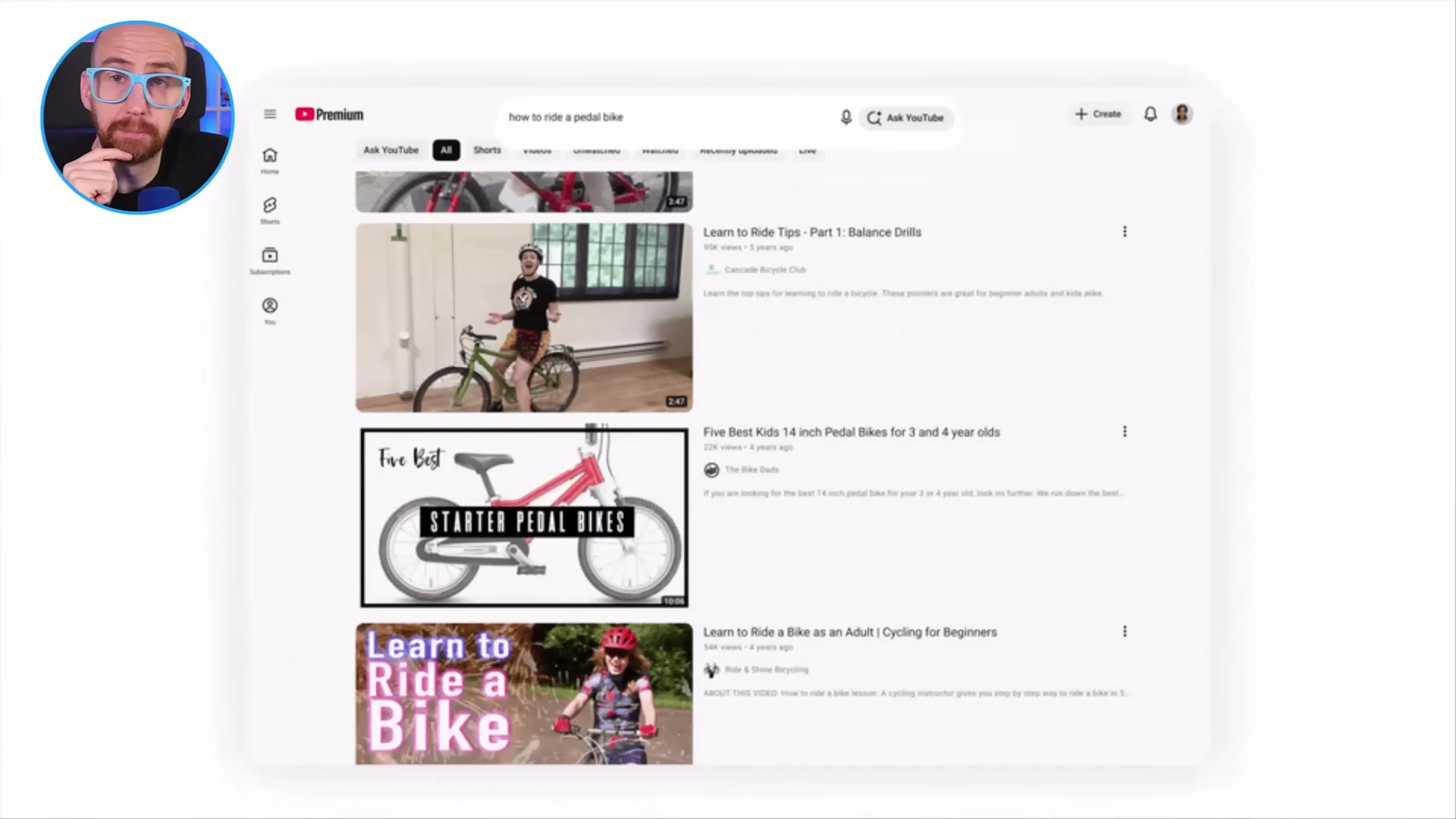
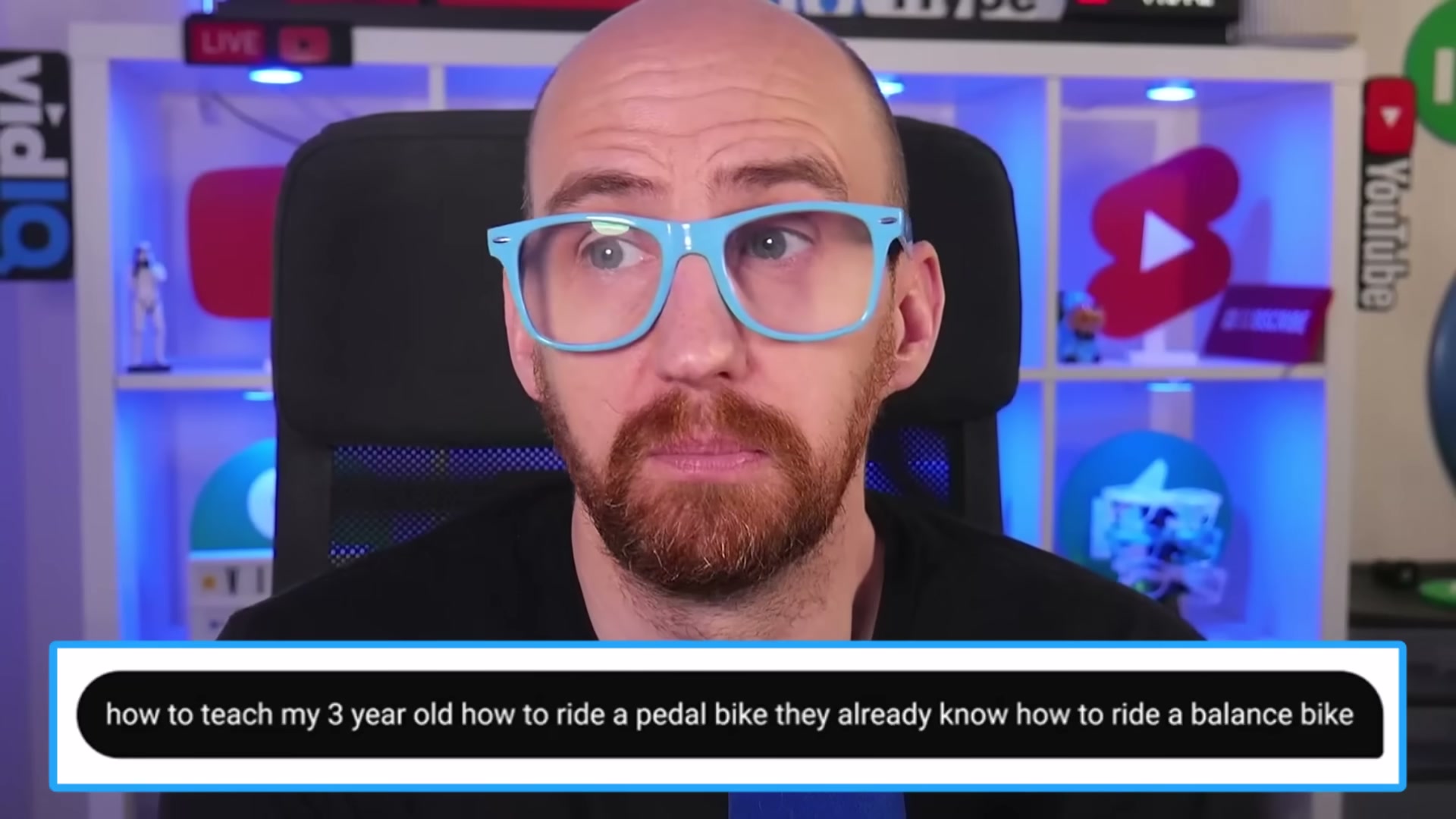
- To demonstrate the feature, vidIQ runs the query: “how to teach my 3-year-old how to ride a pedal bike — they already know how to ride a balance bike.” That level of specificity and context is exactly what Ask YouTube is built for. Short, generic keywords are the old behavior; conversational prompts with real-world context are the new baseline.
-
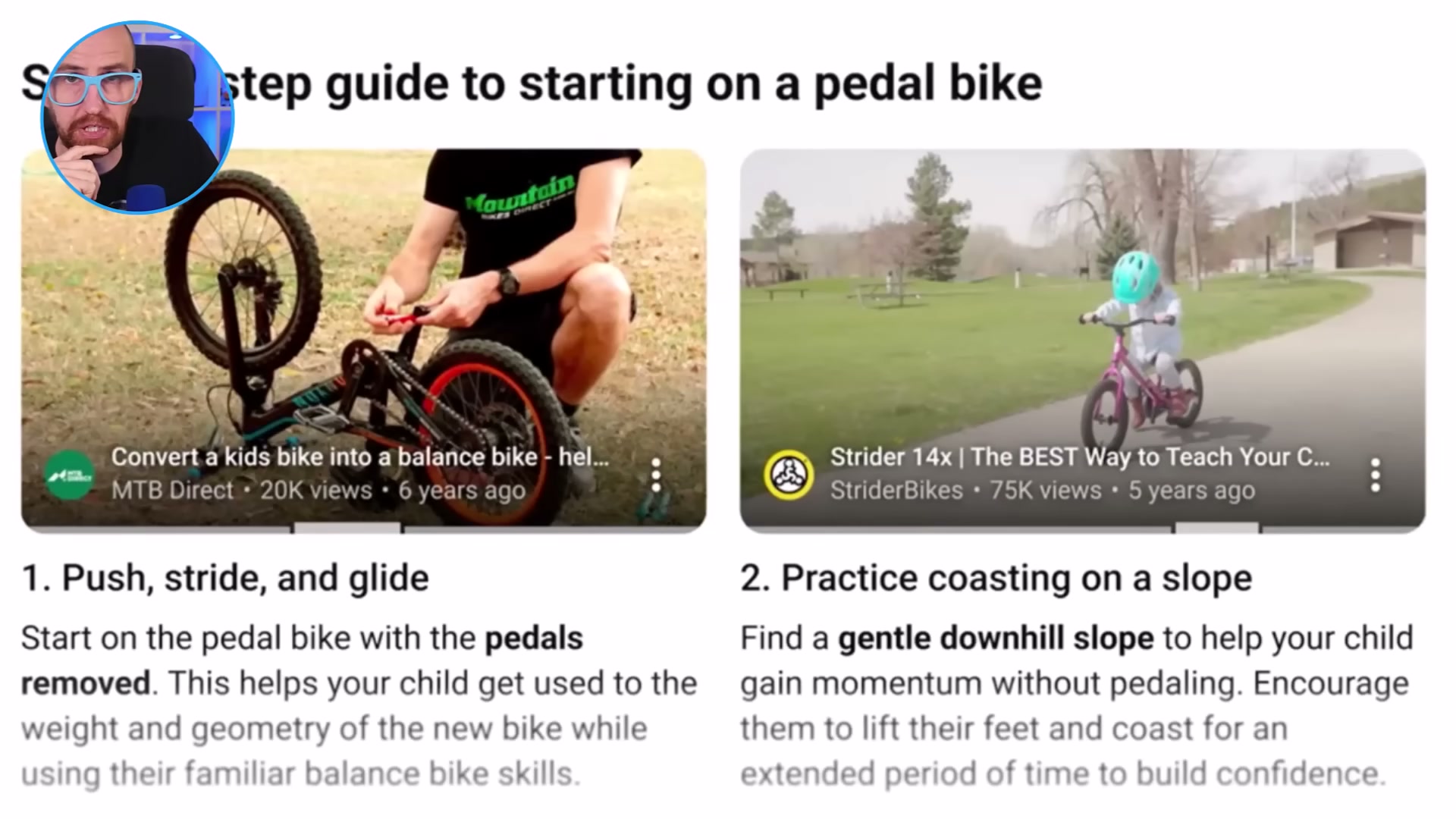
The results page returns an overview, helpful tips, and matched video clips — but creator thumbnails and titles are absent or visually buried. The AI synthesizes content from the video itself, not the packaging around it.
-
Rather than surfacing a full video with timestamps, Ask YouTube drops the viewer directly into the most relevant moment. A 20-minute video might contribute a single 45-second clip to the results — with no timestamp visible to the user before they click.
- For creators, the watch time math changes immediately. If viewers land mid-video at the precise answer they need and exit, session depth shrinks. More critically, the metadata stack — title, thumbnail, description, tags — appears to carry far less weight in Ask YouTube rankings than it does in standard search.

-
The feature indexes two things: spoken content from video transcripts and key visual freeze frames within the video itself. External signals — tags, descriptions, even titles — are secondary to what you actually say and show on screen.
-
This reframe gives rise to what vidIQ calls a “micro-moment” strategy: structuring videos to deliberately target specific answerable questions, so that a focused segment — say, 45 seconds on pedal brake vs. handbrake comparison — can surface independently as a complete AI result for that query.
-
Testing began in the US at the time of recording, with a broad US rollout planned for summer 2026.
-
To opt into early access before the public rollout, navigate to youtube.com/new and enable the feature from your account settings.
How does this compare to the official docs?
YouTube’s own documentation and creator guidance hadn’t caught up with the Ask YouTube feature at the time this video was published — which makes it worth cross-referencing against what Google has since confirmed before building your content strategy around these observations.
Here’s What the Official Docs Show
The video gives you a solid working model of Ask YouTube — what follows adds the eligibility constraints and one UX detail the official documentation makes explicit, so your strategy is built on the complete picture rather than just what was visible on screen at record time.
The Google I/O context
The video’s approach here matches the current docs exactly. Google’s broader AI search expansion is visible across both YouTube and Google.com simultaneously — the Google I/O framing holds.

How Ask YouTube surfaces in the interface
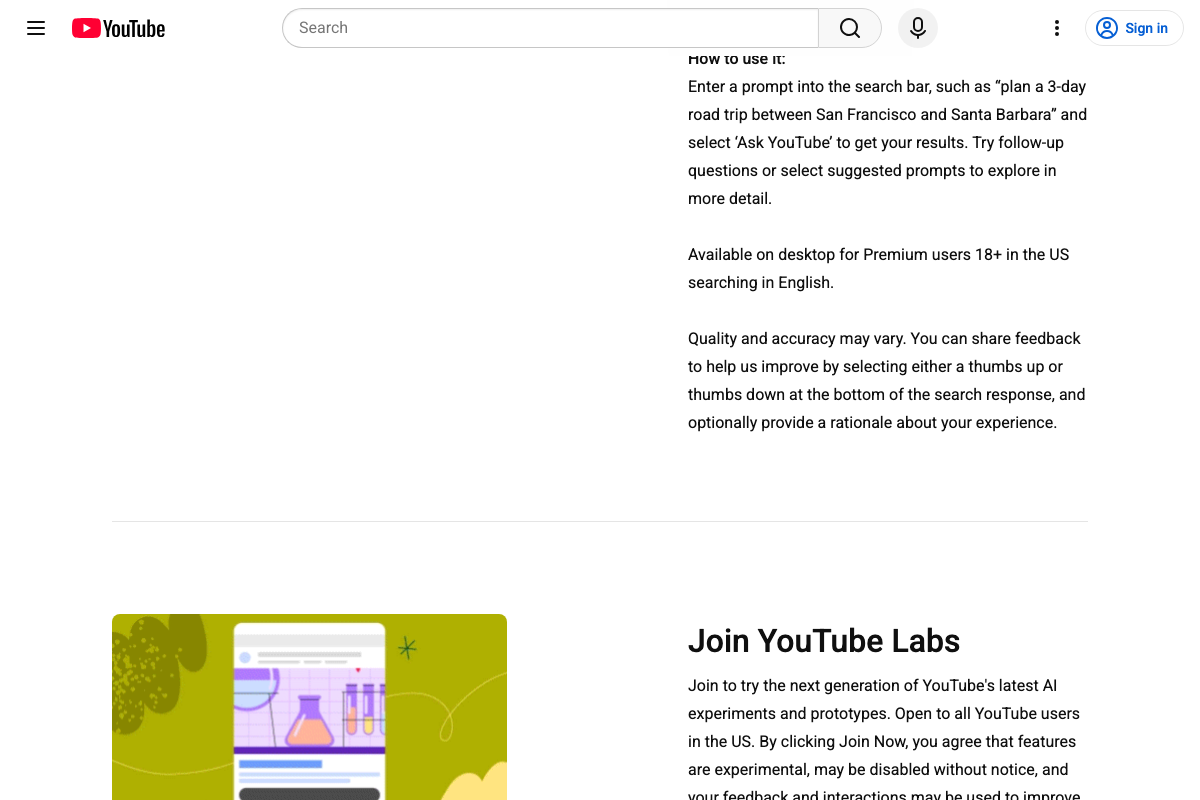
The search bar stays in place — that’s correct. The entry point, however, works like this: you type a prompt into the existing search bar, then select “Ask YouTube” as a mode that appears. As of May 2026, the correct workflow is “enter a prompt into the search bar… and select Ask YouTube to get your results” — it is a selectable option within the search bar flow, not a fully standalone button sitting beside it. The video shows “Ask YouTube” as a separate dedicated button; the official youtube.com/new documentation positions it as a prompt-triggered option within the existing bar. In practice the distinction is minor, but it matters if you’re writing how-to guidance for your own audience.
One clarification the video skips entirely: in a logged-out session, no Ask YouTube entry point appears at all. The feature is completely gated.

Conversational query design
The video’s approach here matches the current docs exactly. YouTube’s own description — “a new way to search on YouTube that feels more like a conversation” — directly mirrors the query philosophy the video demonstrates.
Results page format
No official documentation was found for this step — proceed using the video’s approach and verify independently.
Direct video moment linking
No official documentation was found for this step — proceed using the video’s approach and verify independently.
Watch time and metadata weight implications
No official documentation was found for this step — proceed using the video’s approach and verify independently.
Transcript and freeze-frame indexing
No official documentation was found for this step — proceed using the video’s approach and verify independently.
Micro-moment content strategy
No official documentation was found for this step — proceed using the video’s approach and verify independently.
US rollout timing and eligibility
The video is correct that US testing was underway at recording time. The official documentation adds four eligibility constraints the video doesn’t mention: Ask YouTube requires a YouTube Premium membership, the user must be 18 or older, located in the United States, on desktop, searching in English. All four conditions apply simultaneously.
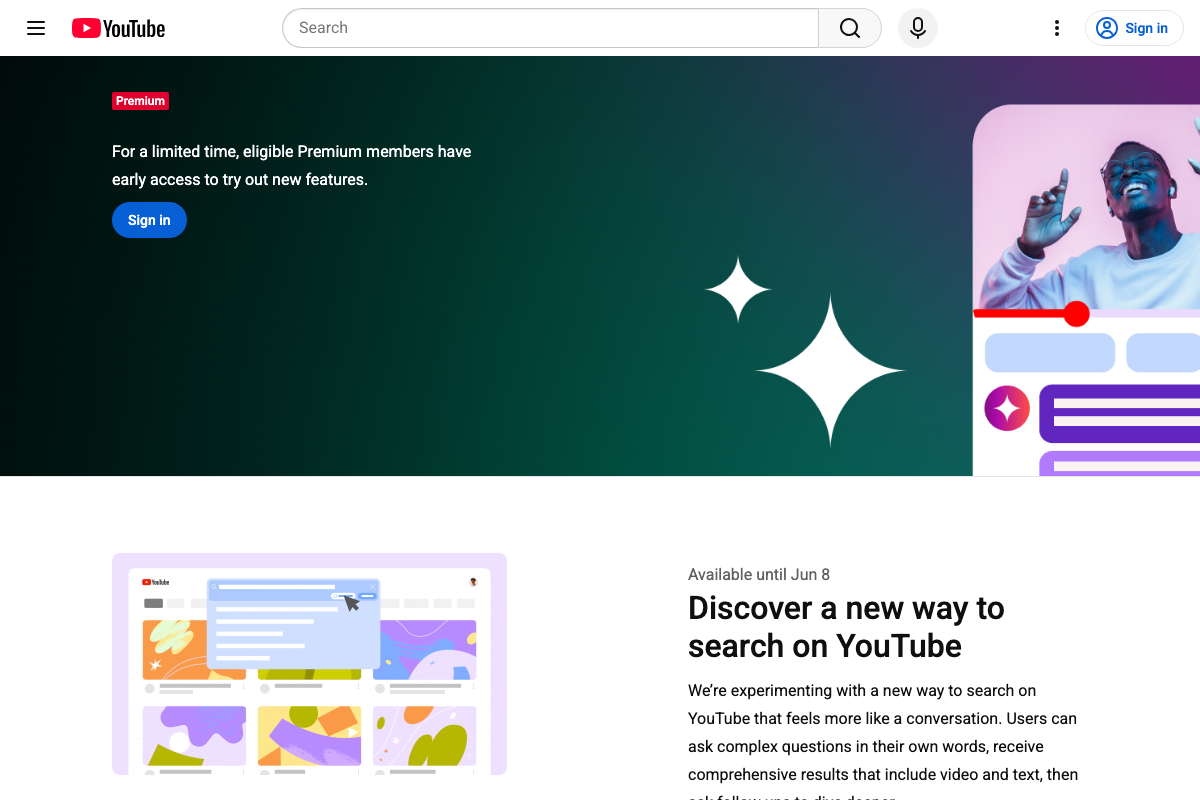
On timing: the youtube.com/new page labels the experiment “Available until Jun 8” — that date marks the end of the Premium early-access window. As of May 2026, a confirmed broad summer rollout is not stated in the visible official documentation; the video’s characterization of a summer-wide rollout goes beyond what the experiment listing specifies.
Early access at youtube.com/new
The video’s approach here matches the current docs exactly. The page is live and lists Ask YouTube as an active experiment. Worth noting when you visit: two other concurrent YouTube Labs experiments — Beyond the Beat (AI radio hosts for YouTube Music) and VibeCheck (AI coaching for Shorts before publishing) — are co-listed on the same page and not covered in the video.

Useful Links
- YouTube — Standard YouTube homepage; Ask YouTube entry point requires an authenticated, eligible Premium session to surface
- YouTube Help — Official YouTube Help Center; no dedicated Ask YouTube article is present as of May 2026, consistent with the feature’s experimental status
- Google — Google.com homepage featuring AI Mode, Google’s concurrent but separate AI search product referenced in the video’s Google I/O framing
- YouTube New Features Preview — Official early-access page listing active YouTube experiments, including Ask YouTube eligibility requirements and the experiment window end date
- vidIQ — Source publisher of this tutorial; YouTube growth platform whose traditional metadata-optimization toolset provides the analytical context for the video’s creator-implications claims


0 Comments