

Vibe Coding Websites: What Two Googlers Learned Building with AI
Two engineers from Google Search Relations put AI-assisted web development through its paces — and their findings cut through the hype with useful precision. After working through this tutorial, you’ll understand how to prompt an AI coding agent effectively, why vague requests produce unpredictable framework choices, how to bake SEO and safety requirements into your initial prompt, and how browser-use agents can replace manual QA.
- Martin opened Google AI Studio and requested a client-side JavaScript tool built as a static website. The AI generated readable code that resembled a standard Next.js application — structured, comprehensible, and close to what he asked for.
-
The initial output was clean, but Martin hit a prompt loop almost immediately: he instructed the model to use a specific library, the model declined and implemented its own solution instead, and 30 minutes of follow-up corrections failed to override that choice.
-
John stepped back to define the term: describe a site in plain English, the AI generates the files, you deploy those files to a server. The pitch is that you need no JavaScript knowledge to get a functioning website.

- AI systems fill the gaps left by underspecified prompts by choosing a framework independently — a static site generator, a JavaScript framework, or a full CMS with a database backend — without asking which approach fits your situation. That choice shapes your deployment method, editing workflow, and long-term maintenance burden.
-
To prevent unwanted framework choices, front-load your technical constraints in the initial prompt: name your preferred framework, define the expected directory structure, and specify your deploy target (Firebase Hosting, Vercel, or similar) before describing any features.
-
SEO requirements belong in that same opening prompt. Asking the AI to “add SEO” after the fact produces vague results — instead, specify canonicals, the target domain, sitemap generation, and
robots.txtconfiguration from the start. -
Include pre-submit scripts and linters in your project configuration before generating any code. These catch critical issues — particularly exposed API keys — before you publish. Accidental credential exposure through vibe-coded repos is a documented and recurring problem.
-
MCP (Model Context Protocol) plugins extend AI coding agents with external tooling: HTML validators, accessibility checkers, and browser-use agents all connect through this mechanism.
Warning: this step may differ from current official documentation — see the verified version below.
- John demonstrated a Chromium browser agent running on a local Linux server. Directed entirely via natural language, it navigated a React rental portal, dismissed a cookie consent banner, and downloaded new PDF files — replacing a manual QA pass with an automated, AI-directed browser session.
How does this compare to the official docs?
The video draws on firsthand experience rather than any single tool’s published documentation — Act 2 maps these practices against current official guidance for the AI coding platforms and MCP tooling John referenced.
Here’s What the Official Docs Show
The podcast gave you the practitioner’s view — this section adds what official documentation confirms, clarifies, and in a few places, specifies more precisely. Nothing here contradicts the core workflow; it fills in the technical detail a conversational format naturally omits.
Step 1 — Google AI Studio as the starting point
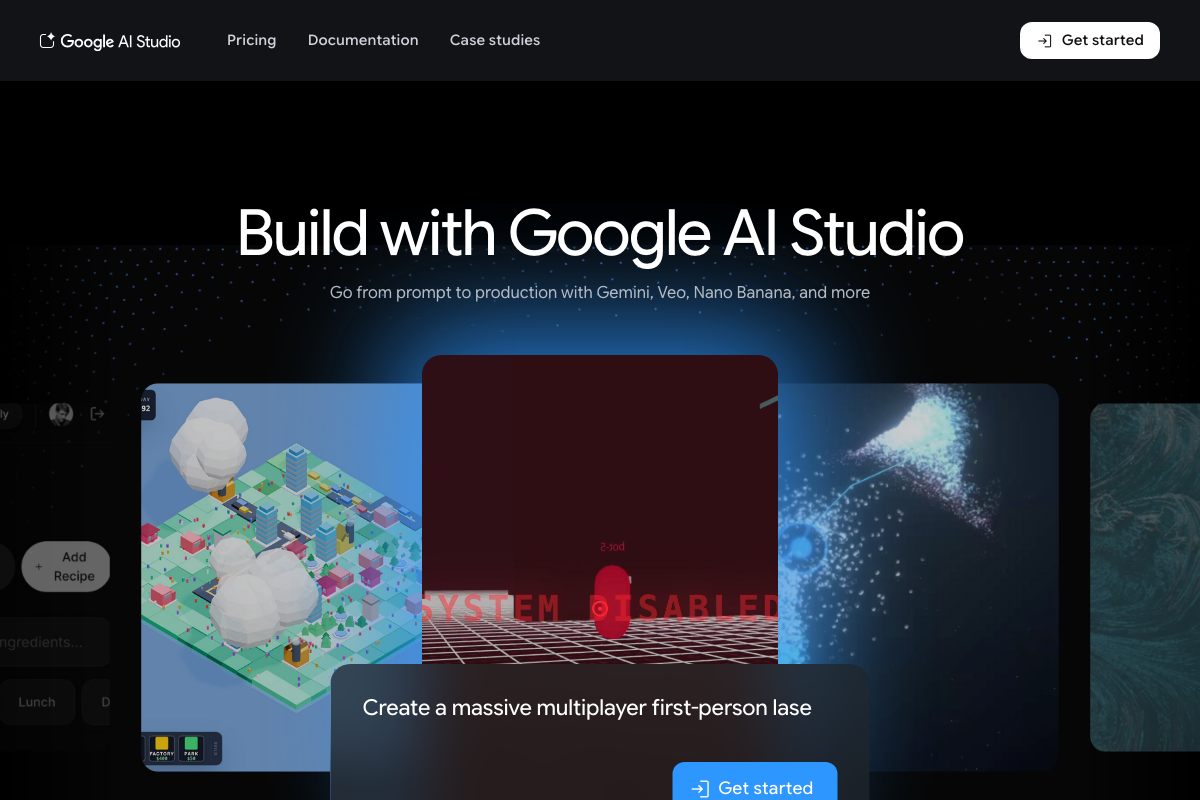
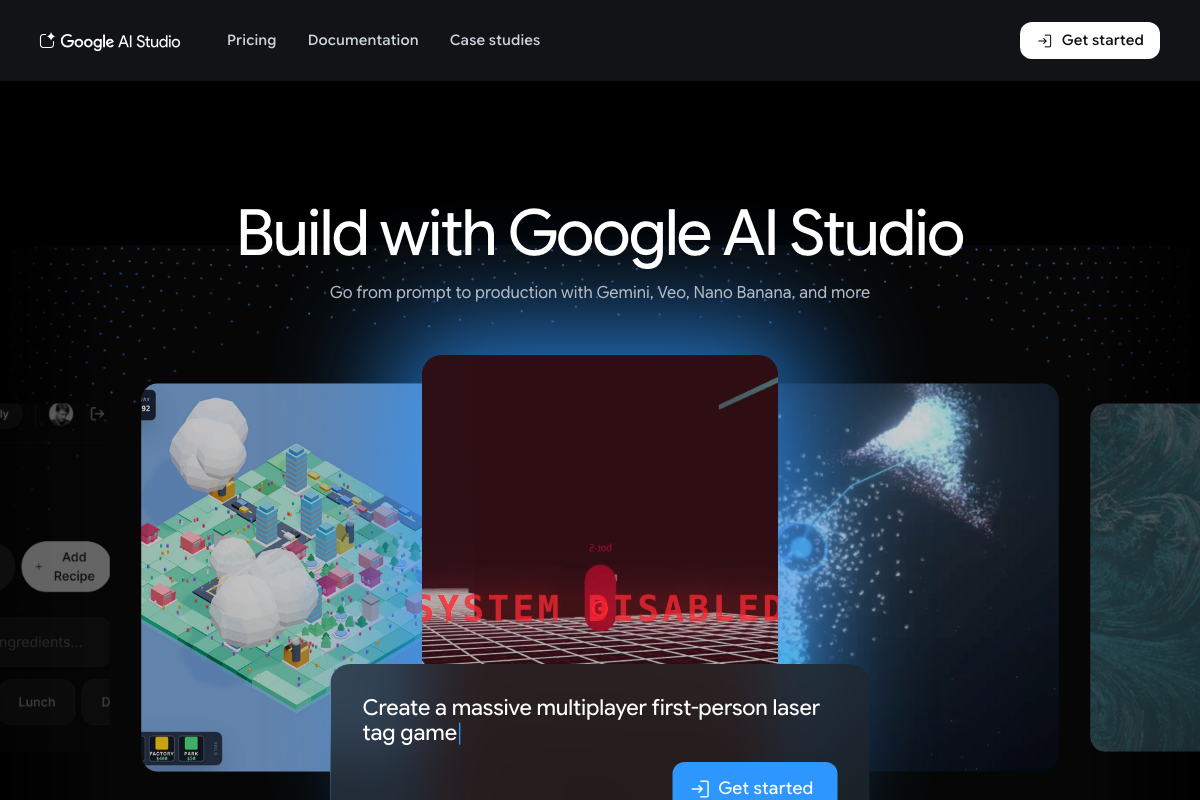
The video’s approach here matches the current docs exactly. AI Studio at aistudio.google.com is a production-facing, general-purpose code generation interface. One useful clarification: the platform is positioned for any prompt type — format and framework selection happen downstream from the input, not at it.
Step 2 — The framework mismatch is documented behavior, not a quirk
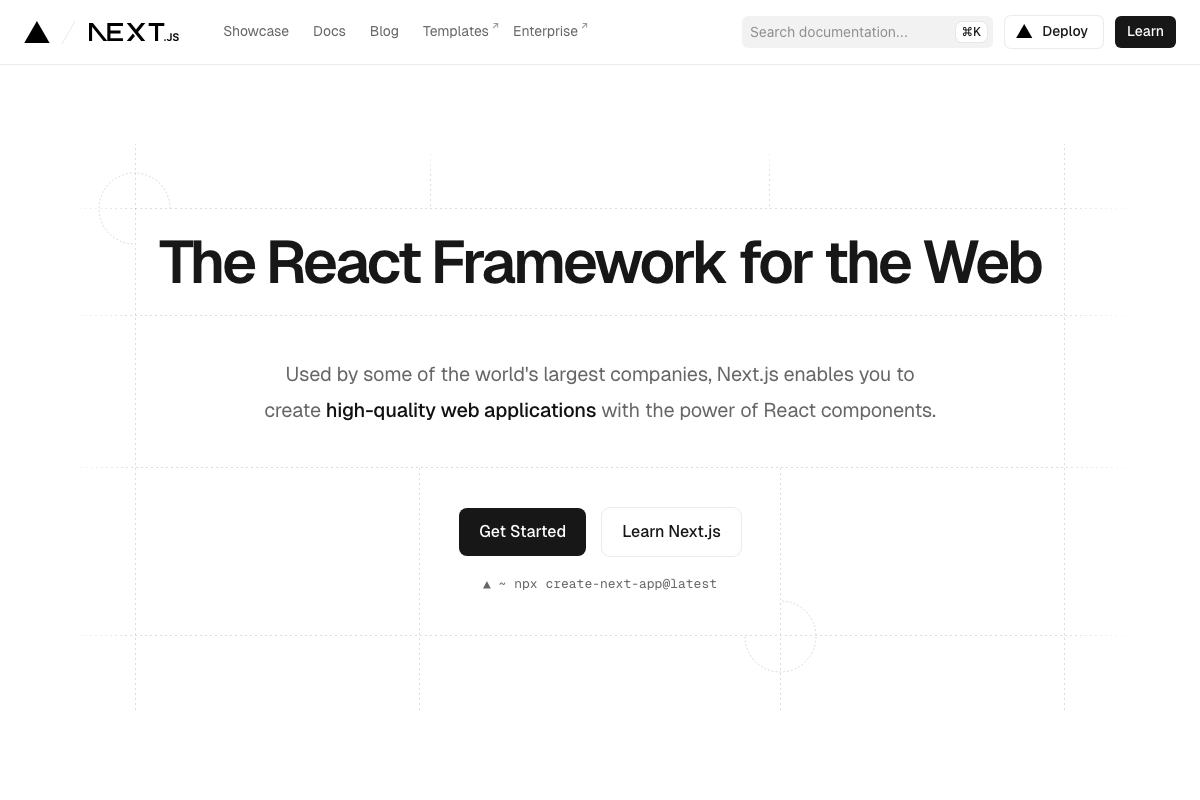
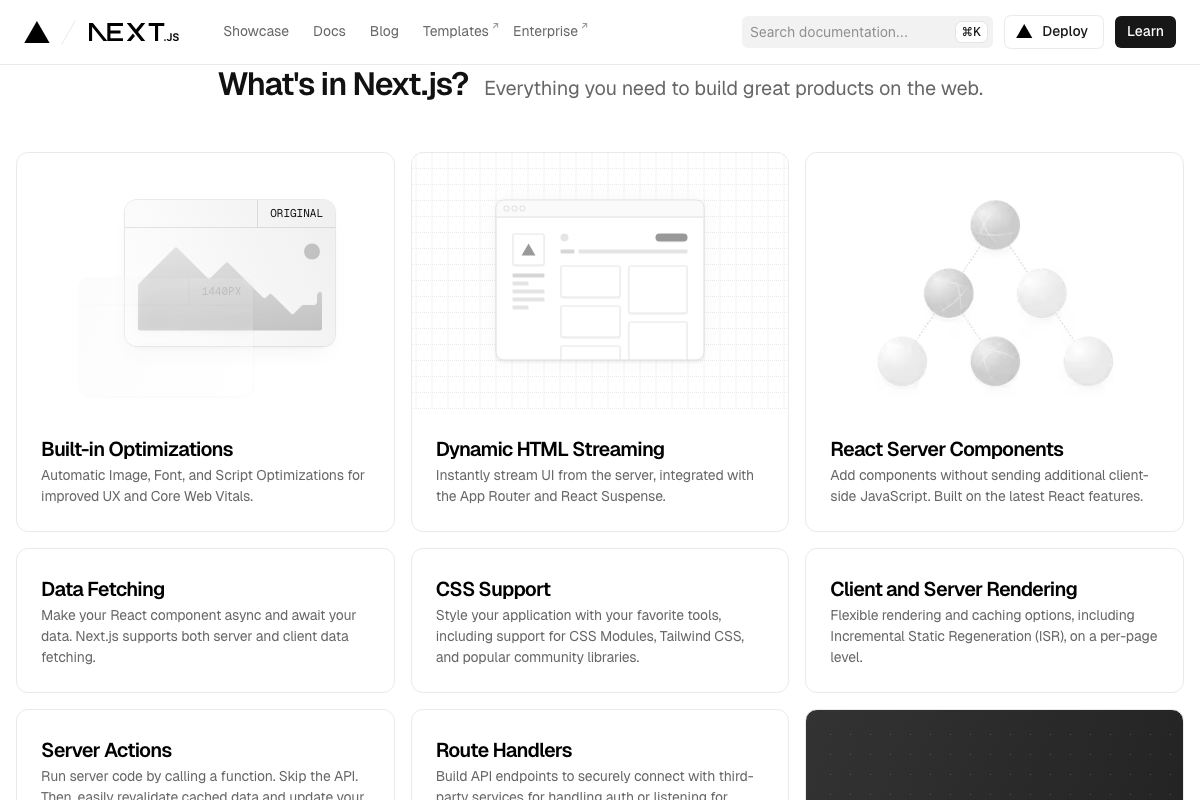
Next.js’s official homepage identifies it as “The React Framework for the Web” — not a static site generator. As of May 2026, Next.js ships with React Server Components, Dynamic HTML Streaming, and Middleware, all of which require a Node.js or edge runtime. Serving them from a plain static file host without additional configuration is not supported. Generating Next.js output for a static-only request is a confirmed framework mismatch.

Step 3 — Defining vibe coding
No official documentation was found for this step — proceed using the video’s approach and verify independently.
Step 4 — Static deployment targets and the framework gap
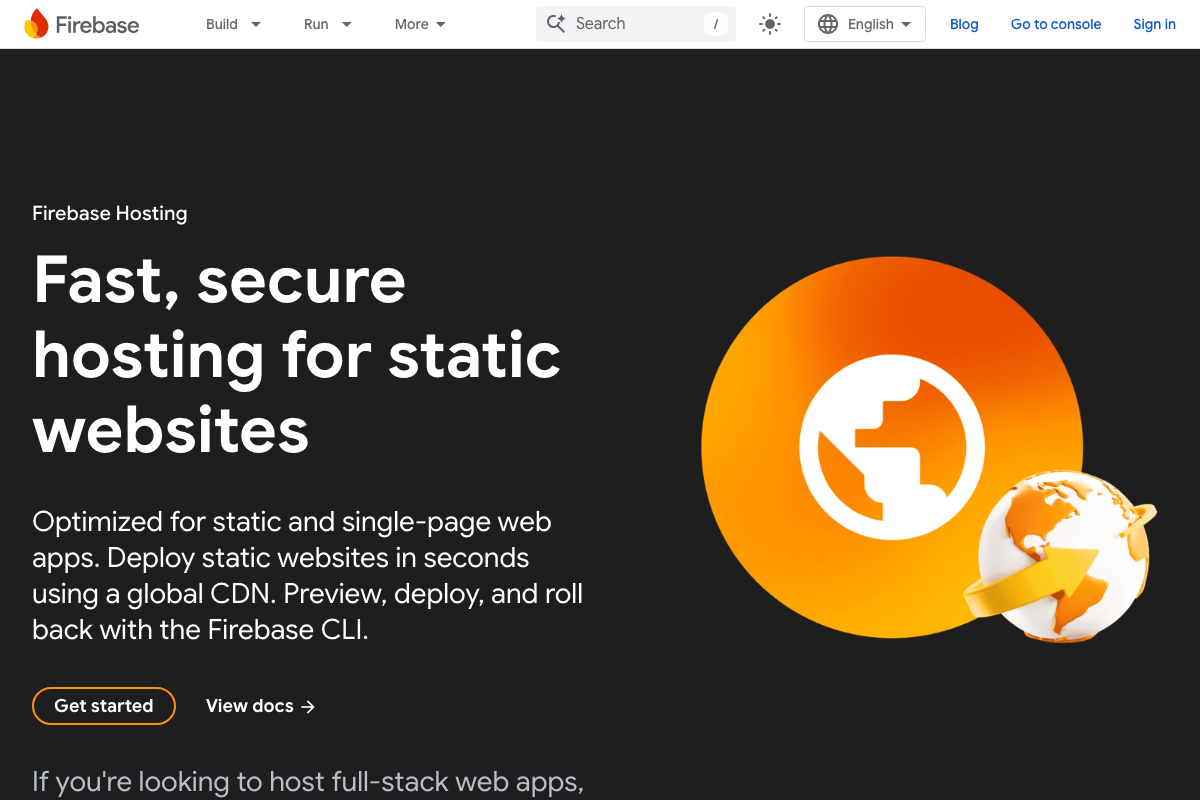
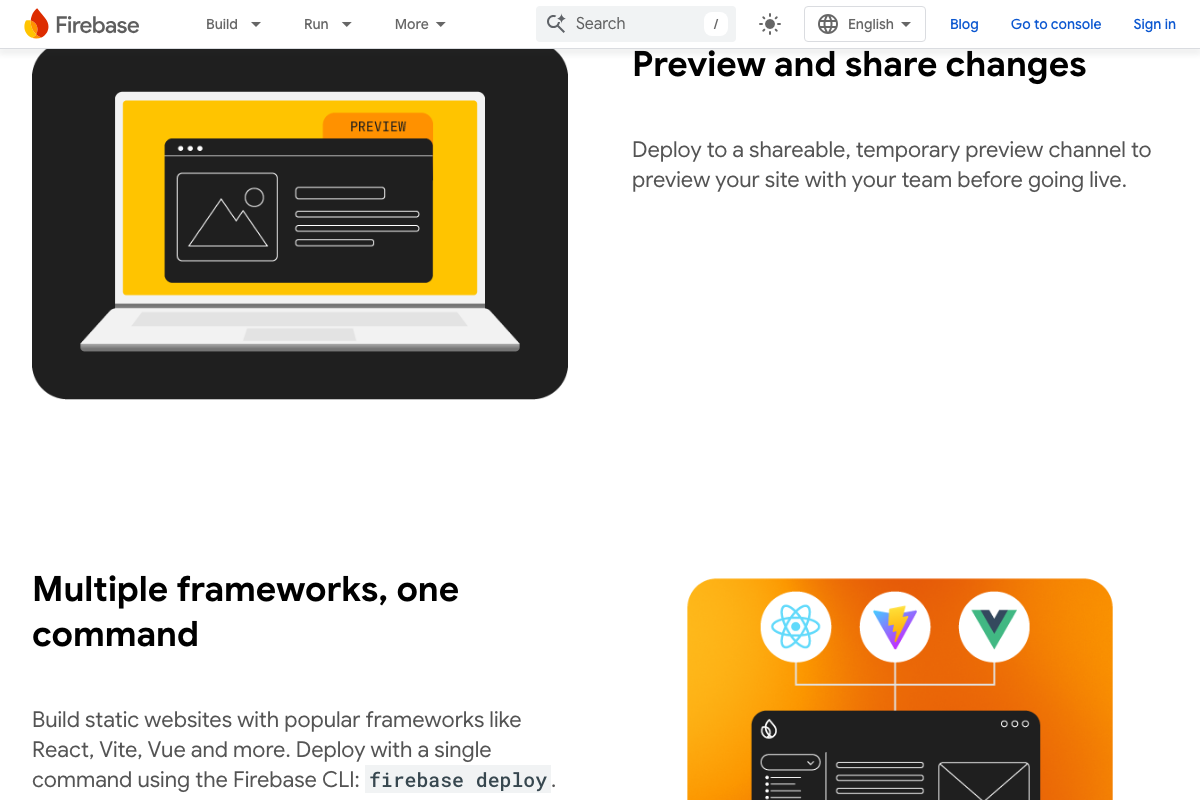
Firebase Hosting describes itself as “Fast, secure hosting for static websites,” and supports React, Vite, and Vue via a single firebase deploy command. The video’s approach here matches the current docs exactly on the deployment model. The addition: deploying a server-rendered Next.js app to Firebase Hosting requires Firebase’s web framework support — a separate configuration step, not an automatic one.
Step 5 — Platforms make silent framework decisions
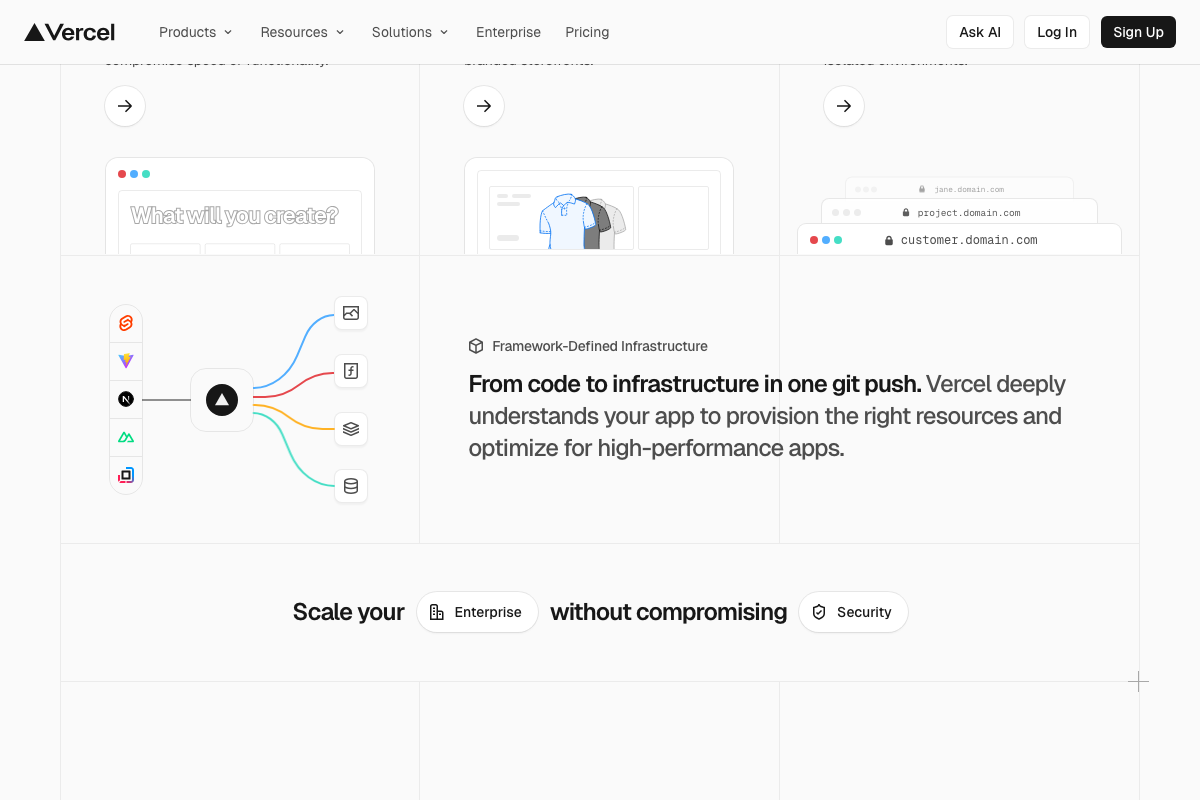
The video’s approach here matches the current docs exactly. Vercel’s “Framework-Defined Infrastructure” documentation states the platform “deeply understands your app to provision the right resources” — and confirms it auto-detects Svelte, Vite, Next.js, Nuxt, and more without user input.
Step 6 — Front-loading SEO requirements
No official documentation was found for this step — proceed using the video’s approach and verify independently.
Step 7 — Pre-submit linters and credential safety
No official documentation was found for this step — proceed using the video’s approach and verify independently.
Step 8 — MCP as a documented integration mechanism
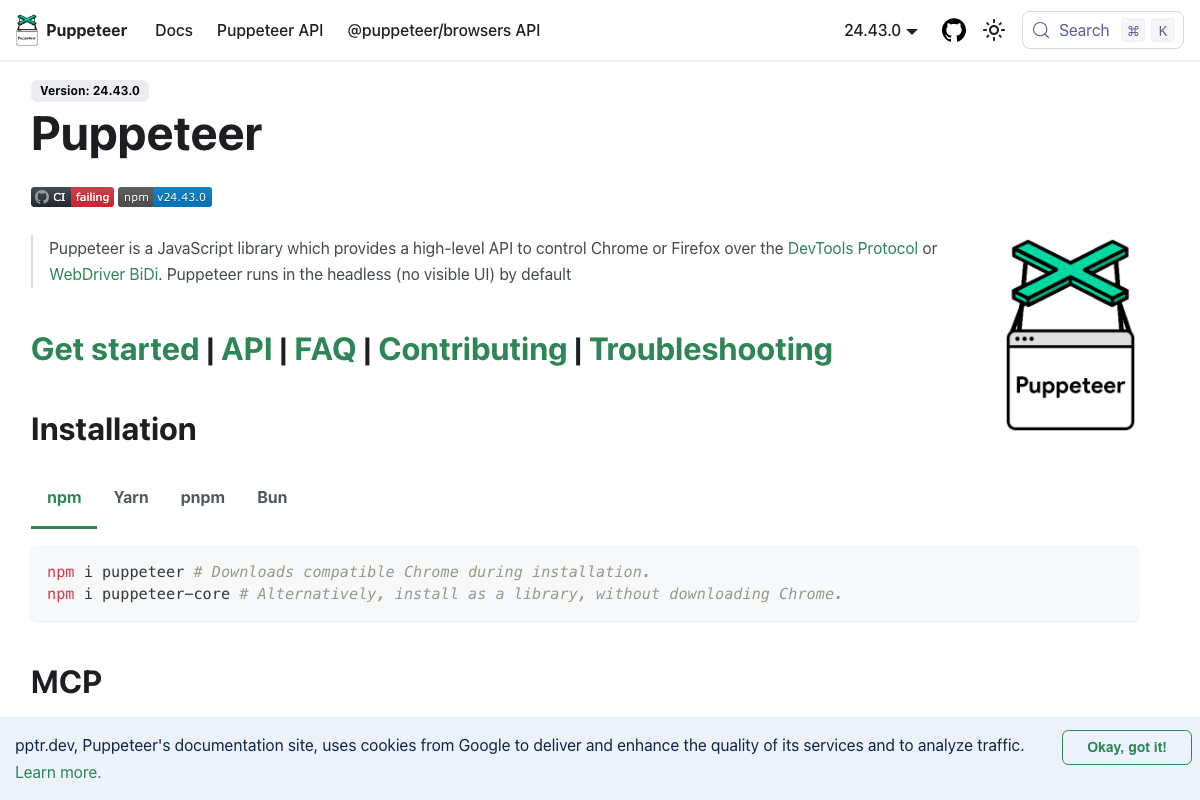
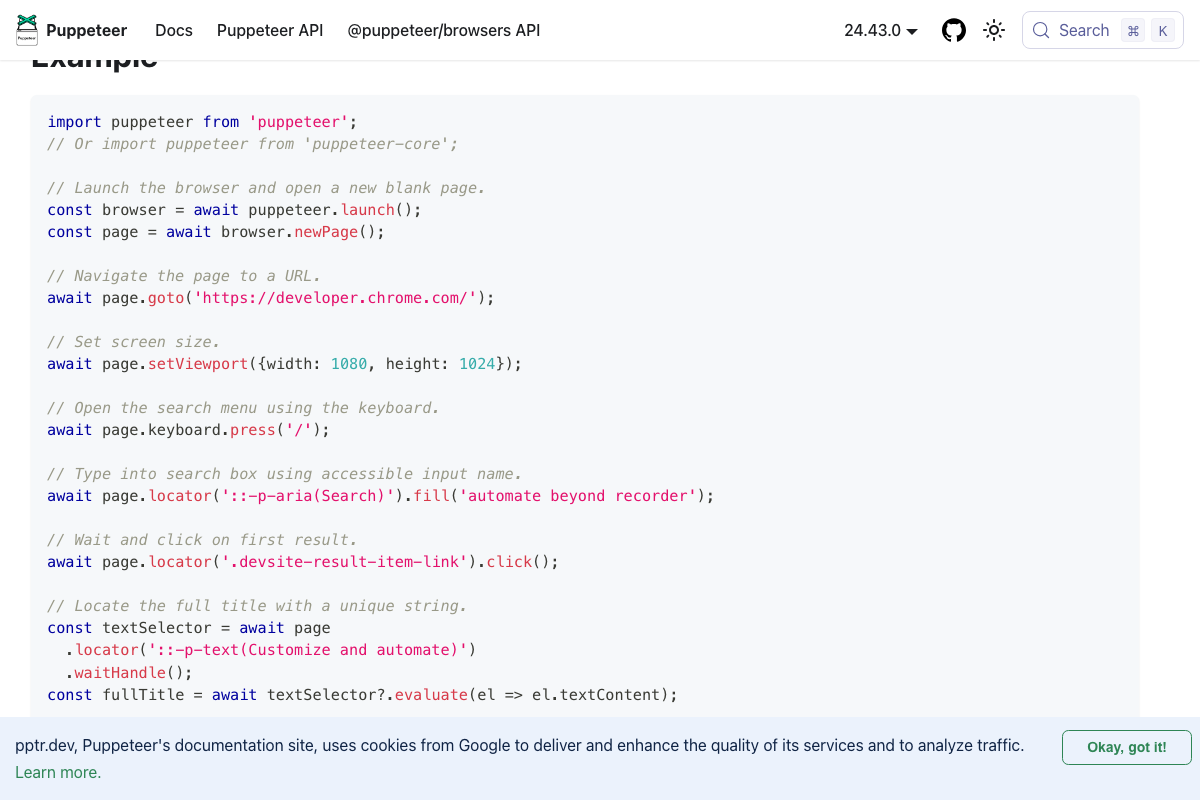
The video’s approach here matches the current docs exactly. Puppeteer’s homepage at pptr.dev carries a dedicated “MCP” section in v24.43.0, confirming MCP is a real, documented integration point. Two install paths are available: npm i puppeteer (bundles a compatible Chrome build) and npm i puppeteer-core (library only, for connecting to an existing Chromium install).
Step 9 — The browser agent runs on Chromium; it is not from The Chromium Project
The video accurately describes AI-directed browser automation as a real capability. One clarification worth making explicit: chromium.org documents the open-source browser source code for contributors — it does not document a “browser use agent” or natural-language control layer. As of May 2026, the tool John demonstrated is a separate AI agent that uses a Chromium-based browser as its rendering engine. Puppeteer’s puppeteer-core package — which attaches to an existing Chromium instance rather than downloading its own — is the confirmed low-level foundation this class of tool builds on.
Useful Links
- Google AI Studio — Prompt-to-production interface for Gemini-powered code and application generation.
- Next.js by Vercel — The React Framework — Official Next.js documentation confirming server-side rendering features and install commands.
- Firebase Hosting — Product page for Firebase’s static and single-page app hosting with global CDN and zero-config SSL.
- Vercel — Vercel platform documentation, including the Framework-Defined Infrastructure auto-detection feature.
- Puppeteer — Official Puppeteer docs including the MCP integration section and
puppeteer-coreinstall path for existing Chromium instances. - The Chromium Projects — Open-source browser project documentation — source code contributions only, no AI agent functionality.
- Selenium — Browser automation library covering WebDriver, IDE, and Grid — the established tool category that AI browser agents build on.


0 Comments