

Five Strategies Small YouTube Channels Can Use to Grow Faster
Growing a YouTube channel without a clear strategy is the fastest way to stay small. This tutorial walks you through five high-leverage decisions — audience definition, channel positioning, thumbnail planning, video intro optimization, and publishing consistency — that can shift your channel’s trajectory regardless of your current subscriber count. By the end, you’ll have a framework for making intentional choices before, during, and after each video you produce.
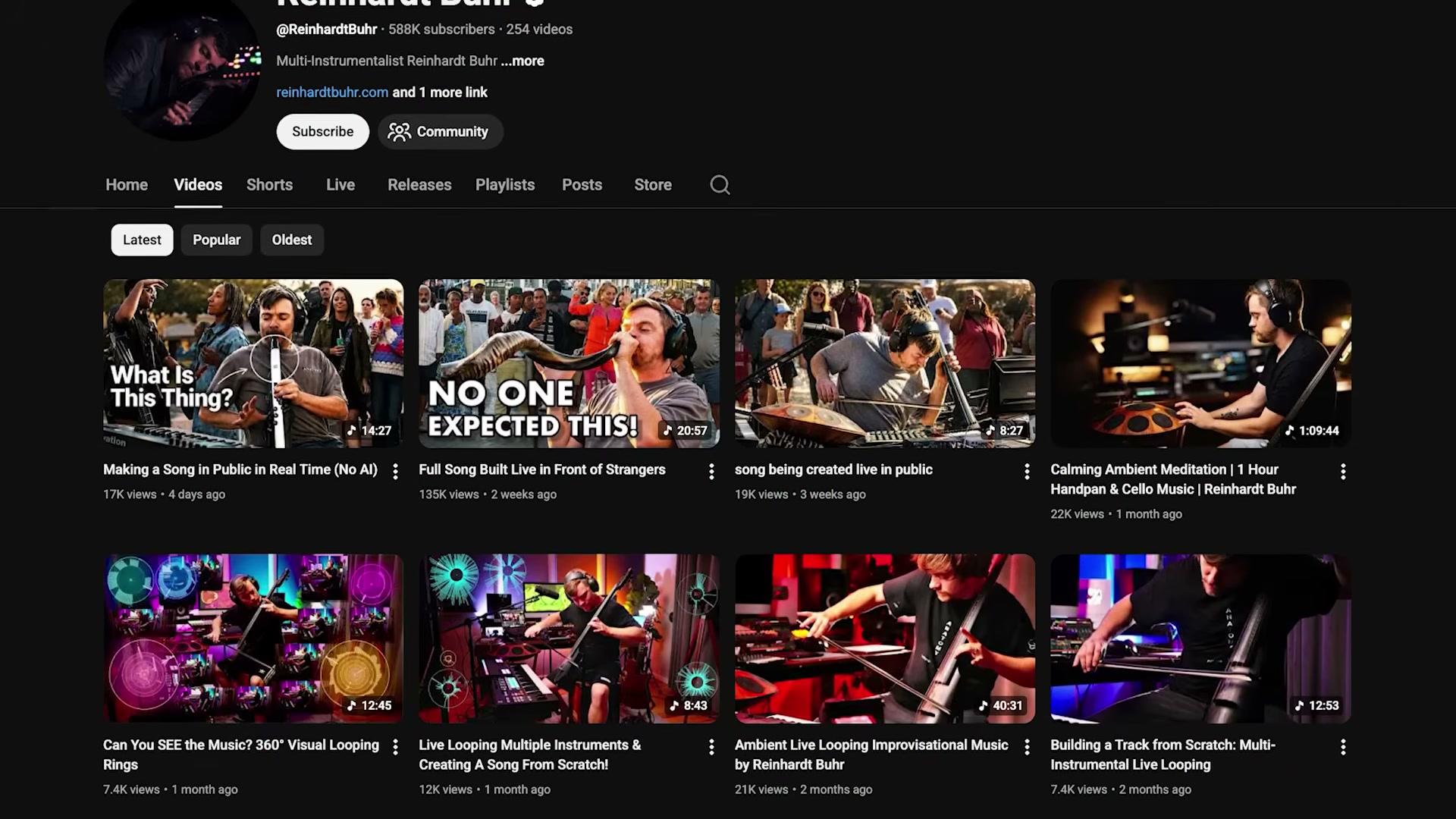
- Identify the content you enjoy making most, then define the specific type of viewer you’re making it for. The goal isn’t to attract everyone — it’s to become a reliable resource for a particular person. When people think about your content type, they should think of your channel first. That specificity is what separates channels that grow from channels that plateau.
-
Position your channel with a differentiating angle within your niche. A fitness channel isn’t a niche — fitness for women over 50 following a plant-based diet is. The narrower your positioning, the less competition you’re navigating. Think of it as moving from an ocean of similar content to a river: the current works with you, not against you.
-
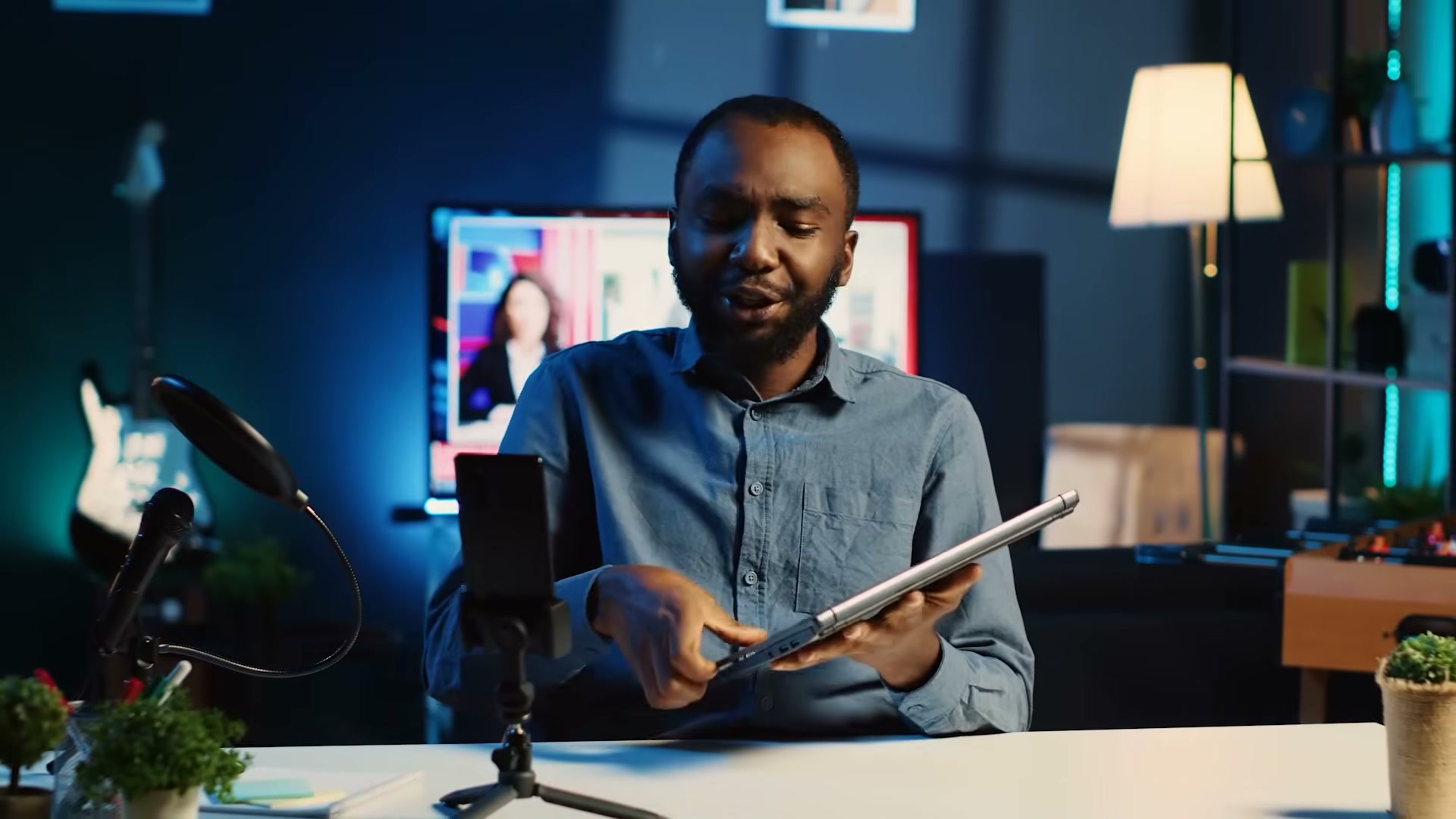
Plan your thumbnail and title before you record the video. Most creators finalize packaging after the video is rendered, which locks them into whatever happened on camera. Working out the thumbnail and title concept first lets you validate the idea — if you can’t build compelling packaging around it, the concept may need work before you invest production time in it.
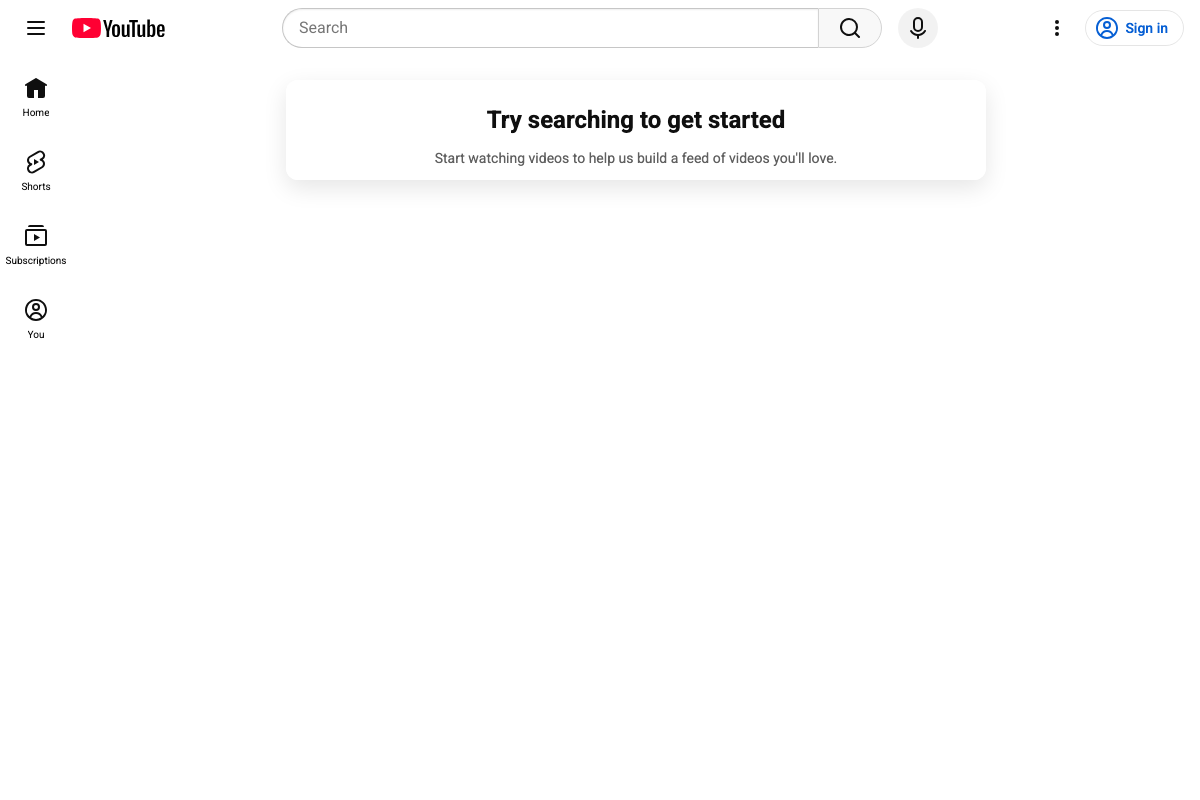
- Use Creator Dashboard to preview your thumbnail inside a simulated YouTube feed before committing to it. The tool embeds your thumbnail directly into a YouTube-like environment so you can assess contrast, legibility, and click-worthiness in context rather than in isolation.
Warning: this step may differ from current official documentation — see the verified version below.
-
Optimize the first 30 seconds of every video to confirm the viewer arrived in the right place. Your thumbnail and title create a specific expectation — your opening either validates that expectation or breaks it. If retention drops sharply at the start, the intro is the problem, not the rest of the video.
-
Run targeted experiments on your video openings: remove intro music to reduce early friction, replace on-camera cold opens with B-roll if face-first retention is low, and match the emotional tone of your packaging. If your thumbnail is dramatic, open dramatically. If it’s warm and conversational, meet the viewer there from the first frame.
-
Block calendar time for each production stage — ideation, research, scripting, recording, and editing — rather than fitting content creation around whatever time is left. Consistency isn’t about publishing every week on the dot; it’s about making video production a scheduled commitment so that life doesn’t quietly push it out of the week entirely.
How does this compare to the official docs?
YouTube’s own creator resources address several of these strategies, but the sequencing, tool recommendations, and specific guidance differ in ways that are worth examining closely before you build your workflow around them.
Here’s What the Official Docs Show
Act 1 lays out a solid strategic framework for small channel growth — and the five-strategy sequence holds up well as a mental model. What follows adds the documentation layer: where YouTube’s own creator resources speak to these decisions, and where you’ll need to rely on the video’s guidance and verify independently.
Step 1 — Define your audience before you define your content
Audience specificity is the foundation the video correctly identifies. YouTube’s Creator Academy addresses channel identity and audience targeting in its “Build your channel” documentation, though the framing centers on long-term subscriber intent rather than pre-production decision-making.
No official documentation was found for this step —
proceed using the video’s approach and verify independently.
Step 2 — Position your channel with a differentiating angle
Niche positioning isn’t explicitly mapped to a YouTube Help article — this is strategic guidance that lives in third-party creator education more than in YouTube’s own support documentation.
No official documentation was found for this step —
proceed using the video’s approach and verify independently.
Step 3 — Plan your thumbnail and title before you record
Pre-production packaging strategy is not a workflow YouTube’s documentation prescribes directly. YouTube Help covers uploading and editing thumbnails after the fact, not front-loading that design decision into your ideation phase.
No official documentation was found for this step —
proceed using the video’s approach and verify independently.
Step 4 — Use Creator Dashboard to preview your thumbnail in-feed
The video references a thumbnail preview feature within “Creator Dashboard.” YouTube Studio does include thumbnail upload and preview functionality, but the specific tool name and navigation path the video describes could not be confirmed from available documentation. Log in to YouTube Studio and navigate to Content → Upload thumbnail to locate current preview options.
No official documentation was found for this step —
proceed using the video’s approach and verify independently.
Step 5 — Optimize the first 30 seconds to validate viewer expectations
Intro optimization is addressed indirectly through YouTube’s audience retention analytics guidance, but the 30-second benchmark and the expectation-matching framework are not defined in current Help Center documentation.
No official documentation was found for this step —
proceed using the video’s approach and verify independently.
Step 6 — Run targeted experiments on your video openings
YouTube does offer an A/B testing feature for thumbnails and titles via YouTube Studio → Experiments, but structured intro testing — removing music, swapping cold opens for B-roll — is not a documented workflow in the Help Center as of 2026-05-07.
No official documentation was found for this step —
proceed using the video’s approach and verify independently.
Step 7 — Block calendar time for each production stage
Production scheduling is a workflow discipline, not a YouTube platform feature. No official documentation addresses how to structure your production calendar.
No official documentation was found for this step —
proceed using the video’s approach and verify independently.
Useful Links
- YouTube Help — Google’s official YouTube support hub covering channel management, uploads, monetization, and creator tools across all experience levels.


0 Comments