

How to Restructure Your Google Ads Campaigns for AI-Driven Search in 2026
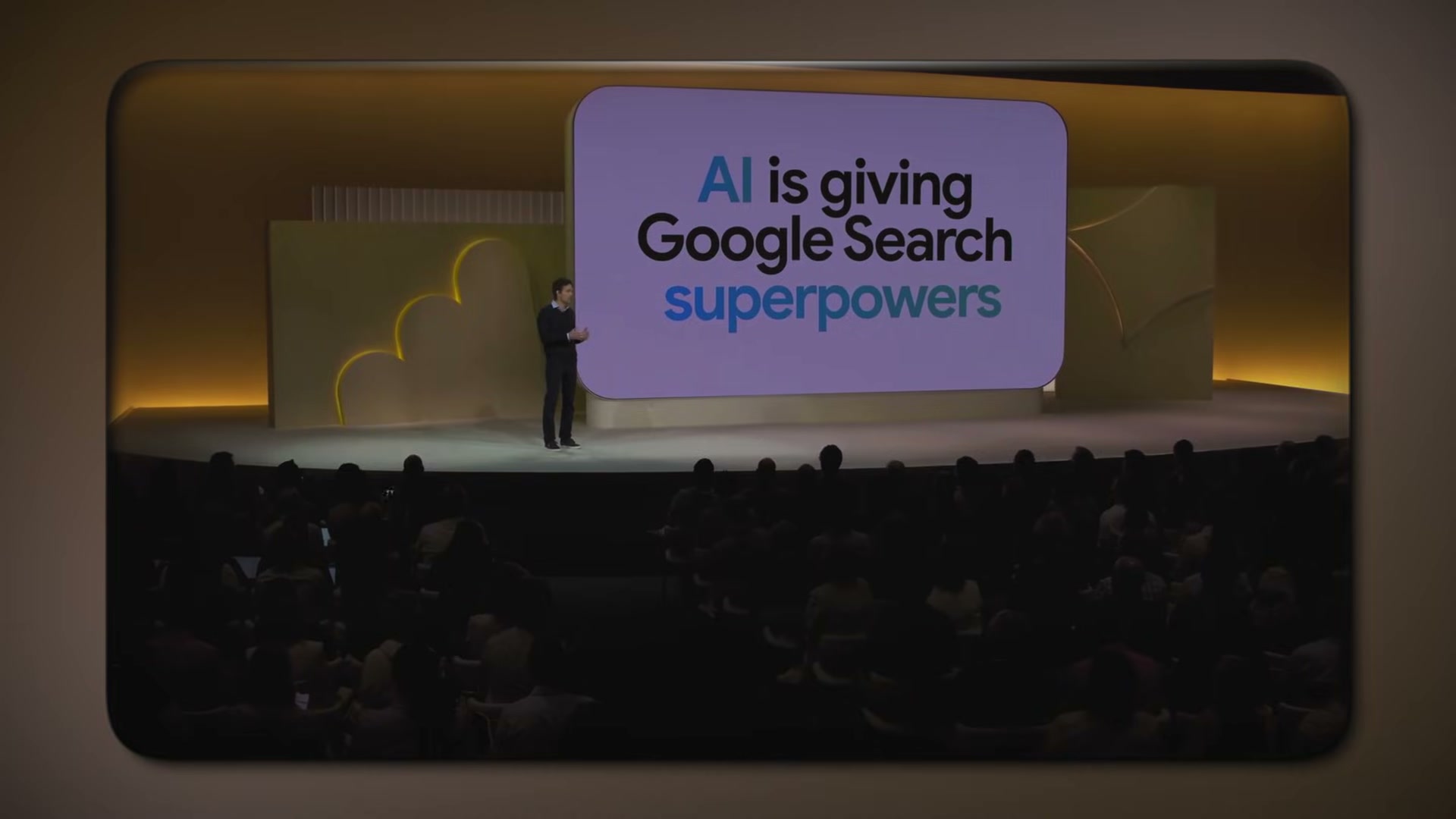
The keyword playbook that worked for the past two decades is now actively working against you. Google has shifted from matching ads to search terms to matching ads to inferred intent — a change driven by AI that affects which ads are eligible to show before a single bid is placed. After working through this tutorial, you’ll understand how contextual signals and AI Mode are reshaping ad eligibility, how a three-question framework rebuilds your campaign logic from the ground up, and how to audit an existing account to cut waste and capture AI-era placements.
-
Accept that Google Ads is now intent- and context-driven, not keyword-driven. The auction still exists, but winning it no longer comes down to finding the lowest-CPC keyword phrase. Google now evaluates what users mean — inferring intent from a combination of the query, surrounding signals, and behavioral history — to determine which ads are even eligible to enter the auction. Keywords are still inputs, but they are no longer the primary filter.
-
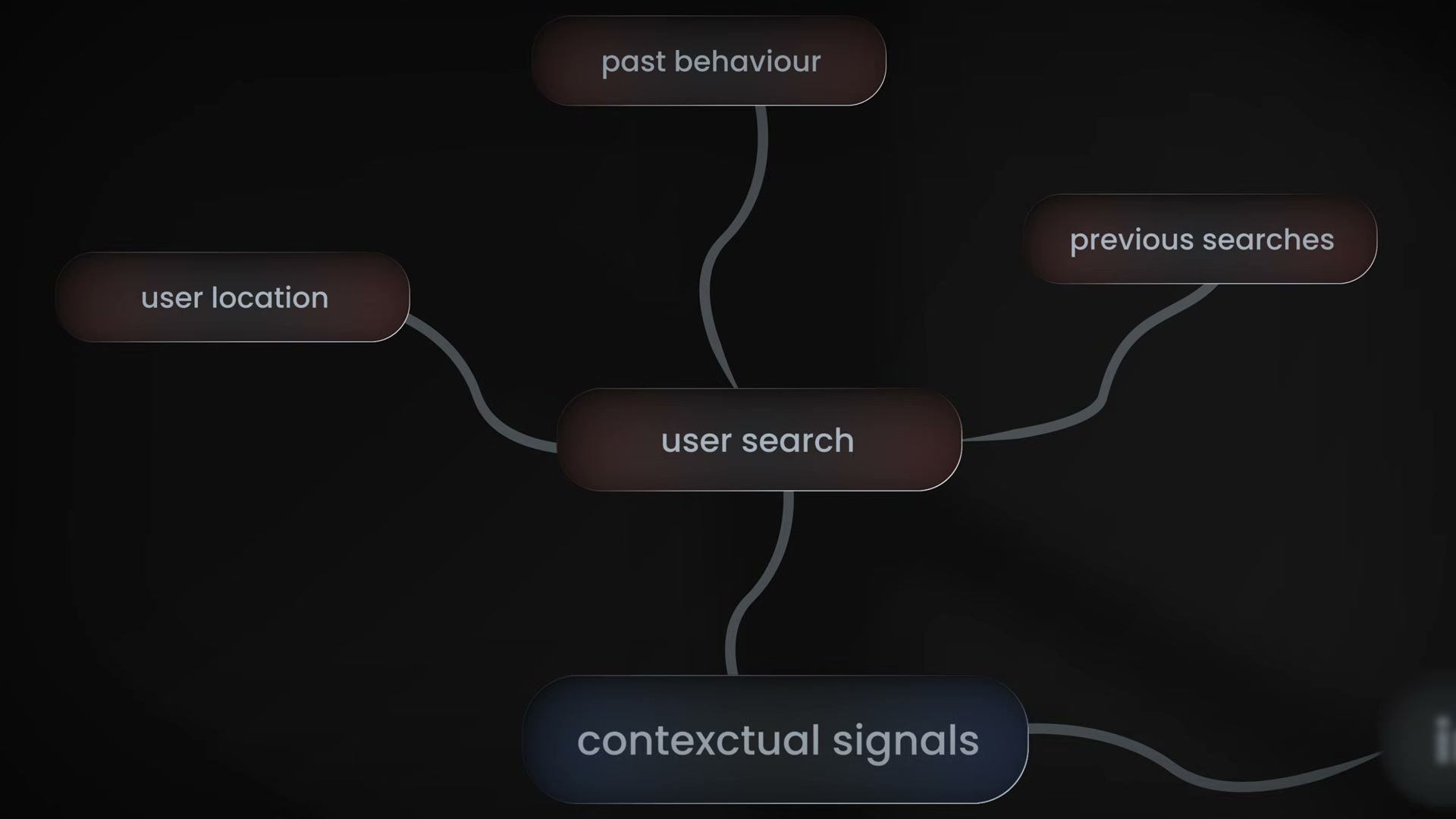
Map the four contextual signals Google uses to determine ad eligibility. Beyond the search query itself, Google factors in the user’s location, their past behavior, their previous searches across days and weeks, and the context of their current session. Your ad’s eligibility is now partly determined by data you never set a bid against.
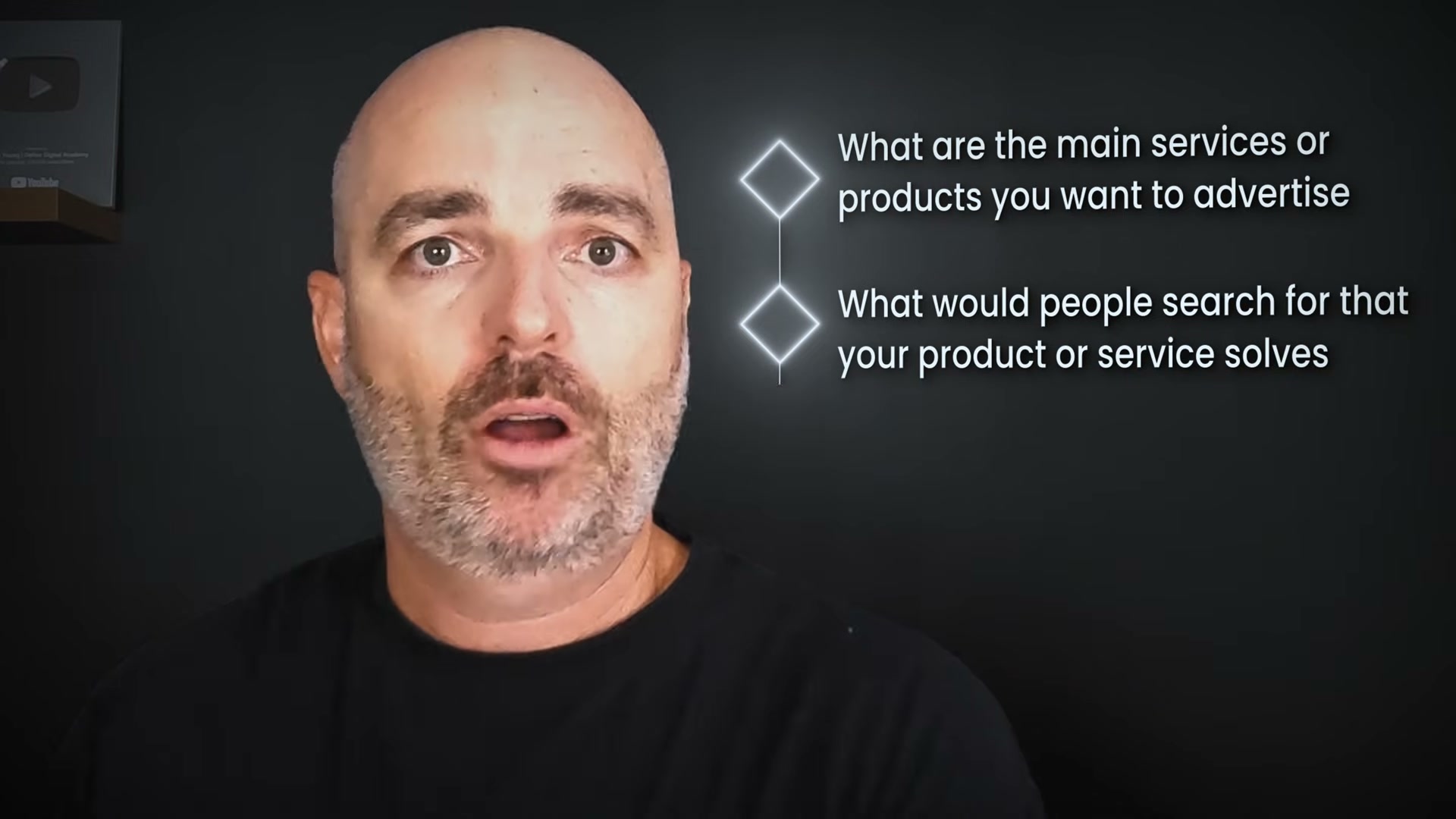
- Apply the three-question campaign planning framework before touching any settings. Answer these in order: What are the most important products or services you want to advertise? What would a customer search to find them? Should those searches live in separate campaigns or separate ad groups? This sequence forces business goals to drive structure — not keyword volume, not historical spend, not competitor benchmarking.
- Understand how AI Mode and AI Overviews are redrawing the SERP. Users searching today increasingly land in a conversational AI interface rather than a ranked list of blue links. Ads still appear, but their placement and eligibility rules operate differently than in a standard search results page. The traditional “sponsored results at top, organic below” layout is being replaced by AI-curated intent categories — and your campaign structure needs to reflect that shift.

-
Audit your existing account for structural dead weight. Pull a search term report and identify ad groups generating little to no impressions or clicks. Single-keyword ad groups that made sense under older best practices are now fragments that split signals and dilute match coverage. Merge them into single-theme ad groups organized around one core intent.
-
Consolidate ad groups triggering overlapping queries. Use the search term report to find cases where multiple ad groups are competing to serve the same searches. Internal auction conflict inflates your own CPCs and muddies the algorithm’s optimization signal. Consolidating those groups removes the conflict and gives Smart Bidding a cleaner data set to work from.
-
Add broad match keywords to gain eligibility for AI Mode placements. At the time of recording, broad match is one of only three routes into AI Mode results — alongside AI Max and Performance Max, both of which are advised against for standard accounts in early 2026. Broad match requires deliberate setup: deploying it without proper constraints on bidding strategy and negative keywords will drain budget without improving coverage.
Warning: this step may differ from current official documentation — see the verified version below.
- Separate campaigns by the distinct problem being solved and by distinct audience. Installation and maintenance serve different purchase stages. Couples and families booking a villa have different needs, different messaging triggers, and different conversion values. Splitting these into dedicated campaigns lets bidding strategies optimize against the right signals rather than averaging across incompatible intent types.

- Verify that ad copy and landing pages remain aligned after consolidation. Merging ad groups tightens structure, but it creates a risk: copy written for a narrow keyword cluster may no longer match the broader intent now feeding into that group. After any restructure, confirm that every consolidated ad group has messaging and a destination page that accurately reflect the expanded intent it now serves.

How does this compare to the official docs?
Google’s own documentation on campaign structure, broad match requirements, and AI Mode ad eligibility covers some of this ground differently — and in a few places sets stricter conditions than what the video outlines.
Here’s What the Official Docs Show
The video’s restructuring framework is well-grounded — the additions below sharpen execution on the steps where the specifics matter most for how you build and run these campaigns.
1. Google Ads is now intent- and context-driven
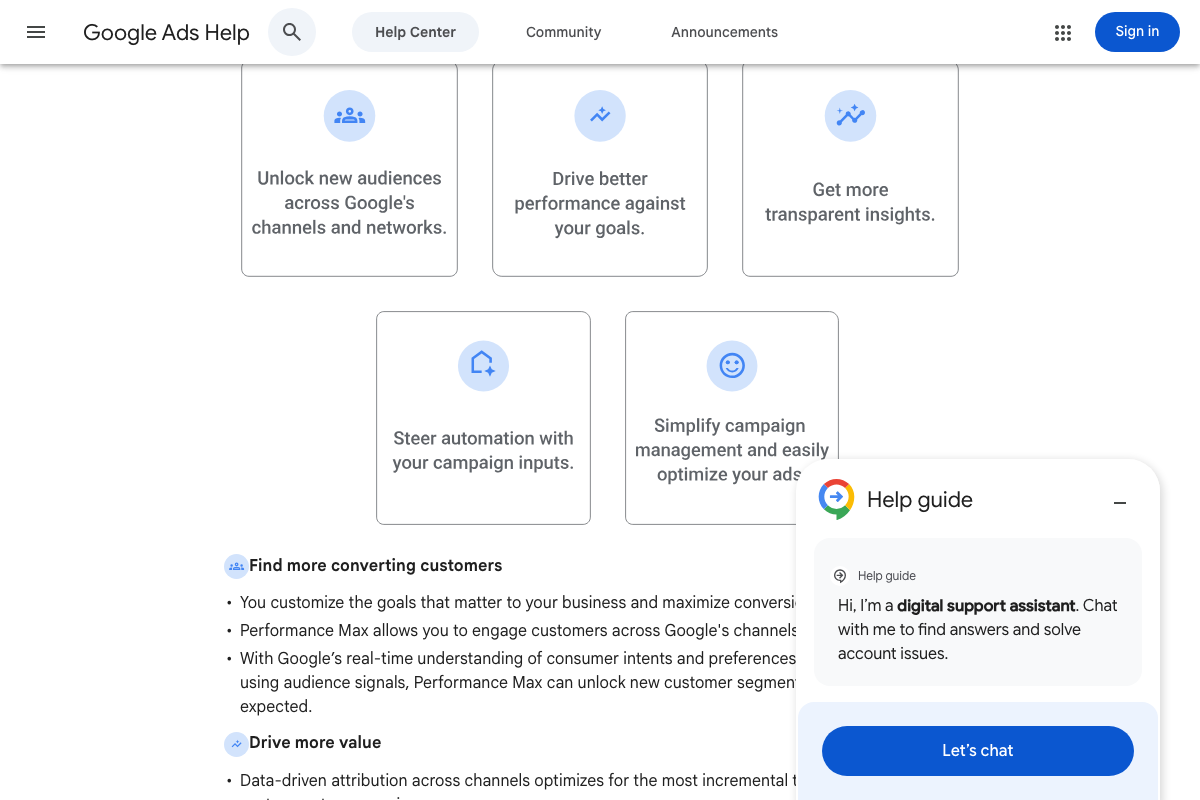
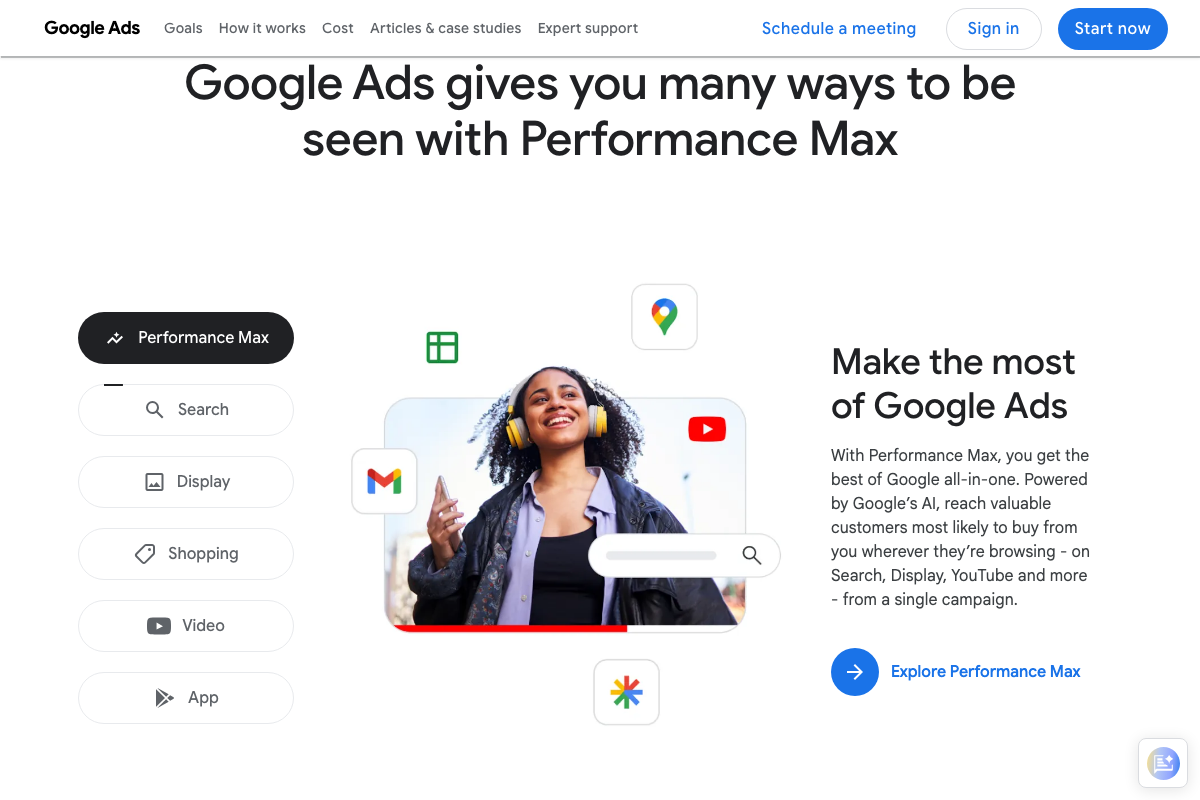
The video’s approach here matches the current docs exactly. Google’s own Performance Max help article uses “real-time understanding of consumer intents and preferences” to describe how AI determines eligibility — verbatim language that grounds the video’s central argument.
2. Map the four contextual signals
The video’s approach here matches the current docs exactly. Audience signals are documented as explicit inputs into Performance Max eligibility decisions, confirming that ad eligibility now depends on data beyond the query itself.
3. Apply the three-question campaign planning framework
No official documentation was found for this step — proceed using the video’s approach and verify independently.
4. Understand how AI Mode and AI Overviews are redrawing the SERP
No official documentation was found for this step — proceed using the video’s approach and verify independently.
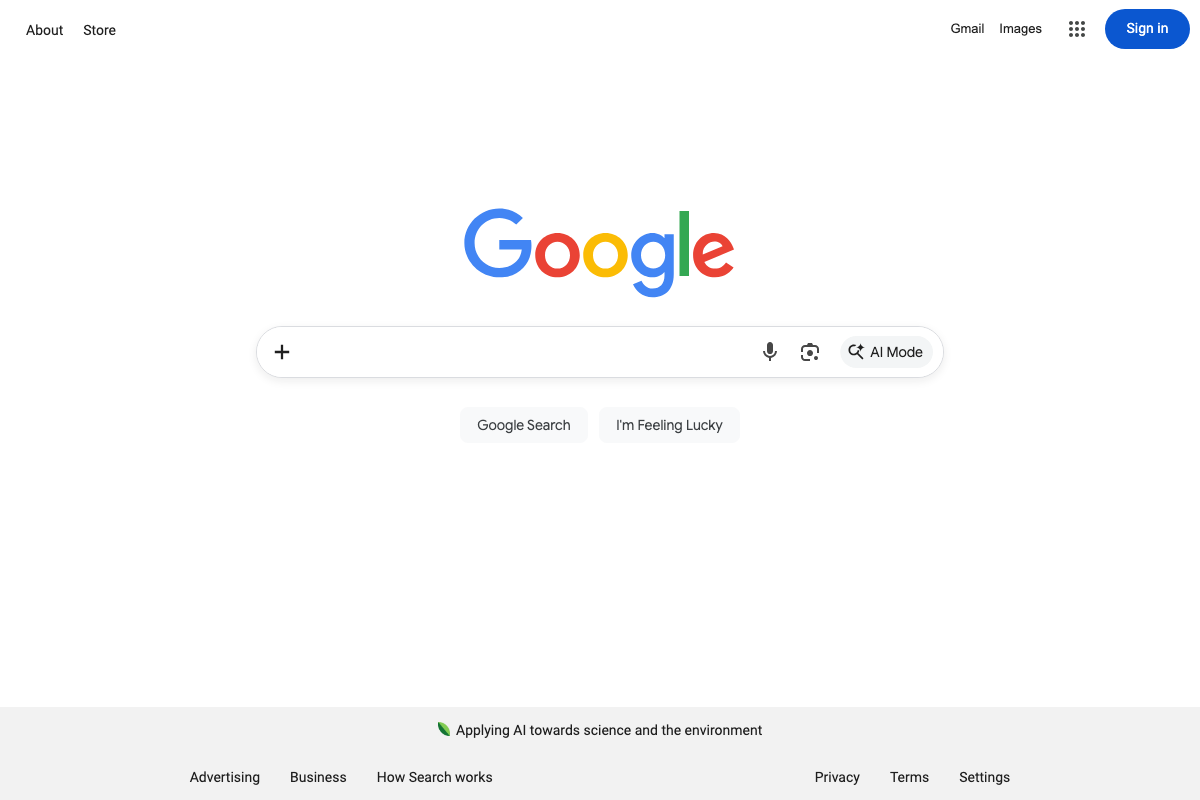
AI Mode is confirmed live — it appears as a named, persistent button in the Google search bar. However, the Google blog post expected to document AI Mode (blog.google/products/search/google-ai-mode/) returns a 404 as of March 22, 2026. No official source documenting ad placement behavior within AI Mode was captured in this screenshot set.

5. Audit your existing account for structural dead weight
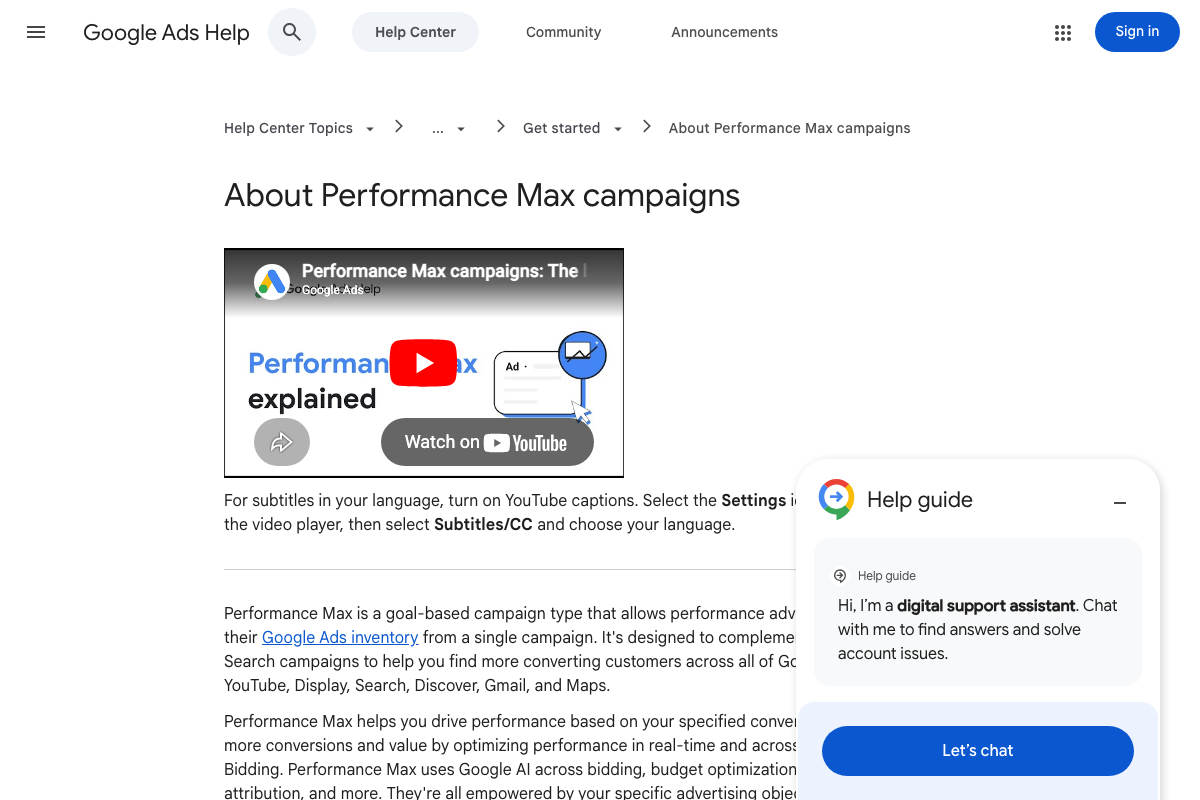
The video’s approach here matches the current docs exactly. Two additions from the official Performance Max help article: PMax is documented as designed to complement Search campaigns, not replace them — running both in parallel is the stated approach. Also, Performance Max is only available as a campaign type for Sales, Leads, and Local store visits objectives. Brand awareness and product consideration campaigns cannot use it, regardless of how you restructure.

6. Consolidate ad groups triggering overlapping queries
No official documentation was found for this step — proceed using the video’s approach and verify independently.
One documented limitation applies to the consolidation work: the search terms report only includes queries that “a significant number of people” have searched. Low-volume and long-tail triggers are excluded for privacy. Your overlap analysis will be accurate for high-traffic terms but will not surface niche queries.

7. Add broad match keywords
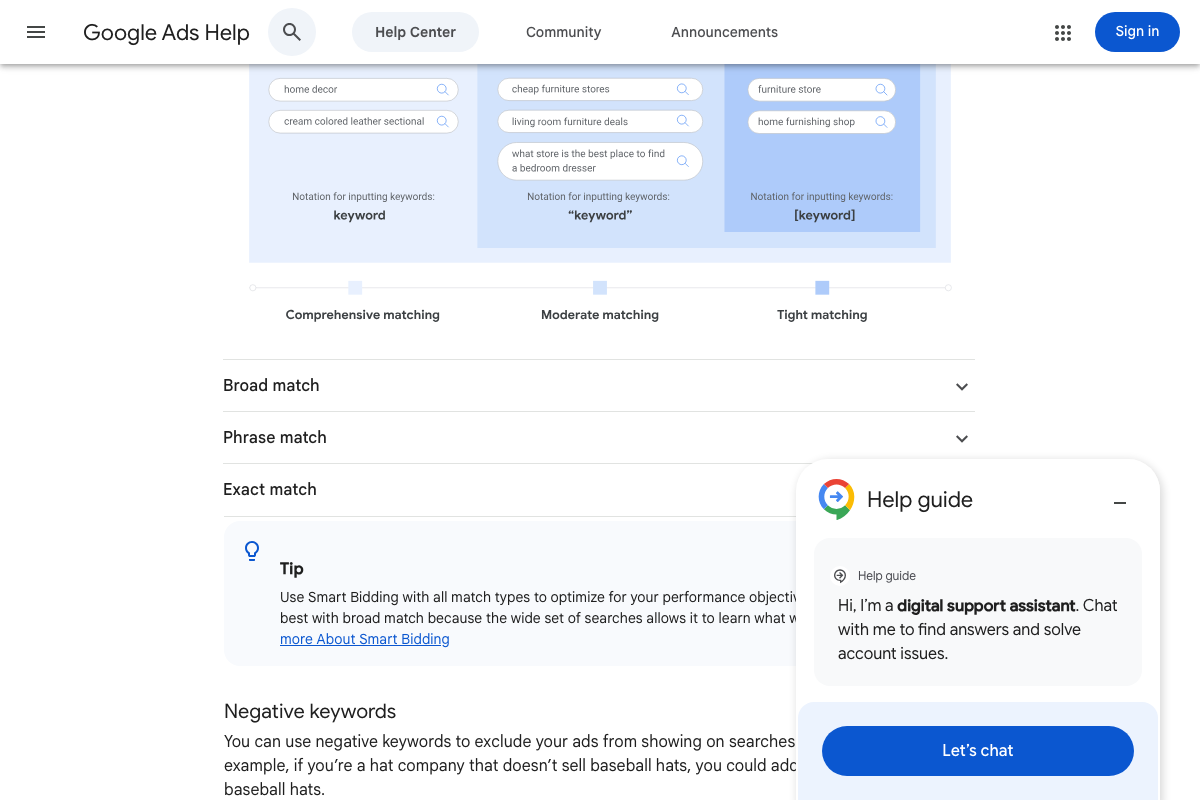
The video’s approach here matches the current docs exactly on the mechanic. The official Tip callout on the keyword matching options page names the required companion explicitly: “Smart Bidding works best with broad match.” The “proper setup rules” the video references are Smart Bidding — it is the documented requirement, not an optional add-on.
One additional feature worth knowing: Google now documents search terms insights alongside the standard report. It groups queries into themes and subthemes over a 56-day window — useful for the same consolidation work the video describes in the prior step.
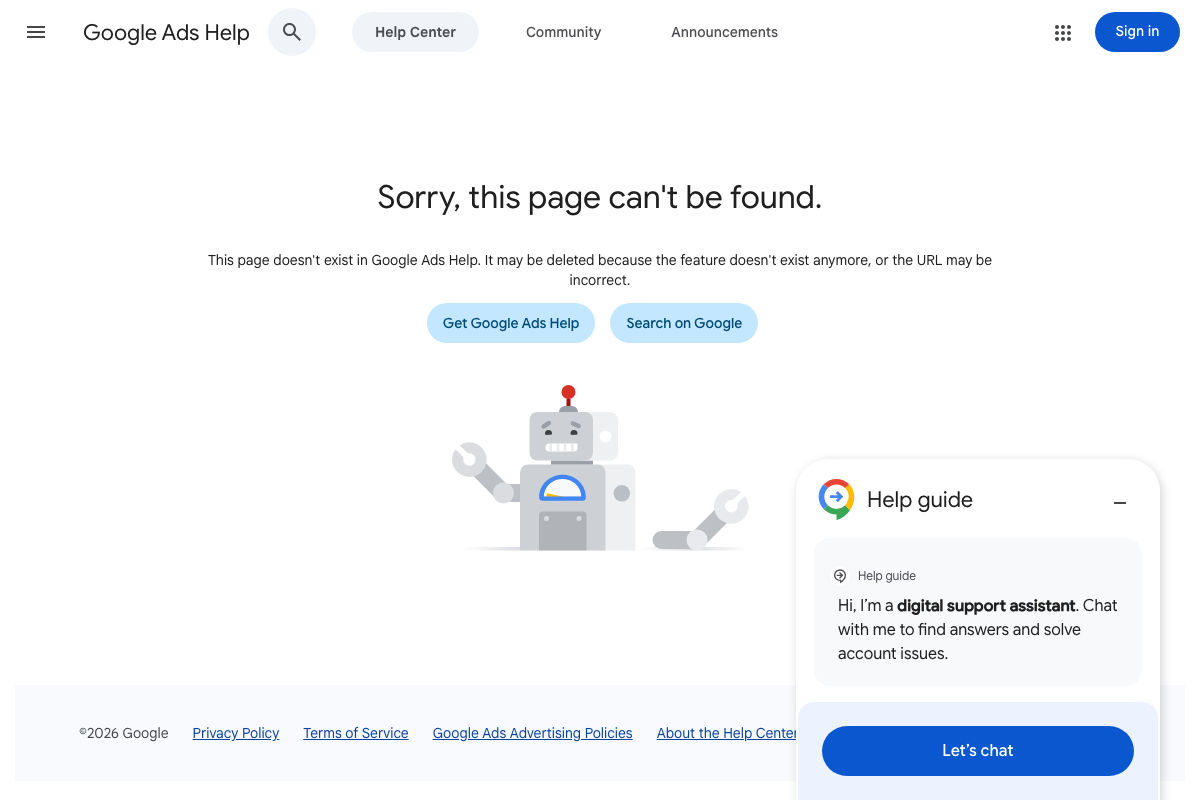
As of March 22, 2026, the “AI Max” documentation URL (support.google.com/google-ads/answer/15577054) returns a 404. The help center’s own message states the page “may be deleted because the feature doesn’t exist anymore.” AI Max as a distinct placement route cannot be verified from official documentation at this time.
8. Separate campaigns by distinct problem and audience
The video’s approach here matches the current docs exactly.
9. Verify ad copy and landing pages after consolidation
The video’s approach here matches the current docs exactly.
Useful Links
- Google Ads – Get Customers and Sell More with Online Advertising — Google Ads marketing homepage positioning Performance Max as the platform’s default AI-driven campaign recommendation.
- About Performance Max campaigns – Google Ads Help — Official documentation covering Performance Max objectives, eligibility constraints, and its documented role complementing Search campaigns.
- About keyword matching options – Google Ads Help — Defines broad, phrase, and exact match types; includes the Tip callout naming Smart Bidding as the required companion for broad match.
- About the search terms report – Google Ads Help — Documents the search terms report, its privacy-based query threshold, and the newer search terms insights feature not covered in the video.
- Google — Google homepage confirming AI Mode as a live, named search surface as of March 2026 — though no ad placement behavior documentation was captured.


0 Comments