

Google Ads Campaign Strategy for E-Commerce: Performance Max, Shopping, and Demand Gen
Managing Google Ads for an e-commerce store means more than launching a single Performance Max campaign and watching ROAS roll in. After completing this tutorial, you’ll be able to architect a full-funnel campaign structure that isolates brand signals, supplements Performance Max with Shopping and Search, deploys Demand Gen across YouTube inventory, and ensures your conversion tracking is solid enough for the algorithm to optimize against.
- Split your Performance Max campaigns into two separate campaigns: one targeting brand and one targeting non-brand. This gives Google distinct ROAS signals for each intent tier and lets you control budget allocation independently.
2. For the brand Performance Max campaign, set a higher ROAS target — the video uses 600% as a reference point — with a proportionally larger daily budget (e.g., $150/day). This campaign is designed to close high-intent brand searches efficiently.
3. For the non-brand Performance Max campaign, set a lower ROAS target — the video suggests 100% — with a smaller budget (e.g., $50/day). Accept lower returns here as the cost of feeding new customers into the top of your funnel.
Warning: this step may differ from current official documentation — see the verified version below.
4. Run a separate Google Shopping campaign (non-brand) alongside Performance Max. Shopping tends to generate higher conversion rates than the Search network for e-commerce and acts as a complementary click source targeting high-intent product queries.
5. If budget allows, split Google Shopping into brand and non-brand campaigns using the same logic as Performance Max. For tighter budgets, a single non-brand Shopping campaign is a reasonable starting point.
6. Add branded and non-branded Search campaigns for additional coverage. Expect lower ROAS from non-brand and competitive Search — build these campaigns with the understanding that they’re an investment in reaching audiences your current campaigns don’t touch.
7. Set up Demand Gen campaigns targeting YouTube inventory only, split into three separate campaigns by device: mobile, desktop, and TV screen. Running them separately surfaces cost-per-view differences across devices and makes performance comparison straightforward.
8. Track cost-per-view alongside micro-conversions — add to cart, begin checkout, and engaged sessions (defined as sessions lasting one minute or longer) — within Demand Gen. These signals justify spend when direct purchase attribution is thin.
9. Before launching or optimizing any campaign, audit your conversion tracking. Confirm your purchase conversion event is firing reliably and passing dynamic revenue values back to Google Ads.
10. If purchase volume is too low for Google’s algorithm to optimize against, add “begin checkout” as a secondary conversion action with a static value of $1, set to count only one conversion per session. This gives the algorithm more signal without inflating revenue reporting.
Warning: this step may differ from current official documentation — see the verified version below.
11. Pull the search terms report and exclude irrelevant queries — particularly informational searches, queries containing “free,” and review-seeking traffic. Leave mid-funnel terms open even if they don’t convert immediately; they contribute to the assisted conversion path.
How does this compare to the official docs?
The campaign structure and bidding logic described here reflect one practitioner’s working approach — the official Google Ads documentation has specific guidance on Performance Max best practices, conversion tracking configuration, and Demand Gen setup that’s worth putting side by side with what you just read.
Here’s What the Official Docs Show
The campaign structure the video walks through holds up well against current Google Ads documentation — what follows adds documental grounding where the official sources provide it, and plainly notes two corrections in the Demand Gen section that affect how you should set up and measure those campaigns.
Step 1: Brand vs. non-brand Performance Max campaigns
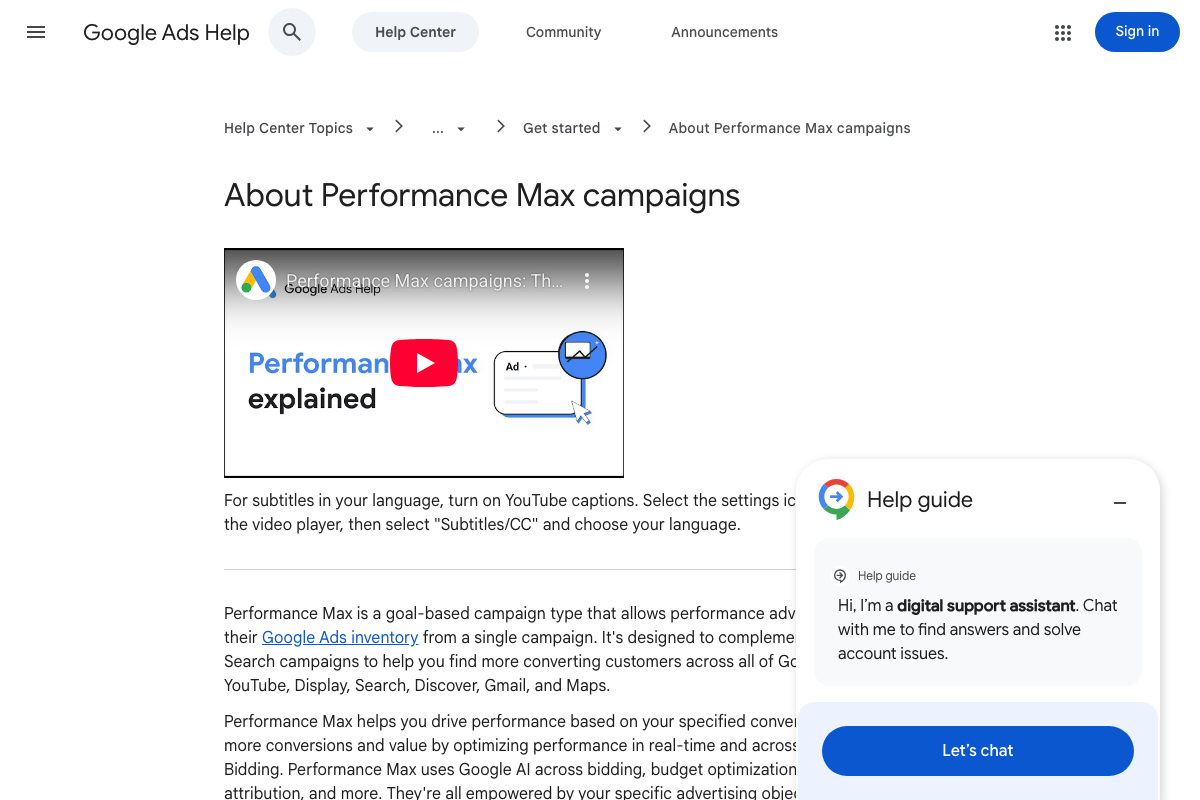
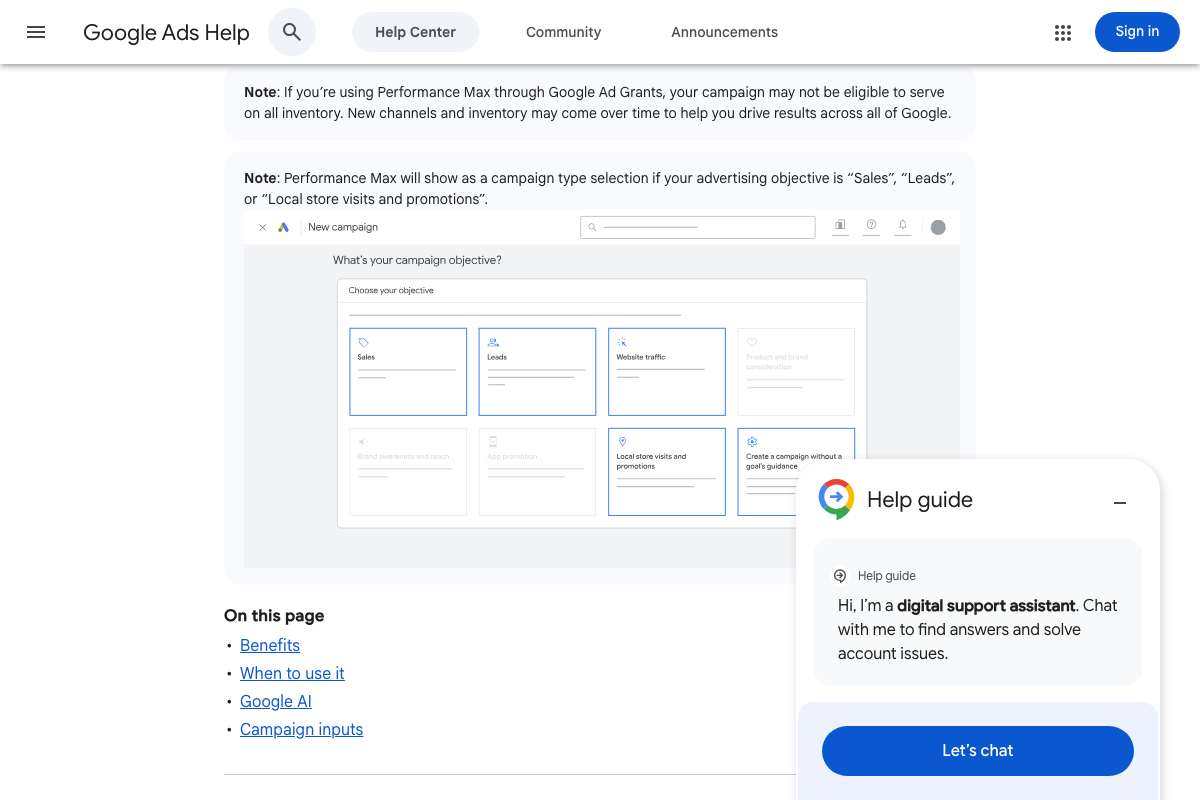
The video’s approach here matches the current docs exactly. Google’s official documentation confirms Performance Max as a goal-based campaign type available under Sales, Leads, and Local store visits objectives, with audience signals as a mechanism to guide each campaign toward distinct customer segments — the structural basis for the brand/non-brand split.
Steps 2–3: ROAS targets for brand and non-brand Performance Max
No official documentation was found for these steps — proceed using the video’s approach and verify independently.
The docs do confirm that ROAS targets are valid campaign inputs that steer Performance Max automation, listed explicitly as a key benefit under “Steer automation with your campaign inputs.” The specific percentages (600% brand, 100% non-brand) are practitioner benchmarks, not documentation-prescribed values.
Step 4: Separate Google Shopping campaign alongside Performance Max
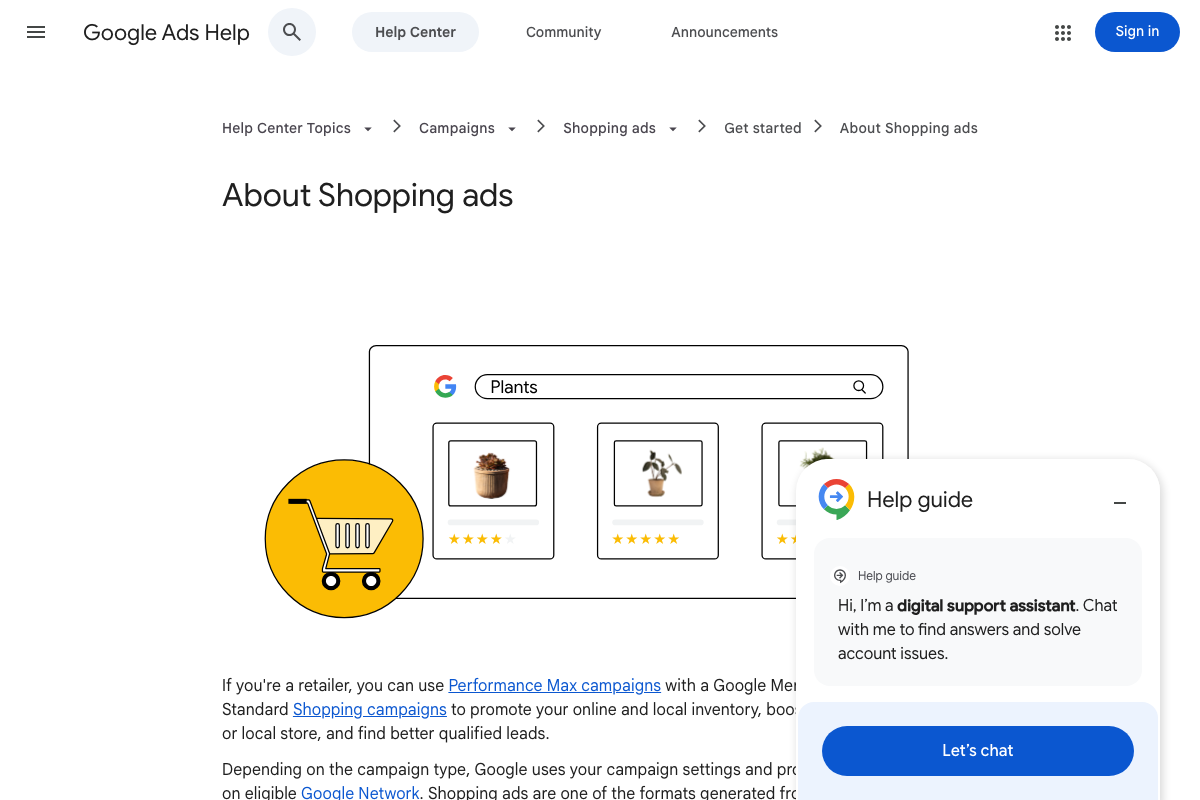
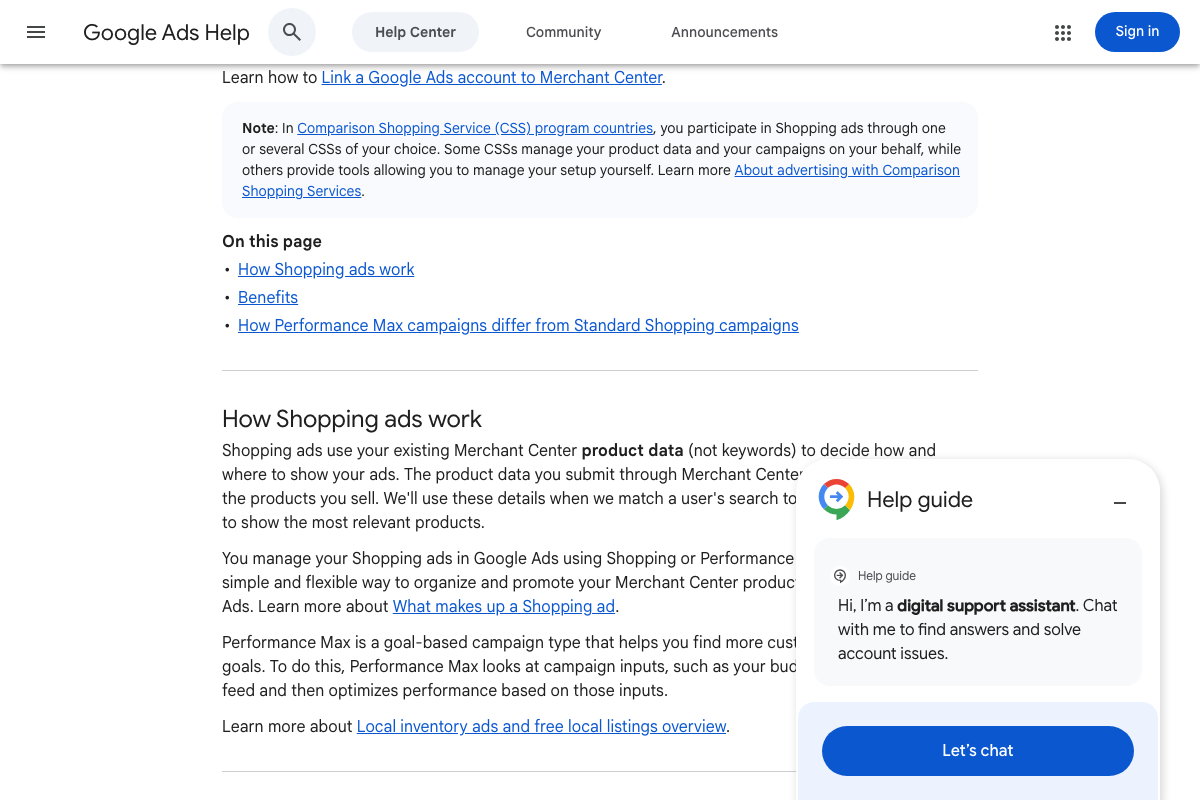
The video’s approach here matches the current docs exactly. The official Shopping ads page states retailers can use “Performance Max campaigns with a Google Merchant Center account and Standard Shopping campaigns” together — the docs frame them explicitly as complementary tools, not competing choices, which the video assumes but does not cite.
Step 5: Brand/non-brand Shopping split
No official documentation was found for this step — proceed using the video’s approach and verify independently.
One technical note the docs surface: Shopping campaigns use product attributes rather than keywords to determine placement. Brand/non-brand separation requires negative keywords and campaign priority settings — not keyword targeting.
Step 6: Branded and non-branded Search campaigns
No official documentation was found for this step — proceed using the video’s approach and verify independently.
Step 7: Demand Gen campaigns targeting YouTube inventory, split by device
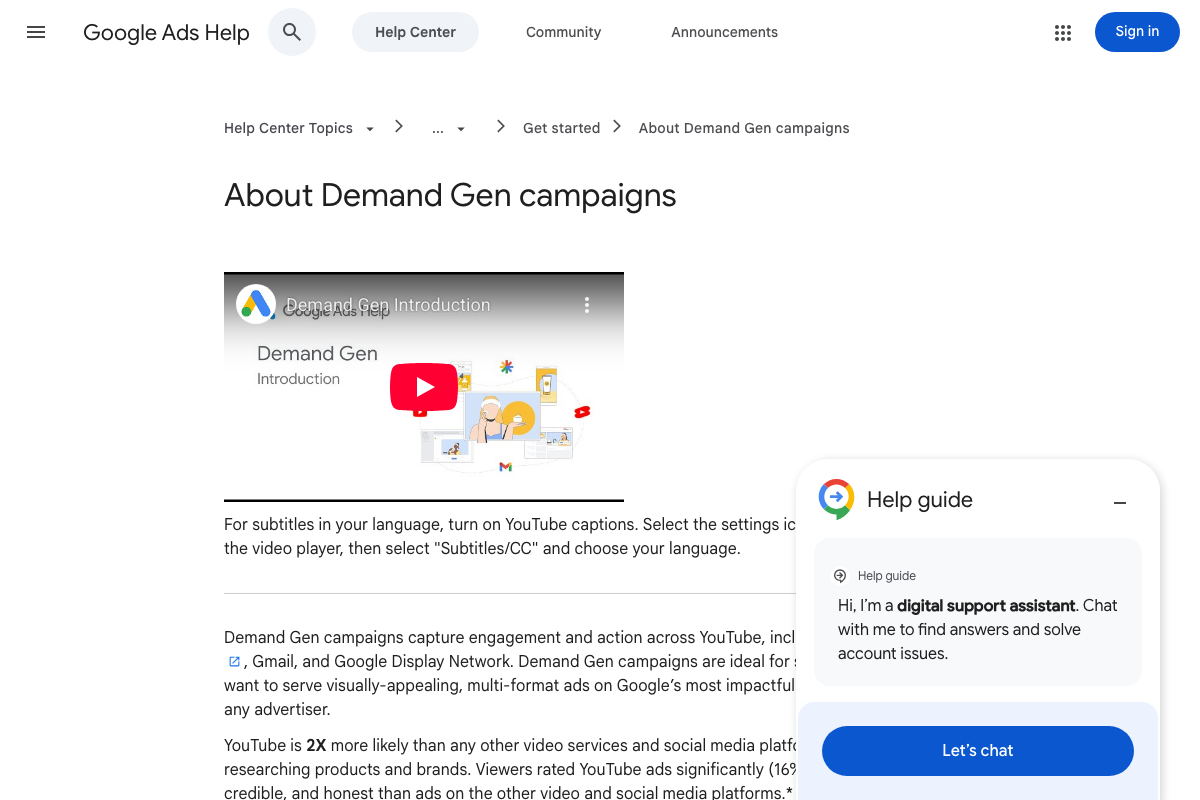
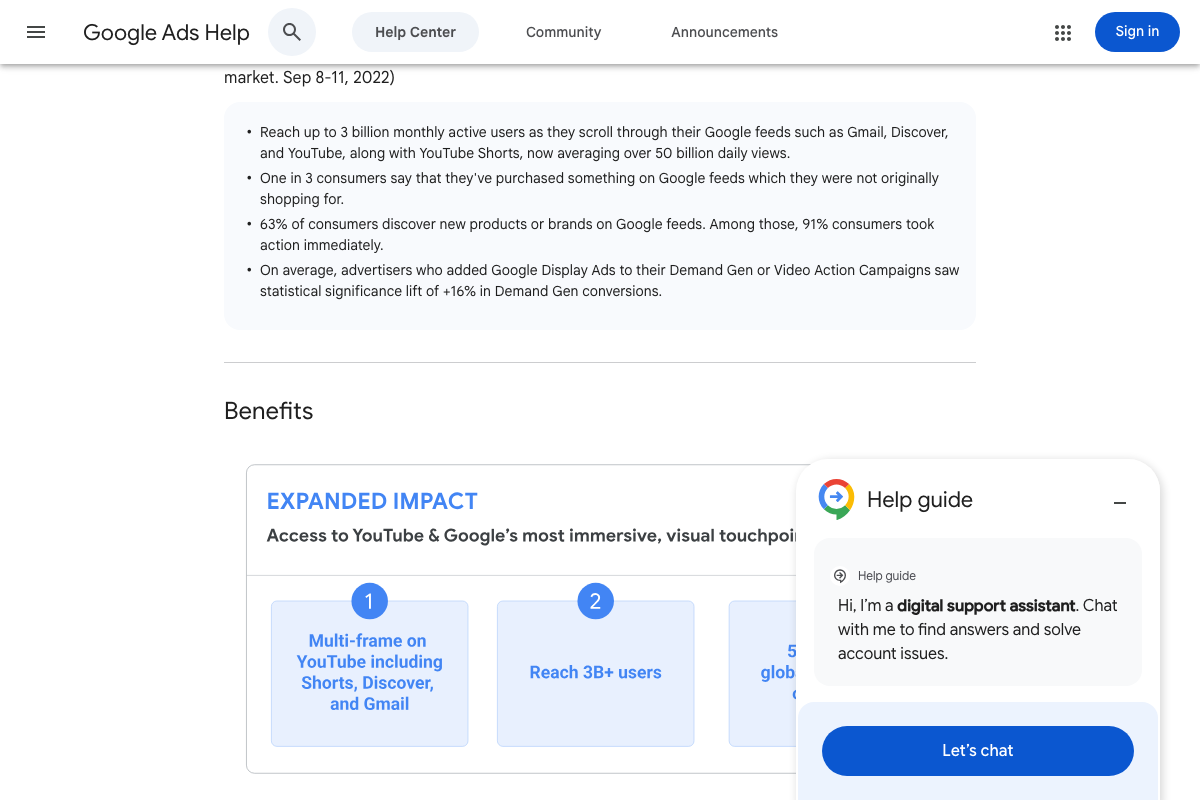
The docs confirm Demand Gen as a distinct campaign type designed for visually rich, multi-format ads. As of March 15, 2026, the correct inventory definition is YouTube (including YouTube Shorts), Gmail, and Google Display Network — the video describes Demand Gen as targeting “YouTube inventory,” which omits Gmail and Display Network placements that are included by default.
The device-type campaign splits (mobile, desktop, TV screen) are not referenced in the available documentation — treat that as a practitioner optimization to test independently.
Step 8: Track cost-per-view and micro-conversions within Demand Gen
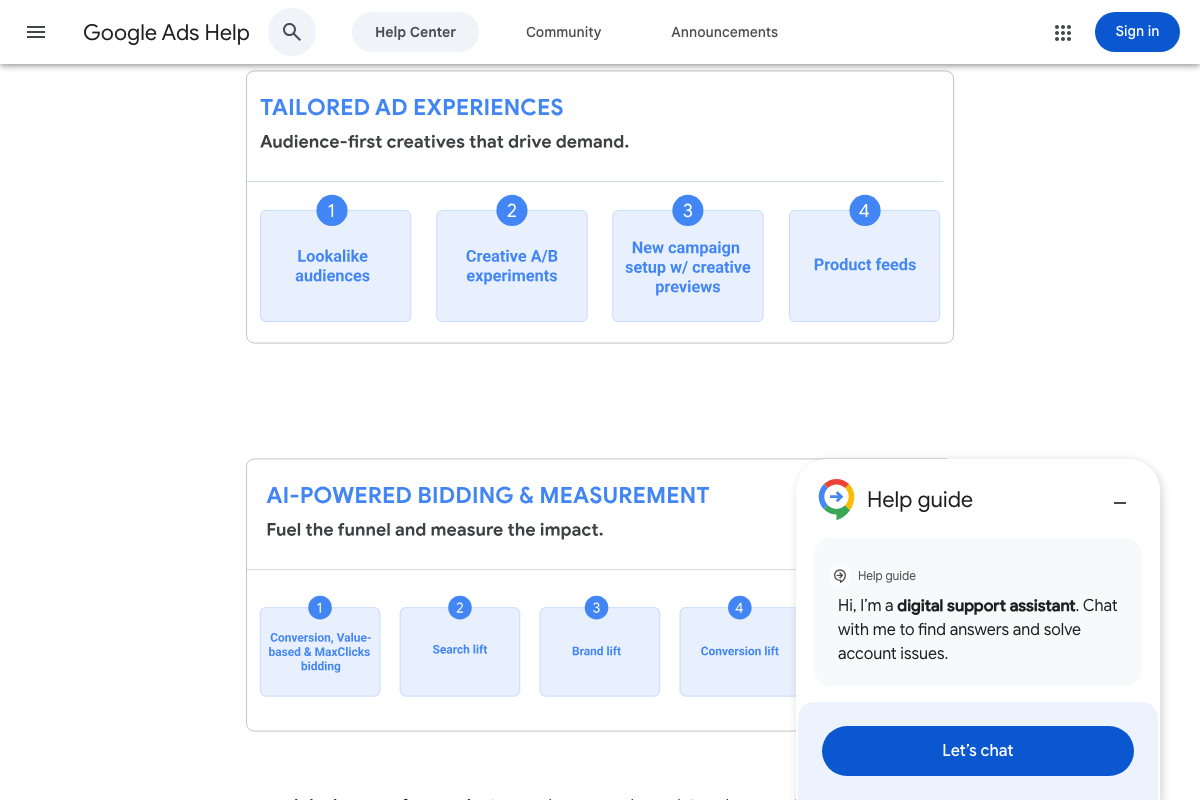
As of March 15, 2026, cost-per-view does not appear as a listed bidding or measurement option in the official Demand Gen documentation — the video shows it as a primary KPI. The documented bidding options are Conversion, Value-based, and MaxClicks. Measurement studies available are Search lift, Brand lift, and Conversion lift, which do support the video’s recommendation to measure Demand Gen’s broader funnel contribution.
Steps 9–11: Conversion tracking setup, secondary conversion configuration, and search terms review
No official documentation was found for these steps — proceed using the video’s approach and verify independently.
Useful Links
- Google Ads – Get Customers and Sell More with Online Advertising — Google Ads product homepage positioning Performance Max as the recommended campaign type across all advertiser goals.
- About Performance Max campaigns – Google Ads Help — Official documentation on Performance Max objectives, audience signals, and how campaign inputs steer automation.
- About Shopping ads – Google Ads Help — Official documentation confirming Standard Shopping and Performance Max as complementary campaign types for retailers.
- About Demand Gen campaigns – Google Ads Help — Official documentation defining Demand Gen placements, bidding options, and available measurement studies.


0 Comments