

Stop Skipping Levels: The Pyramid of AI Progression
Most people consume AI content for months without ever improving how they actually work — not because they lack effort, but because no one has given them a map. The Pyramid of AI Progression is a three-level framework that shows you exactly where you stand with AI today and what to focus on next. By the end of this walkthrough, you’ll be able to diagnose your current level, understand why jumping ahead almost always fails, and build a clear path toward AI that runs without you.
-
Name the real problem. AI content online is optimized for views, not skill-building. Every creator chases the latest tool; every headline amplifies the biggest PR release. The individual practitioner ends up overwhelmed and stuck — consuming constantly but progressing slowly. The solution isn’t more content: it’s a framework for ordered progression.
-
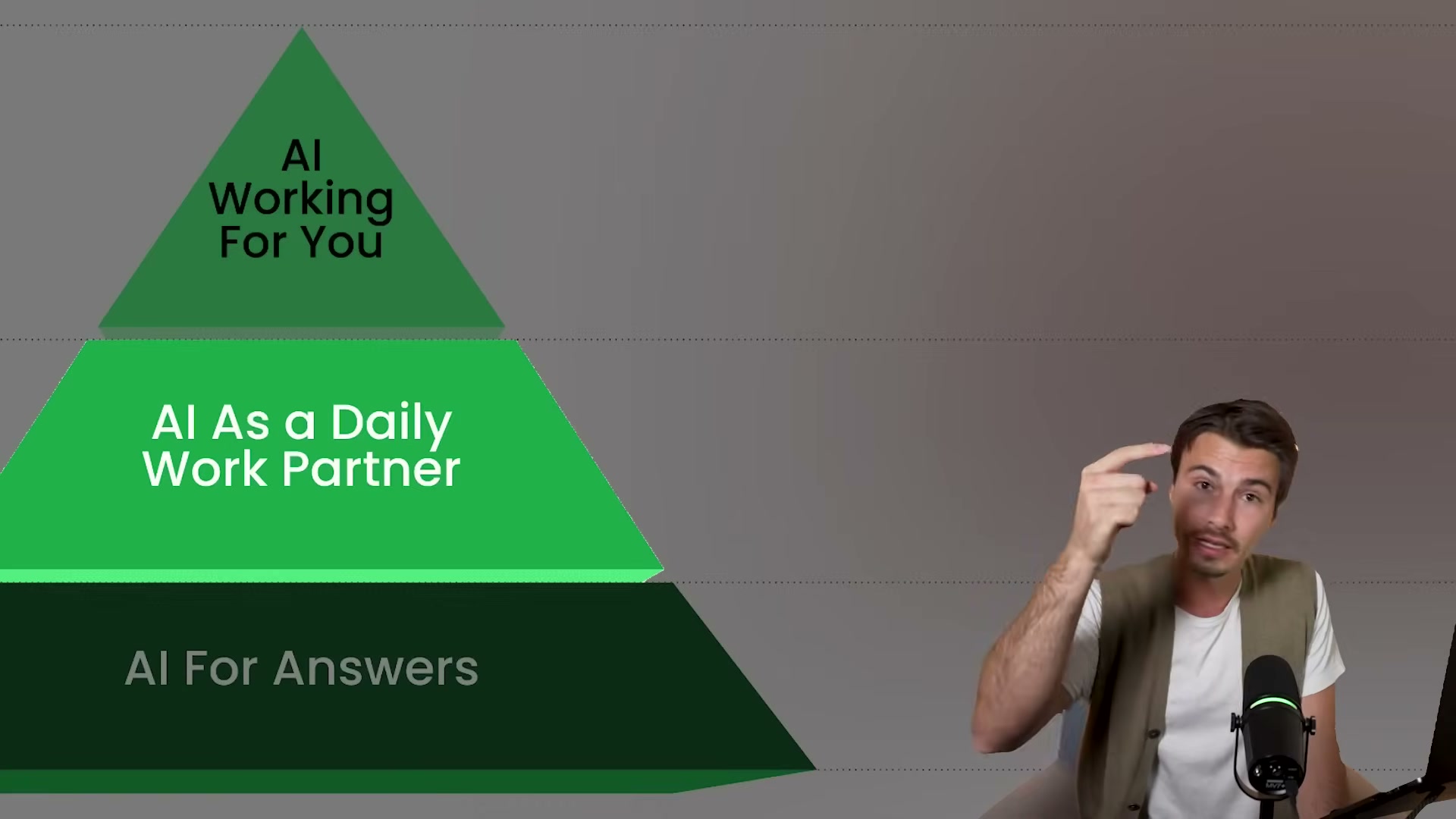
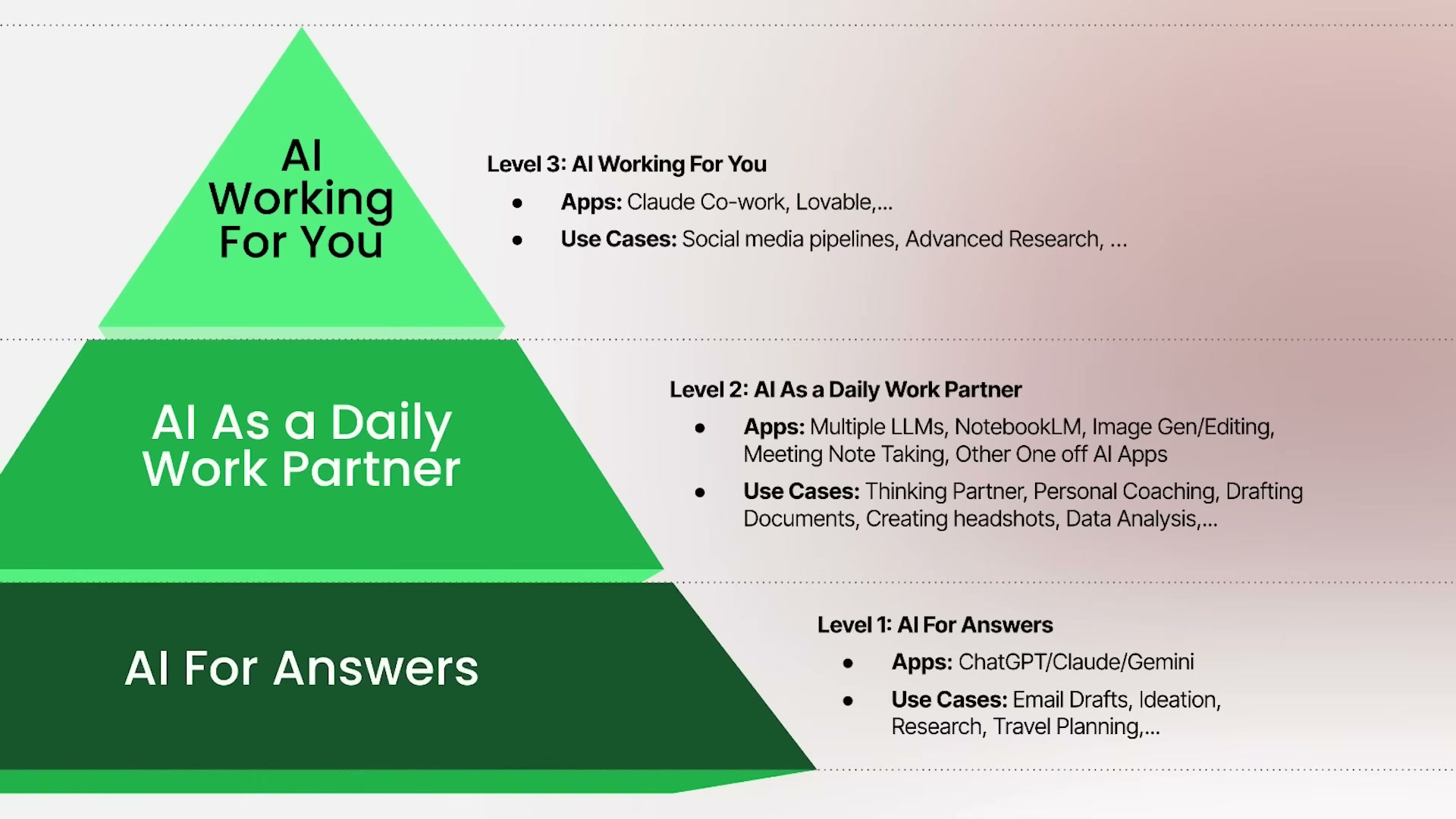
Introduce the Pyramid of AI Progression. The framework has three tiers. You start at the base and move upward — not by hopping to the top, but by building each layer before the next one becomes accessible.
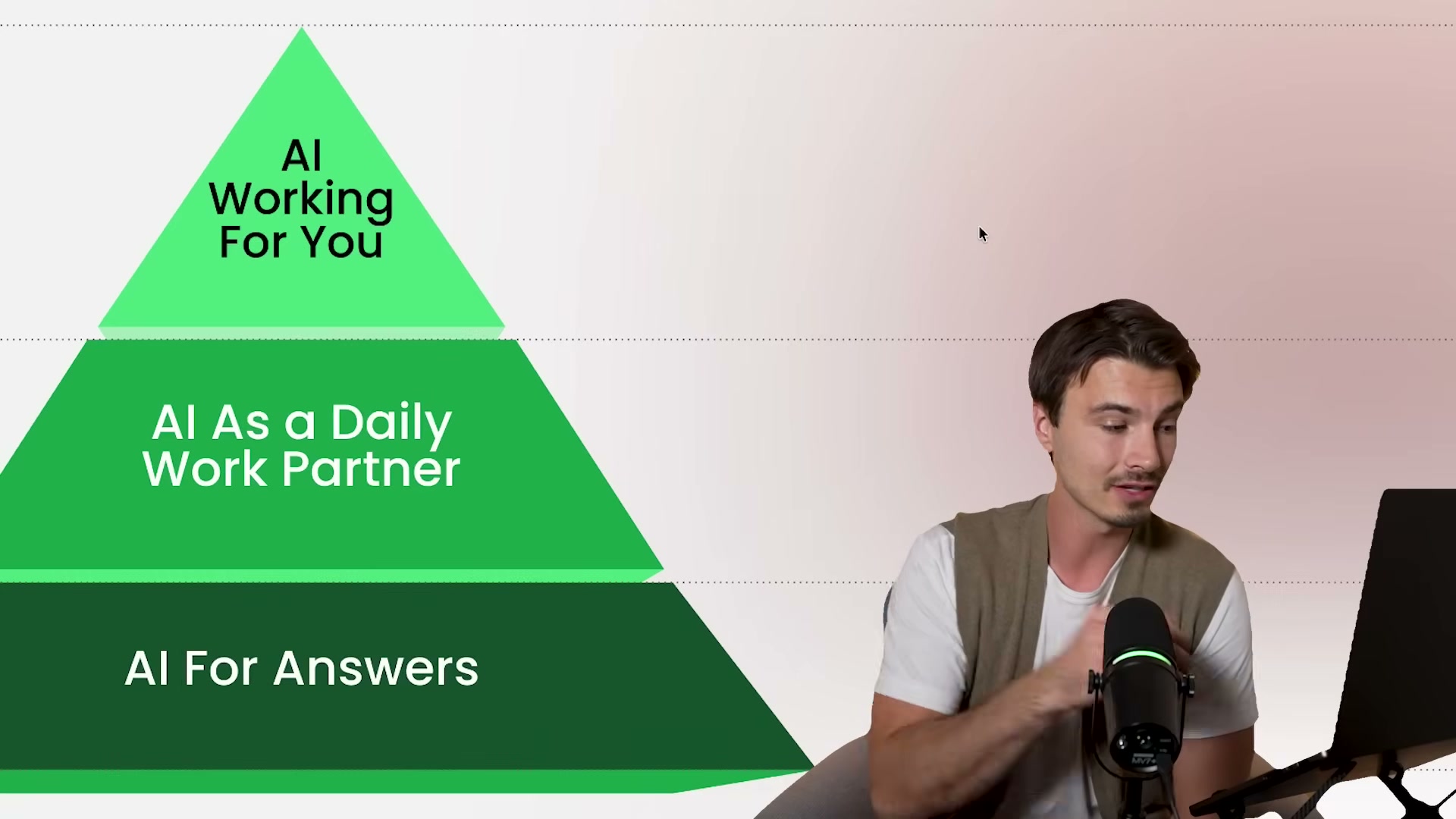
- Understand Level 1 — AI for Answers. Create an account with ChatGPT, Claude, or Gemini. At this level you use the chat interface the way most people use Google: type a question, get an answer. Common use cases include drafting emails, generating ideas, and researching topics. The time savings are real and immediate — but most practitioners feel there must be more, and they’re right.
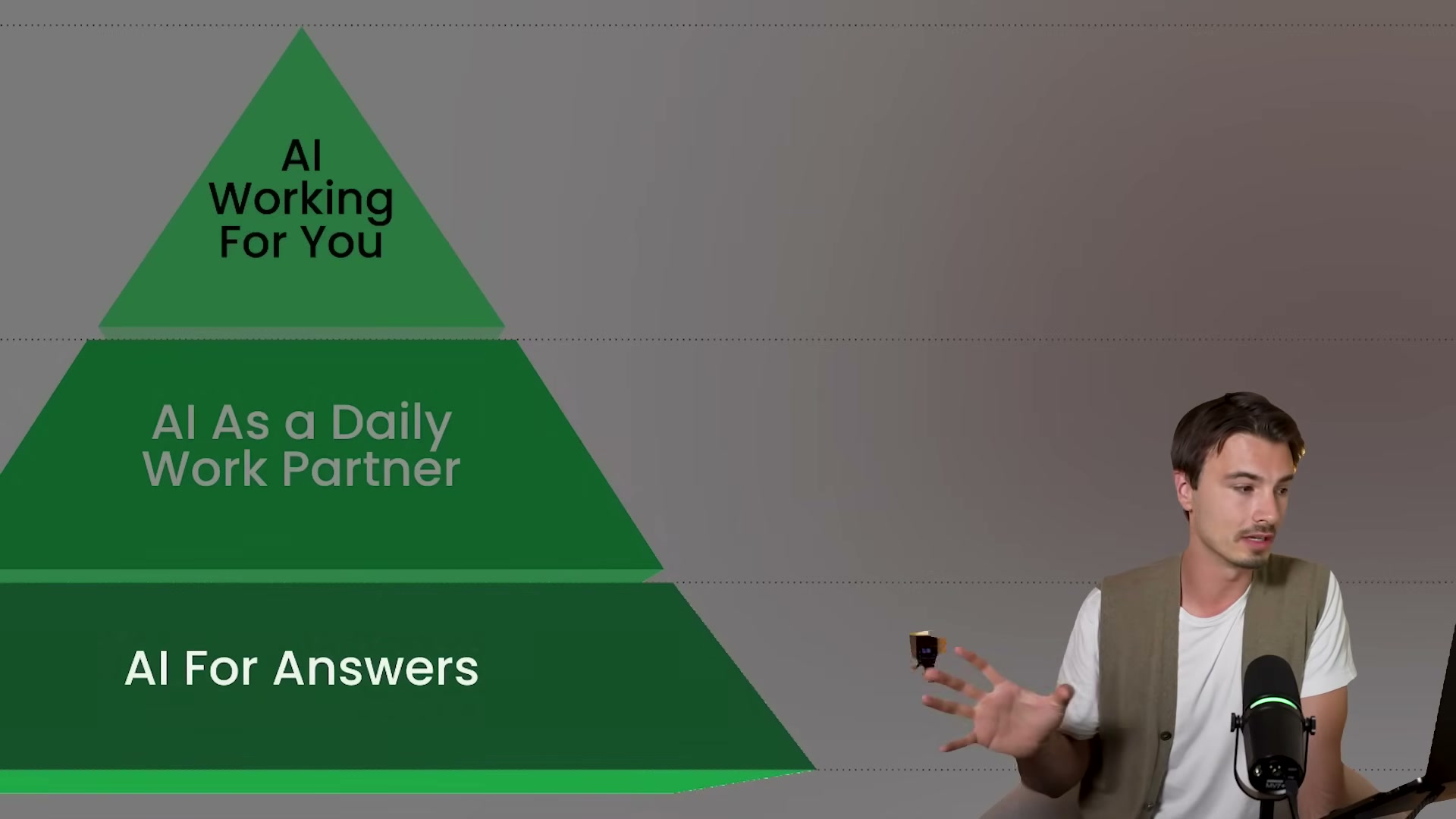
- Understand Level 3 — AI Working for You. This is the agentic tier: systems that run autonomously without your presence. A trigger fires, a workflow executes, and useful output appears — whether you’re at your desk or asleep. The appeal is immediate and intuitive; it explains why most people arrive at AI content already wanting an agent.

-
Recognize the failure mode. Jumping from Level 1 directly to Level 3 — buying a Mac Mini, wiring up Claude Code, connecting MCPs — almost always ends the same way: one month later you’re back to basic Q&A and nothing is automated. The problem isn’t the tools; it’s the missing middle layer that makes those tools produce output worth keeping.
-
Build Level 2 — AI as Daily Work Partner. Level 2 is about context management. Start a personal context document: your goals, your work setup, your preferences, your current projects. Feed that document to your chosen LLM at the start of each session. The difference between a 65%-done draft and a 90%-done draft is almost always context depth — and 90% is where AI stops costing time and starts saving it.
-
Follow the Level 1-to-Level 2 path. Pick one LLM and use it exclusively — no app-hopping. Create and maintain a context document manually, not through automated memory features. Write down what matters about you, your business, and your goals, and update it as things change.
-
Apply the daily-use test. If you are not opening your chosen LLM every single day — seven days a week — do not attempt Level 3 tooling. Daily use isn’t a soft recommendation; it’s the prerequisite that signals enough fluency to make agentic output useful rather than frustrating.
-
Navigate the Level 2-to-Level 3 transition. When your context document is rich and daily use is habitual, agentic workflows become worth attempting. Output quality is high enough that automating those prompts produces results you’d actually keep. Level 3 runs the same use cases you mastered at Level 2 — it just removes the requirement for your presence.
How does this compare to the official docs?
The Pyramid of AI Progression is a practitioner mental model, not a vendor specification — so the more important question is how its progression logic maps to what AI platform providers and agentic framework authors actually recommend for onboarding, capability development, and responsible automation adoption.
Here’s What the Official Docs Show
The tutorial’s three-level framework is a solid practitioner mental model, and the official documentation for each platform reinforces the core logic at every verified step. What follows adds detail from the primary sources — filling in gaps on platform scope, pricing, and tool breadth that the video doesn’t cover.
Steps 1–2: The content overload problem and the Pyramid framework
No official documentation was found for these steps —
proceed using the video’s approach and verify independently.
Step 3: Level 1 — AI for Answers (ChatGPT, Claude, or Gemini)
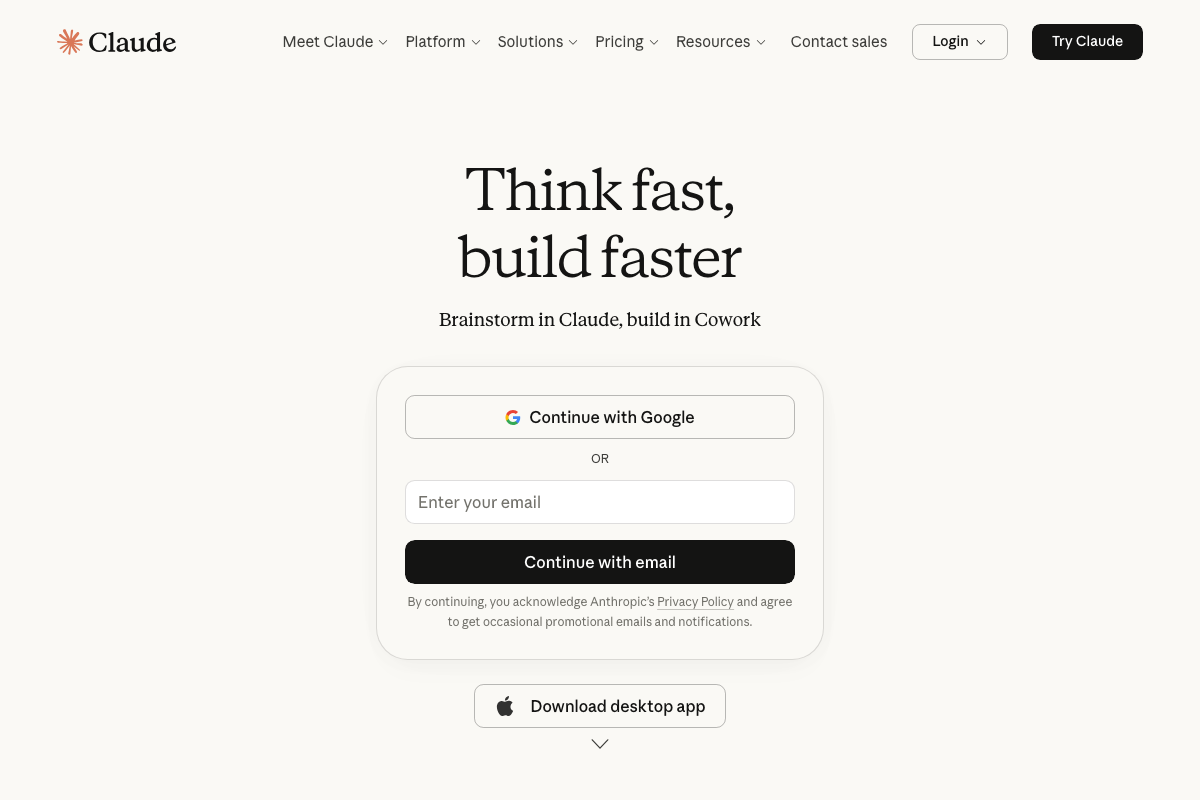
The video’s approach here matches the current docs exactly for ChatGPT and Claude. Free account creation is confirmed at both platforms, and the Q&A interaction model is the documented entry point.
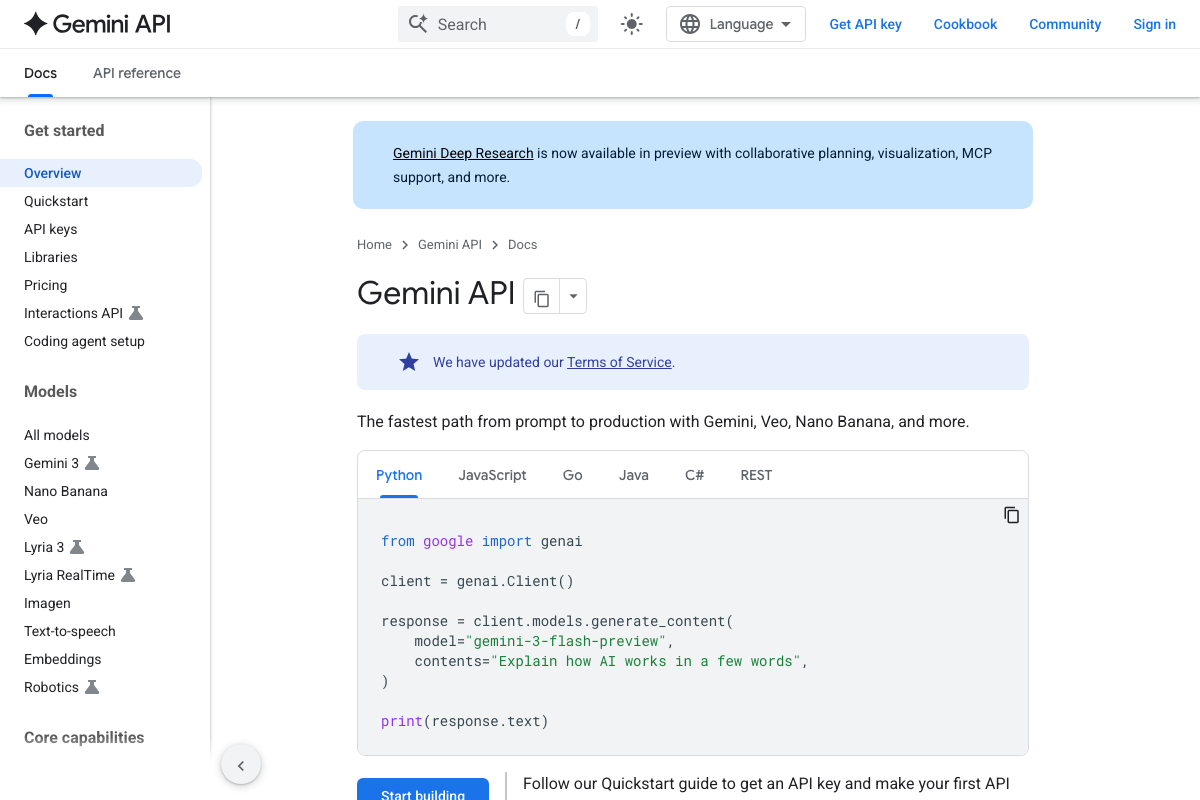
One clarification worth making: the Gemini screenshots captured for this post are from the developer API at ai.google.dev/gemini-api/docs — a separate product from the consumer chat interface at gemini.google.com that the video recommends. The API requires an API key and Python code to use. If you’re starting at Level 1, the consumer interface is the correct Gemini entry point.
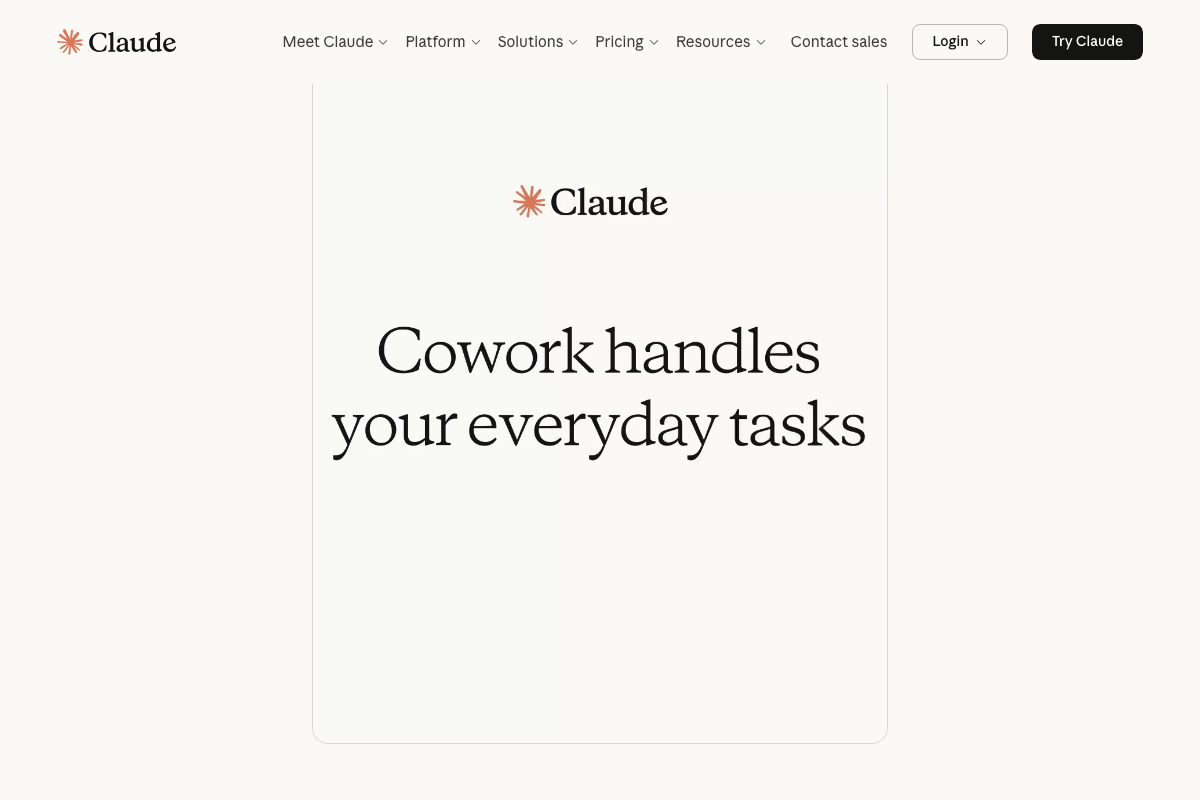
Also note: the current ChatGPT free tier includes Images, Apps, and Deep Research in the sidebar — capabilities well beyond basic Q&A. Claude’s homepage now prominently features Cowork, a built-in product described as handling everyday tasks autonomously. Neither feature is addressed in the tutorial’s Level 1 definition, but both expand what’s possible without upgrading.

Step 4: Level 3 — AI Working for You
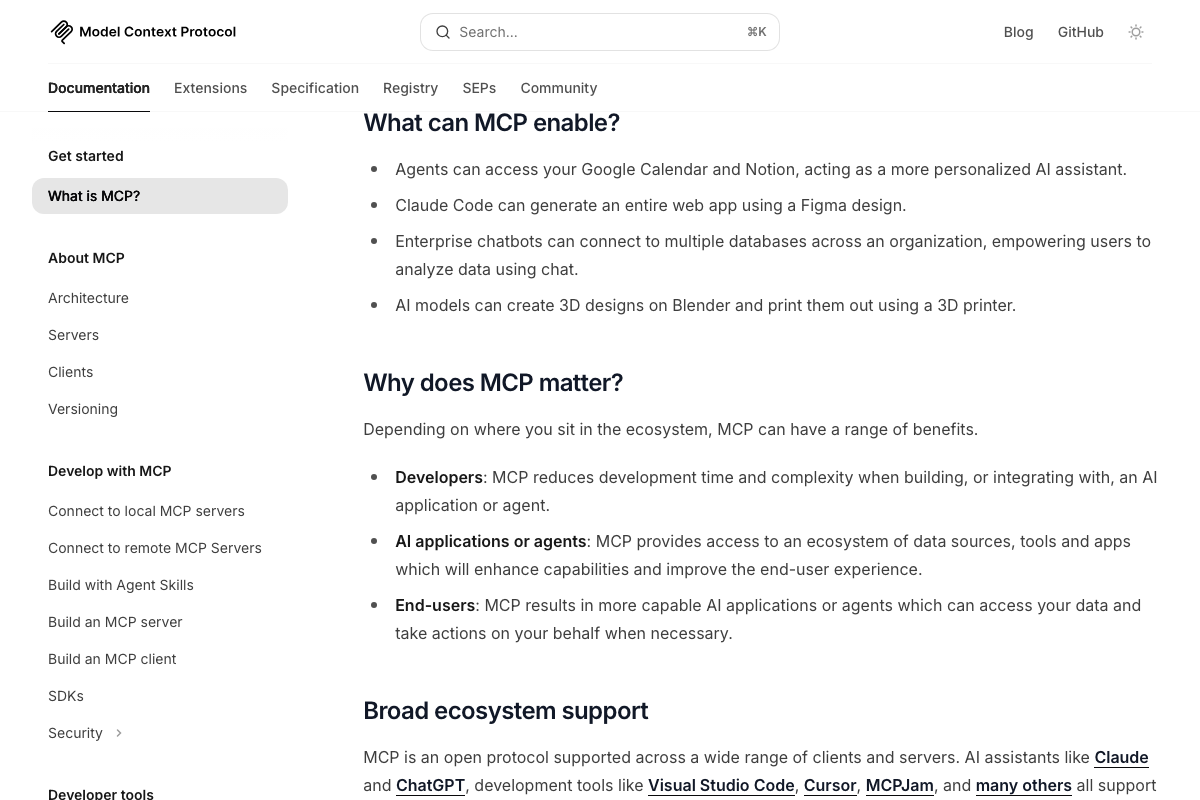
The video’s approach here matches the current docs exactly. MCP is confirmed as a real, open-source standard. Official documentation explicitly states MCP-enabled agents can “take actions on your behalf” — the precise autonomous behavior the video uses to define Level 3.
One meaningful addition: MCP is not Claude-exclusive. Confirmed clients include Claude Desktop, Claude Code, ChatGPT, VS Code, and Cursor. The video discusses MCPs only in the Claude ecosystem.
Step 5: The failure mode — skipping Level 2
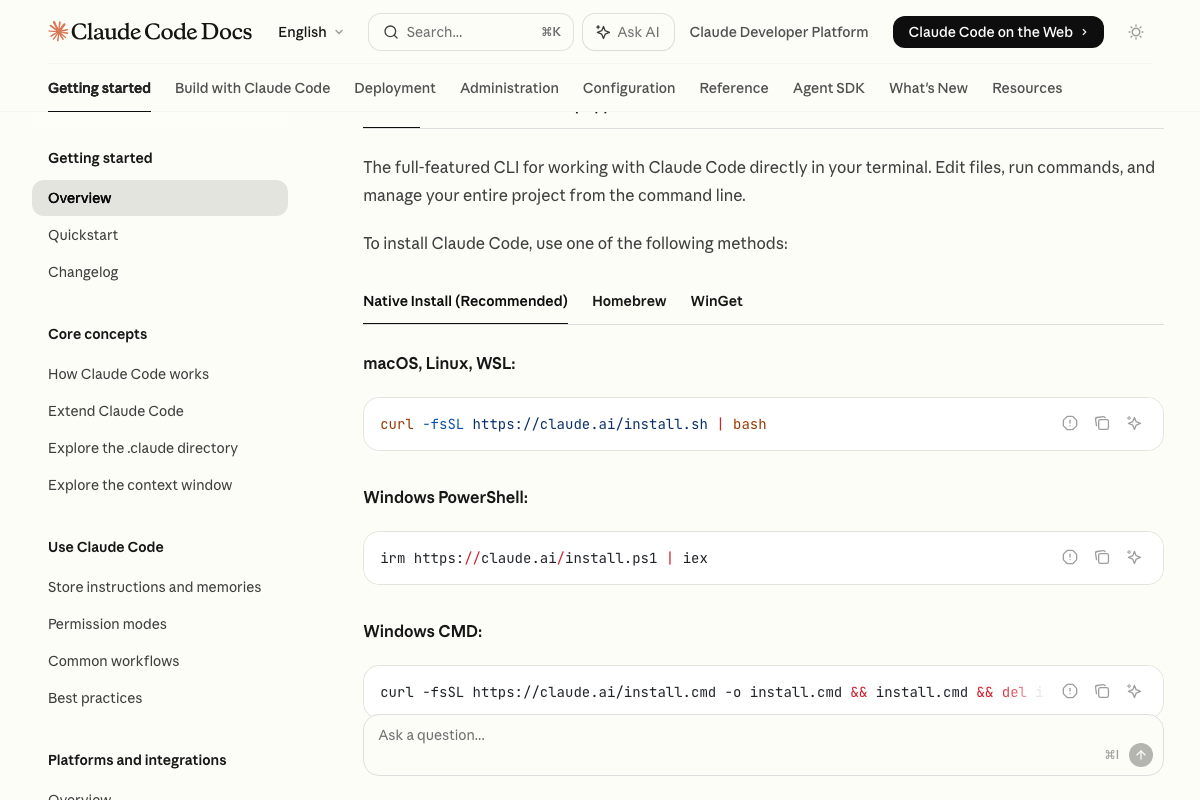
The video’s approach here matches the current docs exactly. Claude Code’s official documentation describes it as “an agentic coding tool that reads your codebase, edits files, runs commands, and integrates with your development tools” — word-for-word confirmation of the video’s Level 3 characterization.
Additional context the video skips: Claude Code is available in Terminal, Desktop, VS Code, and JetBrains — not just CLI. Installation runs a single shell command (curl -fsSL https://claude.ai/install.sh | bash on macOS/Linux; irm https://claude.ai/install.ps1 | iex on Windows).

Step 6: Build Level 2 — the personal context document
No official documentation was found for this step —
proceed using the video’s approach and verify independently.
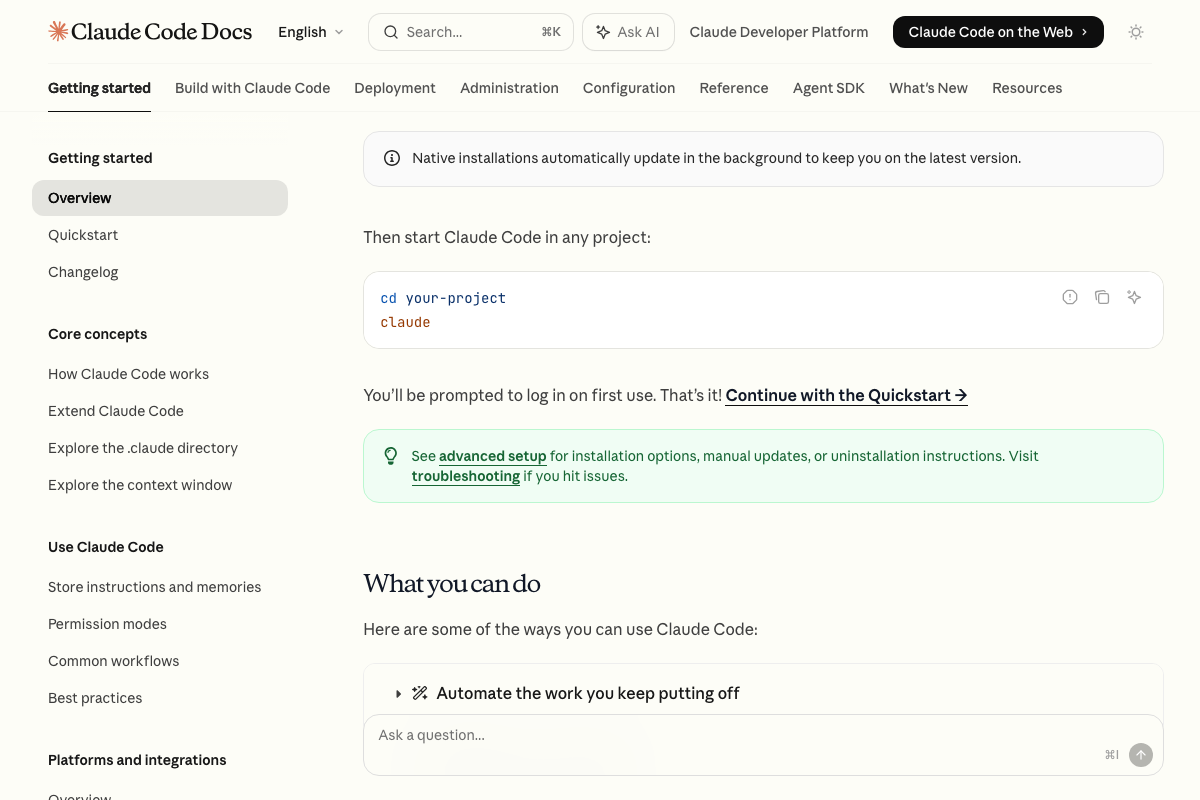
One adjacent note: Claude Code docs do reference a “Store instructions and memories” feature — but this is a mechanism specific to the agentic tool, not the manual document workflow the video prescribes for Level 2 practitioners.
Steps 7–9: The Level 1→2 path, daily-use test, and Level 2→3 transition
No official documentation was found for these steps —
proceed using the video’s approach and verify independently.
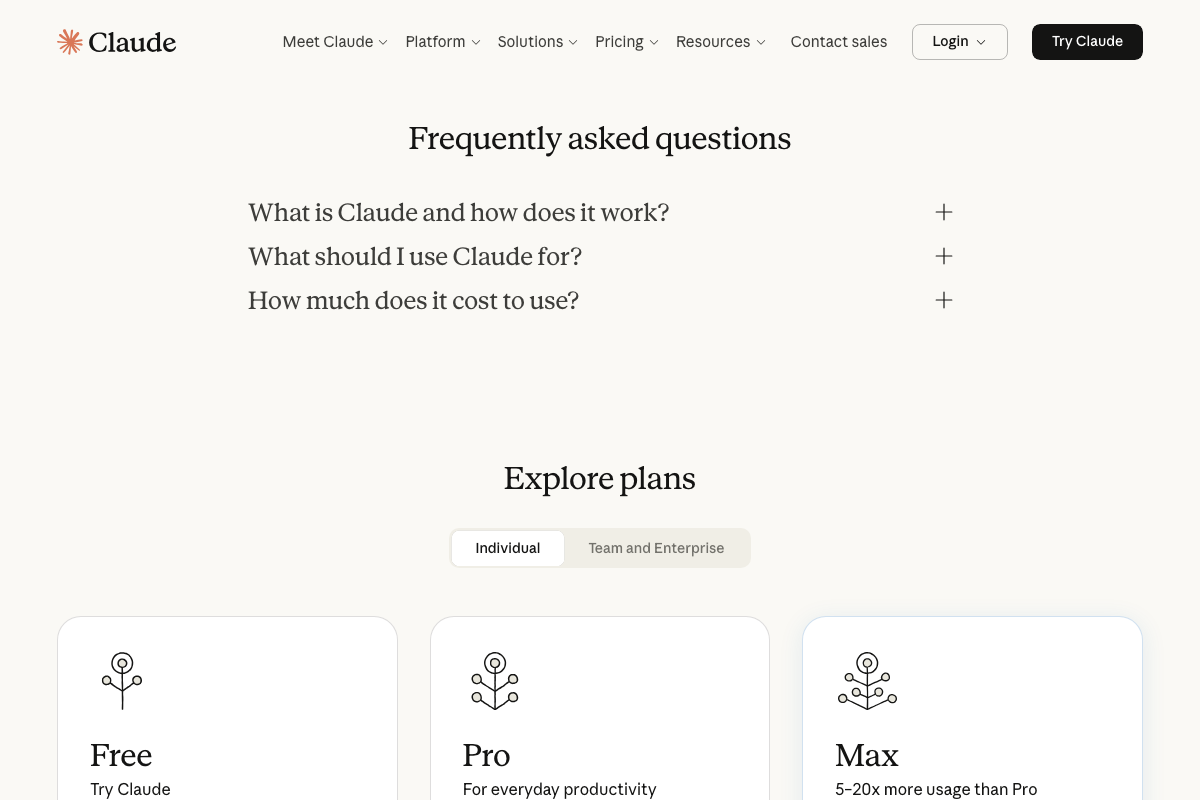
One practical addition for Step 8: Claude’s pricing page confirms three tiers — Free, Pro, and Max (described as “5–20x more usage than Pro”). If you intend to follow the video’s seven-days-per-week Level 2 prescription on the Free tier, usage limits are a real variable. The video does not address this.
Useful Links
- ChatGPT — OpenAI’s consumer chat interface; confirmed free entry point for Level 1 use.
- Claude — Anthropic’s consumer chat interface; includes Free, Pro, and Max pricing tiers and the Cowork autonomous task feature.
- Gemini API | Google AI for Developers — Developer-facing Gemini documentation requiring API keys; distinct from the consumer chat product at gemini.google.com.
- Claude Code overview – Claude Code Docs — Official documentation confirming Claude Code as an agentic coding tool with Terminal, Desktop, VS Code, and JetBrains support.
- What is the Model Context Protocol (MCP)? – Model Context Protocol — Official MCP introduction confirming it as an open-source standard supporting Claude, ChatGPT, VS Code, Cursor, and other clients.


0 Comments