

Build AI Workflows That Run Without You: Claude Projects, Manus, and Lovable
By the end of this tutorial, you’ll know how to move past one-off prompting and into persistent, automated marketing workflows. Kevin Hudson of Futurepedia walks through four tools — Claude Projects, Claude Skills, Manus, and Lovable — that together form a repeatable system for content creation, research, and lead generation.
-
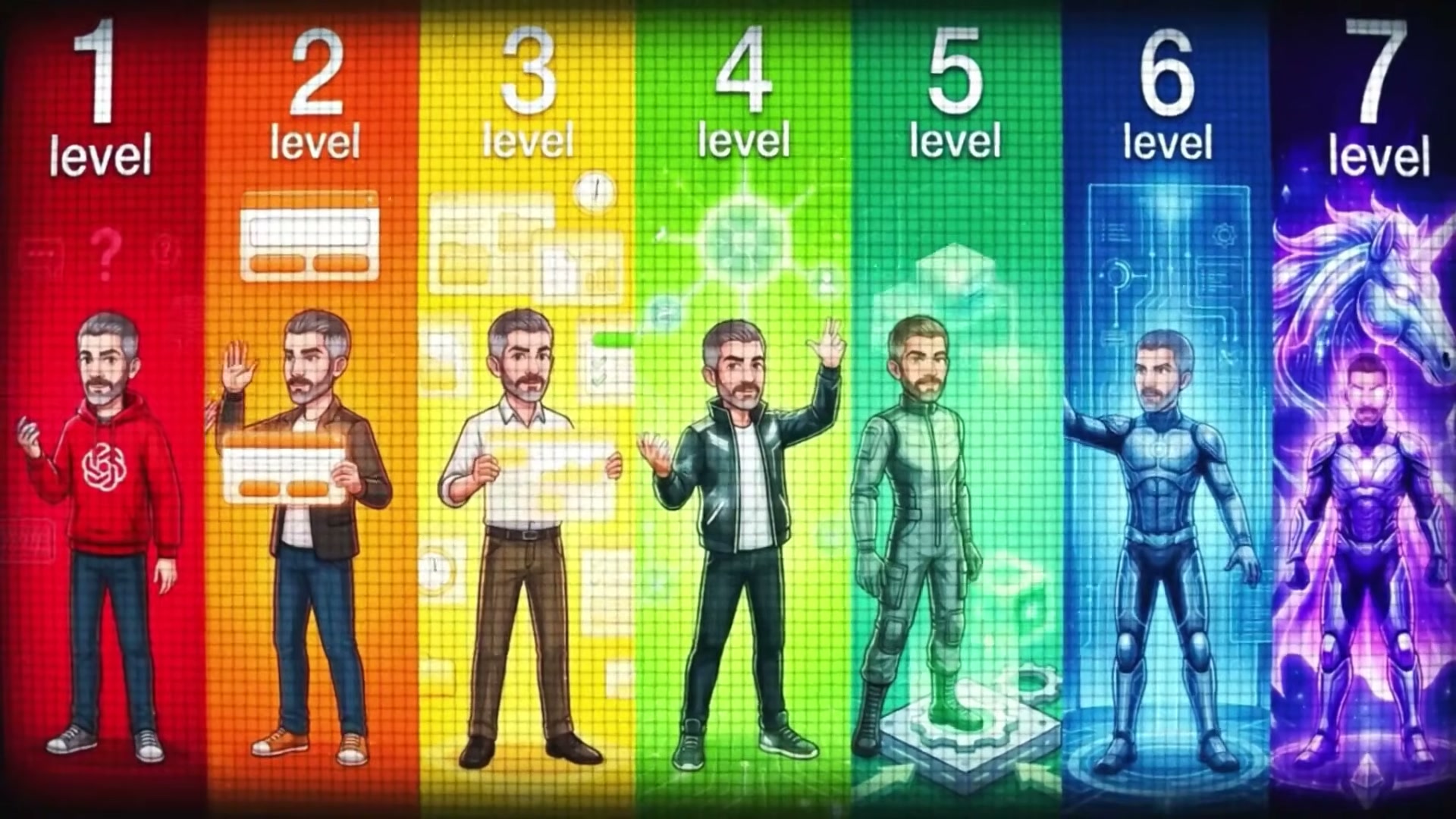
Map where you are on the fluency ladder. Hudson frames AI adoption as seven distinct levels: question asker, prompt engineer, power user, workflow weaver, and beyond. Most people plateau at Level 2 because they treat every session as a blank slate. The goal of this tutorial is to move you toward Level 4 — the workflow builder — where tools chain together and execute without hand-holding.
-
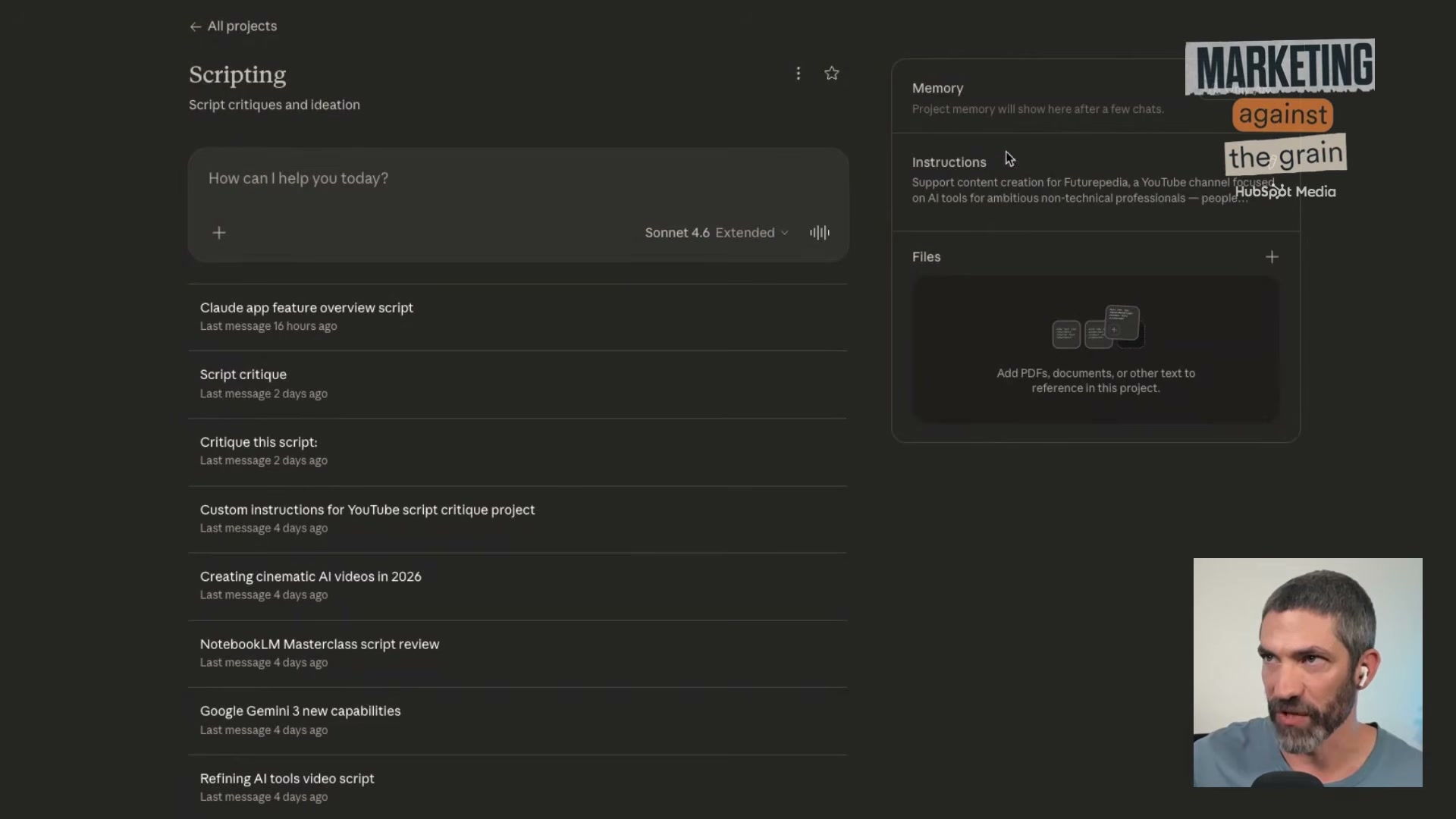
Set up a Claude Project as your persistent AI context. Inside Claude, create a Project (the folder icon in the left nav). Upload your brand guidelines, channel description, voice notes, and SOPs as files. Add a custom instructions block that describes what you do and how you write. Claude’s memory panel appends notes from each session automatically, building a richer context profile over time.
Warning: this step may differ from current official documentation — see the verified version below.
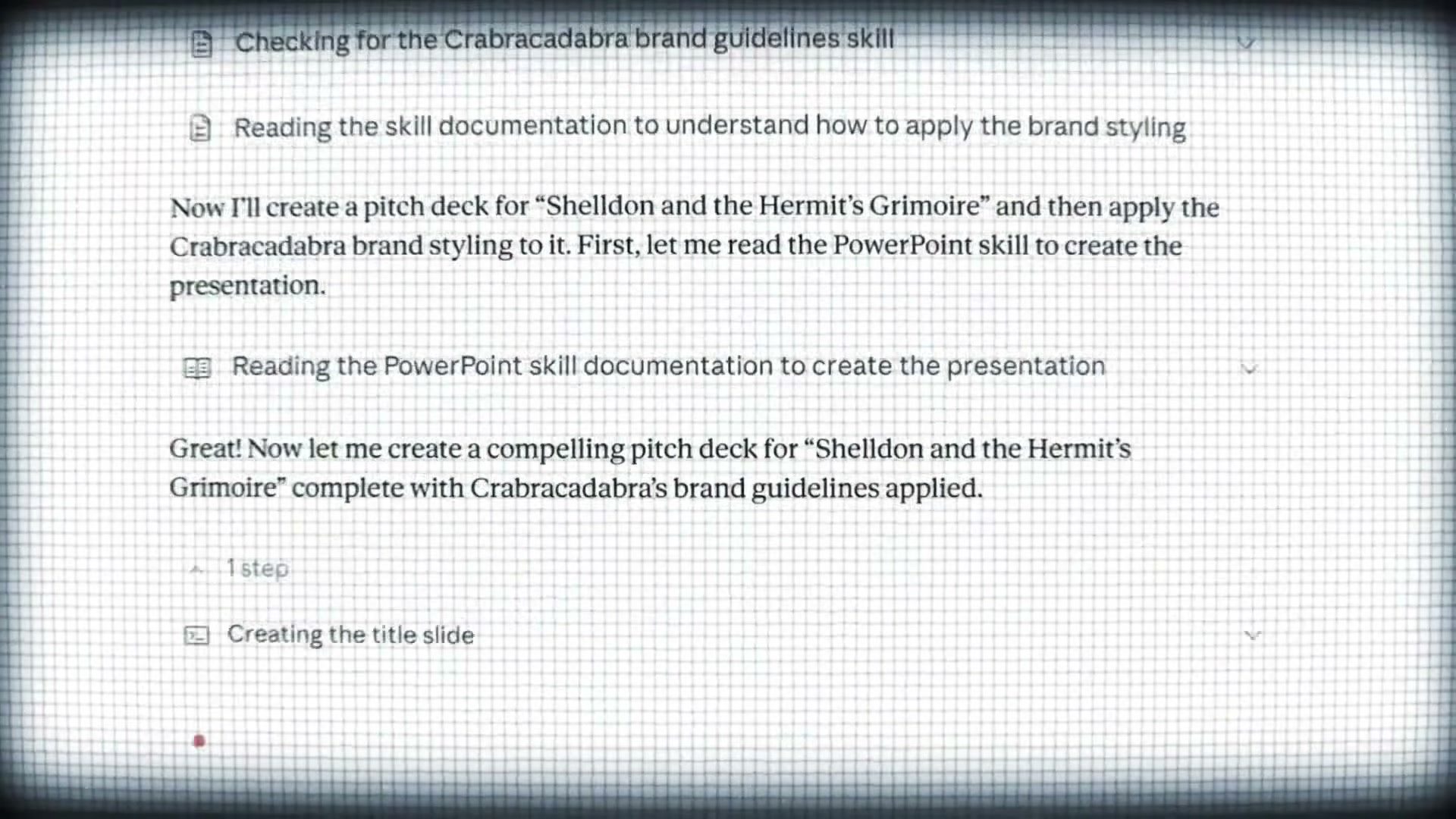
- Build a Claude Skill that enforces your writing rules. Navigate to Customize → Skills in Claude and create a new skill called “Content Repurposer.” The skill definition should include: a source-reading protocol (how to parse an article or video), a banned-constructions list (phrases like “dive into,” “it’s worth noting,” “game-changer”), punctuation rules, and the output format — one X post, one LinkedIn post. Once saved, Claude calls this skill automatically whenever you paste a URL into that Project.
-
Introduce Manus as your multi-agent executor. Manus is an autonomous agent that breaks a complex task into sub-tasks, routes each to the model best suited for it (Gemini for YouTube transcription, image generators for visuals, its own PDF renderer for layout), and returns a finished artifact. Unlike Claude or ChatGPT operating solo, Manus selects and coordinates across models without requiring you to manage the handoffs.
-
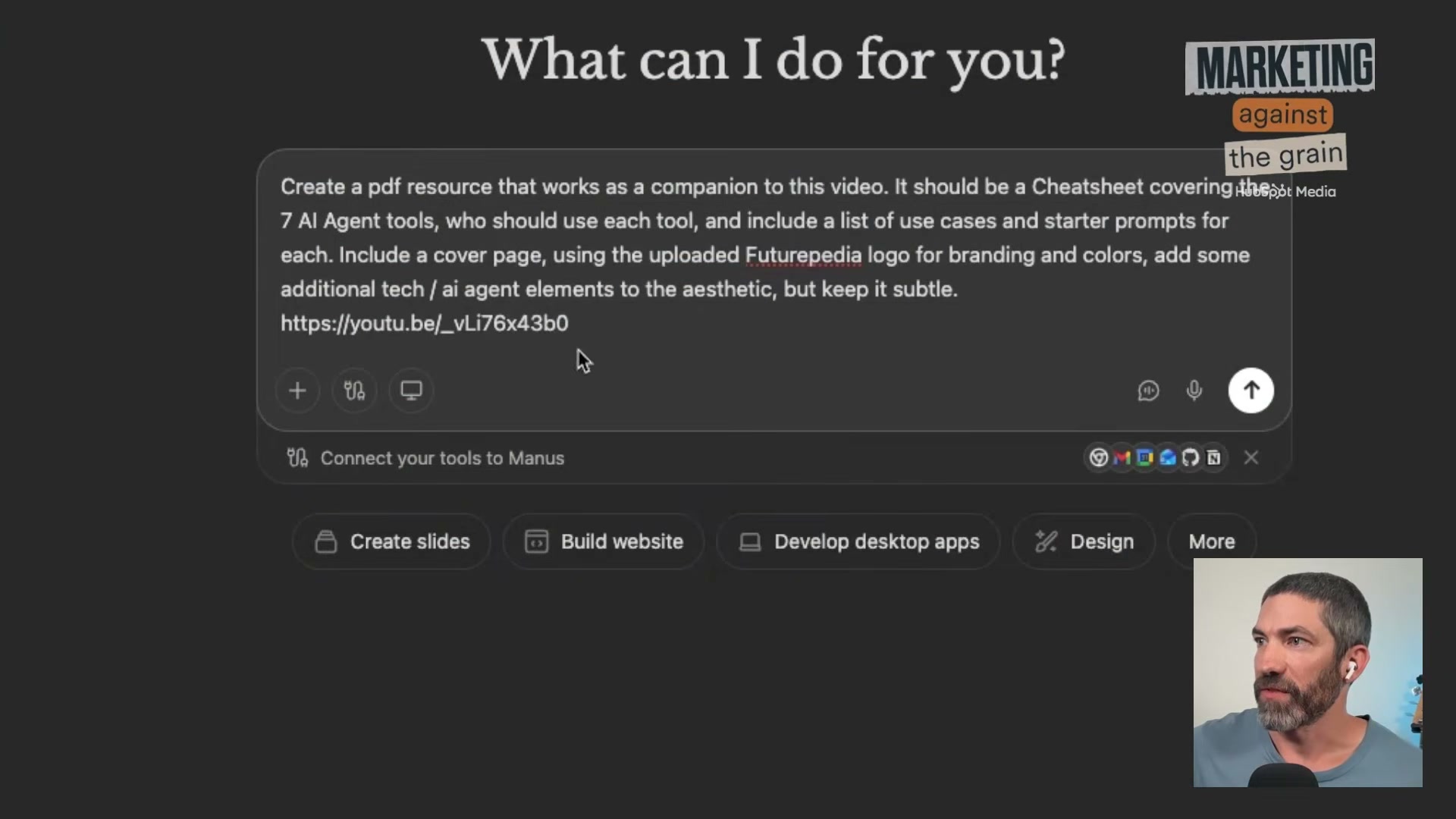
Prompt Manus to build a branded PDF lead magnet from a YouTube URL. Paste your YouTube video URL into Manus along with your logo and a hex color code. Write a single prompt specifying the deliverable: a PDF cheatsheet covering the tools in the video, with use cases, starter prompts, and a branded cover page. Manus dispatches Gemini to extract the transcript, researches each tool independently, generates copy, designs the layout, and returns a download link — no further input required.
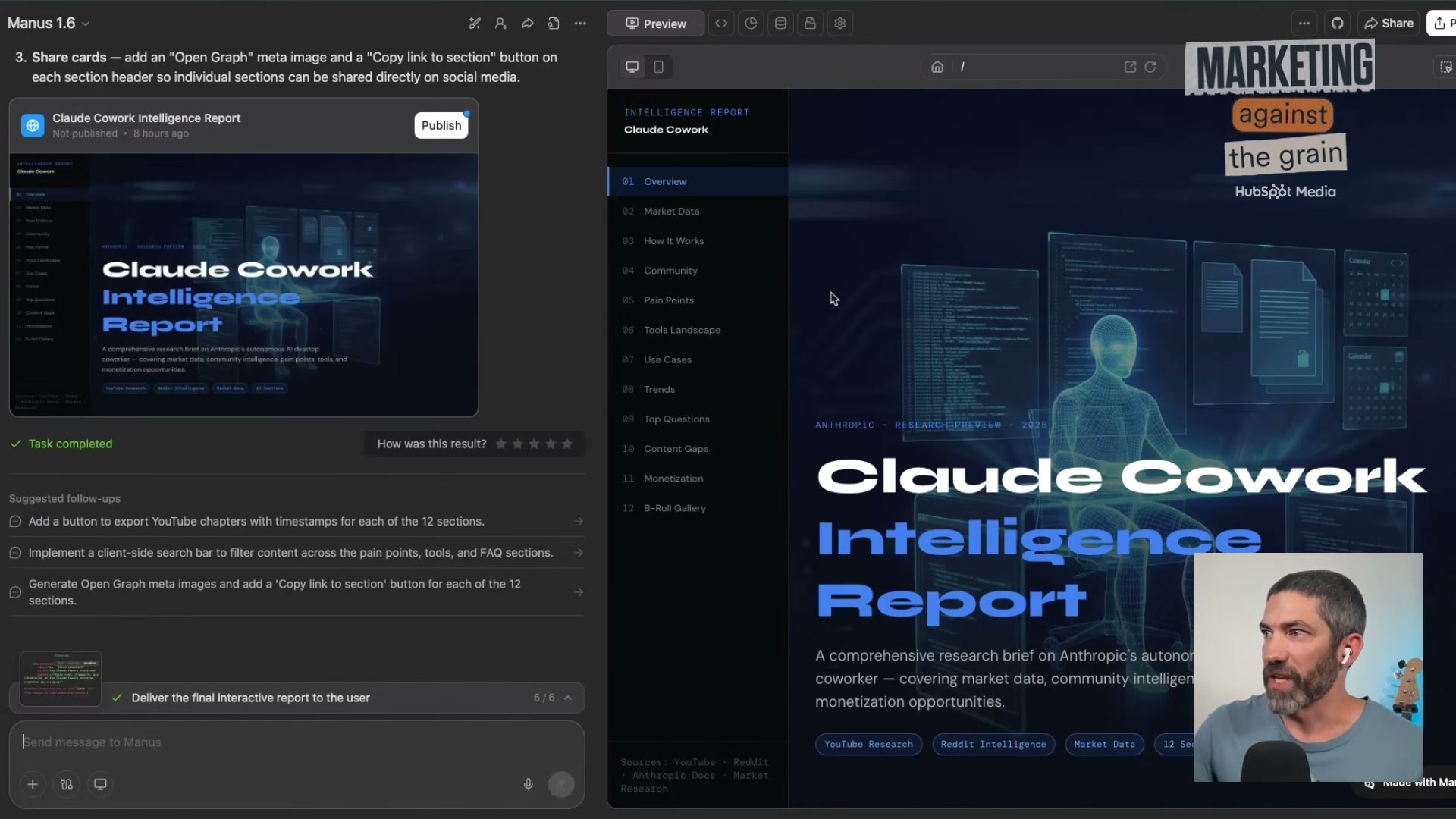
- Run a Manus research report that scrapes Reddit and YouTube for content intelligence. Prompt Manus to analyze a topic by pulling comments from relevant subreddits and YouTube videos. Instruct it to surface pain points, content gaps, and B-roll image ideas in an interactive report format. Manus structures the output as a clickable document with a generated visual gallery at the bottom — images you can pull directly into video production.

-
Save the research workflow as a reusable Manus skill. After a successful run, use Manus’s skill creator to package the research prompt and its settings into a one-click workflow. Future topic research runs by selecting the skill and entering a new subject — no re-prompting required.
-
Deploy the lead magnet with a Lovable landing page. Open Lovable and prompt it to generate a landing page from your template: headline, PDF preview image, email capture field, and a submit button. Lovable renders the full page in one pass. Copy the embed code and drop it into your site’s page editor.
How does this compare to the official docs?
The video shows what these tools can do in combination, but each platform’s documentation tells a more precise story about configuration limits, memory behavior, and skill triggers — and that’s where Act 2 picks up.
Here’s What the Official Docs Show
Act 1 gave you a working mental model of how these four tools chain together — Act 2 fills in the specifics the documentation surfaces that the tutorial didn’t cover, including a few platform-level changes you’ll want to know before you build. Where the video has gaps, they’re worth noting plainly so you don’t hit a wall mid-workflow.
Step 1 — Map where you are on the fluency ladder.
No official documentation was found for this step — proceed using the video’s approach and verify independently.
Step 2 — Set up a Claude Project as your persistent AI context.
The video’s approach here matches the current docs exactly on the core mechanic: Claude Projects exist, they support uploaded files, and persistent memory is a real feature. What the docs add is important context on access and cost.
The Claude.ai pricing page documents three individual tiers — Free ($0), Pro ($17/mo billed annually or $20/mo monthly), and Max (from $100/mo). “Memory across conversations” is listed explicitly as a Pro-tier feature. The tutorial doesn’t mention a plan requirement, but you’ll need at minimum a Pro subscription to replicate this step.

One clarification worth flagging: the video states that Claude’s memory panel “updates every 24 hours.” As of April 8, 2026, no visible documentation on the Claude.ai pricing or features pages specifies any 24-hour update cadence. The documented feature is simply “Memory across conversations” — treat the cadence claim as unverified.
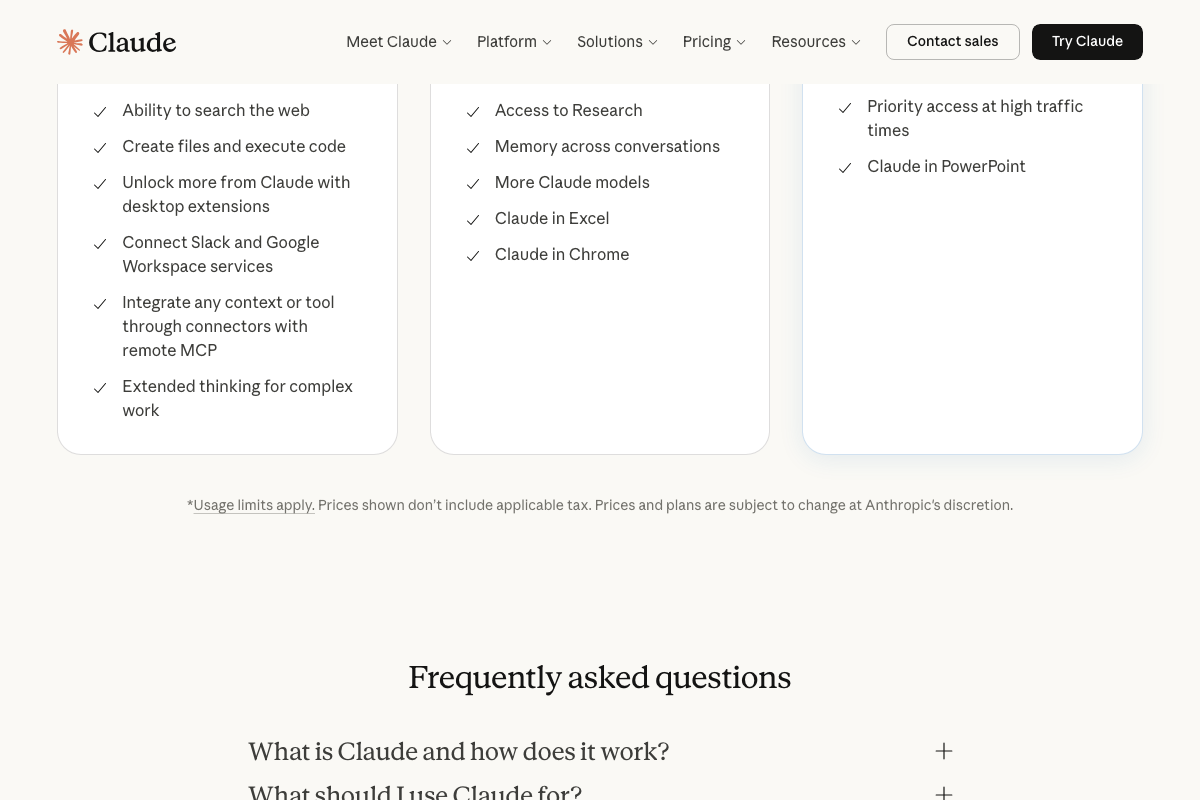
Step 3 — Build a Claude Skill that enforces your writing rules.
No official documentation was found for this step — no feature named “Claude Skills” appears in any tier listing on the Claude.ai pricing page. Proceed using the video’s approach and verify independently at claude.ai before building this into a production workflow.
Step 4 — Introduce Manus as your multi-agent executor.
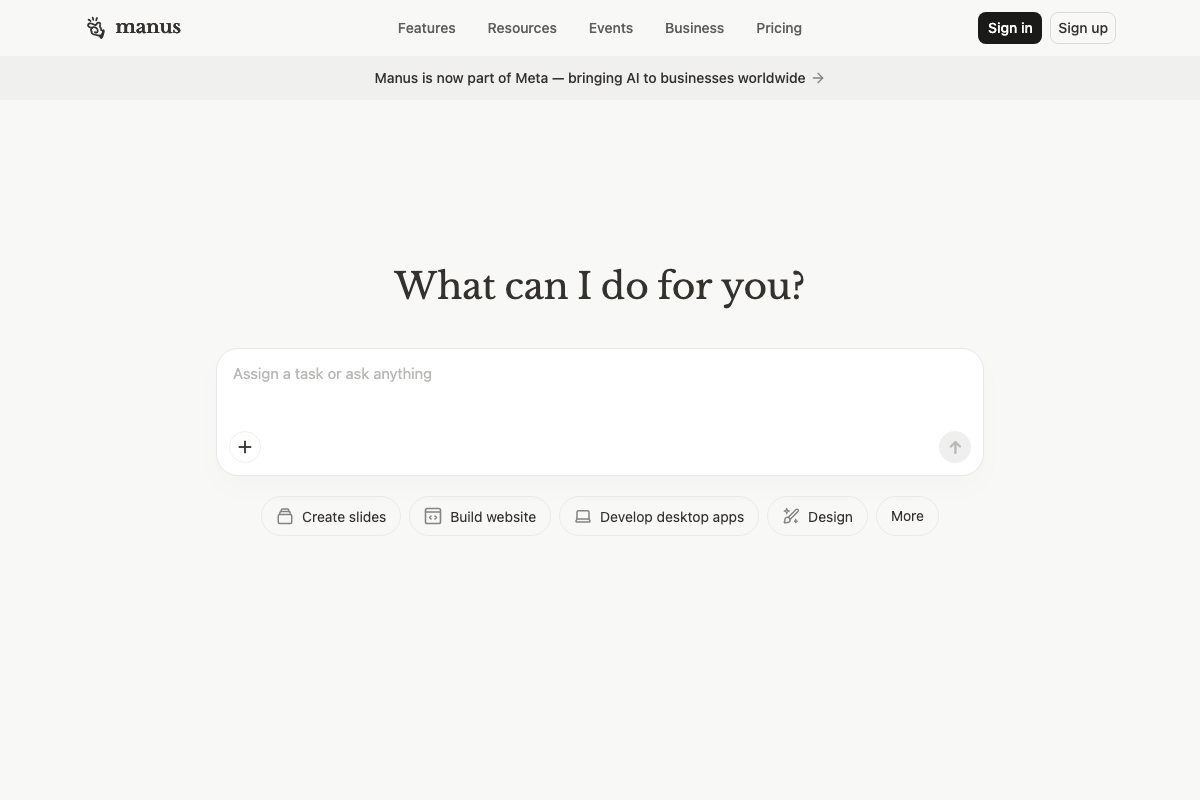
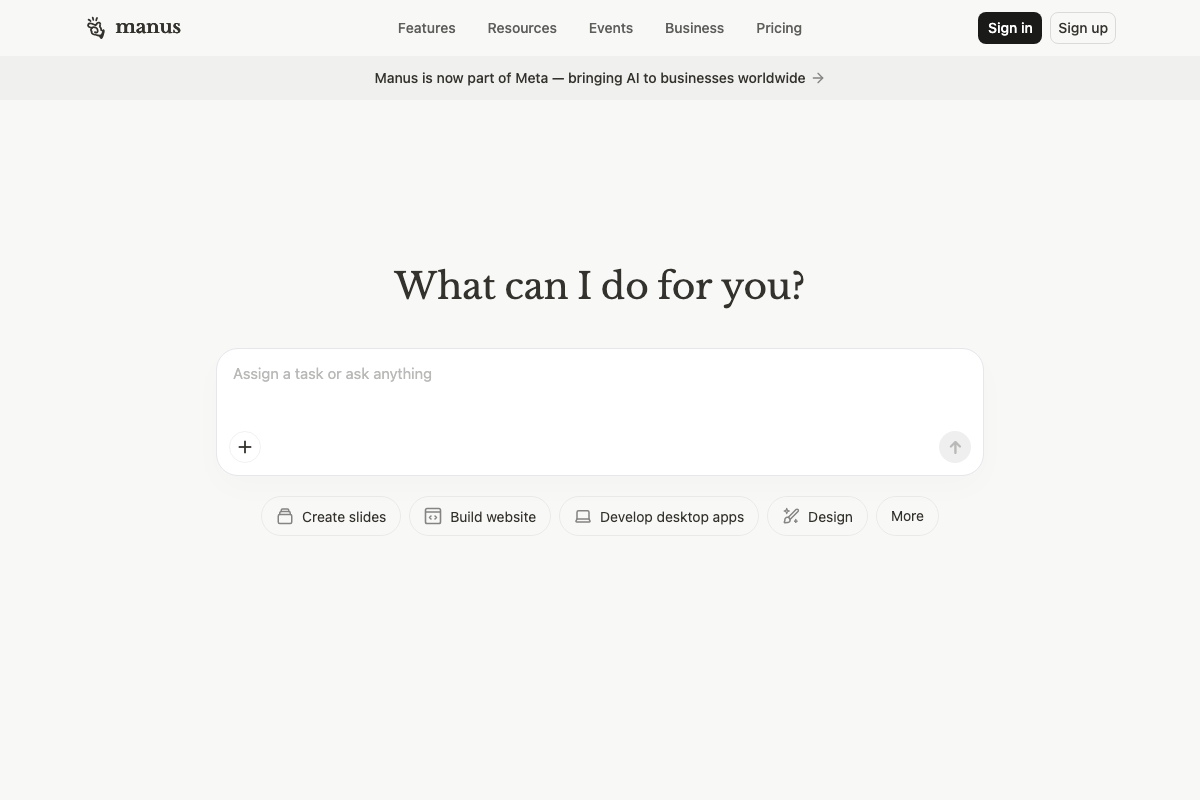
The video’s approach here matches the current docs exactly on the interface: Manus surfaces a single open-ended task prompt field (“Assign a task or ask anything”) at manus.im, consistent with the demonstrated method of pasting in a YouTube URL and brand assets as a task.
There is one platform-level change the tutorial does not reflect. As of the screenshot capture date, manus.im displays a site-wide banner reading “Manus is now part of Meta — bringing AI to businesses worldwide.” Manus is no longer an independent autonomous agent platform.
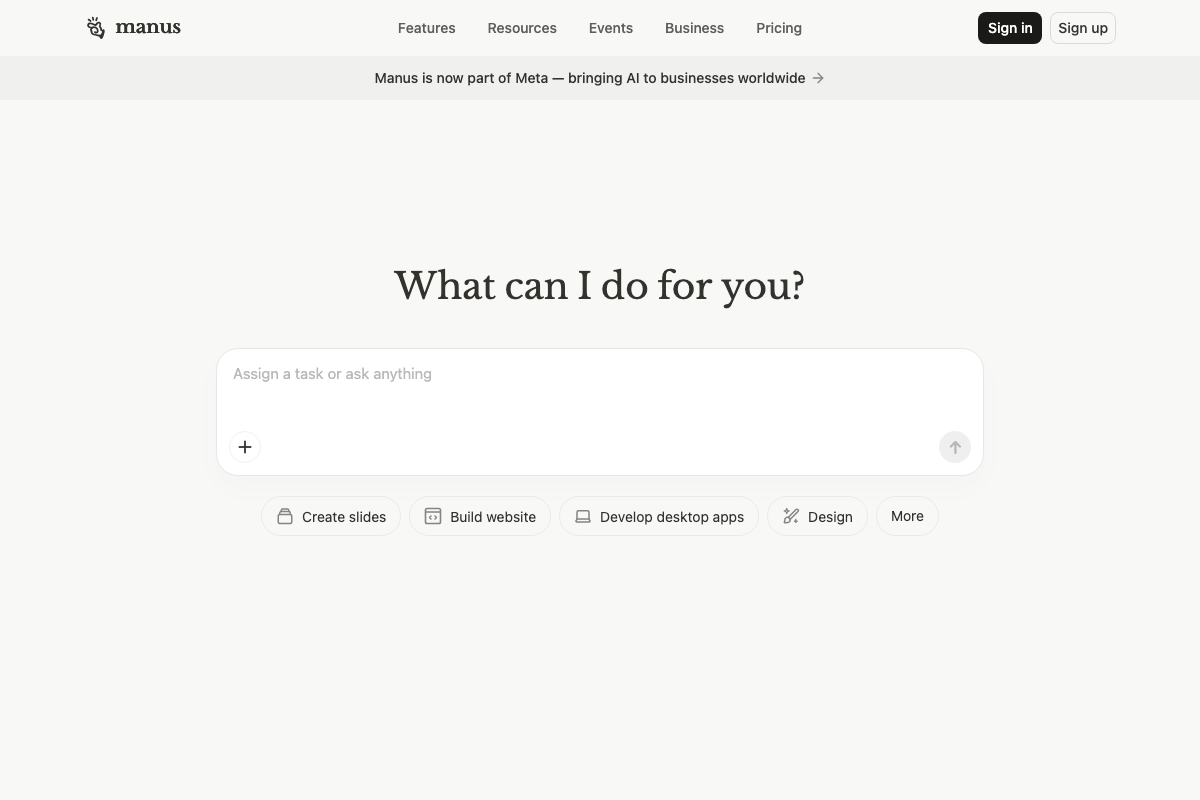
This doesn’t necessarily change how the task prompt interface works, but it does affect vendor context, pricing assumptions, and data governance — factors worth verifying at manus.im before committing to this tool in a client workflow.
Step 5 — Prompt Manus to build a branded PDF lead magnet from a YouTube URL.
No official documentation was found for this step — the specific multi-model orchestration behavior (Gemini for transcription, image generators for visuals) described in the video is not confirmed by any visible documentation on manus.im. Proceed using the video’s approach and verify independently.
Step 6 — Run a Manus research report that scrapes Reddit and YouTube for content intelligence.
No official documentation was found for this step — the Reddit and YouTube scraping capability described in the video is not confirmed by any visible manus.im documentation. Proceed using the video’s approach and verify independently.
Step 7 — Save the research workflow as a reusable Manus skill.
No official documentation was found for this step — no skill creator, saved-workflow UI, or sub-agent delegation controls are visible on any of the three manus.im homepage captures. As of April 8, 2026, this feature cannot be confirmed as currently available from the live site. Proceed using the video’s approach and verify directly with Manus before building this into a repeatable system.
Step 8 — Deploy the lead magnet with a Lovable landing page.
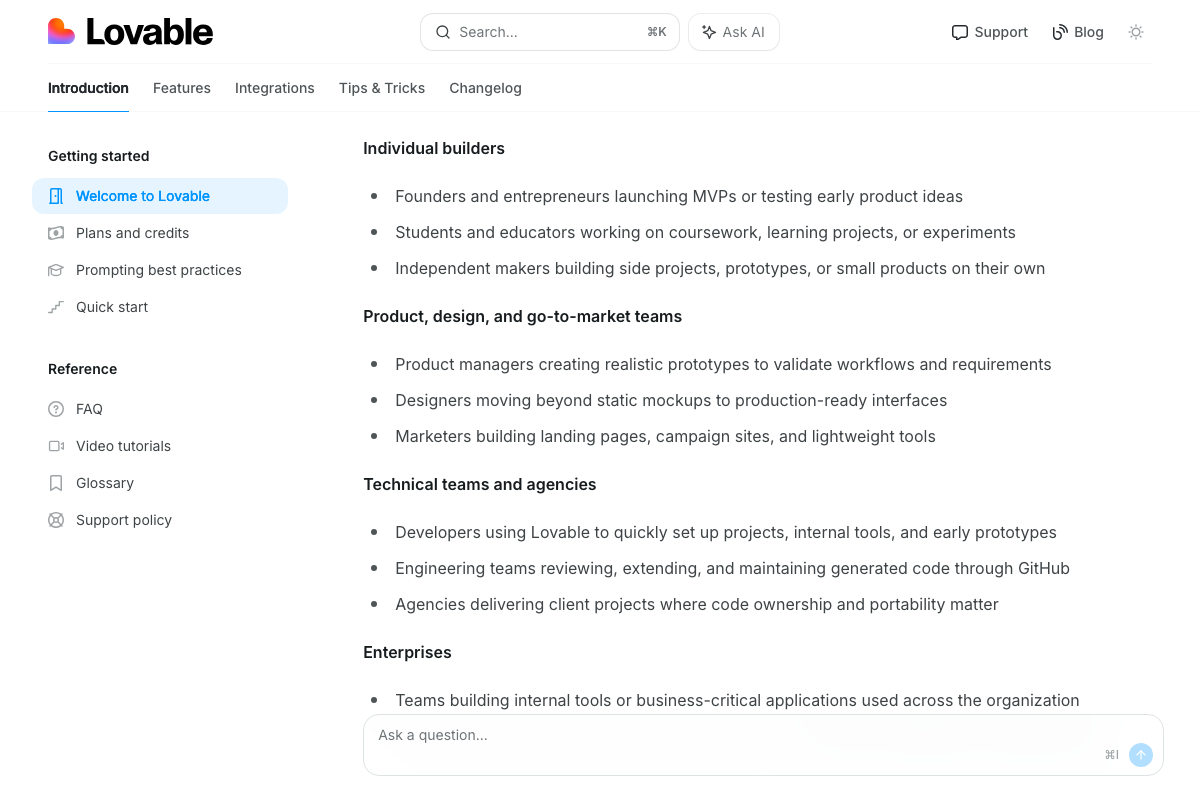
The video’s approach here matches the current docs exactly. Lovable’s official documentation at docs.lovable.dev explicitly names “Marketers building landing pages, campaign sites, and lightweight tools” as a primary use case — the tutorial’s application is squarely on-target.
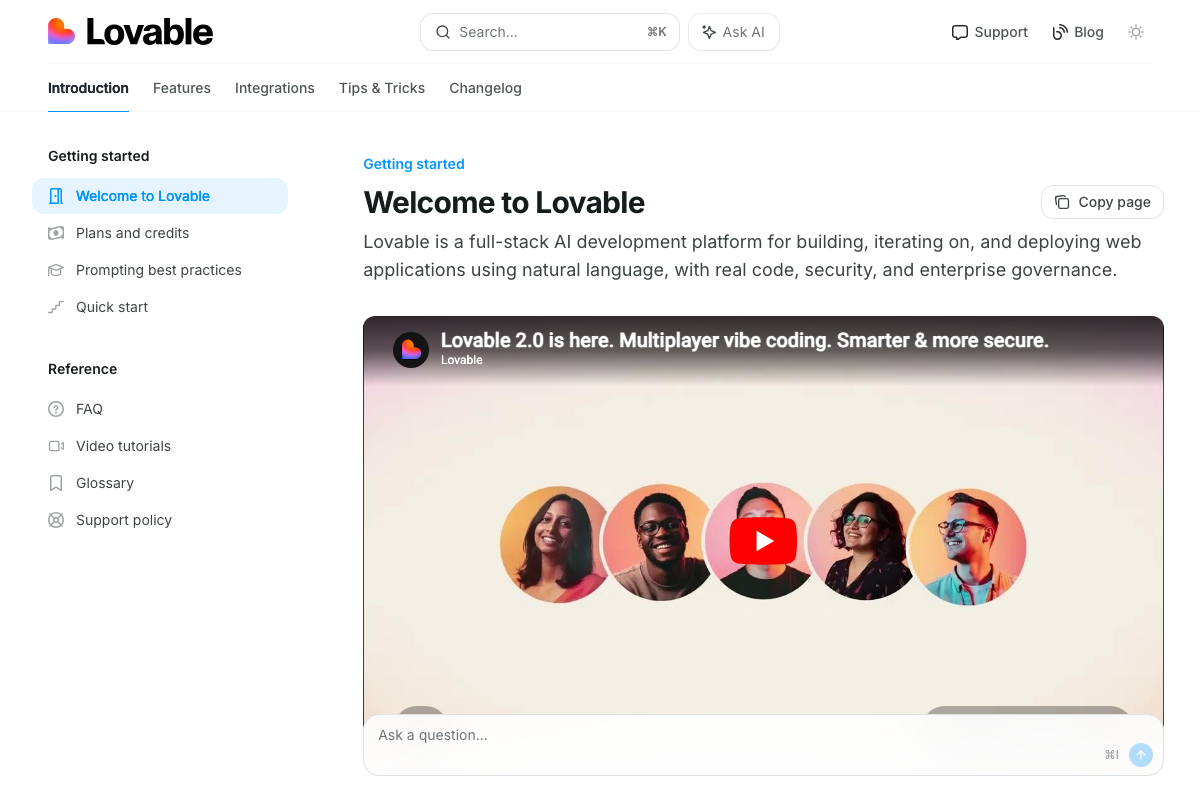
The docs add two details worth knowing. First, each Lovable project produces a real, deployable codebase that can be synced to GitHub — so “embed it on your site” is one path, but you also own the underlying code. Second, Lovable is currently on version 2.0, which includes multiplayer collaboration features not mentioned in the tutorial. Neither changes the solo workflow shown in the video, but both expand what’s possible.

Useful Links
- Manus: Hands On AI — The live Manus task interface; check here for current feature availability and Meta acquisition details before building workflows.
- Claude — Claude.ai sign-in and product home, including the Cowork product surface referenced in current marketing.
- Claude.ai Pricing — Individual plan tier comparison (Free, Pro, Max) documenting which features — including memory — require a paid subscription.
- Welcome to Lovable – Lovable Documentation — Official Lovable docs covering platform capabilities, project structure, GitHub sync, and use-case segments including marketers building landing pages.


0 Comments