

How to Manage Brand Reputation Signals for AI Search Engines
AI search engines like Google AI Overviews and ChatGPT don’t form opinions — they build consensus from whatever third-party signals dominate your brand’s search footprint. After completing this tutorial, you’ll know how to audit what AI is saying about your brand, redirect the review signals that feed its conclusions, and build owned assets that push a net-positive narrative into the AI citation layer. The tactics cover everything from swapping compromised review platforms to registering exact-match domains and deploying YouTube as a reputation amplifier.
- Search
[your brand] reviewsin Google and read the AI Overview response verbatim. That language — not your homepage copy — is what a prospect sees before they ever click. Screenshot it, save the date, and treat it as your baseline.

-
Identify which third-party review platform Google’s AI Overview is pulling from most heavily. Check whether that platform’s aggregate sentiment is driving the positive or negative framing. If a single source like Trustpilot is dominating the citation and its review balance is net negative, that platform is the problem to solve first.
-
Stop sending post-service review requests to the compromised platform immediately. Redirect your follow-up email sequence — the one you send after a call, delivery, or onboarding — to a clean alternative such as Reviews.io or FIFO. Traffic is what signals authority to Google, so whichever platform receives your review-request links is the one that earns ranking position over time. Pulling that traffic from Trustpilot and routing it elsewhere is enough to eventually invert the SERP order.
-
Register
[yourbrand]-reviews.comas an exact-match domain. Populate it with your strongest curated reviews, full transcripts of video testimonials, and structured written reviews. Keep the design clean and on-brand — this is a trust asset, not a doorway page. -
Link to the exact-match review domain from your main website. The internal link passes authority, accelerates the domain’s ability to rank for
[brand] reviewsqueries, and gives AI crawlers a second owned source to cite when building their consensus summary. -
Optionally, create a second site — something like
[brand]reviewsreport.com— that uses AI to generate an executive summary of your review site. This adds a third owned position to the SERP and gives AI Overviews another consistent signal to draw from without requiring you to write original content. -
Film and upload video testimonials to YouTube. Title each video with the reviewer’s name plus your brand name (e.g., “Jane Smith Reviews [Brand]”). YouTube is the most-cited source in Google AI Overviews and ranks as the most-clicked website in Google organic results — each video becomes an additional citation node in the AI’s evidence chain.

- Publish YouTube content that targets competitor branded review queries — for example, “[Competitor] alternatives” or “[Competitor] reviews” — to insert your brand into AI Overviews served in competitive spaces.
Warning: this step may differ from current official documentation — see the verified version below.
- Return to the AI Overview for
[your brand] reviewson a monthly cadence. Track whether the summary language shifts. Consensus takes time to accumulate, so treat this as a signal iteration loop rather than a one-time fix.

How does this compare to the official docs?
The tactics above reflect one practitioner’s working playbook, but the platforms at the center of this strategy — Google, Trustpilot, Reviews.io — each publish their own guidelines on what constitutes legitimate review acquisition and structured data markup, and those details matter before you build anything.
Here’s What the Official Docs Show
The playbook from Act 1 holds up on its core mechanics — documentation confirms the fundamentals on the platforms that matter most. What follows adds two important surface expansions, one platform feature the tutorial missed, and clear flags on every step that couldn’t be independently verified.
1. Audit your AI search footprint
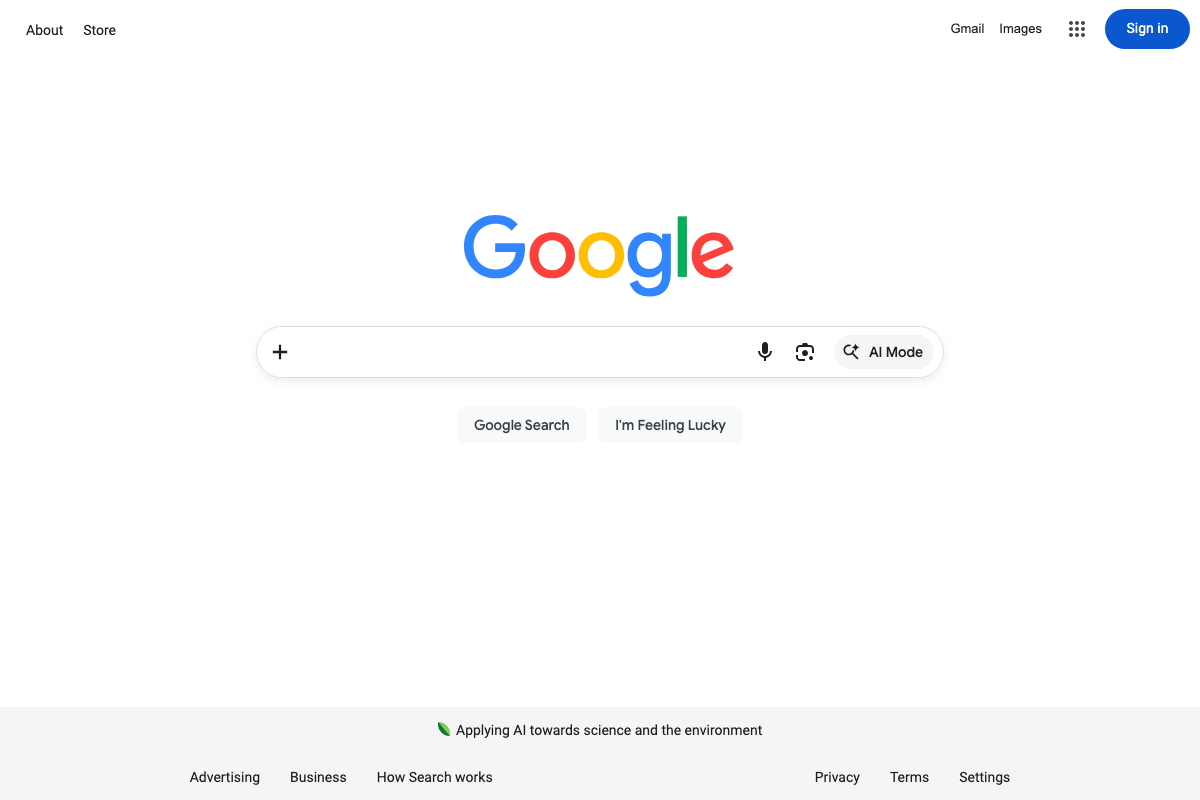
The video’s approach here matches the current docs exactly. One critical addition: as of May 2026, Google has introduced a dedicated AI Mode button in the search bar — a separate, deeper AI-first experience from AI Overviews, which appear inline in standard results. Your baseline audit should cover both surfaces independently, as they can return different brand language from the same query.
2. Identify your dominant review platform
The video’s approach here matches the current docs exactly for Trustpilot. Trustpilot’s structured category pages — aggregate star ratings and review counts across multiple verticals — make clear why it surfaces so consistently as an AI Overview citation source. One caveat: G2.com blocked all three documentation capture attempts via bot detection. G2’s role in this step cannot be independently verified from the available screenshots.

3. Redirect review traffic to a clean platform
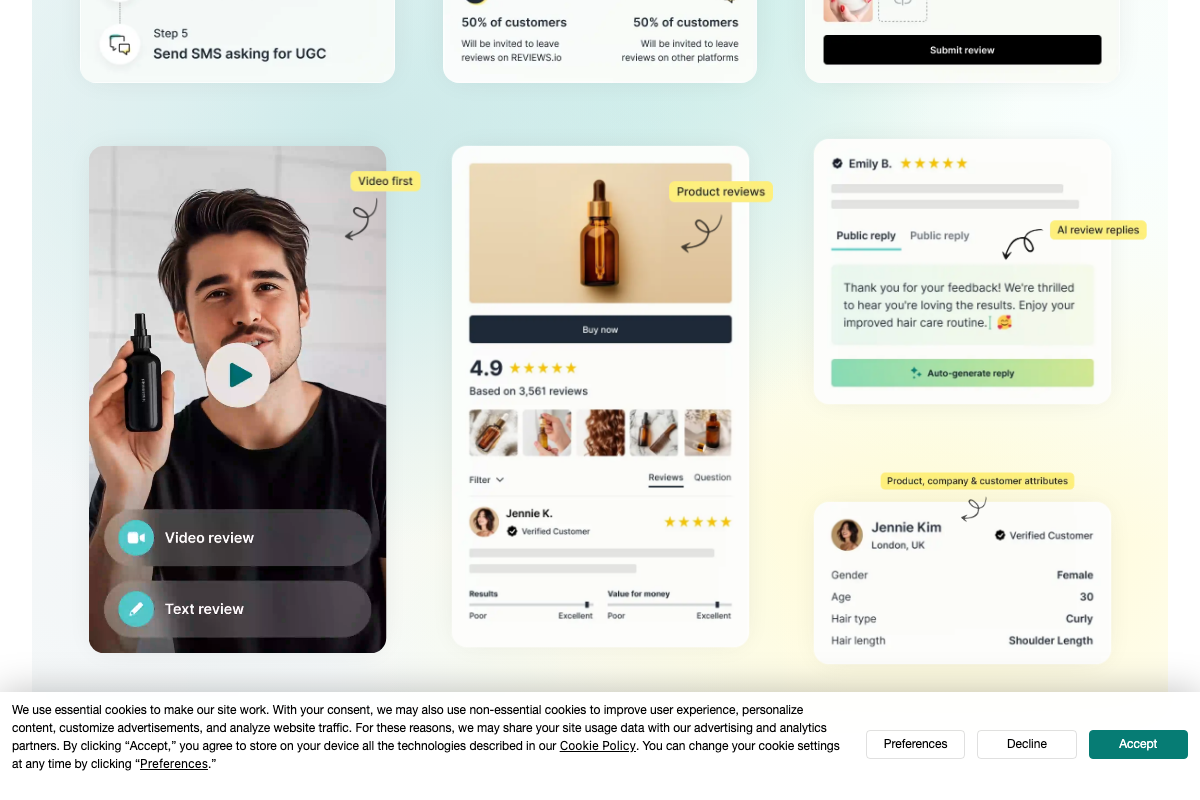
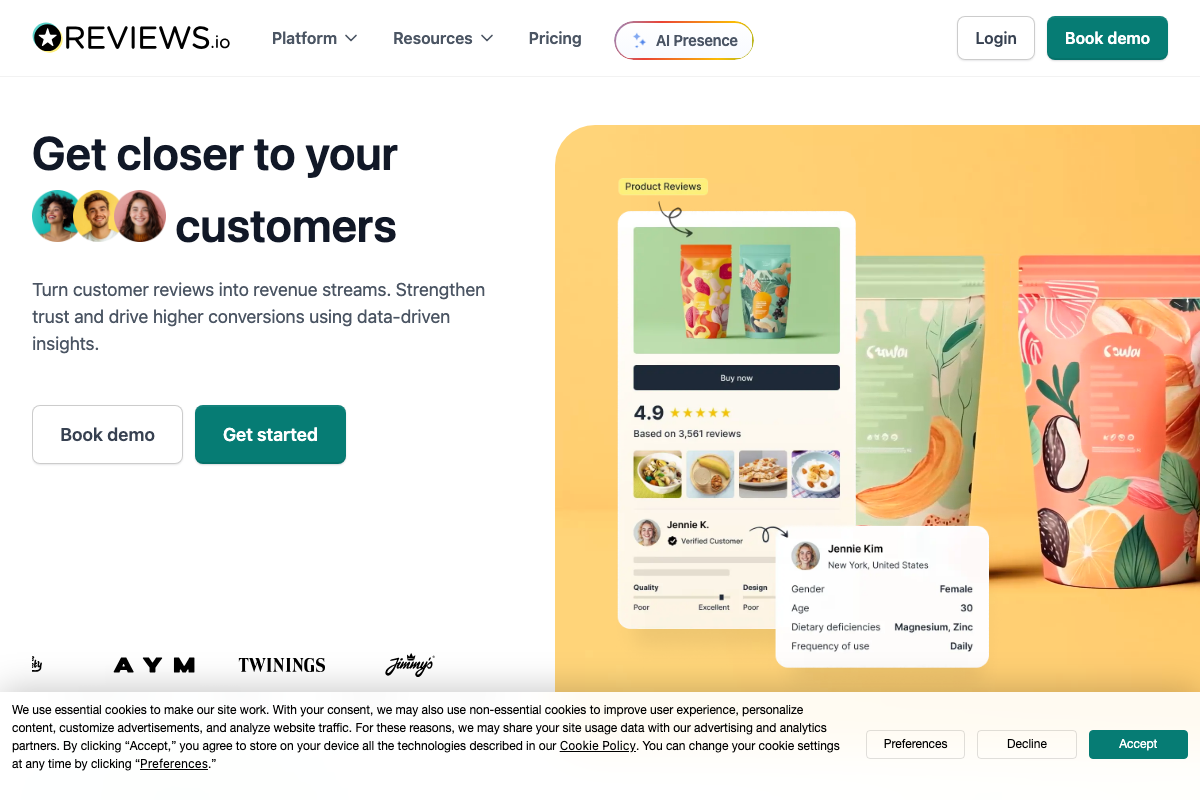
The video’s approach here matches the current docs exactly on the routing mechanic. REVIEWS.io’s documented split-invite configuration confirms this is a real, supported feature — and the split is more granular than the tutorial implies, with configurable percentage routing rather than a simple binary switch. One meaningful addition: REVIEWS.io has a dedicated AI Presence product visible in its primary navigation, built explicitly for AI search engine visibility. Explore it before configuring your invite flow. On FIFO: no platform by that name appears in any captured documentation — verify independently before routing review traffic to it.
4. Register an exact-match review domain
No official documentation was found for this step — proceed using the video’s approach and verify independently.
5. Link to the review domain from your main site
No official documentation was found for this step — proceed using the video’s approach and verify independently.
6. Build an AI-generated executive summary site
No official documentation was found for this step — proceed using the video’s approach and verify independently.
7. Upload video testimonials to YouTube
The video’s approach here matches the current docs exactly on platform validity. One correction on sourcing: the YouTube Help article cited as documentation (support.google.com/youtube/answer/2657168) returns a 404 error as of May 2026. No official YouTube documentation for upload title optimization or search targeting was captured. The title-format guidance in this step — reviewer name plus brand name — has no verifiable official source backing it. Cross-check against current YouTube Creator documentation before applying it at scale.

8. Target competitor review queries on YouTube
No official documentation was found for this step — proceed using the video’s approach and verify independently.
9. Run a monthly cadence check on AI Overview language
No official documentation was found for this step — proceed using the video’s approach and verify independently.
Extend the cadence check to include AI Mode alongside standard AI Overviews — the two surfaces can return meaningfully different brand language from an identical query, and monitoring only one gives you an incomplete signal baseline.
Useful Links
- Google — Production search interface confirming AI Mode and AI Overviews as two distinct brand-signal surfaces requiring independent audits.
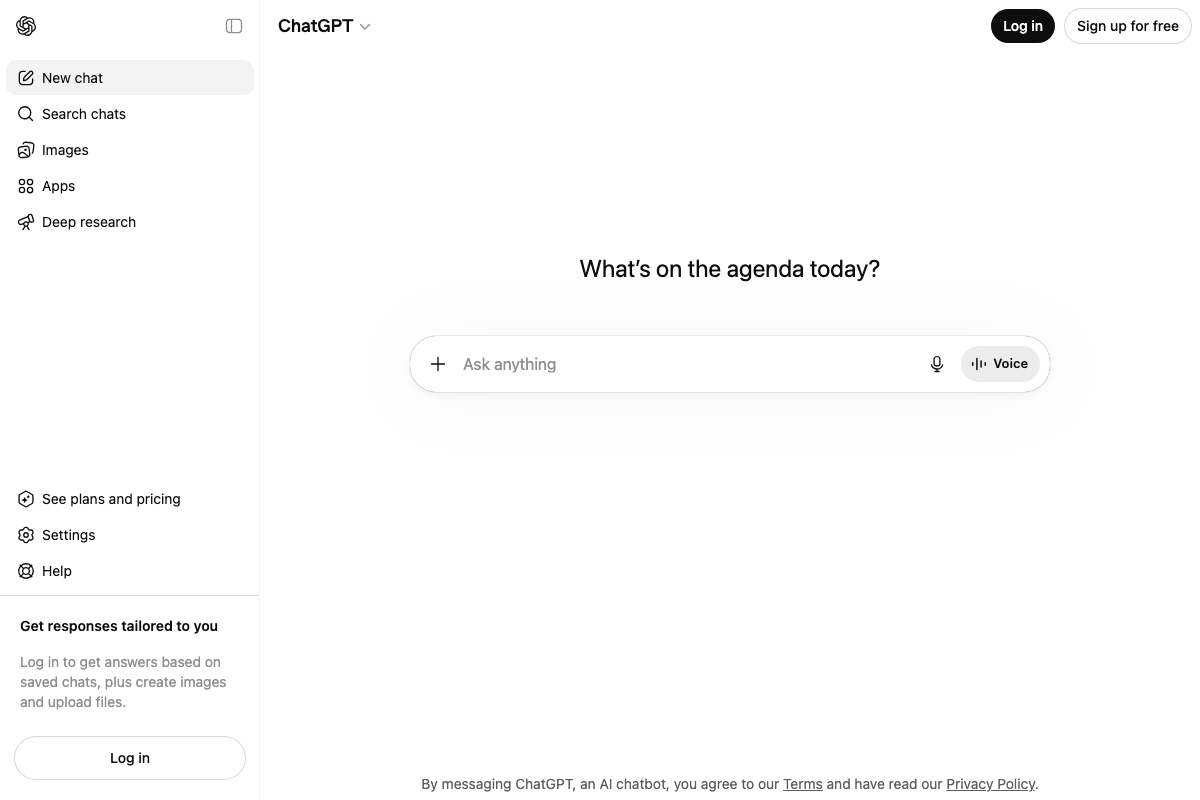
- ChatGPT — OpenAI’s chat interface where web search is integrated into the standard input; login required to trigger search-grounded responses.
- YouTube — Active video platform confirmed as an upload destination for testimonials; the cited help article (answer/2657168) returns a 404 as of May 2026.
- Trustpilot Reviews: Experience the power of customer reviews — Open consumer review platform whose structured category data makes it a high-frequency AI Overview citation source.
- REVIEWS.io – Company & Product Review Collection — Review collection platform with confirmed split-invite routing and a dedicated AI Presence product for AI search engine visibility.
- g2.com — B2B software review platform; all three documentation capture attempts were blocked by bot detection — no content available for independent verification.
- Datos – Clickstream Data to Power Your Products and Insights — Semrush clickstream data product with named SEO and competitor analysis use cases; relevant for identifying which review platforms drive the most consumer traffic for brand queries.


0 Comments