

How to Get Your First 100 YouTube Subscribers in 2026
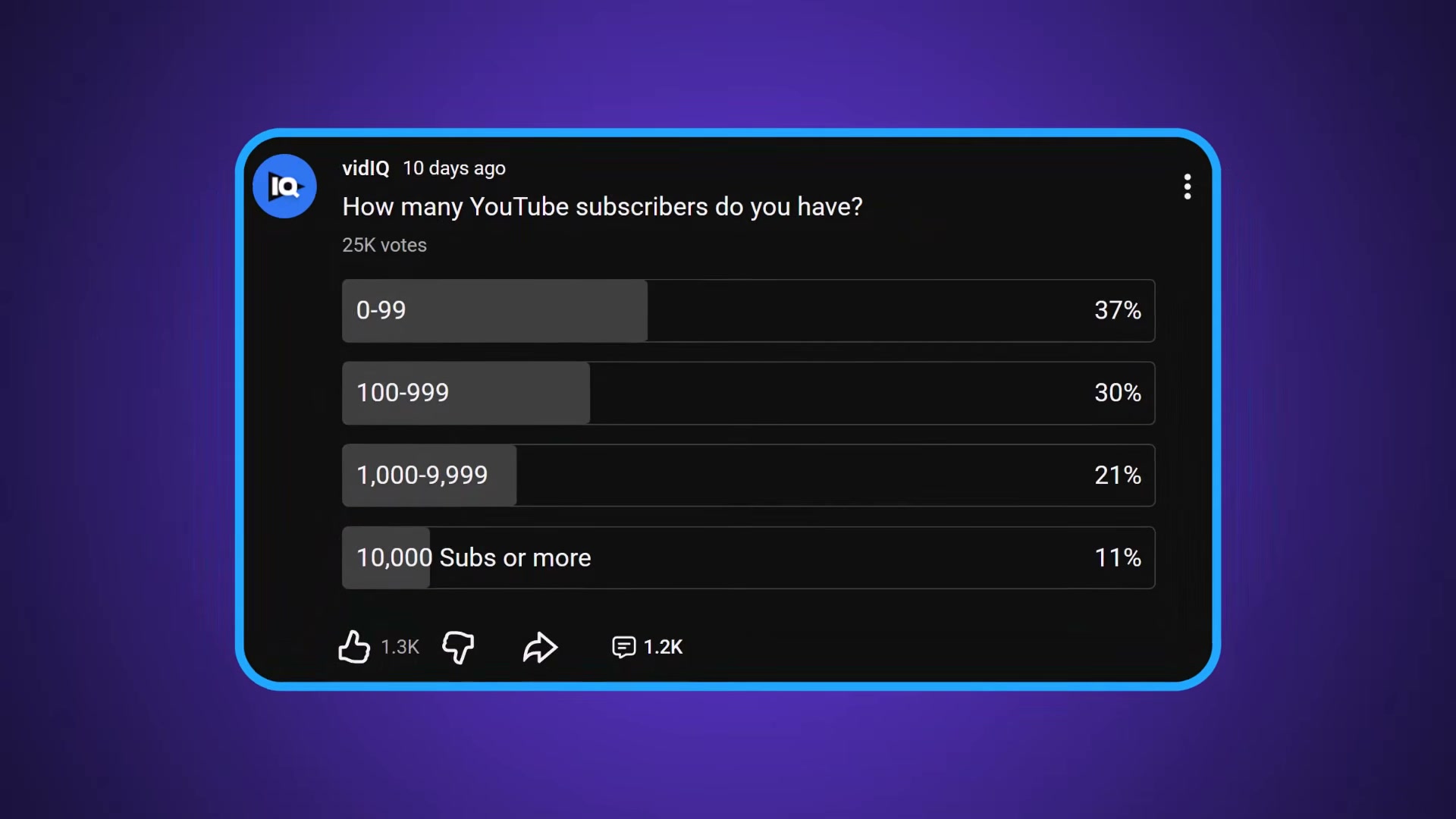
Of the 25,000 creators who answered vidIQ’s community poll, more than a third hadn’t yet crossed the 100-subscriber threshold. This tutorial walks through the six-step framework vidIQ lays out for new channels — covering niche selection, pre-production strategy, upload consistency, and community engagement. By the end, you’ll have a repeatable system you can act on before you film your next video.
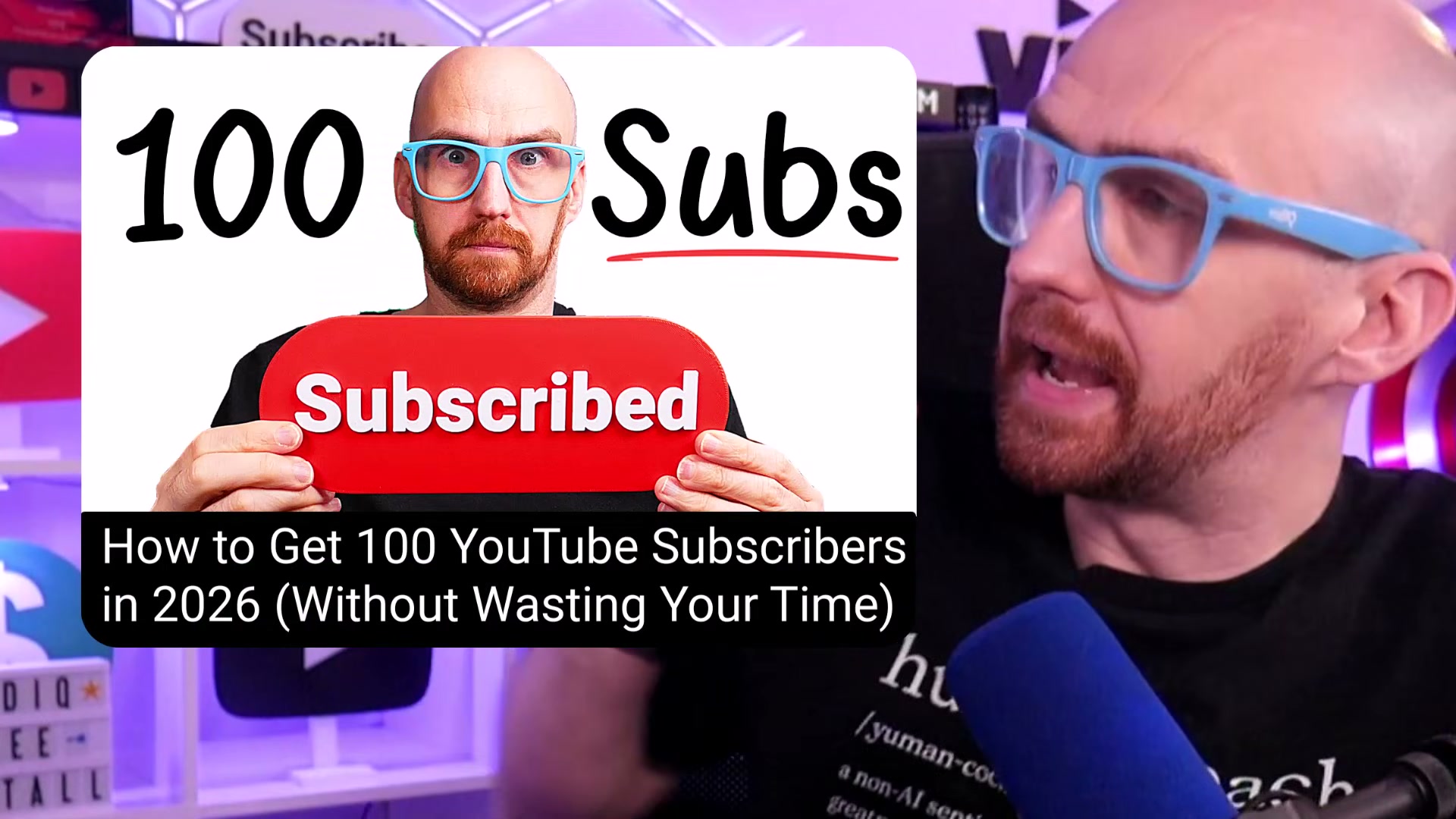
- Pick a specific niche. A channel about “a bit of everything” signals nothing to the algorithm and nothing to a potential subscriber. Instead of “fitness,” narrow to something like home workouts for people who hate burpees. When YouTube sees consistent content in one area, it knows exactly who to surface your videos to — and that specificity is what earns subscribers, not views.

-
Design your thumbnail and write your title before you film. If you can’t produce a compelling thumbnail concept and a clear title before hitting record, the video idea isn’t fully formed yet. The thumbnail and title are the promise you’re making to the viewer — define that promise first, then build the video that delivers on it. This discipline also prevents the 14-minute rambling video that says nothing.
-
Study why successful videos work, not how they’re produced. The camera gear is irrelevant. What keeps viewers watching is a specific title promise, a first 15 seconds that creates curiosity, and pacing that never lets the audience disengage. Re-watch videos you admire as a student, not a fan. Every one of those techniques is free and executable on a phone in a spare room.
-
Establish a consistent upload cadence you can sustain. One video per week, same day every week, is a habit. Three videos in a week followed by a month of silence is burnout. YouTube rewards channels that show up reliably, and viewers subscribe to channels they trust will keep delivering. Pick a schedule you can hold for three to six months without breaking it.
-
Reply to every comment. Early-stage channels rarely get floods of comments, which means you have no excuse not to respond to each one. The moment you reply, you’ve turned a passive statement into a conversation. That interaction builds community trust — and trust converts casual viewers into subscribers.
-
Use vidIQ to benchmark and grow your channel. The video recommends downloading vidIQ to support growth from zero through 100 subscribers and beyond. The tool surfaces channel analytics, keyword data, and competitor benchmarks — including upload frequency and view velocity for top channels.

How does this compare to the official docs?
YouTube’s own Creator Academy covers several of these concepts — but the sequencing, emphasis, and specific thresholds it recommends don’t always match what practitioners report working in 2026, which is exactly where Act 2 picks up.
Here’s What the Official Docs Show
The tutorial’s six-step framework holds up well against current product documentation — the strategy is sound and the tool recommendation is legitimate. What follows layers in a few product-specific details that make the advice more actionable, particularly around how vidIQ actually installs and what it measures.
Step 1 — Pick a specific niche
No official documentation was found for this step —
proceed using the video’s approach and verify independently.
Step 2 — Design your thumbnail and write your title before you film
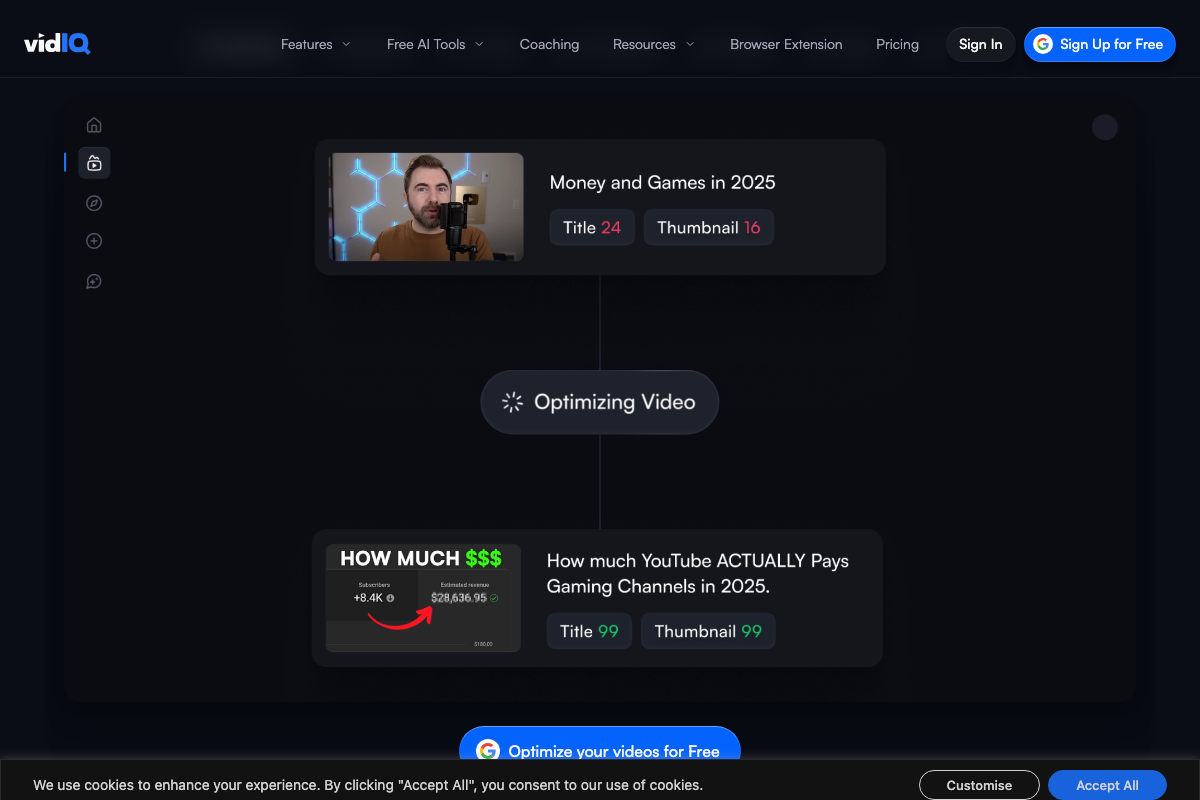
The video’s emphasis on thumbnail and title as the two critical pre-production decisions is well-placed. What the docs add: vidIQ quantifies both elements with separate numeric scores. The platform’s optimization interface tracks a Title score and a Thumbnail score independently — and iteratively, so you can watch a Title move from 24 to 99 and a Thumbnail move from 16 to 99 as you refine each element. This turns the video’s qualitative advice into a measurable workflow. The feature is available on the free tier.
Step 3 — Study why successful videos work, not how they’re produced
No official documentation was found for this step —
proceed using the video’s approach and verify independently.
Step 4 — Establish a consistent upload cadence you can sustain
No official documentation was found for this step —
proceed using the video’s approach and verify independently.
Step 5 — Reply to every comment
No official documentation was found for this step —
proceed using the video’s approach and verify independently.
Step 6 — Use vidIQ to benchmark and grow your channel
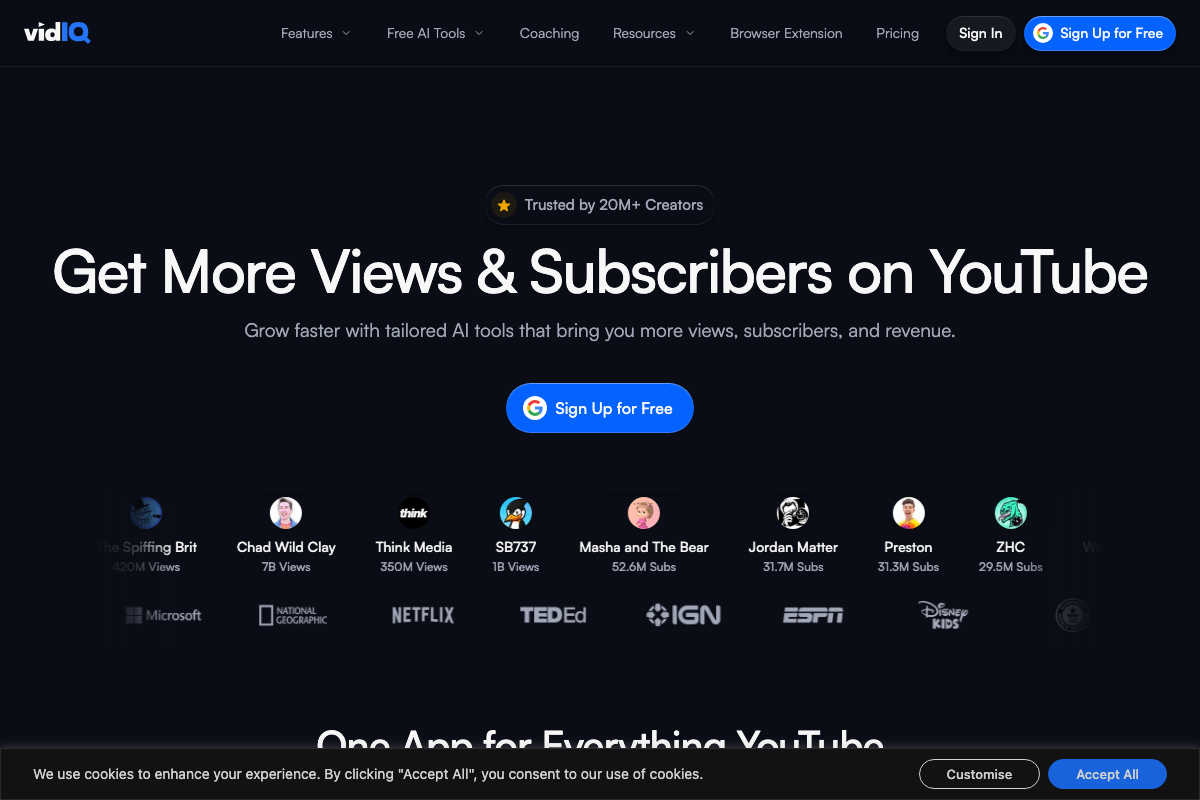
The video’s recommendation to use vidIQ is confirmed — the product is actively maintained, trusted by 20M+ creators, and explicitly built around growing views and subscribers. Free access via Google sign-up is available, making it genuinely beginner-accessible. The video’s approach here matches the current docs exactly on the core recommendation.
One thing worth making precise: as of April 6, 2026, the correct install path for YouTube-integrated functionality is “Add to Chrome” — vidIQ’s real-time overlay inside YouTube is delivered as a browser extension, not a standalone downloadable application. A separate free web account is also required alongside it. The video’s instruction to “download vidIQ” reflects an earlier framing of what is now a two-step setup: extension install plus account creation.

One additional capability the tutorial doesn’t mention: an “Optimise Score” percentage is visible in the extension overlay directly inside YouTube’s native UI — a single composite metric showing how well a video is positioned to perform before you publish.
Useful Links
- vidIQ: Get More Subscribers & Views on YouTube | YouTube Tools — Official product homepage covering vidIQ’s AI-powered platform, Chrome browser extension install flow, free account sign-up, and video optimization scoring features for YouTube creators.


0 Comments