

Four Building Blocks for Sustainable YouTube Growth
vidIQ’s research across 100,000 channels found that six out of ten creators who landed a breakout video couldn’t follow it up with sustained growth. This tutorial walks through the four-part framework vidIQ uses to turn one-hit-wonder channels into compounding, long-term growth machines. After working through these building blocks, you’ll know how to structure your content, deepen audience loyalty, expand your reach without losing core subscribers, and cultivate the superfans who keep a channel alive when the algorithm goes quiet.
- Establish a bingeable format. The formula is Constant + Variable = Promise. The constant is the format — the recurring structure viewers recognize before they click. The variable is the topic — what keeps each video feeling fresh. Legal Eagle’s “Real Lawyer Reacts to [Movie Scene]” is a clean example: viewers know they’ll feel smart about something they already love. Run a quick diagnostic: if a new viewer watched three of your videos back-to-back, could they accurately predict what the fourth would feel like? If not, you don’t have a format yet. Define one repeatable structure and let the creativity live inside the topic, not the container.

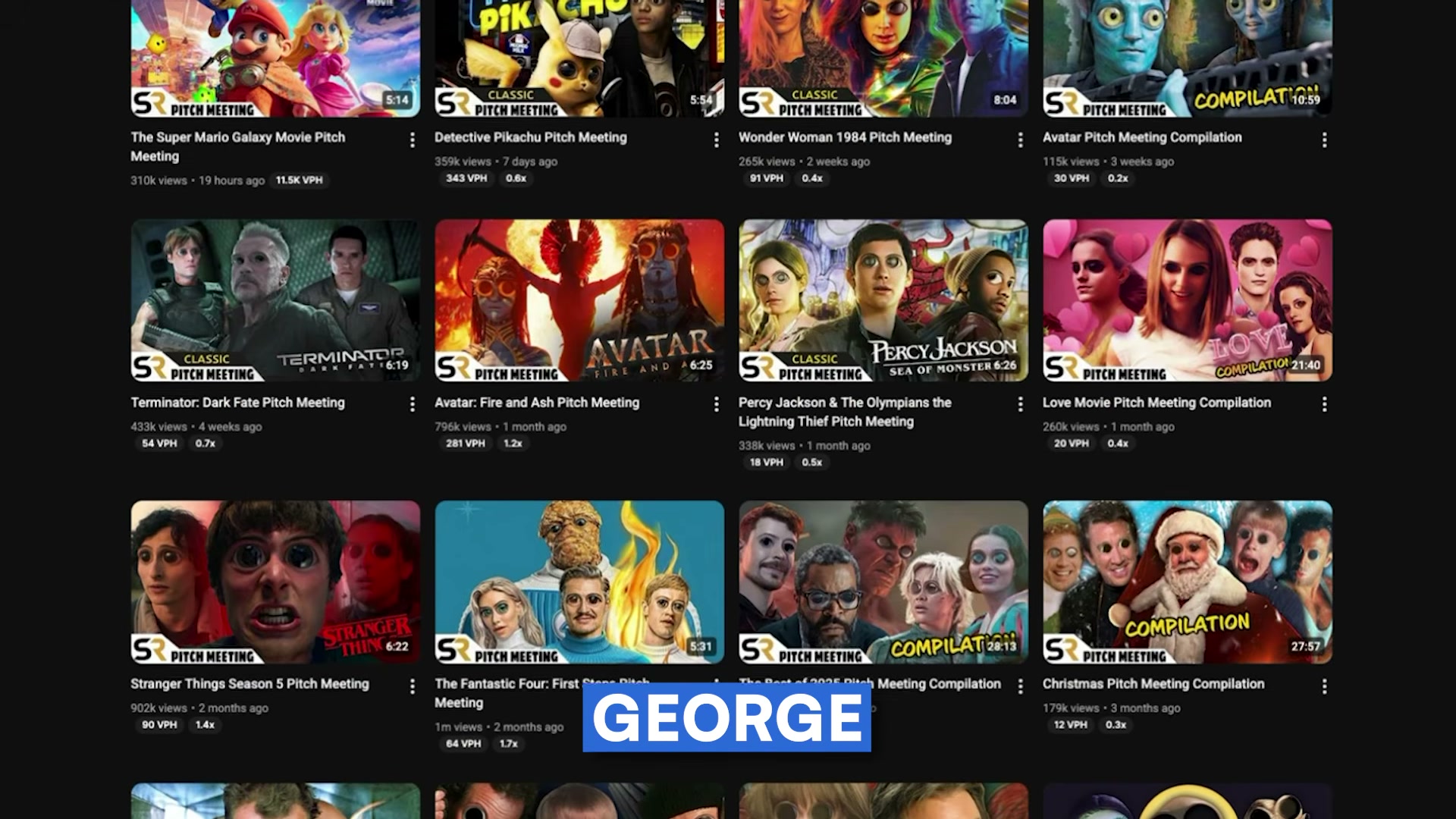
- Build a belonging channel. There are two types of channels on YouTube: ones people consume and ones people belong to. Consumed channels are interchangeable — viewers watch whatever surfaces next. Belonging channels are irreplaceable — viewers go looking for them. Treat your comment section as R&D: note what viewers are requesting, arguing about, and quoting back at you. Then act on it visibly. Cite a specific comment in your next video, pin a reply that extends the conversation, or make a video explicitly credited to a viewer’s idea. Each of these actions signals that the audience has a hand in shaping what gets made — and that’s what converts casual watchers into community members.


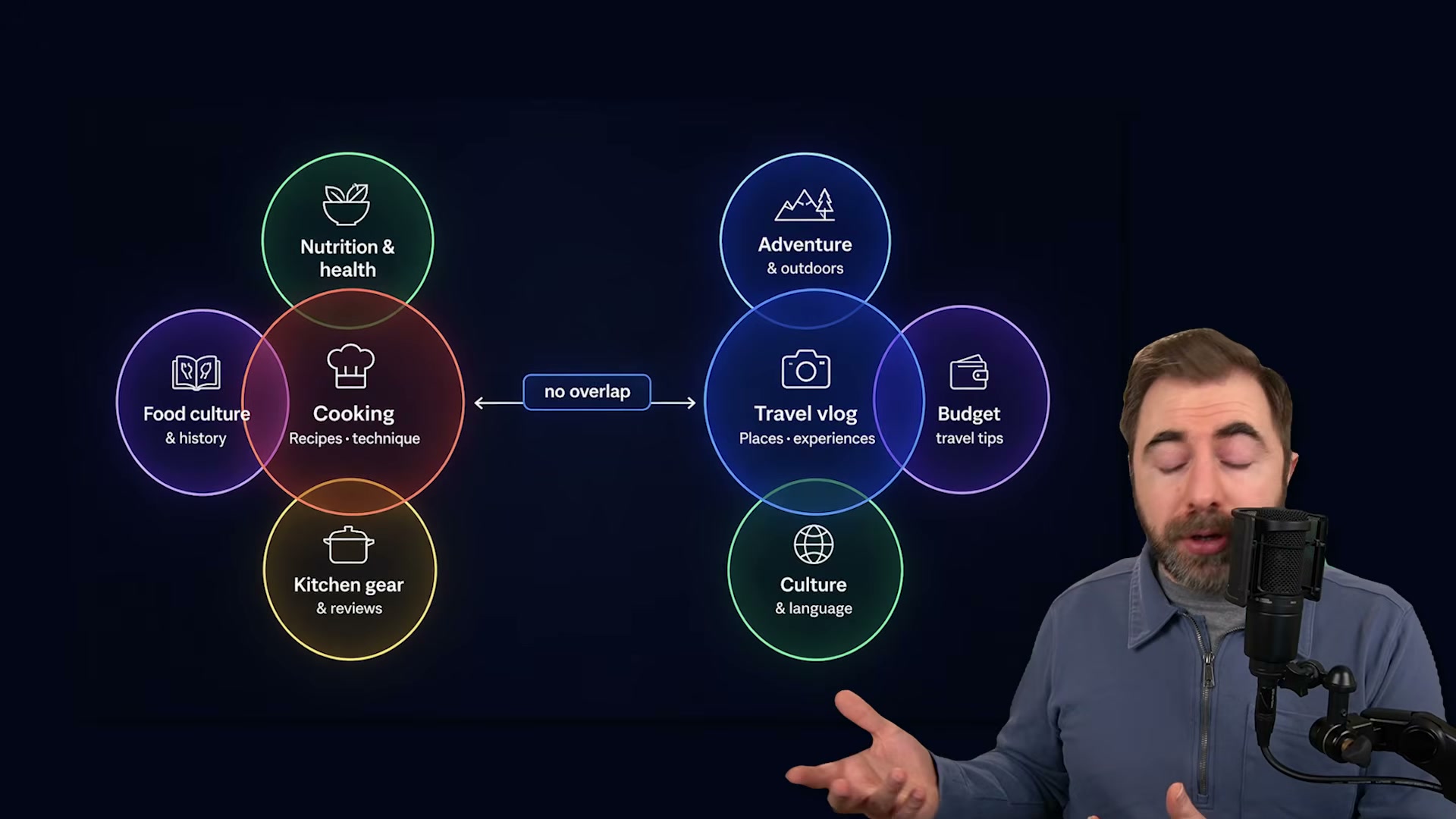
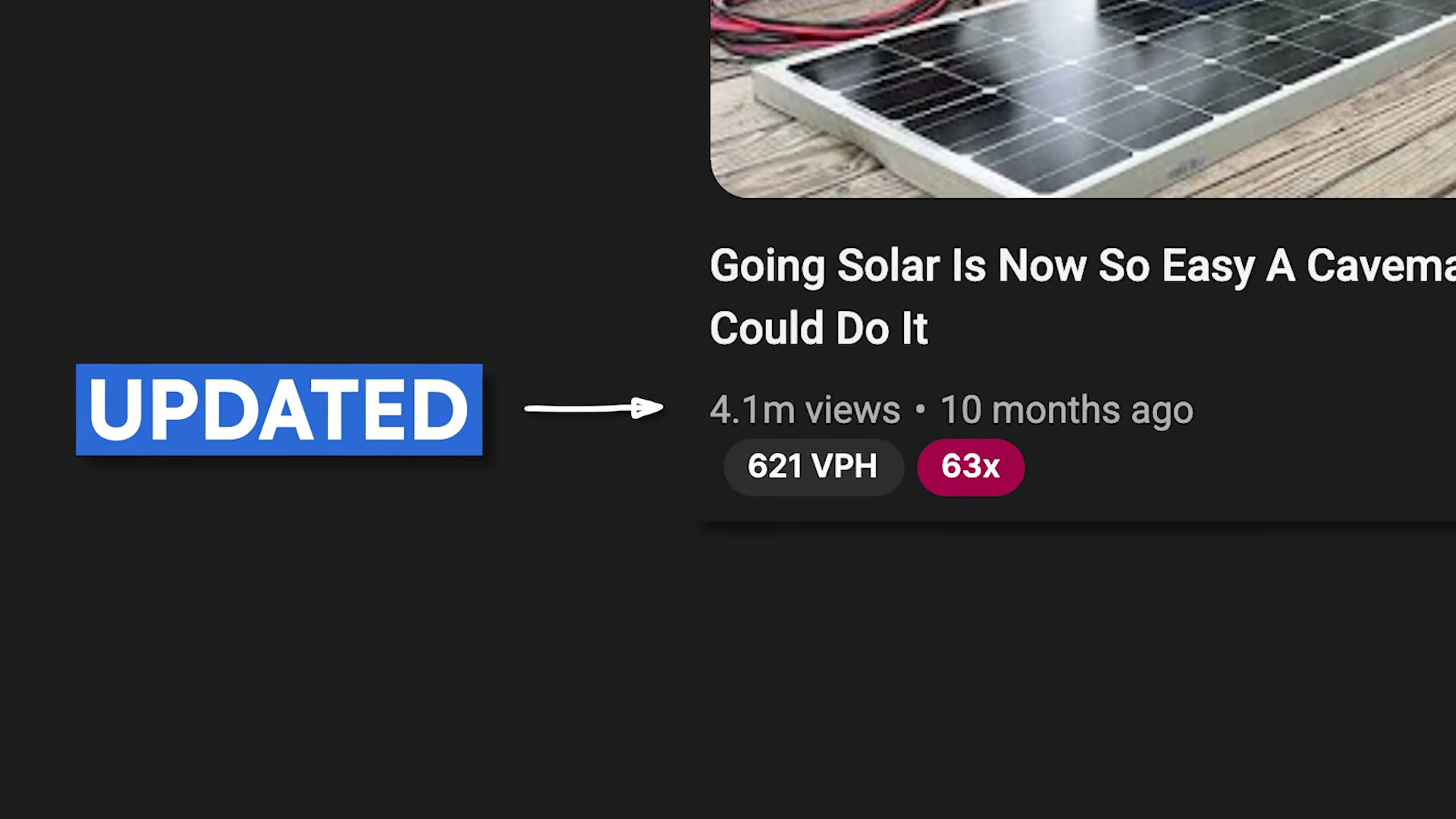
- Expand into adjacent niches. Once your channel has an established identity, the lever for scaling is adjacent niche expansion — moving deliberately into audiences one step removed from your core viewer. The critical word is adjacent, not random. The new audience needs to share the same problems, lifestyle, or values as your existing one, approached from a slightly different angle. A forestry channel covering solar power installation is adjacent because both audiences are drawn to self-sufficient land ownership. A cooking channel pivoting to travel vlogs is topic drift — those two audiences share little overlap, and you’ll lose existing subscribers without winning new ones. The quick check: would your current audience feel like this video is exactly what they came here for?
- Cultivate superfans by growing in depth. Most creators measure growth in one direction — more subscribers, more views. The second direction is depth: deepening the relationship with the audience already there. A channel with 2,000 genuine superfans can generate real income from memberships, merchandise, and sponsorships in ways that 500,000 passive viewers simply don’t support. To build them, give viewers a reason to be early: post a Community Post before a video goes live, share behind-the-scenes stills from upcoming projects, or ask your audience to contribute their experiences to research you’re actively doing. The objective is an inner circle that feels meaningfully different from passive viewership.
How does this compare to the official docs?
vidIQ’s framework centers on channel strategy rather than platform mechanics, which raises a practical question: how does each building block hold up against YouTube’s own published guidance on growth and audience retention?
Here’s What the Official Docs Show
The tutorial’s four-building-block framework is a strategic overlay on top of YouTube’s platform mechanics — Act 1 gives you the “why,” and this section layers in what YouTube’s own documentation confirms, clarifies, and extends for each step. Where official docs were silent, that’s noted directly so you can proceed with eyes open.
Building Block 1: Establish a bingeable format.
No official documentation was found for this step —
proceed using the video’s approach and verify independently.
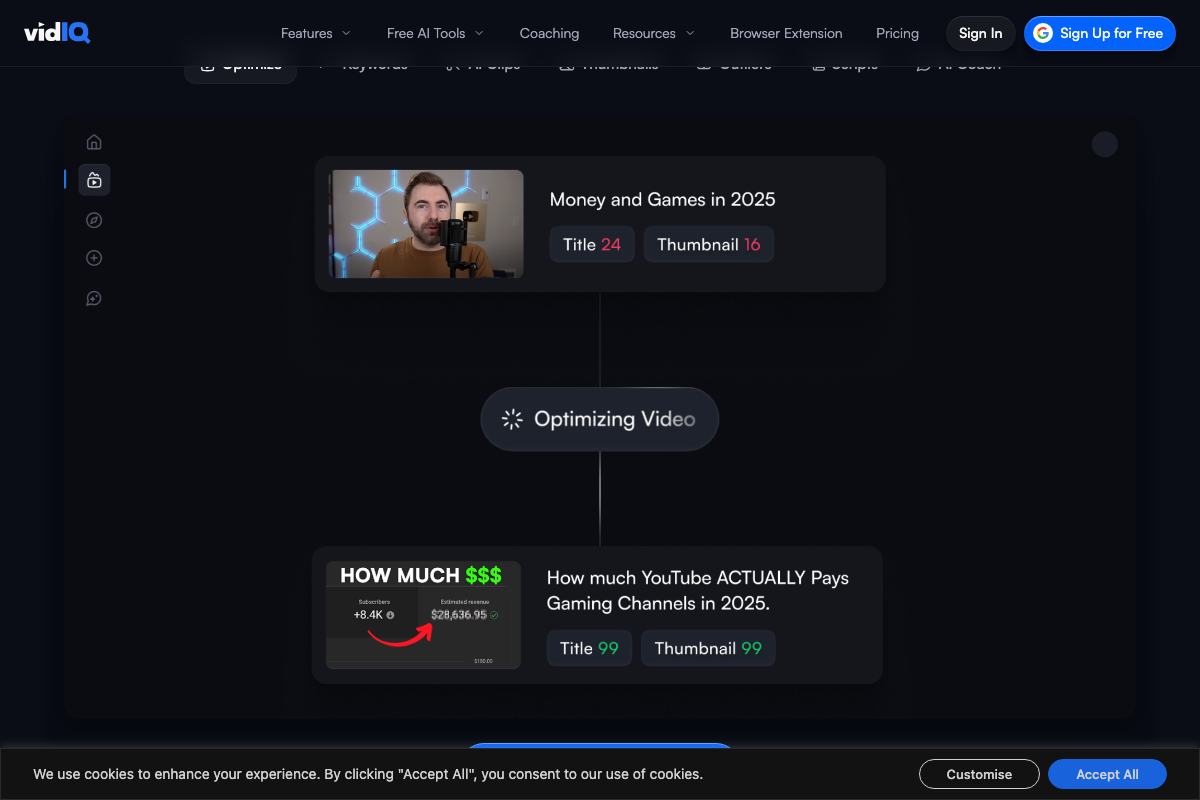
vidIQ’s Optimize tool does offer a mechanical parallel worth noting: titles are scored on a 0–99 scale for discoverability, and the Before/After workflow demonstrates how consistent framing affects click performance. That’s a platform feature, not a strategic doctrine — but it gives you a measurable signal for whether your format is landing.
Building Block 2: Build a belonging channel.
No official documentation was found for this step —
proceed using the video’s approach and verify independently.
Building Block 3: Expand into adjacent niches.
No official documentation was found for this step —
proceed using the video’s approach and verify independently.
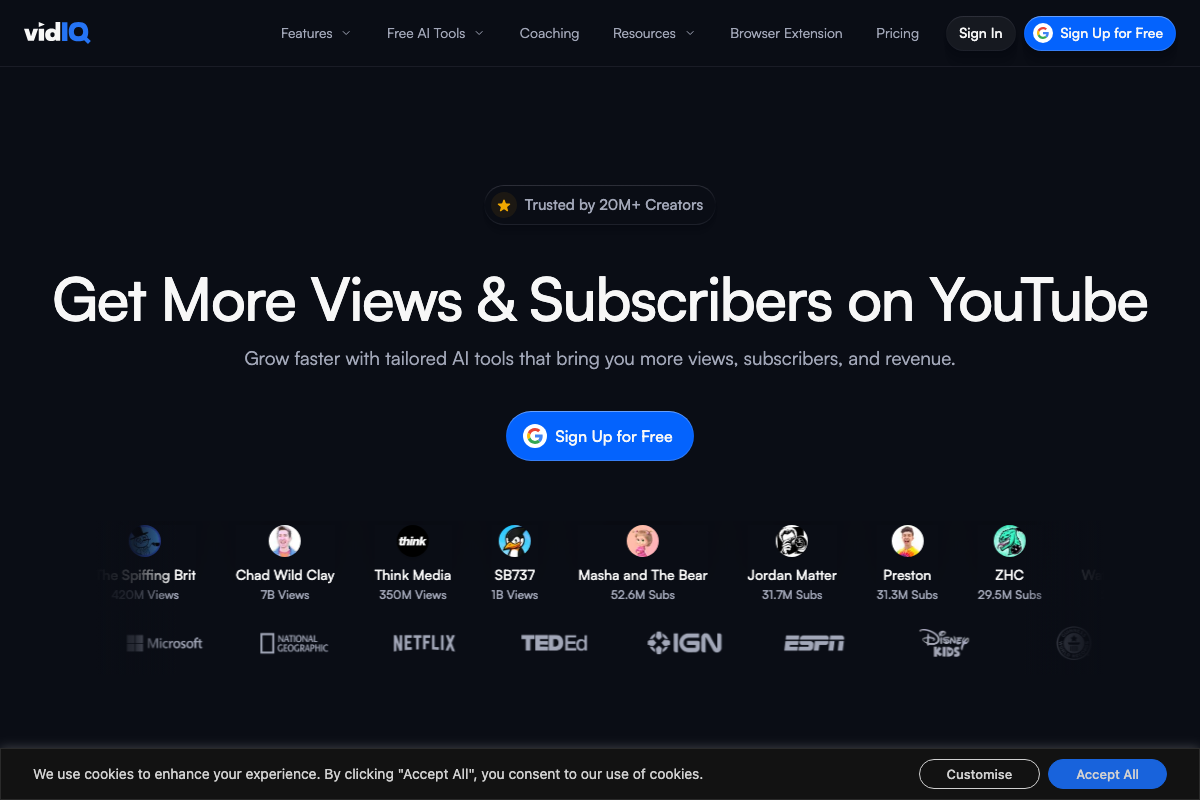
vidIQ’s Browser Extension does surface competitor thumbnail comparisons and per-title scores inline during upload — a research mechanism directly useful for adjacent niche discovery. The screenshots document a product UI, not the strategic methodology, but the tooling is there if you want to pressure-test topic adjacency before committing to a pivot.

Building Block 4: Cultivate superfans by growing in depth.
The video’s approach here matches the current docs exactly. YouTube’s Help Center confirms Community Posts support polls, quizzes, GIFs, text, images, and video — and that posts distribute to the Subscriptions feed with optional subscriber notifications.
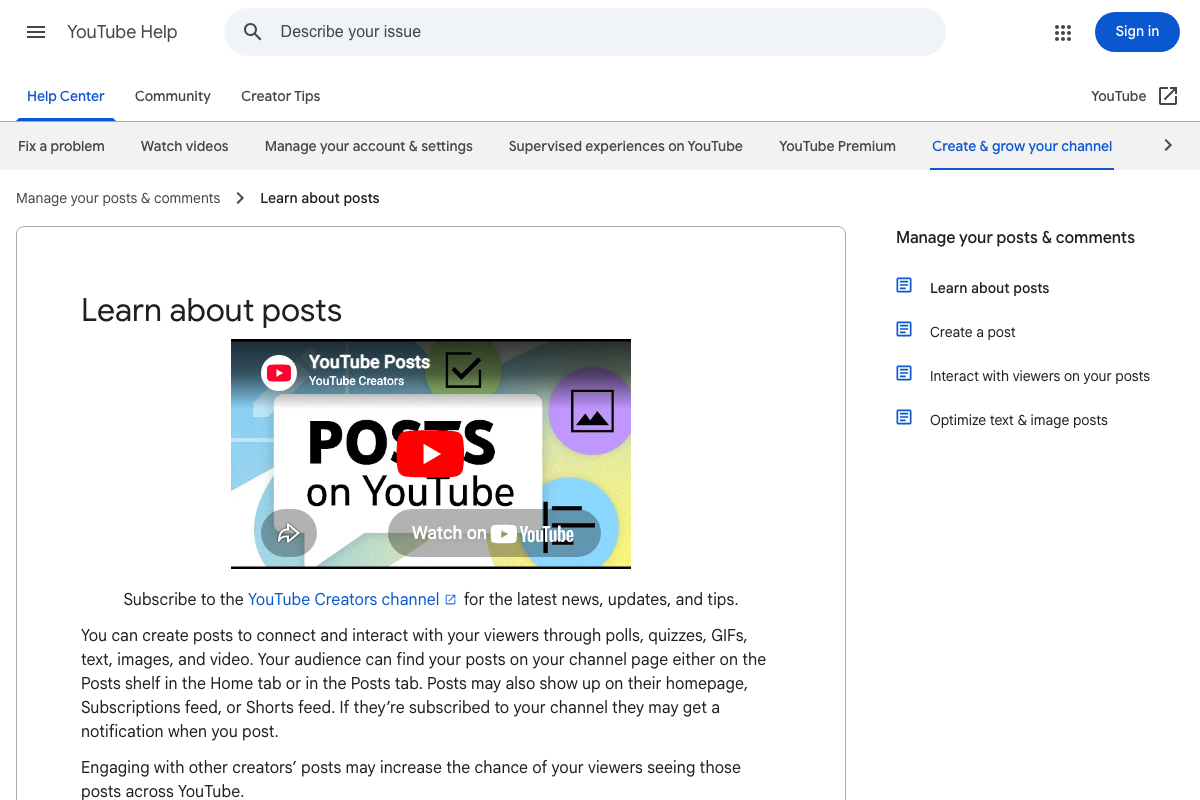
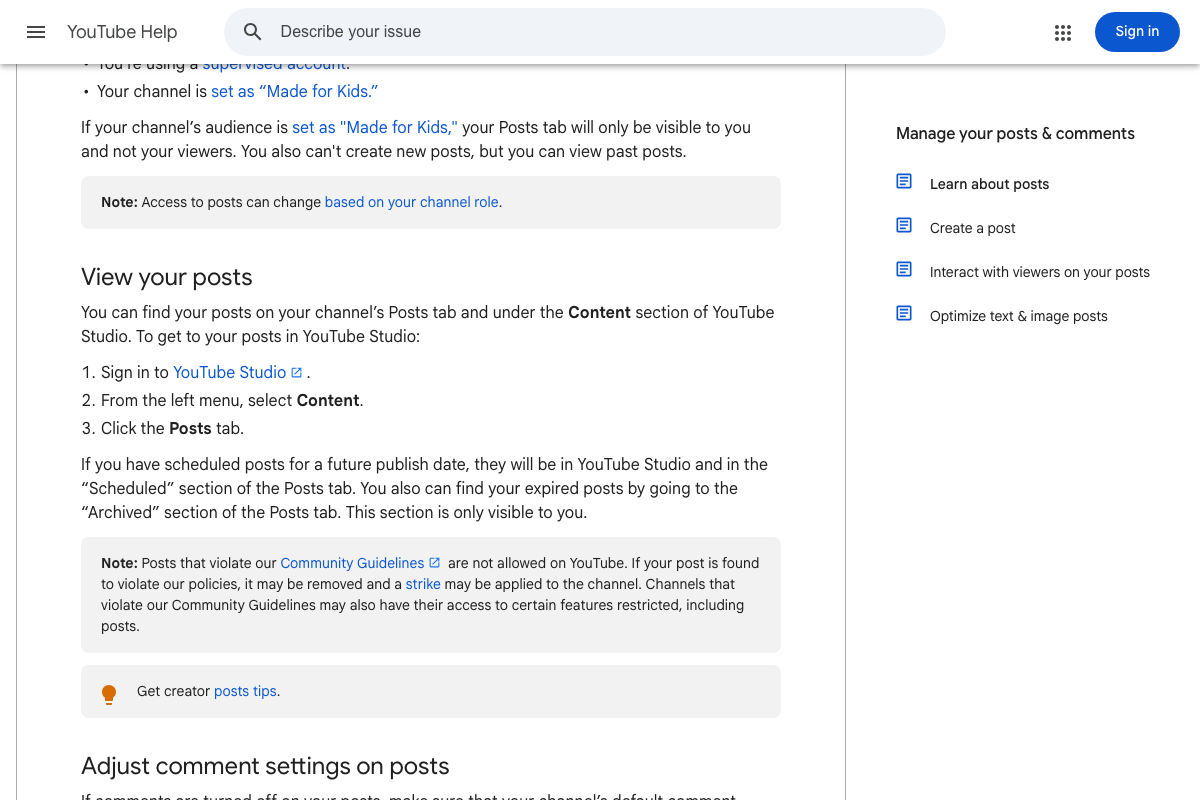
Two workflow details the tutorial doesn’t cover: posts can be scheduled for a future publish date, and expired posts move to an Archived section visible only to you — both managed in YouTube Studio under Content → Posts. If your channel serves younger audiences, note that posts are unavailable on supervised accounts and channels designated as Made for Kids.
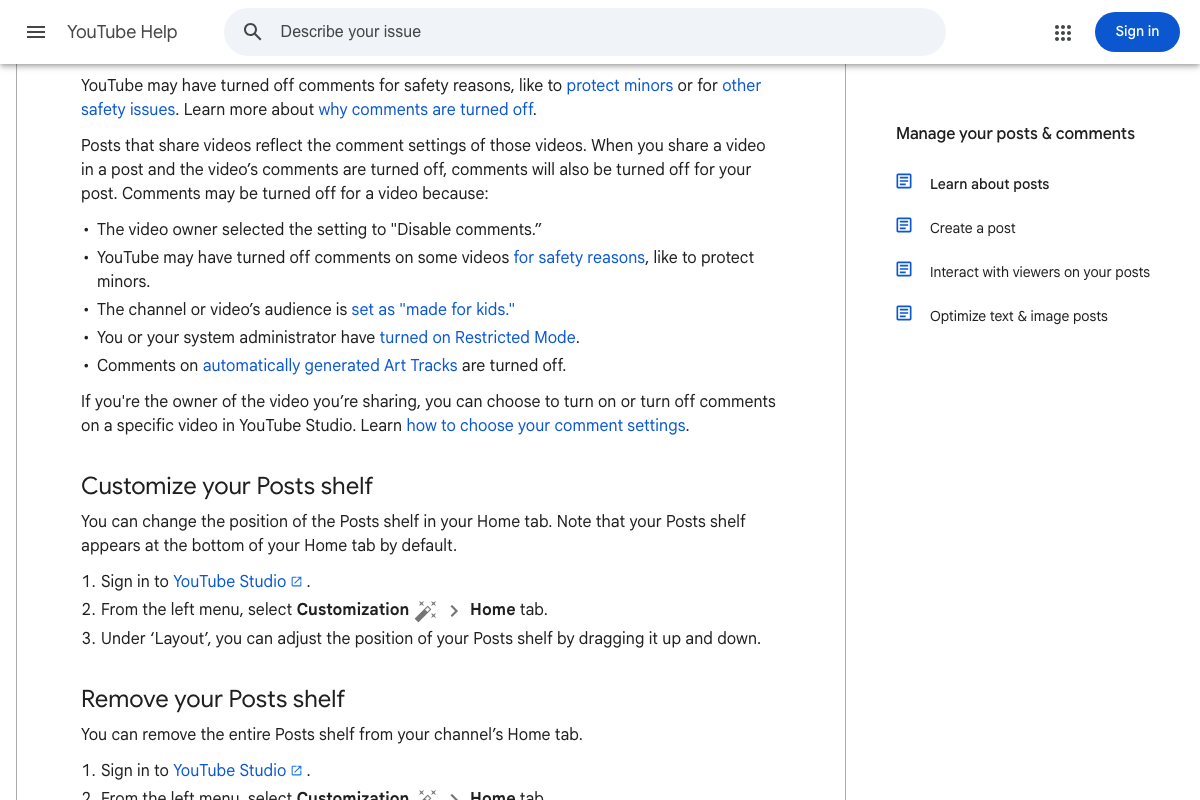
One more platform control to know: the Posts shelf on your channel’s Home tab sits at the bottom by default. Move it up via YouTube Studio → Customization → Home tab → Layout, or remove it entirely. If you share a video inside a post, that post inherits the video’s comment settings — disable comments on the video and they’re off on the post automatically.
The tutorial frames Community Posts as an “inner circle” superfan mechanism — a legitimate strategic interpretation. YouTube’s own documentation describes the feature more broadly: posts distribute across the Subscriptions feed, the channel Home tab, the Posts tab, the viewer’s homepage, and the Shorts feed, and engaging with other creators’ posts can extend your reach further. The “inner-circle” framing is a use-case choice, not a platform constraint.
Useful Links
- Learn about posts – YouTube Help — Official YouTube documentation covering post types, distribution surfaces, scheduling, archiving, eligibility restrictions, and Posts shelf customization options.
- vidIQ: Get More Subscribers & Views on YouTube | YouTube Tools — vidIQ’s platform homepage documenting the AI-powered title optimization, keyword scoring, and browser extension tools referenced throughout the tutorial.


0 Comments