

Four Claude Code Patterns That Stop Output Drift
After 200+ hours building production systems in Claude Code, the failure modes tend to cluster around the same root causes: context rot, isolated skills, and errors that compound across sessions. These four design patterns address all of them — follow them and your workflows stop degrading mid-session, maintain consistent brand identity across every skill, chain outputs automatically without manual handoffs, and improve measurably with each run.
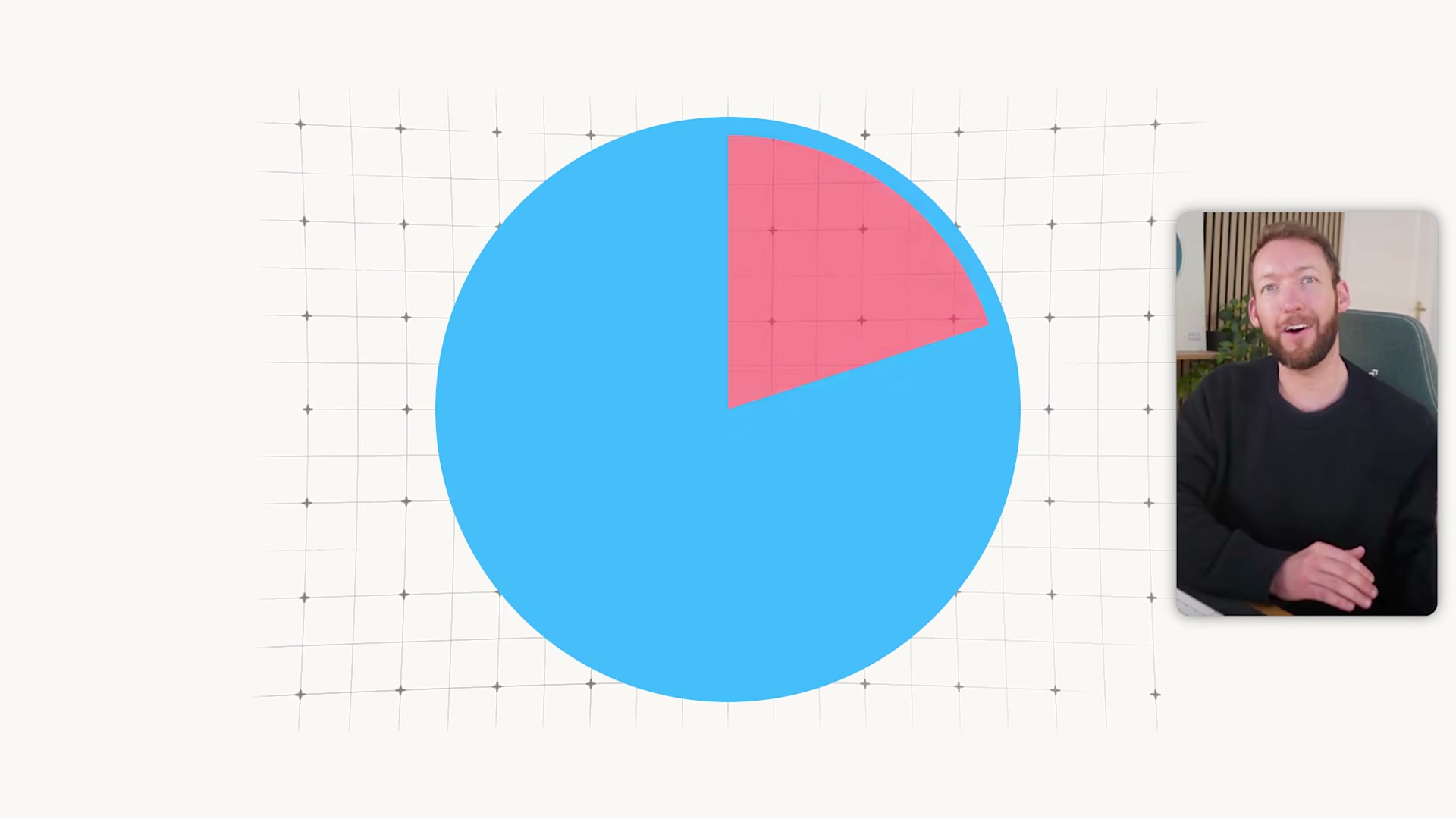
- Keep
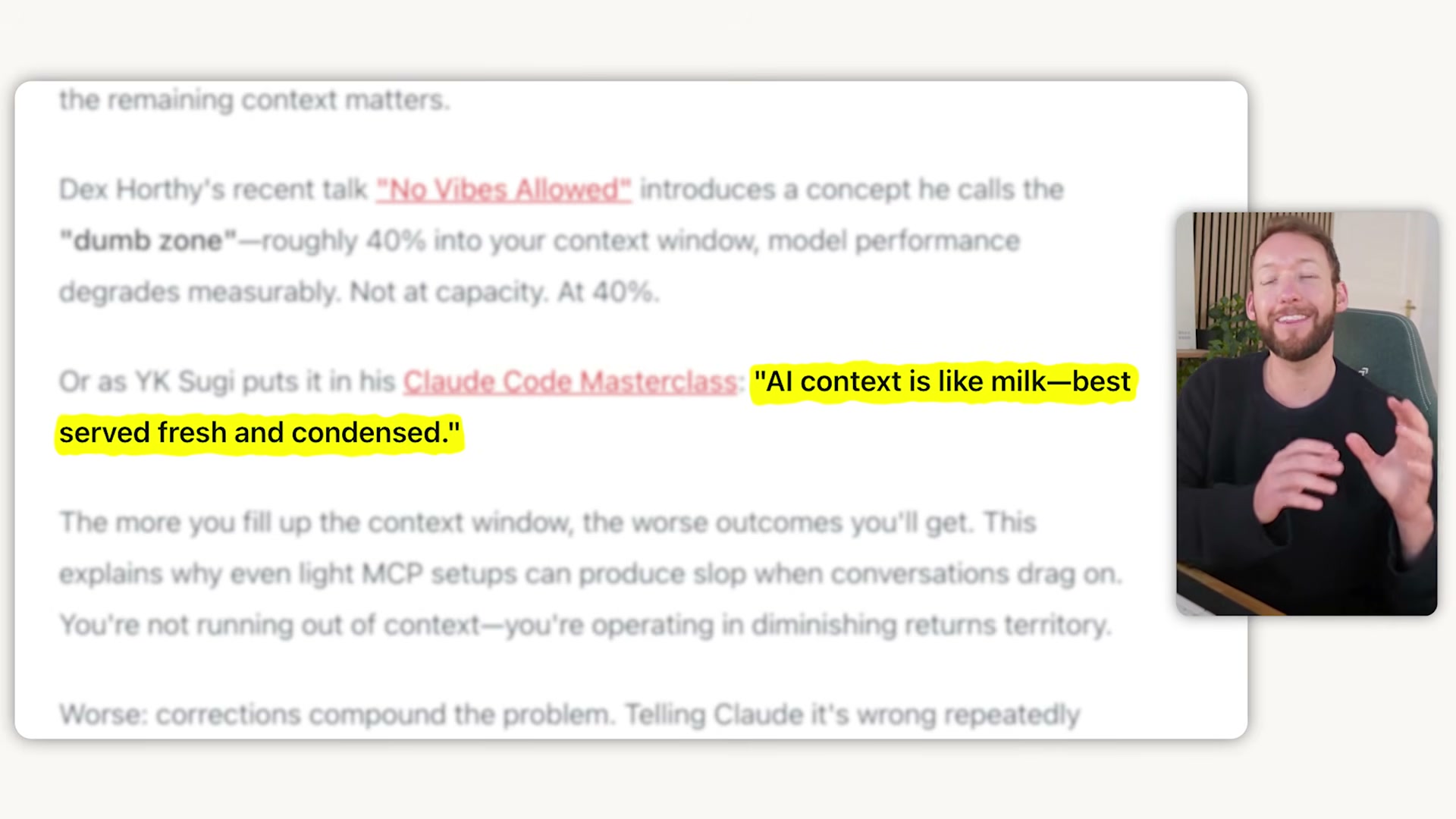
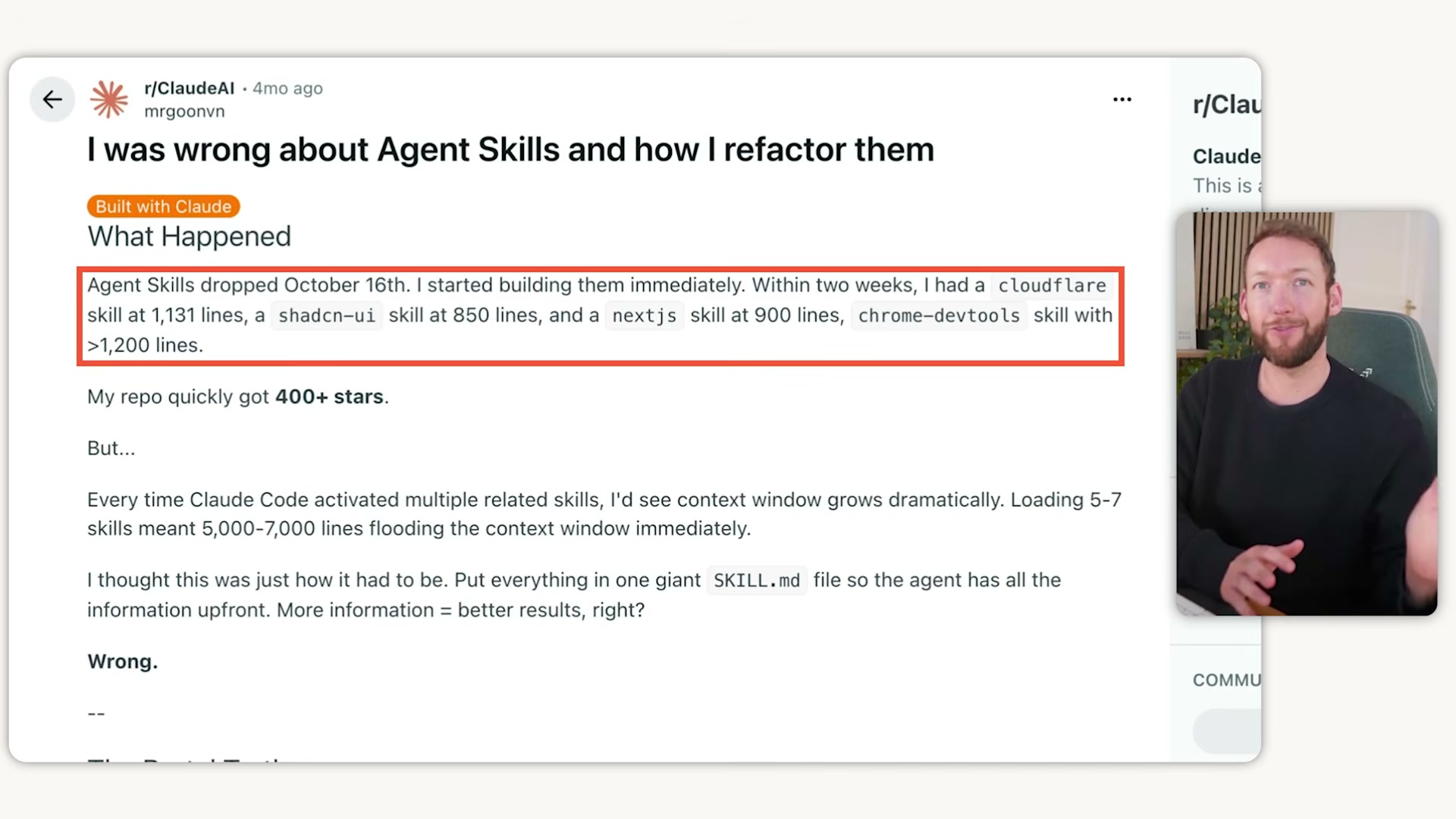
skill.mdfiles under 200 lines. A skill file is a table of contents, not an encyclopedia — deep knowledge belongs in separate reference files that Claude loads only at the process step that needs them. Apply the same discipline toCLAUDE.md: if it runs to 2,000 lines, the rules that matter are getting lost in the noise. In conversations, use/clearbetween unrelated tasks and run/compactproactively. Waiting for Claude to autocompact means you’ve already been running degraded output for longer than you realize.
- Replace prose process descriptions with Mermaid diagrams. A few hundred tokens of Mermaid syntax conveys what thousands of tokens of written description would, and LLMs parse structured diagrams more efficiently than paragraphs. Wherever you would write a multi-step process narrative inside a skill or reference file, a diagram does the same work at a fraction of the token cost.
- Use a phased planning framework for complex tasks. The GST (Get Done) framework breaks work into plan, execute, and review phases — each running in its own clean context session. Planning happens in session one, execution in session two, review in session three. Each phase loads only the context that specific phase requires.
-
Build one shared business brain. Rather than embedding brand context inside individual skills or re-pasting it manually, create a tight set of reference files — 50 to 100 lines each — covering tone of voice, ICP, positioning, and output standards. Every skill references these files at the correct process step and loads them only when needed. Configure this once; every skill you build inherits it automatically.
-
Chain skill outputs into skill inputs. Design the output format of each skill to match the expected input format of the next, eliminating copy-paste handoffs entirely. A content strategy skill produces a structured topic plan; a content creation skill reads that plan directly and executes against it without any manual transfer.
-
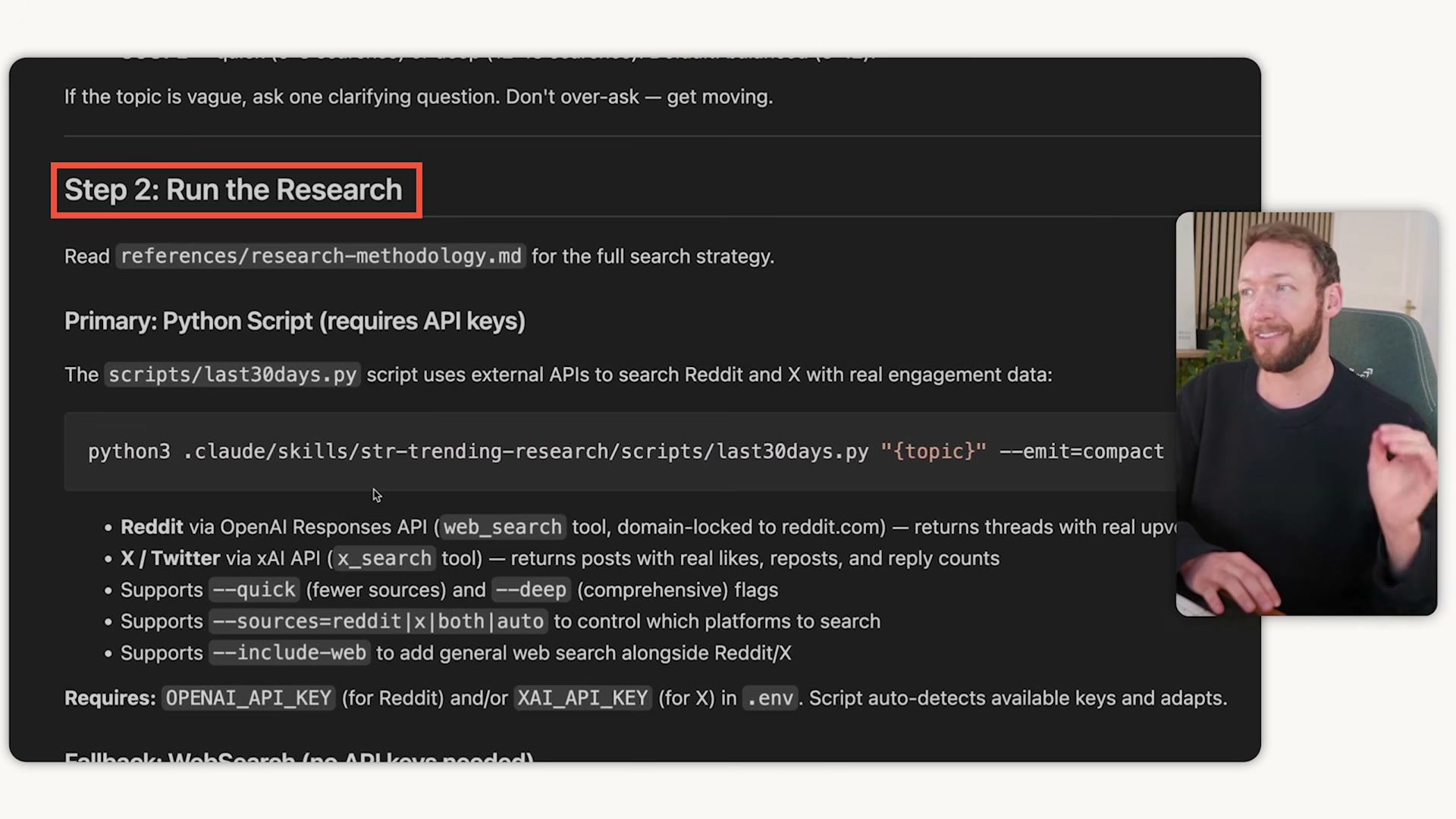
Condense before handing off. When a skill does heavy lifting — deep research, bulk data processing — it should distill its output into a clean, condensed summary before passing control to the next skill. The receiving skill’s context stays uncontaminated by the raw intermediate work.
-
Create a
learnings.mdfile per skill. Record what worked, what failed, and what corrective action applied. Feed this file back into the skill at the start of each subsequent run so the system builds on its own history rather than repeating the same errors. -
Close every session with a wrap-up skill. A dedicated wrap-up skill captures all session learnings and keeps
skill.mdandCLAUDE.mdfiles synchronized. Without this step, improvements discovered mid-session evaporate when the conversation ends.
How does this compare to the official docs?
Anthropic’s documentation on agentic workflows addresses several of these patterns — and where the official guidance diverges from what’s shown here, the differences carry real implications for how you structure production systems.
Here’s What the Official Docs Show
The video’s four-pattern framework surfaces genuinely useful practitioner intuitions — and the official documentation confirms the two foundational tools it builds on. Where the docs go quiet (steps 3–8), those patterns are practitioner-proposed conventions worth understanding as such before you stake production workflows on them.
Pattern 1 — Context Management and Session Isolation
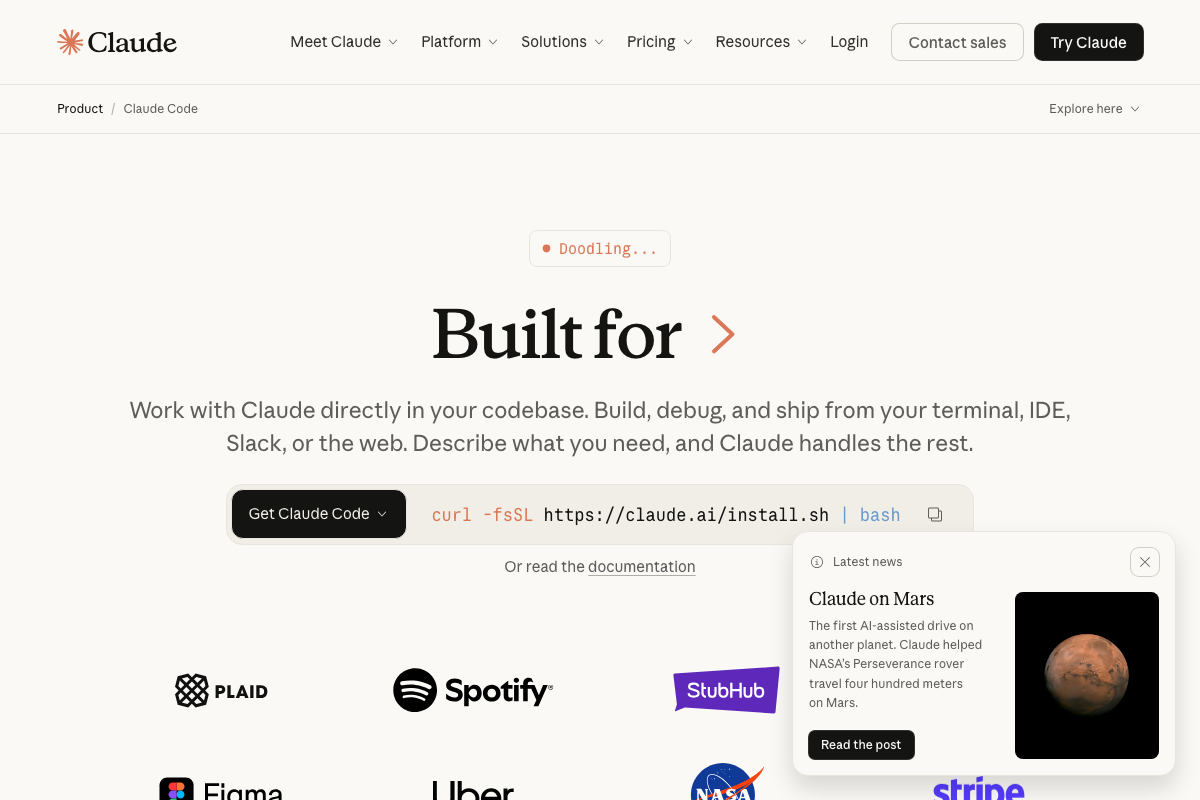
Claude Code is a real, shipping Anthropic product available in your terminal, IDE, Slack, and the web — the tutorial’s CLI-first framing is accurate but captures only part of the surface area.
The video’s approach to session isolation — treating context as a finite, perishable resource — matches the product’s design intent exactly. The Claude Code desktop app includes a New session button in the sidebar and maintains a named session list, confirming that discrete context boundaries are a first-class product concept, not a workaround.
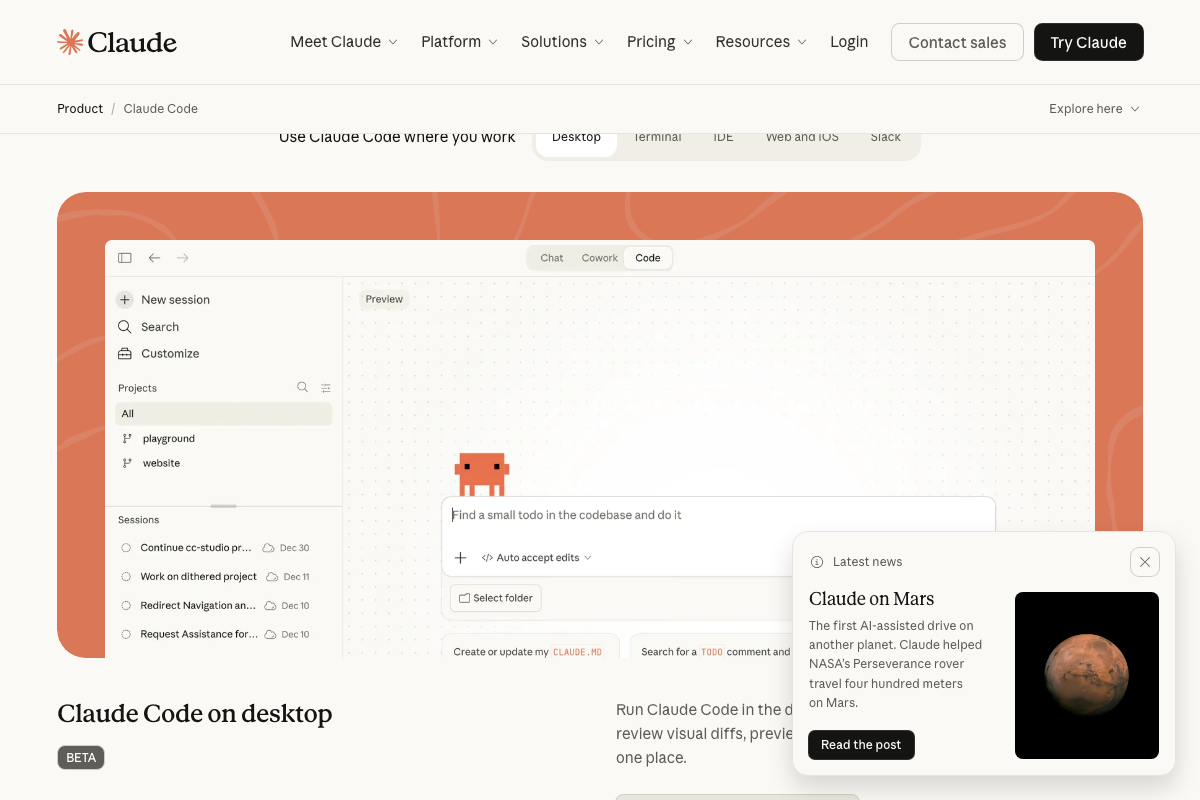
The video’s approach here matches the current docs on session isolation. One addition worth noting: as of March 21, 2026, the /clear and /compact commands are not documented in any of the provided official screenshots. Both commands exist in the Claude Code CLI — but if you’re looking for authoritative syntax or behavior guarantees, consult the CLI reference directly rather than relying solely on this tutorial.
Pattern 2 — Mermaid Diagrams for Token Compression
Mermaid is a real, actively maintained open-source project. The flowchart LR syntax the tutorial recommends for encoding multi-branch processes is confirmed working on the official docs page, with version 11.13.0 current at time of writing.
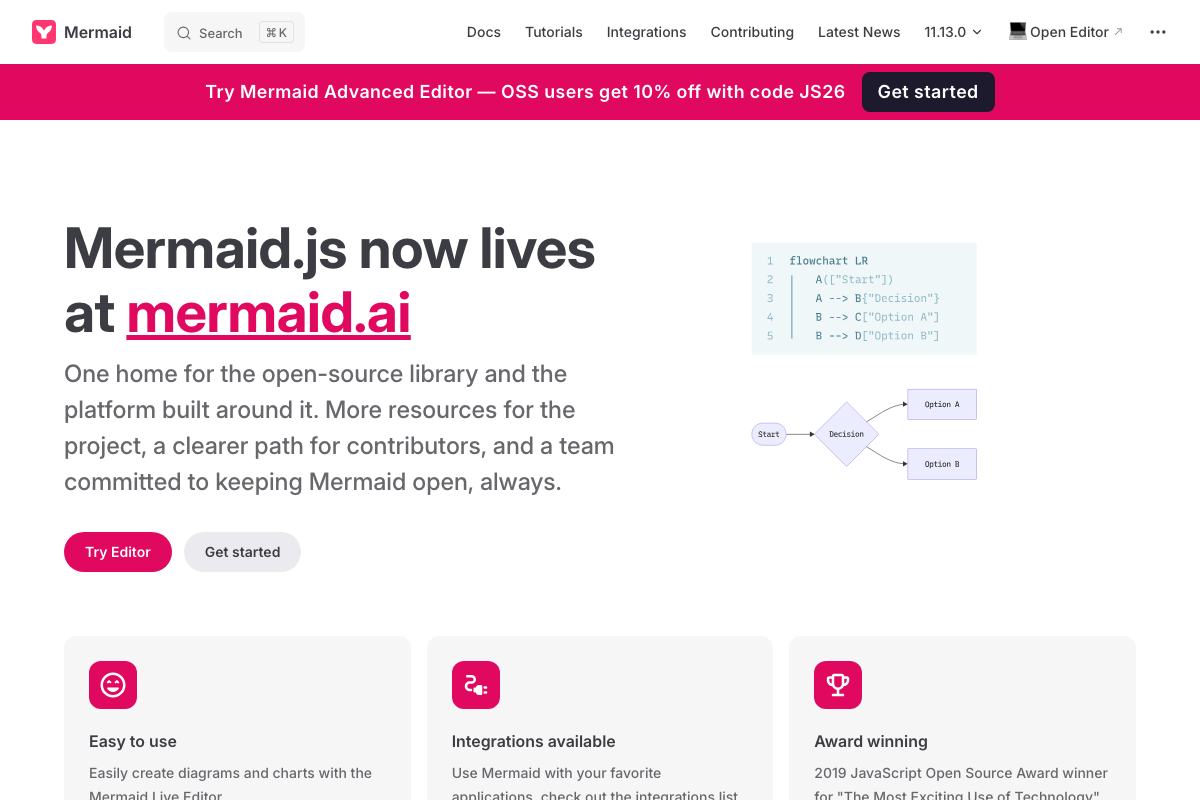
The video’s approach here matches the current docs exactly — with one update to note: as of March 21, 2026, Mermaid’s canonical home has migrated from mermaid.js.org to mermaid.ai. If the tutorial directed you to mermaid.js.org as your primary resource, that domain now redirects to mermaid.ai. Update your bookmarks accordingly.
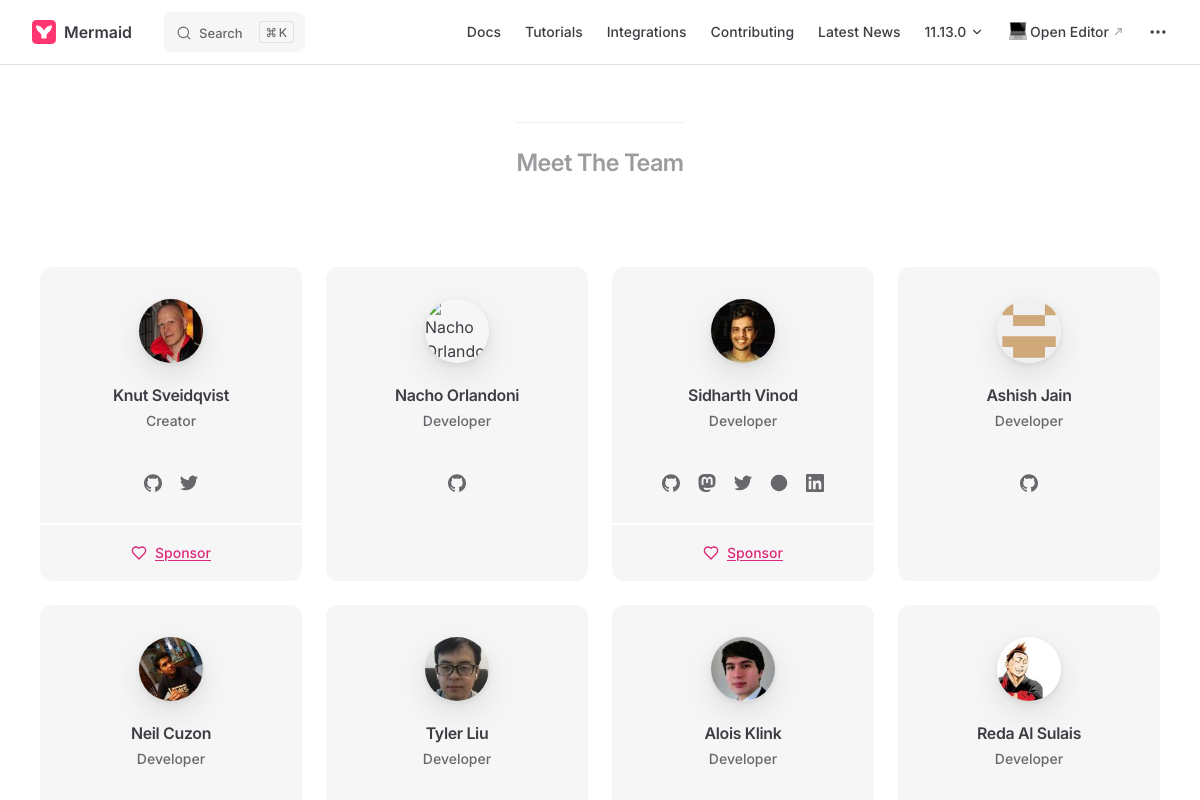
Mermaid is backed by a named core team (creator: Knut Sveidqvist) and a broad contributor community — it is not an abandoned dependency risk.
Pattern 3 — Phased Planning Framework (GST)
No official documentation was found for this step —
proceed using the video’s approach and verify independently.
Pattern 4 — Shared Business Brain Reference Files
No official documentation was found for this step —
proceed using the video’s approach and verify independently.
Patterns 5–8 — Skill Chaining, Condensed Handoffs, learnings.md, and Wrap-Up Skills
No official documentation was found for these steps —
proceed using the video’s approach and verify independently.
The 200-line skill file cap, 50–100-line reference file guideline, learnings.md feedback loops, and wrap-up skill conventions are all practitioner-proposed patterns. They are not documented in any official Anthropic or Mermaid source. That doesn’t make them wrong — it makes them field conventions, which carry a different kind of reliability guarantee than shipped product features.
One Plan-Tier Consideration the Tutorial Skips
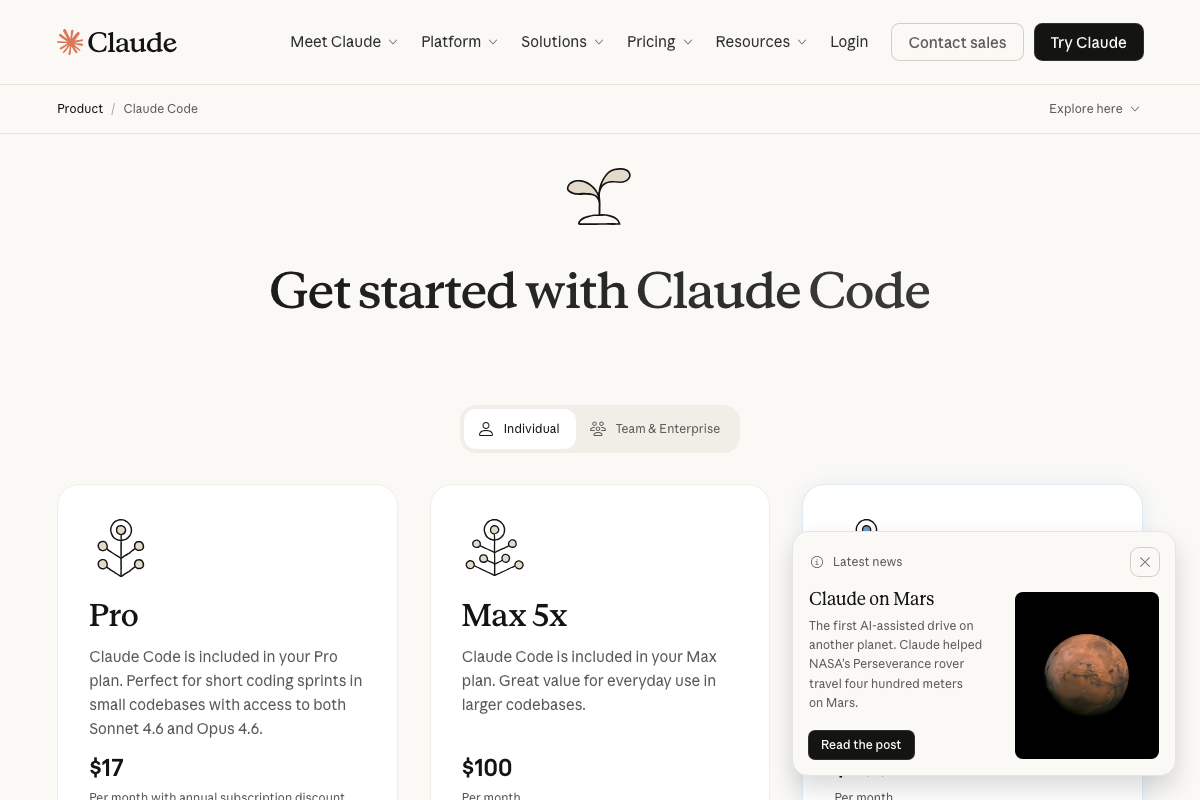
The official pricing page describes the Claude Code Pro plan ($17/month) as “perfect for short coding sprints in small codebases.” If you’re implementing the multi-phase, chained-skill workflows in Patterns 3–8 at any real volume, the Max 5x plan ($100/month) — described as “great value for everyday use in larger codebases” — is the more appropriate tier. This is a practical ceiling the tutorial does not address.
Useful Links
- Claude Code by Anthropic | AI Coding Agent, Terminal, IDE — Official product page confirming Claude Code’s deployment surfaces, install command, and plan pricing tiers.
- About Mermaid | Mermaid — Official Mermaid introduction page with current
flowchart LRsyntax examples and the canonical domain migration announcement to mermaid.ai.


0 Comments