

Google Marketing Live 2026: Three Strategic Priorities for Your Google Ads Account
Google Search is undergoing a structural shift — from short keyword queries to conversational, multi-sentence prompts — and every major announcement from Google Marketing Live 2026 flows from that single change. After completing this tutorial, you’ll understand the three priorities that matter right now, which new features to hold off on, and exactly what to configure before AI Max becomes unavoidable for your account.
-
Understand the core driver behind every 2026 announcement: users are abandoning 2–5 word keyword searches in favor of conversational, multi-sentence prompts. Traditional match types — exact, phrase, even broad — were not built for this model. Every feature Google unveiled at GML 2026 is a response to that behavioral shift, not an arbitrary product update.
-
Resist the urge to overhaul your account based on these announcements. Most features announced at Google Marketing Live are still in beta or pre-beta and are not yet active in your account. Keep the campaigns and structures that are currently producing results. You’ll adapt incrementally as your metrics signal the need.
-
Priority 1 — Secure AI Overview eligibility. Right now, only three campaign types can serve ads inside AI Overviews and AI Mode: broad match keywords, Performance Max, and AI Max. Broad match remains the most controllable option because negative keywords and ad copy give you meaningful guardrails. Performance Max is viable once your account consistently records 30–50 conversions per month — that conversion volume is the baseline needed to give the algorithm enough signal to constrain ad placements responsibly.
- Priority 2 — Monitor for CTR decline as your trigger signal. One research firm has recorded click-through rate drops of up to 68% in accounts affected by AI Overview expansion. Run manual search tests regularly and watch for increasing ad density inside AI Overviews. When you see that pattern accelerating in your own account, that’s your signal to begin structured AI Max testing — not before.
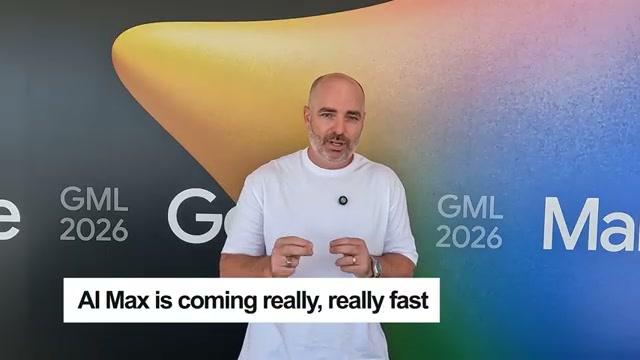
- Use the 30–50 conversions/month threshold as a hard gate before activating Performance Max on any account. Without sufficient conversion data, Performance Max lacks the guardrails to make reliable placement decisions, and placements can drift significantly off-target.
Warning: this step may differ from current official documentation — see the verified version below.
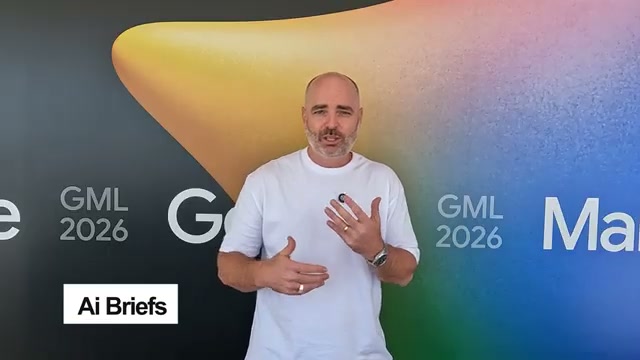
- Priority 3 — Pre-configure AI Briefs before enabling AI Max. If you do move to AI Max, set up AI Briefs immediately. You can add up to 25 term exclusions (for example, blocking specific colors, price claims, or attributes) and write up to 4,300 characters of messaging restrictions. These restrictions tell Google’s AI what it cannot say in headlines and descriptions — a direct counter to hallucinated or off-brand copy. Note that AI Briefs are currently labeled as an experimental feature by Google, meaning behavior is not yet fully predictable.
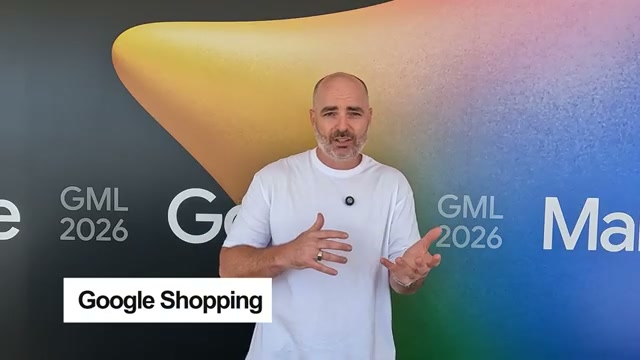
- For e-commerce accounts, treat AI Max for Shopping as a priority test. Unlike legacy Google Shopping, AI Max for Shopping can dynamically serve either a search-style or shopping-style ad format based on the incoming query. As more queries arrive as multi-sentence prompts rather than product keywords, that format flexibility becomes a meaningful competitive advantage.
- Hold off on broad AI Max rollout until updated testing frameworks are available. The current state of AI Max mirrors where Performance Max was in 2022 — functional but inconsistent. Wide, reliable usage of Performance Max didn’t materialize until late 2023 and into 2024. AI Max is expected to reach that threshold faster, but structured frameworks and conversion benchmarks should precede any account-wide deployment.
How does this compare to the official docs?
Google’s own documentation on AI Max, AI Briefs, and AI Overview ad eligibility tells a more precise story about configuration requirements, rollout timelines, and what the experimental flags actually govern — and that’s where Act 2 picks up.
Here’s What the Official Docs Show
Aaron’s strategic framework holds up well as a planning tool for navigating the GML 2026 cycle. What the official documentation adds is a critical sourcing layer — and a frank accounting of where Google’s own help center has not yet published the specifics the tutorial references.
Steps 1 & 2 — Conversational search shift and account stability
No official documentation was found for these steps — proceed using the video’s approach and verify independently.
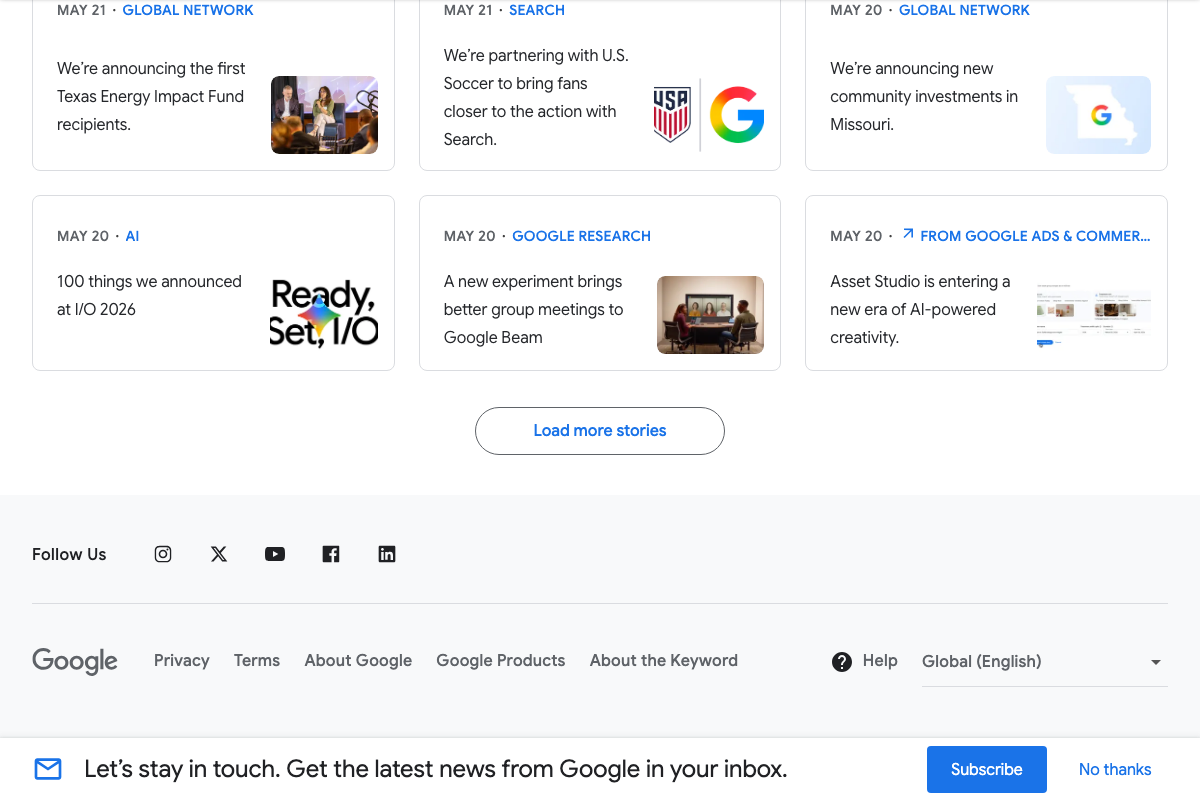
Google I/O 2026 is confirmed as a real event with substantive advertising announcements. The Keyword blog’s “100 things we announced at I/O 2026” (May 20) verifies the premise. The specific blog post about AI Overviews in Search (blog.google/products/search/ai-overviews-search/) returns a 404 as of May 25, 2026.
Step 3 — AI Overview eligibility (Priority 1)
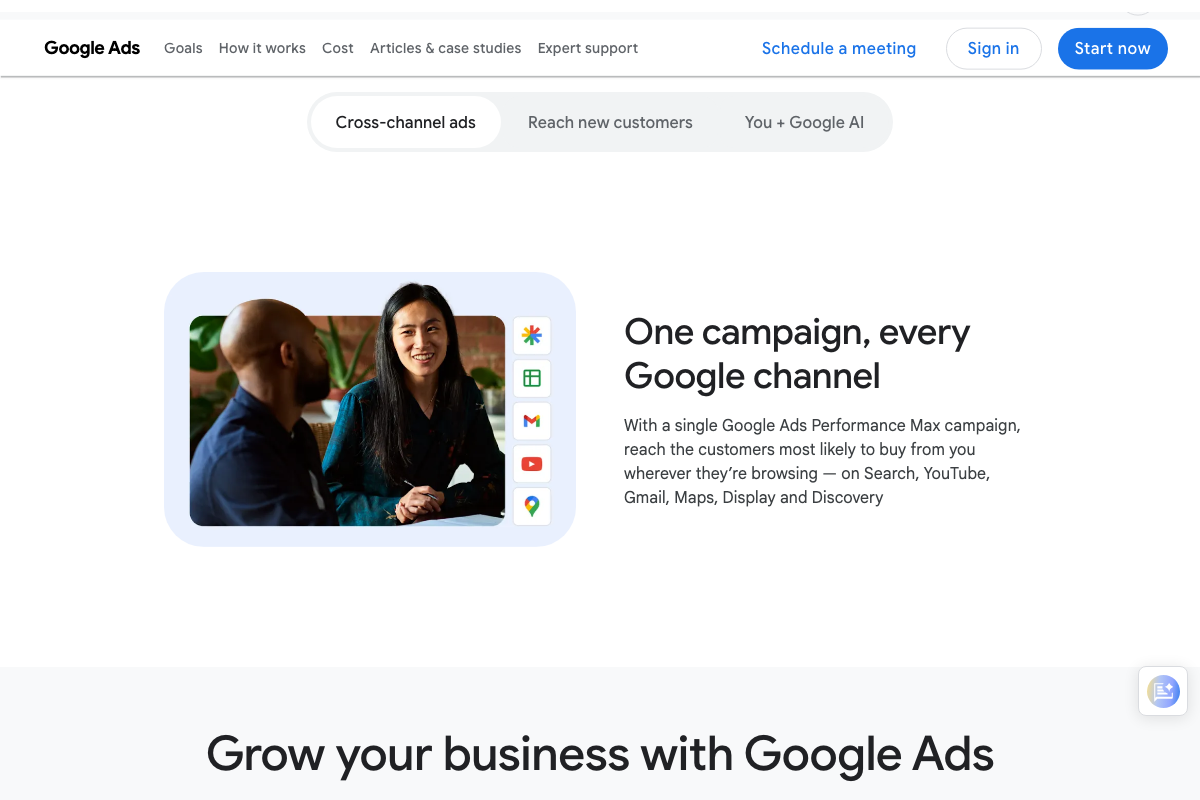
Performance Max is confirmed as a cross-channel campaign type covering Search, YouTube, Gmail, Maps, Display, and Discovery — consistent with the video’s positioning of PMax as a broad-surface campaign. The video’s approach here matches the current docs on PMax’s cross-channel scope. One gap worth noting: AI Overviews and AI Mode do not appear as named placement channels in any available Performance Max documentation, and the Google Ads Help article specifically covering AI Overviews eligibility (answer/14901018) returns a 404 as of May 25, 2026. The claim that broad match or PMax is required for AI Overviews placement has no verifiable official source at this URL.
The AI Mode blog post (blog.google/products/search/google-ai-mode/) also returns a persistent 404. AI Mode’s status as a distinct conversational search surface with specific eligibility requirements cannot be cross-referenced against official documentation at this time.
Step 5 — 30–50 conversions/month for Performance Max
No official documentation was found for this step — proceed using the video’s approach and verify independently.
No Performance Max documentation references a minimum conversion volume threshold of any kind. The 30–50/month figure is unverified by official sources.

Steps 4, 6, 7, 8 — AI Max, AI Briefs, AI Max for Shopping, and rollout timing
No official documentation was found for these steps — proceed using the video’s approach and verify independently.
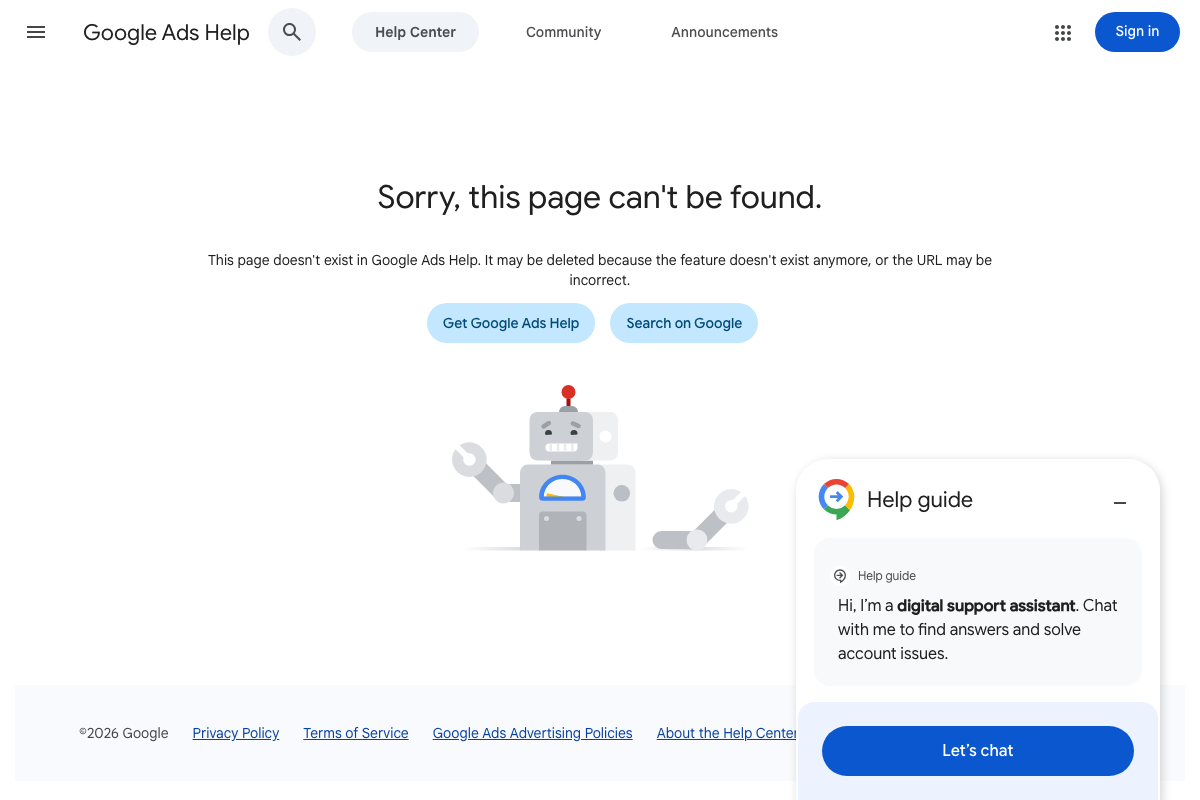
The Google Ads Help article for AI Max (answer/14912026) returns a persistent 404 across multiple requests. The AI Briefs configuration steps, 25-term exclusion limit, 4,300-character messaging cap, and AI Max for Shopping dynamic format switching described in the tutorial have no verifiable official source as of May 25, 2026. Google Merchant Center Help is active and structured, but contains no visible AI Max for Shopping documentation at the navigation level captured.
Useful Links
- Reach Customers Across YouTube & Search – Google Ads — Google Ads homepage confirming the platform is live with AI tooling embedded directly in the advertiser interface.
- Performance Max: AI-Enhanced Google Ads That Convert – Google Ads — Official Performance Max product page confirming cross-channel placement across Search, YouTube, Gmail, Maps, Display, and Discovery.
- Google Ads Help: AI Overviews Ad Eligibility — Expected canonical source for AI Overviews eligibility requirements; returns a 404 as of May 25, 2026.
- The Keyword: AI Overviews in Search — Expected Google blog post about AI Overviews in Search; returns a 404 as of May 25, 2026.
- The Keyword: Google AI Mode — Expected Google blog post about AI Mode as a conversational search surface; returns a 404 as of May 25, 2026.
- Google Ads Help: AI Max — Expected canonical source for AI Max configuration including AI Briefs; returns a 404 as of May 25, 2026.
- Google Shopping — Consumer-facing Google Shopping surface confirming the platform is active with multi-retailer listings and personalized discovery.
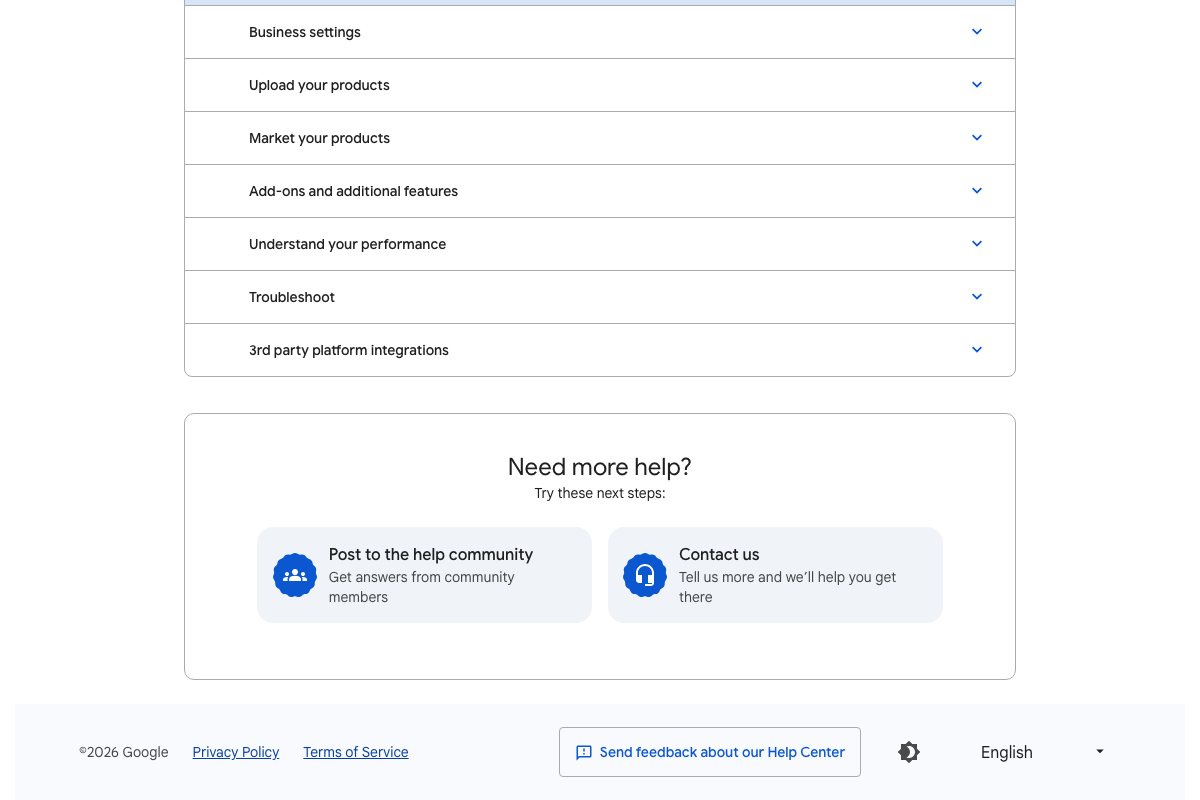
- Google Merchant Center Help — Official Merchant Center documentation hub for e-commerce advertisers, with an “Add-ons and additional features” section as the most likely future home for AI Max for Shopping guidance.


0 Comments