

Build a One-Person AI Business from Zero to $10M
The next wave of profitable software companies won’t be built by teams of fifty — they’ll be built by one person with the right framework and the right tools. Dan Martell’s six-step methodology takes you from identifying a market problem all the way to shipping a working MVP using Manus AI, without writing a single line of code. By the end, you’ll have a repeatable system for validating and selling an AI product before spending anything on development.
-
Rethink your business model. The old playbook — hire people, add headcount, manage chaos — is obsolete. Start by identifying the specific bottleneck in a workflow, then design an AI system to eliminate it. Your role becomes architect of the machine, not an operator inside it.
-
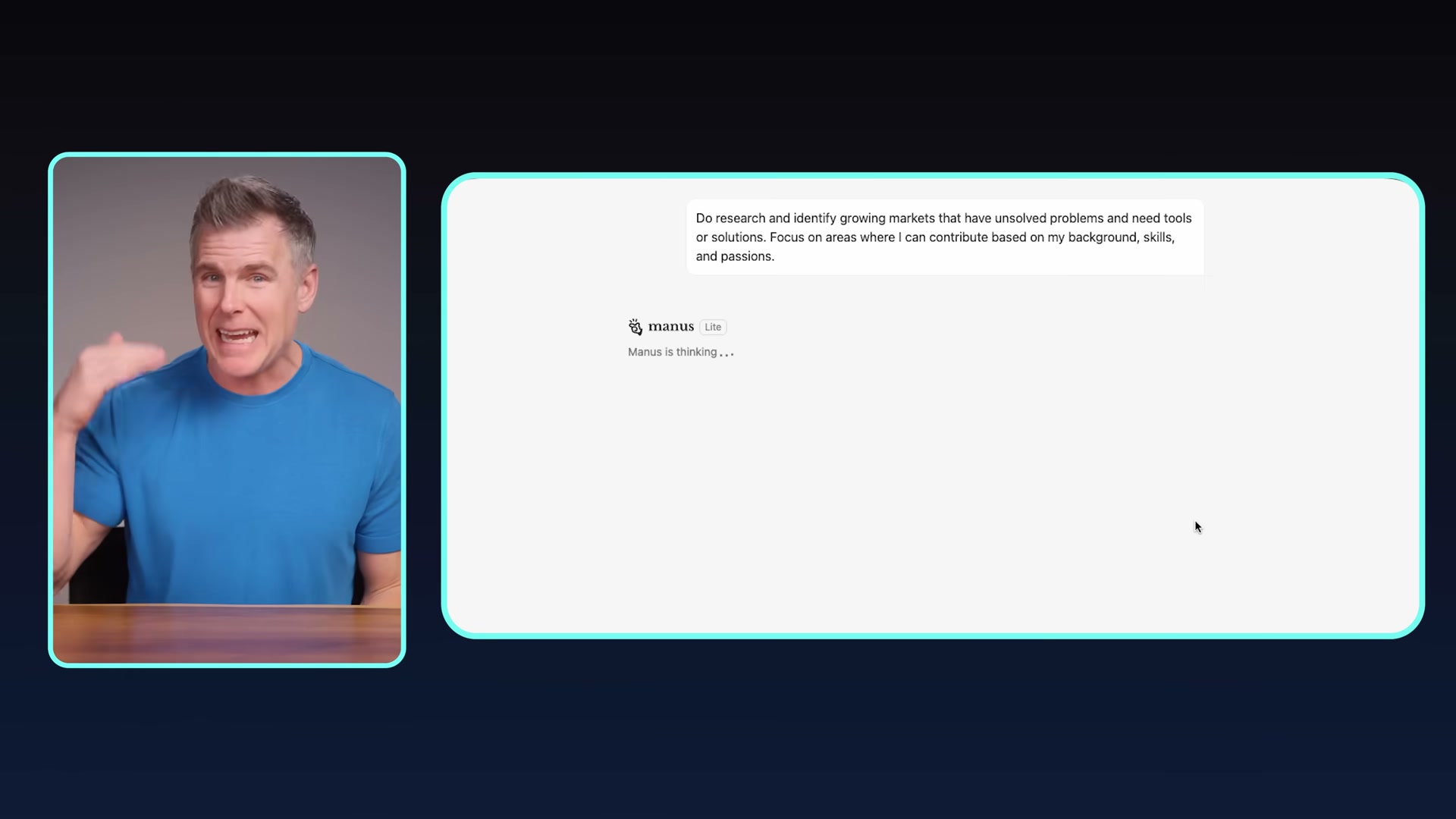
Find a painful problem worth solving. Focus on growing markets — AI, automation, real estate, healthcare, coaching — where pain is already costing people money. Feed Manus AI a prompt asking it to surface opportunities aligned with your background and skills. Then contact at least 10 potential customers, leading with a request for advice rather than a pitch; that posture gets you real information and warms up future sales.
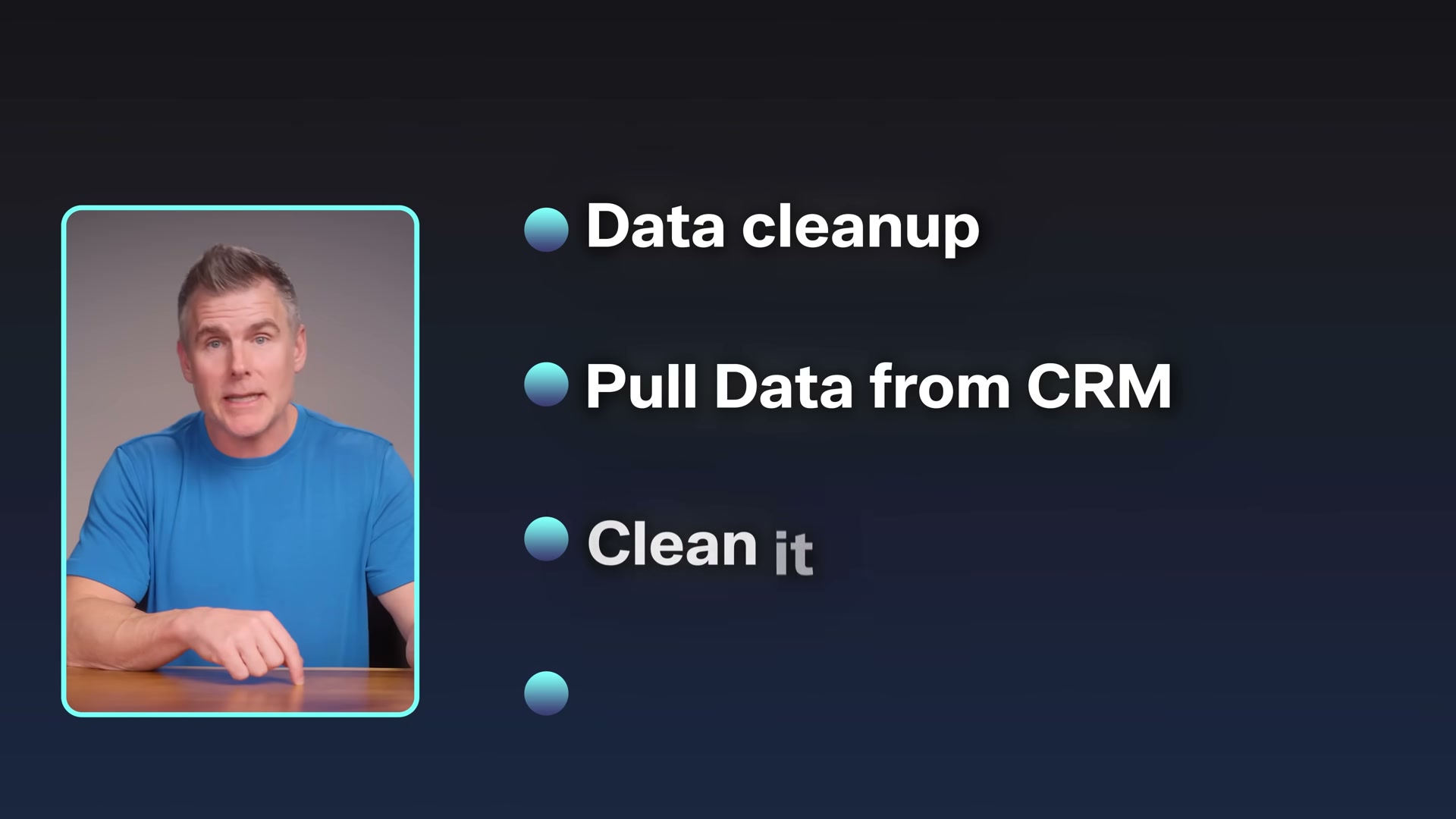
- Solve the problem manually first. Before touching any automation, deliver the outcome by hand — spreadsheets, a virtual assistant, or simple AI tools. Getting paid while learning the workflow is the point. The example from the video: Matt built the first version of his data platform as a spreadsheet, pulling CRM data manually and cleaning it row by row, then used that validated process to spec the actual product.

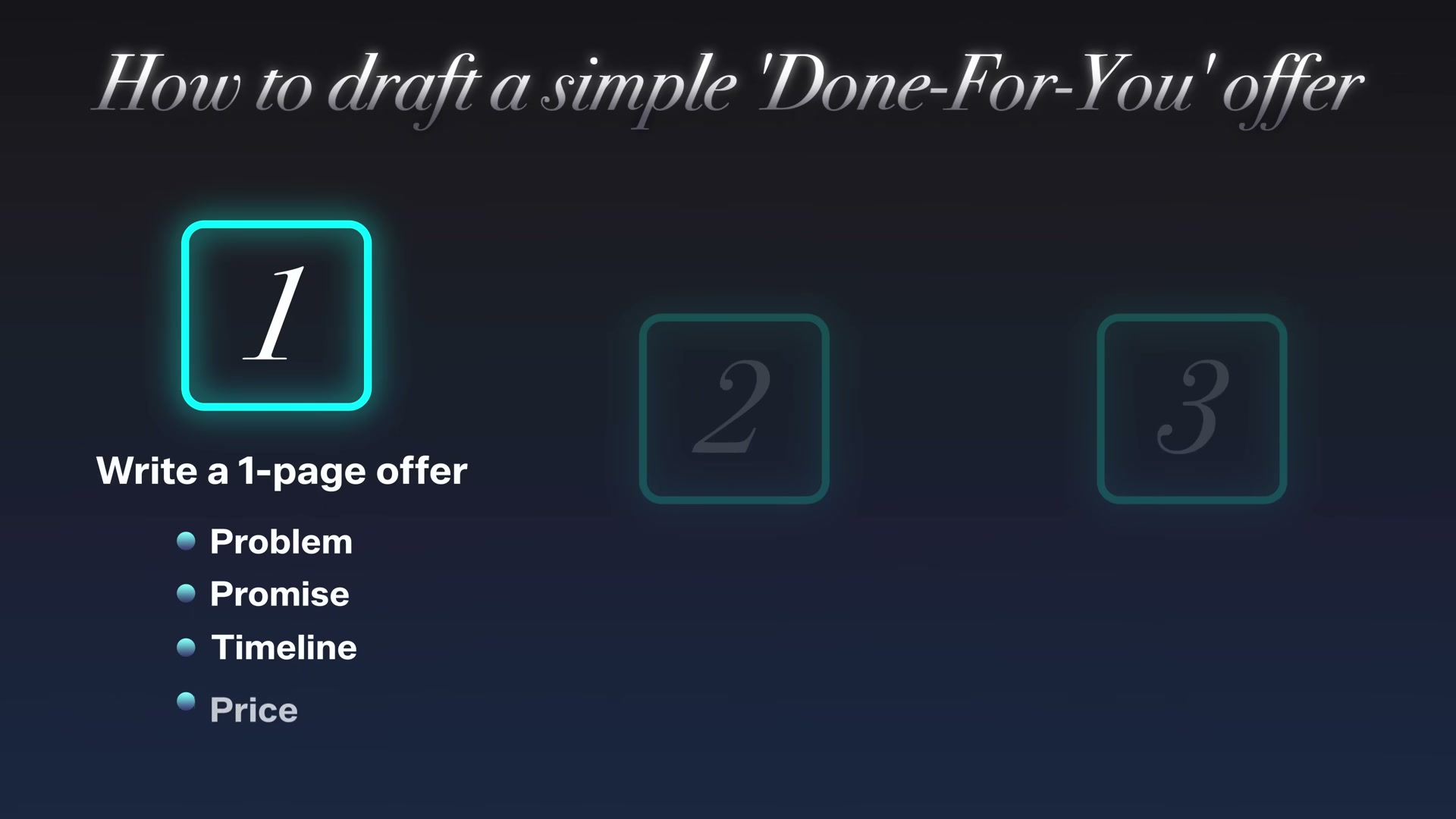
- Draft a one-page done-for-you offer. Structure it around five elements: the problem (pulled from your interviews), the promise (the transformation delivered), the timeline, the price, and a guarantee. The example from the video: “Stop losing customers — we’ll clean your database and give you insights for the best next steps in 30 days for $2,500/month or your money back.” Call back your original 10 contacts to present it; because they helped define the problem, they’re already primed to engage.
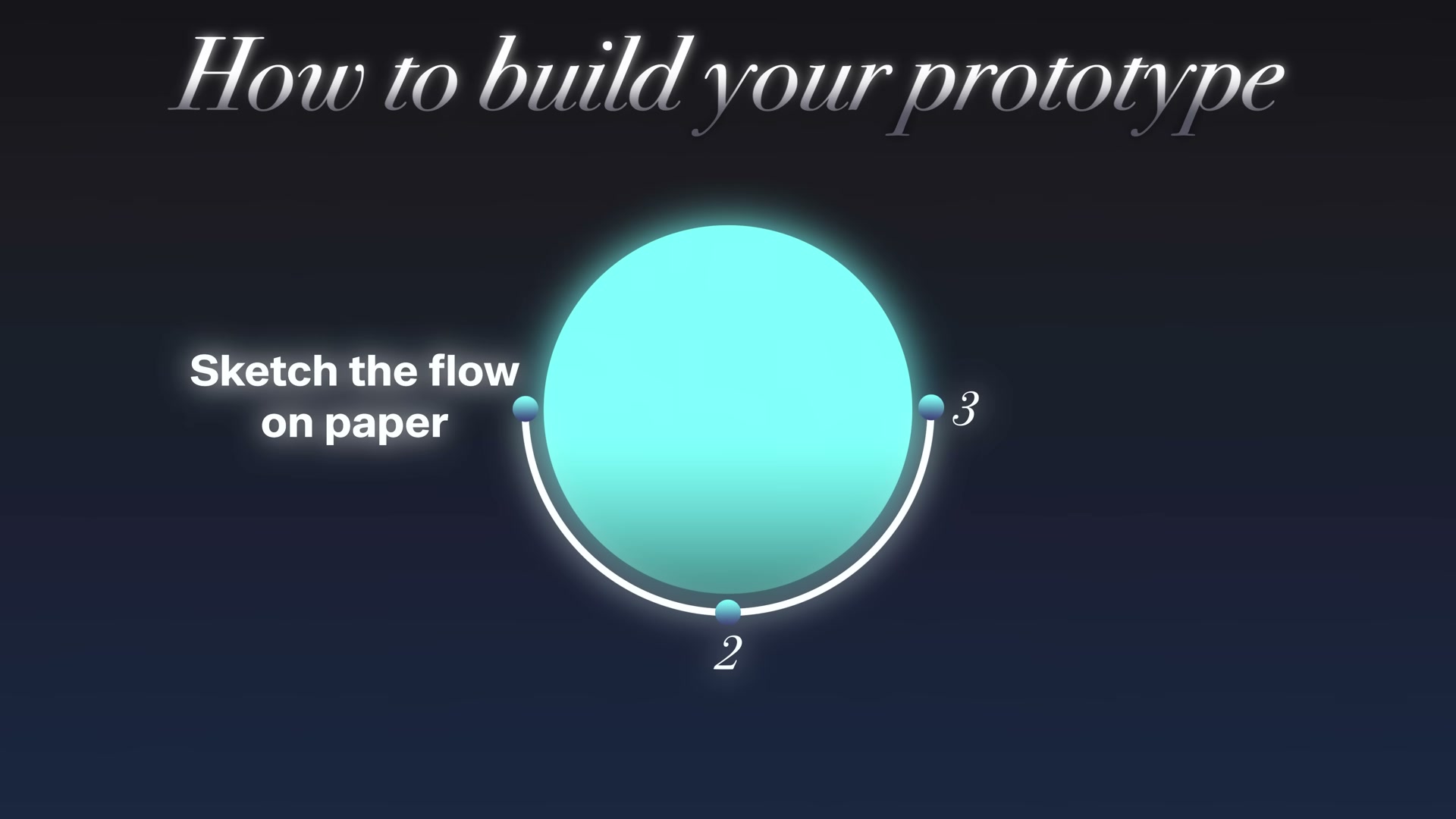
- Build a clickable prototype — not a product. Sketch the user flow on paper first — inputs, process, outputs — then use Figma or visly.ai to generate screens from plain-English descriptions and link them into a demo. Get in front of five new customers, record their reactions, and watch what they click. Five customer calls will surface more usable insight than five weeks of solo building.
- Build the MVP using Manus AI. Create an account, select the Develop Apps feature, and submit a structured prompt specifying only the essential screens: login, data input, and output/insights. Prompt Manus iteratively, treating it like a junior developer who needs scoped, precise instructions. When customers request white-labeling, advanced permissions, or custom reports, write the requests down and ask whether each addition will benefit 80% of users today — if not, defer it.
Warning: this step may differ from current official documentation — see the verified version below.
- Scale with AI agents instead of headcount. Deploy agents to handle repeatable tasks — onboarding, data processing, reporting — so revenue grows without adding payroll. The model compounds: agents absorb new volume while your margin stays intact.
How does this compare to the official docs?
The manual-first methodology is sound and well-documented in startup literature, but the specific tooling — particularly Manus AI’s Develop Apps feature and the visly.ai prototyping workflow — moves fast enough that the interfaces you encounter may look substantially different from what’s shown in the video.
Here’s What the Official Docs Show
The framework Dan Martell walks through is structurally solid, and Act 1 gives you a clear six-step path to follow. Act 2 layers in what the official documentation confirms, clarifies, and — in two notable cases — updates, so you can execute the same steps against the platforms as they actually exist today.
Step 1 — Rethink Your Business Model
No official documentation was found for this step — proceed using the video’s approach and verify independently.
Step 2 — Find a Painful Problem Worth Solving
The video’s approach here matches the current docs exactly. The Manus AI homepage confirms a free-form prompt input labeled “Assign a task or ask anything” — the exact interface you’d use to feed a market-research prompt in Step 2. Sign-in and sign-up options are both present and accessible.
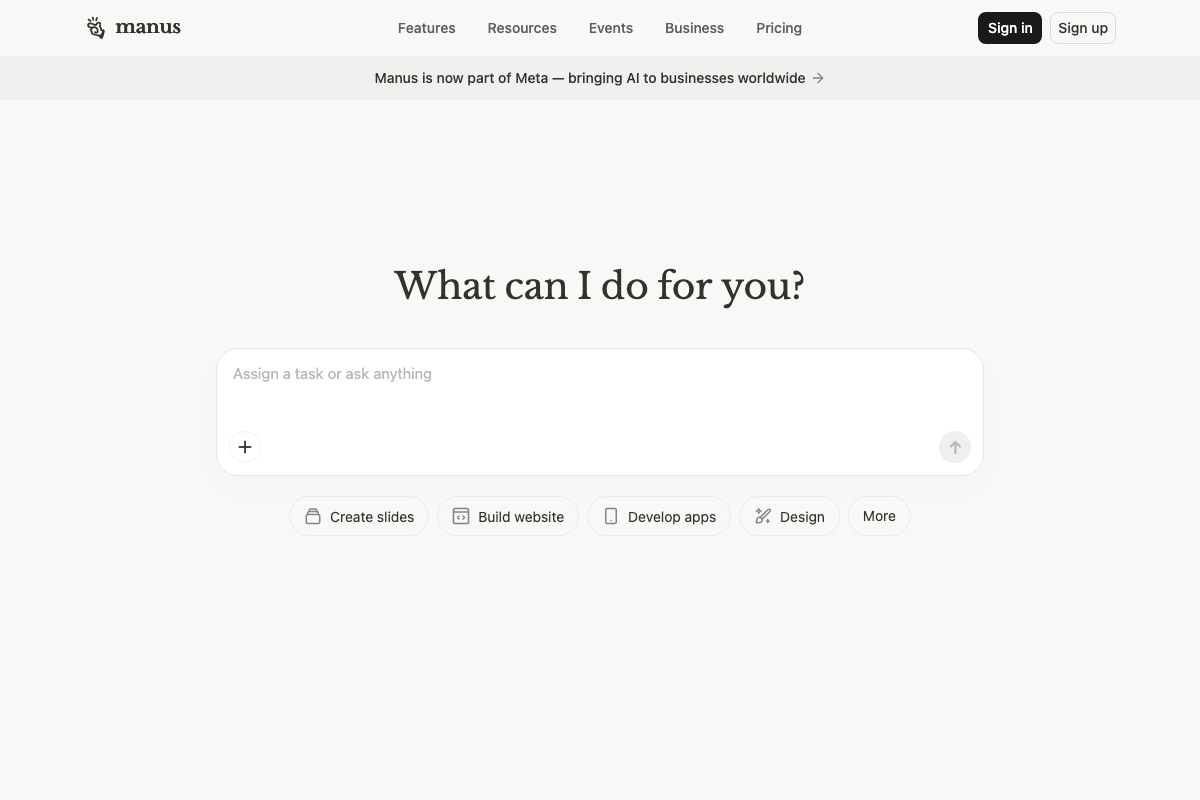
One important update the video does not address: a sitewide banner on manus.ai reads “Manus is now part of Meta — bringing AI to businesses worldwide.” As of March 22, 2026, Manus AI is no longer an independent product. Pricing, access terms, and feature availability may have changed as a result of that acquisition. Verify your account tier and any API or business-plan terms directly on manus.ai before building your workflow around the platform.
Step 3 — Solve the Problem Manually First
No official documentation was found for this step — proceed using the video’s approach and verify independently.
Step 4 — Draft a One-Page Done-For-You Offer
No official documentation was found for this step — proceed using the video’s approach and verify independently.
Step 5 — Build a Clickable Prototype
The video’s direction to use Figma for prompt-driven screen generation is broadly confirmed — the capability exists and is actively supported. The clarification worth knowing: the specific Figma feature for this workflow is called Figma Make, a named sub-product with its own dedicated documentation and onboarding path. The tutorial refers to Figma generically without naming it.
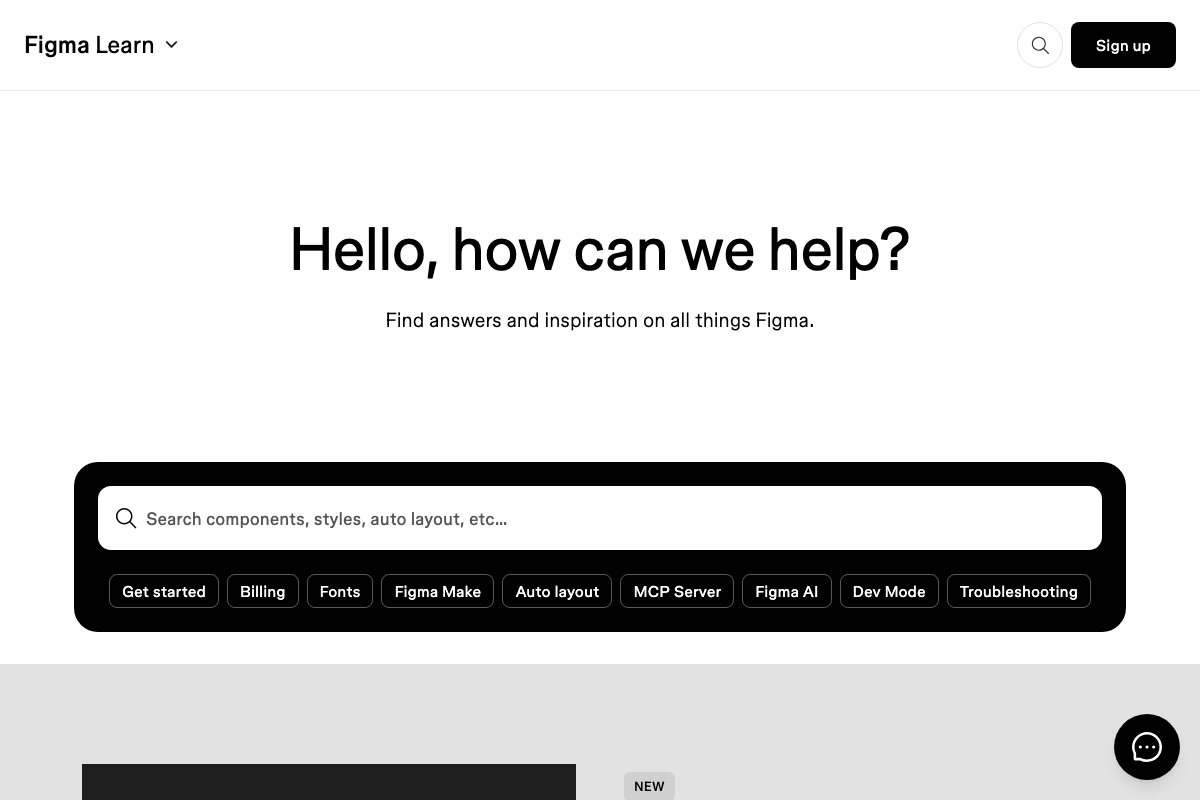
One correction matters for how you plan your demo: as of March 22, 2026, Figma Make’s documented output is code — the official description reads “Prompt to code anything you can imagine.” The video implies you’ll get linked visual mockup screens for a click-through prototype. If your goal is a click-through demo for customer feedback sessions, plan to either use Figma’s standard design canvas to build the linkable frames or treat the Figma Make output as a functional code prototype rather than a slide-style walkthrough.
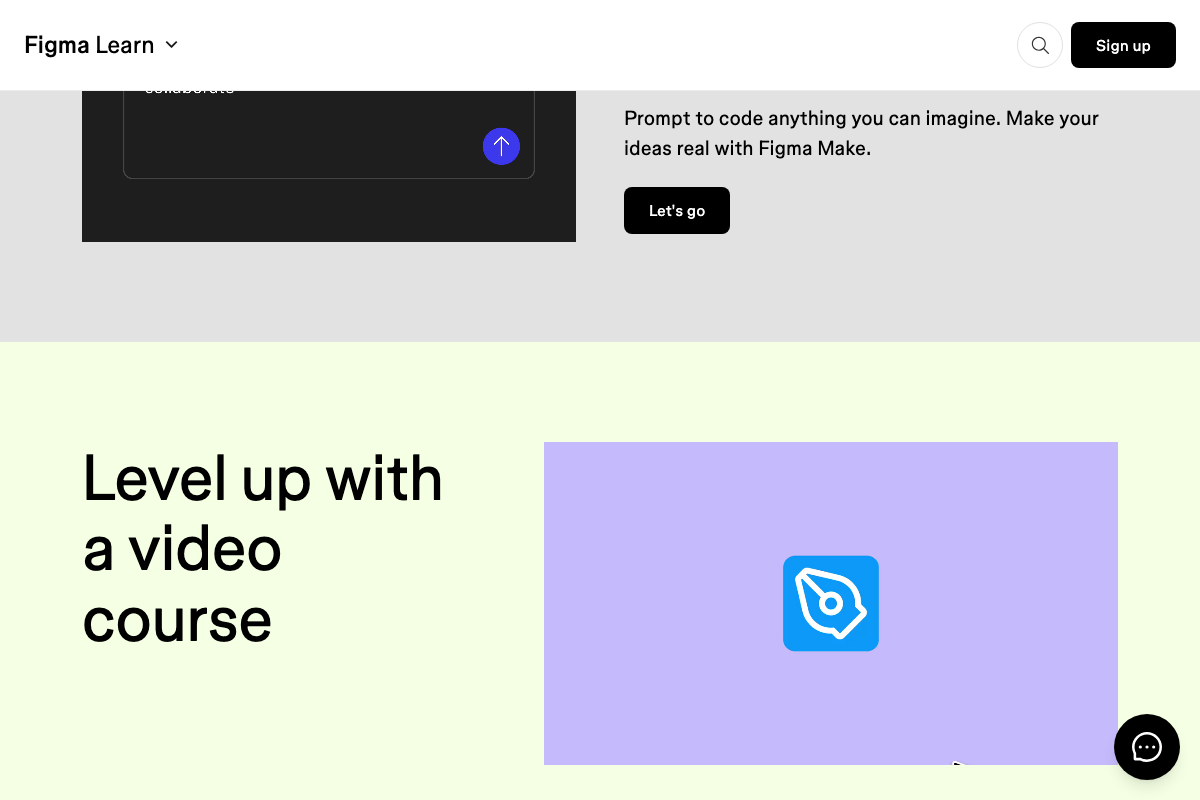
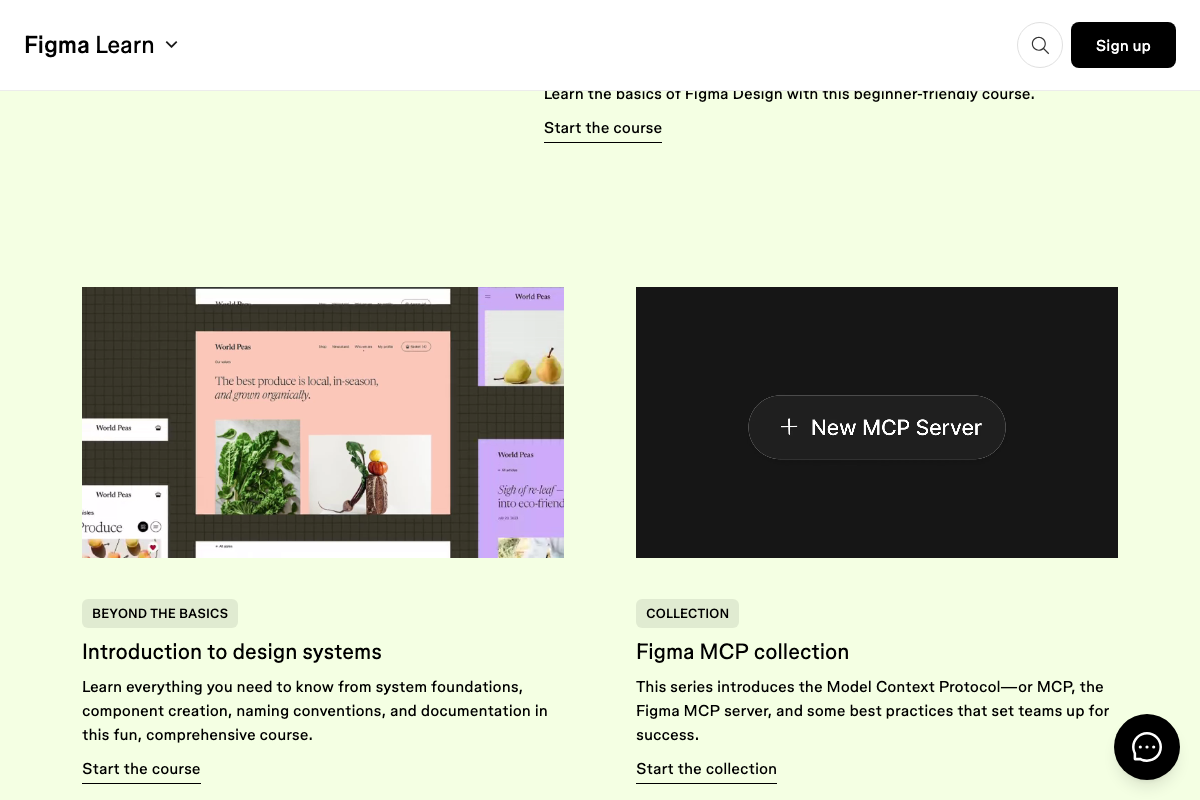
Regarding visly.ai, referenced alongside Figma in Step 5 — no official documentation was captured for that tool and it cannot be verified or corrected from the available screenshots. Verify its current status independently before relying on it.
Step 6 — Build the MVP Using Manus AI
The video’s core instruction — log in, select Develop Apps, and submit a structured prompt — is confirmed by the current Manus AI homepage. The “Develop apps” quick-start button is present, and the prompt input interface is consistent with the workflow described.
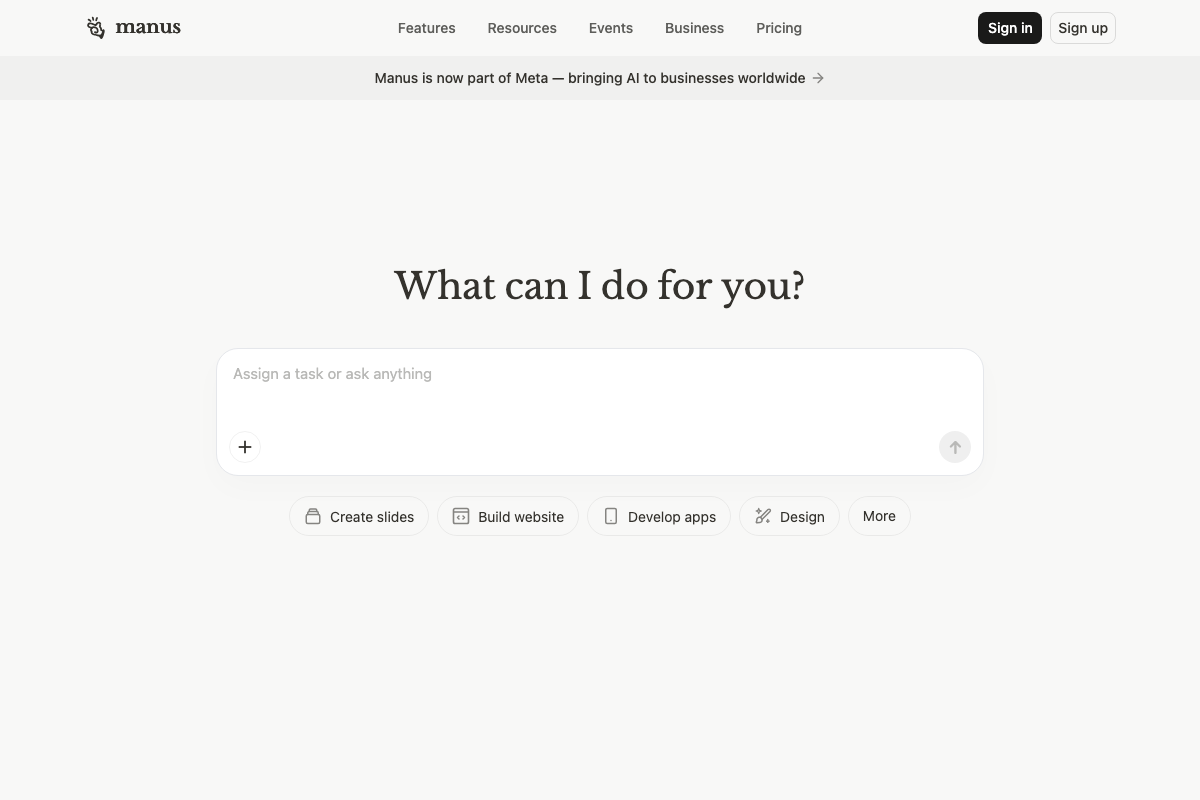
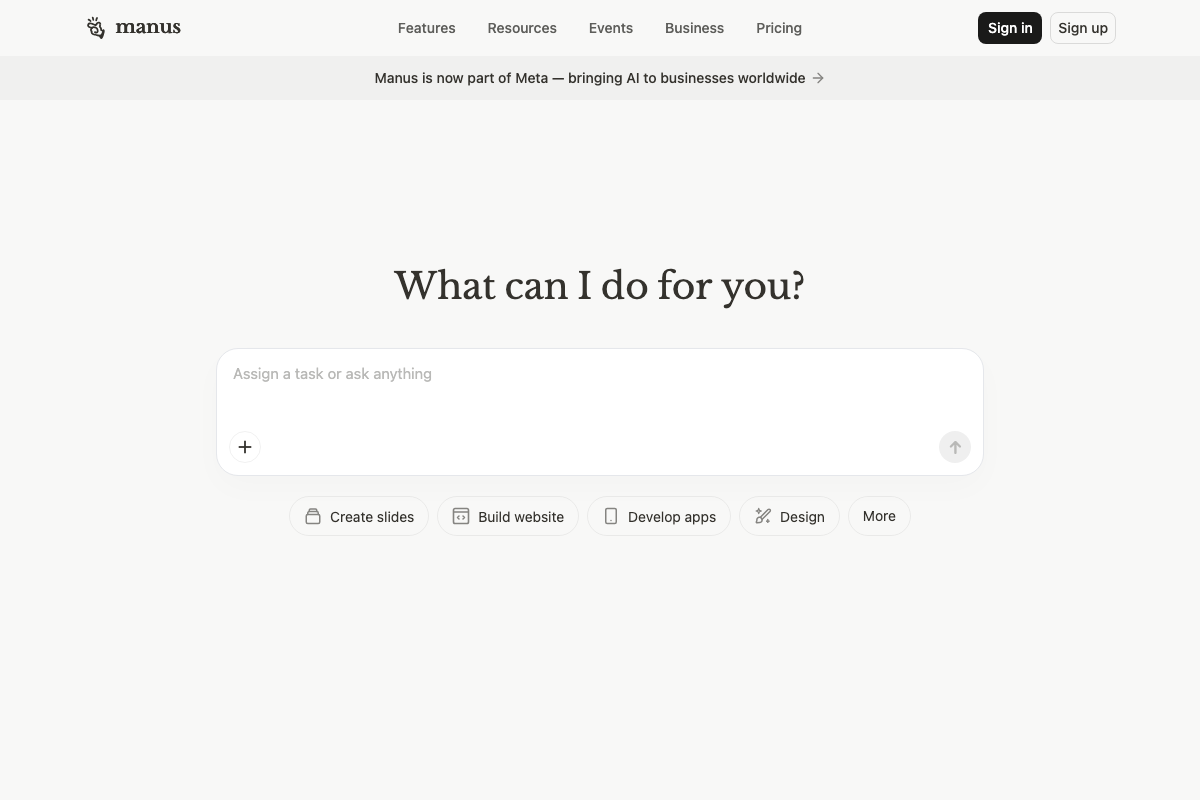
One gap to flag: all three documentation screenshots captured the Manus AI homepage only. The specific task interface displayed after clicking “Develop apps” — the screen where you’d compose and submit your MVP prompt — was not captured and cannot be verified from the available documentation. The prompt-submission flow shown in the video may reflect an earlier interface version.
Step 7 — Scale With AI Agents Instead of Headcount
No official documentation was found for this step — proceed using the video’s approach and verify independently.
Useful Links
- Manus: Hands On AI — Current Manus AI homepage, confirming the “Develop apps” entry point, the prompt-submission interface, and the Meta acquisition banner.
- Figma Learn – Help Center — Official Figma documentation hub, featuring Figma Make, Figma AI, and MCP Server as top-level help categories relevant to prompt-driven creation workflows.


0 Comments