

Build a No-Code Creator Partnership Hub with Claude and Perplexity Computer
You’ll walk away from this tutorial knowing how to use Claude as a spec-writing partner before touching any build tool — turning a half-formed product idea into a phased technical document you can hand directly to an AI builder like Perplexity Computer. The workflow applies to any lightweight internal tool, not just creator research. No prior engineering background required.
-
Before opening any tool, define the tool’s job in plain language. The creator hub has three responsibilities: identify potential creator partners for a given company, rank platforms by buyer relevance, and surface creator profiles with audience size data. Locking in this scope verbally prevents scope creep the moment you start prompting.
-
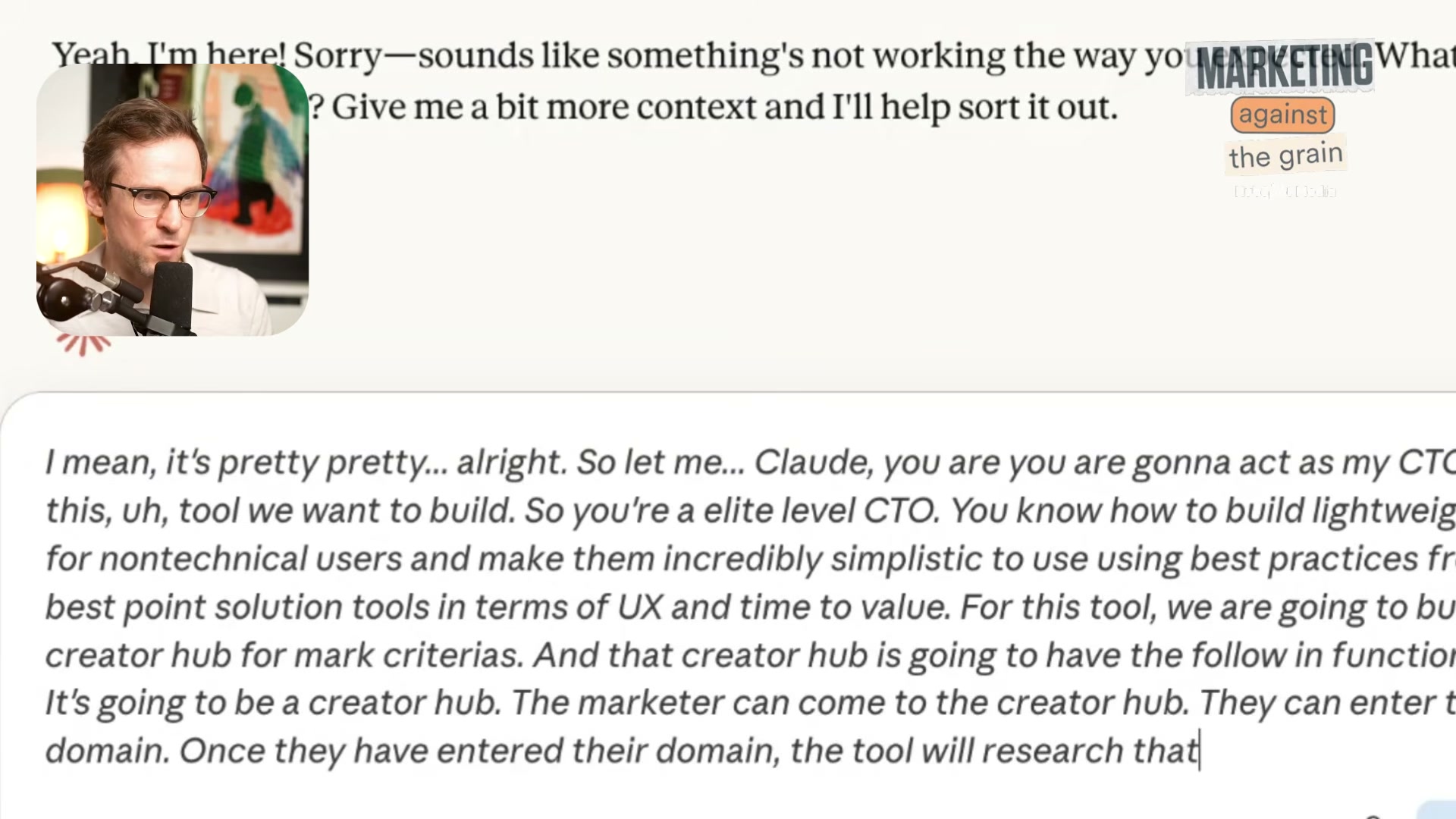
Open Claude and assign a role-based persona. The prompt used here: “You are an elite-level CTO. You know how to build lightweight tools for non-technical users and make them incredibly simplistic to use using best practices from the best point-solution tools in terms of UX and time to value.”
Warning: this step may differ from current official documentation — see the verified version below.
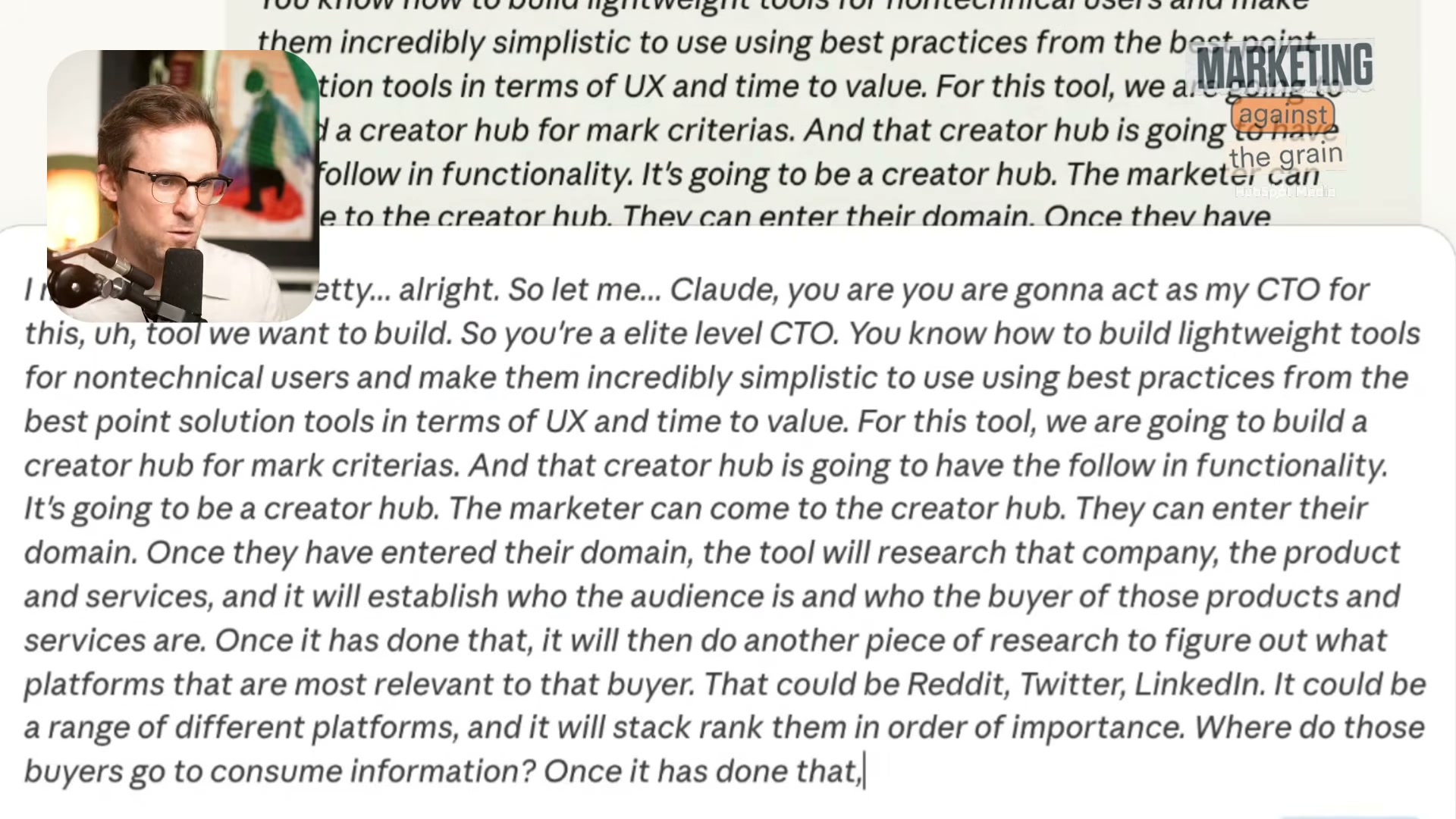
- Describe the full product functionality in a single conversational prompt. Cover every input-output loop: domain entry triggers company research, which feeds buyer persona extraction, which drives platform relevance ranking (Reddit, Twitter, LinkedIn), which surfaces creators ranked by audience size and topic relevance. Write it as you’d explain it to a colleague — Claude will extract the architecture.
-
End your description with a direct instruction: “Can you turn this conversation into a functional spec broken into sequential parts we can build individually?” This single sentence redirects Claude from conversation mode to architect mode.
-
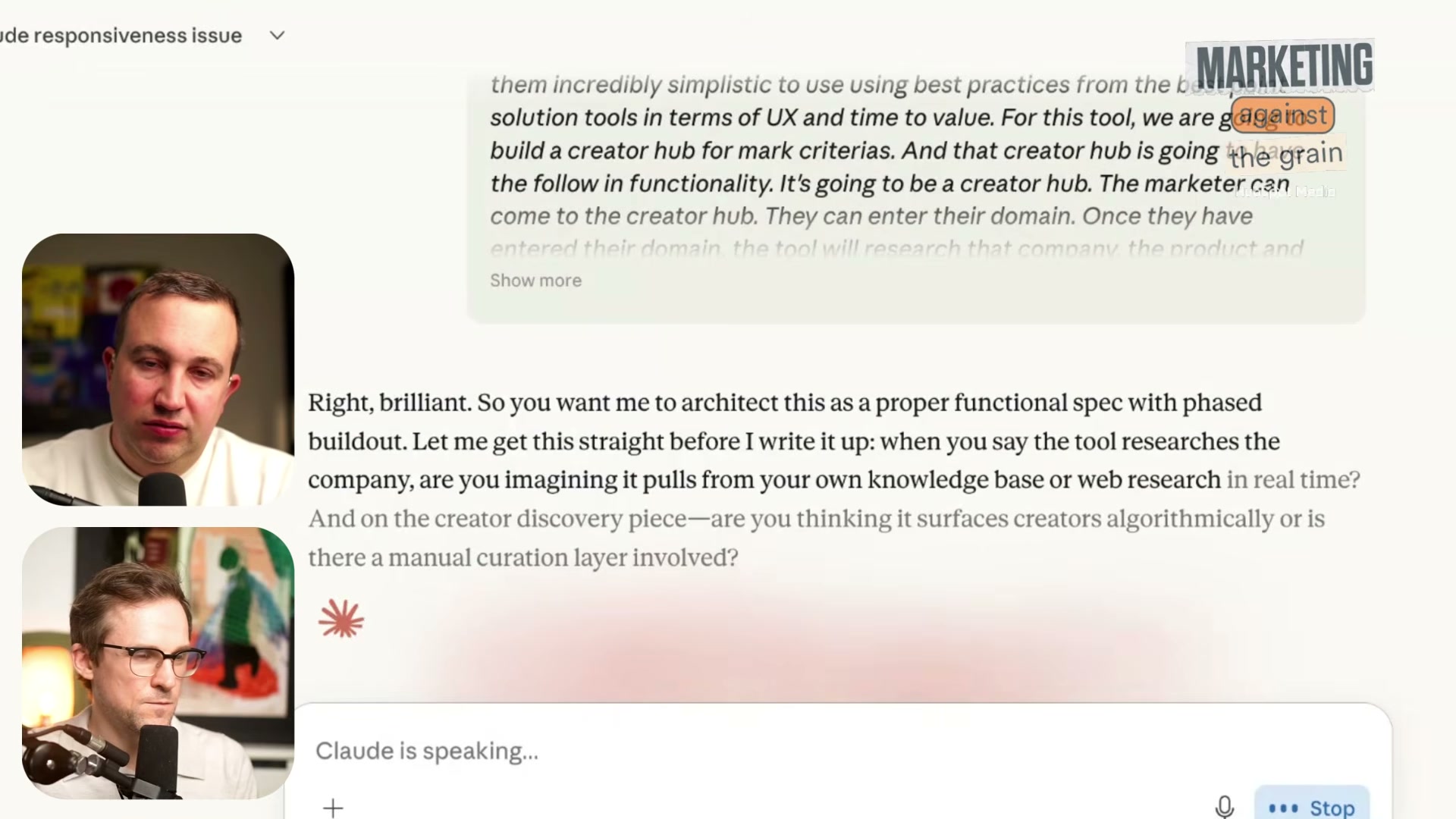
Claude will surface clarifying questions before writing a single line of spec. Expect architecture-level questions: does the tool pull from a static knowledge base or live web research? Is creator discovery algorithmic or manually curated? Answer these before moving on — the spec quality depends on it.
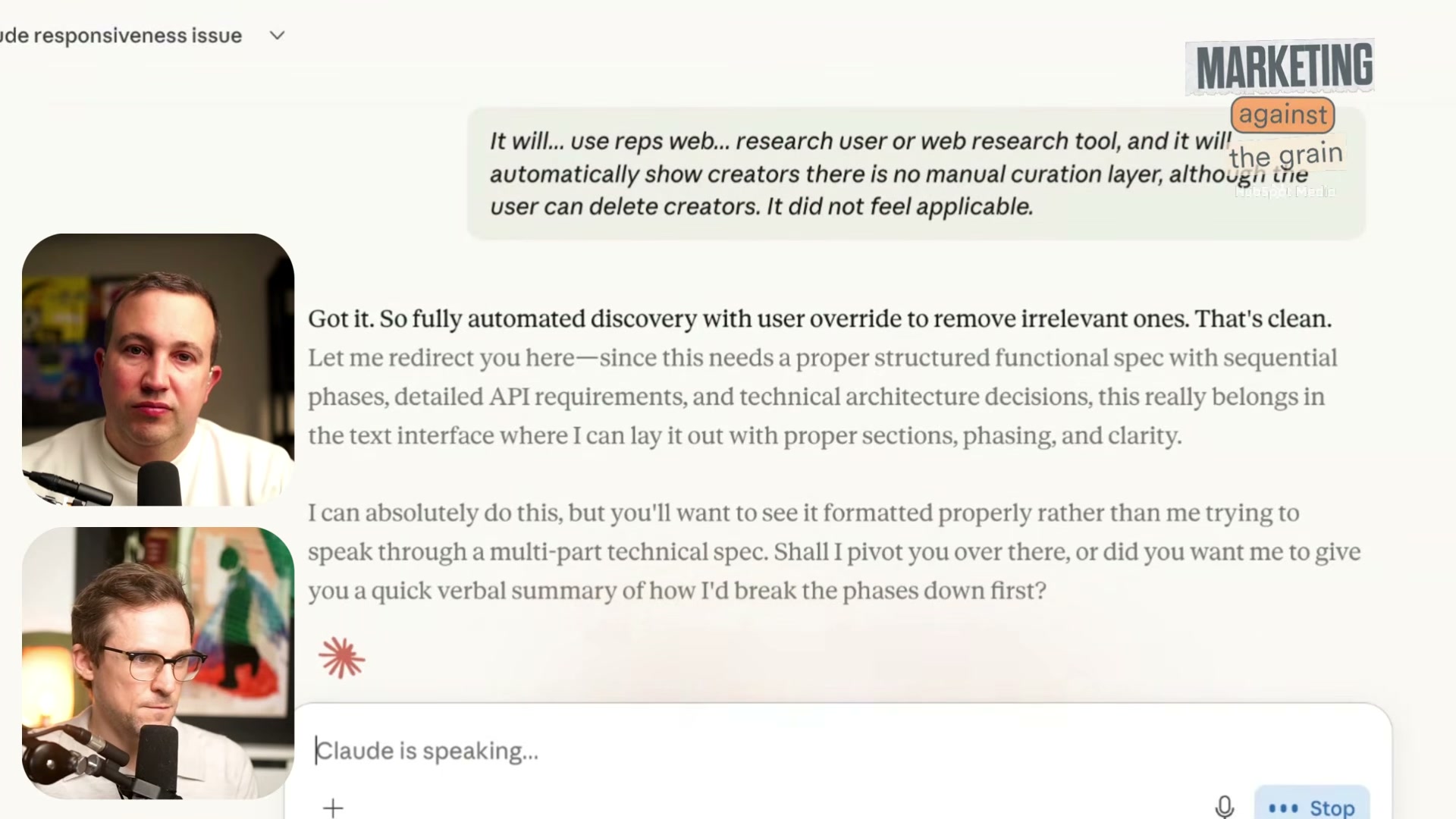
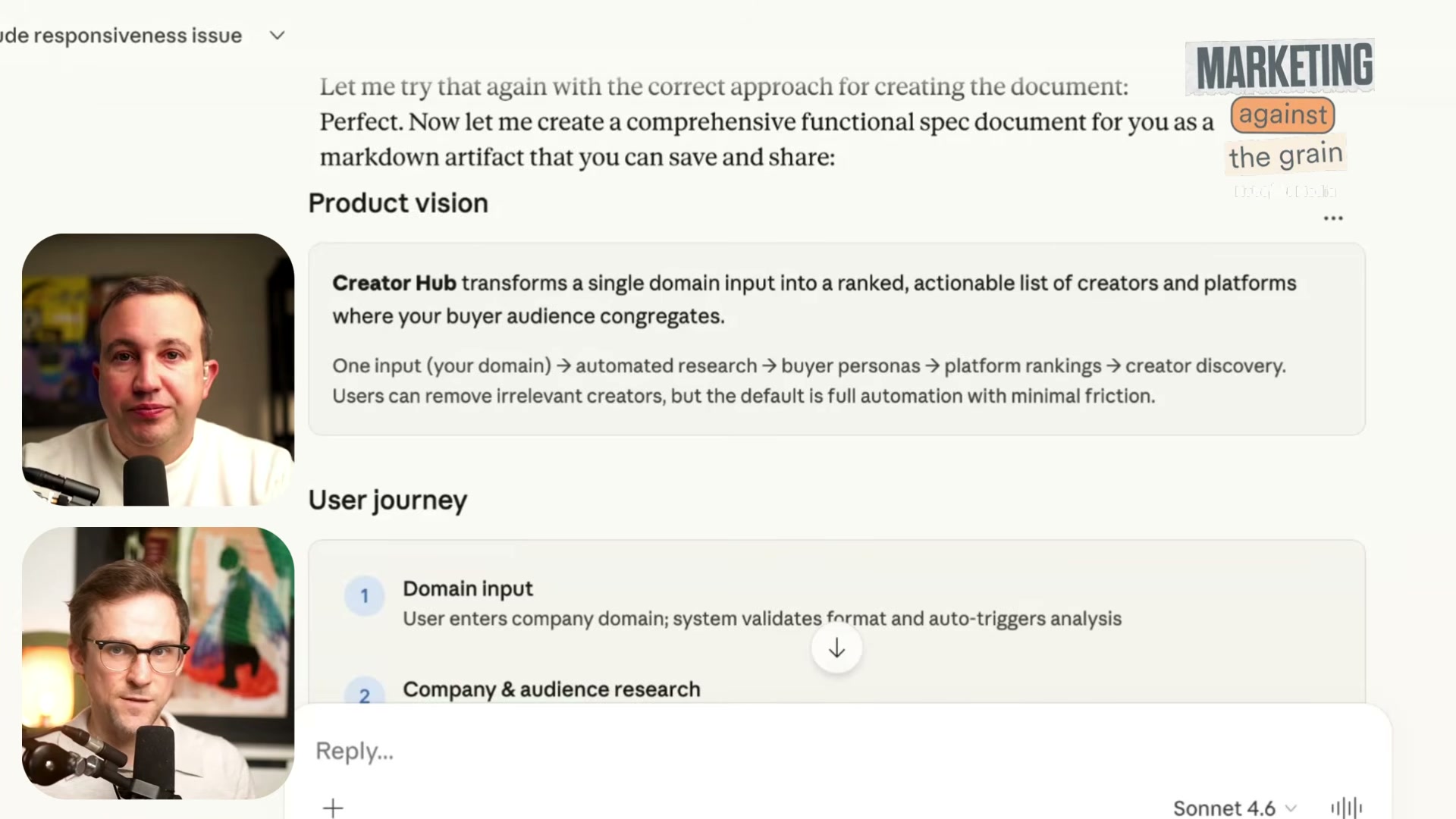
- When Claude proposes shifting to a formatted text output to handle a multi-part technical spec, accept it. Tell Claude explicitly: “Pivot over to text-based, please.” The structured output Claude produces — product vision, user journey, sequential build phases — is what you’ll carry into the build tool.
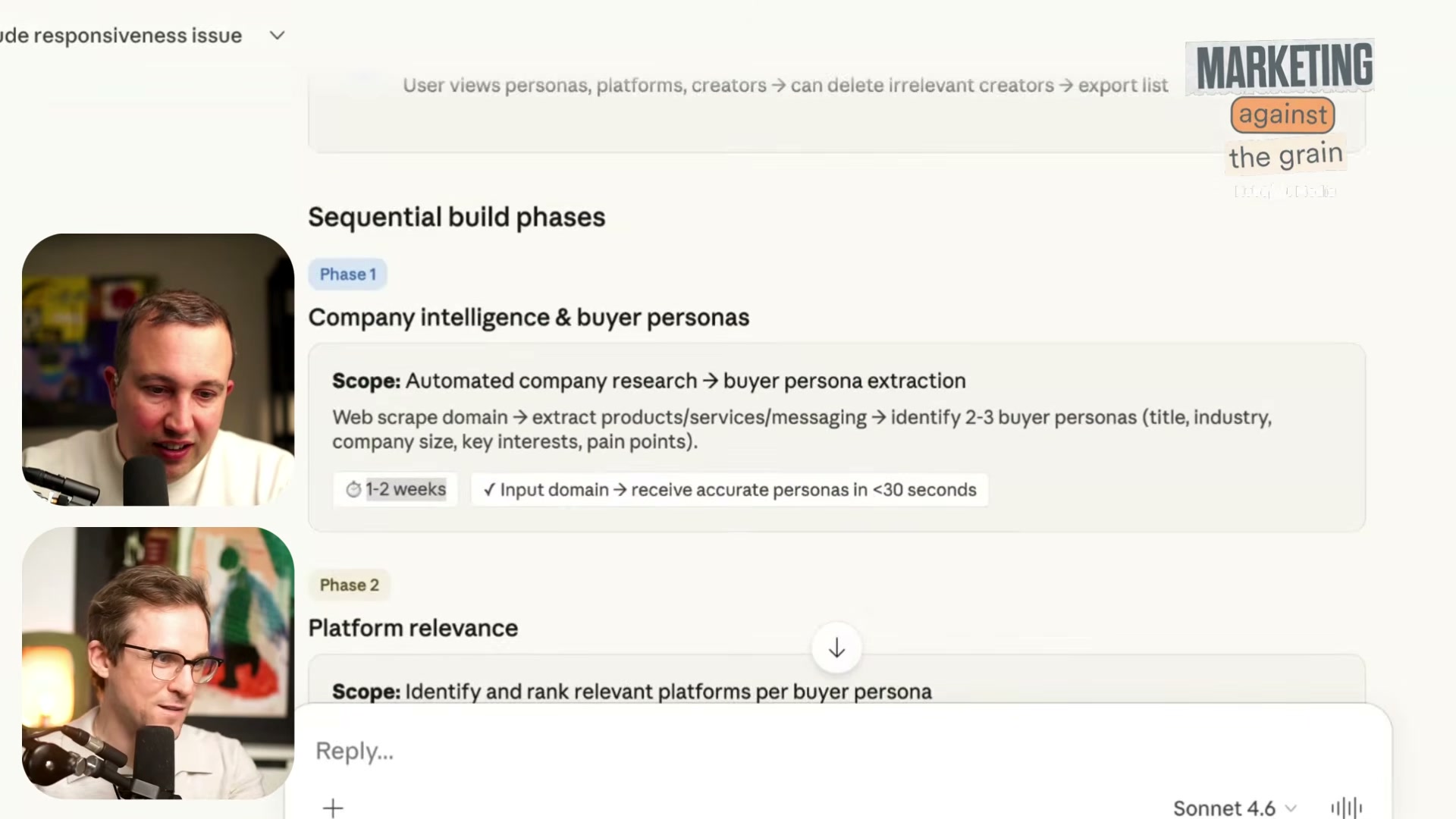
- Review the spec Claude returns. The phased output should include company intelligence and buyer persona extraction (Phase 1), platform relevance scoring (Phase 2), creator discovery with rich profiles (Phase 3), and success metrics. Each phase should carry scope notes and rough time estimates.
-
Before leaving Claude, ask it to research Perplexity Computer specifically and identify gotchas for building within that platform. This step converts your generic spec into a platform-aware build brief with known constraints flagged in advance.
-
Carry the refined prompt and the complete spec document into Perplexity Computer. Paste both as context before issuing any build instruction.
-
Initiate the build inside Perplexity Computer and monitor progress through its UX panels — credits consumed, files created, and task queue status. The platform’s mobile and desktop apps sync in real time, so you can track the build from either environment.
How does this compare to the official docs?
The workflow shown here leans on conversational prompting conventions and role-based persona priming that Claude’s own documentation treats differently — and the gap is worth examining closely.
Here’s What the Official Docs Show
Act 1 gives you a solid, repeatable prompting workflow for spec generation — and the Claude steps hold up well. Where this section adds material value is around two gaps: a product name that doesn’t match any official documentation, and a Claude feature that could meaningfully upgrade the build phase that the tutorial never mentions.
Step 1 — Define scope before opening any tool
No official documentation was found for this step — proceed using the video’s approach and verify independently.
Step 2 — Open Claude and assign a role-based persona
The video’s approach here matches the current docs exactly. Claude.ai is accessible via web at claude.ai with sign-in through Google or email, and the Free tier is sufficient to start a session and run the kind of persona-primed prompt shown here.
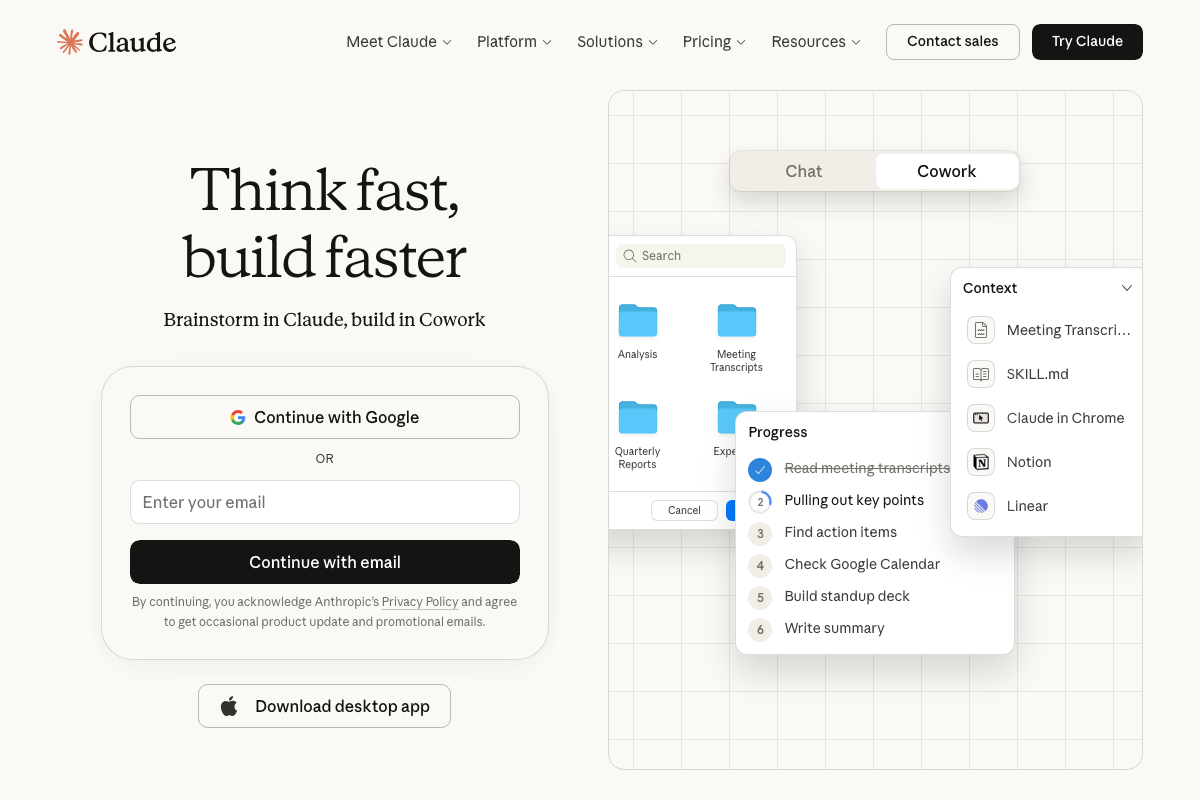
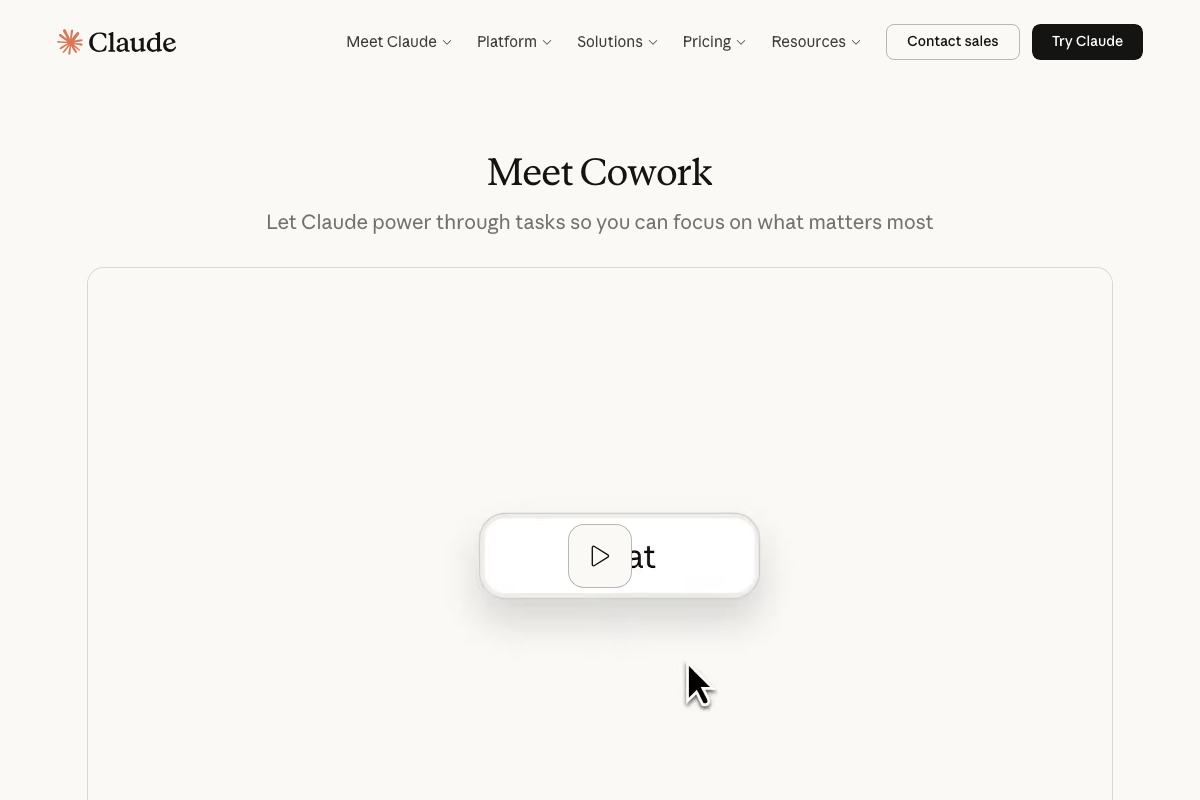
One addition worth noting: the current claude.ai interface surfaces a second mode called Cowork alongside Chat. The Cowork panel includes a numbered Progress view with integrations for Notion, Linear, and Google Calendar. If you’re running an extended iterative session — which this workflow is — Cowork is worth evaluating as an alternative execution environment before you move into any third-party build tool.
Step 3 — Describe the full product in a single conversational prompt
The video’s approach here matches the current docs exactly. Claude.ai supports the kind of extended, detail-rich prompting shown — this is core Chat behavior and unchanged.
Step 4 — Redirect Claude from conversation mode to architect mode
No official documentation was found for this step — proceed using the video’s approach and verify independently.
Step 5 — Let Claude ask clarifying architecture questions
No official documentation was found for this step — proceed using the video’s approach and verify independently.
Step 6 — Accept Claude’s pivot to structured text output
No official documentation was found for this step — proceed using the video’s approach and verify independently.
Step 7 — Review the phased spec Claude returns
No official documentation was found for this step — proceed using the video’s approach and verify independently.
Step 8 — Ask Claude to research Perplexity Computer and surface platform gotchas
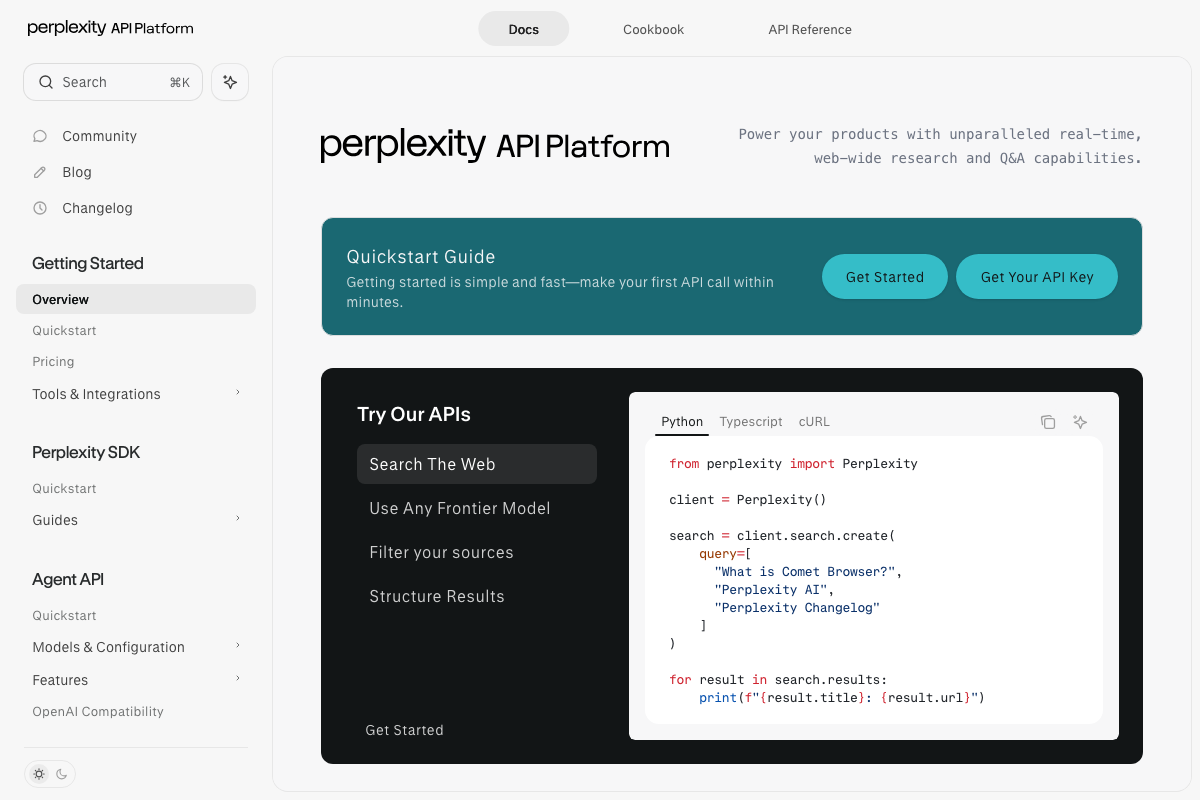
As of March 26, 2026, no product named “Perplexity Computer” appears in any official Perplexity documentation. The documented platform is the Perplexity API Platform — a developer API requiring API key authentication and code-level integration. The left sidebar at docs.perplexity.ai lists four primary capabilities: Search The Web, Use Any Frontier Model, Filter Your Sources, and Structure Results. None correspond to a no-code visual builder.
If you run this step, Claude will research what the docs actually describe — a developer API — not the no-code builder interface the tutorial implies exists. Adjust your expectations and your spec accordingly before moving to Step 9.
Step 9 — Carry the spec into Perplexity Computer and paste both as context
No official documentation was found for this step — proceed using the video’s approach and verify independently.
The important caveat from Step 8 carries forward here: if “Perplexity Computer” refers to the Perplexity API Platform, you are working in a developer API console, not a no-code build environment. The API does expose an Agent API section with Quickstart, Models & Configuration, and OpenAI Compatibility sub-pages — programmatic agentic capability does exist, but it requires code.
Step 10 — Monitor build progress through in-platform UX panels
As of March 26, 2026, the Perplexity API Platform documentation shows no UX panels for monitoring credits consumed, files created, or task queue status in real time. The documented interface is a developer API console. The in-session progress tracking described in the tutorial — including mobile/desktop app sync — is not represented in any available Perplexity documentation.
A note on Claude pricing
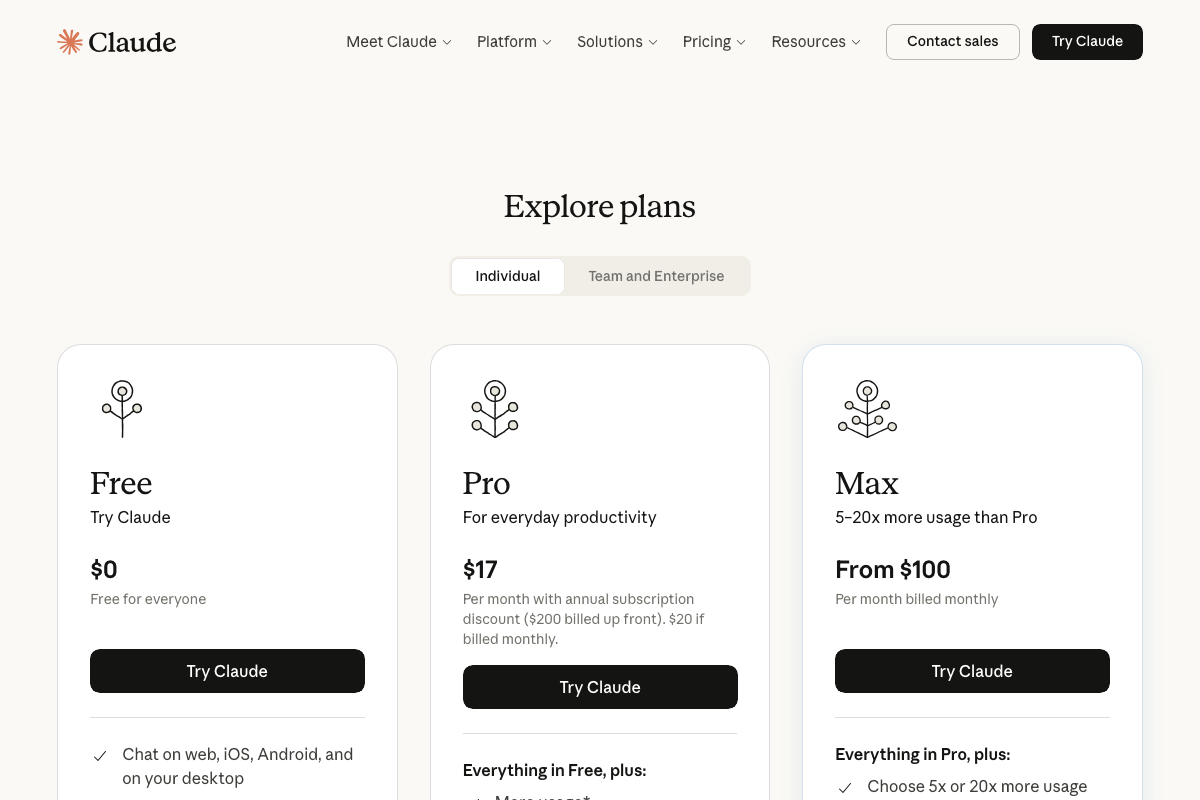
The tutorial doesn’t specify which Claude plan the workflow requires. Current pricing: Free ($0), Pro ($17/month billed annually or $20/month billed monthly), and Max (from $100/month, 5–20x more usage than Pro). The Free tier covers steps 2–7. Extended iterative sessions — especially if you move into Cowork — may benefit from Pro.
Useful Links
- Overview – Perplexity — Official Perplexity API Platform documentation, covering the Search, Agent API, SDK, and source-filtering capabilities available to developers.
- Documentation – Claude API Docs — Anthropic’s Claude.ai product page, including the Chat and Cowork interface modes, sign-in options, desktop app download, and current pricing tiers.
- Claude Code overview – Claude Code Docs — Documentation for Claude Code, Anthropic’s separate agentic CLI/IDE coding tool with MCP integrations and agent team orchestration — distinct from the Claude chat interface used in this tutorial.
- Manus: Hands On AI — Manus homepage; note that as of the documentation capture date, a site-wide banner announces Manus is now part of Meta, indicating a material change in product ownership and strategic direction.


0 Comments